Discord Statusbot
Features:
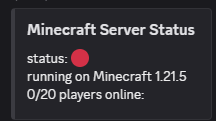
1. Bot status is synchronized with the server.
2. The bot shows how many players are online and what their names are in its status.

3. Configuration file for localization and other settings.
4. The bot can send DMs or send messages in server channels.

5. From version 20.0 you can make the bot send and update a fully configurable embed. (Spigot has [PlaceholderAPI](https://www.spigotmc.org/resources/placeholderapi.6245/) support)
Note that some information and features may differ depending on the mod loader you use. I’m trying to get them all synced, but it’s still going to take some time.
————
For more detailed information and an installation guide, see [the wiki](https://github.com/mopsy14/Spigot-Statusbot/wiki/Getting-started).
Questions, feature requests or bugs? [Create an issue on Github](https://github.com/mopsy14/Minecraft-Discord-Statusbot/issues/new) or [join my Discord server](https://discord.gg/rcnQw5eCWJ)!
Dirt Tools and Armor
Dirt Tools and Armor mod is a joke mod that adds armor, weapons, and tools made of dirt to the game. Of course, they are as powerful as diamond ones! With this mod, any of your survival will turn into a YouTube show in the style of «NOOB vs. PRO». Enjoy the dirt!
## New content
The entire content of the mod is nine new items located in vanilla creative tabs, Tools and Combat. Each item is craftable in survival mode. All the crafts are intuitive, similar to iron, golden or diamond items.
Stats (durability, damage, etc) of dirt items are equal to diamond ones.
### Combat
– Dirt Sword
– Dirt Helmet
– Dirt Chestplate
– Dirt Leggings
– Dirt Boots
### Tools
– Dirt Shovel
– Dirt Hoe
– Dirt Axe
– Dirt Pickaxe
## Credits
– Hummel009 (idea, code, textures, translations);
– [Kenddie](https://sketchfab.com/kenddie) (textures);
– Elenath (translations).
Detailed Hearts
# Detailed Hearts
**Hi!**
This pack changes GUI hearts icons to more detailed, visible or just different!
I also added colorful ping icons, shaded armor icons and different attack indicator.


**Hope you like it!**
© 2020 Daggsy ∘ [CC-BY-NC-ND](https://creativecommons.org/licenses/by-nc-nd/4.0/)
Darker Bedrock
This texture pack darkens the bedrock texture, giving it a deeper, more immersive and moody appearance.
danlib
a lib for my mods and extends vanilla for future mods like keeping block guis open no matter what block calls them and tag based pois are planned it does nothing diffrent from vanilla thats visable to users other then guis it uses mixins to do this altering base class passivly
CTM SpeedrunIGT Integration
### Note: Has a dependency on the [SpeedRunIGT mod](https://modrinth.com/mod/SpeedRunIGT)
## CTM SpeedrunIGT Integration
category files go in `.minecraft/speedrunigt/ctm-srigt-integration` folder (file names do not matter, it will try to parse anything in the folder)
**if it doesn’t work at first, make sure the right category is selected in SpeedRunIGT**
### category file specification
– line 1: category id
– line 2: category display name
– all following lines: criteria for completion
1. [block identifier](https://minecraft.fandom.com/wiki/Resource_location)
2. (optional, 1.7-1.12 only) block data value
– used for wool colors, etc
3. x, y, z position
– if the spec for a category file is broken, an error will be thrown in the logs with a hopefully helpful description of what went wrong
example 1 (targeted at 1.8.9):
“`
spellbound_caves
Spellbound Caves
wool -477 106 608
wool 1 -478 106 608
wool 2 -479 106 608
wool 3 -480 106 608
wool 4 -481 106 608
wool 5 -482 106 608
wool 6 -483 106 608
wool 7 -484 106 608
wool 8 -485 106 608
wool 9 -486 106 608
wool 10 -487 106 608
wool 11 -488 106 608
wool 12 -489 106 608
wool 13 -490 106 608
wool 14 -491 106 608
wool 15 -492 106 608
iron_block -493 106 608
gold_block -494 106 608
diamond_block -495 106 608
“`
in this example, the optional `minecraft:` namespace is omitted
example 2 (targeted at 1.19.4):
“`
take_the_stairs
Take the Stairs
minecraft:yellow_stained_glass -48 -59 63
“`
since this example is for post-1.12, there are no data values
if you have any issue or questions, my discord username is `tildejustin`
have fun running ^-^
ctLib
# ctLib
This is a mod/plugin library for Bukkit/Spigot/Paper/Folia and fork.Also supproted Fabric and Velocity.
#### You need run it in at least Java11
It provides some simple APIs for storing data and other operations.
### Supported:
– Folia
– Paper/Purpur
– Bukkit/Spigot
– Fabric
– Quilt
– Forge
– NeoForge
– NukkitX
–
### API:
– mysql(Only plugin)
– sqlite
– chat prefix
– simple yaml editor(For non-Bukkit series)
– simple json editor
– network API
### Future plan:
– add more database
– more things…
## How to use
If you are a player or a server manger,you just download it and copy to `mods` or `plugins` floder.
If you are a developer,you can get more informations form [github](https://github.com/CSNeko/ctlib)
CRSS Plugin
# CRSS Plugin
This is the main Plugin used in the [CRSS](https://crss.blurryface.xyz) server.
It features a Discord Bridge and One-Player sleep functionality.
## How can I use it?
Place the jar inside your “plugins“ folder on any compatible Bukkit version. It should be compatible with versions foward from the main version, but probably won’t work on older ones.
## What is CRSS?
CRSS is a server ran by [Blurryface](https://blurryface.xyz), hosted by [TheClashFruit](https://theclashfruit.me) which runs on older versions of Minecraft, updating every first day of every month. Previously, it was weekly updates. We started on “beta 1.0“ and we are currently on “release 1.11.2“.
You can take a look at our latest YouTube video here:
Crosshair
## A small crosshair for PvP.
### [My other projects ](https://modrinth.com/user/Scroutop)
Creepingly Creeper
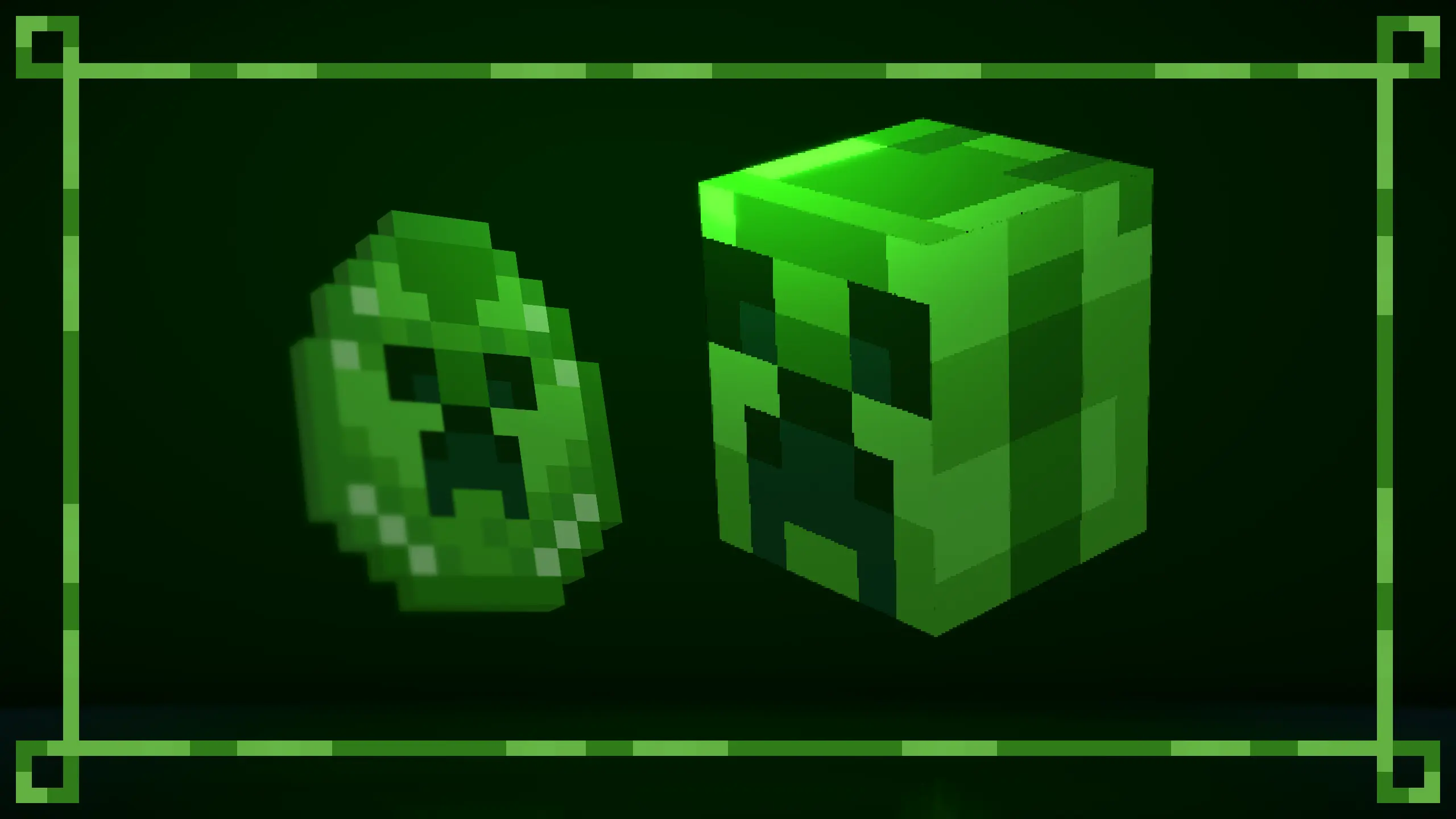
This texture pack remasters the Creeper’s texture, and a few other things. 
New design for Creeper, working with or without the [Fresh Animations Texture Pack](https://modrinth.com/resourcepack/fresh-animations).
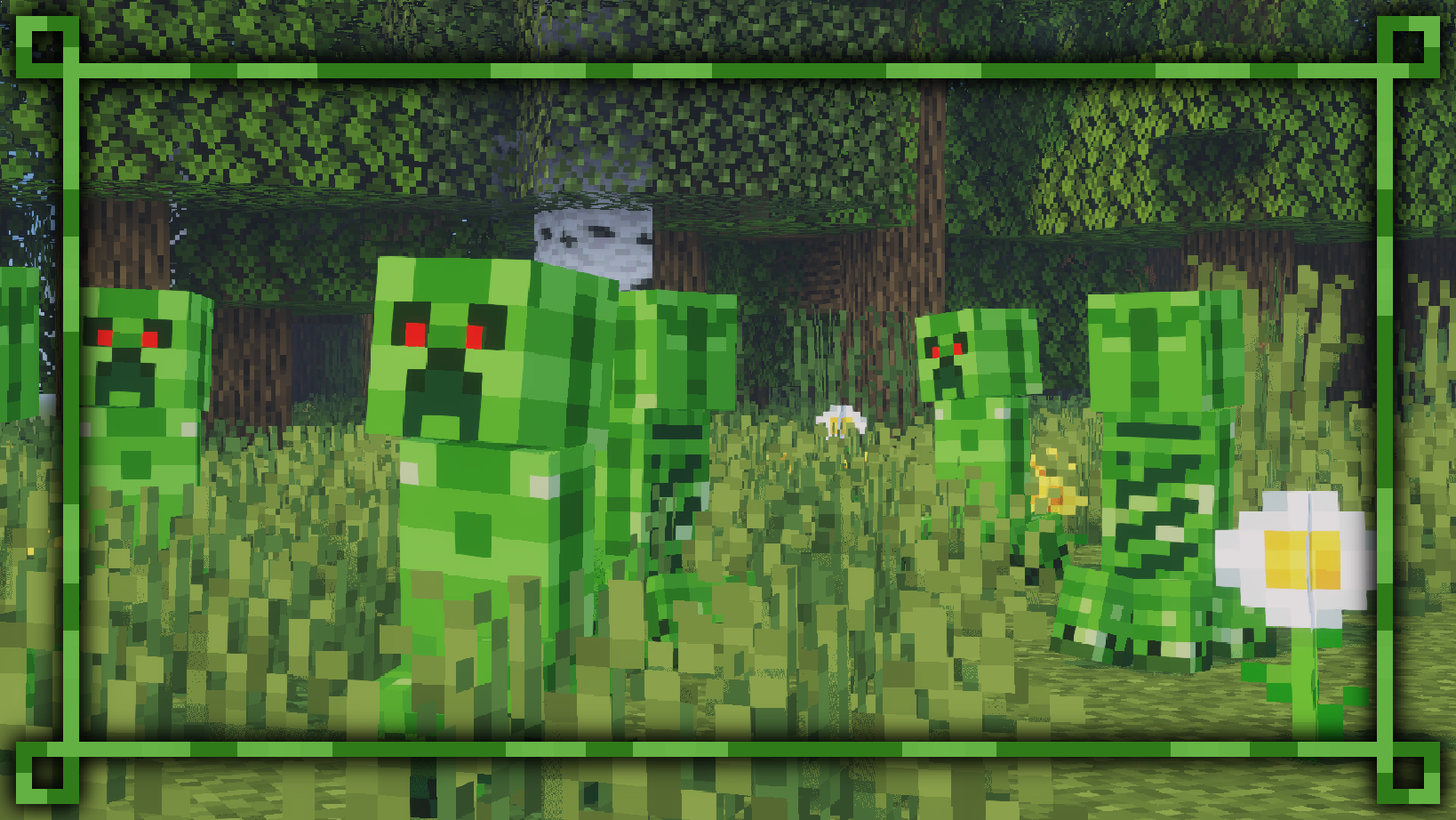
Using the [Fresh Animations Texture Pack](https://modrinth.com/resourcepack/fresh-animations), the red eyes will glow in the dark.
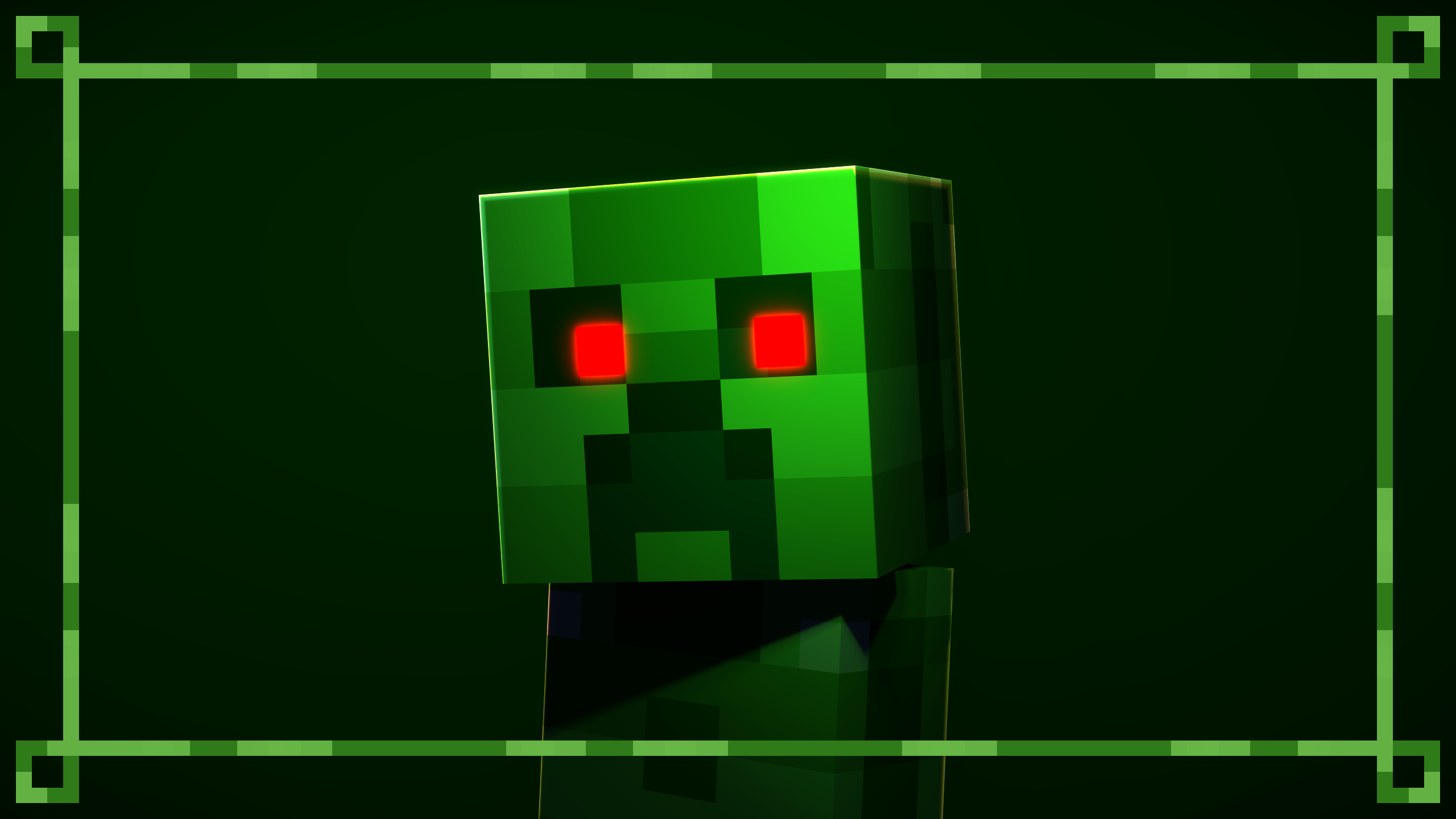
Updated Creeper spawn egg. Compatible with the [Rethought Spawn Eggs Texture Pack](https://modrinth.com/resourcepack/rethoughted-spawn-eggs).
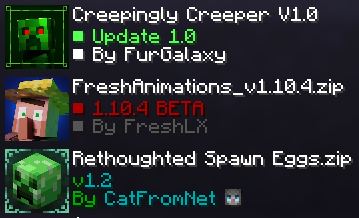
For optimal performance, position the texture packs as recommended.
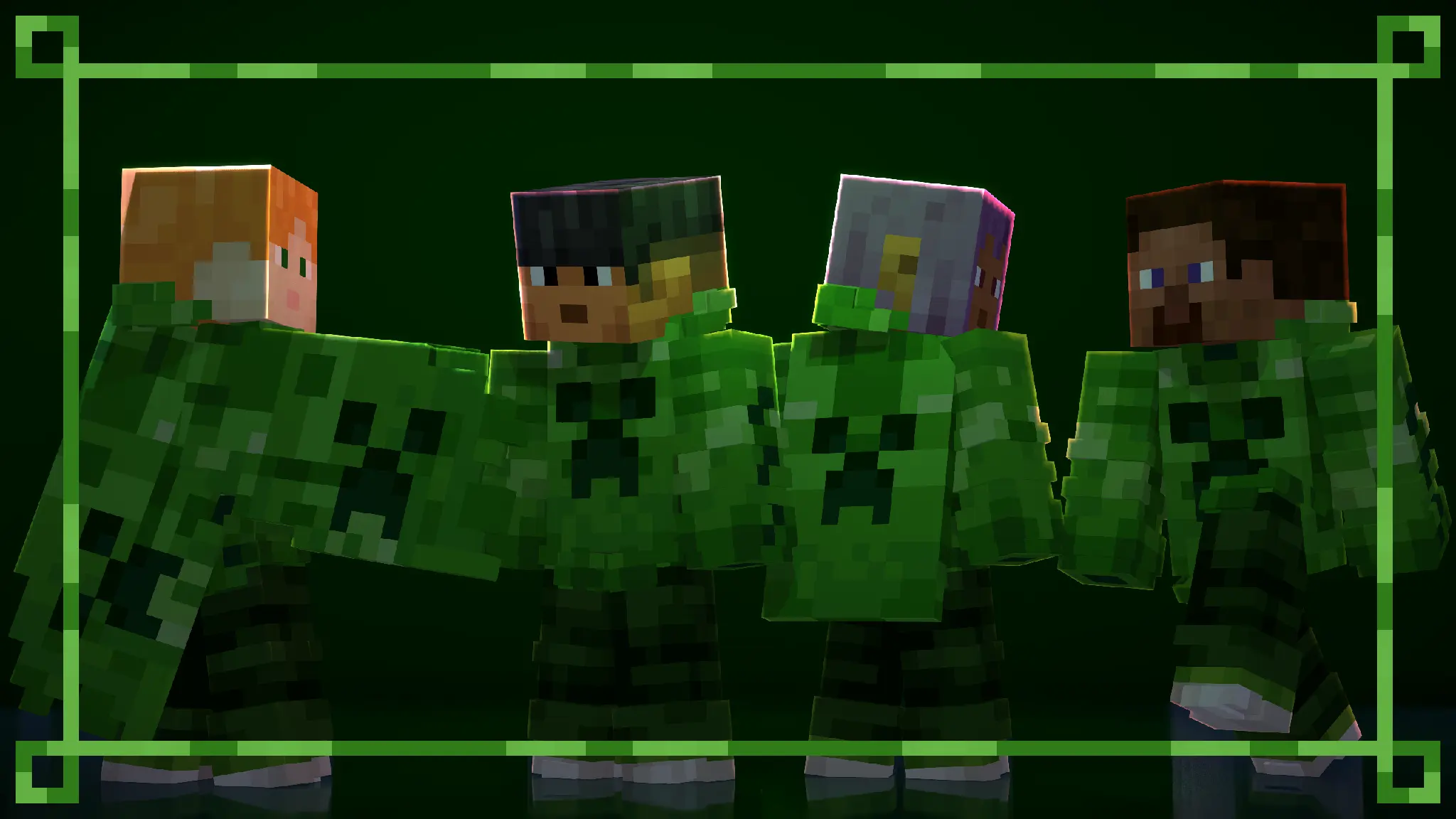
All default skins, with slim and wide arms, now wear a themed outfit from the pack.
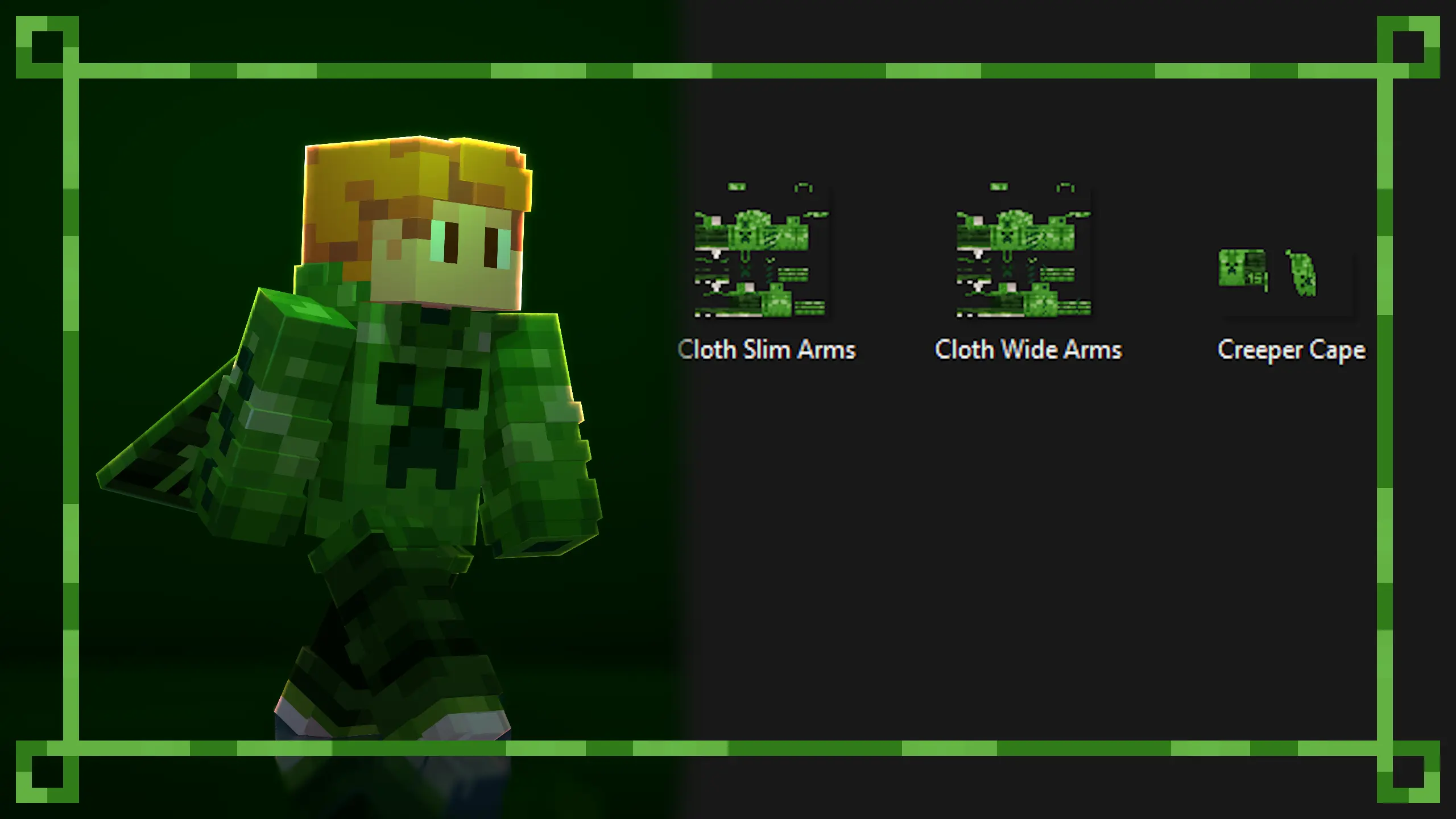
You can create your own themed skin and use the custom skin from the pack. The Creeper Skin and Cape is a redesign of the Minecraft 15th anniversary skin.
Use any [Custom Cape Mod](https://modrinth.com/mod/better-capes-x) to use the cape.
The templates have been placed in the texture files for you to use.
Available on [Curseforge](https://legacy.curseforge.com/minecraft/texture-packs/creepingly-creeper).
More texture packs coming soon…