Just Enough Speed
Are you bored about the “player moved too quickly” notice on server?
Then you could use this mod to get rid of it!
Currently supports:
Forge: 1.19.x
Fabric: All Versions
Are you bored about the “player moved too quickly” notice on server?
Then you could use this mod to get rid of it!
Currently supports:
Forge: 1.19.x
Fabric: All Versions
# JMTP (JourneyMap TelePort)
Plugin for Minecraft Spigot which allows teleporting through the dimensions (especially for using with JourneyMap)
## Commands
### /wtp
`/wtp {dim} {x} {y} {z}` – teleports you to provided dimension and coordinates
*dim*, *x*, *y*, *z* – must be **signed int**
### /wtp_version
`/wtp_version` – prints version of plugin
### /wtp_dims_list
`/wtp_dims_list` – prints all avaliable dimensions
## Tested server cores
– ❌ Craftbukkit version git-Bukkit-1.8.1-R4-17-g04a14f7-b1493jnks (MC: 1.0.0) (1.0.0-R1-SNAPSHOT)
– ✅ CraftBukkit version git-Bukkit-1.1-R4-23-gb2d2dba (MC: 1.1) (1.1-R5-SNAPSHOT)
– ✅ CraftBukkit version git-Bukkit-jenkins-CraftBukkit-183 (MC: 1.2.5) (1.2.5-R5.0-MCPC-SNAPSHOT)
– ✅ CraftBukkit version git-Bukkit-1.2.5-R5.0-1-g4d45a19-b2266jnks (MC: 1.2.5) (1.2.5-R5.1-SNAPSHOT)
– ✅ CraftBukkit version git-Spigot-959 (MC: 1.5.2) (1.5.2-R1.1-SNAPSHOT)
– ❌ CraftBukkit version git-MCPC-Plus-jenkins-MCPC-Plus-507 (MC: 1.5.2) (1.5.2-R0.2-SNAPSHOT)
– ✅ CraftBukkit version git-Bukkit-1.6.4-R2.0-b2918jnks (MC: 1.6.4) (1.6.4-R2.0)
– ❌ Cauldron-MCPC-Plus version git-Cauldron-MCPC-Plus-1.6.4-1.965.01.205 (MC: 1.6.4) (1.6.4-R2.1-SNAPSHOT)
– ❌ MCPC+ version git-MCPC-Plus-jenkins-MCPC-Plus-164-251 (MC: 1.6.4) (1.6.4-R2.1-SNAPSHOT)
– ✅ Spukkit b21 (1.7.2) (1.7.2-R0.1)
– ✅ CraftBukkit version git-Spigot-1.7.9-R0.2-208-ge0f2e95 (MC: 1.7.10) (1.7.10-R0.1-SNAPSHOT)
– ✅ CraftBukkit version git-Bukkit-1.7.9-R0.2-20-g0b2ed13-b3108jnks (MC: 1.7.10) (1.7.10-R0.1-SNAPSHOT)
– ✅ Cauldron version 1.7.10-1614.58 (MC: 1.7.10) (1.7.10-R0.1-SNAPSHOT)
– ✅ KCauldron version 1.7.10-1492.152 (MC: 1.7.10) (1.7.10-R0.1-SNAPSHOT)
– ✅ CatServer version CatServer-dae70adc (MC: 1.12.2) (1.12.2-R0.1-SpigotAPI)
– ✅ CraftBukkit version git-Spigot-79a30d7-f4830a1 (MC: 1.12.2) (1.12.2-R0.1-SNAPSHOT)
– ✅ Paper version git-Paper-1620 (MC: 1.12.2) (1.12.2-R0.1-SNAPSHOT)
– ✅ Cardboard version git-7ae8ebd (MC: 1.18.2) (1.18.2-R0.1-SNAPSHOT) on **Fabric**
– ✅ Cardboard version git-6841632 (MC: 1.18.2) (1.18.2-R0.1-SNAPSHOT) on **Fabric**
– ❌ Cardboard version git-7ae8ebd (MC: 1.18.2) (1.18.2-R0.1-SNAPSHOT) on **Quilt**
– ❌ Cardboard version git-6841632 (MC: 1.18.2) (1.18.2-R0.1-SNAPSHOT) on **Quilt**
– ✅ CraftBukkit version 3608-Spigot-6198b5a-b5aa0be (MC: 1.19.2) (1.19.2-R0.1-SNAPSHOT)
– ✅ Paper version git-Paper-333 (Git: eec64a4) (MC: 1.19.3) (1.19.3-R0.1-SNAPSHOT)
### Why not working
– 1.0.0 has issues with logger
– MCPC+ (and Cauldron before 1.7.x) have issues with plugin remapping
– Cardboard on Quilt has problems with Fabric version detection (could be fixed by Cardboard devs in future)
Jappaified backports new Jappa-styled textures to every single version of Minecraft before 1.14 except for snapshots and April Fools updates, and I mean it. EVERY. SINGLE. VERSION. (There’s also a Classicube version)
This pack aims to port the modern textures as accurately as possible. This includes having correct ore textures, new cloud textures, and new changes when new updates drop if possible.

## Installation (pre a1.2.2)
### Prism Launcher / MultiMC
In the instance menu (click “Edit Instance” to get there), go to the Version section and click “Add to Minecraft.jar”. Once your file explorer of choice opens up, find the version you downloaded and select it. After that, it should be installed and you can launch the game with it.

I’d also recommend using [LegacyFix](https://github.com/betacraftuk/legacyfix) to get those old versions running idealy.
### Optifine and MCPatcher for old versions
Optifine and MCPatcher can be used to get the water and lava working properly in versions between a1.1.2_01 and r1.4.7. You can get the version you want [here](https://github.com/backporteverything/Backport-Everything/tree/main/Supplementary%20Files) and then you can add them by doing the same thing you do when using pre a1.2.2 versions of this pack to add MCPatcher.
## Version Numbering Scheme
game1(-game2).bigpatch.smallpatch.bugfix
game1 is the earliest Minecraft version a version of this pack supports
game2 is the latest Minecraft version a version of this pack supports
bigpatch is if I add or change something to every single version of the pack. Whenever this happens, I will make a downloadable .zip file with every version of the pack (it saves me a LOT of time)
smallpatch is if I want to add or change something in certain versions of the pack
bugfix is if I need to fix something in certain versions of the pack
The current version of a pack right now would be game1(-game2)(-OP).2.X.X
## Also Check Out
[Tunes: Backport](https://modrinth.com/resourcepack/tunes-backport): A pack that adds new songs to r1.6 and later. It works great alongside this pack.
[MC New Textures: Sound Pack](https://modrinth.com/resourcepack/mcnt-sound): A pack that backports the new sounds to r1.7 and later. It’s meant to go with MC New Textures, but it should work with this pack too.
[Modernity: Climate Mapped Water](https://modrinth.com/resourcepack/modernity): There are water climate resource packs that truly add the new water colors to r1.6 to r1.12.2. Though, you’ll have to copy the stuff from this to my pack if you are using r1.6 specifically.
[Modernity Adjunct](https://modrinth.com/resourcepack/modernity-adjunct): A pack that added Jappa-like textures to old mods on old versions. It’s meant to go with Modernity, a pack similar to this one, but I think mine should work as well if you want to give it a shot.
[Backport Everything](https://modrinth.com/resourcepack/backport-everything): A pack with a very similar goal as this one, that was made around the same time by pure coincidence! If there are changes in this pack you like more, use it instead of my pack. Also, this pack works with the StationAPI port of The Aether mod on b1.7.3 if you like that and Jappa textures.
# IPBanPlugin
A lightweight, high-performance IP ban system for Velocity Proxy servers.
## 🚀 Features
– **Ultra Lightweight**: Weighs only ~350KB (no external database drivers required).
– **JSON Storage**: Simple, human-readable storage in `banned_ips.json`. No database setup needed.
– **High Performance**:
– Instant ban checks (0ms latency) using in-memory caching.
– Asynchronous file I/O to prevent server lag.
– **Full UTF-8 Support**: Correctly handles Cyrillic and special characters in ban reasons and messages.
– **Instant Kick**: Automatically kicks players who are online when their IP is banned.
## 📥 Installation
1. Download the latest `ipbanplugin-x.x.x.jar` from the releases page.
2. Place the jar file into your Velocity `plugins/` folder.
3. Restart the proxy.
## 🛠 Commands & Permissions
| Command | Usage | Description | Permission |
|———|——-|————-|————|
| `/ipban` | `/ipban` | Lists all banned IPs. | `ipbanplugin.ban` |
| `/ipban` | `/ipban
| `/unbanip` | `/unbanip
## ⚙️ Configuration
The plugin generates a configuration folder at `plugins/ipbanplugin/`.
### `config.yml`
Basic configuration settings.
### `messages.properties`
Fully customizable messages with support for color codes (`&`) and placeholders.
*Note: The file is read as UTF-8, so you can use any language.*
### `banned_ips.json`
Stores the ban data.
“`json
[
{
“ip”: “127.0.0.1”,
“bannedBy”: “Admin”,
“bannedAt”: “2026-01-01 12:00:00”
}
]
“`
## 📋 Requirements
– Velocity 3.3.0 or higher
– Java 17 or higher
## Github
https://github.com/yunexal/ip-ban-plugin
Invisible armor for old Minecraft! Just drop into your texture pack folder and enjoy!
InvisAlert+
InvisAlert+ is a lightweight, client-side resource pack designed to make invisibility particles in Minecraft immediately visible. Invisible potions and effects can be frustrating, especially in PvP, survival, or mob-fighting scenarios where timing and awareness matter. This pack replaces the subtle default particles with a bright, clear warning so you always know when other players are invisible around you
Key Features:
– Clear Indicators: Instantly see when invisibility is applied with a bold, easy-to-notice particle.
– Minimal & Lightweight: Only changes the invisible potion particle; leaves all other textures untouched.
– Compatible with Any Pack: Layer InvisAlert+ over your favorite texture pack without conflicts.
– PvP & Survival Friendly: Designed for players who need awareness in fast-paced or tactical situations.
Installation Instructions:
Download the zip.
Move the InvisAlert+ folder into your Minecraft resourcepacks directory.
Enable the pack in-game and layer it on top of your existing texture pack.
Notes:
Fully client-side; no server mods required.
Works on all supported Minecraft versions (1.20+ recommended).
Perfect for PvP servers, survival maps, or personal gameplay improvement.
**Welcome To My Resource Packs**
**How To Get This Items**
**Commands:**
“`
/give (username) minecraft:yellow_dye{CustomModelData:1}
“`
“`
/give (username) minecraft:purple_dye{CustomModelData:2}
“`
“`
/give (username) minecraft:red_dye{CustomModelData:3}
“`
“`
/give (username) minecraft:orange_dye{CustomModelData:4}
“`
“`
/give (username) minecraft:light_blue_dye{CustomModelData:5}
“`
“`
/give (username) minecraft:lime_dye{CustomModelData:6}
“`
**2.0.0 Update**
**Commands:**
“`
/give (username) minecraft:white_dye{CustomModelData:1010}
“`
“`
/give (username) minecraft:white_dye{CustomModelData:2020}
“`
“`
/give (username) minecraft:white_dye{CustomModelData:3030}
“`
“`
/give (username) minecraft:white_dye{CustomModelData:4040}
“`
“`
/give (username) minecraft:white_dye{CustomModelData:5050}
“`
“`
/give (username) minecraft:white_dye{CustomModelData:6060}
“`
**Thank You And Enjoy**
Immibis Core is a library for handling shared functionality between immibis’ mods, and is a required dependency for most of them.
In addition, newer versions of the mod provide a TPS measurement command – by default `/tps`.
## Archival notice
**This mod is abandoned and has been uploaded for archival purposes. It was originally created by [immibis](http://immibis.com/mcmoddl/). It has been uploaded to Modrinth under the ModrinthArchives account with permission from the original author.**
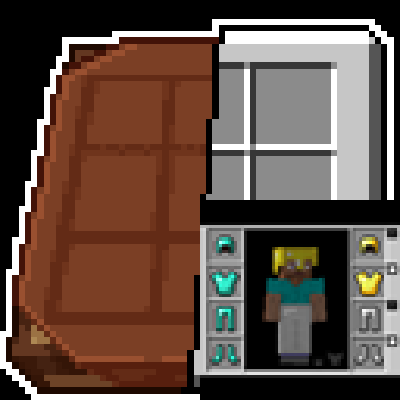
**Bundle Texture Pack Compat** [**Immersive Interfaces – Mod Support Unofficial**](https://modrinth.com/resourcepack/immersive-interfaces-mod-support-unofficial)

### Immersive Interfaces – Mod Support Unofficial
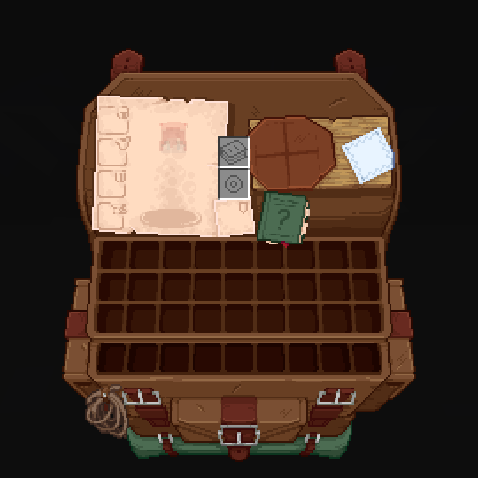
This texture pack adds special compatibility with Trinkets Mod, integrating its grooves into the aesthetics of Immersive Interfaces.
### Before:
### After:
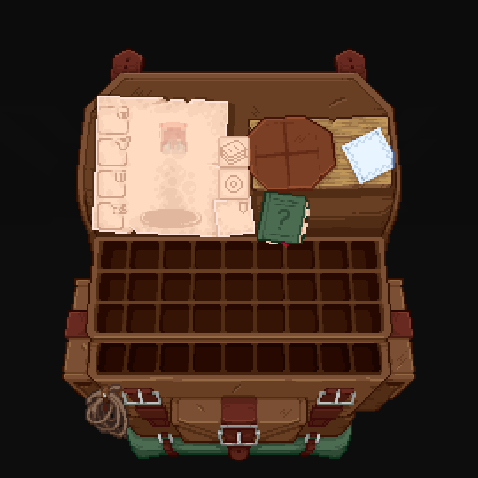
Shrimp’s Immersive Interfaces Add-on: This Texture Pack adds small details to some mods to fit more with Immersive Interfaces.
**Mod Compatibility:**
– [Accesories](https://modrinth.com/mod/accessories) ([Curios](https://modrinth.com/mod/accessories-cc-layer) & [Trinkets](https://modrinth.com/mod/accessories-tc-layer))
– [Accessories Compatibility Layer](https://www.curseforge.com/minecraft/mc-mods/backpacked)
– [Alex’s Caves](https://modrinth.com/mod/alexs-caves)
– [Alex’s Mobs](https://modrinth.com/mod/alexs-mobs)
– [Armageddon](https://modrinth.com/mod/armageddon)
– [Apotheosis](https://www.curseforge.com/minecraft/mc-mods/apotheosis) & [(Fabric)](https://modrinth.com/mod/zenith)
– [Apothic Attributes](https://www.curseforge.com/minecraft/mc-mods/apothic-attributes) & [(Fabric)](https://modrinth.com/mod/zenith-attributes)
– [Apothic Enchanting](https://www.curseforge.com/minecraft/mc-mods/apothic-enchanting)
– [Backpacked](https://www.curseforge.com/minecraft/mc-mods/backpacked)
– [Cosmetic Armor Reworked](https://www.curseforge.com/minecraft/mc-mods/cosmetic-armor-reworked)
– [Curios API](https://modrinth.com/mod/curios)
– [Diet](https://modrinth.com/mod/diet)
– [Easy Magic](https://modrinth.com/mod/easy-magic)
– [Ender Chested](https://modrinth.com/mod/ender-chested/)
– [EMI](https://modrinth.com/mod/emi)
– [Farmer’s Delight](https://modrinth.com/mod/farmers-delight) & ([Refabricated]
– [Fishing Upgrades & More](https://modrinth.com/mod/fishing-upgrade)
– [Inventory Profiles Next](https://modrinth.com/mod/inventory-profiles-next)
– [Horseman](https://modrinth.com/mod/horseman)
– [Iron Chests](https://modrinth.com/mod/iron-chests)
– [Iron’s Spells ‘n Spellbooks](https://modrinth.com/mod/irons-spells-n-spellbooks)
– [ItemSwampper](https://modrinth.com/plugin/itemswapper)
– [Just Enough Items (JEI)](https://modrinth.com/mod/jei)
– [Just Enough Resources](https://modrinth.com/mod/just-enough-resources-jer)
– [Just Leveling](https://modrinth.com/mod/just-leveling) & [Fork](https://modrinth.com/mod/justleveling-fork)
– [L_Ender ‘s Cataclysm](https://modrinth.com/mod/l_enders-cataclysm)
– [Legendary Tabs](https://www.curseforge.com/minecraft/mc-mods/legendary-tabs)
– [Let’s Do Camping](https://modrinth.com/mod/lets-do-camping)
– [Miner’s Delight+](https://modrinth.com/mod/miners-delight)
– [Molten Metal](https://www.curseforge.com/minecraft/mc-mods/molten-metal)
– [Polymorph](https://modrinth.com/mod/polymorph)
– [Roughly Enough Items (REI)](https://modrinth.com/mod/rei)
– [Sophisticated Backpacks](https://modrinth.com/mod/sophisticated-backpacks)
– [Sophisticated Storage](https://modrinth.com/mod/sophisticated-storage)
– [Spell Engine (RPG Classes API)](https://modrinth.com/mod/spell-engine)
– [What Are They Up To (Watut)](https://modrinth.com/mod/what-are-they-up-to)
– [Quark](https://modrinth.com/mod/quark)
– [Quark Oddities](https://modrinth.com/mod/quark-oddities)
– [T.O Magic ‘n Extras (Iron’s Spells Addon)](https://www.curseforge.com/minecraft/mc-mods/to-tweaks-irons-spells)
– [Terramity](https://modrinth.com/mod/terramity)
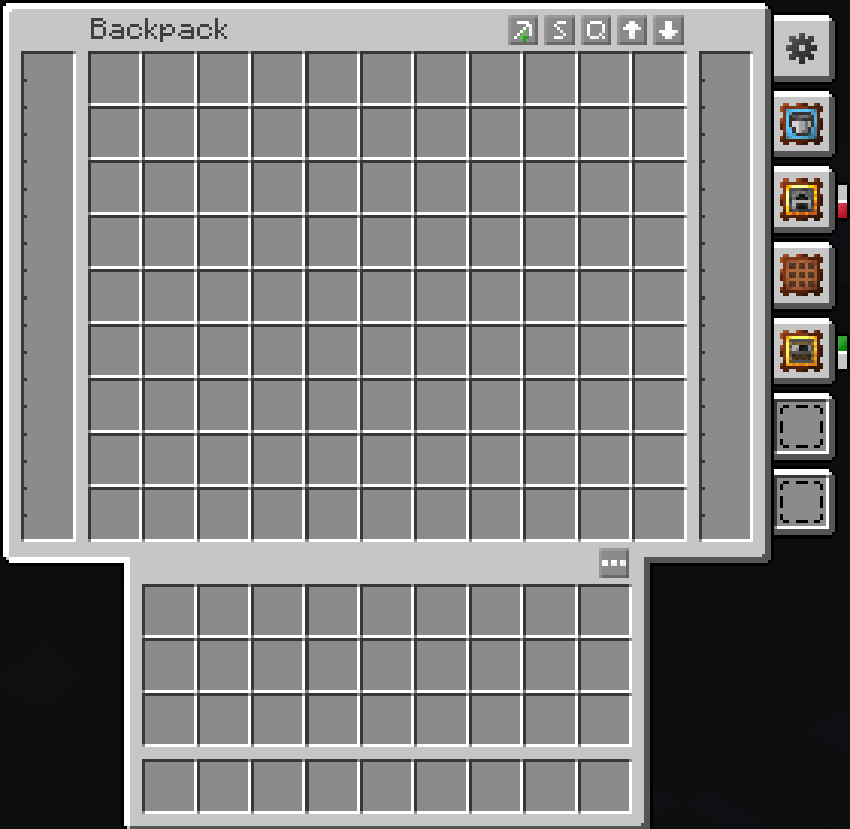
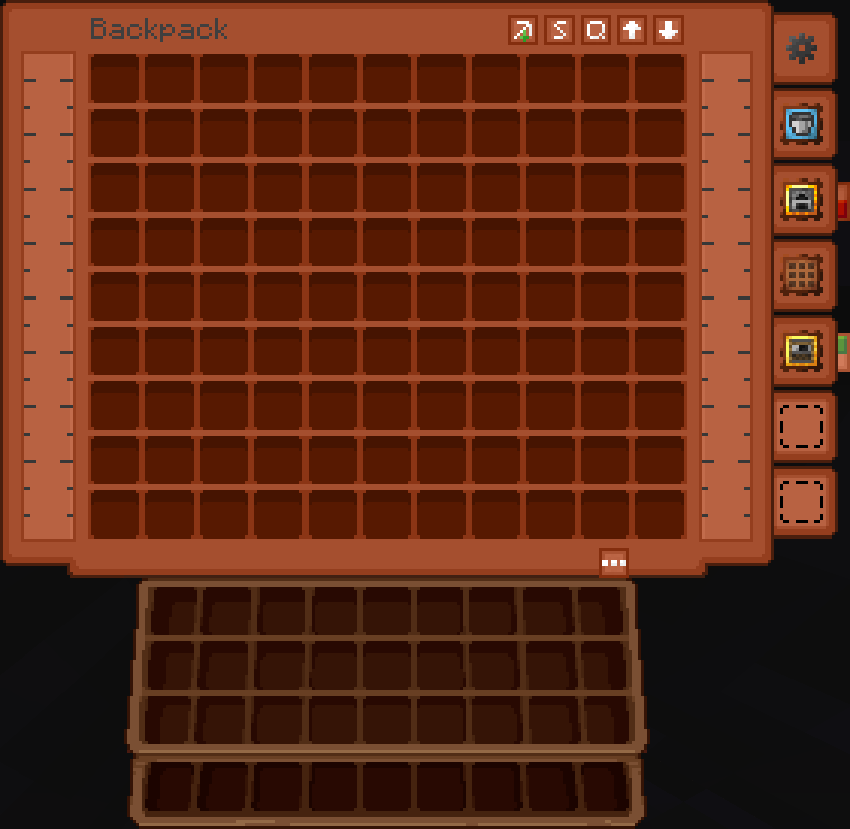
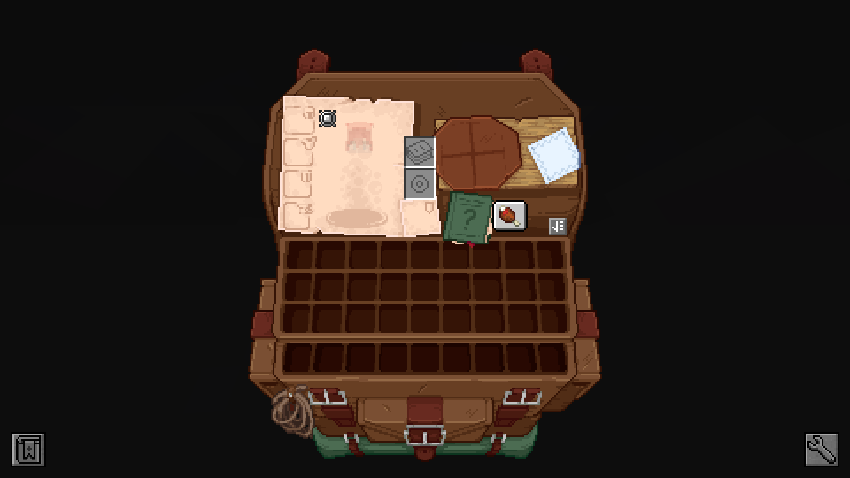
– [Traveler’s Backpack](https://modrinth.com/mod/travelersbackpack)
– [TrashSlot](https://modrinth.com/mod/trashslot)
– [Trinkets](https://modrinth.com/mod/trinkets)
– [Yukami’s Sophisticated Backpack Tab](https://modrinth.com/mod/yukamis-sophisticated-backpack-tab)
– [yyz’s backpack](https://modrinth.com/mod/yyzs-backpack)
## Other compatibilities in parts:










### **Just Enough Items (JEI) Support:**
Before:
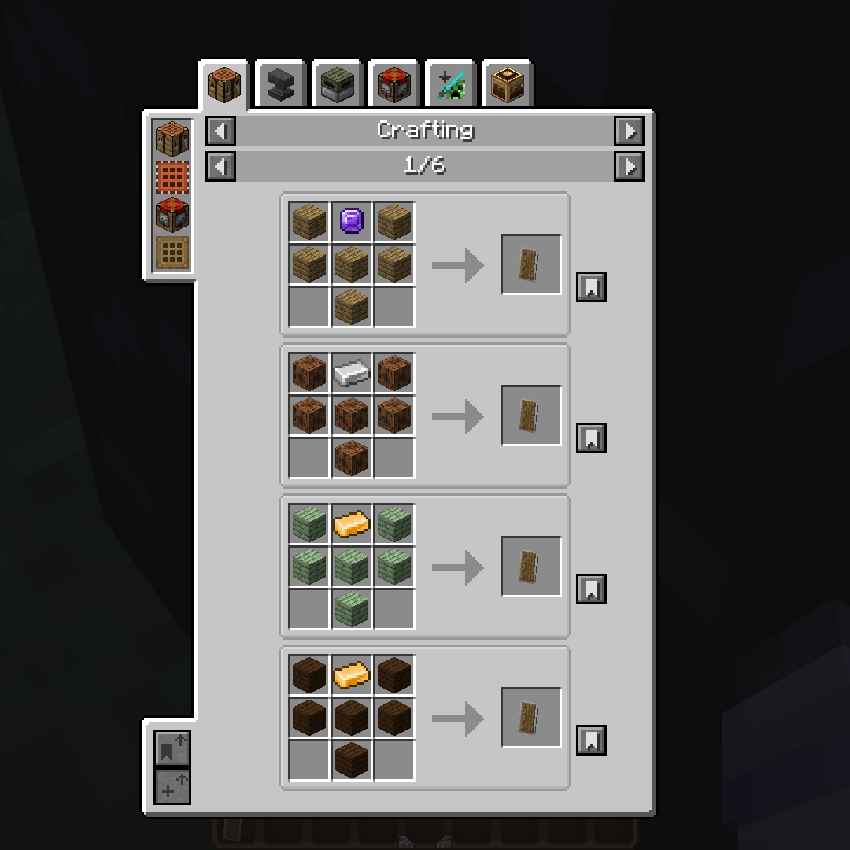
After:
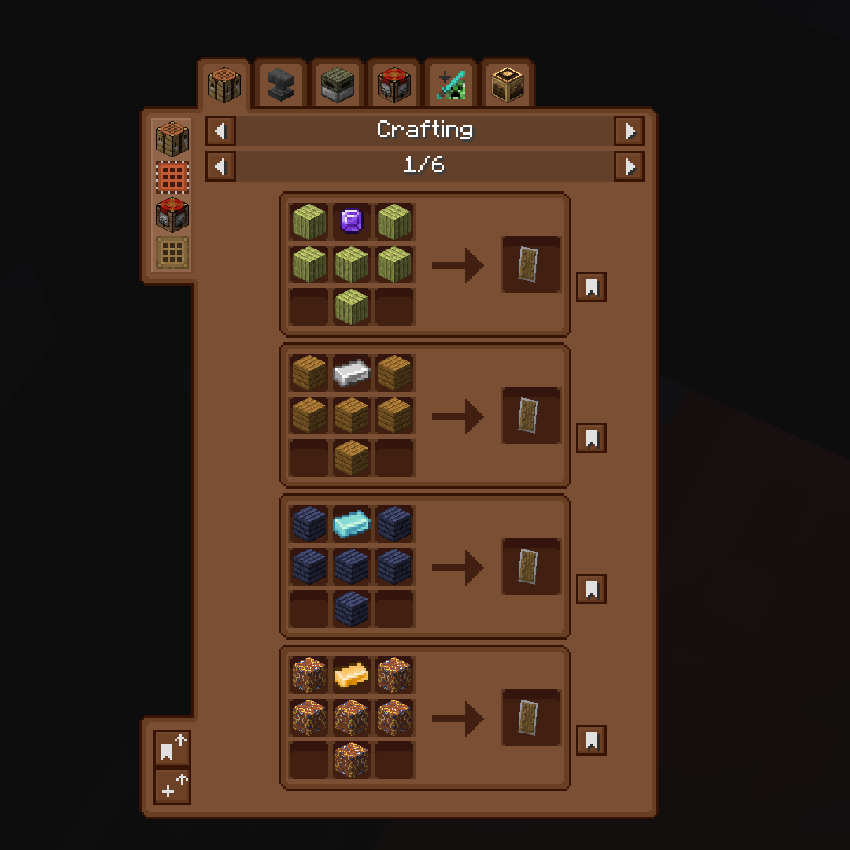
### **Quark Oddities Support:**
Before:
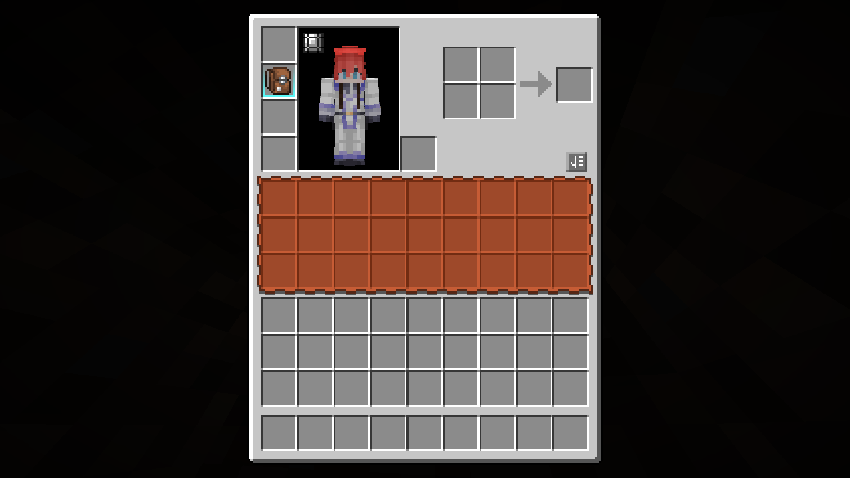
After:
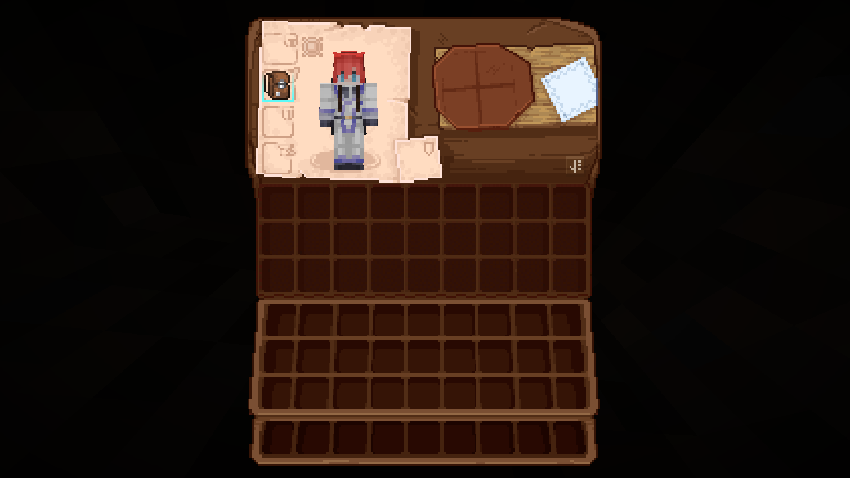
### **Curios Support:**
Before:
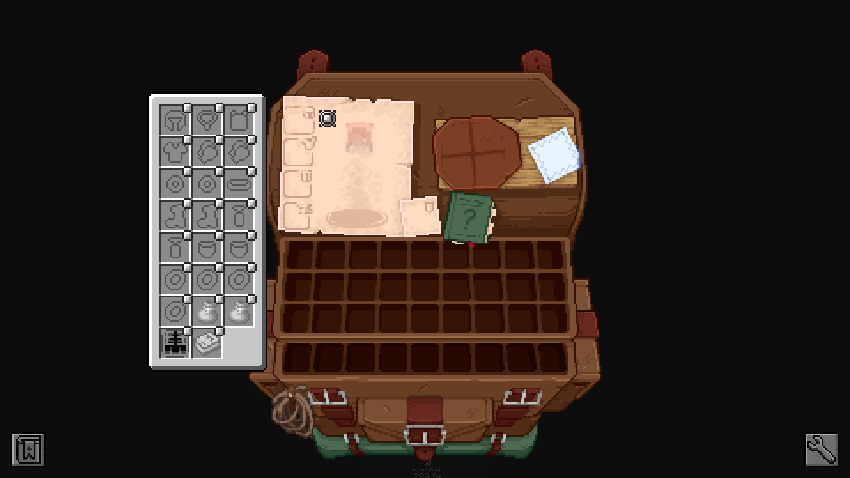
After:
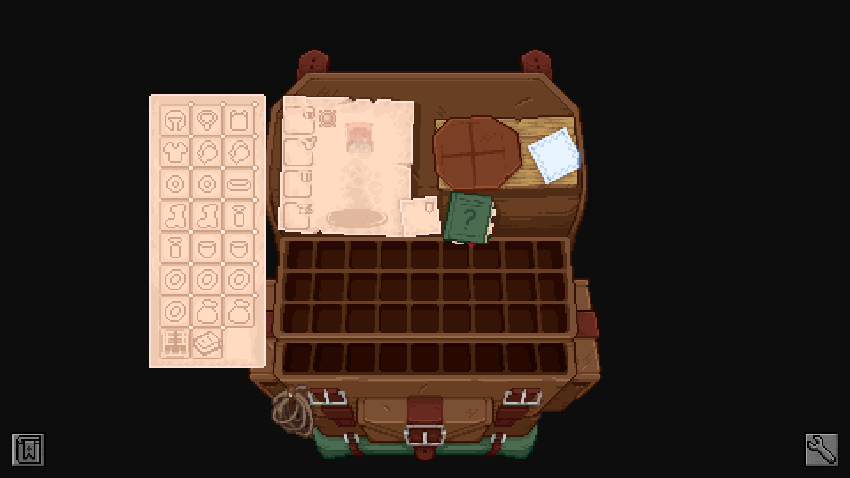
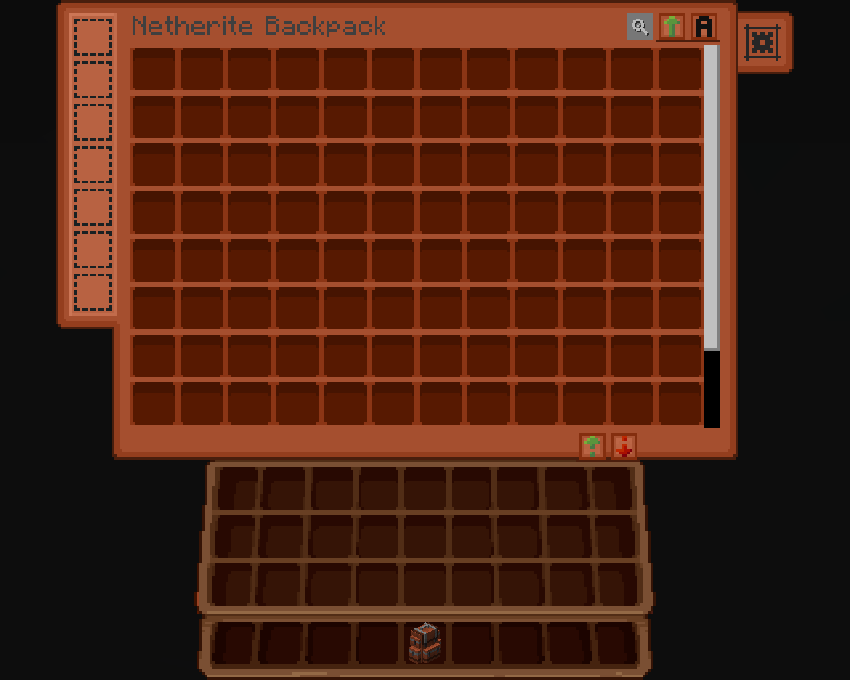
### **Sophisticated Backpacks & Storage Support:**
Before:
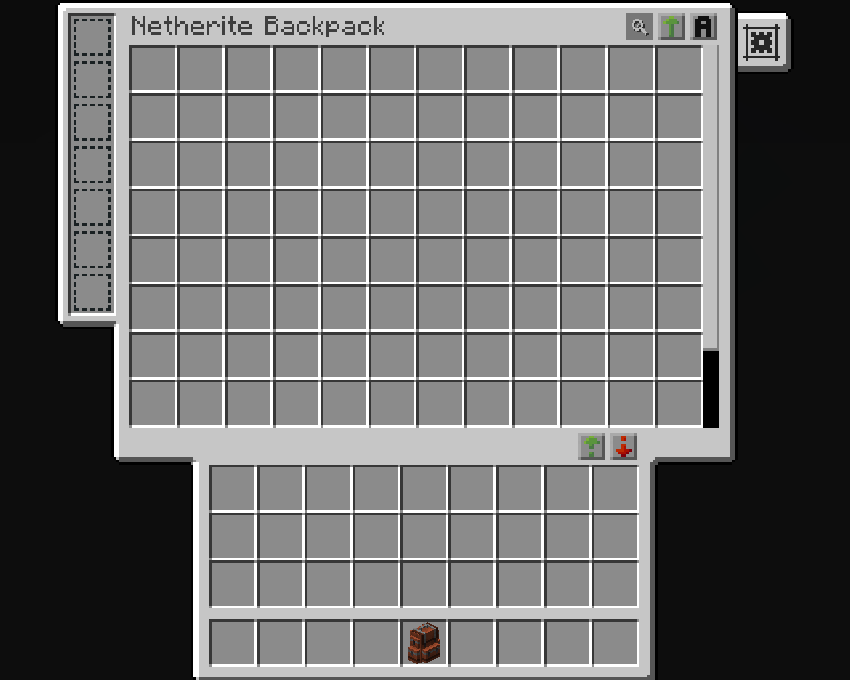
After:
### **Traveler’s Backpack:**
Before:
After:
### **Trinkets & Diet Support:**
Before:
After:
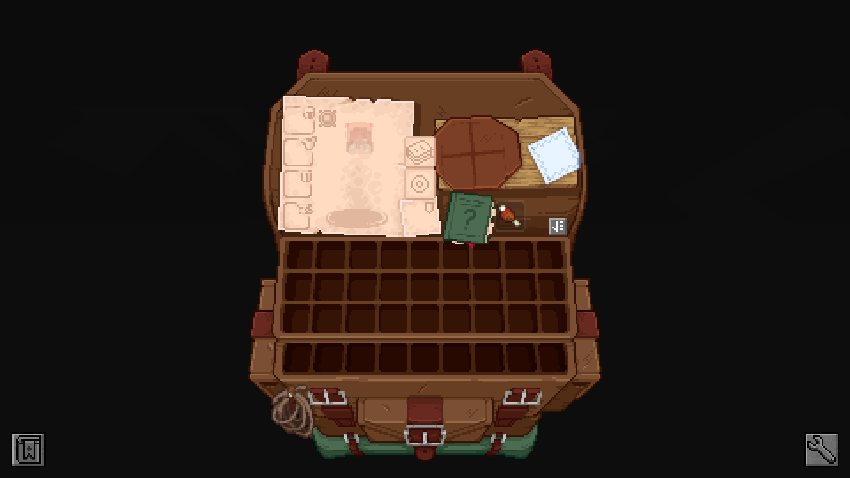
### **Enchanting Table (Easy Magic):**
Before:
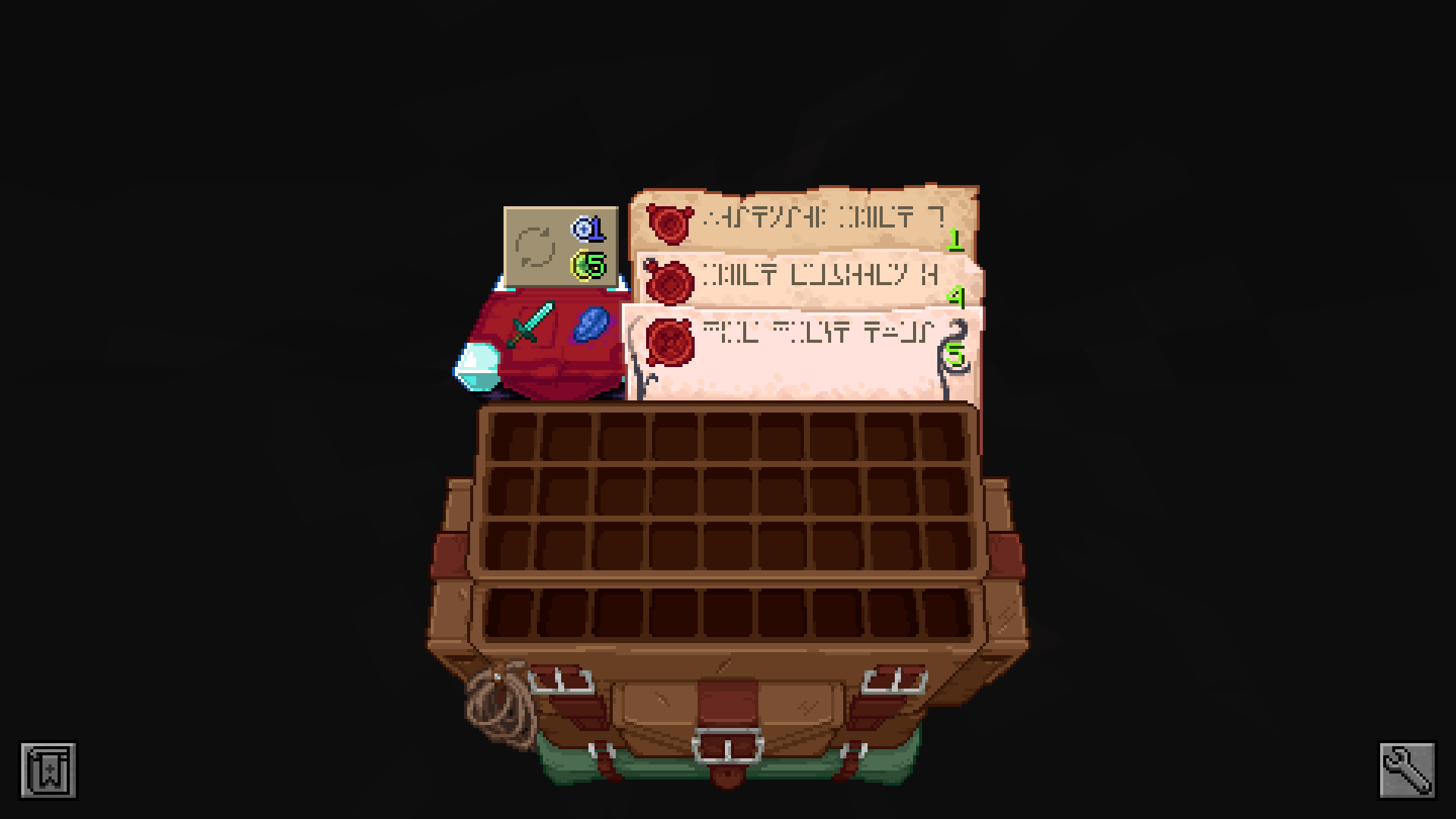
After:
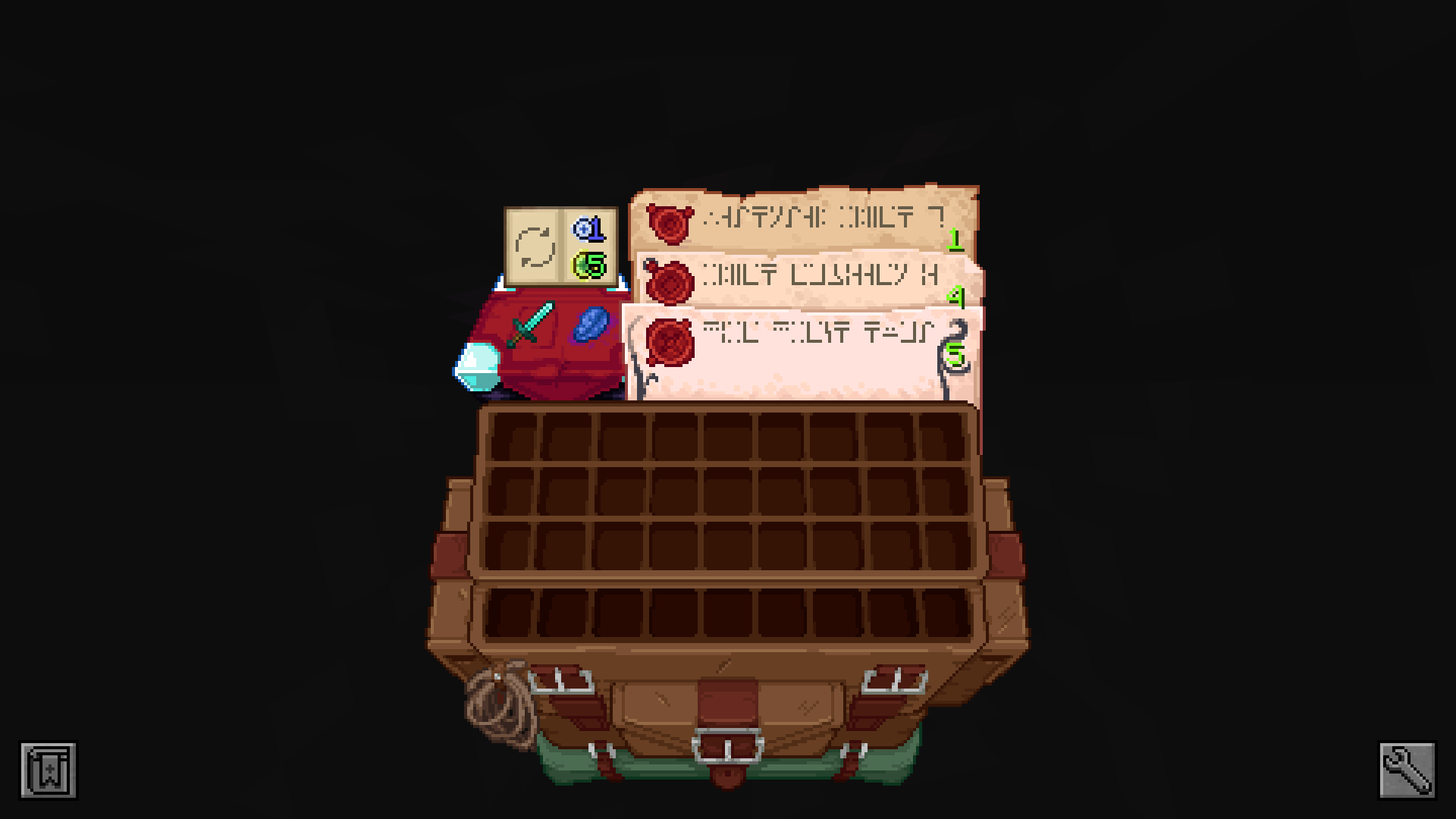
### **Spell Binding Table (Spell Engine – Rpg Classes API):**
Before:
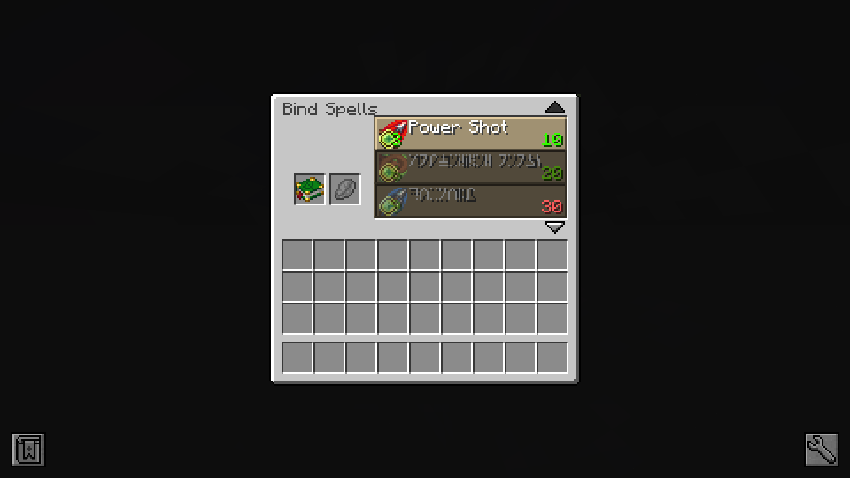
After:
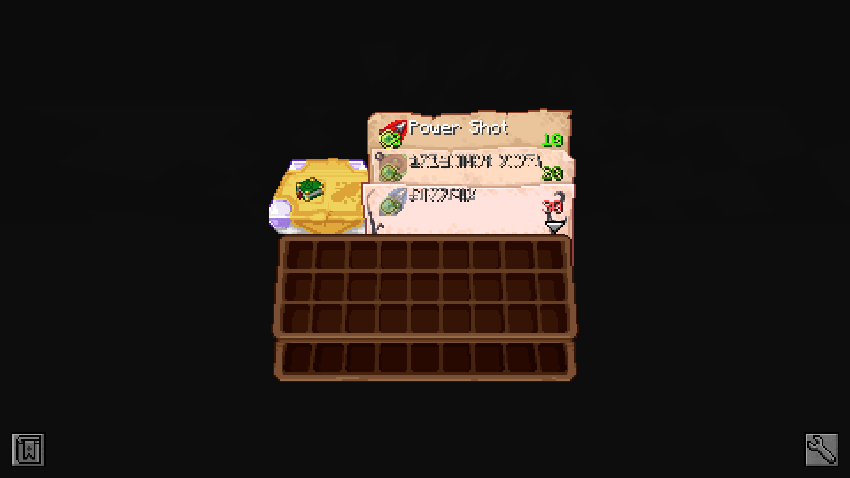
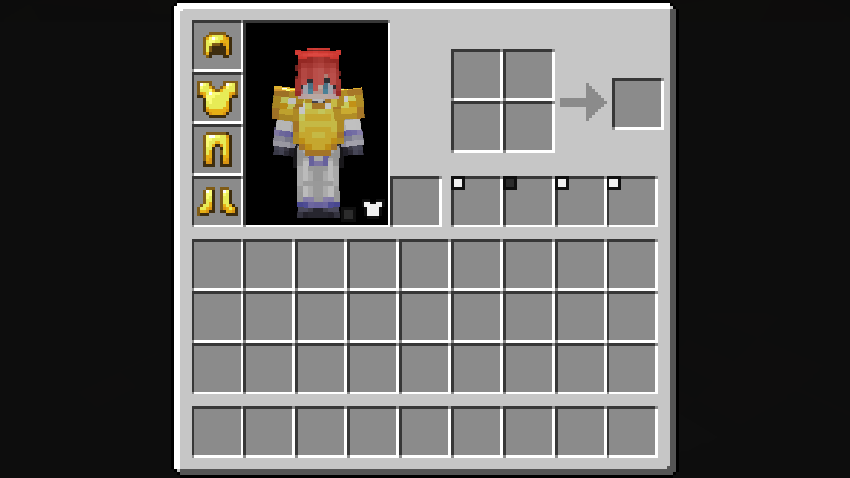
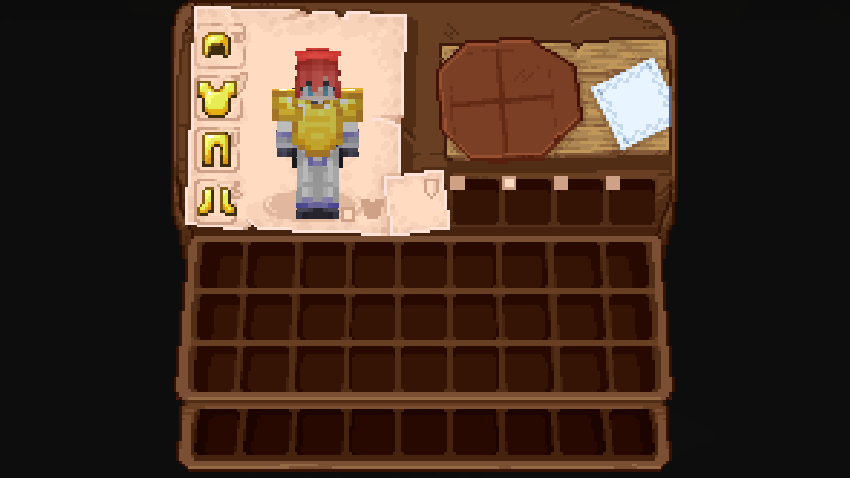
### **Cosmetic Armor Reworked:**
Before:
After:
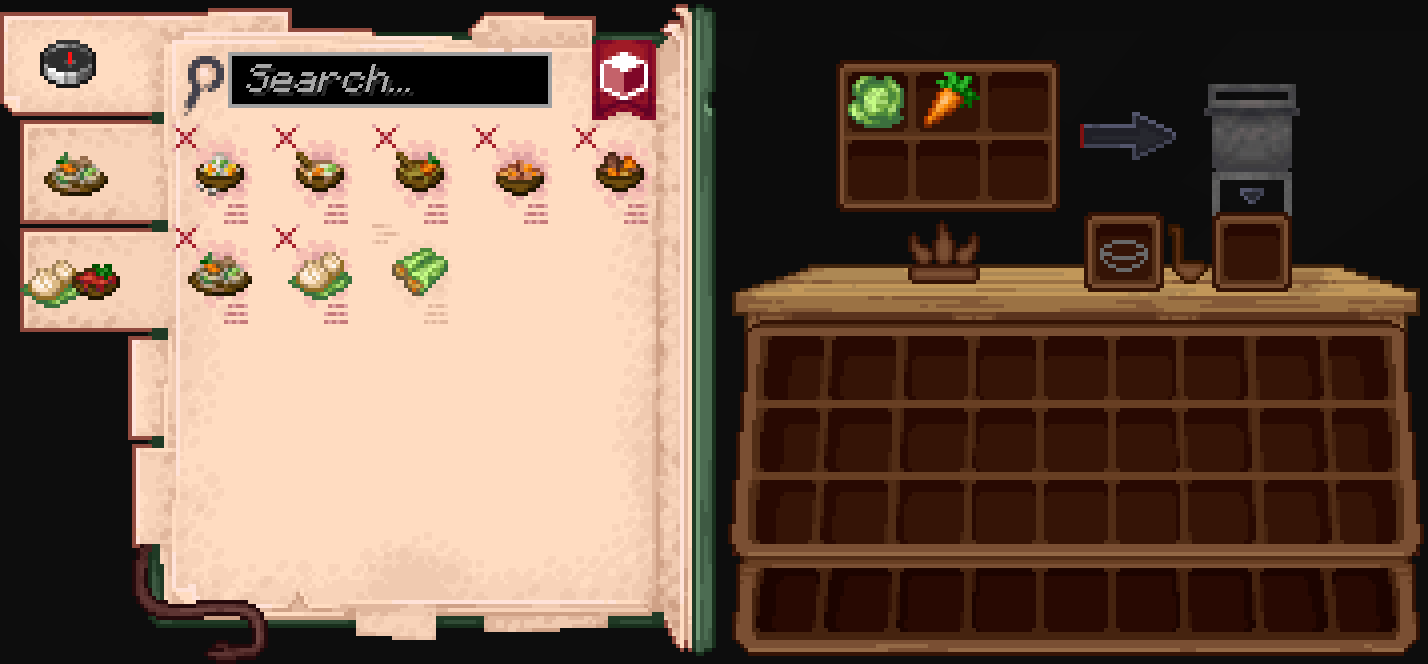
### **Farmer’s Delight:**
Before:
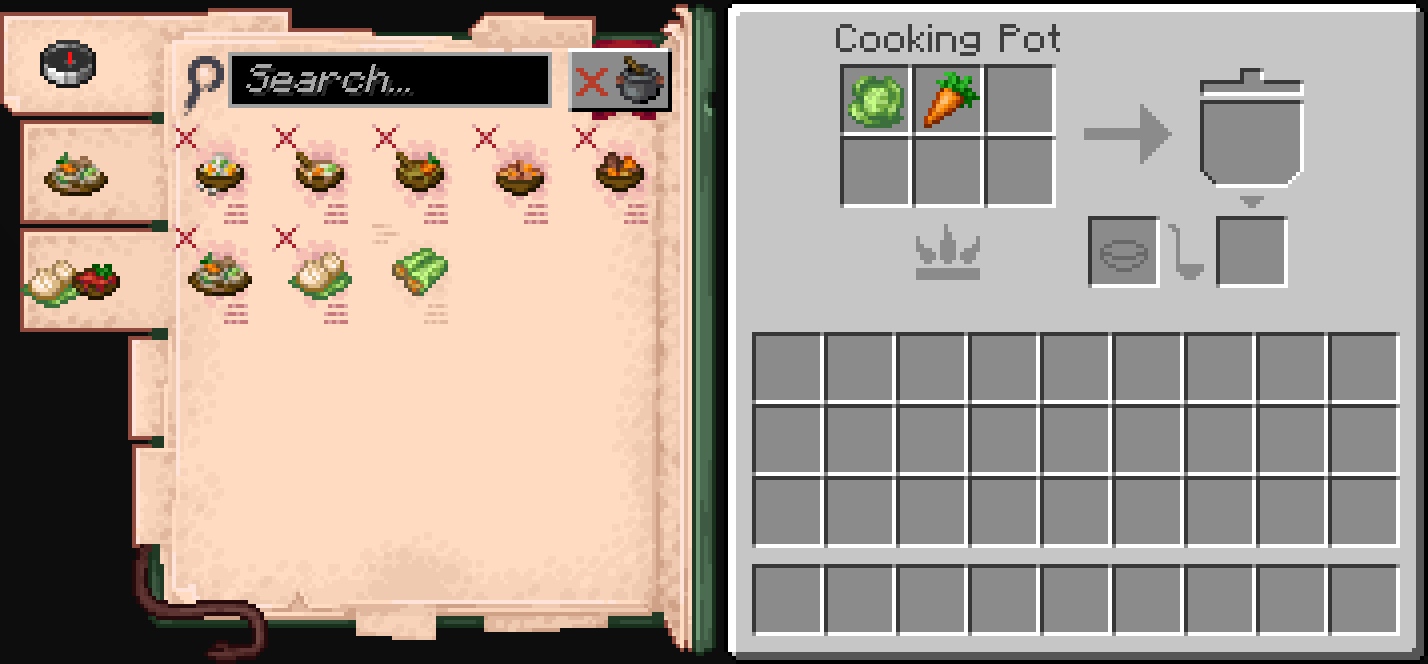
After:
### **Accesories:**
Before:
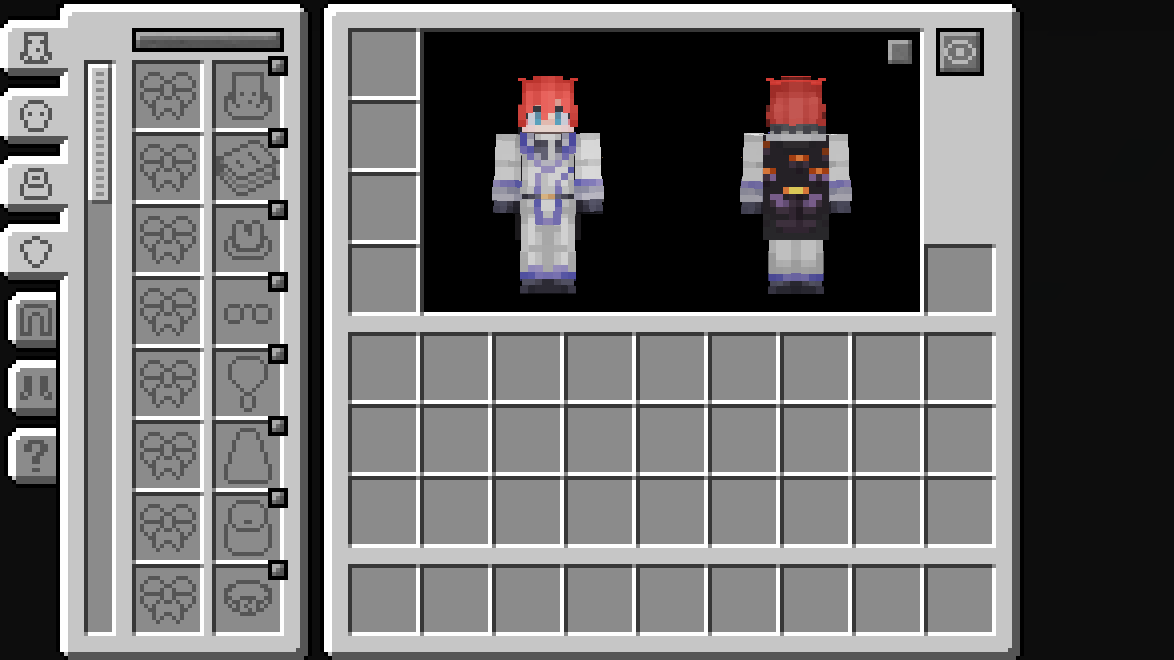
After:
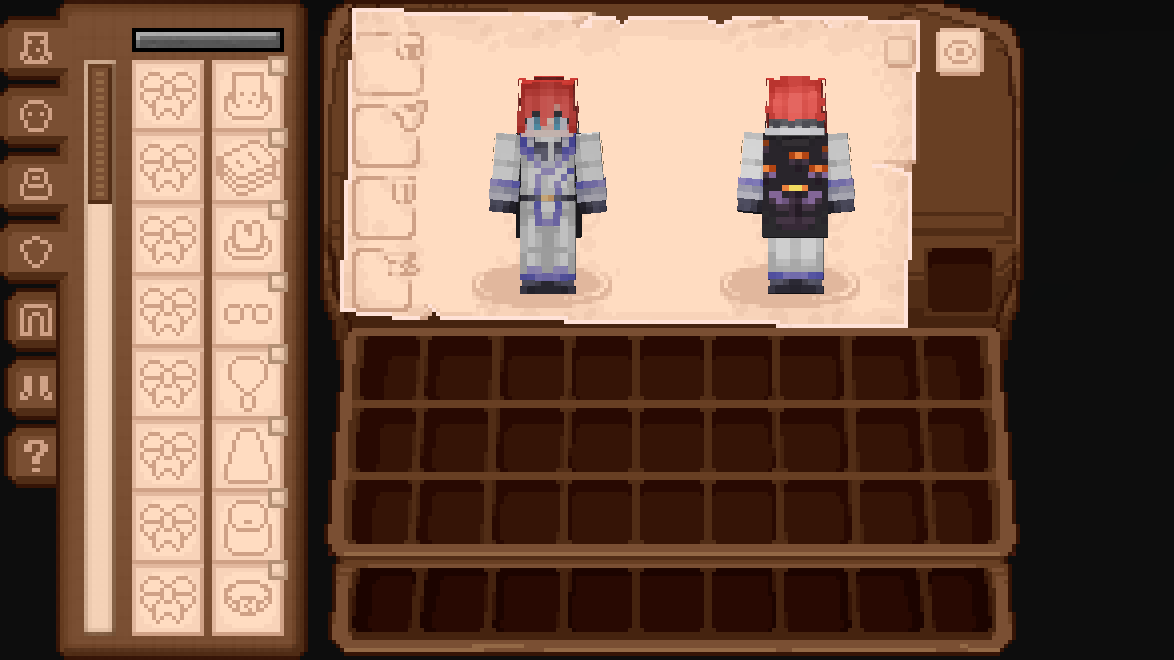
### **Legendary Tabs:**
Before:
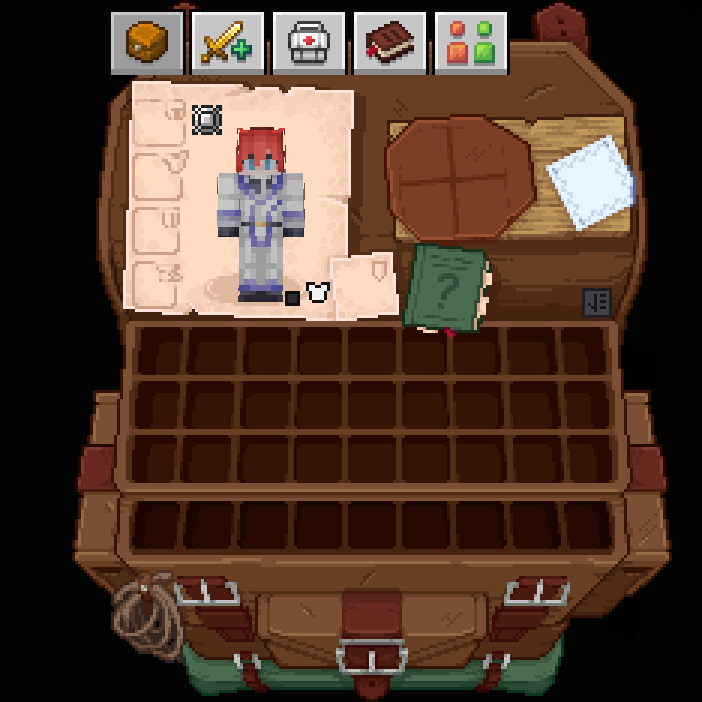
After:
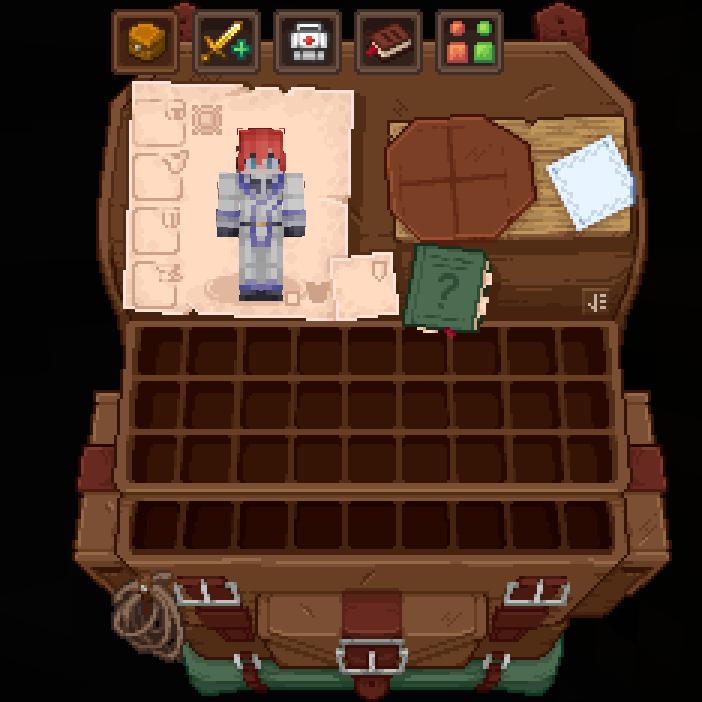
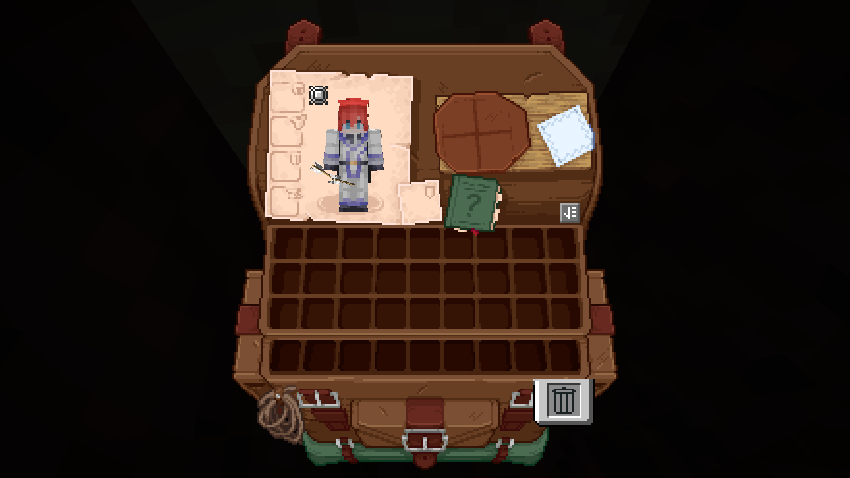
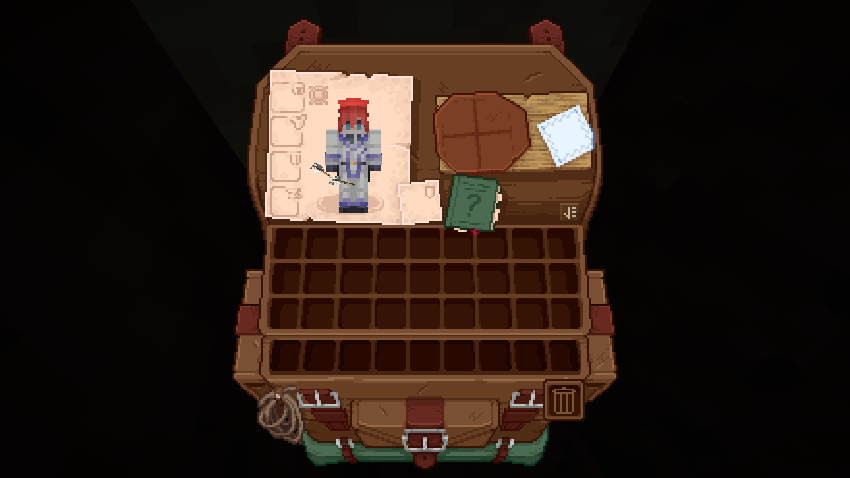
### **TrashSlot:**
Before:
After:
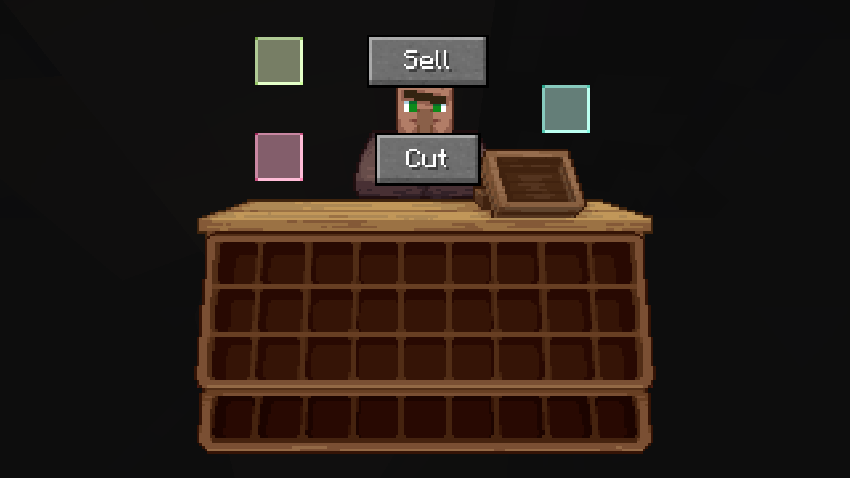
### **Fisherman (Fishing Upgrades & More):**
Before:
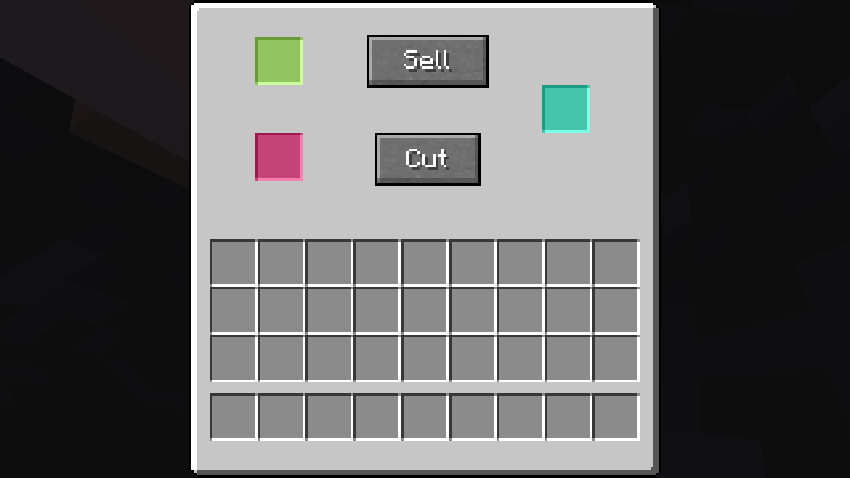
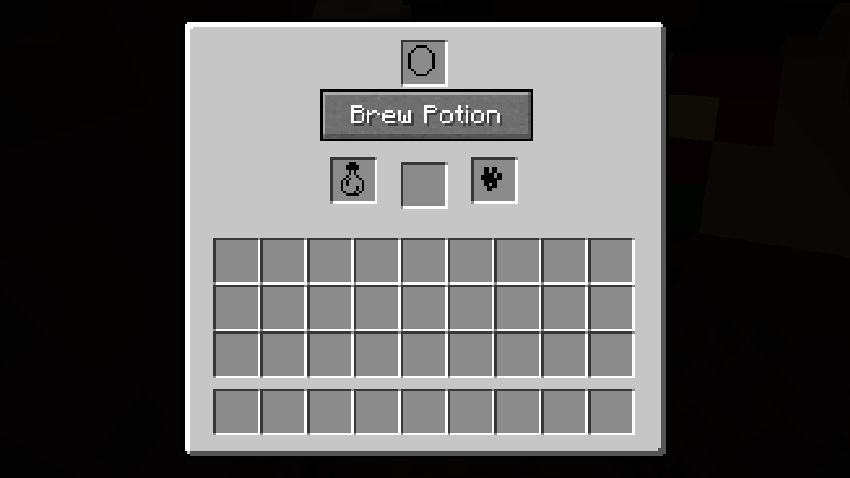
After:
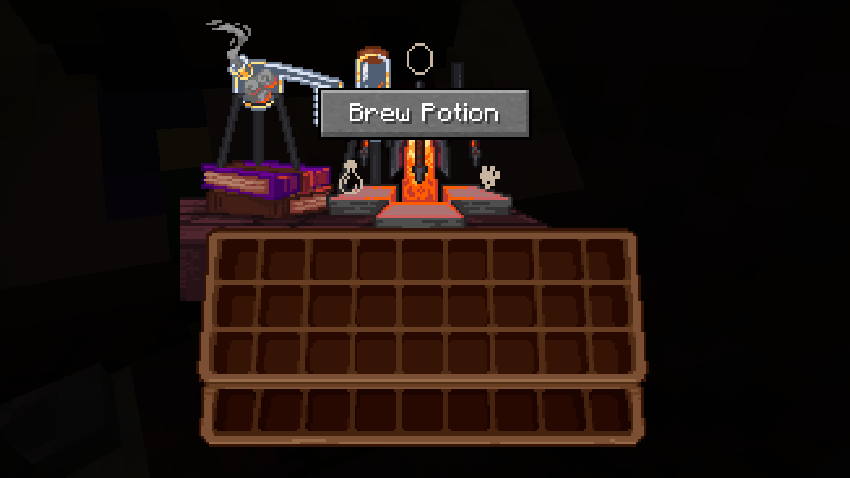
### **What Are They Up To (Watut) Support:**