Add squares to protect your eyes.护眼大补丸给常用方块添加边框,使得数格子时候不会瞎眼。
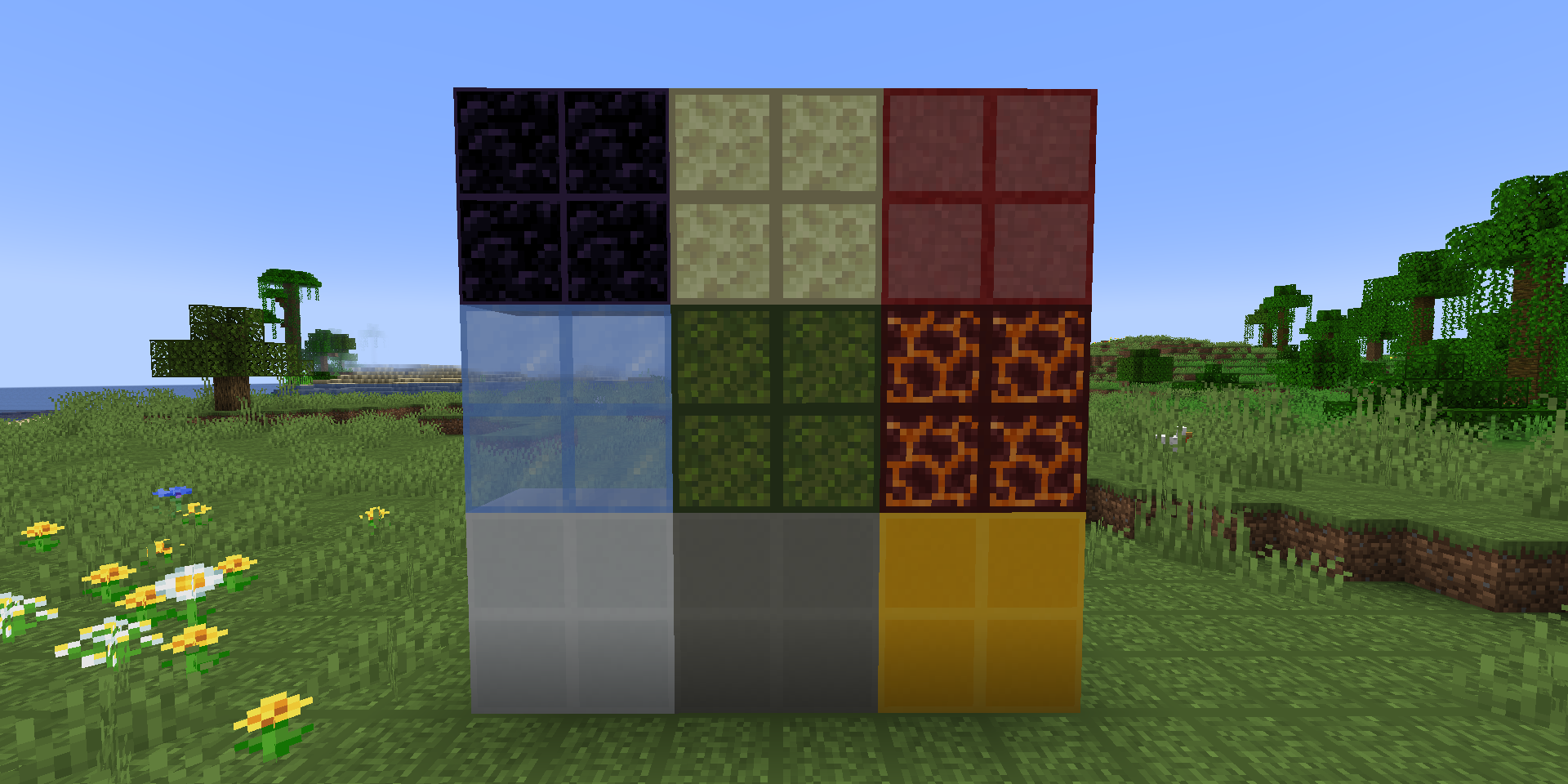
This is a mod that adds a border to commonly used blocks, making it easier to count slots for building construction.
Pride Pack
# Pridepack
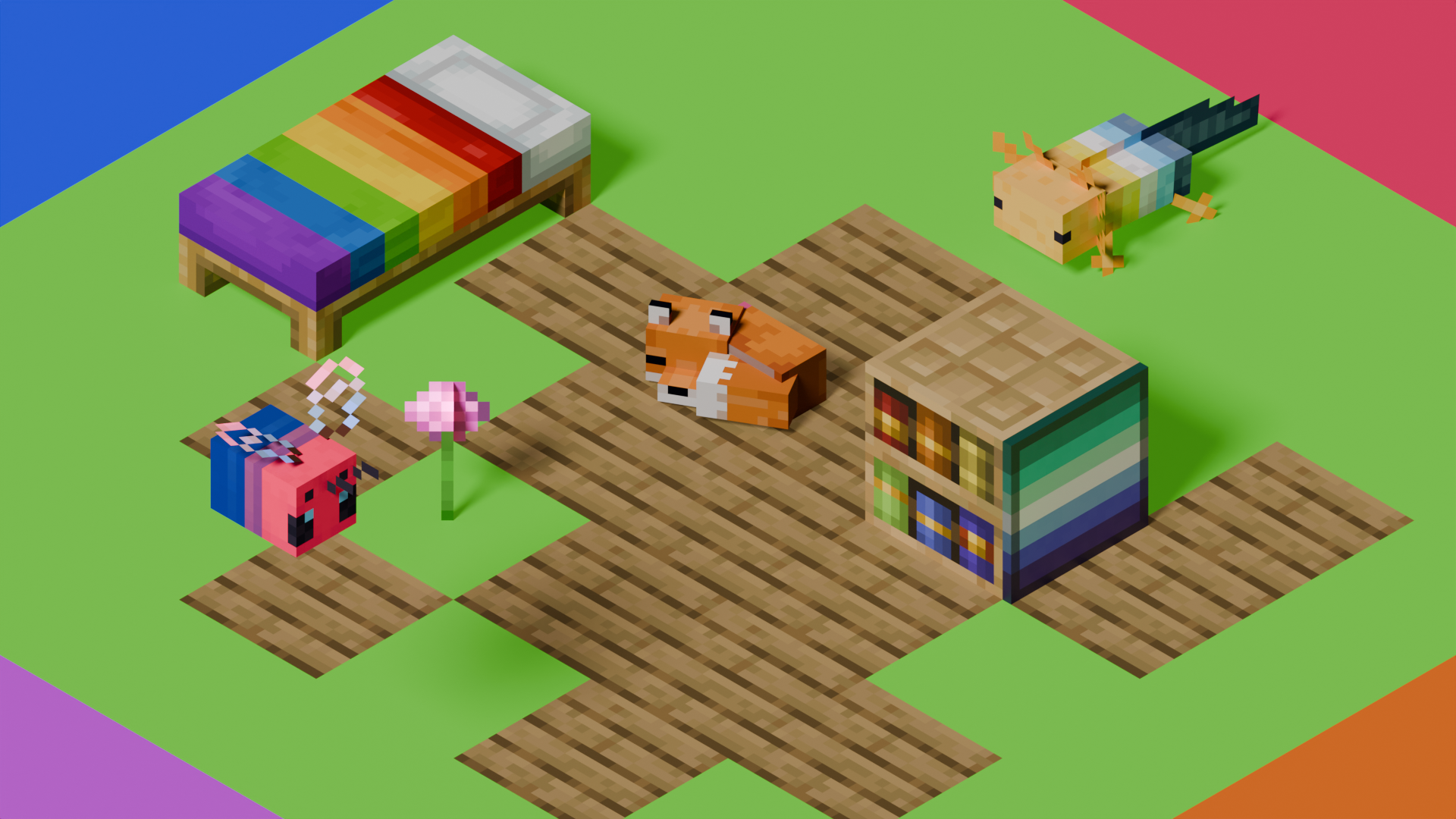
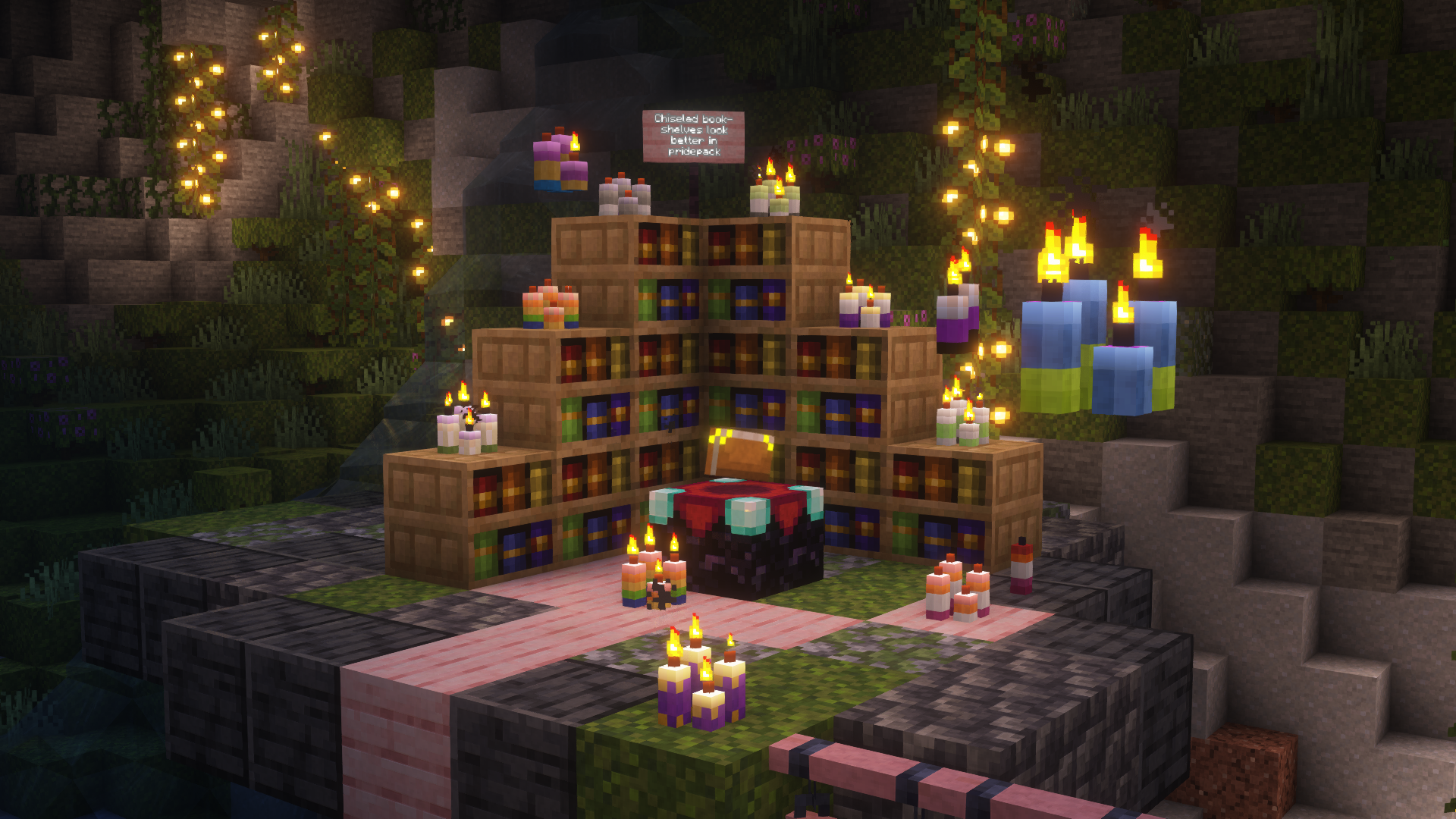
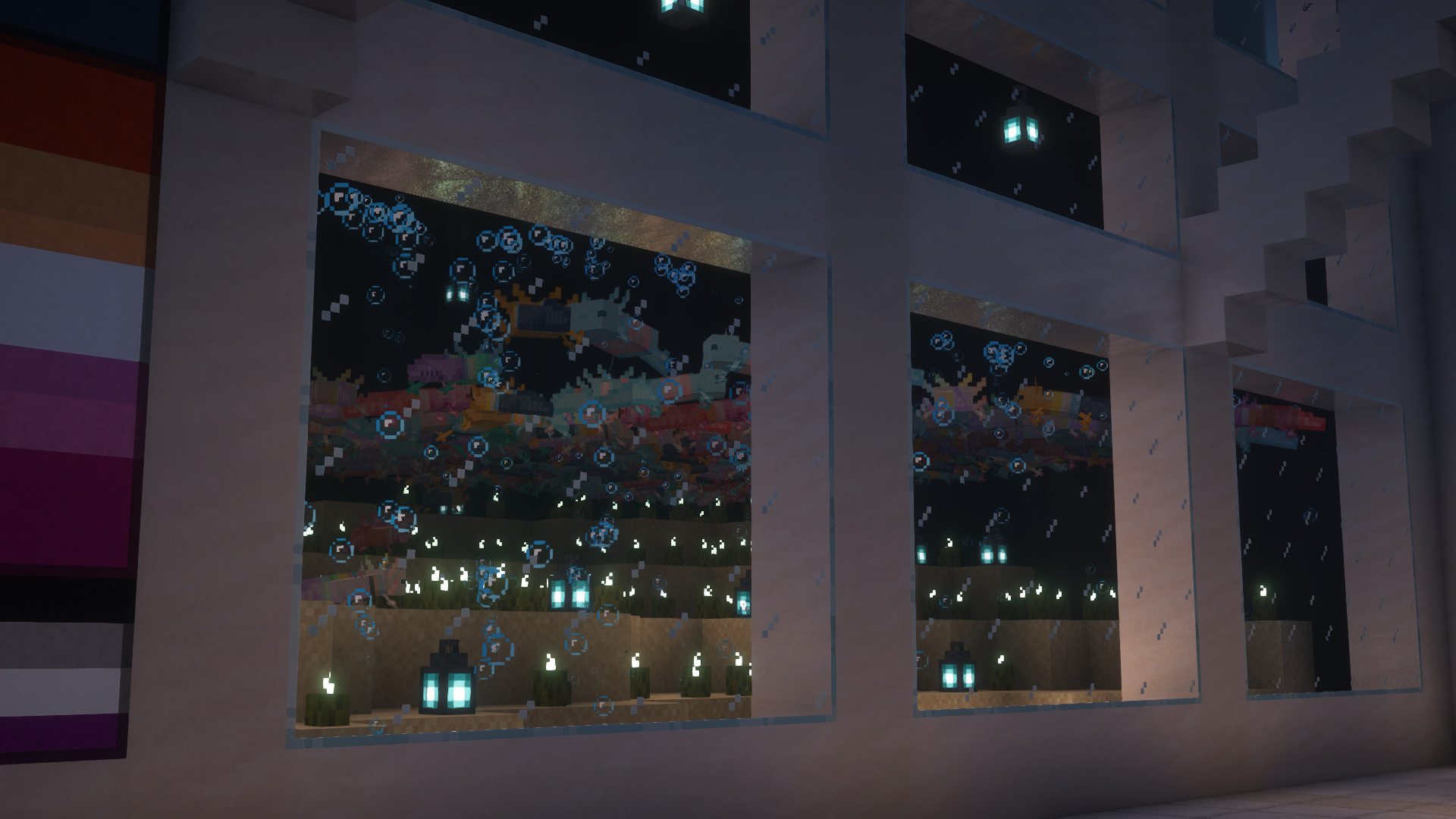
This is Pridepack, a Resource Pack made by Pridecraft Studios. It comes with many LGBT Pride additions, such as paintings, beds, mobs and Main Menu changes.
## Donate
You can support the developers of Pridecraft Studios by donating on Patreon

## Screenshots
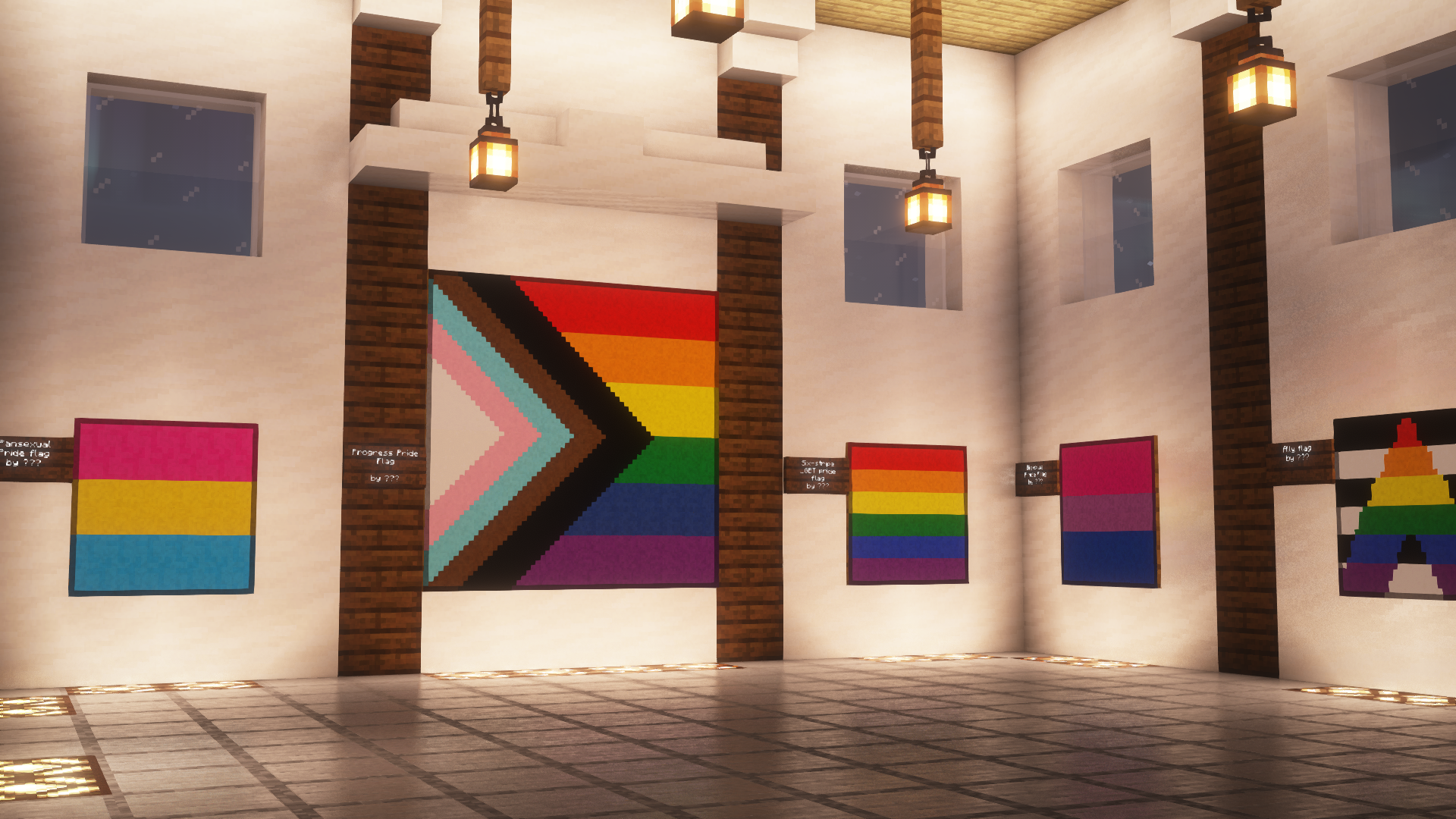
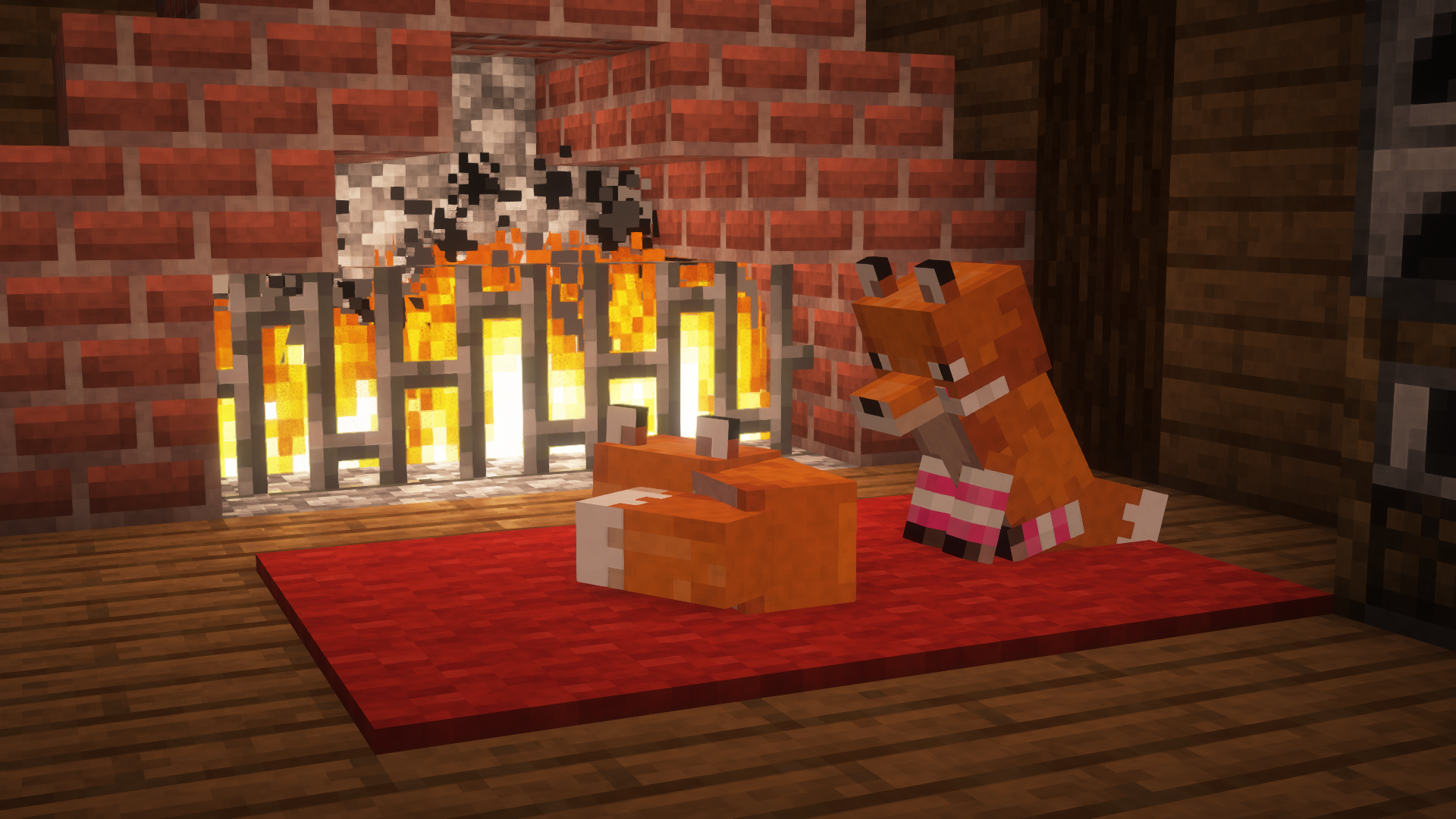
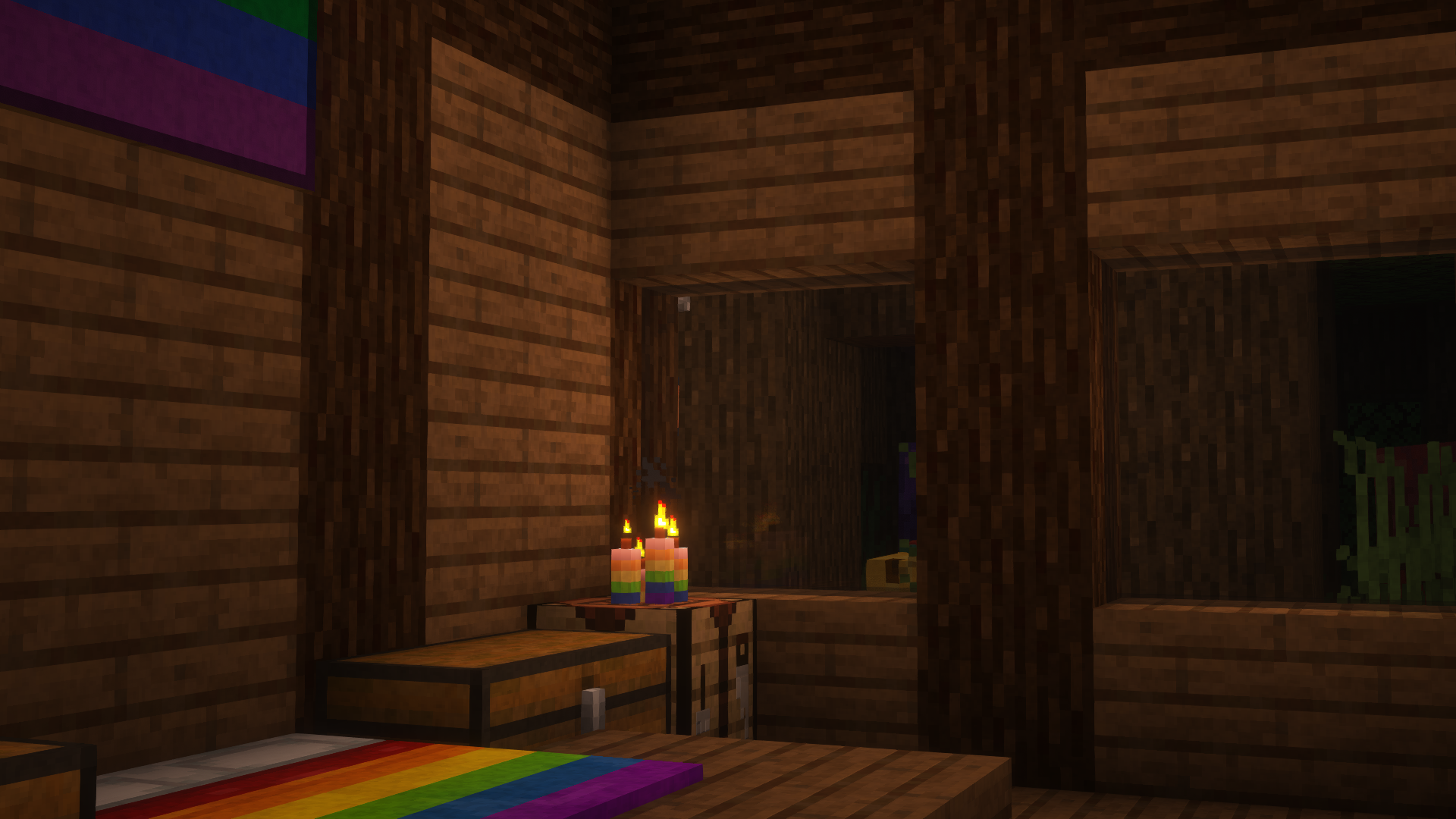
## Who
Pridecraft Studios is a collective modding group that creates resource packs, tooling, and our flagship mod, Joy. Our team of volunteers strive to create prideful content for the diverse Minecraft community <3. We target both Java and Bedrock editions, hoping to create memorable experiences for you.
## Other Downloads
  
## Socials


# Licenses
Assets license [CC BY-SA 4.0]
Pridepack by Pridecraft Studios is licensed under CC BY-SA 4.0
Music license [ARR + Permissions]
The soundtracks for Joy are licensed from lynndova, under different terms and are **not** distributed under CC BY-SA 4.0. See here for licensing terms.
In short:
– You must provide credit to lynndova
– You can not reupload this soundtrack verbatim
– You may use this soundtrack under the fair use doctrine including but not limited to the following:
– Using this soundtrack in videos or streams
If you are unsure if you may use the soundtracks or wish to license the soundtracks for your own use, contact lynndova using [their public email](mailto:[email protected]).
You can buy monthy subscription to get faster updates on KO-FI
****
#
**About**
If you had ever played on servers, or tested command for yourself, you probably know about this underdeveloped tooltip that says for example “enchantment.level.12” instead of Enchant XII. This pack changes it for it to be good looking as name says.
Powder Snow Alerts
# Powder Snow Alerts
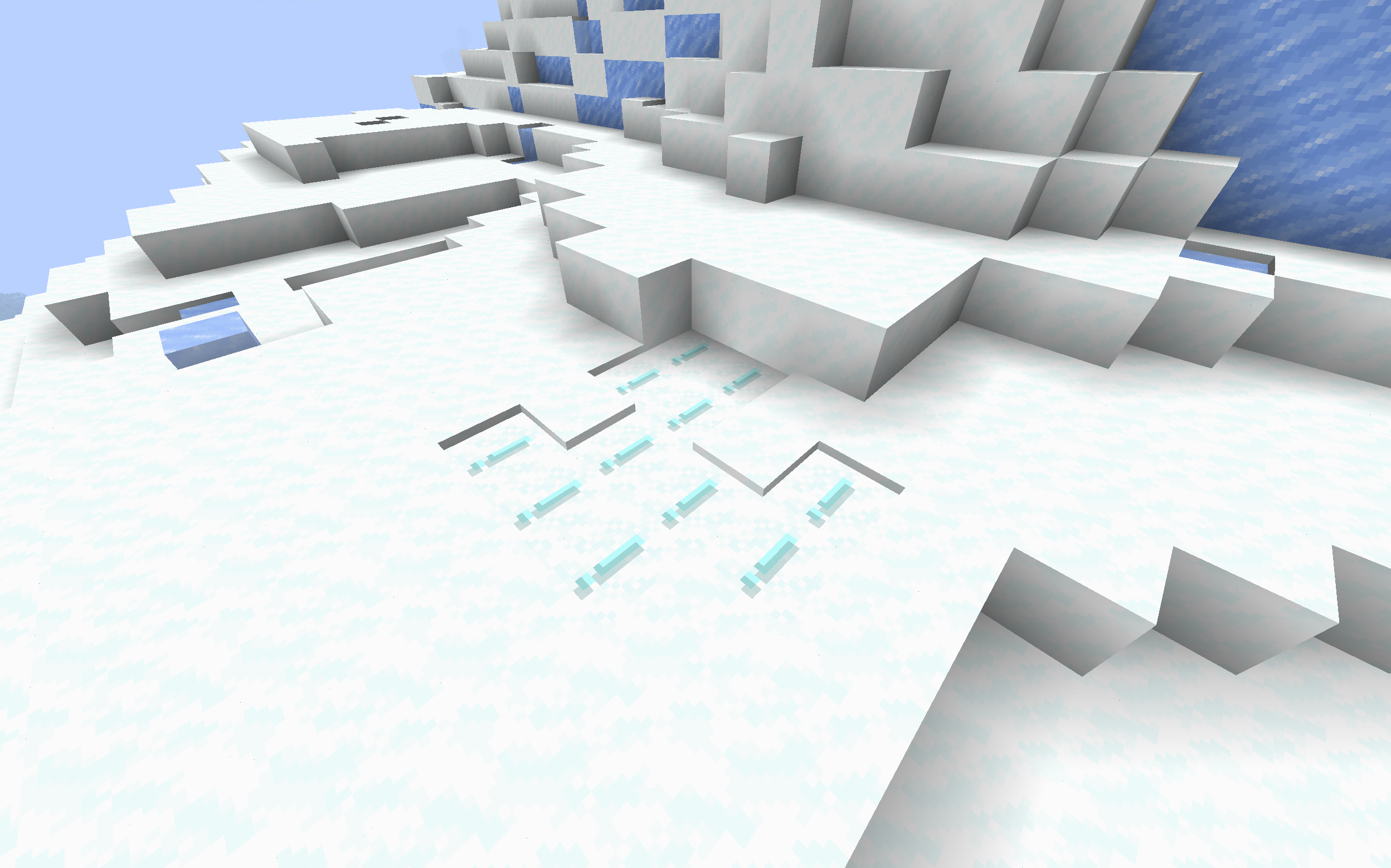
Makes powdered snow have an exclamation mark.
Thats it.
### Example
## FAQ
### Not Updated to version x:
The pack should work on all versions of the game, but if not, open an issue
### Usage in projects/modpacks:
I dont care if you use it in a project, however please credit me.
Potion Icons Reworked
# 🧪 Potion Icons Reworked
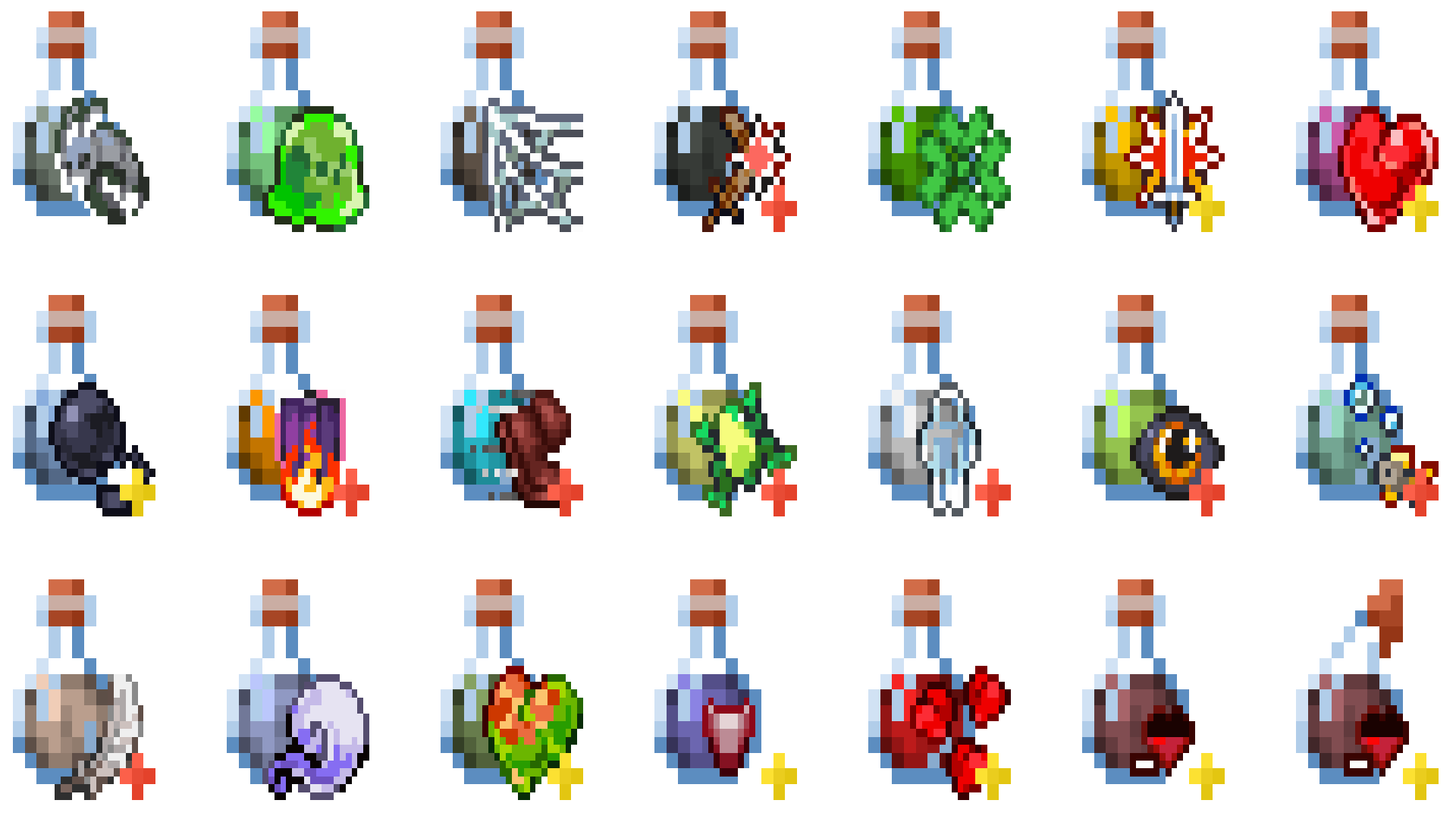
**Potion Icons Reworked** enhances Minecraft’s potion and mob effect visuals with clean, colorful, and easy-to-recognize icons.
Each potion gets a distinct, bright design that makes identifying effects simple — perfect for both PvP and survival players.
This resource pack keeps a **vanilla-like style** while improving **clarity, brightness, and gameplay readability**.
Whether you’re brewing, fighting, or exploring, **Potion Effects+** helps you instantly spot every effect without breaking Minecraft’s classic look.
—
—
## ✨ Features
– 🌈 **Custom potion and mob effect icons**
– 💡 **Bright, minimal, and easy to read**
– ⚙️ **Vanilla-like design for seamless integration**
– 🧙 **Perfect for PvP, survival, and casual gameplay**
Potato Craft-8x
⭐ PotatoCraft 8x – Ultra FPS Boost Texture Pack ⭐
Do you want smooth FPS and a potato-friendly Minecraft? 🍟
PotatoCraft 8x is a lightweight, simplified resource pack designed for Minecraft Java Edition.
🔥 8×8 textures (down from the default 16×16)
⚡ Huge FPS boost on low-end devices
🎮 Perfect for PvP and survival gameplay
🌍 Works on all the latest Minecraft Java versions
💻 Tested on both mobile and PC
Whether you’re on a low-end phone, old laptop, or a beast PC, this pack makes the game feel faster, cleaner, and smoother.
💡 Why PotatoCraft?
Because even the weakest potato deserves to play Minecraft without lag! 🥔
📥 Download now and turn your Minecraft into a lag-free experience!
Polymer
# Polymer
It’s a library for creating server side content, that work for player’s without mods or (required) resource packs!
You can create blocks, items and entities, that not only will work fully on server side (and singleplayer), but also
are represented on server the same as normal (vanilla/modded) ones (unlike bukkit/spigot ones, that are stored as vanilla block).
This library also should work correctly with other, non-polymer mods and PolyMC!
## For players:
This library/mod includes few small utilities that can be useful for playing on servers using Polymer.
Few things it does on the client:
– Added compatibility to multiple client side mods (EMI, Just Enough Items, Roughly Enough Items, WTHIT, Jade, AppleSkin)
– Correct information on F3 debug screen
– Full support for Polymer item picking
– Creative item tabs synced with server
– Fixes for server resource pack while using Canvas or Iris
## For server owners/mod pack makers:
Any mod using this library shouldn’t be required on the client side! However, as stated above, there
are few small quality of life things added with it. So you might want to recommend it or include with
your mod pack.
If you have a server and polymer based mods you are using include a resource pack, you might want since version 0.2.5
“packed/all” version of polymer contains AutoHost module, allowing you to setup automatic building and sending of packs
to clients.
If you use 1.18.x or older, use this instead: https://github.com/aws404/polypack-host
## For mod developers:
All information about usage can be found at https://polymer.pb4.eu!
## What this library/mod doesn’t do
This mod doesn’t convert existing mods to server side ones. While it’s possible to do so with manual coding,
for that you might want to use PolyMC as long as you don’t
need to use regular mods on the client (for example with a modpack).
## Commands
– `/polymer` – Display about
– `/polymer creative` – Opens list of Polymer/Server-Side creative tabs (Available to anyone with creative)
– `/polymer generate` – Generates polymer resourcepack as `/polymer-resourcepack.zip`
# Skinwalker
Something that not only looks like you but also copies and does your exact movements. Touching it will result in instant death.
## Multiplayer
In Multiplayer. Each player has their own Skinwalker. Contact with other player’s Skinwalkers won’t kill unless it’s with your own Skinwalker.
## Difficulty
### Normal
Skinwalker deals 10 damage upon contact. (5 Hearts)
### Hard
Skinwalker deals 15 damage upon contact. (7.5 Hearts)
### NULLSCAPER
Skinwalkers have halved spawn time. Two additional skinwalkers spawn. Skinwalkers always kill regardless of health upon contact.
## Settings
**#Value skinwalker.delay** | _100_ | Ticks till spawn after movement.
**#SpawnValue skinwalker.delay** | _20_ | Ticks till an additional Skinwalker.
**#Value skinwalker.amount** | _1_ | Skinwalkers to spawn when initializing.
## Plate Havoc
Player Skinwalker will introduce 2 new curses when playing Plate Havoc the random-events roguelike.
## Requirements
Minecraft 26.1+
Player Head
# 🪓 Player Head (Datapack)
![Minecraft]()
—
## 📖 Description / Описание
### English
This datapack adds a **simple and customizable way to obtain player heads** in Minecraft.
When a player is killed, their **head will drop as an item**.
✨ Features:
– Compatible with multiplayer.
– Minimalistic and lightweight – does only one thing.
### Русский
Этот датапак добавляет **простой и удобный способ получать головы игроков** в Minecraft.
При смерти игрока его **голова выпадает в виде предмета**.
✨ Особенности:
– Поддержка мультиплеера.
– Минималистичный и лёгкий — делает только то, что нужно.
Player Corpses
This datapack/mod uses the new mannequin entity as a corpse for when the player dies! ✨
## Corpses 💀
**It makes it so that instead of players dropping their items around randomly, they will now leave behind a corpse with their skin and name from which they can later retrieve their stuff.**
**To retreieve the items from the corpse they must first locate it at the place where they last died and sneak while being near it, the items should pop back in their inventory and the corpse should disappear.**
**There is no despawn timer unless added via the config screen**
**The Config Screen offers many options for players to choose how they want the pack to work to match their playstyle.**
**Can be accessed by typing: /trigger config**
Config Options
– **Despawn Timer:**
Corpses spawned when a player dies will despawn after that amount of time passes
– **Has Gore:**
Corpses spawned when a player dies will have blood and bone particles and sounds
– **Can Get Zombified:**
When a player dies to a zombie a corpse wont spawn, instead a zombie with that player’s head will spawn with all of the player’s items, to get them back they must kill it
– **Gives Death Coords:**
Players will get a message with their death coordinates in chat after they die
– **Can Only be Looted by Owner:**
Corpses spawned when a player dies will only be able to be looted by that same player
– **Can be Looted by Right Clicking:**
Corpses will be able to be looted by right clicking on it rather than sneaking
– **Instant Looting:**
Corpses will be able to be looted instantly after sneaking near them
– **Stays After Being Looted:**
Corpses spawned when a player dies will stay forever, even after they have been looted by a player
– **Gives Player’s Head:**
Looting a player’s corpse will give that player’s head along with the rest of the items
– **Has Player’s Name:**
Corpses spawned when a player dies will have their name
– **Has Description:**
Corpses spawned when a player dies will have a description explaining how to loot them
– **Floats in Water:**
Corpses spawned when a player dies will float in water
– **Floats in Lava:**
Corpses spawned when a player dies will float in lava
– **Can Burn:**
Corpses spawned when a player dies will burn when in lava or fire
– **Saves Items From Void:**
Corpses spawned when a player dies in the void will float before the damage zone, able to be looted
– **Remove Corpse Finder Screen Access:**
No one will be able to access the corpse finder screen, even after typing /trigger corpse_finder
– **Remove Config Screen Access:**
No one will be able to access this config screen, even after typing /trigger config






