zkxv’s pvp pack
1.8 style texture pack that i made for my friend. It offers a full port of GUIs and items from a 1.8 pack aswell as some blocks like Deepslate i made to match the style of the 1.8 blocks (including wood, boats, deepslate blocks, chests/enderchests)
_qyrox(zkxv) has an updated version on his account.
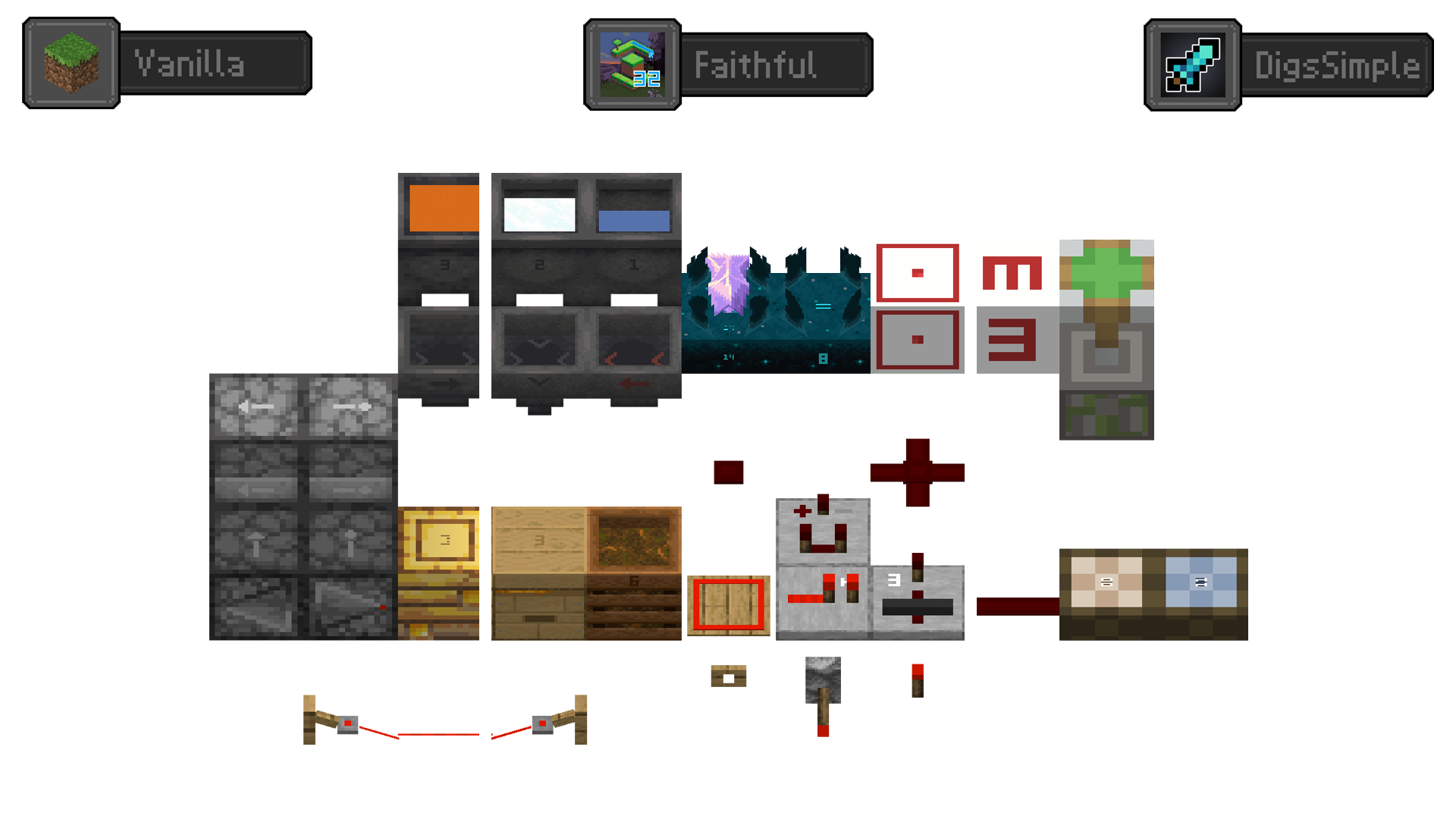
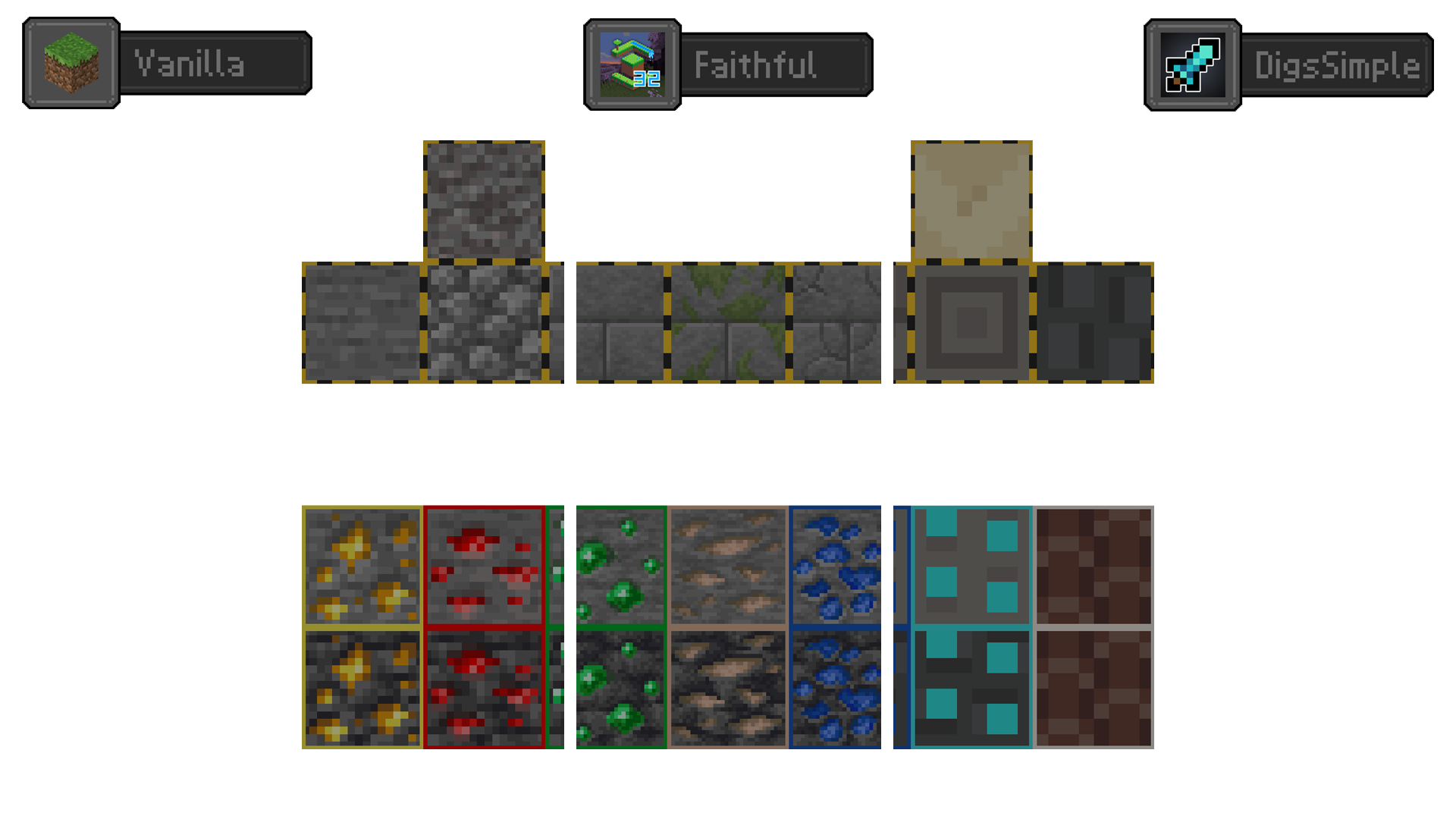
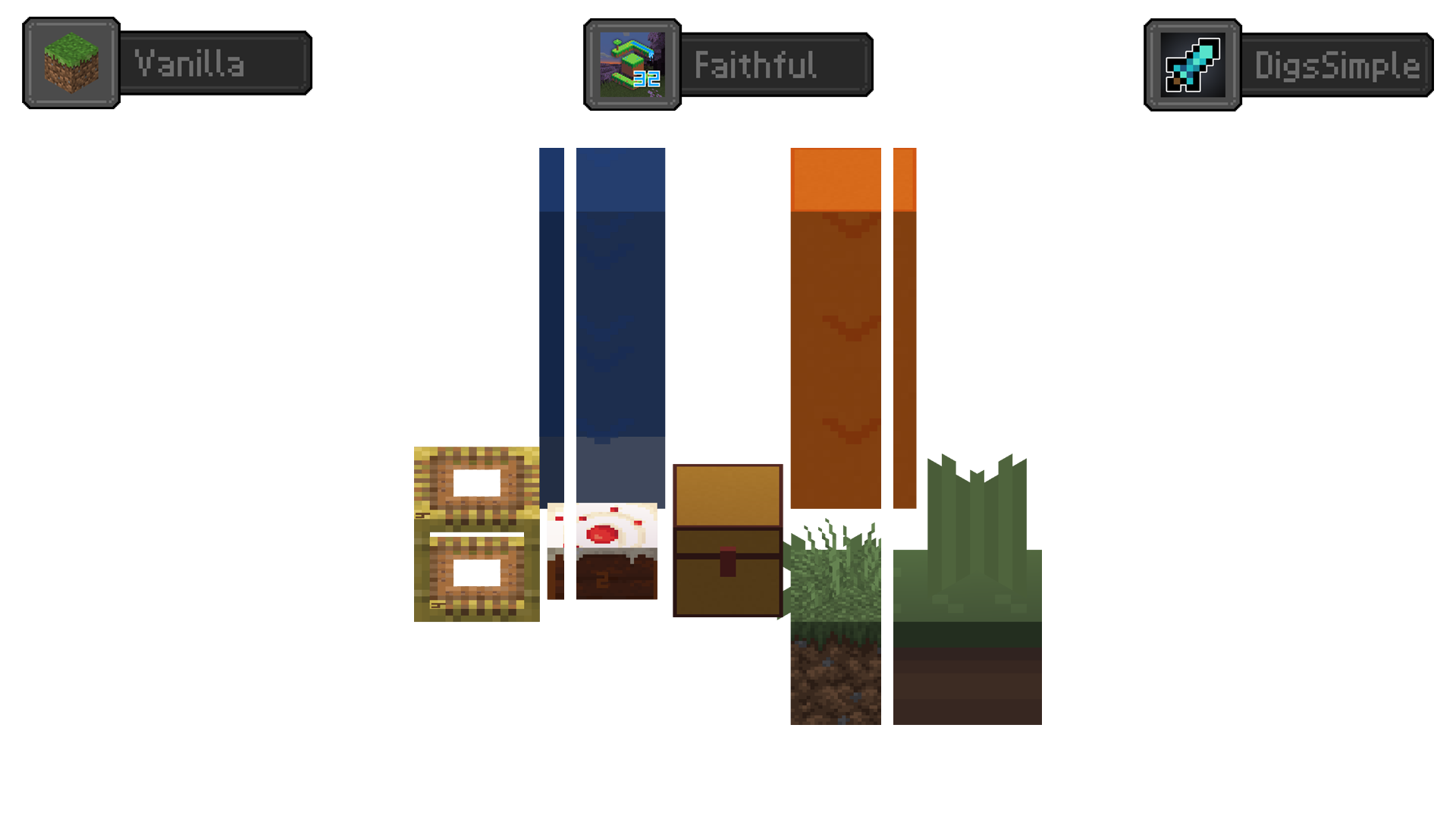
Redstone Tweaks Overlaid
**Add redstone display overlaid to your favorite resource packs**
Transparent GUI
中文
| 一个支持1.7.10到1.22的透明gui材质包!|
| :————-:|
|**搭配[清洁屏幕](https://modrinth.com/resourcepack/low-shield-fire-no-pumpkinblur)使用效果更好!**|
| **适配模组:** |
|jade|✅|
|fabric|✅|
|appleskin|✅|
|inventoryprofilesnext|✅|
English
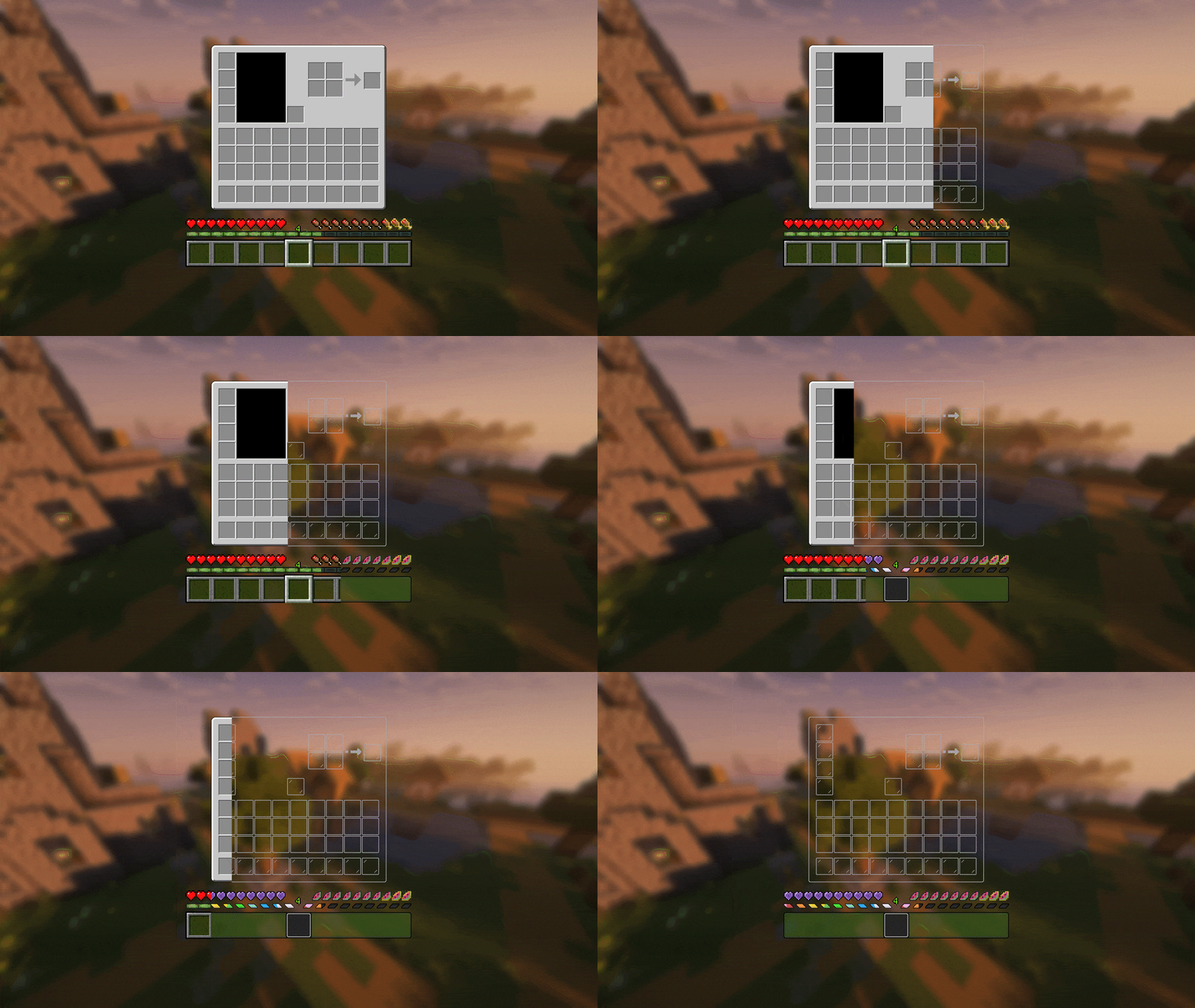
| A transparent GUI texture pack that supports 1.7.10 to 1.22!|
| :————-:|
|**It works better with [Clean Screen](https://modrinth.com/resourcepack/low-shield-fire-no-pumpkinblur)!**|
| **Mod support:** |
|jade|✅|
|fabric|✅|
|appleskin|✅|
|inventoryprofilesnext|✅|
|**Wait for more**|
zItemStacker
[](https://minestrator.com/a/GROUPEZ)
zItemStacker
Allows you to stack your items
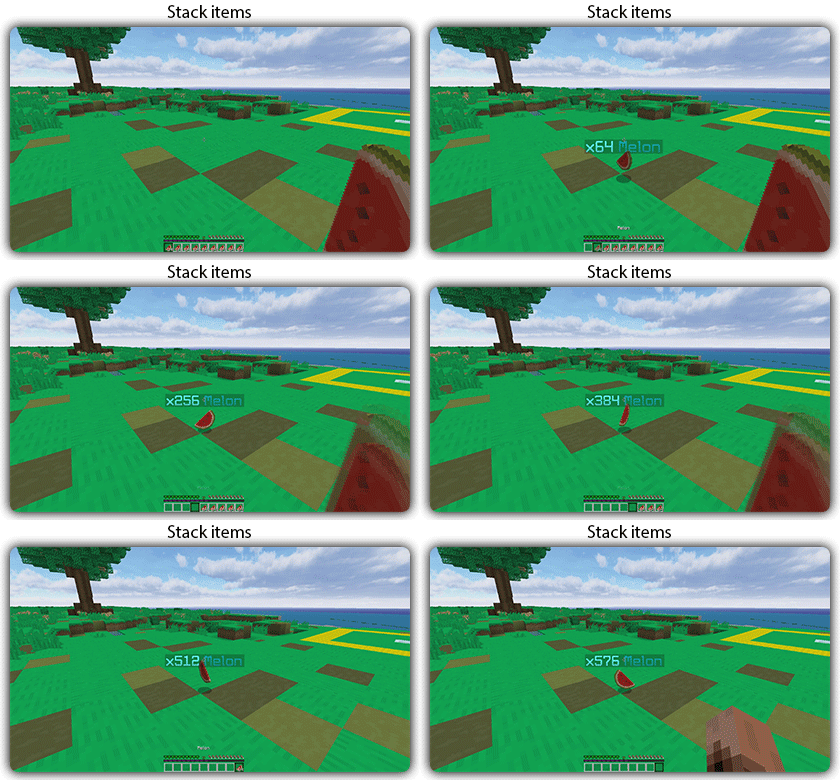
## Features:
– You can whitelist items to be taken into account by the plugin.
– You can blacklist the items that should not be taken into account by the plugin.
## Commands:
– /zitemstacker reload – reload lang and config file
– /zitemstacker version – show plugin version
Source code: https://github.com/Maxlego08/zItemStacker
Support: http://discord.groupez.dev/
Zisteau Pigmen

A Minecraft resource pack that changes adult Zombified Piglins named “Zisteau” into Zombie Pigmen.
## Overview
In reference to the [former Minecraft YouTuber](https://www.youtube.com/Zisteau) and [Etho’s EthoCorp cashier](https://youtu.be/FB5C3L-5SkQ?si=38H1MS752CP7OlIG&t=637) of the same name, adult Zombified Piglins named “Zisteau” will change into Zombie Pigmen.
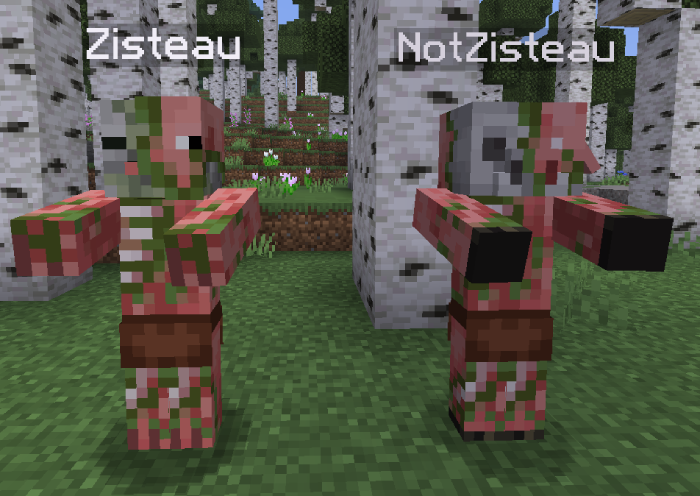
**This resource pack requires OptiFine or a CEM alternative such as [Entity Model Features](https://modrinth.com/mod/entity-model-features)** and may conflict with other resource packs or mods that alter Zombified Piglin textures.
## Versions
| Minecraft Version | Pack Version
| :–: | :–: |
| 1.21.9 – 26.1.2 | [v2.2.1](https://modrinth.com/resourcepack/zisteau_pigmen/version/v2.2.1)
| 1.21 – 1.21.8 | [v1.1.2](https://modrinth.com/resourcepack/zisteau_pigmen/version/v1.1.2)
Older versions can be found [here on Modrinth](https://modrinth.com/resourcepack/zisteau-pigmen/versions).
## Bug Reports
Found a bug? Join [Discord](https://discord.gg/vZJSDjPcmu) and open a ticket.
## Icon Credit (v1.0.0 – v2.2.0)
The pack icon used from v1.0.0 to v2.2.0 is from [Zisteau’s YouTube channel in 2020](https://web.archive.org/web/20200104045132/https://www.youtube.com/user/Zisteau). All credit goes to the original artist.
Ziptastic (Server)
This modpack includes a carefully selected set of mods designed to enhance performance and the overall vanilla experience of your server. These mods ensure smooth performance, reduced lag, and lower CPU/RAM usage, which is particularly beneficial for lower-end hardware. In addition to performance improvements, the pack aims to preserve the essence of the vanilla game, maintaining its core mechanics and feel. One of the standout features is the inclusion of data packs, which brings addtional features and crafting recipes while not feeling modded or overwhelming! Overall, this mod pack provides a balanced blend of performance enhancements and features, making it a must-have for small server owners seeking an optimized yet authentic gaming experience for their community.
### Notable Features:
– Compatability with [Armor Poser](https://modrinth.com/mod/armor-poser), [ItemSwapper](https://modrinth.com/plugin/itemswapper), ~~& [Carpet](https://modrinth.com/mod/carpet)~~
– Mobs with held items despawn (Renamed mobs won’t despawn)
– Bedrock client compatability
– Players *allegedly* immune to chat reports
– Auto backups
– Vanilla-friendly datapacks
– AND MORE!!
“`
Crossed out features are not yet available in the latest version.
“`
### Need client improvements?
Use my client-side modpack ([Ziptastic](https://modrinth.com/modpack/ziptastic)) while playing on your server for the perfect experience!
Version Naming
### [Simply Optimized](https://modrinth.com/modpack/sop) has an amazing version naming scheme. So, I decided to use it too! (With all credit going to them.)
**Format:** MC-x.y.z | **Example:** 1.21.1-1.0.0
– MC is the Minecraft version
– x increases if mods/datapacks are added/removed
– y increases if configs/shaders/resourcepacks are added/modifed/removed
– z increases if mods/datapacks are updated or bugs are fixed
x.y.z starts at 1.0.0 for each new MC update. Ziptastic (Server) updates will primarily focus on the latest Minecraft release.
Ziptastic
This modpack includes a carefully selected set of mods designed to enhance performance and the overall vanilla experience of the game. These mods ensure that the game runs smoothly, reducing lag and improving frame rates, which is particularly beneficial for players with lower-end hardware. In addition to performance improvements, the pack aims to preserve the essence of the vanilla game, maintaining its core mechanics and feel. One of the standout features is the inclusion of OptiFine parity, which brings compatibility with shaders, more resourcepacks, and Fabric mods! Overall, this mod pack provides a balanced blend of performance enhancements and visual upgrades, making it a must-have for players seeking an optimized yet authentic gaming experience.
### Notable Features:
– Parity with *most* OptiFine features
– Automatically saves screenshots to clipboard
– Better advancements & statistics screens
– ~~Draggable resourcepack & server lists~~
– ~~In-game screenshot & skin manager~~
– Per-sound volume control in your inventory
– Press **F7** to view light levels
– Shulker box preview while hovering item
– Host your LAN worlds to the public automatically
– AND MORE!!
“`
Crossed out features are not yet available in the latest version.
“`
Version Naming
### [Simply Optimized](https://modrinth.com/modpack/sop) has an amazing version naming scheme. So, I decided to use it too! (With all credit going to them.)
**Format:** MC-x.y.z | **Example:** 1.20.4-1.0.0
– MC is the Minecraft version
– x increases if mods/datapacks are added/removed
– y increases if configs/shaders/resourcepacks are added/modifed/removed
– z increases if mods/datapacks are updated or bugs are fixed
x.y.z starts at 1.0.0 for each new MC update. Ziptastic updates will primarily focus on the latest Minecraft release.
Zipp CPVP Pack
# Zipp CPVP Pack ⚔️
The **Zipp CPVP Pack** is designed for players who want a clean and distraction-free CPvP experience.
Every texture has been carefully adjusted to give you maximum visibility during fights, without unnecessary details that get in the way. 👀
## Features ✨
– **Short swords** 🗡️ – perfect for better screen visibility in close combat.
– **Black UI** 🖤 – minimalistic and easy on the eyes.
– **No UI background** ❌🖼️ – nothing blocking your view of the action.
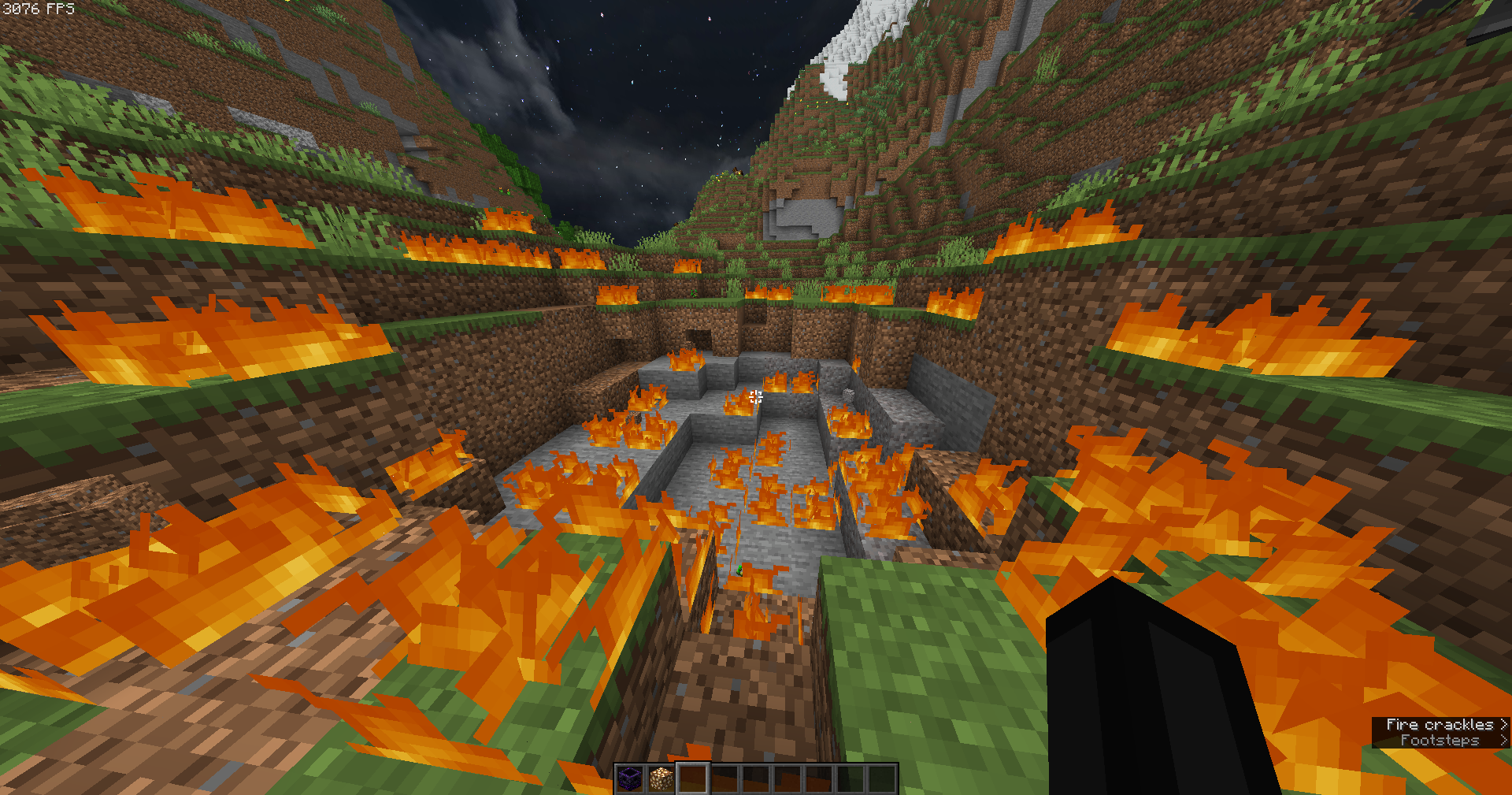
– **Low fire** 🔥 – keeps your screen clear even while burning.
– **No particles** 💨 – nothing will block your view during hits or critical combos.
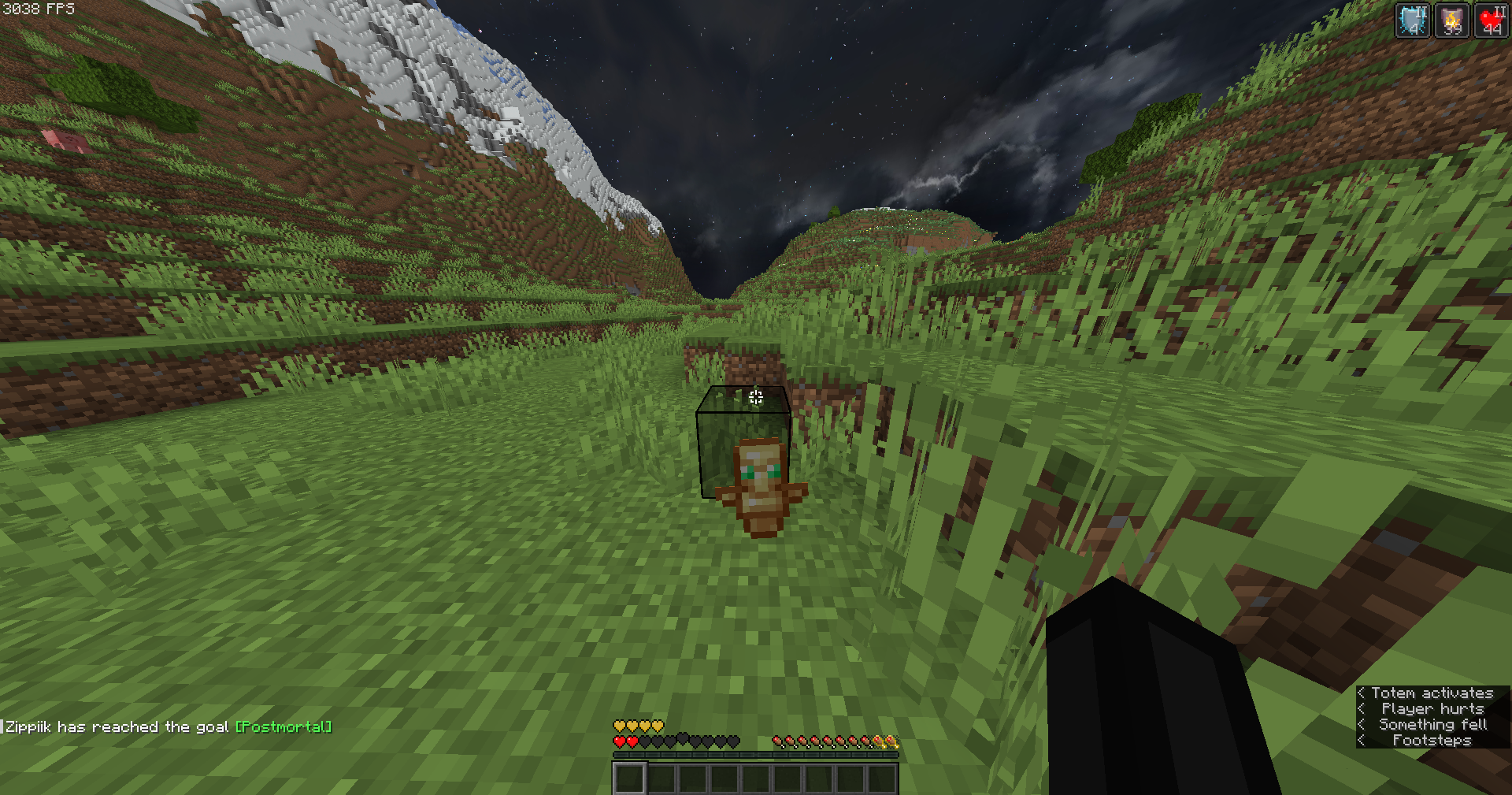
– **Small totem pop-up** 🛡️ – so clutch moments won’t cover your screen.
## Why this pack? 💡
This pack focuses on **clarity, performance, and comfort**.
No flashy effects, no distractions — just a simple style that helps you concentrate on what matters most: winning fights. 🏆
Whether you’re playing duels, UHC, or practice servers, the **Zipp CPVP Pack** keeps your gameplay smooth and sharp. ⚡
—
## Previews 📸
Check out some screenshots to see the pack in action:
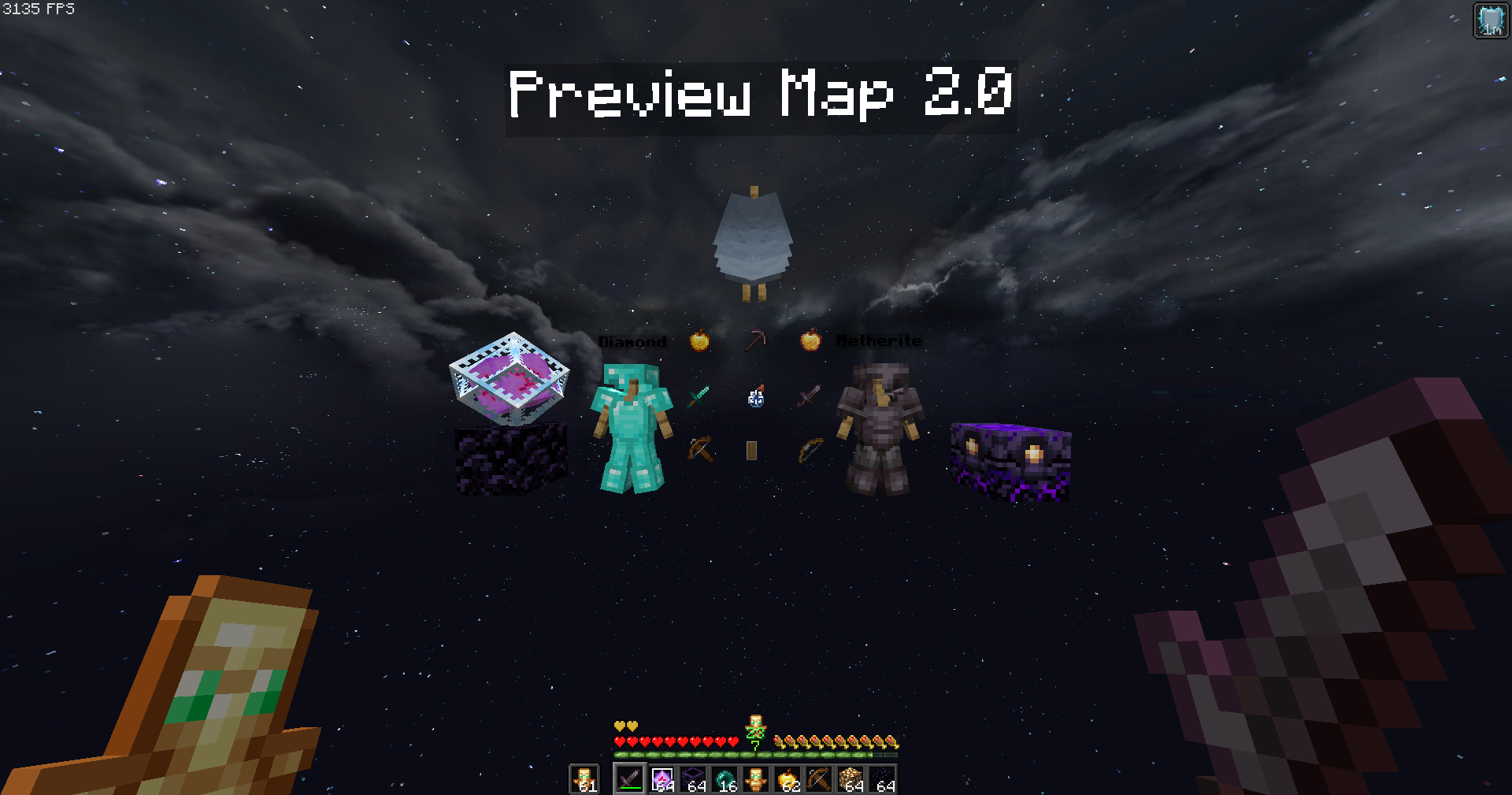
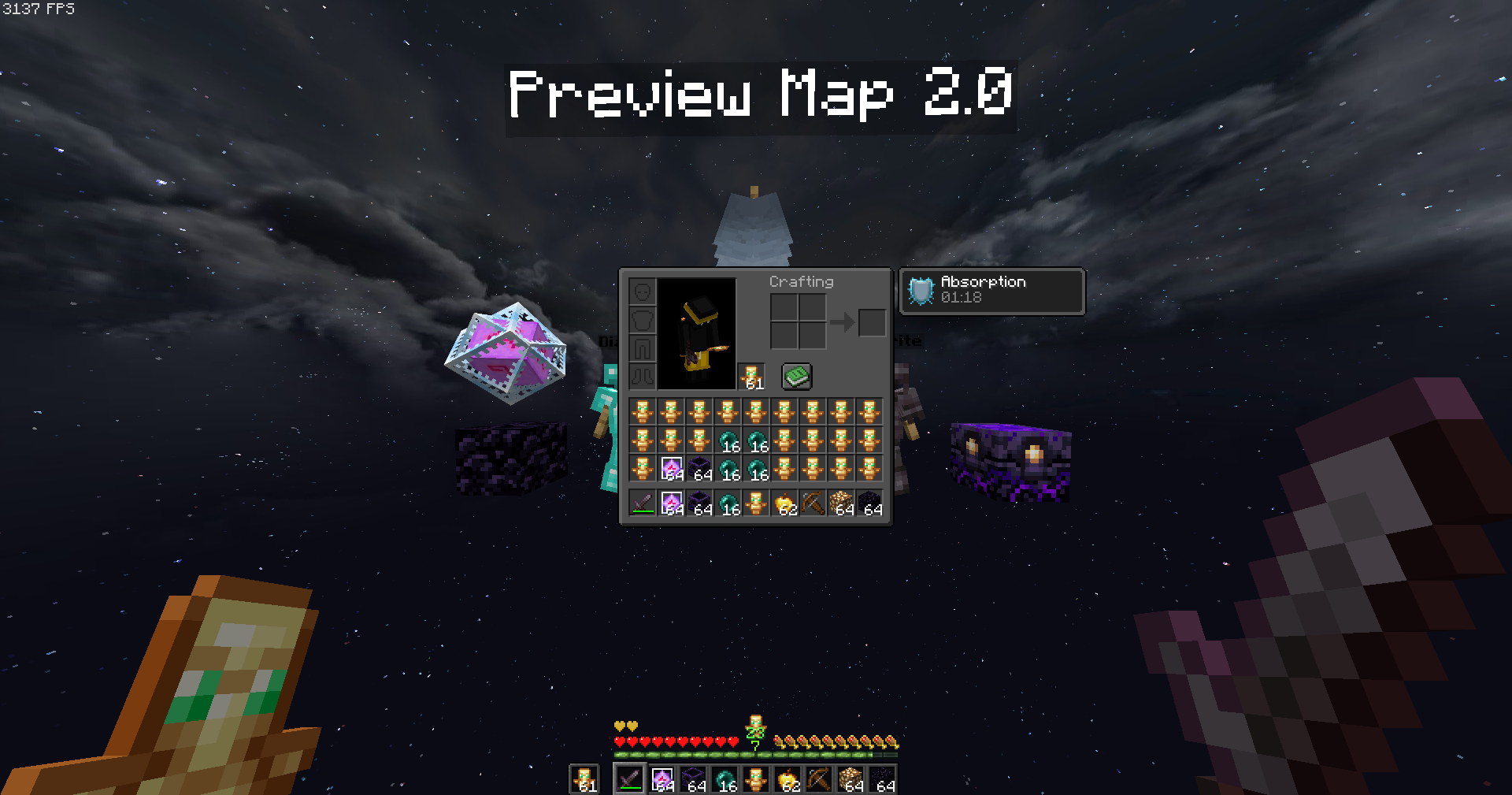
—
🔹 *Created with competitive PvP in mind, by Zipp.*
Zip Zip totem
Zip Zip totem with sound is a simple resource pack that replaces the texture of the totem and its sound with the meme zip zip zip
This resource pack was made for the players of the GribMine server!
Join us
ZInvisItemFrames
# ZInvisItemFrames
Allow players to craft and place invisible item frames. Folia-compatible invisible item frame plugin.
## Features
– Craft invisible item frames
– Customizable crafting recipe. (Can choose ANY ITEM for the recipe)
– Empty invisible frames can have a glowing outline (configurable)
– MiniMessage support for all text formatting
## Compatibility
– Paper 1.20.1 -> 1.21.4
– Folia-compatible
– Java 17+
## Dependencies
– [MCKotlin](https://modrinth.com/plugin/mckotlin)
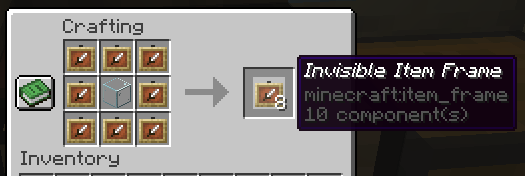
## Crafting Recipe
The default crafting recipe is 8 item_frame (or glow_item_frame) in a circle with one custom item in the middle.
You can change the middle-item with `/ziif item`.
You can also configure how many invisible item frames are crafted from the recipe.
## Commands
– `/ziif help` – Show help information
– `/ziif item` – Set the recipe item to the item in your hand
– `/ziif reload` – Reload the configuration
– `/ziif give [–glow]` – Give invisible item frames to a player
## Permissions
– `zinvisitemframes.craft.item_frame` – Allow crafting invisible item frames
– `zinvisitemframes.craft.glow_item_frame` – Allow crafting invisible glow item frames
– `zinvisitemframes.place.item_frame` – Allow placing invisible item frames
– `zinvisitemframes.place.glow_item_frame` – Allow placing invisible glow item frames
– `zinvisitemframes.admin` – Access to all plugin commands
## Installation
1. Download the latest version of ZInvisItemFrames from [Modrinth](https://modrinth.com/plugin/zInvisItemFrames/versions).
2. Download the appropriate version of MCKotlin from [Modrinth](https://modrinth.com/plugin/mckotlin)
3. Place the downloaded `.jar` files into your server’s `plugins/` folder.
4. Restart your server.
5. Configure the plugin to your liking by editing the `.yml` files in the `plugins/ZInvisItemFrames/` folder.
## Configuration
“`yaml
recipe:
item: [] # Set with `/ziif item` command
quantity: 8 # How many frames are crafted per recipe
check-permission: # Whether to check permissions for crafting/placing invis frames
craft: false
place: false
empty-frame:
glow: true # Whether empty frames should glow
visible: true # Whether empty invis frames should be visible
name:
invisible_item_frame: “Invisible Item Frame”
invisible_glow_item_frame: “Invisible Glow Item Frame”
“`