## What’s Stackable Heads ?
**Stackable Heads** is a project to update players’ heads and therefore to be able to stack them.
> From what I understand, Mojang fixed this problem from Minecraft 1.21.9.
> This project therefore no longer needs to receive updates
## How does it work?
### Added the `refresh.mcfunction` and `launcher_refresh.mcfunction` functions
The `launcher_refresh` function launches the `refresh` function every tick for each head on the ground.
`refresh.mcfunction` refreshes the player’s heads and indirectly makes them stackable.
## How to use it?
To refresh a player’s head, you must drop it.
## Complementary
You can also use [Drop Head](https://modrinth.com/project/drop-head) and [Killer Head](https://modrinth.com/project/killer-head).
## Compatibility
**Stackable Heads** should work anywhere.
## Support me!
Join my Hardcore Minecraft server: `38.143.19.130:51965`
Squared Shadow
This is a Texture Pack, originally designed for “[Better Than Adventure!](https://www.betterthanadventure.net/)”, and consequentially Beta 1.7.3 (although it will work with ANY version of Minecraft that has a Shadow, since the location and filename has never changed, despite the outdated Resource Pack version warning), that gives the Entities a squared Shadow, instead of a circular one. Consistency, my beloved.
# CREDITS
– Shadow texture and “pack.png” made by AndreWharn.
– Do not use the assets without permission, please!
# Thanks for using this pack! 😀
Square Entity Shadows
Makes the Shadows under Entities Squares. How they should’ve been from the start!
Sprinting Crits is a datapack that re-adds the ability to get critical hits while sprinting. After 1.9 was released, the ability to get a critical hit while sprinting was removed (except under certain conditions). This pack aims to add it back.
Questions/Issues? Post them in my discord as they are more likely to get seen there. Find it on the sidebar.
### Notice!
My [Old Combat Datapack](https://modrinth.com/datapack/oldcombat) has a more polished port of this pack embedded into it that works better, especially if the latest [Andrew’s Datapack Utilities](https://modrinth.com/mod/andrews-pack-utils) is installed. It also supports 1.21.5 and should be used when possible.
This datapack uses its own critical hit that functions like the normal critical hit, only it only triggers while you’re falling and sprinting as opposed to falling and not sprinting.
## Known issues
This is only a datapack, which is limited to vanilla minecraft commands and a small group of exclusive datapack features that don’t really help with fixing the below issues. Known issues are as follows:
– The death sound does not play when you kill an entity with a sprinting crit when a non-crit wouldn’t have killed.
– This isn’t really fixable, due to how the damage invincibility mechanic and death sounds work.
– You can get critical hits while sprinting even if your attack indicator isn’t fully charged, and it does the same damage as a fully charged crit, making it really OP.
– This isn’t really fixable, as there is no easy and reliable way to detect a player’s attack cooldown.
– Smite and Bane of Arthropods aren’t checked in the critical hit calculation.
– This’ll get fixed in the next update.
– The sprinting crits apply to damage other than melee damage. For example, if you hit a mob with an arrow and you happen to be sprinting and falling when the arrow hits, the arrow will do 150% of the damage it was supposed to do, as if the mob was crit by a weapon instead of hit by the arrow. This applies to any damage taken at all so long as the player has directly attacked the mob in the past 5 seconds and hasn’t been directly hit by anything else in that time.
– This isn’t really fixable because there is no way to detect what type of damage a mob was hit by.
– However, I will add a band-aid fix to it in the next update, by making it so if you’re too far away from the entity you hit, there will not be a crit.
– ~~If you deliver a sprinting crit to an entity, they will still take the increased knockback from the knockback attack.~~
– This is intended behavior.
– Broken on 25w02a – 25w04a.
– Caused by [MC-279556](https://bugs.mojang.com/browse/MC-279556), fixed in 25w05a.
– Doesn’t fully work on 1.21.5
– I know, I’m working on it! 1.21.5 changed a bunch of stuff that makes this pack work worse than it should.
– [Old Combat Datapack](https://modrinth.com/datapack/old-combat-datapack)’s implementation is a port to 1.21.5, and is more polished, so use that for 1.21.5 until I make this pack up to date with the one in OCD.
## To Modpack Creators:
I permit the use of this datapack/mod in your modpacks. You can include it in modpacks without the need to ask me about it. However, notifying me if it is being included in your modpack would be nice.
## [Latest version: v2.0.0 — Made for Minecraft 26.1.2]
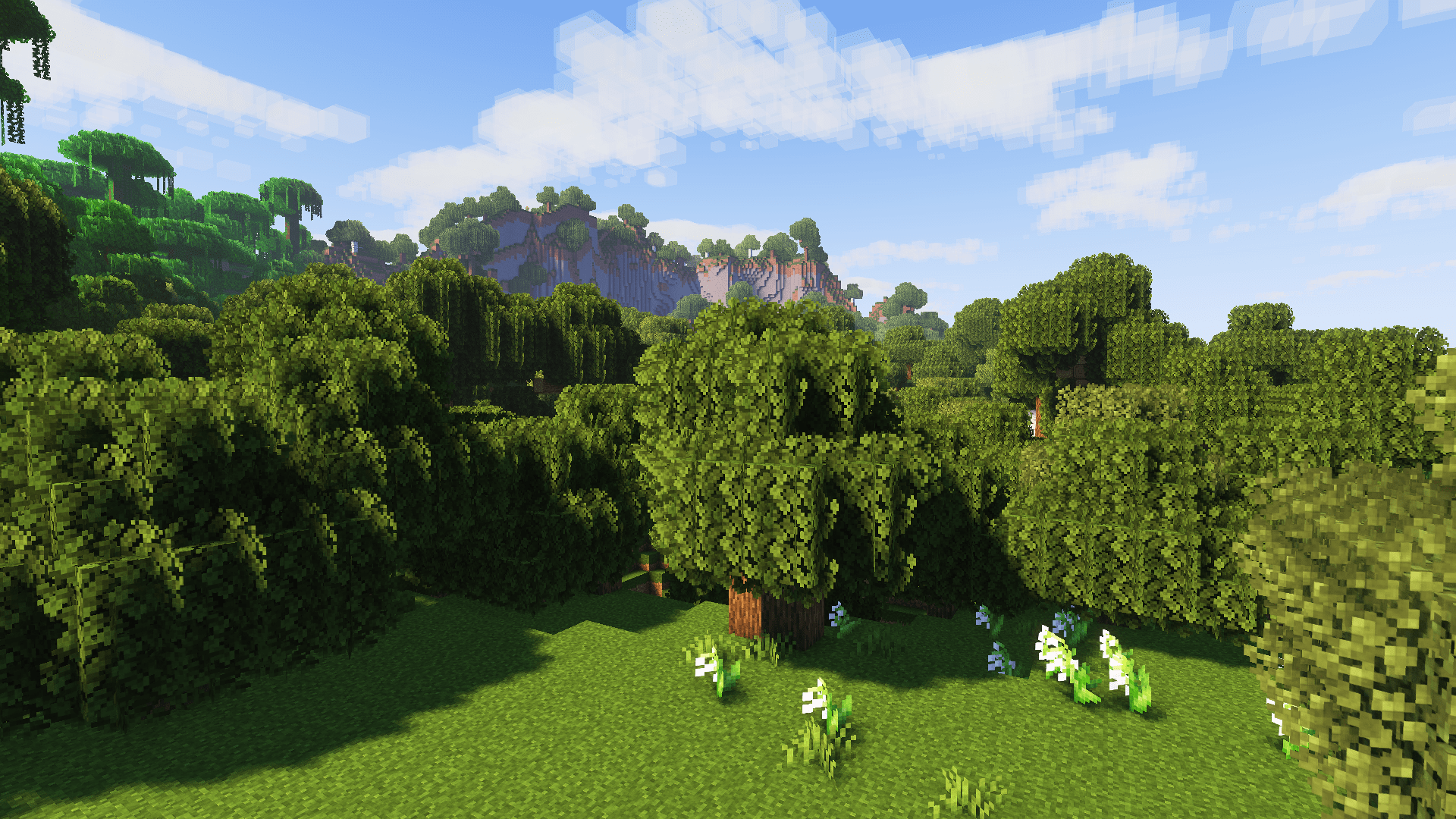
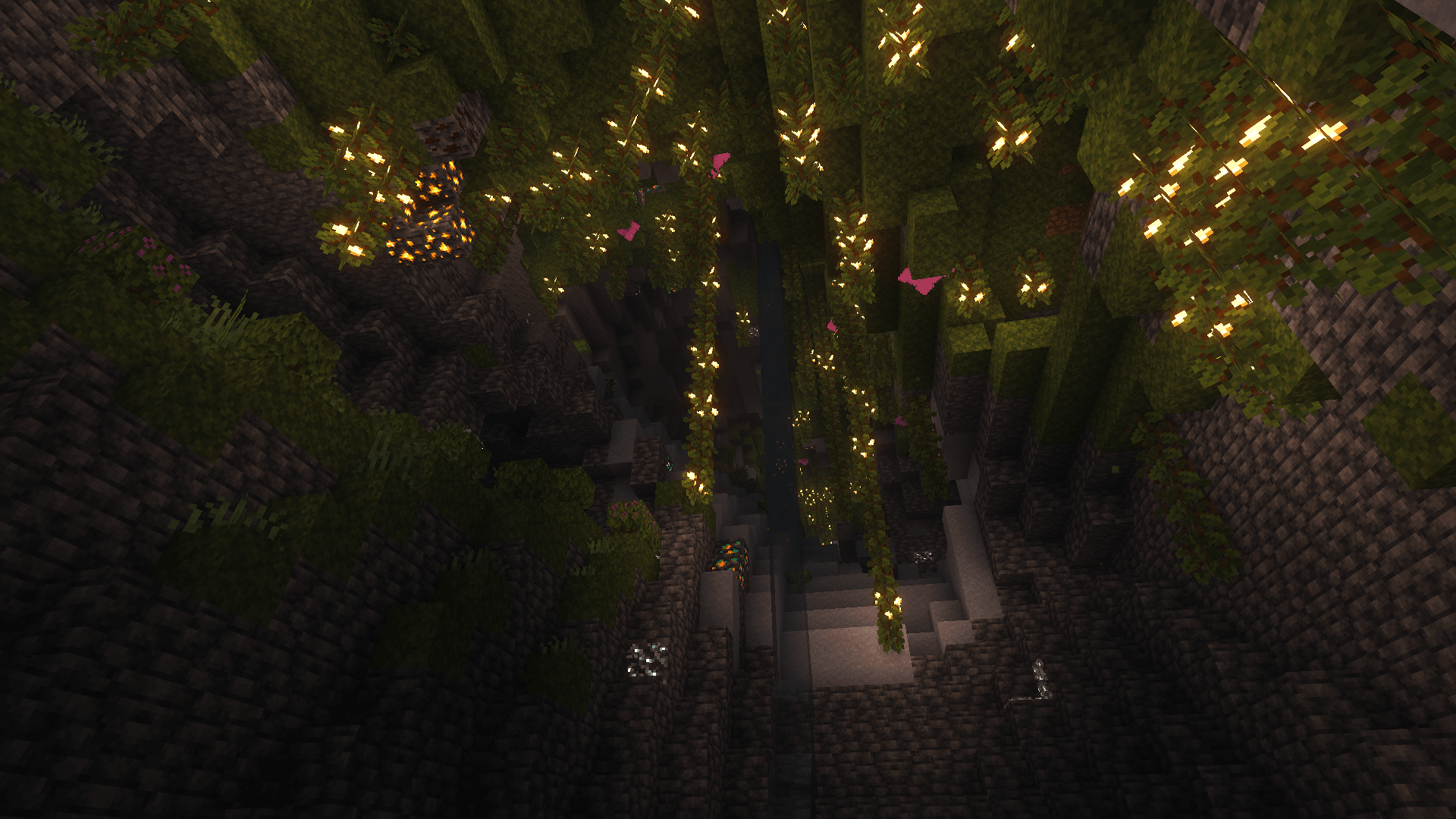
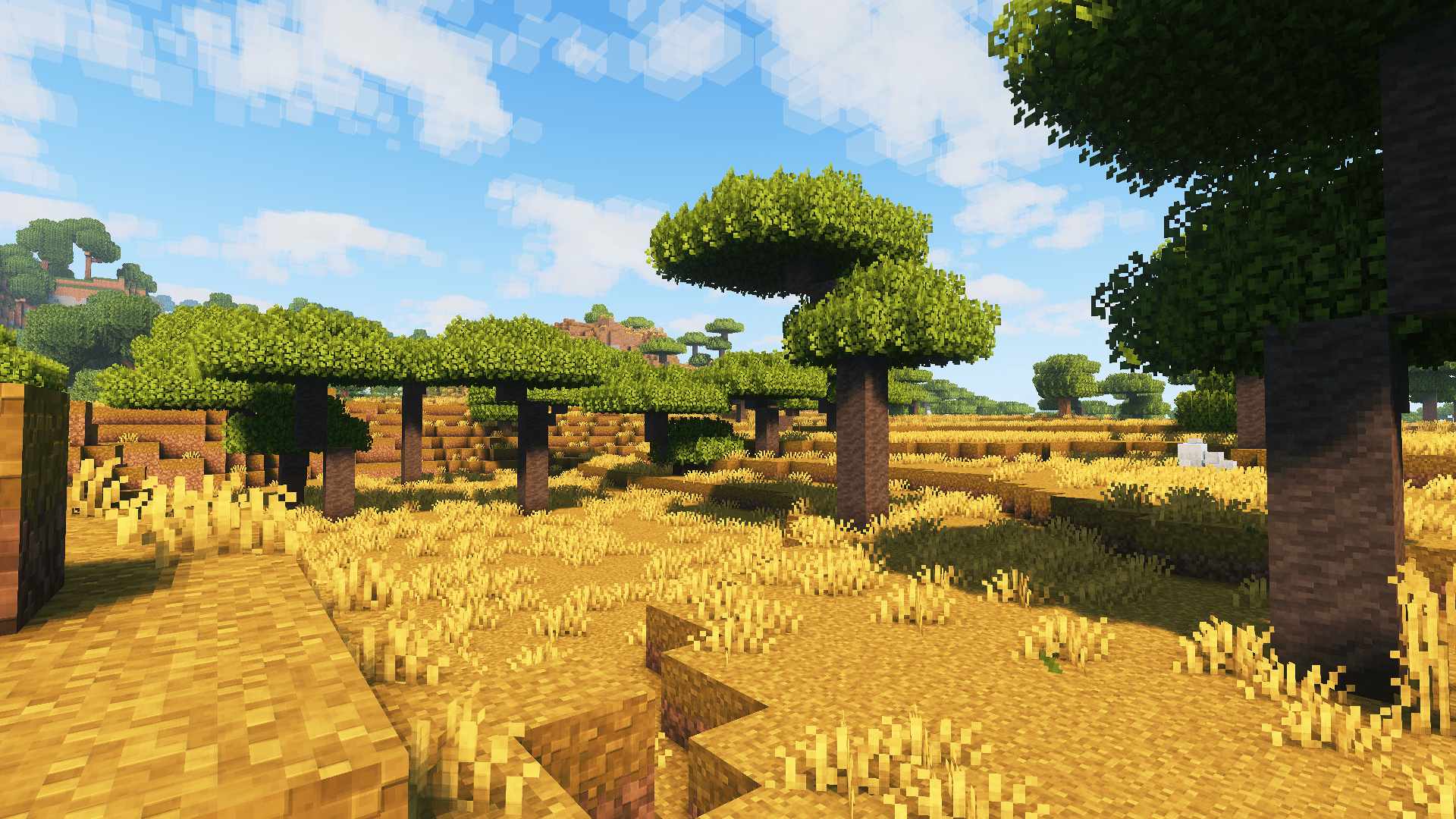
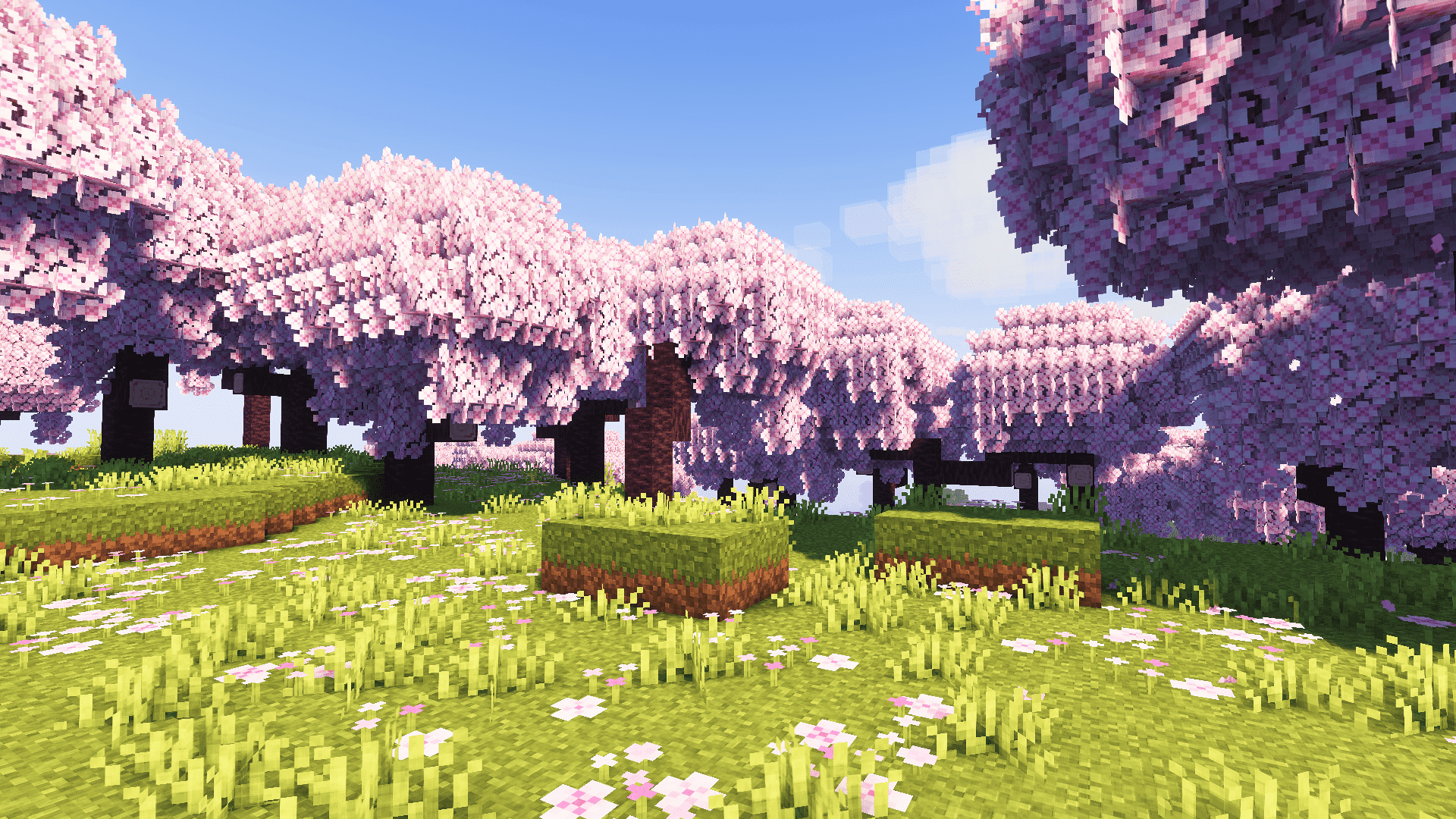
Introducing spook’s tweaks, which includes custom container UIs, dark UI, FreshAnimations v1.10.5 compatibility, & countless other tweaks and improvements to vanilla textures for blocks & items while still keeping the vanilla aesthetic.
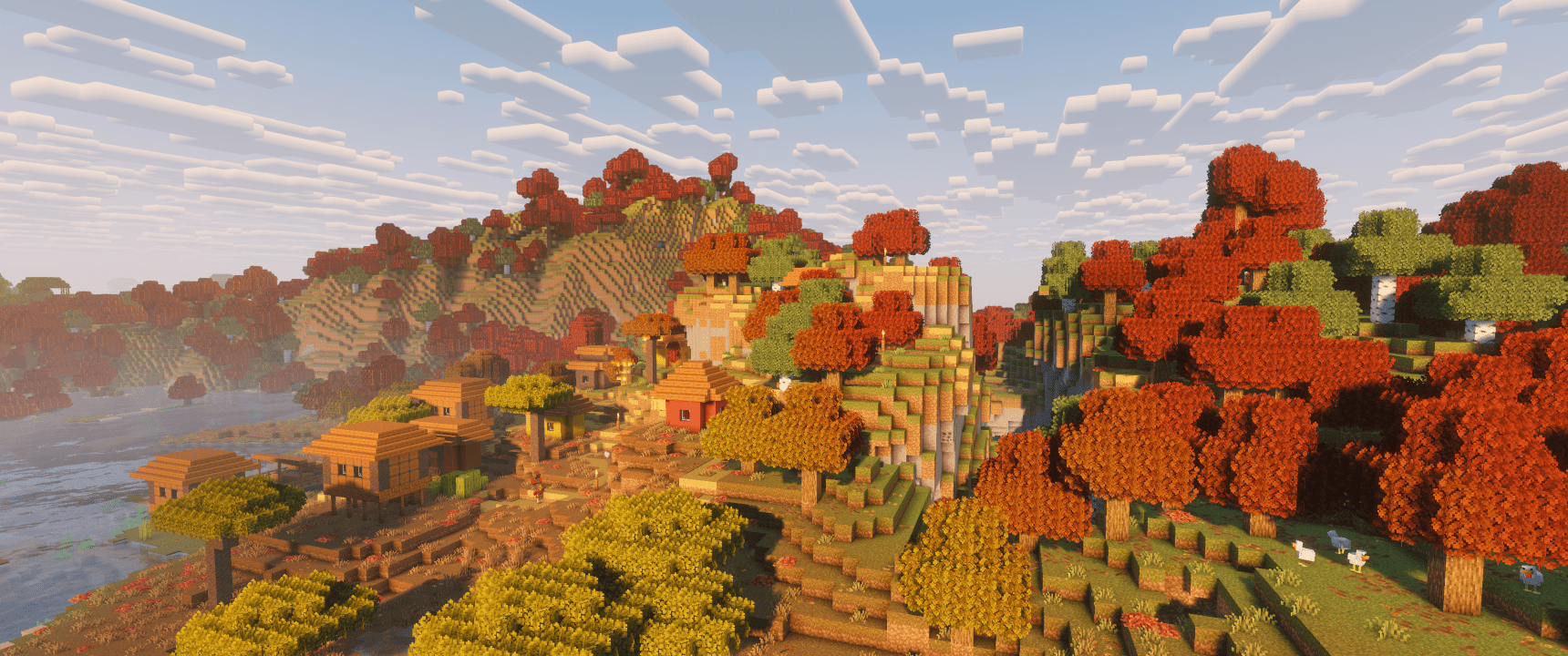
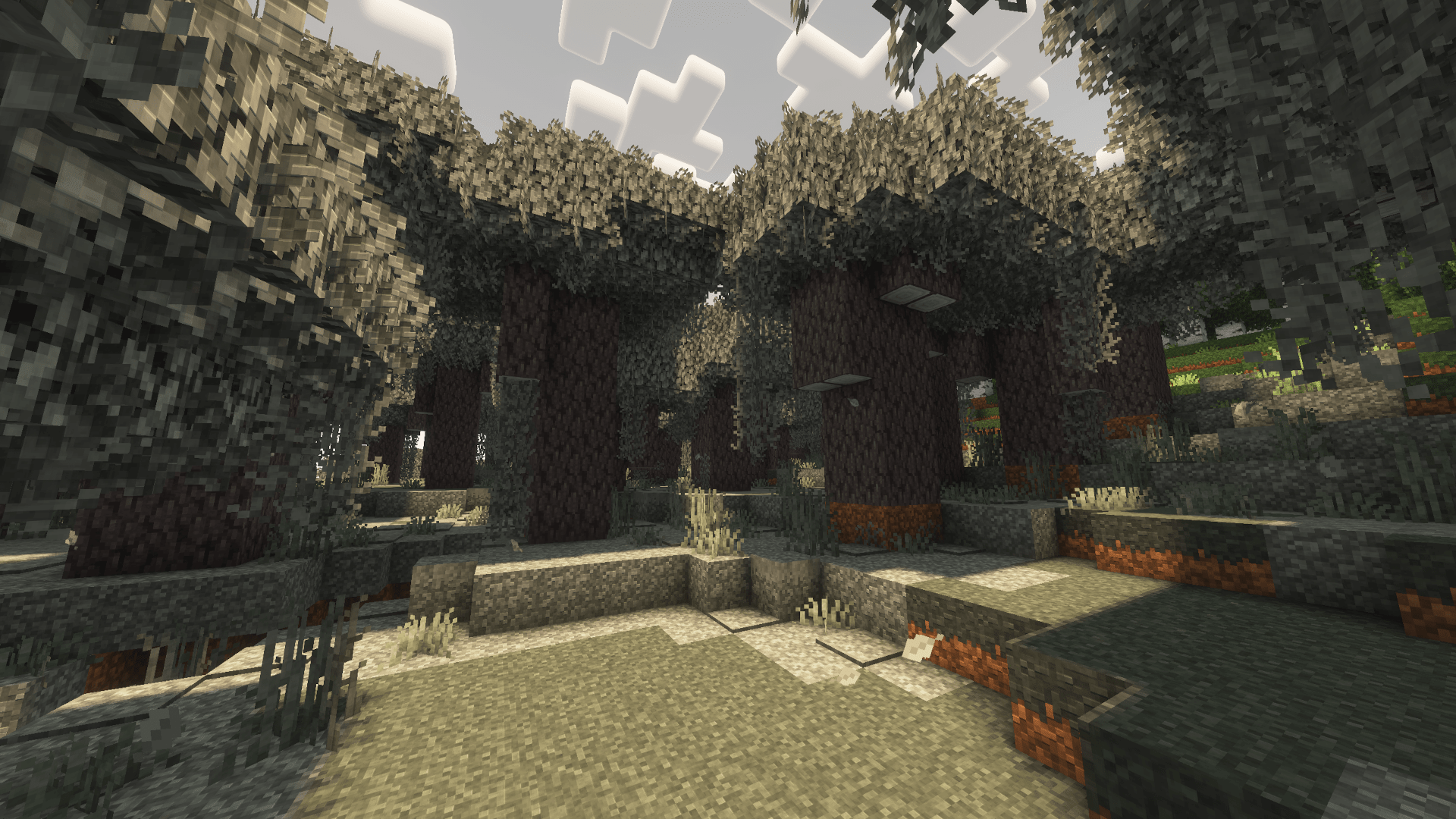
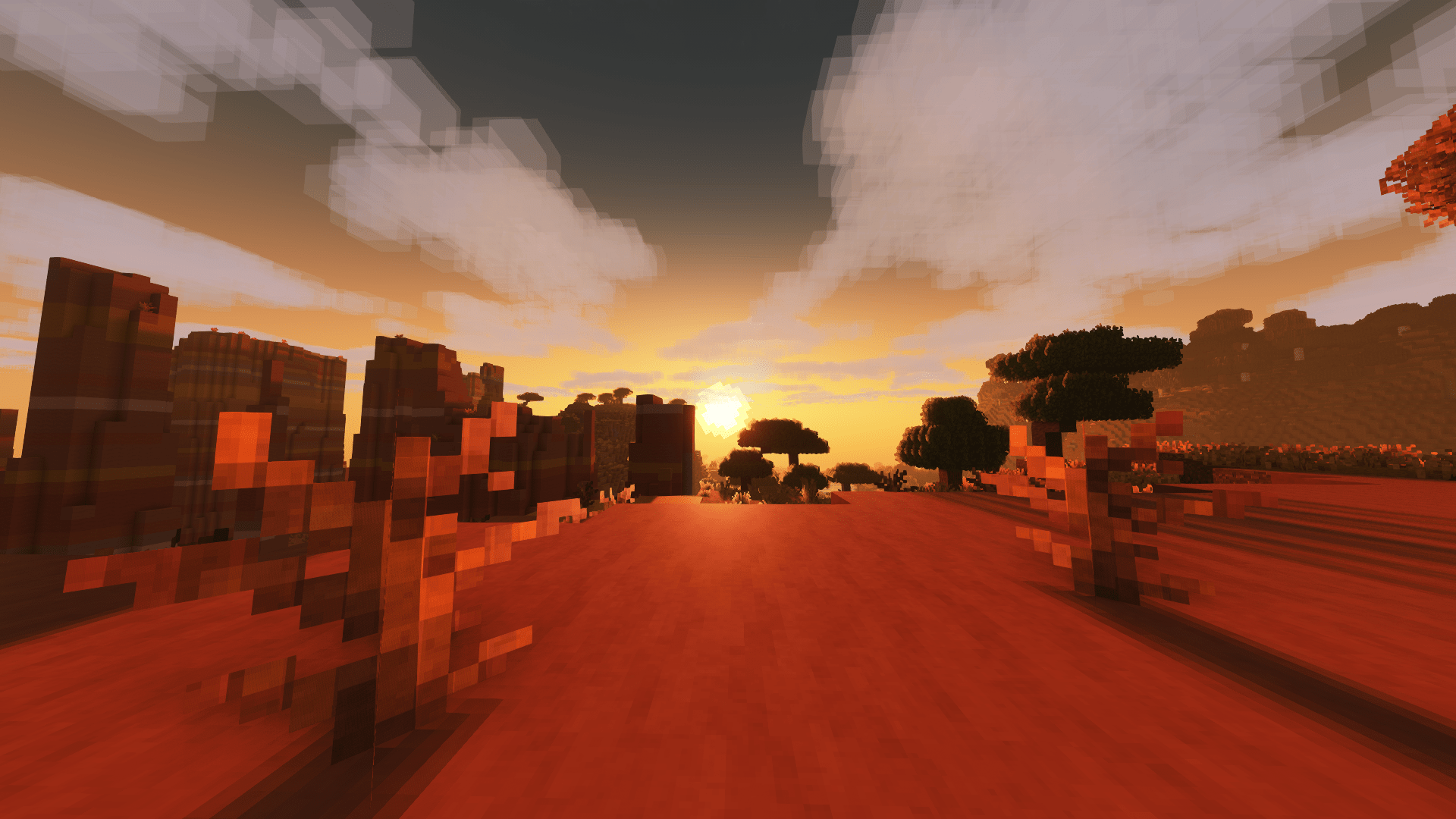
## (All below images screenshotted using Complementary Reimagined shaders, the recommended shaderpack to use with this resource pack. Screenshots without shaders available in gallery tab. :))
### Dependencies:
– Entity Model Features (EMF)
– Entity Texture Features (ETF)
– FreshAnimations v1.10.5 (put below Psora’s Tweaks in resource pack list)
### Recommended:
– [spook’s setup](https://modrinth.com/modpack/spooks-setup) modpack
– Complementary Reimagined shaderpack
– AmbientSounds mod
– Sound Physics Remastered mod
## [Latest version: v2.0.0 – Made for Minecraft 26.1.2]
### spook’s setup is a compilation of the mods heyimspook uses while playing Minecraft. This pack contains mods that improve Minecraft’s overall performance in single-player and multiplayer and additionally contains aesthetic mods that make the game prettier.
###
Additionally, this modpack is different from other performance-enhancing modpacks because it also focuses on sound design, improving in-game ambiance and environments with sound physics, per-biome and time-of-day unique sounds, and enhanced material-based footstep sounds.
Download this pack for better performance, a more beautiful gameplay experience, and enhanced sound design while keeping things vanilla.
Spawn Animations
# Tschipcraft’s Spawn Animations
> A server-side data pack/mod for 1.14x-26.1x
Features
Hostile mobs dig out of the ground or poof into existence when they spawn.
This data pack/mod is designed to be as unintrusive as possible. Hidden entities including their worn armor and tools will only be invisible and silent.
Spawn Animations is completely server-side!
[-> For available settings and customization, take a look at the wiki <-](https://github.com/Tschipcraft/spawnanimations/wiki)
More sophisticated animations with Animated Java are planned for v2.0!
## Installation
Install either as:
* **Data Pack [DP]** ➜ Place `.zip` in your world's `datapacks` folder
* **Mod [Mod]** ➜ Drop into your `mods` folder and optionally install [MidnightLib](https://modrinth.com/project/codAaoxh) for a global config file and UI
For hiding entities with emissive layers in 1.20.4 or below, and generally smoother animations, you may additionally install [Pehkui](https://modrinth.com/project/t5W7Jfwy).
To manage settings, reset, or uninstall the pack, use the command `/trigger tschipcraft.menu` or `/function #tschipcraft:menu`.
## Demo GIFs
Click here to expand
## Compatibility
**Forge** is only natively supported until Minecraft 1.21.5.
For Minecraft 1.14, 1.15 or 1.16, you can use [a legacy version](https://github.com/Tschipcraft/spawnanimations/tree/master/other_editions).
For mod support, check out [Spawn Animations Compats by Fyoncle](https://modrinth.com/datapack/spawn-animations-compats).
## External Links
## Partner Offers
Want to buy **Hytale** or upgrade your edition? Use creator code `Tschipcraft` upon checkout for me to receive a commission! (The price for you stays the same)
In addition to adding all vanilla hostile mobs, this datapack adds hostile mobs from the FroggyCraft modpack to the frog food list of ([**_SpaceFrog’s Hungry Hungry Frogs_**](https://modrinth.com/datapack/spacefrogs-hungry-hungry-frogs)) datapack. If you’re running some or all of the mods from FroggyCraft that add custom hostile mobs, this datapack will expand the types of mobs frogs can eat. However, if you run this datapack without the base SpaceFrog’s Hungry Hungry Frogs datapack, your frogs will be left pretty underpowered, and no one wants to see a frog exploded by a creeper! The base datapack adds buffs to frogs to make sure your froggy friends stand a good chance in any fight they get into.
This datapack is also a good option for those running vanilla Minecraft who want to give all frogs the ability to attack hostile vanilla mobs without the getting the buffs found in SpaceFrog’s Hungry Hungry Frogs.
We’ve all dealt with that loud portal before, or those ridiculously loud mob farms. Perhaps you’re even listening out for a particular mob while caving. Have you ever wanted to just fine-tune those specific sounds without being limited by the category sliders?
Sound Controller is a fabric mod providing complete volume control over the sounds played in the game. It adds an extra set of options to your sound settings, providing you with volume sliders for every single sound between 0-200%.
By utilising the minecraft registry, this mod should also include all other sounds added to the game by your favourite mods (provided those mods add their sounds to the normal registry).
This mod is available on [GitHub](https://www.github.com/BVengo/sound-controller), [CurseForge](https://www.curseforge.com/minecraft/mc-mods/sound-controller), and [Modrinth](https://www.modrinth.com/mod/sound-controller).
—
## Features
– A search bar to quickly find the sound you’re looking for
– A toggle that filters to your modified volumes, so you can easily find the sounds you’ve changed
– A toggle that replaces vanilla subtitles with sound ids, so you can identify the name of that pesky noise nearby
– Sliders for every sound in the game, including those added by mods. Allows setting volumes between 0% to 200%.
– A button for every slider that will play the sound at the volume you’ve set
– A button to reset sounds to their default values
When using the final feature, it may be hard to hear your sound around all the other game sounds. The easiest place to use it is directly from the menu, however you may want to temporarily disable the `minecraft:music.menu` too!
—
## Images
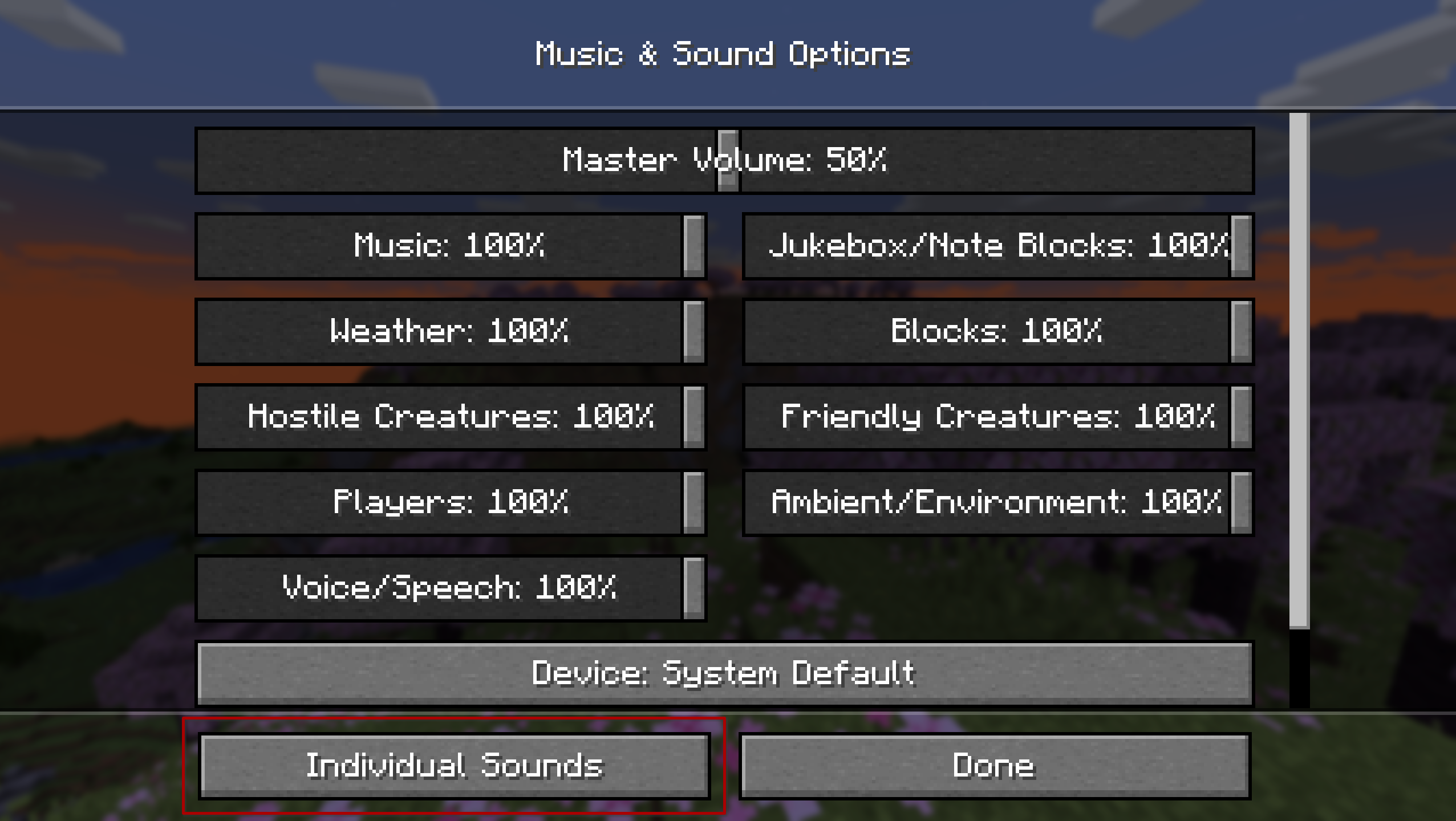
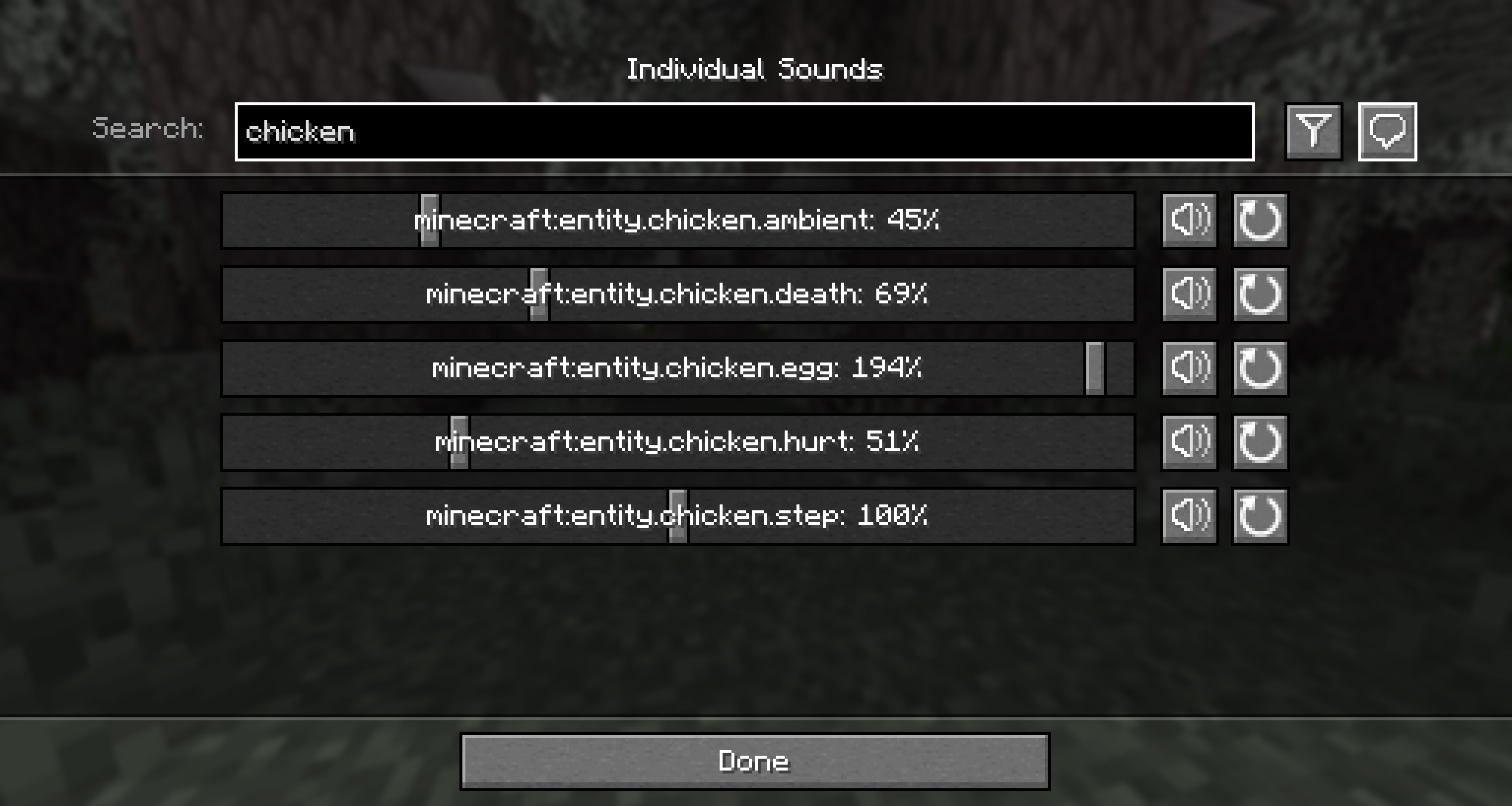
—
## Contributing
Contributions and suggestions are always welcome! Please limit all issues to only one feature at a time – feel free to open multiple at once if you have many ideas. Similarly, please limit pull requests to a single feature at a time and try to follow the existing code style.
To further discuss or get notifications of new updates, check out my [Discord](https://discord.gg/gyTa5v7kKk). If you like what I do, consider supporting me on Ko-Fi! [](https://ko-fi.com/C0C7DZ3FB)
Songs Of War Custom Weapons
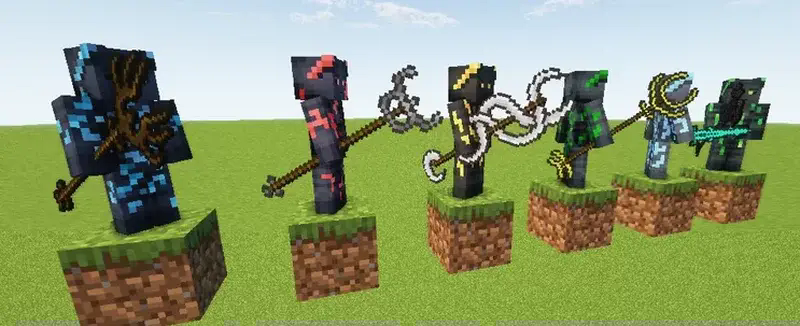
This pack add the custom weapons of Song of war! Rename a weapon a cutsom texture.
From 1.21.5 this is 100% vanilla.
Before that you will need to use either CITResewn, Chime or Polytone. This pack doesn’t work with optifine
Diamond and Mace textures are emissive up until 1.21.5
Texture comes from the song of war asset pack, and I did the variation to cover all tier of swords! You are free to use black plasma textures, but please make my pack as a dependencie for the one I modified 🙂
Modpack? YES!
Also on [Curseforge](https://www.curseforge.com/minecraft/texture-packs/song-of-war-custom-weapons) now
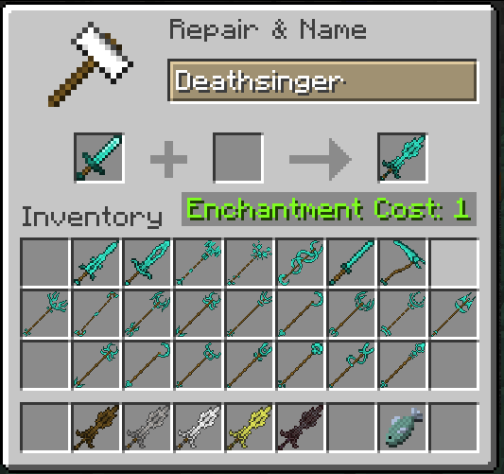
[Song of war asset pack](https://onedrive.live.com/?authkey=%21AI1aJDEY%2DxjkN2Q&id=3A043A1D51872709%211175&cid=3A043A1D51872709&sb=size&sd=2)



 Features





