Zenitsu Agatsuma
## A resource pack themed after Zen’itsu Agatsuma from Demon Slayer.
### This pack is discontinued, but most of it’s features are available in my [Demon Slayer CIT](https://modrinth.com/resourcepack/demon-slayer-cit) pack!
##
This resource pack was (almost) entirely made by me (read the credits.txt file in the pack for more information).
Some of the features in this pack require [OptiFine](https://optifine.net/home) ([or CIT alternatives](https://optifine.alternatives.lambdaurora.dev/)) to be installed. They are marked with {OF}.
These are all of the things featured in this pack:
**GUI:**
– All of the containers (almost)
– Hotbar, food icons (also for the [AppleSkin](https://modrinth.com/mod/appleskin) mod!), HUD related stuff
– Buttons/Sliders
**Katanas:**
– Zen’itsu’s Katana (Sword)
– {OF} Tanjiro’s Katana (Sword)
**Other Gear:**
– {OF} Nezuko’s Bamboo (Carved Pumpkin)
– {OF} Genya’s Gun (Crossbow)
– {OF} Demon Slayer Corps uniform (Armor)
– {OF} Rengoku’s Cloak (Elytra)
Contact me if you have any ideas on what I should add!
Zenith’s LUT Shader
# Zenith’s LUT Shader
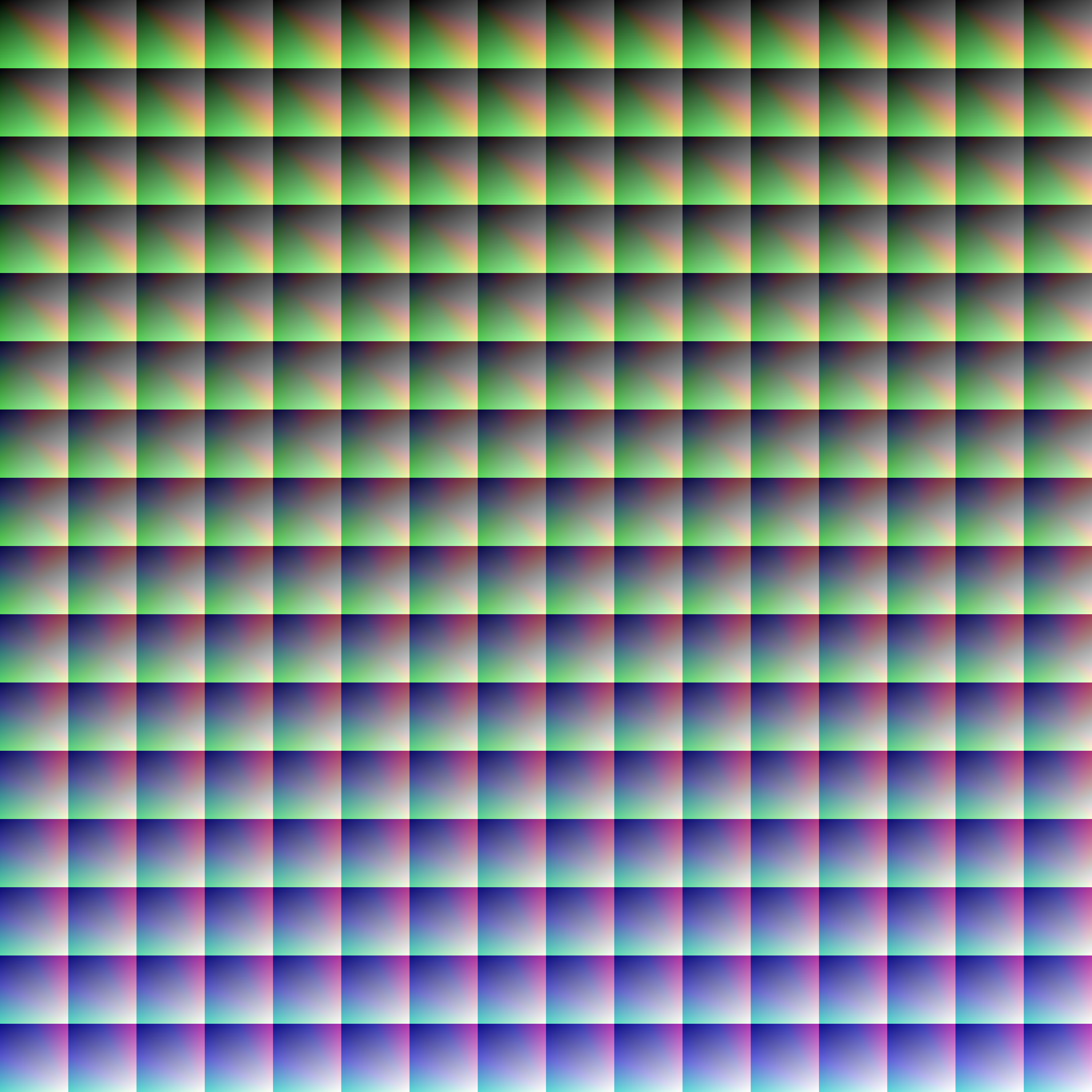
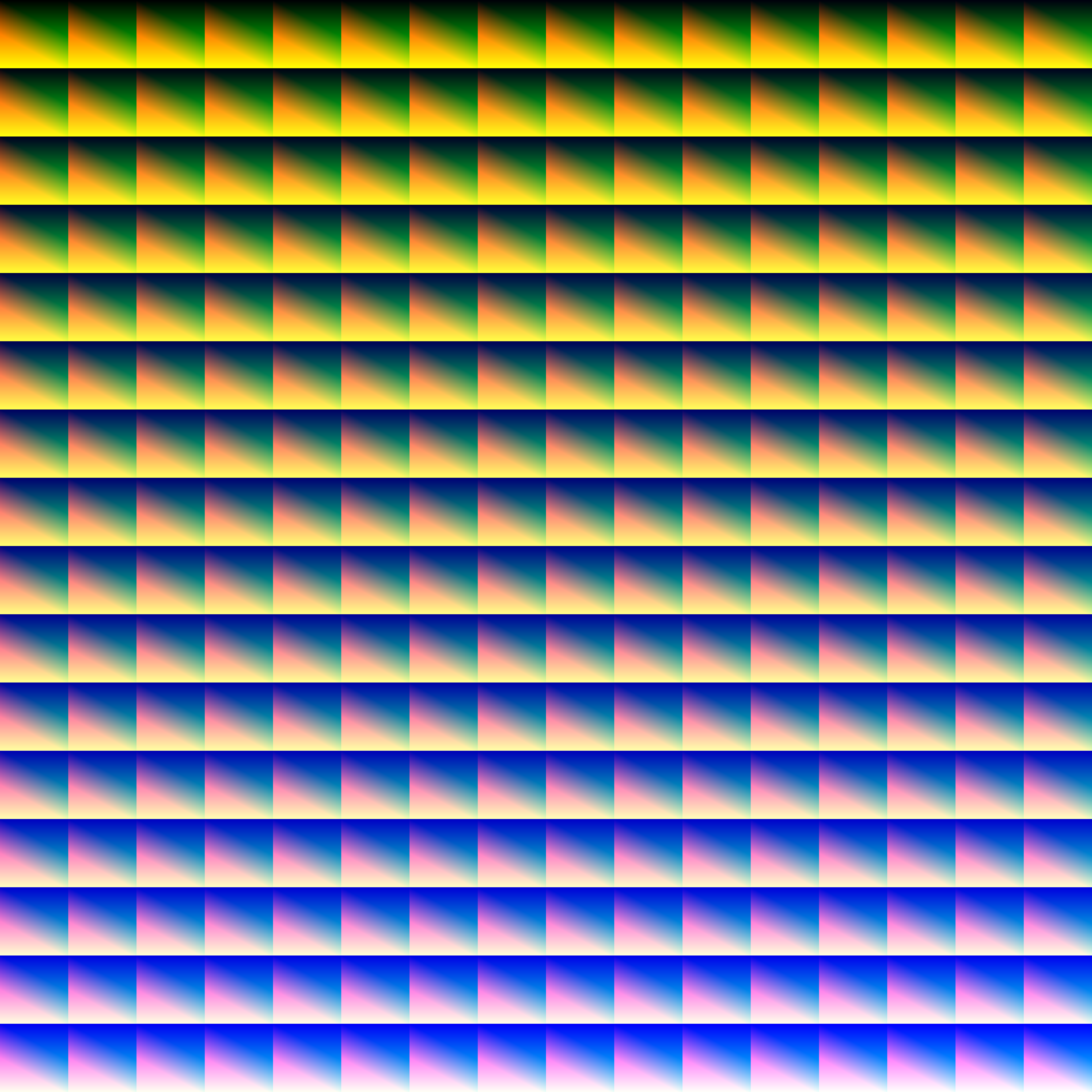
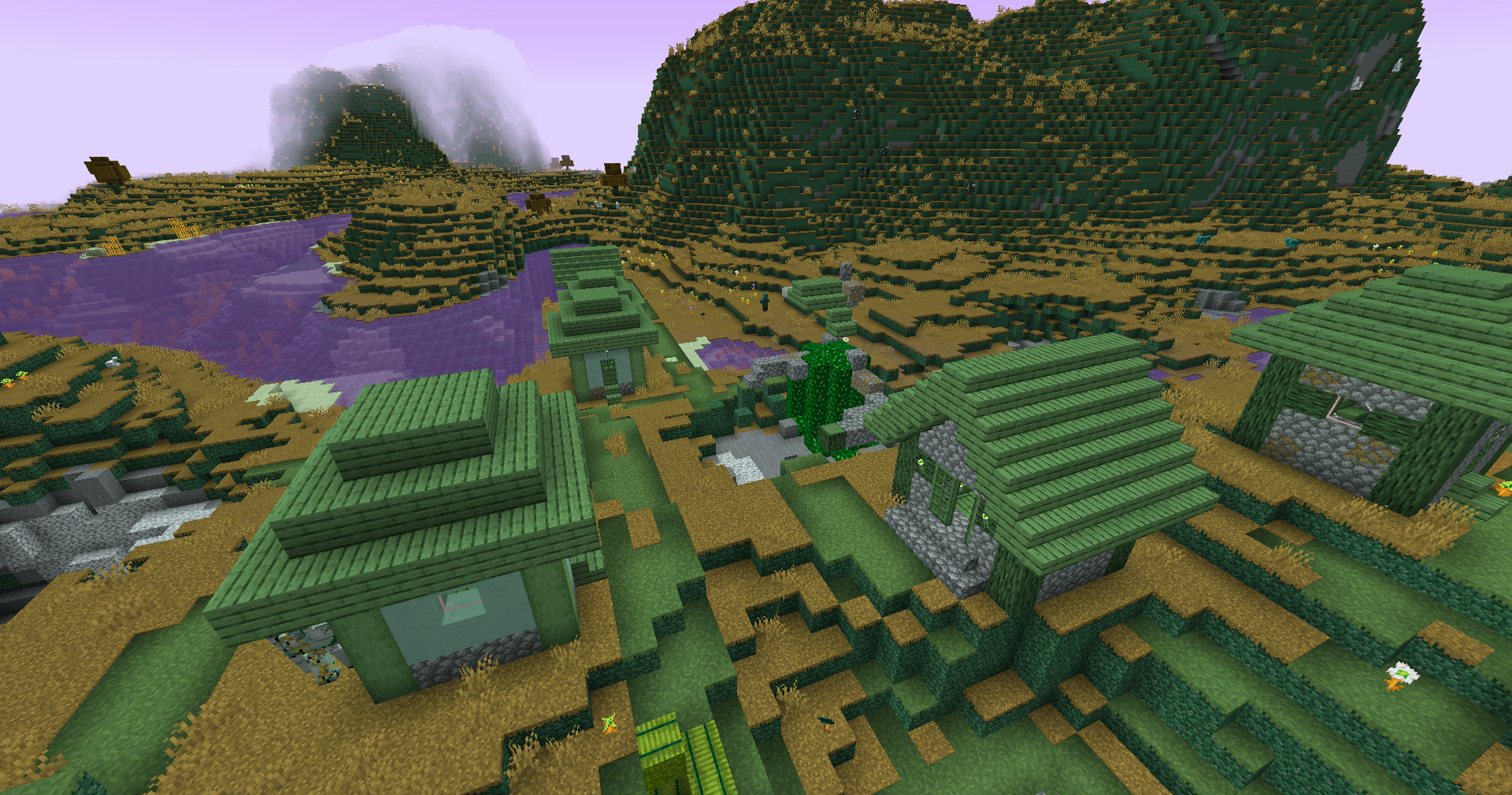
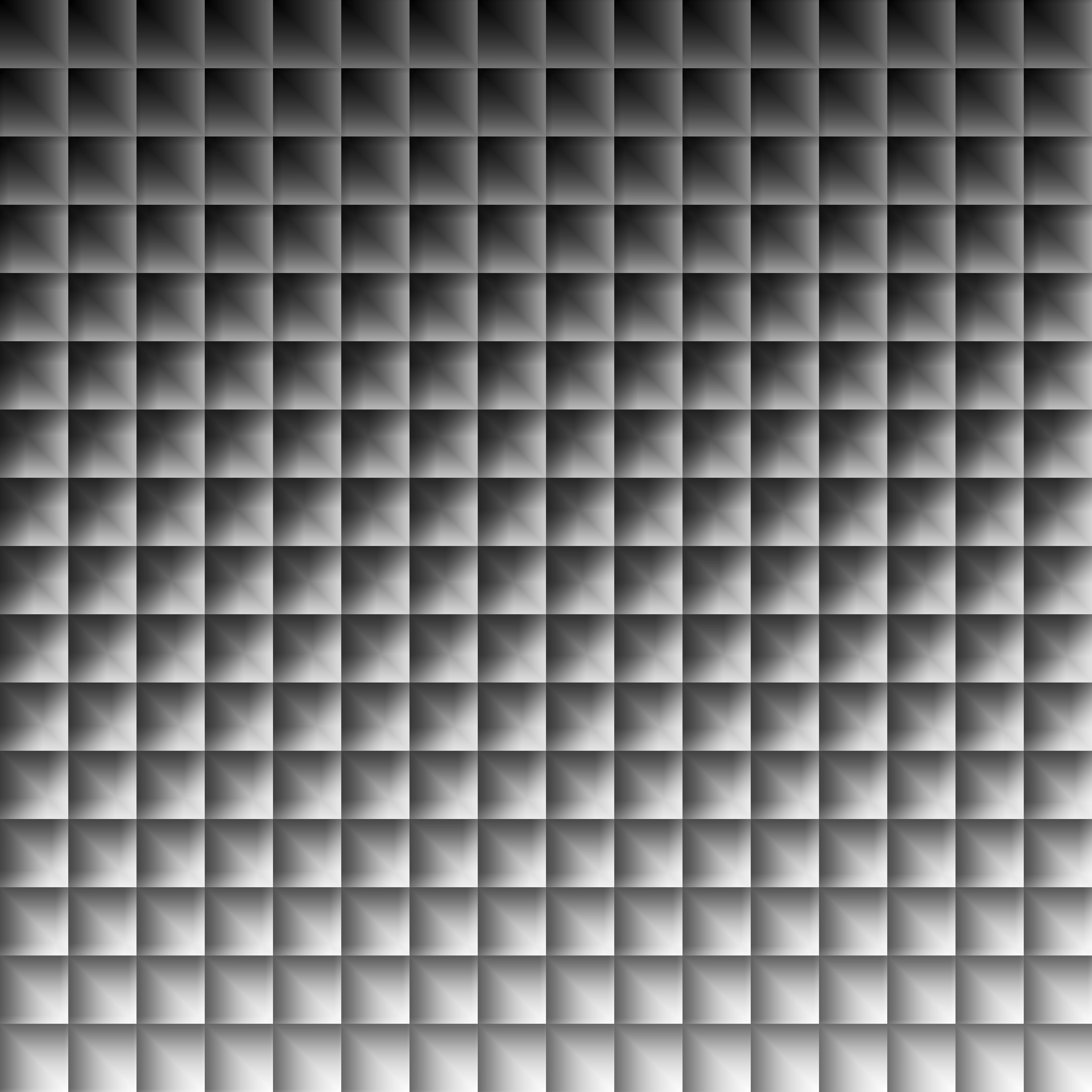
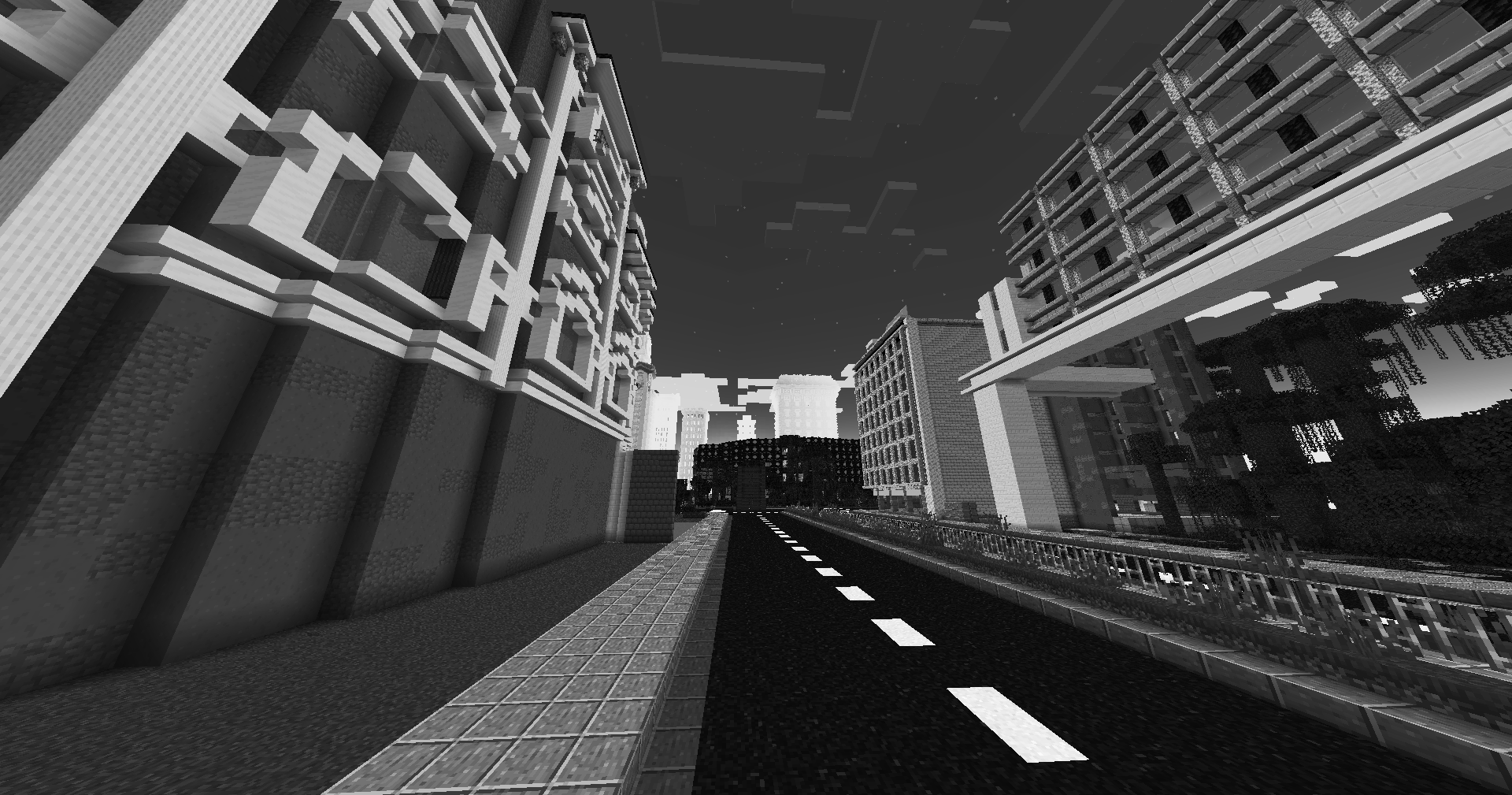
This simple vanilla shader allows you to customize the colors of your game by use of color lookup tables or LUTs
|Vanilla Colors|Custom LUT|
|–|–|
|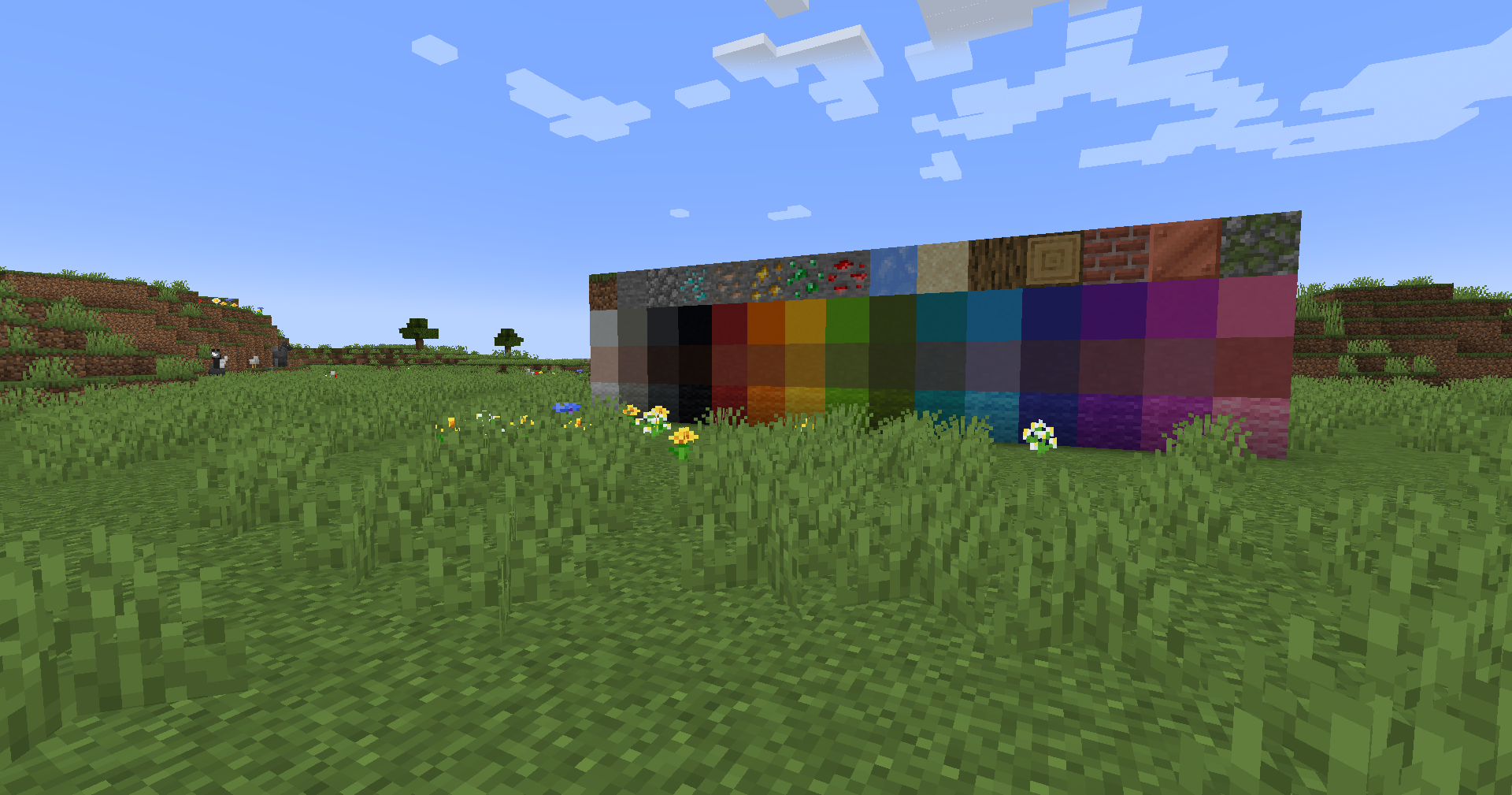|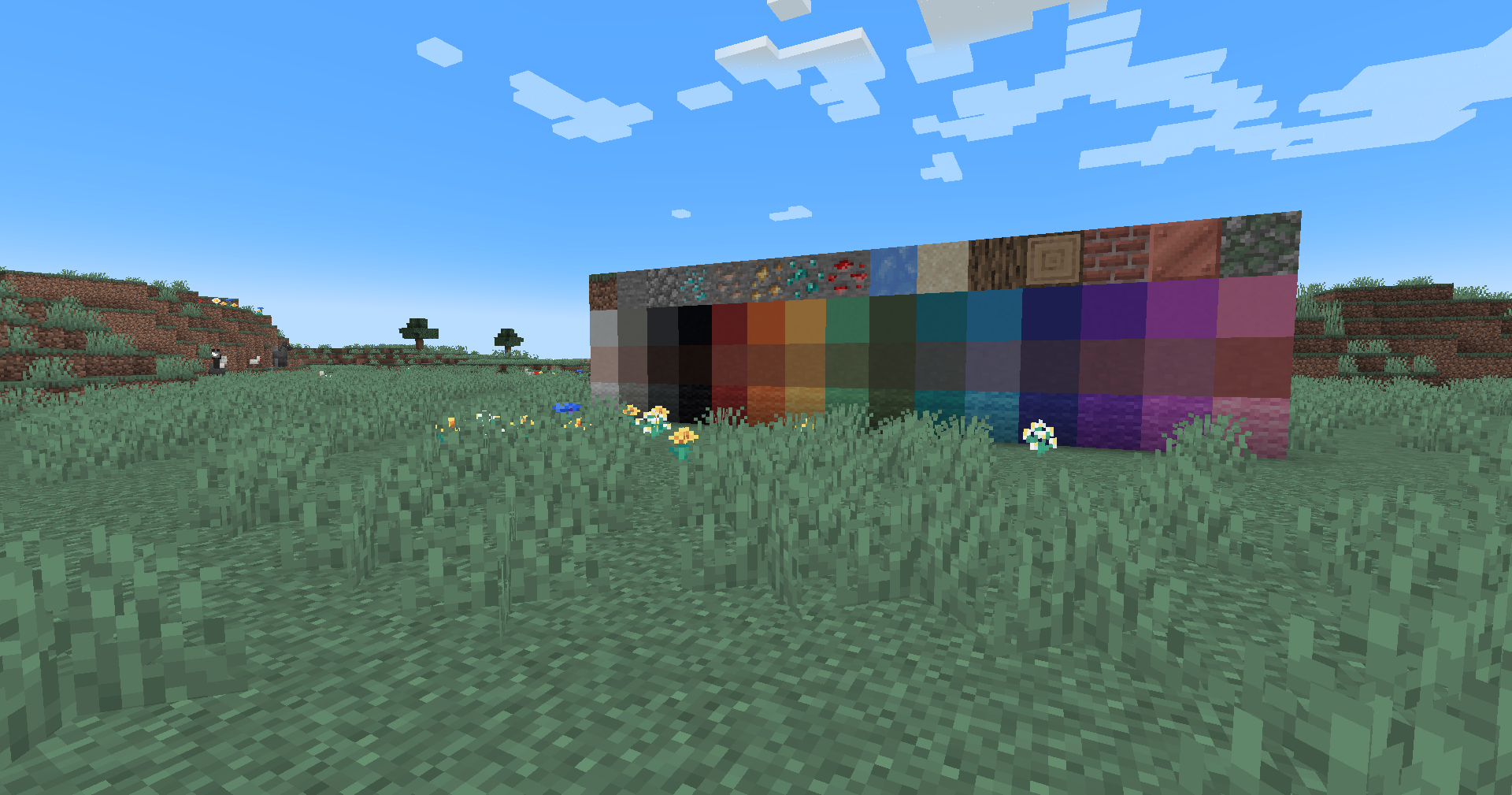|
## Installation
Vanilla
- Download the vanilla version of this shader
- Add to
.minecraft/resourcepacks
- Set graphics to
Fabulous
- Activate Resource Pack
OptiFine/Iris
- download the Iris/OptiFine version of this shader
- add to
.minecraft/shaderpacks
- Select shader in Shaders Menu
## Customization
Provided within the pack zip, you may find a file called `init_LUT.psd`, which will allow you to customize the look and feel of this shader.
Customization Instructions
- Open
init_LUT.psd into your favorite photo editor (IE GIMP, Photoshop, Affinity Photo)
- I personally use the free online Photoshop alternative Photopea
- You can also just use the unmoddified
init_LUT.png which is also provided in the zip
- Apply as many adjustment layers, or edit the ones I have pre-selected, to achieve the look you desire
- These can be found under
Layer > Add New Adjustment Layer
- Hide the color preview layer
HIDE BEFORE EXPORT
- Export into the pack as
assetsminecrafttextureseffectlut.png or shaderslut.png, depending on whether you are using Vanilla or Iris/OptiFine
Example LUTs
Save one of the LUTs below as assetsminecrafttextureseffectlut.png or shaderslut.png, depending on whether you are using Vanilla or Iris/OptiFine:
| LUT |
Preview |
Reduced Reds
|
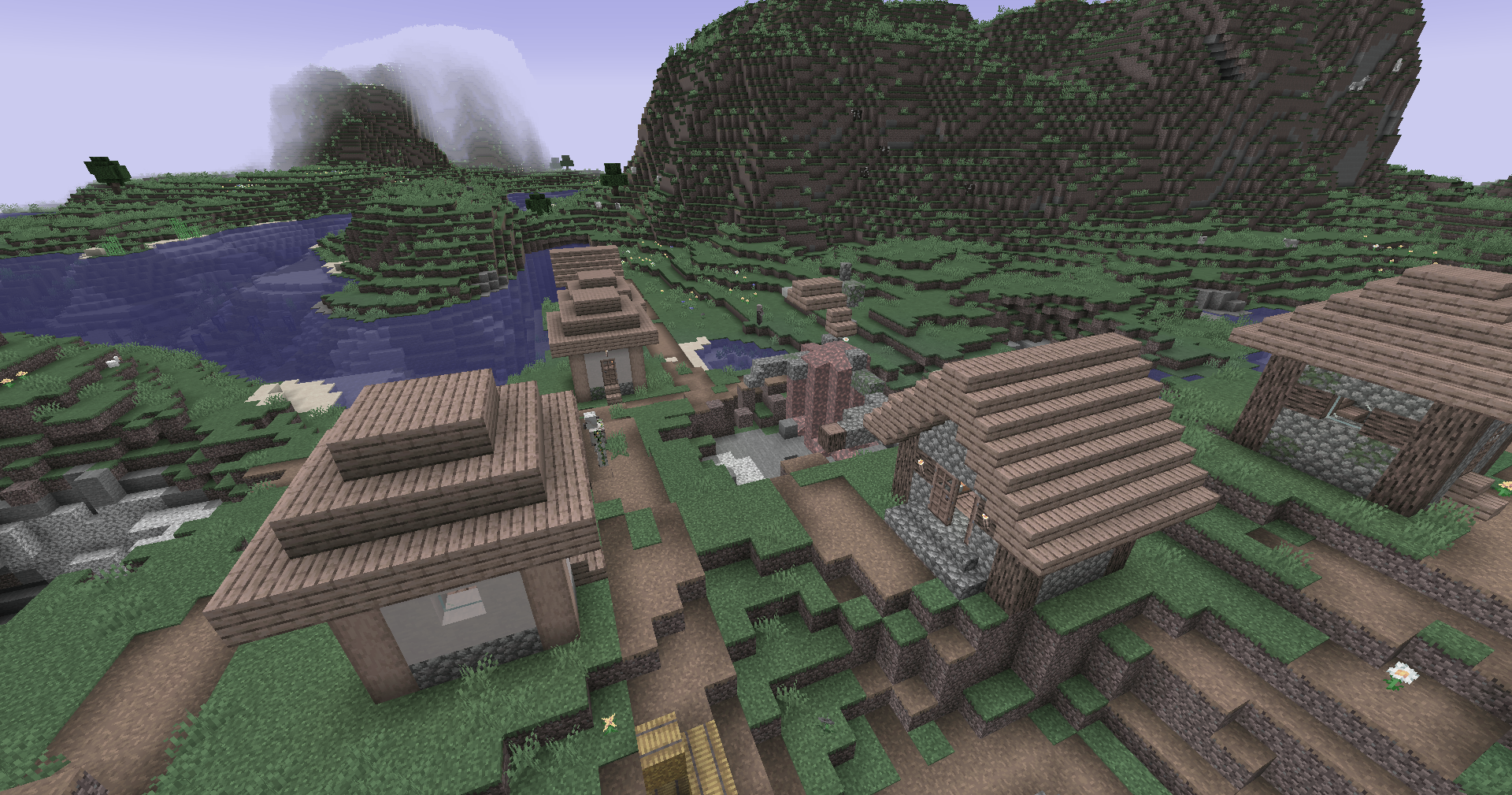
|
Red Isolated
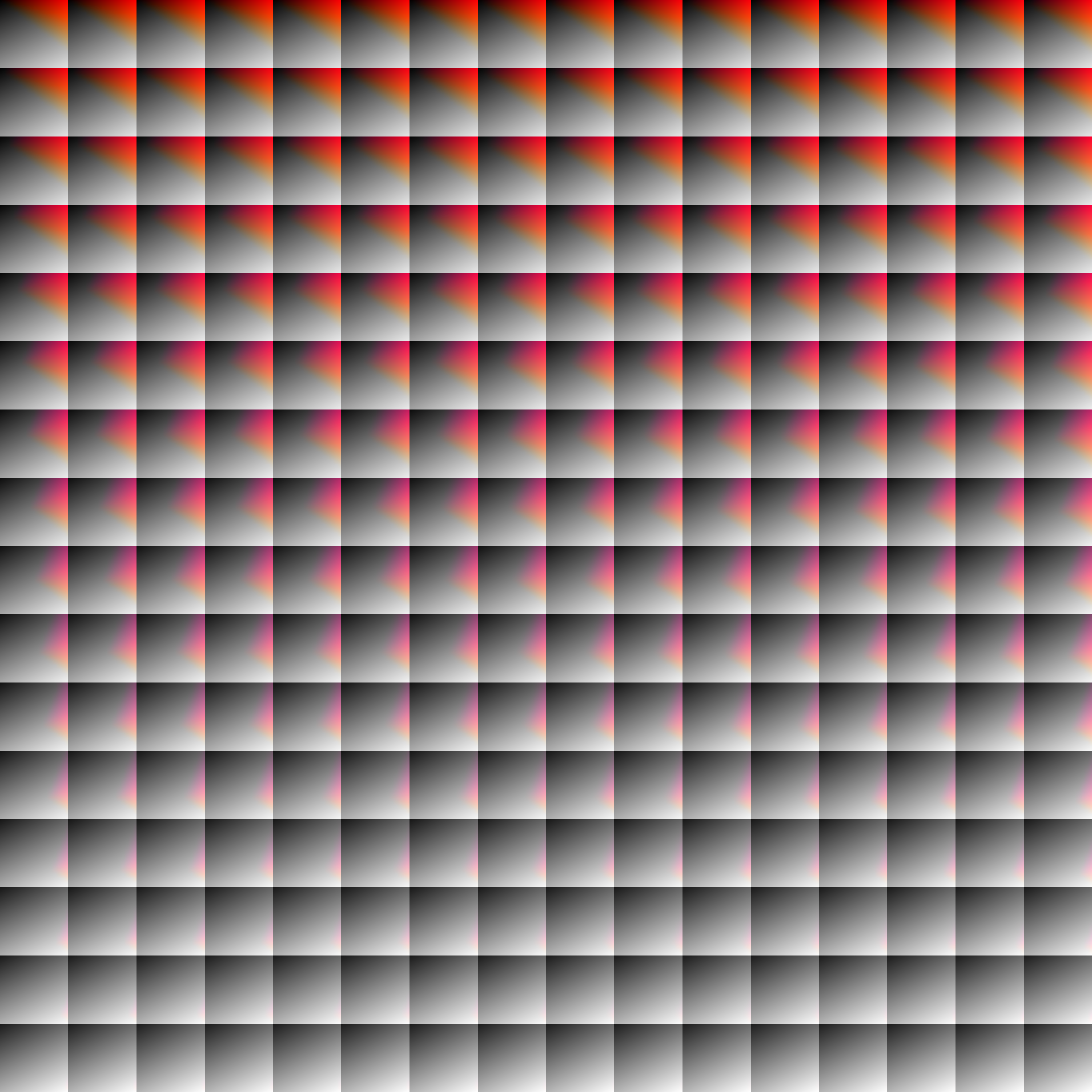
|
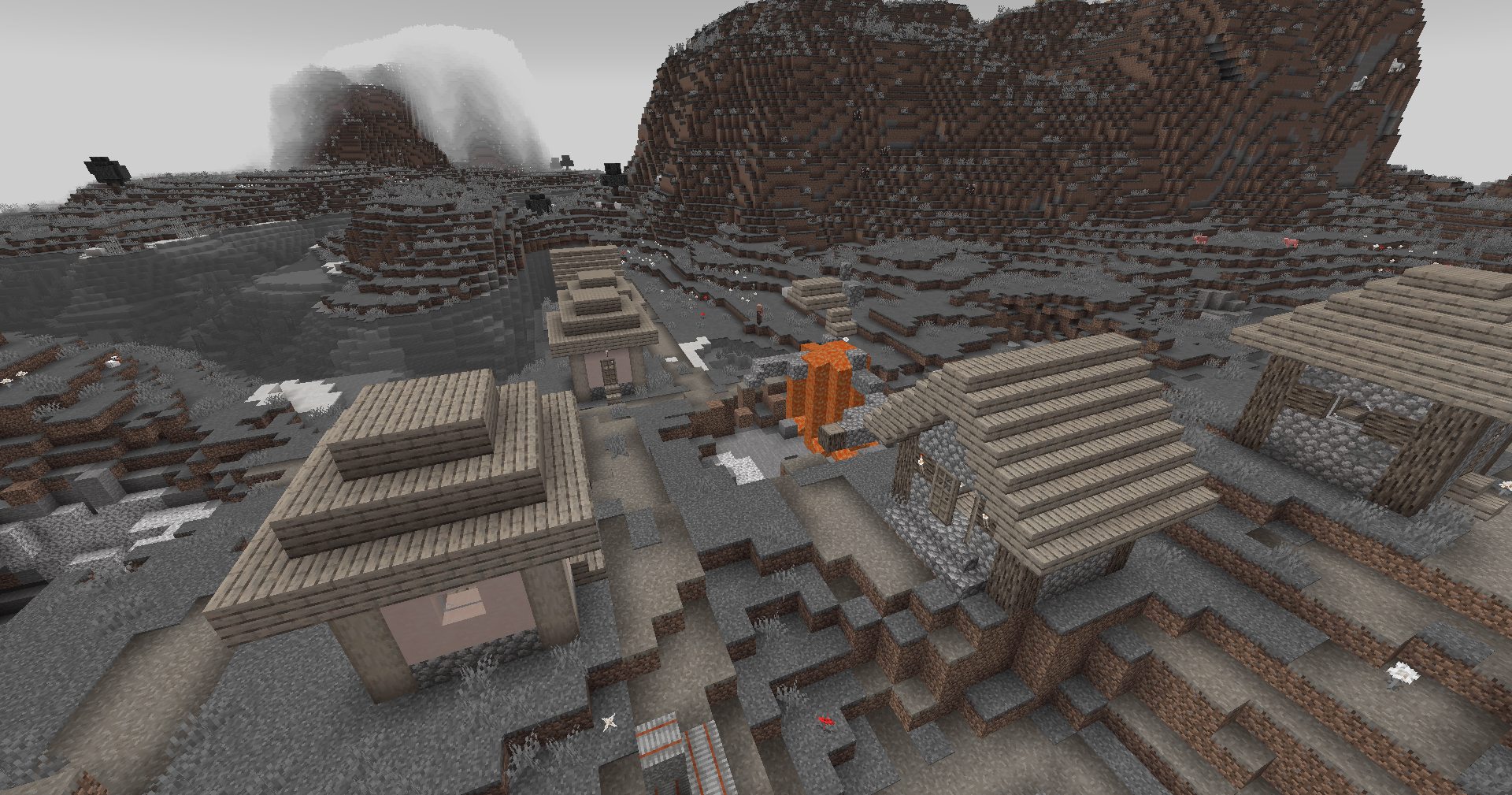
|
Darkened World
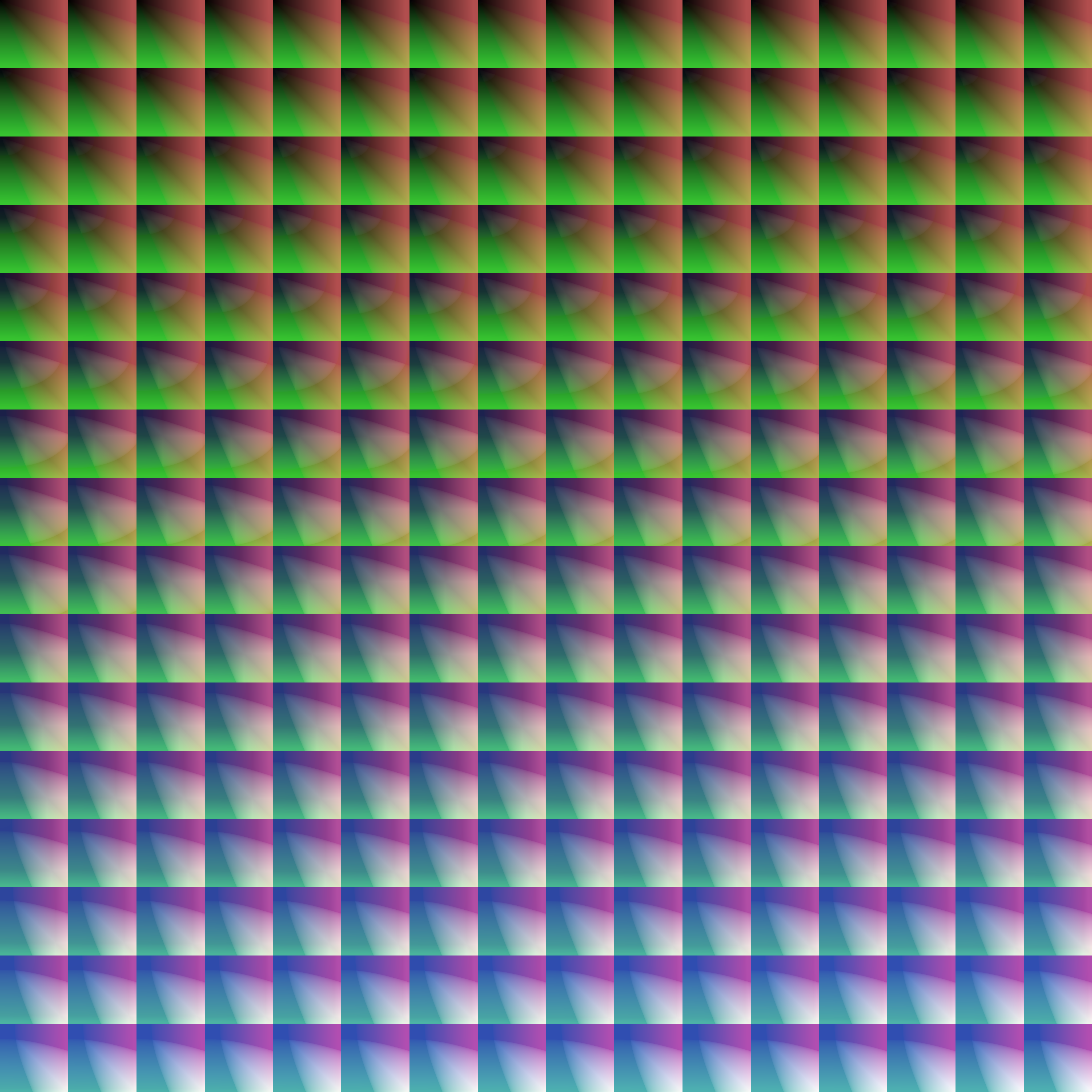
|
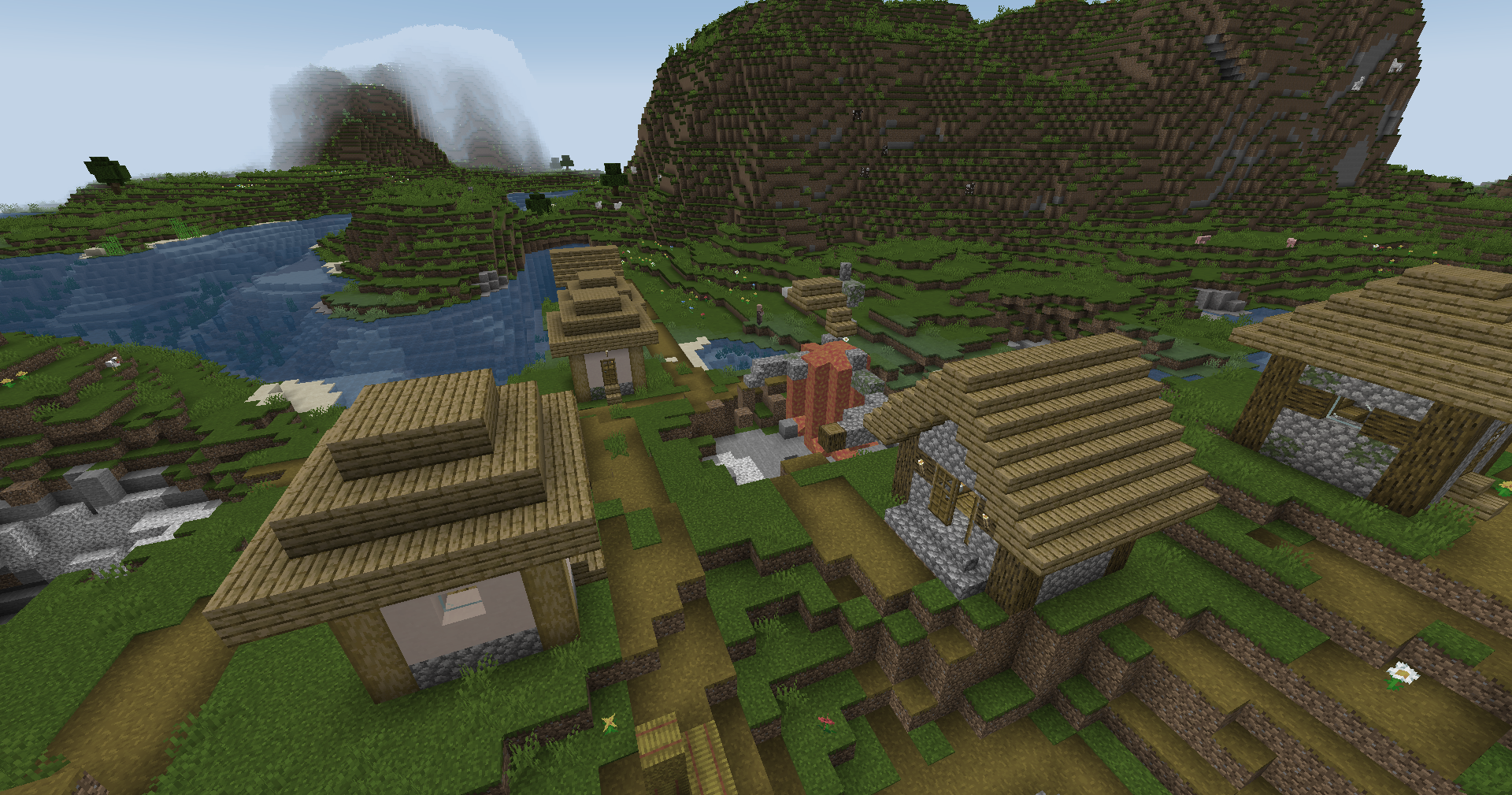
|
Wut
|
|
Dramatic Black and White
|
|
Redistribution
If you wish to share your own custom LUT, please direct your users to download Zenith’s LUT Shader alongside your pack, or mark it as a dependancy on Modrinth
ZenithHome
# 🏠 ZenithHome v1.0 — Initial Release
## ✨ Features
– Set, delete & teleport to personal homes
– Interactive GUI to view all homes (`/homes`)
– Fully configurable messages with & color codes
– Unlimited custom rank support via config.yml
– Per-player YAML storage (no database needed)
– In-memory caching for zero-lag performance
### 📋 Commands
– `/sethome ` — Save a home
– `/delhome ` — Delete a home
– `/home ` — Teleport to a home
– `/homes` — Open the homes GUI
## 🔐 Permissions
– `zenithhome.limit.` — Custom rank-based home limits
– Default: 2 homes, fully configurable
### 📌 Requirements
– Java 17+
– Spigot / Paper 1.20+
#
Zen Legions

**The Best Modpack for Minecraft Optimization and PvP with many functions Such as:**
– **100+ fps on low-end devices**
– **best for PvP in servers**
– **has many quality of life mods**
– **Performance mods like sodium,lithium and much more are added to make your gaming experence better**
– **includes features that allow you to experience Minecraft just as you remember it, no matter what version you’ve used before**
**And We also have a [Discord Server](https://discord.gg/dyvRNhuyqE) that you can join for support. This modpack will also get updated to the newest version fast as possible**
### FAQ
—————————————————————————
Q: How do I install, update, add mods, or do something else?
A: Yes you can update the mod after downloading the modpack.
Q: If something broken what sould I do?
A: Go to our disocrd and send a screenshot of your problem.
Q: I like the modpack. How can I contribute?
A: You can join our discord server and promote the modpack.
MODS
– oωo (owo-lib)
– BadOptimizations
– Client Tweaks
– Controlling
– Highlight
– LambDynamicLights
– More Chat History
– Fabric API
– Title Fixer
– e4mc
– ReplayMod
– Zoomify
– Konkrete
– Better Command Block UI
– CraterLib
– Motion Blur
– Cull Leaves
– Dynamic FPS
– Concurrent Chunk Management Engine (Fabric)
– Better Beds
– Better Clouds
– Chat Animation [Smooth Chat]
– Resourcify
– Video Tape
– Durability Tooltip
– Camera Utils
– Simple Voice Chat
– ToolTipFix
– [ESF] Entity Sound Features
– WorldEdit
– No Chat Reports
– Iris Shaders
– Item Highlighter
– Too Many Players
– FabricSkyboxes
– Gamma Utils (Fullbright)
– Cloth Config API
– Eating Animation
– bad packets
– CIT Resewn
– SmartBrainLib
– MidnightLib
– ItemPhysic Lite
– Motschen’s Better Leaves
– Mouse Tweaks
– Reese’s Sodium Options
– Enhanced Block Entities
– Shulker Box Tooltip
– Awesome 3D Mace
– Explosive Enhancement
– Xaero’s Minimap
– Litematica
– Item Borders
– Fzzy Config
– Fast IP Ping
– AmbientSounds
– Better Statistics Screen
– inventoryhud.fabric.1.21-3.4.26.jar
– FerriteCore
– Animatica
– M.R.U
– Particle Core
– Dynamic Crosshair
– Packet Fixer
– Enchant Icons
– Enhanced Attack Indicator
– TCDCommons API
– Your Options Shall Be Respected (YOSBR)
– Not Enough Crashes
– Entity Culling
– Architectury API
– Low Durability Switcher
– Satin API
– Indium
– Particular ✨
– spark
– Detail Armor Bar
– Blur+
– Bare Bones x Fresh Animations
– Iceberg
– Simple Armor Hud
– ImmediatelyFast
– Freecam (Modrinth Edition)
– Bridging Mod
– CustomSkinLoader
– Player Health Indicators
– Better Mount HUD
– FabricSkyBoxes Interop
– ViaFabricPlus
– Fresh Animations – Extensions
– Sodium Extra
– Not Enough Animations
– InvMove
– Cherished Worlds
– Bookshelf
– Chat Heads
– Falling Leaves
– Remove Reloading Screen
– CalcMod
– Bare Bones
– Craftify
– No Resource Pack Warnings
– Bobby
– BSL Shaders – Original
– Model Gap Fix
– Sound Physics Remastered
– Clumps
– Fullbright UB
– Debugify
– CreativeCore
– Sodium Shadowy Path Blocks
– 3D Skin Layers
– Better Ping Display [Fabric]
– Translations for Sodium
– Presence Footsteps
– Visuality
– ModernFix
– MoreCosmetics
– Roughly Enough Items (REI)
– ukulib
– Wavey Capes
– AppleSkin
– Language Reload
– libIPN
– Default Dark Mode
– Ksyxis
– Puzzle
– Sounds
– SuperMartijn642’s Config Lib
– [ETF] Entity Texture Features
– Sodium Extra Information
– BetterF3
– Low On Fire
– Mod Menu
– Prism
– Exordium
– Very Many Players (Fabric)
– Searchables
– VTDownloader
– MaLiLib
– Bare Bones x Eating Animation
– MixinTrace
– In-Game Account Switcher
– Moonlight Lib
– FastQuit
– Carpet
– BetterHurtCam
– CICADA
– FakeFPS
– Text Placeholder API
– Dynamic Lights
– Legendary Tooltips
– Noisium
– OptiGUI
– Wakes
– YetAnotherConfigLib
– Show Me Your Skin!
– Fresh Animations
– Krypton
– [EMF] Entity Model Features
– Lithium
– Fabric Language Kotlin
– Fresh Moves
– Sodium
– More Culling
– Balm
– Simple Discord RPC
– Screenshot to Clipboard
– Continuity
– Better Third Person
– Fast Better Grass
– Noxesium
Zekren’s MusicPack
Experience Minecraft like never before with Zekren’s MusicPack! Designed to immerse you in a brand new auditory adventure, this pack replaces the entire main music soundtrack with 63 new tracks!
**_Features:_**
**Complete Overhaul:** Every piece of the main soundtrack has been replaced, including three music discs (5, 11, 13), ensuring a cohesive and fresh auditory experience.
**Ambient Vibes**: Inspired by the original OST, each track brings a blend of ambient and atmospheric electronic music, enhancing immersion and creating new memories.
**Modern Soundscape:** Perfect for those who have grown accustomed to or muted the decade-old music, this pack aims to reinvigorate your Minecraft sessions with contemporary sounds.
**Future-Proof:** Now compatible with Minecraft 1.7.2+! I went all the way back to the 2013 music update. **For 1.21+, please join my [Patreon](https://www.patreon.com/Zekren/)
Rediscover the joy of Minecraft with Zekren’s MusicPack and elevate your gameplay to a whole new level. Dive into your world with a refreshed sense of wonder and make every adventure unforgettable. Experience the Nether with a more hellish and spooky ambiance, feel the cosmic expanse of the End, and enjoy enhanced soundscapes that elevate every biome to new heights. Everything is designed to enhance your experience, not change it entirely, ensuring a familiar yet vastly improved Minecraft journey.
Blue – Colored Ancient Debris
Make the ancient debris **blue** color over
“`
dirt
“`
color (:
Good Night – Sleeping Effects
Zeio’s Sleep Effects transforms sleep from a simple mechanic into a dynamic reward system that reacts to your condition, environment, and surroundings when you wake.
⚡ Sleep during a thunderstorm to gain Strength
🍖 Go to bed with a full stomach to receive Regeneration
🛡️ Rest at full health to earn Resistance
💡 Sleep in a well-lit area for a Speed boost
But that’s just the beginning…
🔥 Place a Campfire nearby for Fire Resistance
📚 Add Bookshelves for Bonus XP
🎵 A Jukebox grants Luck
🌸 Surround your bed with flowers for Gentle Healing
🐺 A tamed Cat or Wolf sleeping beside you grants Extra Health Boost
🌧️ Rain provides cozy Saturation
⛏️ Sleeping underground rewards you with Haste for mining
🔷 A nearby Beacon extends all buff durations even further
⚠️ But be warned…
Sleeping in full armor gives Slowness — comfort matters.
🎛️ Fully configurable:
Toggle any feature on or off
Adjust buff durations
Modify Beacon bonus time
Customize detection radius for nearby blocks
All through a simple config file.
🧩 Available for: NeoForge — Forge — Fabric — Quilt
📦 Compatible with: 1.20.1 → 1.21.11
Sleep is no longer just skipping the night — it’s a strategic choice.
Zed Anti IP
**Zed AntiIP – Ultimate IP Protection for Your Server**
Keep your server safe and secure with Zed AntiIP, the lightweight yet powerful plugin designed to block malicious IPs, prevent unauthorized access, and protect your players. With real-time detection and easy configuration, you can focus on growing your community without worrying about hackers or spam.
**Key Features:**
Automatic blocking of blacklisted IPs
Real-time monitoring of connection attempts
Customizable block messages and notifications
Lightweight, efficient, and easy to configure
Supports all major Minecraft server versions
Zecoar Modpack

# **Zecoar Modpack**
**Minecraft vanilla Fabric modpack**
| Minecraft Ver.| Latest Ver. | Java Ver.(Recommend) | Update? |
| :-: | :-: | :-: | :-: |
| 1.20.1 | 1.0.0 | Java 17 | No |
| 1.20.6 | 1.0.1 | Java 21 | No |
| 1.21 | 1.1.3 | Java 21 | No |
| 1.21.1 | 1.0.1 | Java 21 | No |
| 1.21.3 | 1.0.3 | Java 21 | No |
| 1.21.4 | 1.0.3 | Java 21 | No |
| 1.21.5 | 1.0.2 | Java 24 | No |
| 1.21.6 | 1.0.3 | Java 24 | No |
| 1.21.7 | 1.0.2 | Java 24 | No |
| 1.21.8 | 1.0.4 | Java 24 | No |
| 1.21.9 | 1.0.0 | Java 24 | No |
| 1.21.10 | 1.0.1 | Java 24 | No |
| 1.21.11 | 1.0.2 | Java 24 | Yes |
| 26.1.2 | 0.1.0 | Java 25 | Yes |


**Dedicated to players who enjoy playing the vanilla Minecraft**
#
**Switch Resourcepacks**
Don’t like Rainbowpixel? Don’t worry. We have in-built another three resoucepacks —— CozyUI+, OreUI Reaction and Unique Dark Refined.
If you want to switch resourcepacks, you need disable current resoucepacks, than you can enable the resourcepack which you want to use.
**Configuration Requirements**
_*Attention: Distant Horizon defaults to off, the enabled shaderpacks is Complementary Reimgained._
Lowest | Disable Shader, Distant Horizons Off
GPU: Intel Iris Xe Graphics
Memory: 16 GB
Storge: 500 MB
Lowest | Enable Shader, Distant Horizons Off
GPU: NVIDIA GeForce GTX 1660 Super
Memory: 16 GB
Storge: 500 MB
Recommend | Disable Shader (Distant Horizons: 32 Chunks, CPU Usage Rate Minimal, Quality: Normal)
GPU: NVIDIA GeForce RTX 2060
Memory: 16 GB
Storge: 1 GB
Recommend | Enable Shader (Distant Horizons: 64 Chunks, CPU Usage Rate Lowest, Quality: Normal)
GPU: NVIDIA GeForce RTX 2070 Super
Memory: 16 GB
Storge: 1 GB
(Configuration may not be accurate, subject to actual situation; I don’t know configuration requirements of AMD, because I don’t use AMD)
**Inside version name explain**
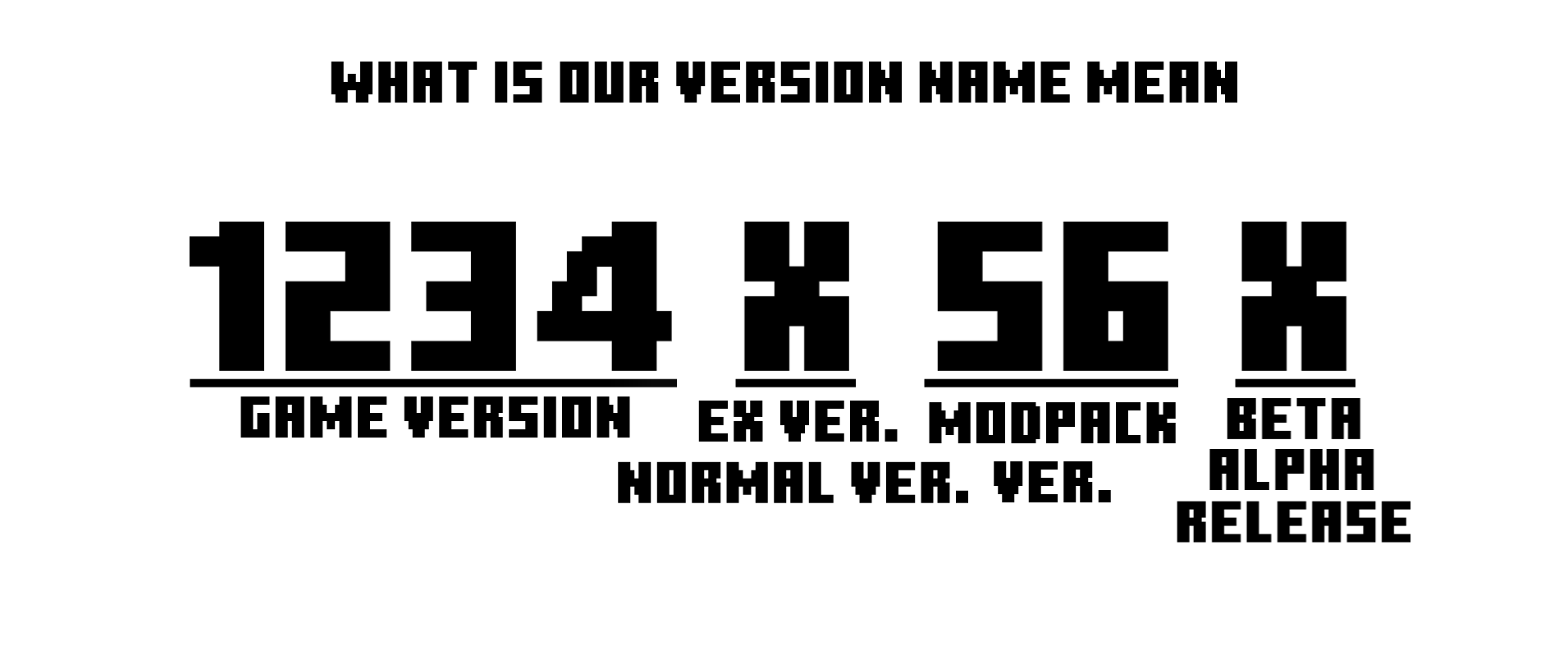
Lastest letter:
R-Release
B-Beta
A-Alpha
Middle letter:
B-Normal
**Notes**
1. If you add a mod yourself, it may cause the game to crash, so before adding it, make sure it does not conflict with the mods in the modpack.
2. The shaderpack “[Complementary Reimgained](https://modrinth.com/shader/complementary-reimagined)” is belong to EminGT.Any problem about this shaderpack is entirely under the responsibility of the author of Zecoar Modpack.
3. The shaderpack “Complementary Reimgained” require high graphics card, low configuration users please use the shaderpacks which import by users.
4. If you are a MC server owner,welcome to use my modpack as a server client, you can also ask me to customize the client(base on Zecoar Modpack).
**More interesting things**
Vanilla modpack too boring? We have another modpack, [Click to know more](https://modrinth.com/modpack/iwlow)
**Feedback**
If you encounter problems when playing this modpack, please feedback the problem to `Issue` on Github.
——————————————————————————————————————————————————

# **Zecoar 整合包**
**《我的世界》原版 Fabric 整合包**
| 我的世界版本 | 最新版本 | Java 版本(推荐) | 还更新吗 |
| :-: | :-: | :-: | :-: |
| 1.20.1 | 1.0.0 | Java 17 | 否 |
| 1.20.6 | 1.0.1 | Java 21 | 否 |
| 1.21 | 1.1.3 | Java 21 | 否 |
| 1.21.1 | 1.0.1 | Java 21 | 否 |
| 1.21.3 | 1.0.3 | Java 21 | 否 |
| 1.21.4 | 1.0.3 | Java 21 | 否 |
| 1.21.5 | 1.0.2 | Java 24 | 否 |
| 1.21.6 | 1.0.3 | Java 24 | 否 |
| 1.21.7 | 1.0.2 | Java 24 | 否 |
| 1.21.8 | 1.0.4 | Java 24 | 否 |
| 1.21.9 | 1.0.0 | Java 24 | 否 |
| 1.21.10 | 1.0.1 | Java 24 | 否 |
| 1.21.11 | 1.0.2 | Java 24 | 是 |
| 26.1.2 | 0.1.0 | Java 25 | 是 |


#
**切换材质包**
我们内置了四款材质包 —— CozyUI+、 OreUI Reaction、Unique Dark Refined和彩虹像素
若你想要切换材质包,先禁用当前材质包,然后再启用你想用的材质包。
**配置要求**
_*注意: 遥远的地平线默认关闭,启用的光影是互补重新构想。_
最低 | 关闭光影、遥远的地平线
GPU: Intel Iris Xe Graphics
内存: 16 GB
存储空间: 500 MB
最低 | 开启光影,关闭遥远的地平线
GPU: NVIDIA GeForce GTX 1660 Super
内存: 16 GB
存储空间: 500 MB
推荐 | 关闭光影 (遥远的地平线: 32 区块, CPU使用率最小化, 质量: 普通)
GPU: NVIDIA GeForce RTX 1660 Super
内存: 16 GB
存储空间: 1 GB
推荐 | 开启光影 (遥远的地平线: 64 区块, 低CPU使用率, 质量: 普通)
GPU: NVIDIA GeForce RTX 2070 Super
内存: 16 GB
存储空间: 1 GB
(配置可能不准,以实际情况为准;我不知道AMD的配置要求,因为我不用AMD)
**内部版本名称解释**

最后一位字母:
R-正式版
B-测试版
A-早期测试版
中间一位字母:
B-普通版
**备注**
1. 如果您自行添加模组,可能会导致游戏崩溃,所以在添加之前,确保它不会与整合包内的模组冲突。
2. 光影“[互补重新构想](https://modrinth.com/shader/complementary-reimagined)”属于EminGT。关于此光影的任何问题都完全由Zecoar Modpack的作者负责。
3. 光影“互补重新构想”要求高配置显卡,低配置用户请自行导入低配光影。
4. 如果你是一个服务器拥有者,欢迎使用我的整合包作为服务器客户端,你也可以找我定制服务器客户端(基于Zecoar Modpack)。
5. 如果你下载了该整合包,可以通过PCL2导入。
**更多有趣的东西**
原版整合包太枯燥?我们有另一个整合包。[点击以了解详情](https://modrinth.com/modpack/iwlow)
**反馈**
如在游玩本整合包时遇到问题 请将问题反馈至Github的`Issue`栏目
Simple Woodcutter
This mod adds a simple vanilla-like woodcutter. It’s easy to craft and it has over 100 built-in recipes. It might be very useful in many cases. The block works like the stonecutter but… for wood! It makes some recipes look more realistic, because what do you mean I get one button for 1 planks block? Where did the rest of the wood go? Thanks to this mod almost every piece of wood is used. You can even turn your boat back into 5 planks! For jei users? There’s a jei compat in this mod. You can see recipes from my category in a special woodcutting category in jei gui. You can also use it in your own mod, for example to add custom recipes to your custom wood etc.
**_EXAMPLE:_**
“`
{
“type”: “simple_woodcutter:woodcutting”,
“count”: 4,
“ingredient”: {
“tag”: “minecraft:acacia_logs”
},
“result”: “minecraft:acacia_planks”
}
“`