## About
Pyrite helps to fill out your block palette when building with various vanilla blocks! Looking to build with coloured blocks? Try out new Stained Planks, Dyed Lamps or Dyed Bricks in all the dye colours and more! Looking to flex your wealth? Try out Cut, Chiseled and Pillar variants of all the various resource blocks! Best of all, these variants (depending on the block) can include stairs, slabs, fences, fence gates, walls, wall gates, trapdoors, pressure plates, buttons – everything you need to decorate as _you_ want.
For more info, check out the wiki!
## Features
_1,364 blocks and counting…_
– Stained Planks, in every colour of dye (and more!)
– This includes stained wood slabs, stairs, fences, fence gates, pressure plates, doors, crafting tables, ladders, signs, and buttons as well!
– Dyed Bricks, in every colour of dye (and more!)
– This includes dyed brick slabs, stairs, and walls!
– Resource Block Variants, letting you more easily decorate with riches!
– Iron, Gold, Emerald, Diamond, Netherite, Quartz, Amethyst, Lapis, and Copper Blocks now have consistent block variations, including: Cut Blocks/Stairs/Slabs, Bricks, Chiseled, Pillar, Smooth, Bars, Doors, Trapdoors, Pressure Plates, and Buttons.
– Wall Gates, because your walls deserve matching gates just like your fences have!
– This includes wall gates for every vanilla wall type.
– Terracotta Bricks, which come in all dye colours.
– This includes dyed brick slabs, stairs, and walls!
– Dyed Torches, perfect for just a little bit of colour.
– Torch Levers, to hide redstone in plain sight.
– New Glass blocks! Framed Glass acts as an ornate glass variant, and Switchable Glass will become opaque when provided with redstone power.
– Framed Glass also has a pane variant, and Stained Framed Glass and Glass Pane variants.
– New Nether Bricks, including Charred Nether Bricks and Blue Nether Bricks.
– New Stone Brick Variants, including Smooth Stone and Cobblestone sets.
– Grass Turf, for detailing your lawns.
– This includes grass, podzol, mycelium, and dirt path slabs, stairs, and carpets as well!
– Slab and Stairs for Concrete blocks.
– Crafting Tables for all vanilla wood types.
– Nostalgic Features
– Roses, of a variety of new colours.
– Classic cobblestone, grass, gravel, and more.
– Glowing Obsidian from Pocket Edition.
– Locked Chests from Beta 1.4.
## Installation
Pyrite is a client and server mod for Fabric and NeoForge 1.21.1 and 1.21.10. Its dependencies are listed below.
### Dependencies
– Fabric API is required on Fabric Loader.
– EMI or EIV is recommended to view crafting recipes.
## Mod Compatibility
Pyrite adds additional content when the following mods are installed.
– The Aether: Skyroot Crafting Tables, and Wall Gates for all Aether wall blocks.
– Columns: Columns for all Pyrite wall blocks.
– More Chest Variants: Chest variants for all Pyrite wood types.
## FAQ
– Will this mod be ported to other versions/loaders?
– The mod actively supports the latest version of Minecraft (currently 1.21.11), and the current modding version, 1.21.1. I do not currently have time to manage backports to older versions or any other loaders.
Pyrite’s code is available under the open source MIT License. Note that this means you are required to attribute the mod if you use any content from it in your own projects.
## Credits
Pyrite is inspired by mods like Quark, Stoneworks, and Charm that expand on Minecraft’s block palette.
Many textures are adapted from and inspired by vanilla Minecraft and removed features of such. These textures belong to Mojang.
PvP particles
Most particles will have a yellow background. The only exceptions are :
– Strength (orange)
– Slowness (greenish)
– Regeneration (red)
– Weakness (dark greenish)
– Luck (green)
– Fire resistance (orange)
– Water breathing (green)
– Swiftness (flashy green)
– Poison (greenish)
**This resource pack improves the current crosshair and the block breaking animation for PvP!**
# 📥Installation:
This ressource pack improves the current crosshair and the block breaking animation for PvP! The pack is *made for* **all versions and snapshots between 1.6 and 26.1.1**.
# ✨Features:
Improves the current crosshair and the block breaking animation for PvP -> replaces them with a super assistive and useful crosshair and a loading bar block breaking animation!
# 🛠️Versioning:
This ressource pack uses the following versioning system:
– **Base pack:** standard versioning + Minecraft version
– -> *e.g.* **v1.0-1.21.8, v2.4-v1.21.11,…**
Thanks to all the resource packs and their authors, who either licensed their projects under the MIT license or allowed me to use their resource packs!
– PvP Crosshair
– Loading Bar Breaking Animation Pack
Without these projects and their authors, PvP Crosshair & BBA Pack would not have been possible to make. **Special thanks!**
# 💘 Support me!
To help me and make me develop more fascinating projects, share and recommend this resourcepack. Thank you so much!!!
You can also try my other projects here or the projects me and Polr made here! 😀
Restyles various GUI elements including the in-game HUD. Features occasional plants.
Provides support/compatibility for the following mods:
– Appleskin
– Better Command Block UI
– Client Sort
– Controlify
– Dynamic Crosshair
– EMI
– Entity Model Features
– Entity Sound Features
– Entity Texture Features
– Figura
– Gamma Utils
– Iris
– ItemSwapper
– Jade
– Mod Menu
– No Chat Reports
– Origins
– Overflowing Bars
– Raised
– Sidekick
– WTHIT
Check out the gallery.
Unfinished. Leave feedback/suggestions at GitHub.
Only supports 1.20.2 and onwards. Versions earlier than 1.20.2 will not be supported.
Recommended for use alongside this resource pack (this pack is not endorsed by these creators, I just like their work):
– Caxton
– Atkinson Hyperlegible
– Geometric Font 2
– Lithos:Font
Proxy Protocol Support
# Proxy Protocol Support
Proxy Protocol Support is a Fabric and Quilt mod which adds support for Proxy Protocol (HAProxy) for your Minecraft server. It allows to accept both proxied and direct connections simultaneously.
For example you can use TCPShield or other software (Nginx, FRP) to forward traffic, and hide your server’s IP address. Without Proxy Protocol, your console will only show the proxy’s IP address. By reading the Proxy Protocol packet, this mod makes showing the player’s real IP address possible.
**This is a Server-Side only mod; it does nothing when installed on a client.**
Supports Minecraft versions 1.14-26.1 and probably later (untested).
—
## Secure Hybrid Mode
This mod allows your Minecraft server to simultaneously accept connections from a **trusted proxy** (using the PROXY protocol) and from **trusted direct-access IPs**. This is perfect for setups where you want to hide your server’s IP behind a proxy, while still allowing admins or local players to connect directly.
The mod operates on a secure **”Default Deny”** principle. If an incoming connection’s IP address is not explicitly whitelisted in one of the lists below, it will be **rejected**. This prevents unauthorized users from bypassing your proxy and connecting directly to your server’s real IP address.
—
## Configuration
Configuration is handled in `config/proxy_protocol_support.json`.
### `enableProxyProtocol`
Set to `true` to enable the mod’s functionality.
– **Default**: `true`
### `proxyServerIPs`
A list of IP addresses that are your trusted proxy servers. Connections from these IPs **must** send a PROXY Protocol header.
– **Default**: `[“127.0.0.1”]`
### `directAccessIPs`
A list of IPs or CIDR ranges that are allowed to connect directly **without** a PROXY Protocol header. This is ideal for admins, local network players, and server-side tools.
– **Default**: `[“127.0.0.1”, “192.168.0.0/16”]`
### `whitelistTCPShieldServers`
When `true`, the mod automatically fetches TCPShield’s official proxy IPs and adds them to the trusted `proxyServerIPs` list.
– **Default**: `false`
—
## Example Scenarios
#### Scenario 1: Server behind FRP on the same machine
You run `frpc` on the same machine as the Minecraft server. Players from the internet connect through the proxy. You want to connect directly from your gaming PC on the same LAN (`192.168.1.100`).
#### Scenario 2: Server protected by a remote proxy service
Your server is at home, and you use a VPS with the IP 203.0.113.10 as a proxy. You want your entire home network (192.168.0.0/24) to have direct access.
#### Scenario 3: Maximum Security (Proxy Only)
You only want to allow connections through your proxies and nothing else (not even from the local machine).
“`toml
proxyServerIPs = [“1.2.3.4”, “5.6.7.8”] # Your proxy IPs
directAccessIPs = [] # Leave empty
“`
Looking for Minecraft server? Visit BedrockHost.pl
Programmer Art Fixes
# Programmer Art Fixes
A collection of small fixes for programmer art.
**Please note that you must enable Programmer Art alongside this resource pack!**
Pride Pack
# Pridepack
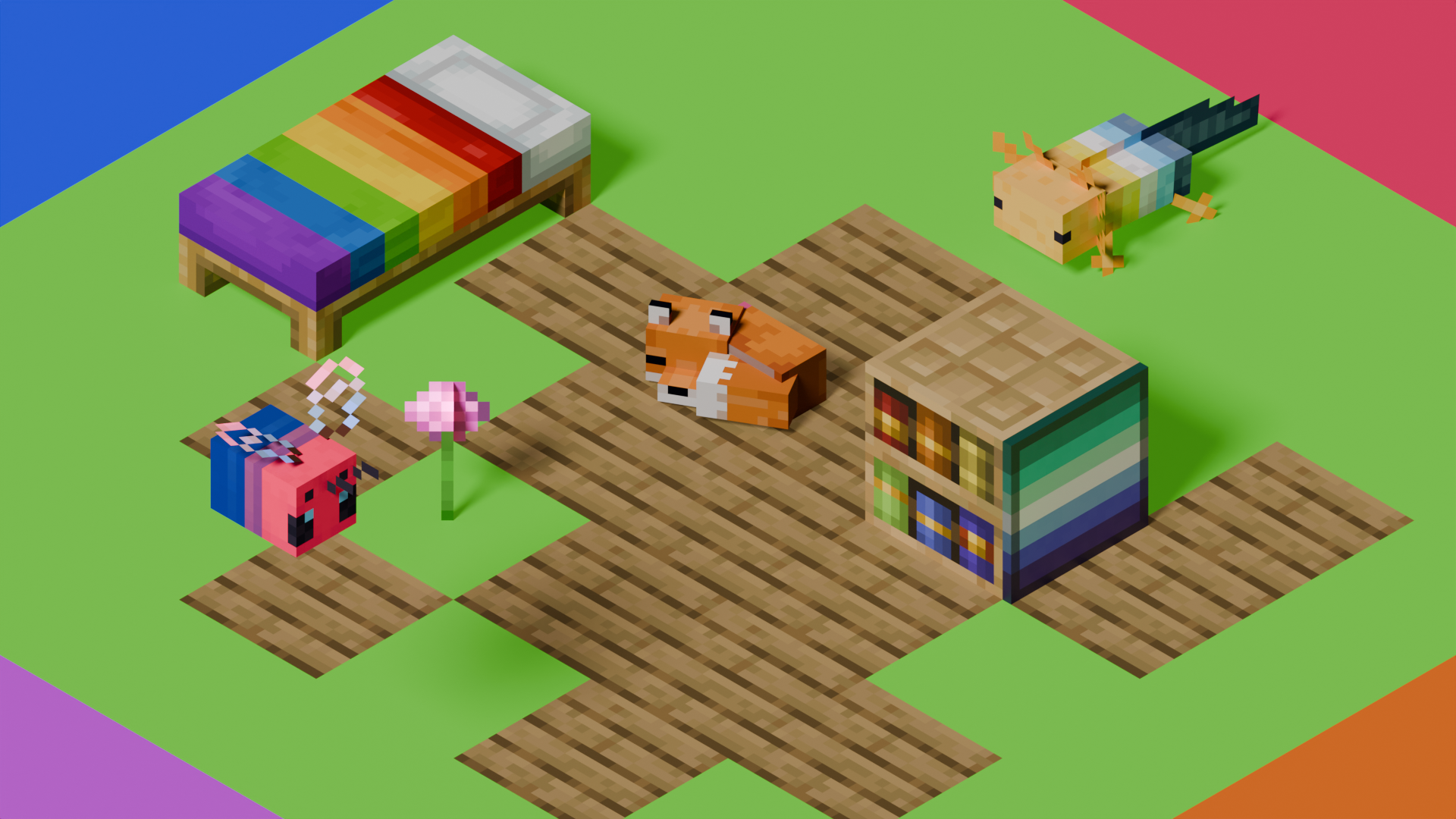
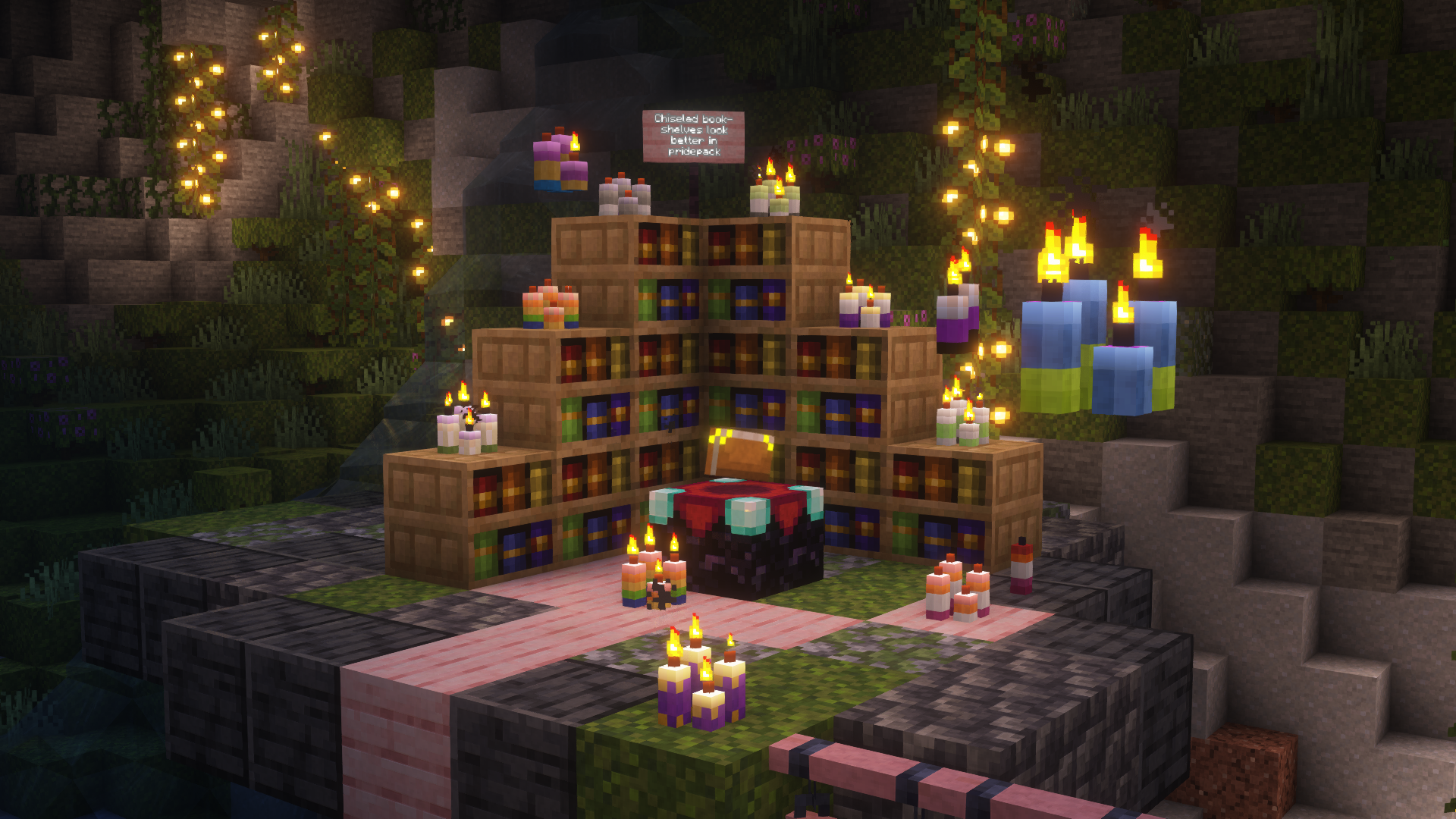
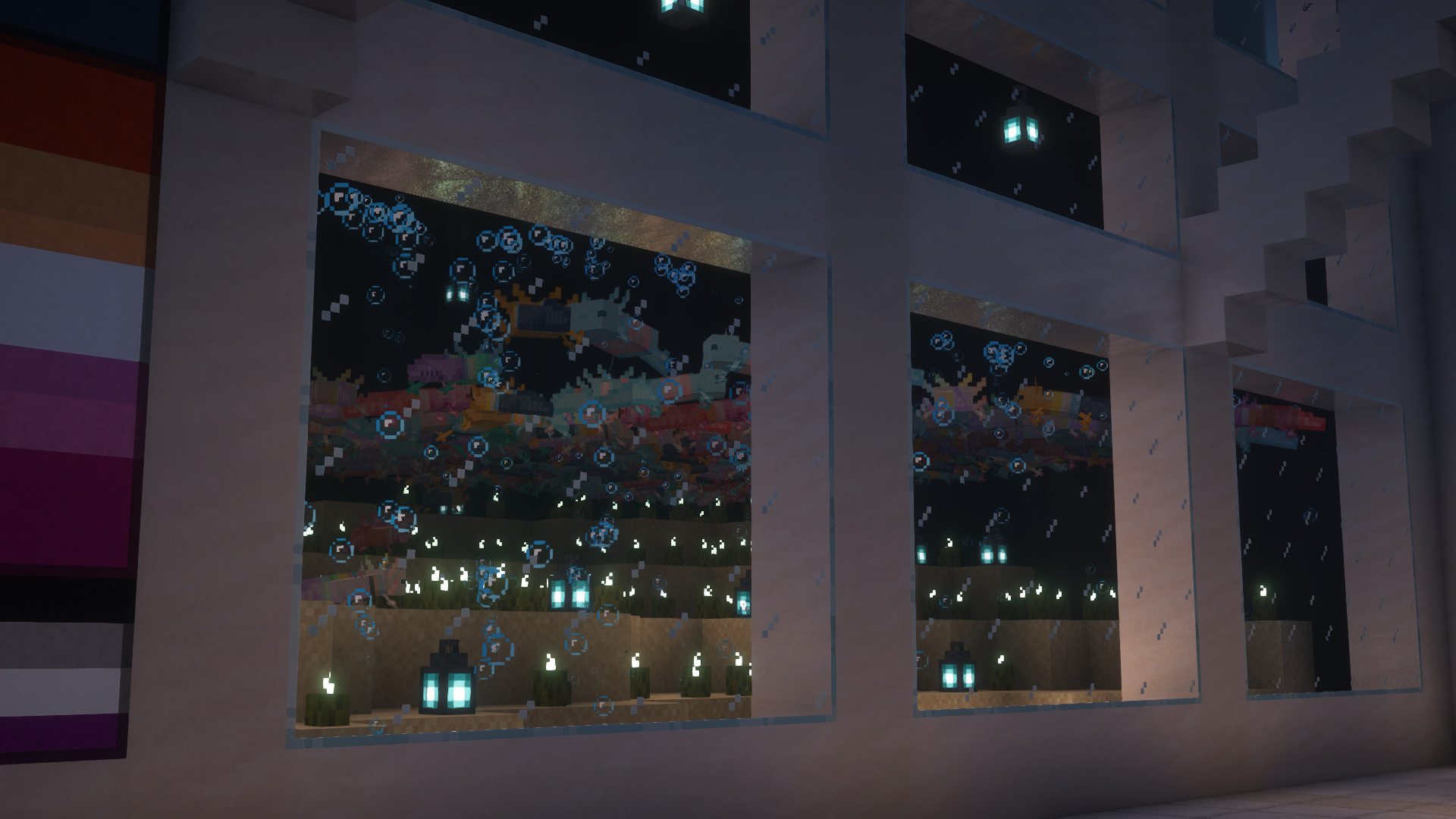
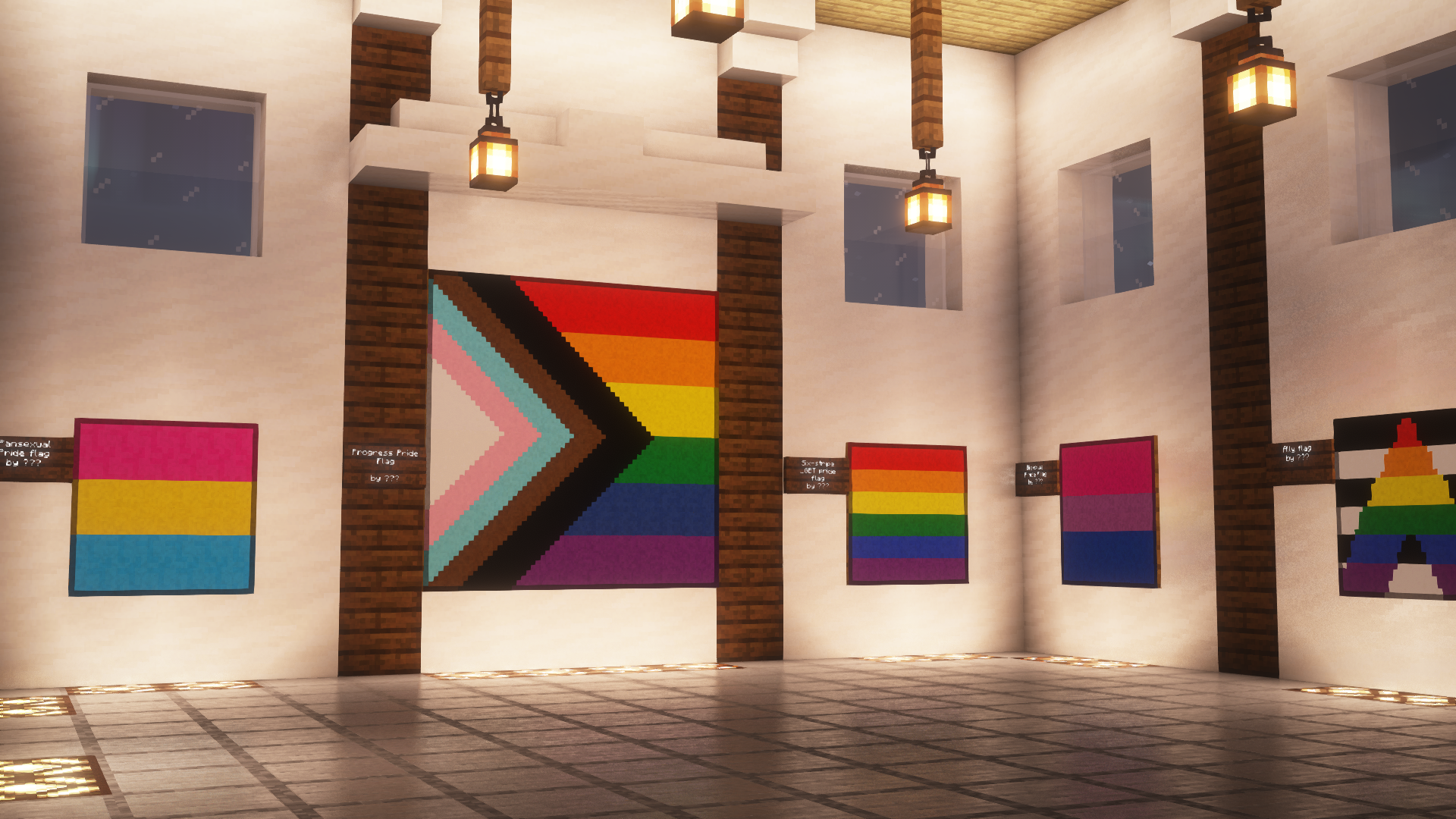
This is Pridepack, a Resource Pack made by Pridecraft Studios. It comes with many LGBT Pride additions, such as paintings, beds, mobs and Main Menu changes.
## Donate
You can support the developers of Pridecraft Studios by donating on Patreon

## Screenshots
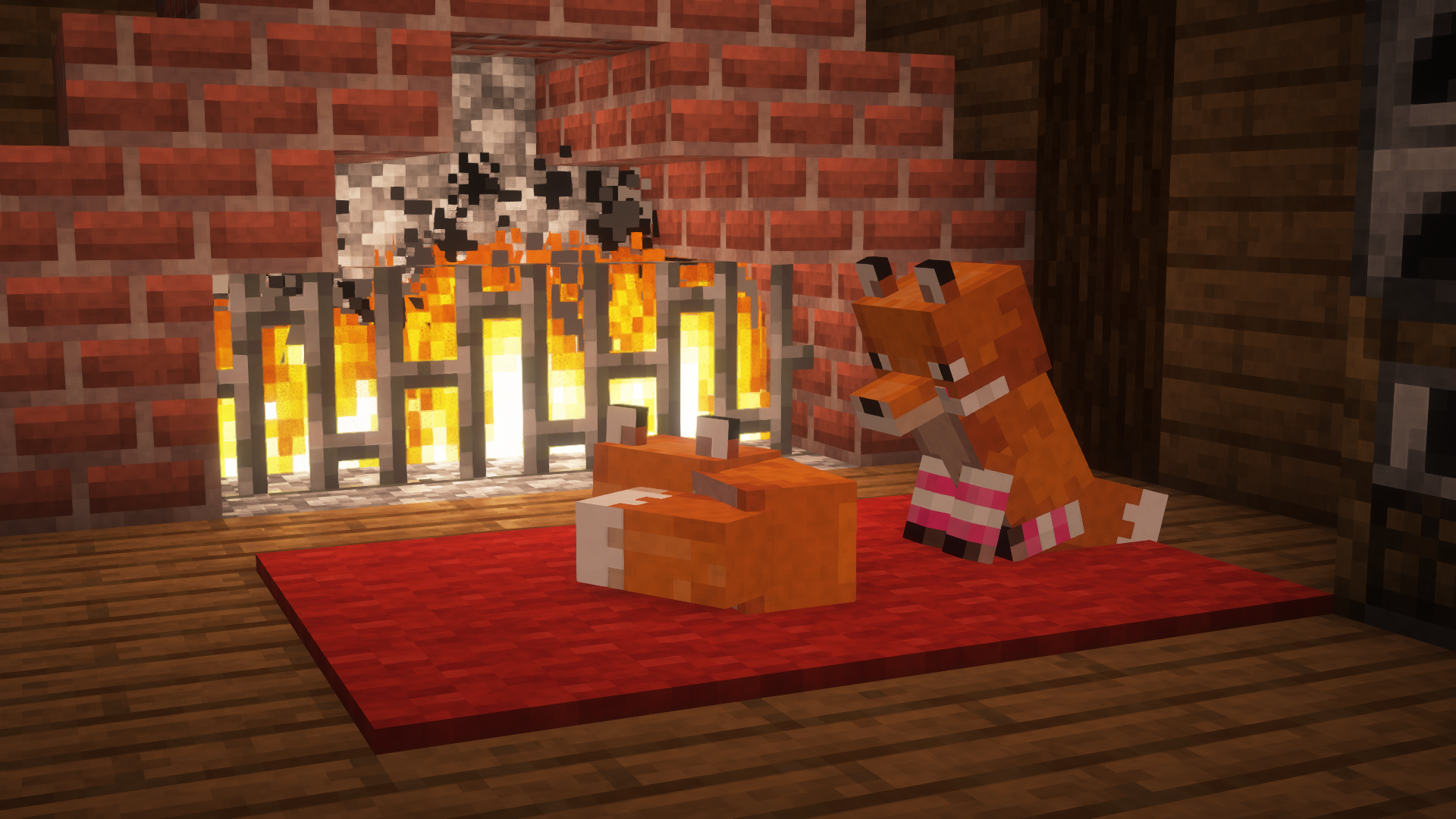
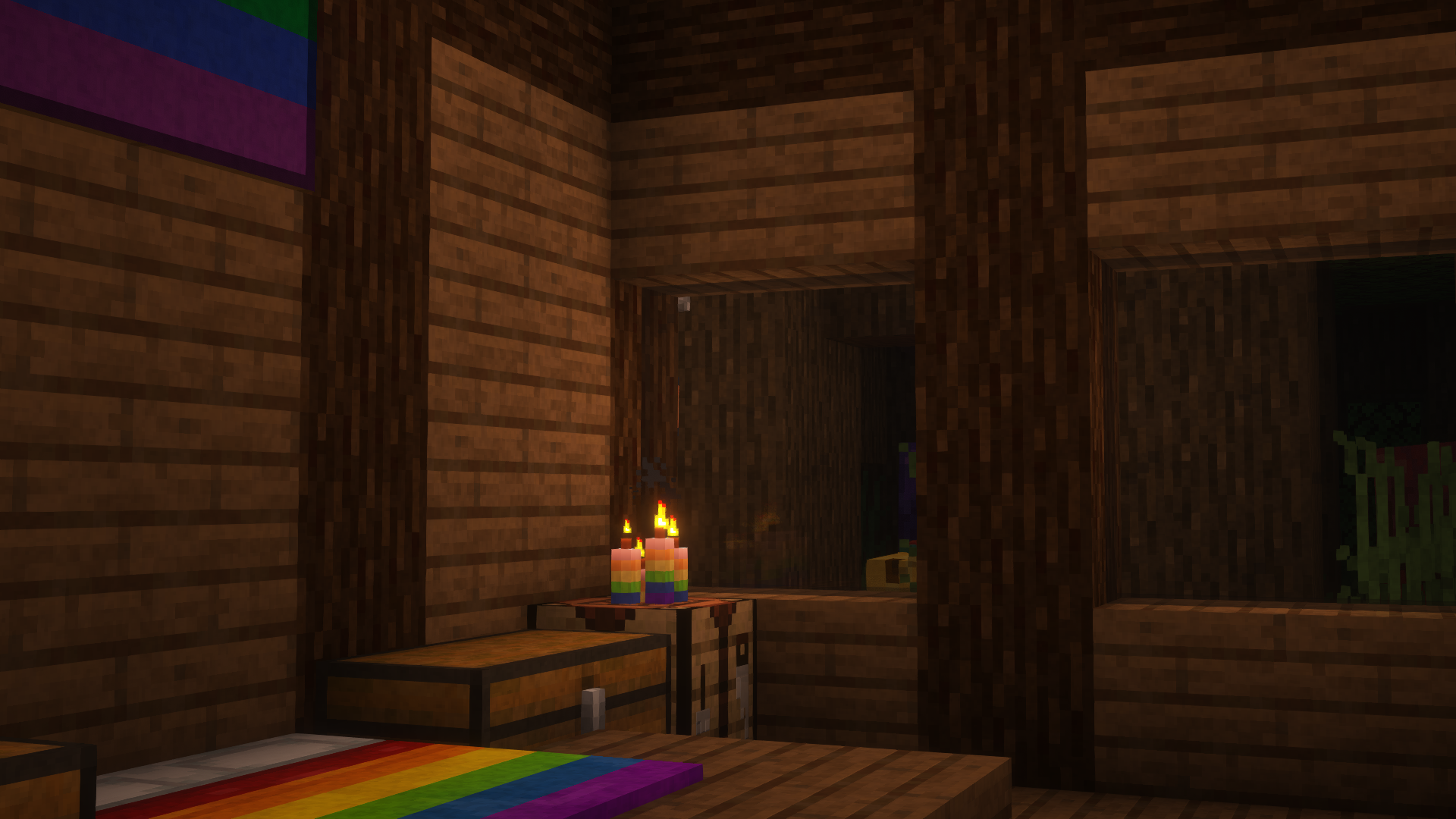
## Who
Pridecraft Studios is a collective modding group that creates resource packs, tooling, and our flagship mod, Joy. Our team of volunteers strive to create prideful content for the diverse Minecraft community <3. We target both Java and Bedrock editions, hoping to create memorable experiences for you.
## Other Downloads
  
## Socials


# Licenses
Assets license [CC BY-SA 4.0]
Pridepack by Pridecraft Studios is licensed under CC BY-SA 4.0
Music license [ARR + Permissions]
The soundtracks for Joy are licensed from lynndova, under different terms and are **not** distributed under CC BY-SA 4.0. See here for licensing terms.
In short:
– You must provide credit to lynndova
– You can not reupload this soundtrack verbatim
– You may use this soundtrack under the fair use doctrine including but not limited to the following:
– Using this soundtrack in videos or streams
If you are unsure if you may use the soundtracks or wish to license the soundtracks for your own use, contact lynndova using [their public email](mailto:[email protected]).
Powder Snow Alerts
# Powder Snow Alerts
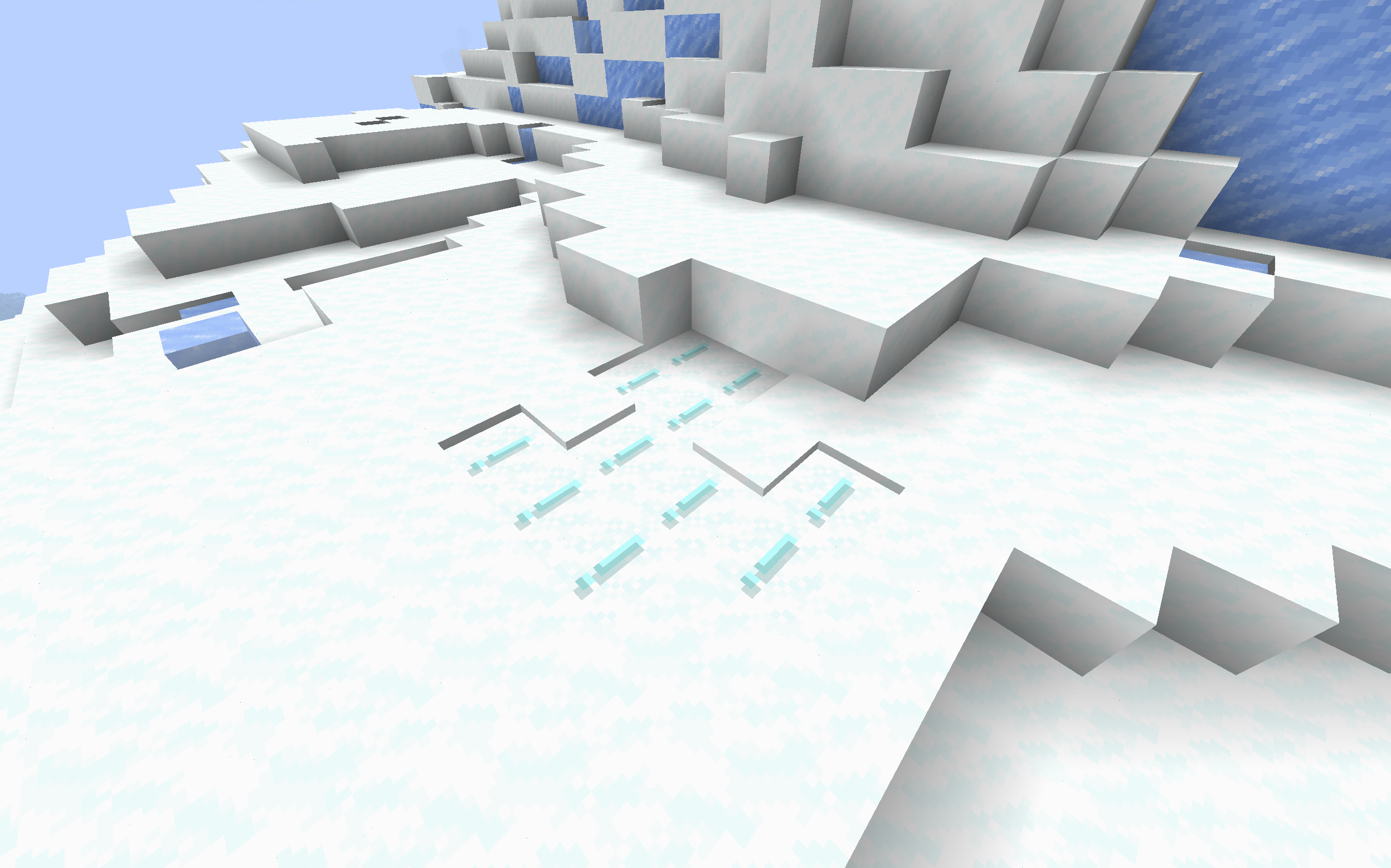
Makes powdered snow have an exclamation mark.
Thats it.
### Example
## FAQ
### Not Updated to version x:
The pack should work on all versions of the game, but if not, open an issue
### Usage in projects/modpacks:
I dont care if you use it in a project, however please credit me.
Potato Craft-8x
⭐ PotatoCraft 8x – Ultra FPS Boost Texture Pack ⭐
Do you want smooth FPS and a potato-friendly Minecraft? 🍟
PotatoCraft 8x is a lightweight, simplified resource pack designed for Minecraft Java Edition.
🔥 8×8 textures (down from the default 16×16)
⚡ Huge FPS boost on low-end devices
🎮 Perfect for PvP and survival gameplay
🌍 Works on all the latest Minecraft Java versions
💻 Tested on both mobile and PC
Whether you’re on a low-end phone, old laptop, or a beast PC, this pack makes the game feel faster, cleaner, and smoother.
💡 Why PotatoCraft?
Because even the weakest potato deserves to play Minecraft without lag! 🥔
📥 Download now and turn your Minecraft into a lag-free experience!
Pixelated Square Entity Shadows
Makes the Shadows under Entities Pixelated Squares.