Remodeled Doors 3D

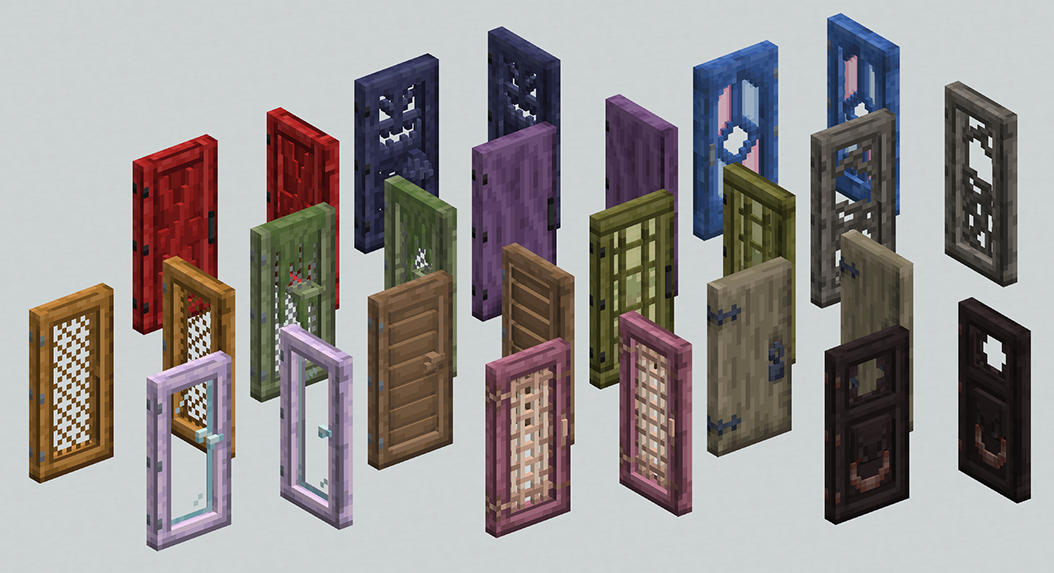
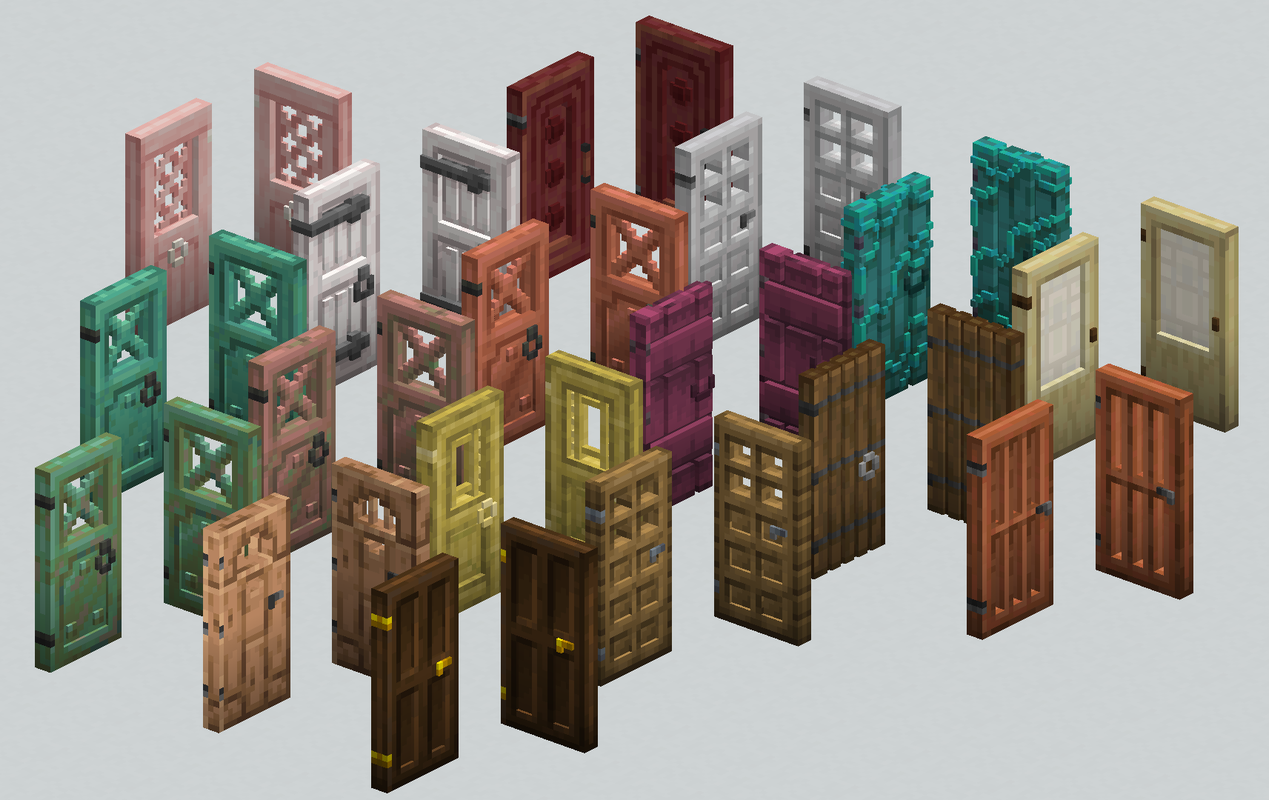
Every door has a 3D model and all icons are updated to also be 3D. The new models has proper textures for all sides, using the vanilla textures where possible.
## Mod support
Version 2.2+ supports **Wilder Wild** and version 2.0+ supports **Biomes O’ Plenty**, making every door have a unique 3D model.
## Vanilla Minecraft
Every door from Vanilla Minecraft has a unique 3D model, including all trapdoors.
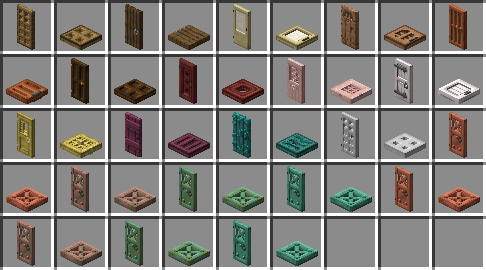
Included in the pack are updated icons for doors so that they use the 3D model instead of the vanilla 2D icon.
If you have any feedback or any questions, the best place to reach me is on the Discord Server

Reload Feedback
This data pack adds a very basic feedback message to the `/reload` command without leaving behind any data

***
**Make sure you download the correct file for your minecraft version**
**This project is supposed to be compatible with all minecraft versions, if the game gives you a version warning, ignore it**
***
If you make content using my data packs, please give me proper credit
If you enjoy this project, please consider supporting me with a donation or some kind words
Also check out my other projects on Planet Minecraft while I procrastinate posting them here
***
Join my Discord server to get support, submit suggestions, stay up to date with my projects, or just chat

Reizi’s 3D Mace
##  Meaning of Project | Смысл проекта 
### ENG
The resource pack changes the **2D Mace** model to a **3D** version.
The main difference between my resource pack and others is that my resource pack can be used with the **Hat_command** mod and it will work adequately.
### RUS
Ресурспак заменяет модель **2D Булавы** на **3D** её версию.
Главным отличием моего ресурспака от других является то, что мой ресурспак можно использовать с модом **Hat_command** и оно будет адекватно работать.
## 💡Requirements for Use | Требованию к использованию💡
– Forge
– Hat Command (Forge) **1.19.4-1.20.2** for use command /hat | Для использования команды /hat
– Fabric
– Fabric API **1.14-1.20.6** for Hat Command | Для Hat Command
– Hat Command **1.17-1.20.4** for use command /hat | Для использования команды /hat
## 🪙Optional Addition | Необязательное дополнение🪙
### ENG
Each of my projects is not set up for paid use, but if you want to support me in any way, you can do this by donating. (minimum – 0.15 $)
### RUS
Каждый мой проект не настроен на платное использование, но если у вас есть желание как-либо поддержать меня, то вы можете сделать это путём доната. (минимальная – 10 ₽)

Reimagined
### Want early access to new updates, behind the scenes content or some extra goodies while supporting me and Reimagined’s development? Consider donating to my Patreon! <3

### Reimagined, a love letter to Minecraft
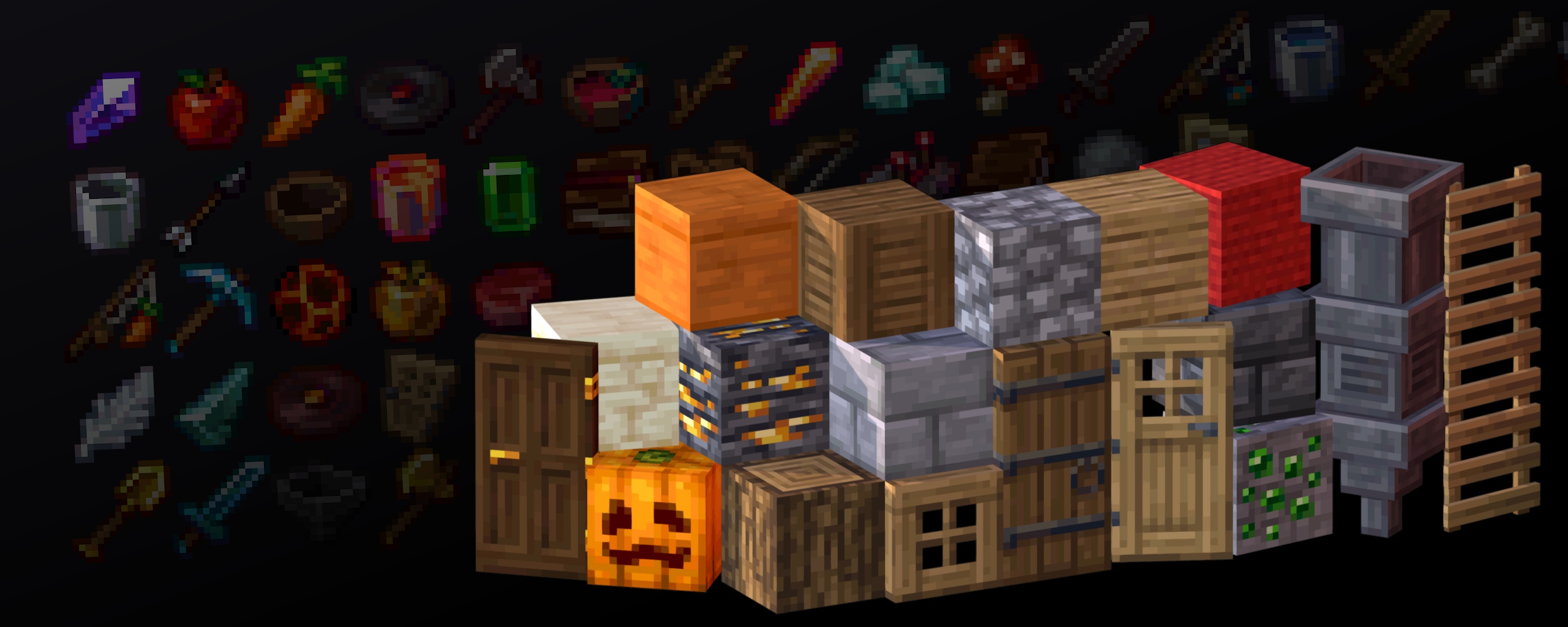
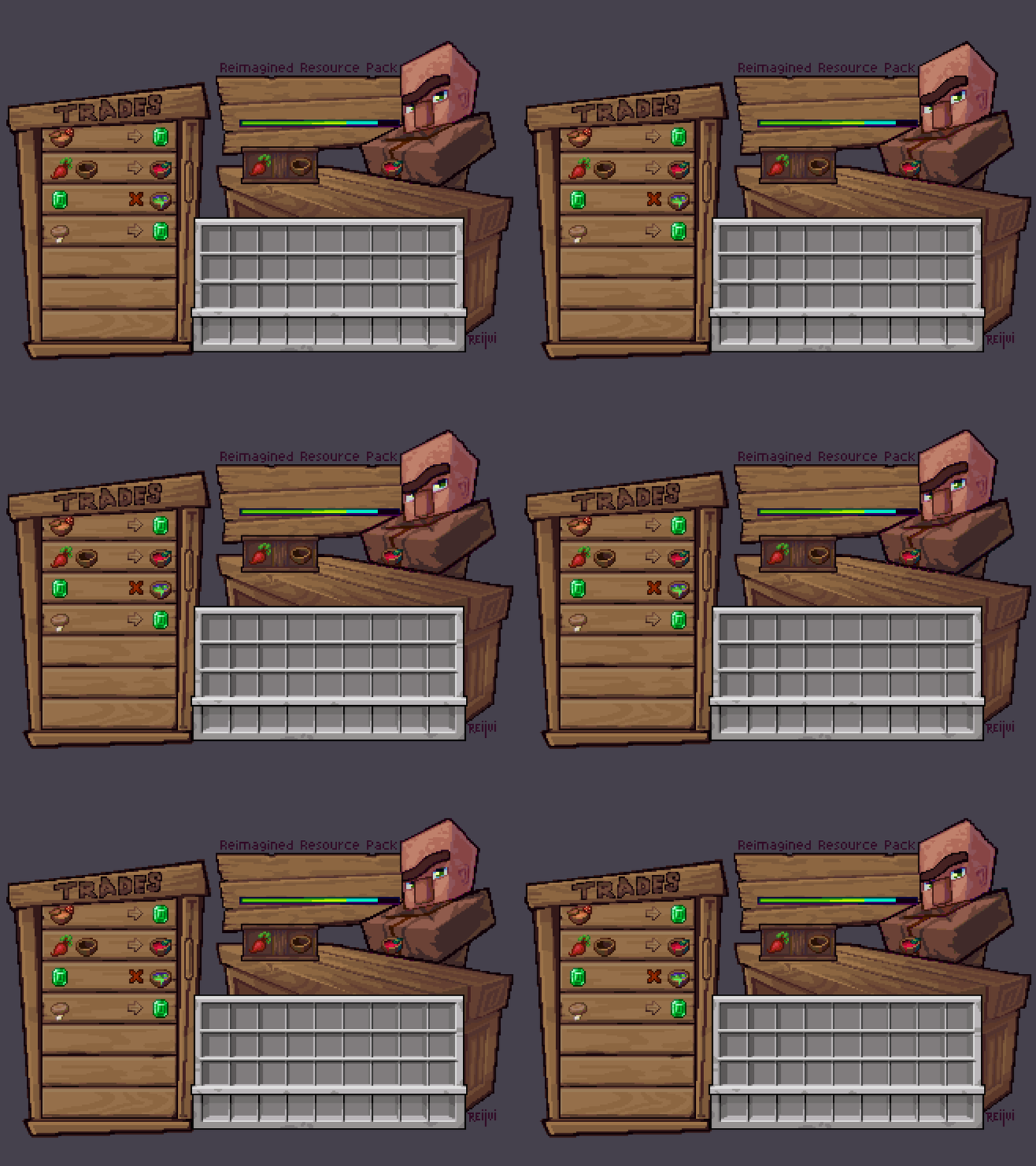
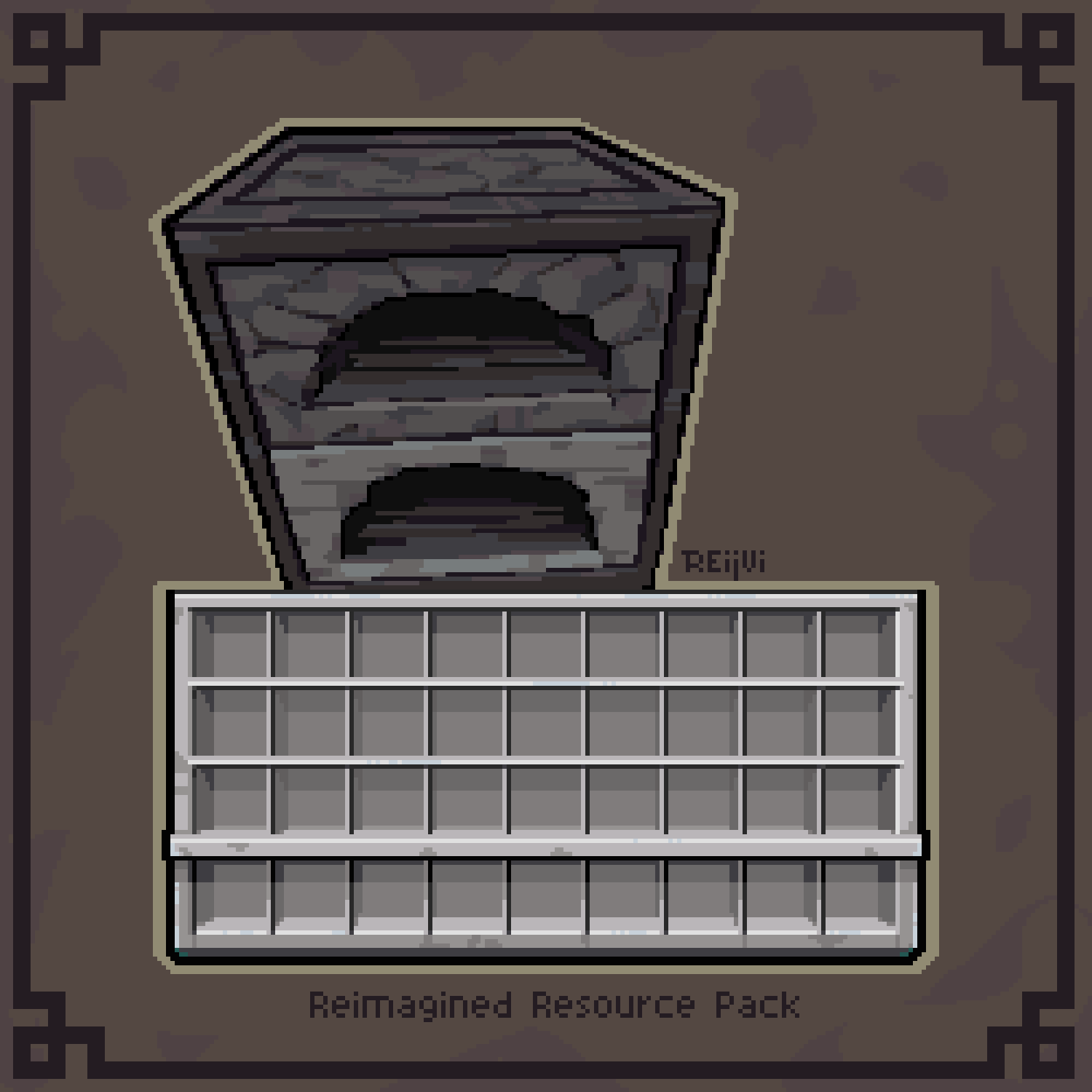
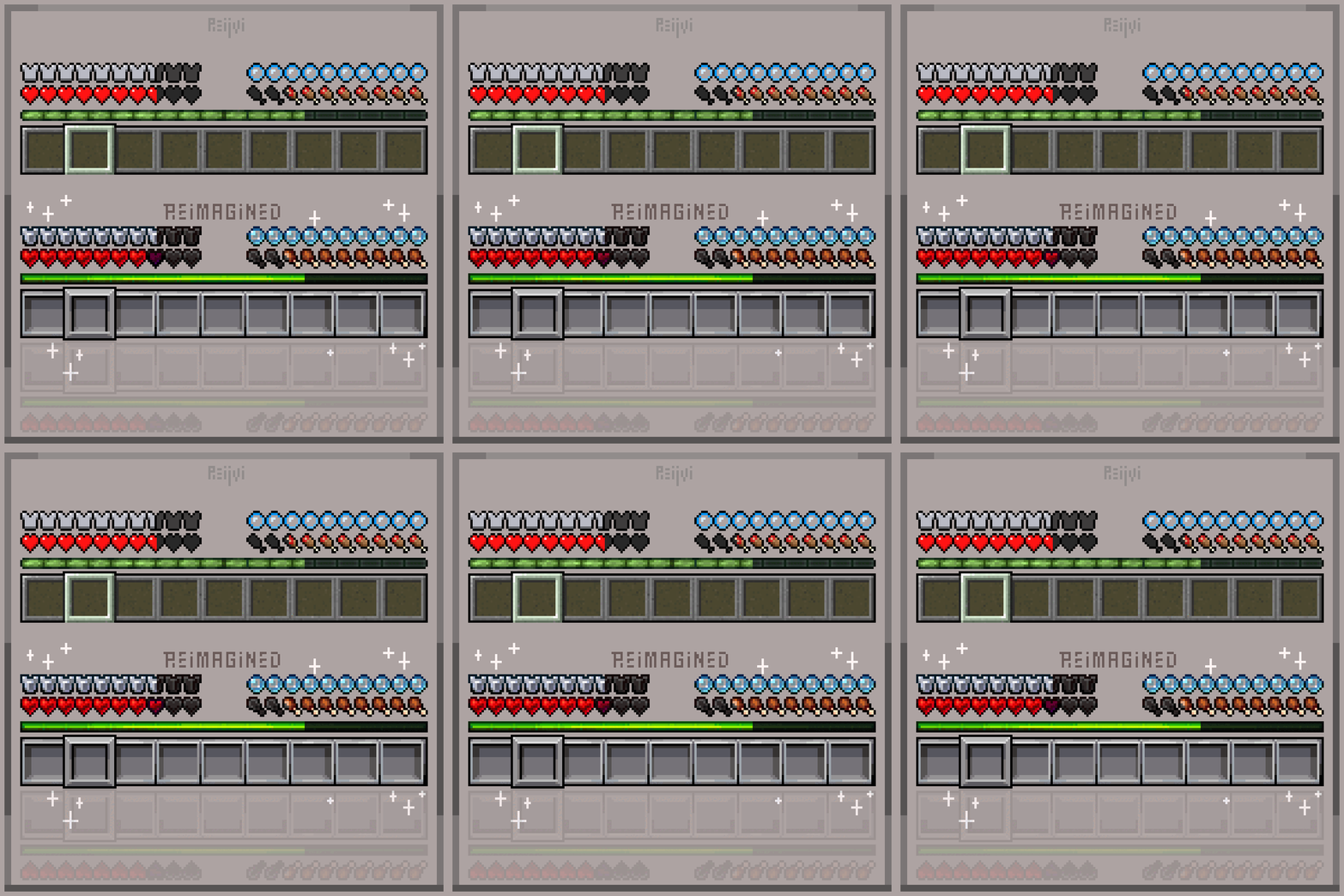
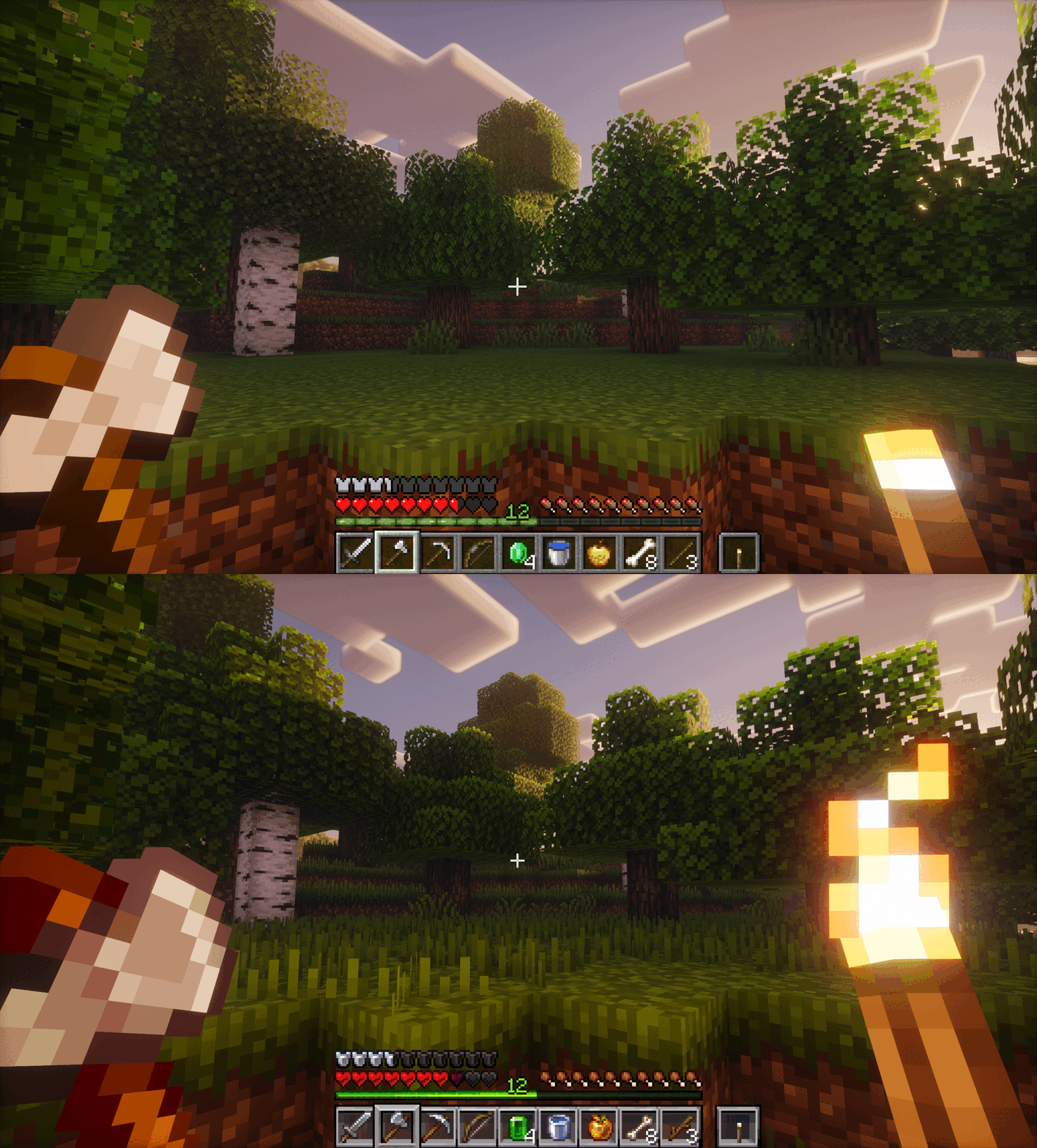
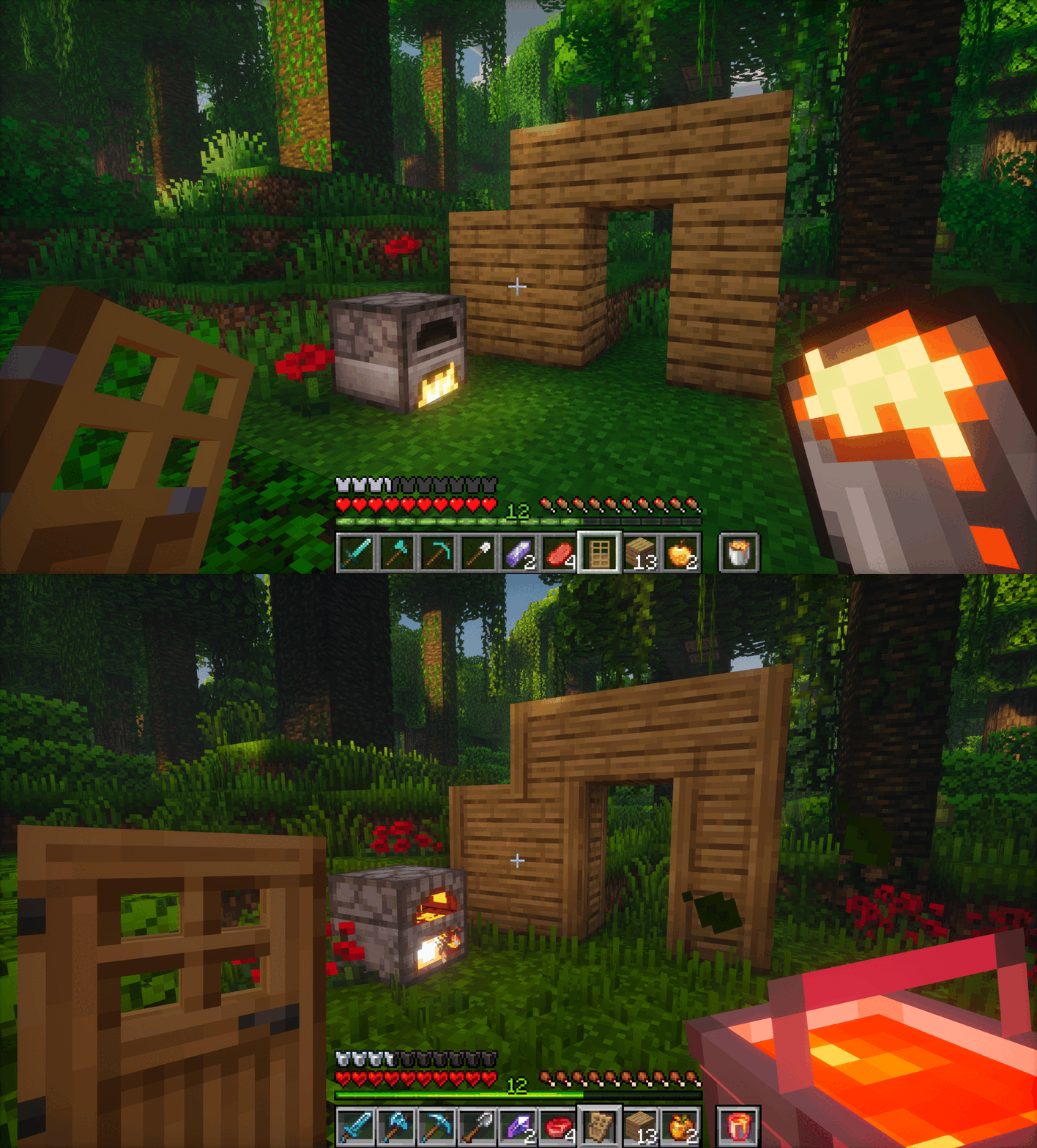
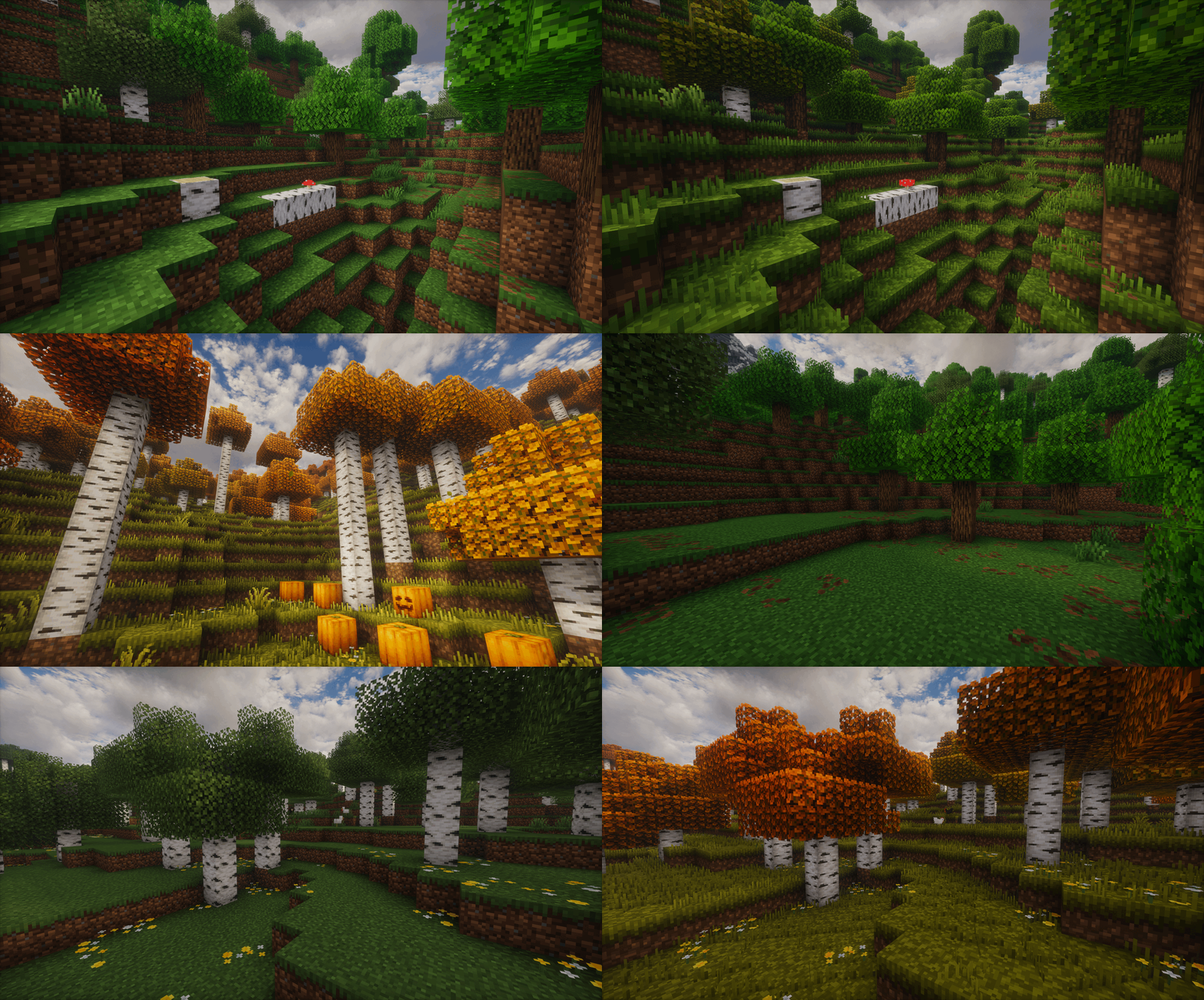
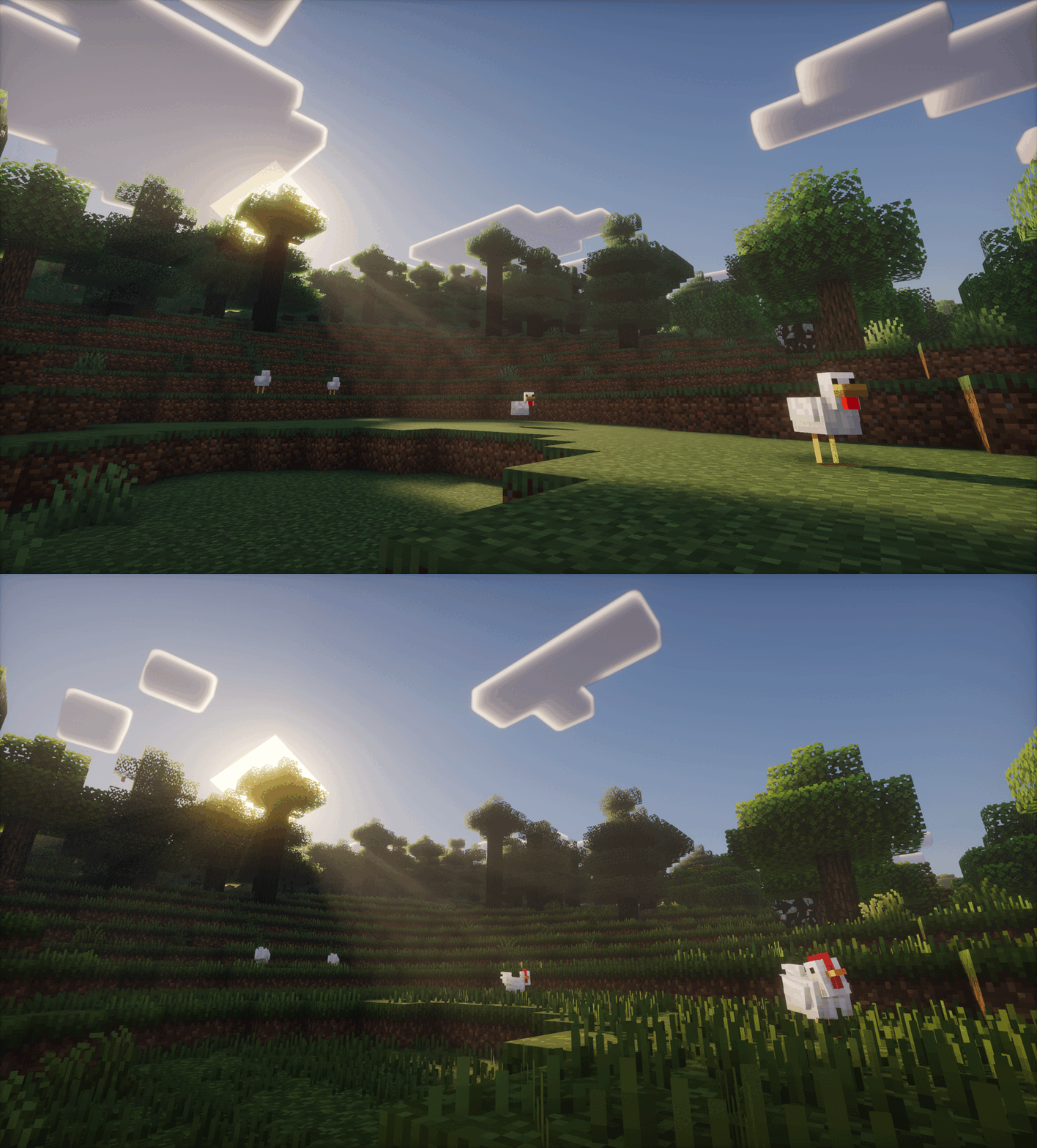
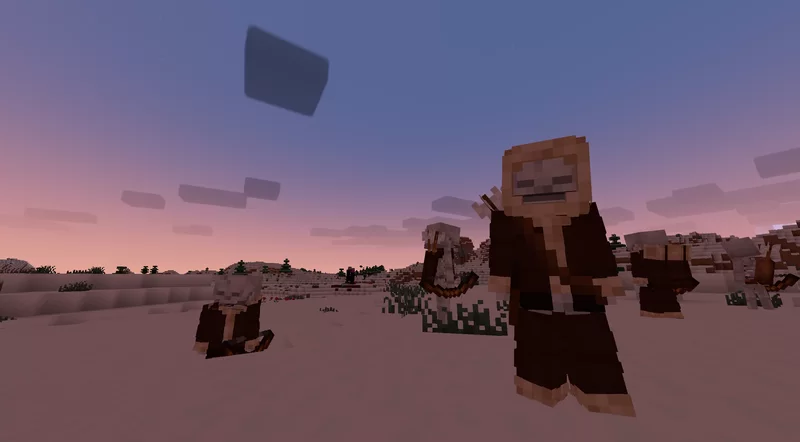
Reimagined is a constant work in progress which is an extensive overhaul changing as much as possible in big and subtle ways. From hundreds of new block variants, completely new remade guis, new sounds, animations, biome colors, mobs, particles and so on! Reimagined should hopefully have a bit of everything people can enjoy.
It'll hopefully will give your pixel world a bit more of an immersive feel, while keeping that cozy familiar Minecraft charm.


### TO GET ALL OF THE REIMAGINED FEATURES, PLEASE USE THESE MODS:
Mod List
Required mods for the full Reimagined experience, Pack may or may not break if missing any of these:
EMF & ETF
Needed for custom Mob models
POLYTONE
Used for a better colormap, better sodium parity and so on (Villager GUI for pre-1.21.6 versions)
CONTINUITY
Used for Connected Textures, like plank borders, carpet ctm, grass overlays, etc
RESPACKOPTS 1.21+
Used to further customise Reimagined with in-game settings. This one is needed currently for improved grass or bushy leaves since it’s enabled via a setting.
If you want Grassy Grass without Respackopts, be sure to use the Grassy Grass Addon
MODEFITE PRE-1.21.4
Needed to backport features from newer versions, this includes stuff like 3D buckets or items when held in hand. This one isn’t needed if you’re on 1.21.4+

Recommended mods for a smoother, more optimised Reimagined experience:
SODIUM

## Features

Show Features
# A couple of notable features:
## A new Reimagined GUI

## Animated Features


# An Immersive World

# New Foliage

# Mob Variation
# And much, much more!


Show Addons
Official Addons:
Fresh Animations Compatibility Patch

Unofficial Addons:
Healthbars (Spryzeen’s Health bars compatibility addon)
Emissive Ores
Darkmode GUI

It is recommended to play on the US English language, since I’ve renamed and modified a few text colors and names, some of which affect the gui!

CREDITS
-un_roman (PMC) for being super kind and creating the Reimagined text logo!
-RickyMemester (PMC) for letting me borrow a few of his original ore texture variants which I’ve previously used in my older “Randomize It” and modified quite a bit.
-DartCat25 (PMC) for letting me borrow his “Menus – Enchanted”, as well as his “Rotating Items” shader for some of Reimagined’s features to work.
-Godlander (PMC) for letting me borrow his “Animated Skin” shader for some of Reimagined’s features to work.
-Cosmoman, (PMC) has helped and contributated with loads of textures, porting deepslate ores, consistency changes and so on.
-ShrimpSnail, (PMC) let me borrow and repurpose their enchanting book cem animation from their The Great Shrimpsby pack.
-EwanHowell, (PMC) has helped me with honestly more than I can count, biggest reason I even know how to make resource packs
-Complementary Reimagined for being the go to screenshot shader (ironic I know)




Want to support Reimagined? For no extra cost, I get a part of the revenue via the purchases made through this link
Reg’s More Foods
## Summary
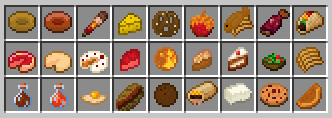
Are you sick of eating the same couple foods in your survival world?
Are you sick of having to eat Golden Carrots all the time because it’s “the meta”?
Are you just bored from the current selection of foods in the game (and lack of actual drinks)?
Well, look no further!
*Reg’s More Foods* utlizies the new **Components** added in Minecraft 1.20.5 to add new foods to the game! Currently, there are over 200 new food options, as well as several Advancements to look for if you’re interested.
Everything added is completely vanilla–nothing added by this pack should affect any potential mods you may have installed.
Uninstallation is as easy as a simple command: `/function rmf:_config/uninstall` will remove everything except for items. All you have to do after that is manually remove the folder or mod from your world.
## Features
As of update v1.4, there are over 200 new foods items you can either find or craft, including:
– Kabobs
– Honeyed Apples
– Cheesecake
– Tacos
– Burritos
– Ice Cream(s)
– Apple Juice
– Hot Cocoa
– Bananas
– Pizza(s)
– Cupcake(s)
– Baguettes
– Smoothies
…and many more!
Ever confused on how to make something, where to find something, or how filling something is?
Check out the Wiki page, or craft a Gourmand’s Digest for an in-game wiki!
Enjoy foods all created with custom textures (made by me), which certainly attempt to capture the vanilla style! At least I hope they do! I’m not a pixel artist at all!
This data pack is also customizable in a few areas–type `/function rmf:_config` to see a list of options.
Alternatively, you can use `/function rmf:_give_item` to give yourself any custom item!
For progress updates on how the project is going, you can check my [twitter page](twitter.com/regfunkid), [bluesky page](bsky.app/profile/regfunkid.bsky.social), or join my discord server.
*PLEASE NOTE*: This datapack changes a few vanilla recipes and loot tables for Quality of Life and to help the project function. Reg’s More Foods is meant to merge as seamlessly as possible to vanilla, so players can just enjoy it alongside the regular game.
One loot table that may be important for some players to know is that Ender Dragons now have a 30% chance to drop a Dragon Egg when killed, as there is a recipe for the Dragon Egg that would otherwise be impossible to obtain in Multiplayer. Please keep that in mind!
### Install Instructions
#### For Release v1.0 and up:
All you need to do is hit download. Both the Datapack and Resourcepack are included in the .zip, all you have to do is unzip it and put the zips in their respective folders.
Vanilla players will need to download the Resource Pack (it’s packaged with the datapack), but the Datapack only needs to be installed once on the world you play on.
#### For the modded versions:
Just hit download. If you’re using the Modrinth Launcher, it will automatically install in your selected profile. 🙂
Please note that *all* players on your world or server will need to download mod to have all the textures load!
If you aren’t using Modrinth, you can download the modded version either here on Modrinth or on CurseForge as a .jar file.
#### For v1.0-alpha:
You’ll have to open up the version manually and download the two files listed, being the Data Pack and Resource Pack. Clicking the download button directly will only install *one* version–so you have to manually do both. I don’t plan on fixing this, nobody plays with it anyway.
### Update Instructions
If this pack is updated and you have an older version, you can simply overwrite it with the newer version. Any items crafted or gained from the previous version will be retained, but their recipes or text may be changed when crafting them again. If any items have been removed or otherwise changed between versions, the data pack will handle it as soon as it enters a player’s inventory!
### Compatibility
|MC Version|Pack Version(s)|Updates?|
|:-:|:-:|:-:|
|1.20.4 or lower|🚫**Impossible :(**|🚫**Not Gonna Happen :((**|
|1.20.5-1.20.6|Only v1.0|🚫**Nada!**|
|1.21-1.21.1|v1.1-v1.1.2|🚫**No!**|
|1.21.2-1.21.3|v1.2-v1.2.1|🚫**Nuh uh!**|
|1.21.4|v1.2.1-v1.2.4|🚫**We don’t know how!**|
|1.21.5-1.21.6|v1.3a|🚫**Don’t have the technology!**|
|1.21.7-1.21.8|v1.3a-v1.4|💬On Request (and if possible)|
|1.21.9-1.21.10|v1.3b-v1.4|💬On Request (if i’m able)|
|1.21.11|v1.3b-v1.4|💬On Request (if there’s time)|
|26.x|v1.4.1|✅Primary Version!|
The modded version of this pack automatically works with the AppleSkin mod, so if you have it installed you’ll be able to see the updated food values.
A Forge port of the Reg’s More Foods mod is available for v1.1.2 and up. I don’t plan on porting previous versions as there’s no need, but I can if enough people ask for it.
Do note that, as of Version 1.2.1, other food datapacks *should* work with this pack. Any version below that might bring some issues.
Any mods will work just fine, datapacks tend to play nicely with mods :>
### Creating Custom Addons
Although *Reg’s More Foods* is All Rights Reserved, I encourage anyone (and everyone) to go through the project’s files, see how it works, and then create their own add-ons!
The beauty of datapacks is in its accessability, and *Reg’s More Foods* is incredibly easy to add to and edit. That being said, please don’t reupload this exact project and slap your name on it. I will be sad.
An instructional video on how to create your own versions of Reg’s More Foods will be coming soon. When it’s done, I’ll link it here!
#### Offically Supported Addons
Here’s a list of some Addons I made myself, for you to try!
– Disable RMF Sponge Crafting
Does exactly what it says–it removes the ability to craft Sponges using Cheese in Reg’s More Foods. Great for server/realm owners who like the project but don’t want Sponges to be easily accessable.
– Reg’s More Foods: After Dark (Coming Soon!)
Not for children! This addon for Reg’s More Foods will add alcoholic beverages which provide effects when consumed, and a toggleable “hangover” mechanic for players who overdo it.
– Reg’s More Foods: Captivating Confectionaries (Coming Soon!)
Prepare your sweet tooth: this addon will add several new candies and desserts to Reg’s More Foods! Almost all of them will give you some form of speed, but eat too many and you’ll find yourself having a sugar crash…
### Frequently Asked Questions
#### *How do I make Cheese?*
– It’s on the wiki now!
#### *Where do I find Tomatoes?*
– Also on the wiki now!
#### *Where do I find the Recipe Book?*
– The Recipe Book is a feature added to vanilla minecraft, and can be found inside of Crafting Tables, Furnaces, Smokers, and Blast Furnaces. Recipes for the Stonecutter are stored in the Crafting Table’s Recipe Book, and can be accessed from typing “stonecutter” or the name of the item you wish to make in the search bar.
– If the recipe you wish to find/make isn’t in the Recipe Book, that means you haven’t found the ingredients needed to make it yet. You can find the ingredients on item’s page on the Wiki. (If what you’re looking for isn’t on the Wiki, send me a message!)
#### *I’m using JEI/REI/EMI. How do I find the custom foods?*
– Due to the nature of the data pack, custom foods/items don’t have their own entries in JEI-type mods. However, they can be found by looking up the recipes of the following items in your JEI-type mod menu:
For version 1.1.2 and below:
1. Firework Star (most foods are stored here)
2. Honey Bottle (all drinks are stored here)
3. Mushroom Stew (bowl-related foods are stored here)
For version 1.2 and above:
1. Firework Star (all non-ingredient foods are stored here)
– Besides that, you can also look up the “uses” of most ingredients (such as Wheat, Carrots, and Tomatoes) on a JEI-type mod and find what custom foods it crafts as well!
– The Advancement List (accessible by pressing “L” in-game) also tells you how to find certain ingredients, or shows the progression of finding/obtaining things.
#### *How do I give myself custom foods/items?*
There’s a command you can run to automatically give yourself custom items!
– For version 1.1.2 and below: `/give @p knowledge_book[custom_data={item_id:(id)}]`.
– The (id) area is for the item you wish to recieve, so an example would be `/give @p knowledge_book[custom_data={item_id:apple_pie}]` to get 1 Apple Pie!
– For version 1.2 to 1.3a: `/function rmf:give_item/(item) {player:(username),count:(amount)}`
– The (item) area is the item you want, (username) is the username of the player to give it to (supports target selectors), and (amount) is the number of the item to recieve. An example would be `/function rmf:give_item/apple_pie {player:regfunkid,count:1}` to give 1 Apple pie to regfunkid!
– For version 1.3b and above, it is suggested that players use `/function rmf:_give_item` since it makes it easier to run the command.
– The item ids can be found on the Wiki of each food item, as well as some other helpful information.
### Credits & Attributions
All of the code in the pack is created by me. Almost every texture is also made by me, with a few being from Google. These few textures were gotten from there because they likely were exactly what I was looking for, were better than anything I could’ve made, or were placeholders.
If you would like to use this data pack in a video, modpack, or any other sort of project you have, you’re free to do so! Please just credit me so I can continue to update and balance the data pack.
Refined Font
This resource pack changes the default Minecraft font, making it more aesthetically pleasing and attractive. It applies to all aspects of the game and supports both Cyrillic and Latin characters, as well as some UTF characters.
Reduce the Vignette Effect – Less intense Shadow Borders/Corners
Reduces the Vignette Effect (The dark corners effect of the screen).
## New Effect:

## Vanilla Effect:

Red Shield
# Red Shield
This resource pack replaces the default shield with a custom 3D model.
The design uses a red theme.
No OptiFine required. Vanilla compatible.
## More Shield Themes
– Black
– Blue
– Creeper
– Dark Red
– Mirror
– Navy Blue
– Rabbit
Red Iron Golem Flowers
This resourcepack recolors the **flowers on the iron golem** so that they have the **same red colors as poppies** do.
It is inspired by the **Vanilla Tweaks** resourcepack “Red Iron Golem Flowers”, although the flowers in this pack are **slightly darker**.
Works with Fresh Animations.
Check out the gallery to see what it looks like.
Red Creepers
Are you tired of not seeing a creeper in the middle of a grass field? Just use this pack for more contrast between the creeper and the blocks around it.
– This version is for Fresh Animations and is not suitable for Vanilla Minecraft.
– This version is for Vanilla Minecraft and is not suitable for Fresh Animations.