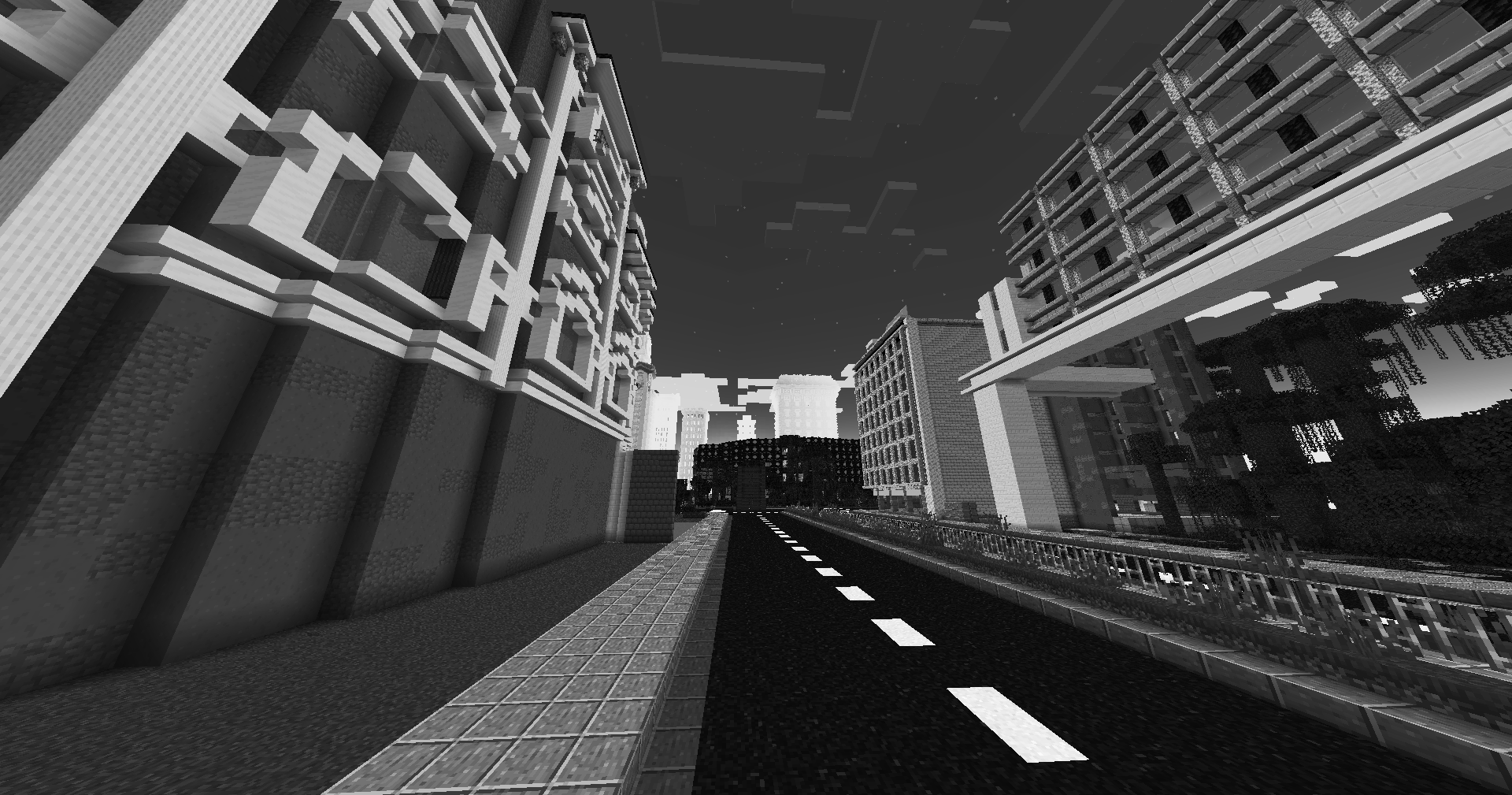
This pack is a fully custom default edit designed to give you a clean, optimized, and visually appealing experience for both SMP gameplay and PvP combat.
Every texture, detail, and tweak was made exclusively by Battlezent, ensuring a unique style with no reused assets.
🔥 Features
🎯 PvP Improvements
Clean & sharp sword models for better visibility
Reduced fire and particles for clearer duels
Optimized armor and item textures
Clear hit particles and improved critical effects
🌿 SMP Enhancements
Slightly improved blocks while keeping the classic default feel
Better item clarity for survival progression
Smooth UI elements for crafting, inventory, and menus
🎨 Visual Style
Faithful to vanilla but noticeably cleaner
Soft color adjustments for a more modern look
Consistent art direction — all made by Battlezent
⚙️ Performance
Lightweight and FPS-friendly
Great for low-end and high-end PCs
Works smoothly on most versions (adjust as needed)
Suggestions and feedback are welcome!
Zen’s MC Trailer Pack
Modpack that enhances your Minecraft experience with stunning visuals and optimized performance. Inspired by the serene beauty of Minecraft trailers.
Zen’s Agricultural Automations
Agricultural Automation [1.20 – 1.21]
This is an updated version of the [Original Data Pack by Chewbarcus](https://www.planetminecraft.com/data-pack/datapack-agricultural-automation-1-14/)
Inspired by the [Bonsai Tree Mod](https://legacy.curseforge.com/minecraft/mc-mods/bonsai-trees), this Datapack aims to bring the mod to Vanilla in a similar fashion using commands to automate tree/flower/shrub/cactus/bamboo farming.
Simply place a hopper with an item frame on the side, a pot on the top of the hopper and then whatever you fancy farming into the pot.
Next up, either place a Diamond Axe, Hoe or Sword (See pictures for help) into the item frame to being the process.
Every 30 seconds you’ll be rewarded with one of the drops from custom loot tables, you can even hook the hoppers up to a redstone circuit to turn this off as the Automation will only work on hoppers that are unpowered.
[Tools & Drops]
Diamond Axe:
– Oak Sapling Logs, Sapling, Leaves, Apples
– Dark Oak Sapling Logs, Sapling, Leaves, Apples
– Pale Oak Sapling Logs, Sapling, Leaves, Pale Moss
– Acacia Sapling Logs, Sapling, Leaves
– Birch Sapling Logs, Sapling, Leaves
– Spruce Sapling Logs, Sapling, Leaves
– Cherry Sapling Logs, Sapling, Leaves
– Jungle Sapling Logs, Sapling, Leaves, Vines, Cocoa Beans
– Mangrove Propagule Logs, Propagule, Leaves, Roots
– Azalea Bush Oak Logs, Azalea Bush, Leaves, Moss
– Flowering Azalea Bush Oak Logs, Flowering Azalea Bush, Leaves, Flowering Leaves, Moss
– Crimson Fungus Logs, Fungus, Wart Blocks, Shroomlight, Vines
– Warped Fungus Logs, Fungus, Wart Blocks, Shroomlight, Vines
– Red Mushroom Red Mushroom
– Brown Mushroom Brown Mushroom
– Cactus Cactus, Green Dye
Diamond Sword:
– Bamboo Bamboo
– Dead Bush Dead Bush, Sticks
Simply pop this into your saves/[world]/datapacks folder and play!
Available On:
– Planet Minecraft https://www.planetminecraft.com/data-pack/zen-s-agricultural-automation/
– Modrinth https://modrinth.com/datapack/zens-agricultural-automations
– Github https://github.com/ZensiertG/Agricultural-Automation
Zenless Radio
# Zenless Radio 📻
The go-to resource pack for Zenless Zone Zero Music! Inspired by [Puff Radio](https://modrinth.com/project/YLcccJCk).
This resource pack is meant to replace all Minecraft music with music from Zenless Zone Zero. Made by ZZZ fans for ZZZ fans! All music is especially curated to fit the proper environments in game for seamless immersion!
This resource pack is support mainly on 1.21.x & 1.20.x as of writing but you may find success on older (and future) versions as well.
All music is sourced from https://downloads.khinsider.com/
# LighterWise Pack 🧡🔦
If you’re a fan of ZZZ and LighterWise, consider checking out [LighterWise Pack](https://modrinth.com/project/t06gpLHc)
🏳️🌈
Zenitsu katana from anime Demon slayer
OptiFine required!
( Rename Any sword to “Zenitsu katana” to use it. )
For support, download this resource pack from my website:
[zenitsu_katana.zip](https://mineanimecreations.com/resource-pack/zenitsu_katana.zip)
Discord server: discord.gg/z86yJcAZKc.
Also check out my other packs: https://modrinth.com/user/MineAnimeCreations
Resource pack makes it possible to replace any sword with a Zenitsu katana from the anime Demon Slayer by renaming
Zenitsu Agatsuma
## A resource pack themed after Zen’itsu Agatsuma from Demon Slayer.
### This pack is discontinued, but most of it’s features are available in my [Demon Slayer CIT](https://modrinth.com/resourcepack/demon-slayer-cit) pack!
##
This resource pack was (almost) entirely made by me (read the credits.txt file in the pack for more information).
Some of the features in this pack require [OptiFine](https://optifine.net/home) ([or CIT alternatives](https://optifine.alternatives.lambdaurora.dev/)) to be installed. They are marked with {OF}.
These are all of the things featured in this pack:
**GUI:**
– All of the containers (almost)
– Hotbar, food icons (also for the [AppleSkin](https://modrinth.com/mod/appleskin) mod!), HUD related stuff
– Buttons/Sliders
## Customization
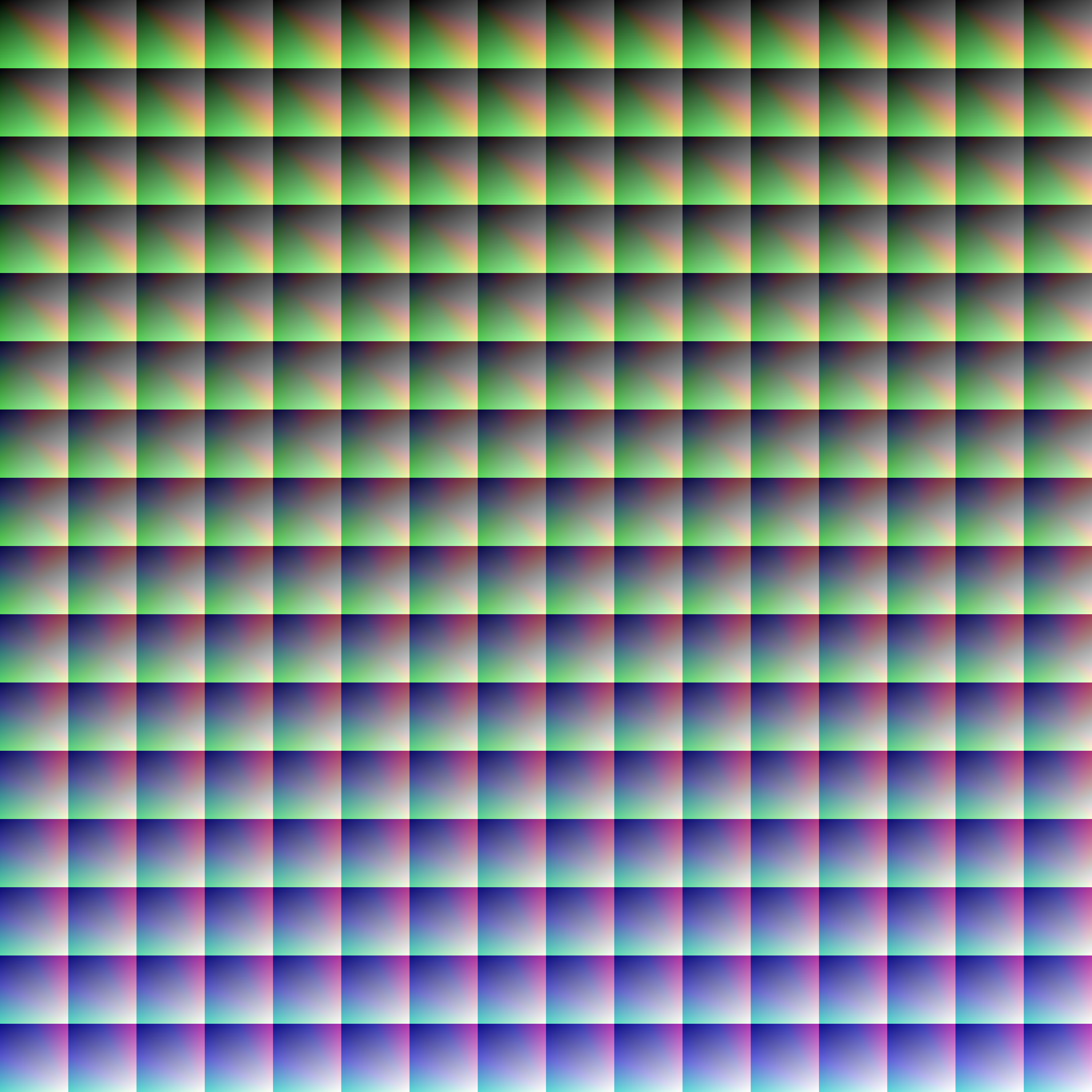
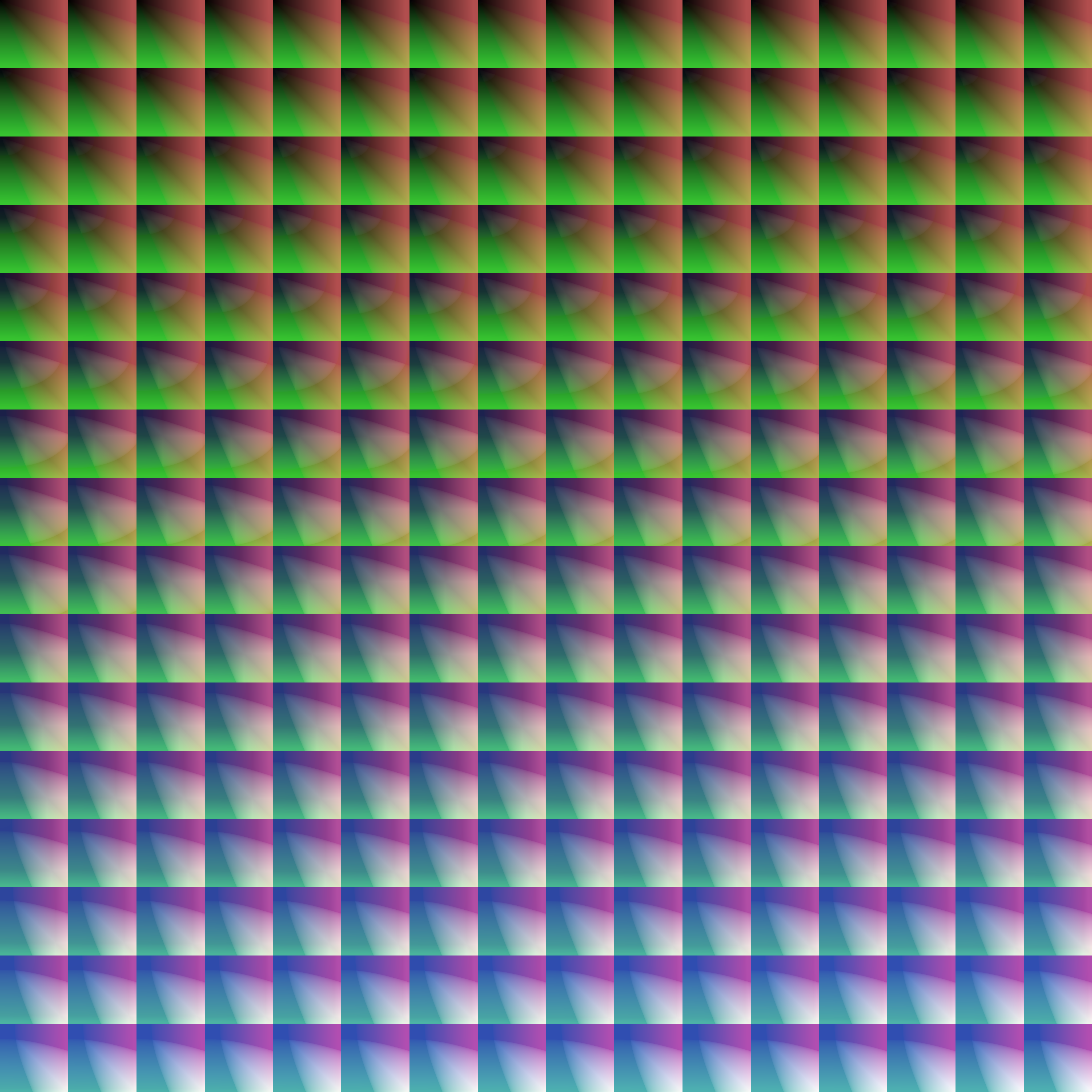
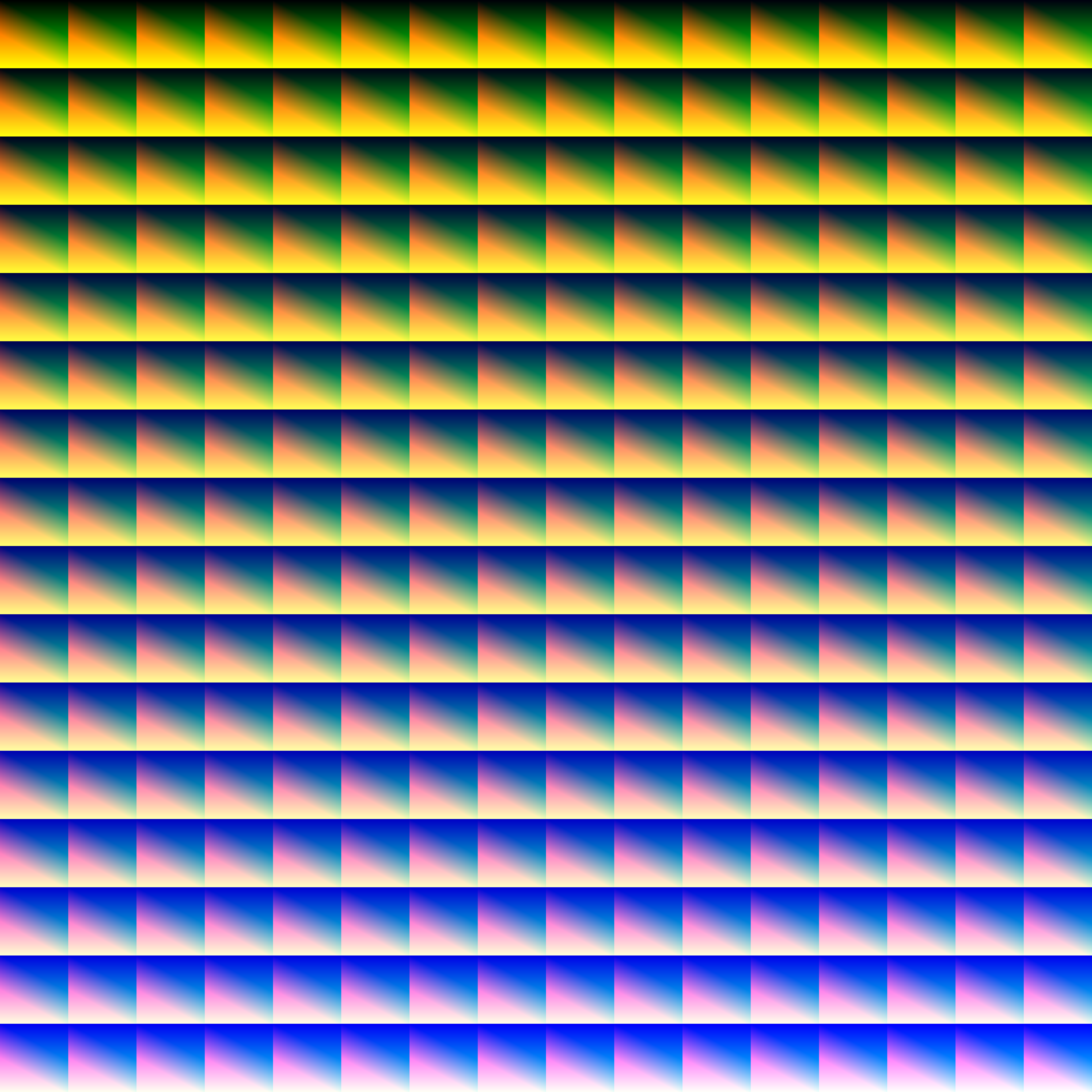
Provided within the pack zip, you may find a file called `init_LUT.psd`, which will allow you to customize the look and feel of this shader.
Customization Instructions
Open init_LUT.psd into your favorite photo editor (IE GIMP, Photoshop, Affinity Photo)
I personally use the free online Photoshop alternative Photopea
You can also just use the unmoddified init_LUT.png which is also provided in the zip
Apply as many adjustment layers, or edit the ones I have pre-selected, to achieve the look you desire
These can be found under Layer > Add New Adjustment Layer
Hide the color preview layer HIDE BEFORE EXPORT
Export into the pack as assetsminecrafttextureseffectlut.png or shaderslut.png, depending on whether you are using Vanilla or Iris/OptiFine
Example LUTs
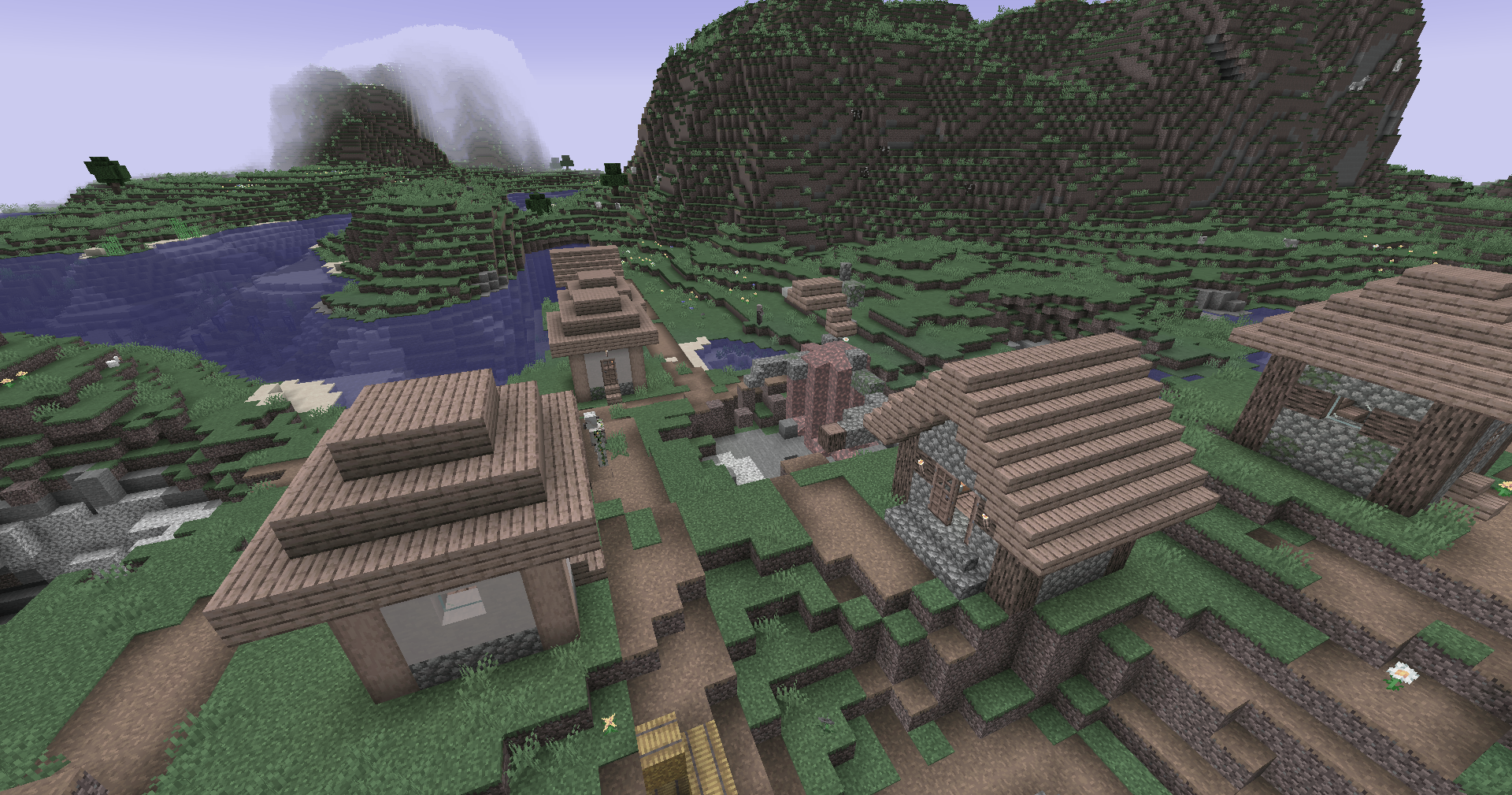
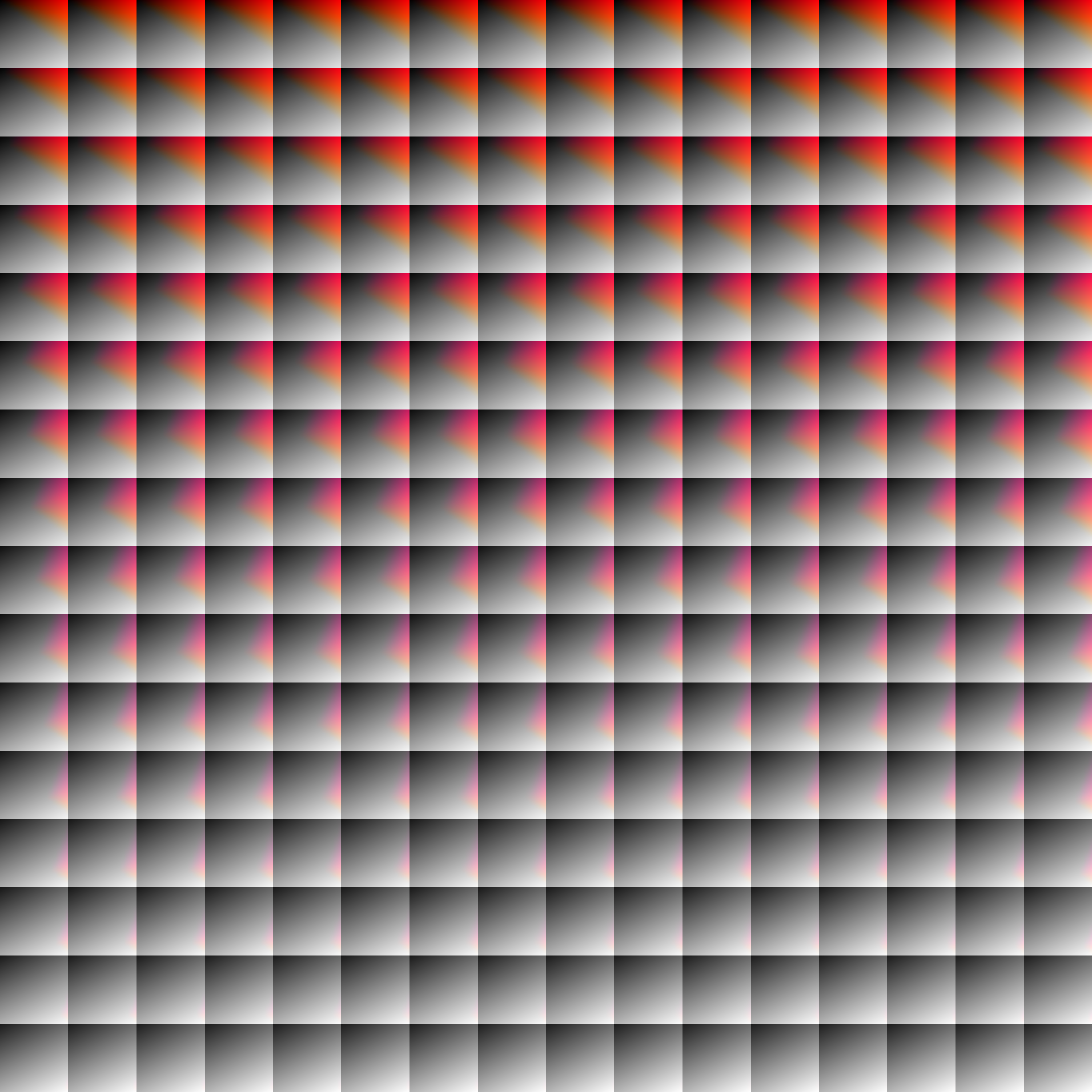
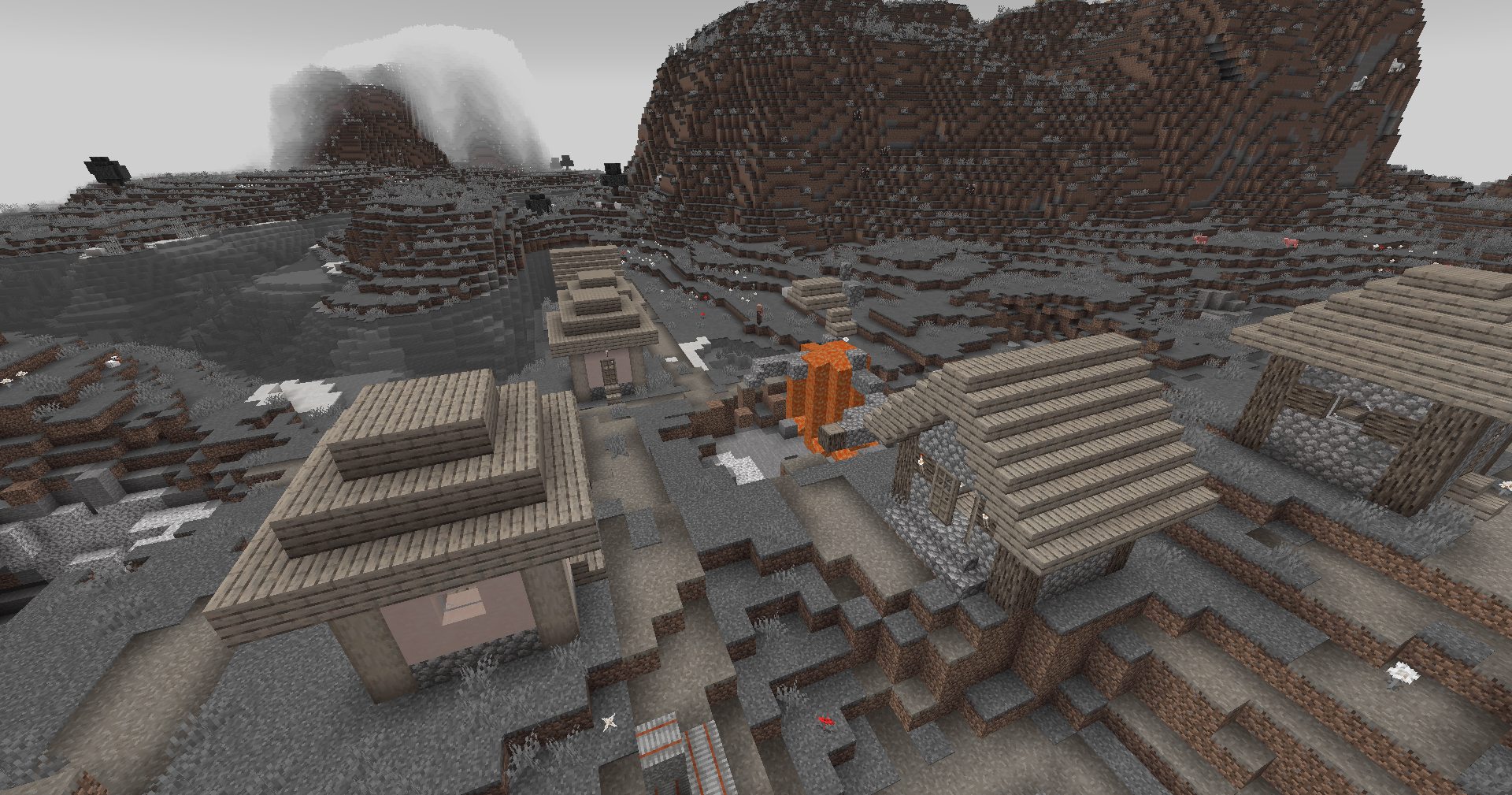
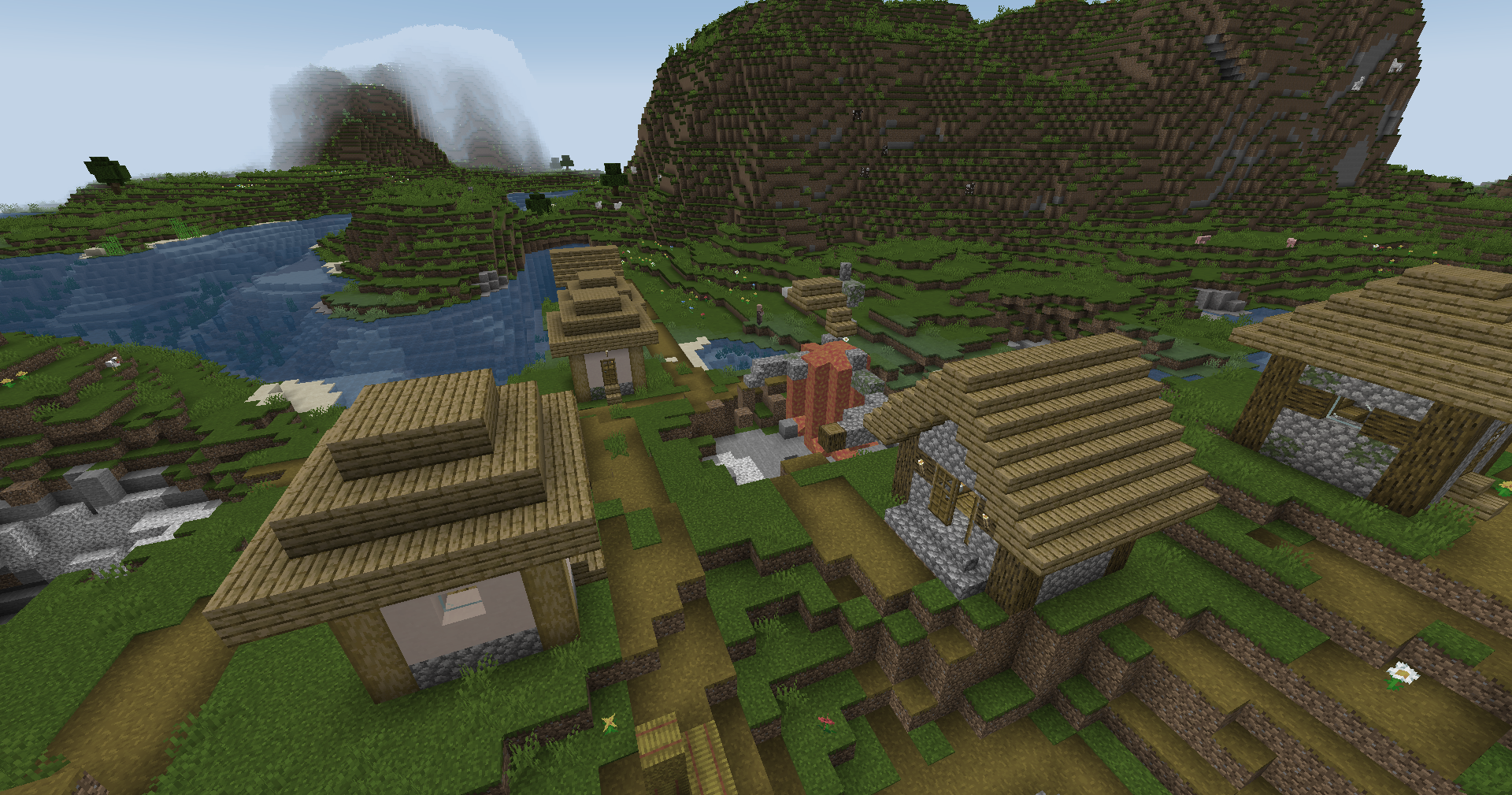
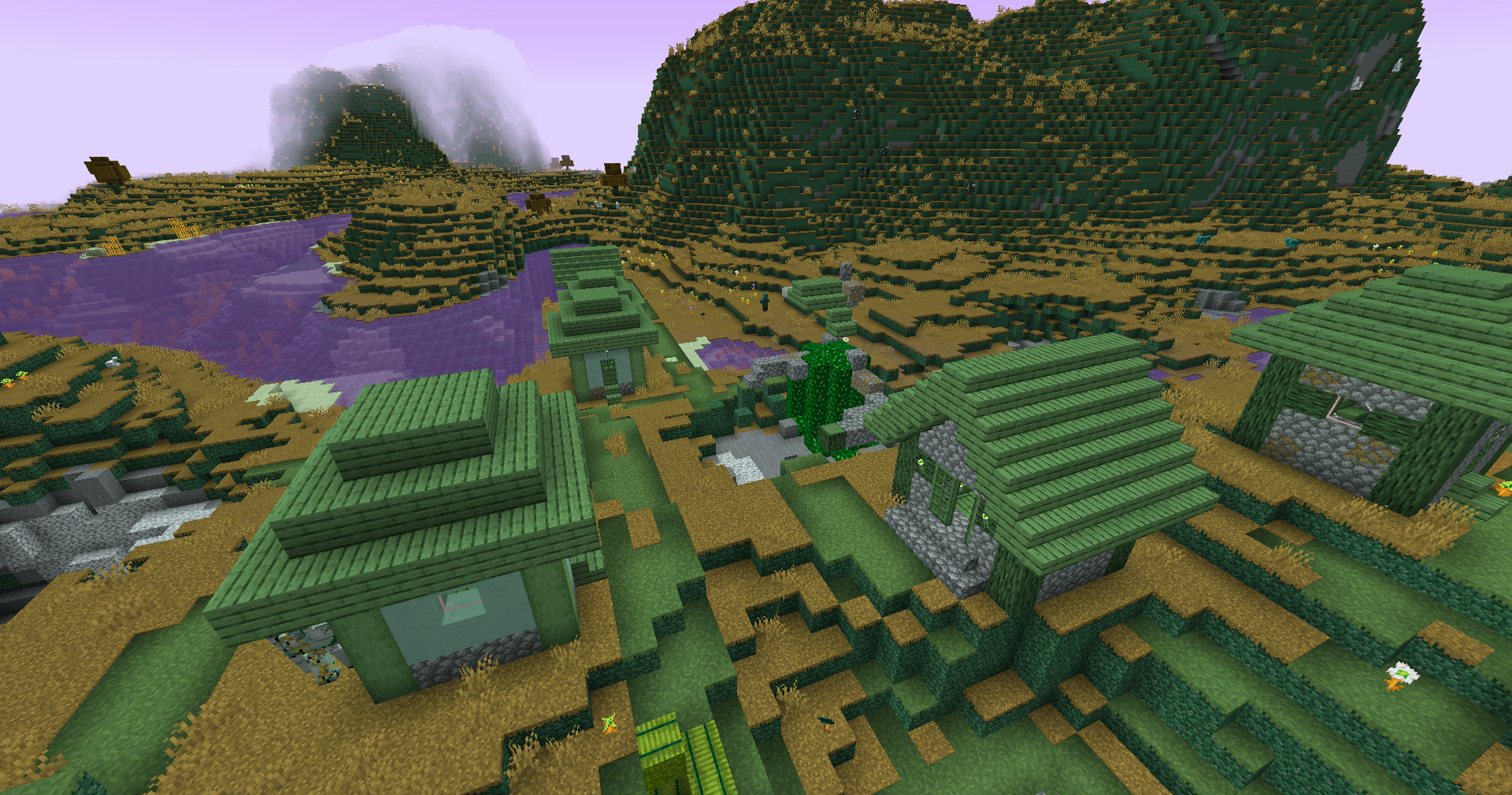
Save one of the LUTs below as assetsminecrafttextureseffectlut.png or shaderslut.png, depending on whether you are using Vanilla or Iris/OptiFine:
LUT
Preview
Reduced Reds
Red Isolated
Darkened World
Wut
Dramatic Black and White
Redistribution
If you wish to share your own custom LUT, please direct your users to download Zenith’s LUT Shader alongside your pack, or mark it as a dependancy on Modrinth
ZenithHome
# 🏠 ZenithHome v1.0 — Initial Release
## ✨ Features
– Set, delete & teleport to personal homes
– Interactive GUI to view all homes (`/homes`)
– Fully configurable messages with & color codes
– Unlimited custom rank support via config.yml
– Per-player YAML storage (no database needed)
– In-memory caching for zero-lag performance
### 📋 Commands
– `/sethome ` — Save a home
– `/delhome ` — Delete a home
– `/home ` — Teleport to a home
– `/homes` — Open the homes GUI
This modpack is for the Zenith Project MC server and provide the intended look for the server. This is purely for visual aesthetic and better performance on the server and is not a required modpack.
**What does this modpack provide?**
It comes with two shaderpacks namely, Complimentary Shaders Reimagined and Unbound. It also includes Iris shaders mod which adds compatibility with OptiFine shaders. Sodium is also included for its powerdull rendering engine as well as its optimization.
For any help regarding this modpack please feel free to join the discord and reach out to an MC developer!
Included Mods
– [Complimentary Shaders Reimagined](https://modrinth.com/shader/complementary-reimagined) by EminGT (Intended look for the server #1)
– [Complimentary Shaders Unbound](https://modrinth.com/shader/complementary-unbound) by EminGT (Intended look for the server #2)
– [Iris](https://modrinth.com/mod/iris) by coderbot & IMS (A modern shaders mod for Minecraft intended to be compatible with existing OptiFine shader packs)
– [Sodium](https://modrinth.com/mod/sodium) by jellysquid3 & IMS (Sodium is a powerful rendering engine and optimization mod for Minecraft)
Zen Font
Get a server today and play with your friends! Click HERE or below banner & Use Code GAMERPOTION to get 25 off!
Zen Font
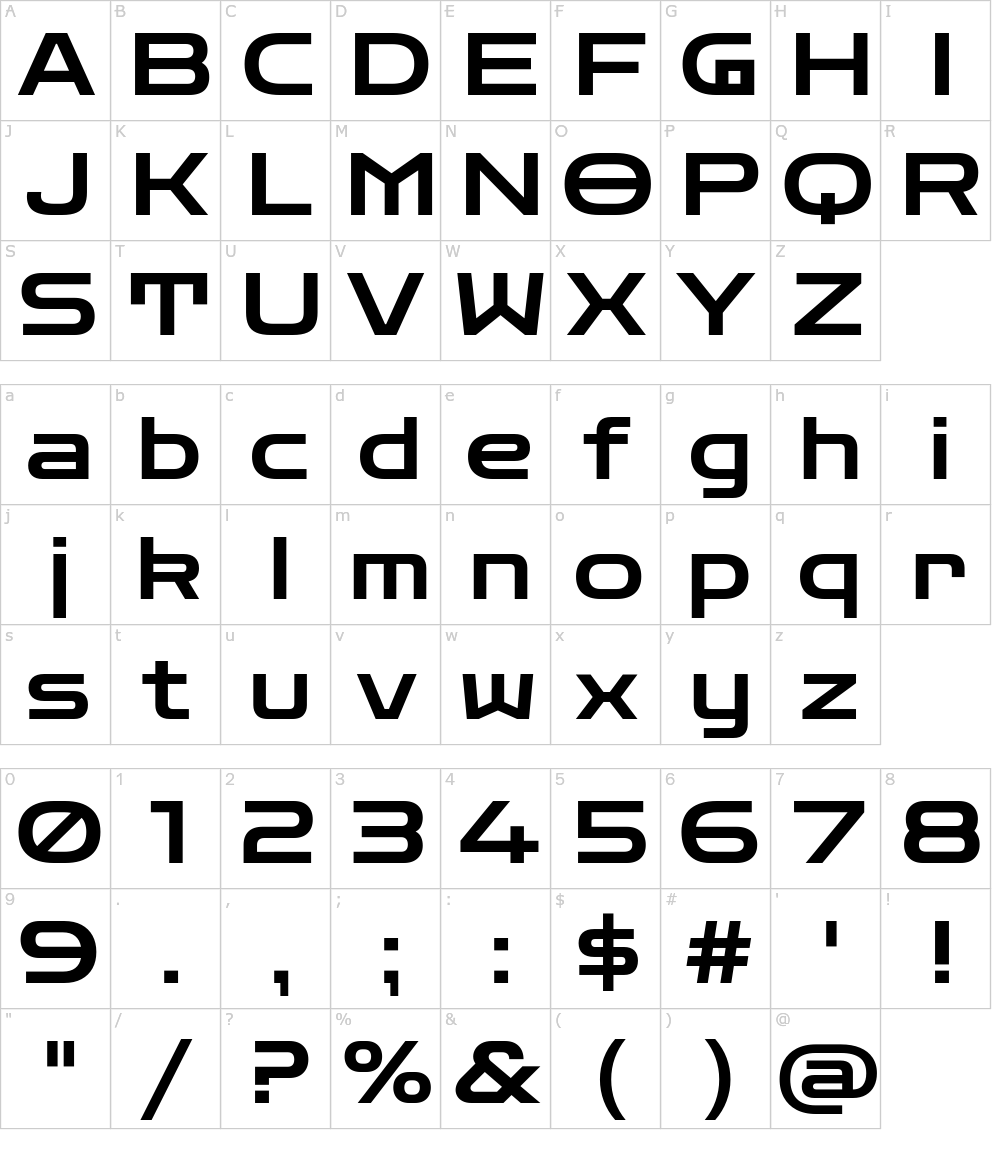
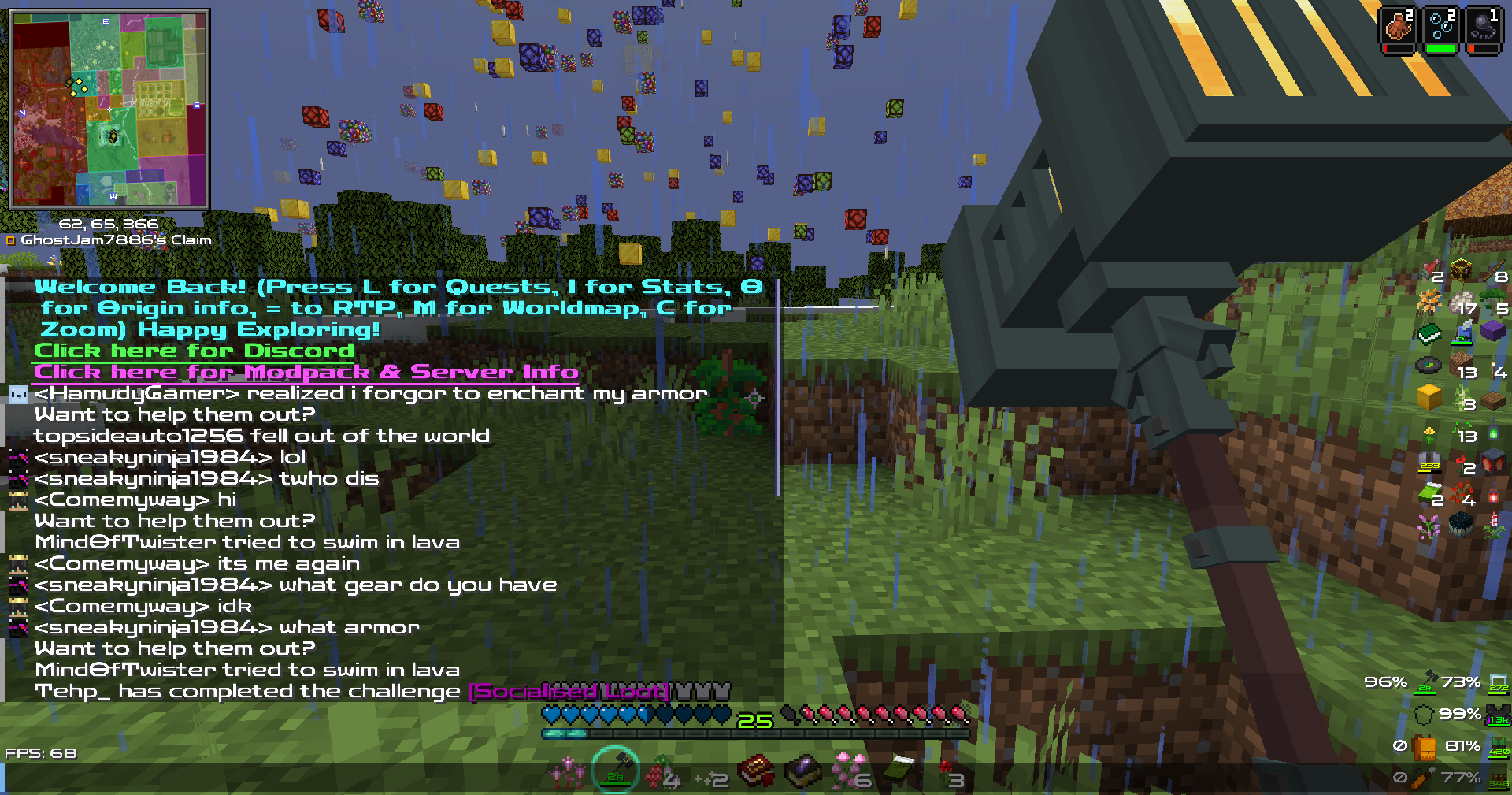
Your vanilla experience will be further improved thanks to this clear & crisp font. Made for the DarkRPG modpack but now available to the public!.
Based on the Zen Dots Google Font by Yoshimichi Ohira.
The font is licensed under the Open Font License.
Screenshots (from DarkRPG)
Click the banner below to get your server today! or go to BisectHosting.com and make sure to use the code ‘gamerpotion‘ to get your 25% off.