This data pack/mod is designed to be as unintrusive as possible. Hidden entities including their worn armor and tools will only be invisible and silent.
Spawn Animations is completely server-side!
[-> For available settings and customization, take a look at the wiki <-](https://github.com/Tschipcraft/spawnanimations/wiki)
More sophisticated animations with Animated Java are planned for v2.0!
## Installation
Install either as:
* **Data Pack [DP]** ➜ Place `.zip` in your world's `datapacks` folder
* **Mod [Mod]** ➜ Drop into your `mods` folder and optionally install [MidnightLib](https://modrinth.com/project/codAaoxh) for a global config file and UI
For hiding entities with emissive layers in 1.20.4 or below, and generally smoother animations, you may additionally install [Pehkui](https://modrinth.com/project/t5W7Jfwy).
To manage settings, reset, or uninstall the pack, use the command `/trigger tschipcraft.menu` or `/function #tschipcraft:menu`.
## Demo GIFs
Click here to expand
## Compatibility
**Forge** is only natively supported until Minecraft 1.21.5.
For Minecraft 1.14, 1.15 or 1.16, you can use [a legacy version](https://github.com/Tschipcraft/spawnanimations/tree/master/other_editions).
For mod support, check out [Spawn Animations Compats by Fyoncle](https://modrinth.com/datapack/spawn-animations-compats).
## External Links
## Partner Offers
Want to buy **Hytale** or upgrade your edition? Use creator code `Tschipcraft` upon checkout for me to receive a commission! (The price for you stays the same)
In addition to adding all vanilla hostile mobs, this datapack adds hostile mobs from the FroggyCraft modpack to the frog food list of ([**_SpaceFrog’s Hungry Hungry Frogs_**](https://modrinth.com/datapack/spacefrogs-hungry-hungry-frogs)) datapack. If you’re running some or all of the mods from FroggyCraft that add custom hostile mobs, this datapack will expand the types of mobs frogs can eat. However, if you run this datapack without the base SpaceFrog’s Hungry Hungry Frogs datapack, your frogs will be left pretty underpowered, and no one wants to see a frog exploded by a creeper! The base datapack adds buffs to frogs to make sure your froggy friends stand a good chance in any fight they get into.
This datapack is also a good option for those running vanilla Minecraft who want to give all frogs the ability to attack hostile vanilla mobs without the getting the buffs found in SpaceFrog’s Hungry Hungry Frogs.
SobhanA11 modern Vanilla+ Cpvp (crystal pvp)
**hello!
this is a crystal and modern and mace pvp resource pack (with some survival features)**
🖼️Vanilla Minecraft textures like blocks and items have a width and height of 16 pixelsbut Some textures make the resolution of textures smaller than the default, such as 8x, and some bigger, such as 32x.
# 🌟main features
– 3d crystal item
– pvp crosshair
– glassed boats bottems
– BrewingStand Guide
– smaller totem and shield and mace
– very low fire effect
– Transparent GUI
– custom texture for items with some enchants
– show loading level of bow
– smal totem pop
– no explosion particle
– smoth water
– numbered redstone dusts
– A11 totem! (SobhanA11 logo)
– rounded edge hotbar gui
– smal foods
– unrandom textures
# 💠 Why Use This Pack?
Whether you are dueling in Crystal PvP, trying out the new mace mechanics, or just enjoying a survival world, this pack gives you:
– Better visibility during fights
– Cleaner UI & particles
– A mix of performance-friendly textures and modern style
A resource pack that removes every sniffer sound, except for it’s death.
### Version support
– Every version after 1.20 is supported. As the sniffer was released that version.
**If you have any issues, please contact me through Discord.**
@zemewtf
smooth biome moss
add biome blending to moss block, donesnt work with moss carpet unfortunatly.
/! NEEDS either continuity OR optifine to work as it use theyre CTM feature /!
smoothing also need continuity or optiphine as it was not intentional at firs, i will have to remake the texture in the plain for everyone one day but for now, everything in this pack need continuity or optifine
Small Shield & Totem
# Small Shield & Totem
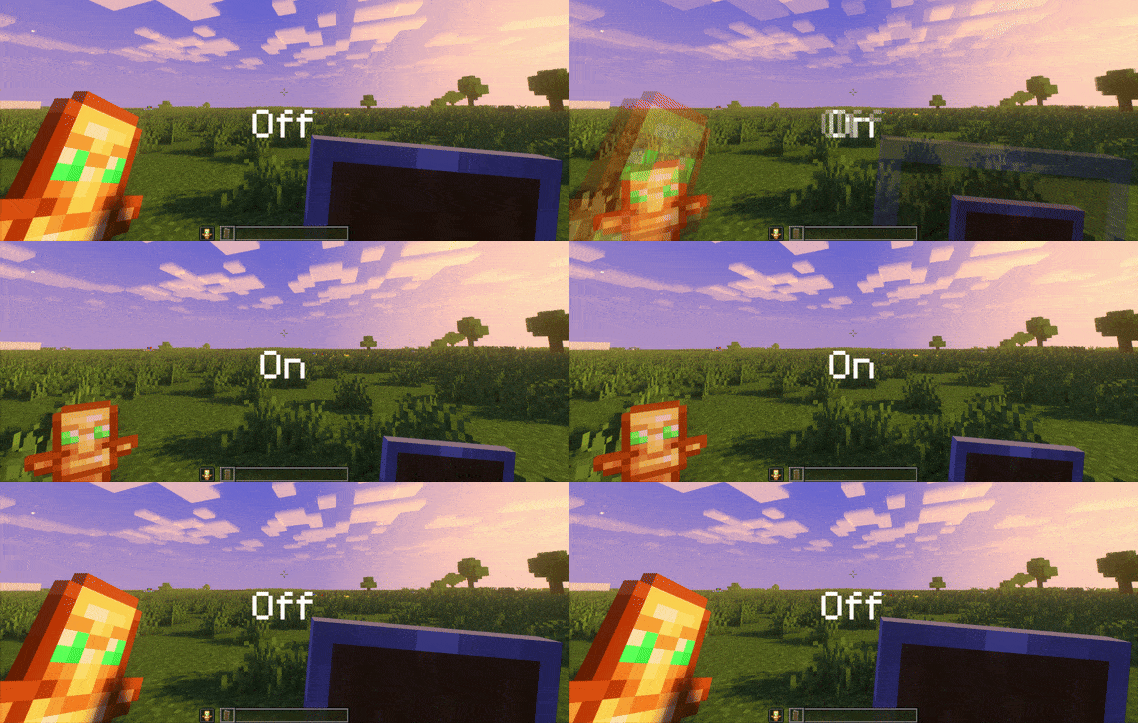
### Features
– Small shield
– Small totem
– Small totem pop
– Small totem pop particles
– No mods needed
### Compatibility
The pack works on all version from **1.9** to the **Newest**
⚠️ Versions 1.19.4 and below will tell you “the pack is for a newer version”, but it will work just fine
### Notice
Totem of undying will be extra small when placed in an item frame. This is unfortunately a side effect of the small totem pop effect
⠀
### Want a Minecraft server? Consider using Sparkedhost!
Use code ‘blob’ for 25% off
[](https://billing.sparkedhost.com/aff.php?aff=3085)
Truly Small Items
### Features
– Smallified equipment and miscellaneous items.
– Fixes multiple texture issues, such as the end crystal offset.
– Blends in well with vanilla textures.
– Fully compatible with other smallifying resource packs!
– Fully functional in any version from 1.5!
### Questions?
Be sure to make suggestions and report bugs or inconsistencies to the [Jotform](https://form.jotform.com/260524716060046)!
### What Version?
If you are using the Modrinth loader, it should automatically select the resource pack for your version!
In case you are not using the Modrinth loader, the letter determines which pack to install:
* P: 1.5 – 18w43a
* T: 18w43a – Latest
# Skylark
Generation and utility mod for Fabric sky block games.
You do not need to ask me in order to use this mod in a modpack or to use
this code in your own mod. However, I would love to hear about it so I can
check it out.
See [the wiki](https://github.com/gniftygnome/skylark/wiki) for configuration and details.
## What does Skylark do today?
Currently implemented features:
* Disable all Overworld generation.
* Preserve the distribution of biomes.
* Allow generation of any starting feature (trees, etc.), or
* At a configurable height, and
* Randomized from a configured list, which
* Defaults to (most of) the Minecraft trees
* Allow generation of most structures.
* There is no ground layer, so
* Many vanilla structures will have some defects.
* Some vanilla structures override the height (-63 is common).
* A few custom structures are available; see the wiki.
* Generate a single chest at the spawn point with configurable items.
* Spawn the player on the generated feature or structure.
* Option to distribute multiple players either:
* All at (0, 0) on a shared spawn feature, or
* In a ring of configurable radius centered on (0, 0), or
* Based on their Minecraft scoreboard team.
* Track and persist player default spawn location individually.
## What might Skylark do eventually?
Currently planned features:
* Maybe add bonus things specific to finding different biomes?
I will generally add any features I find useful for sky block play but which
are not already available via other Fabric mods. Suggestions are welcome.
SKN’s Loopy Ores
Summary
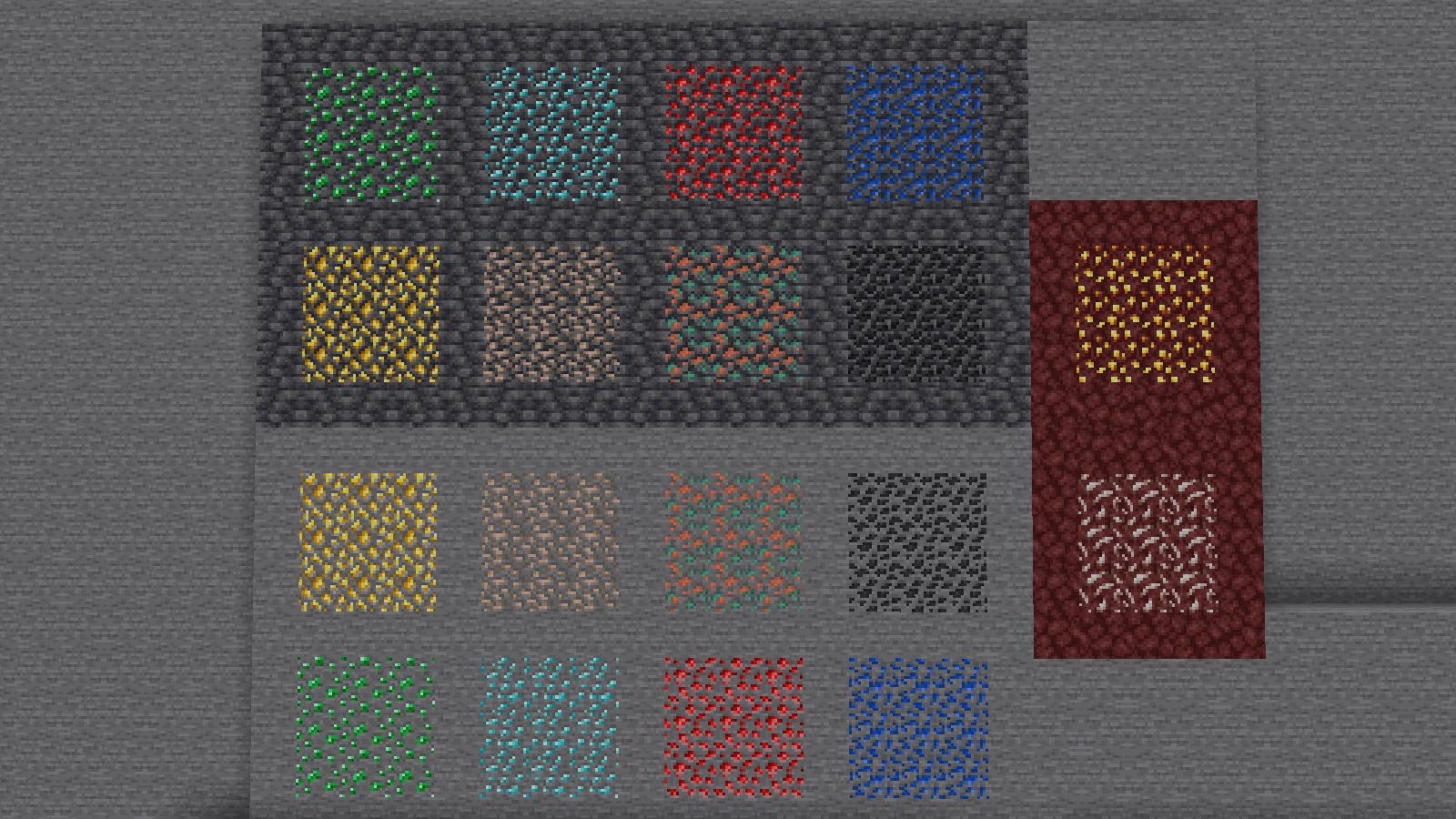
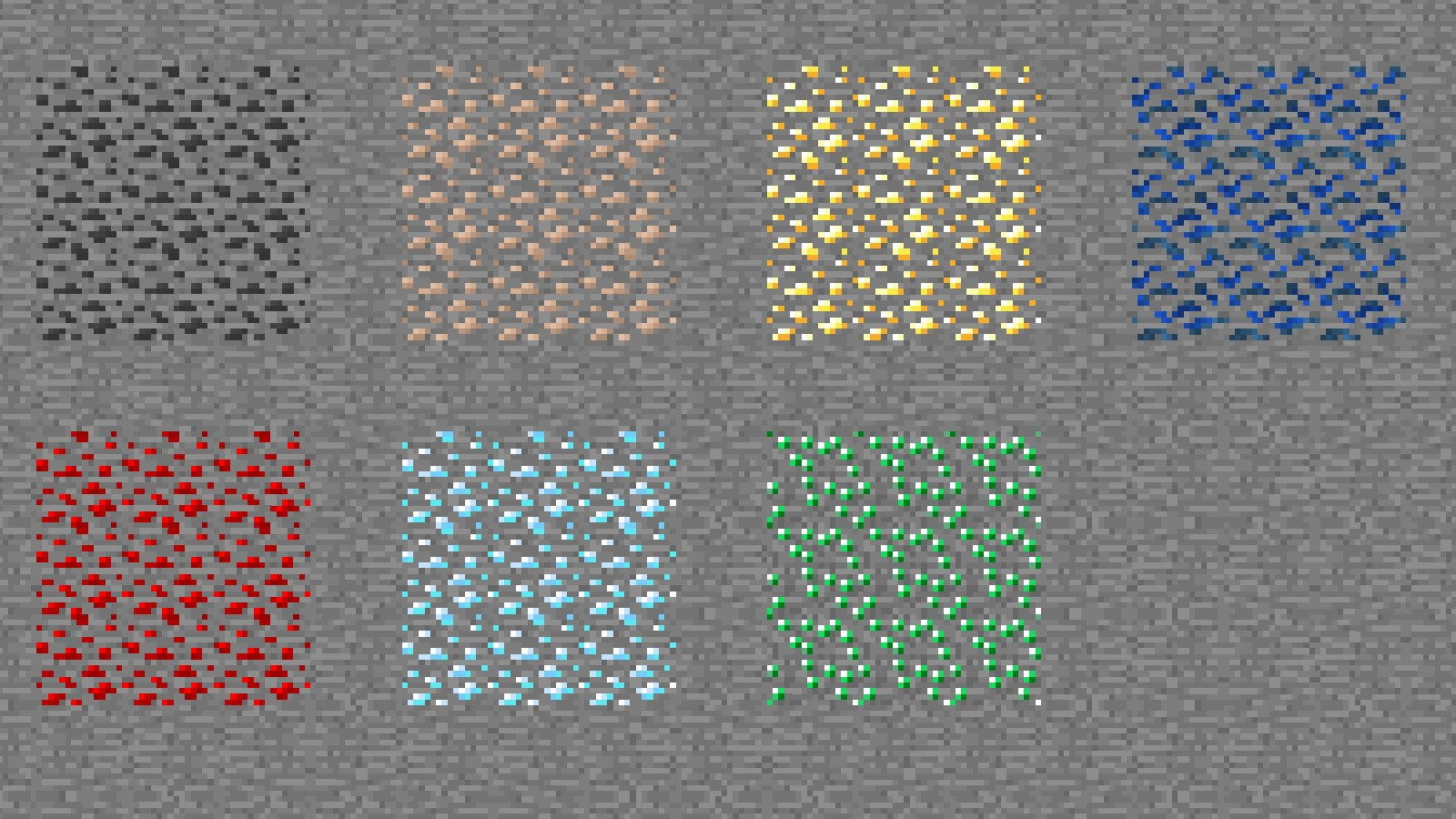
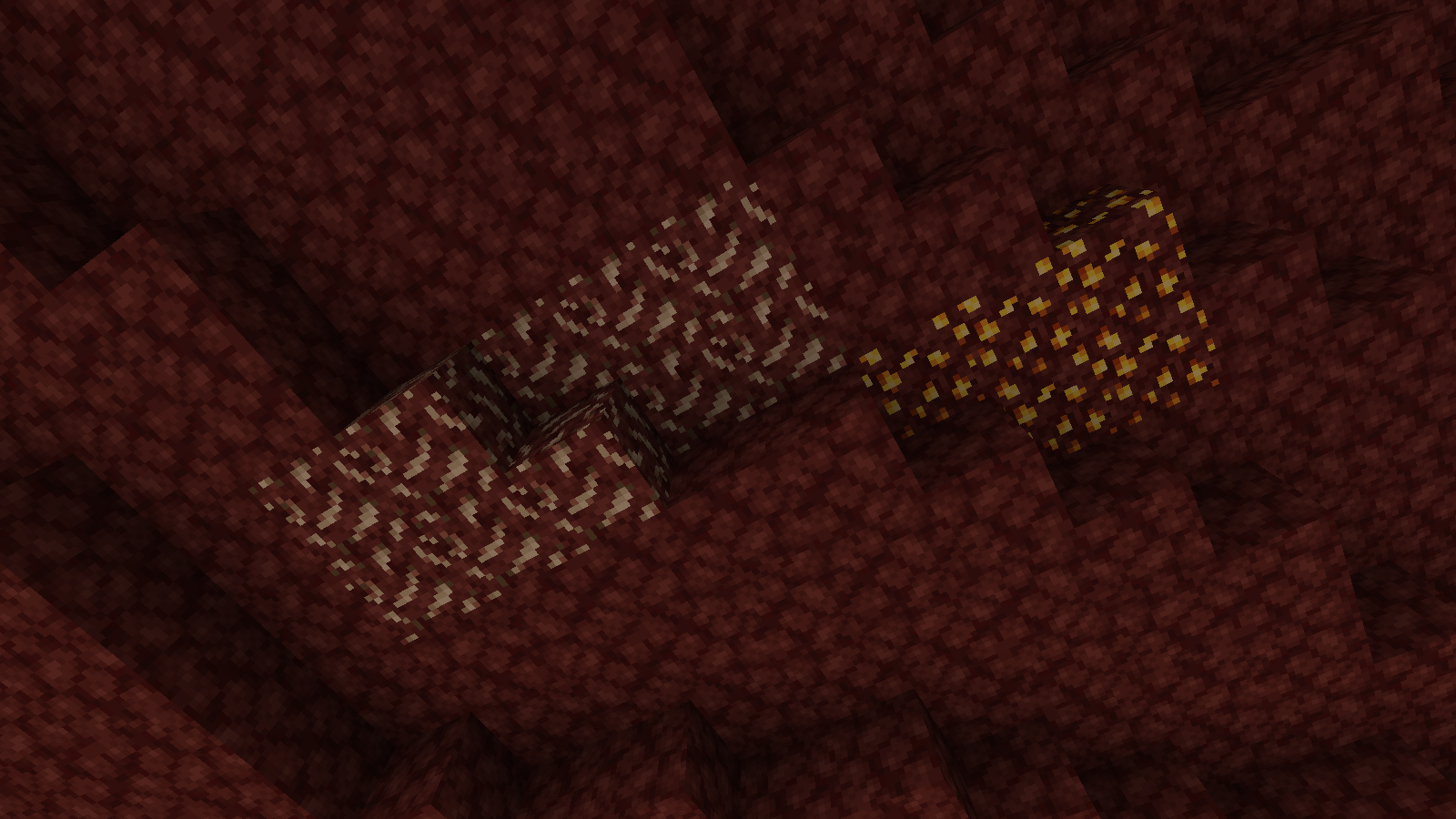
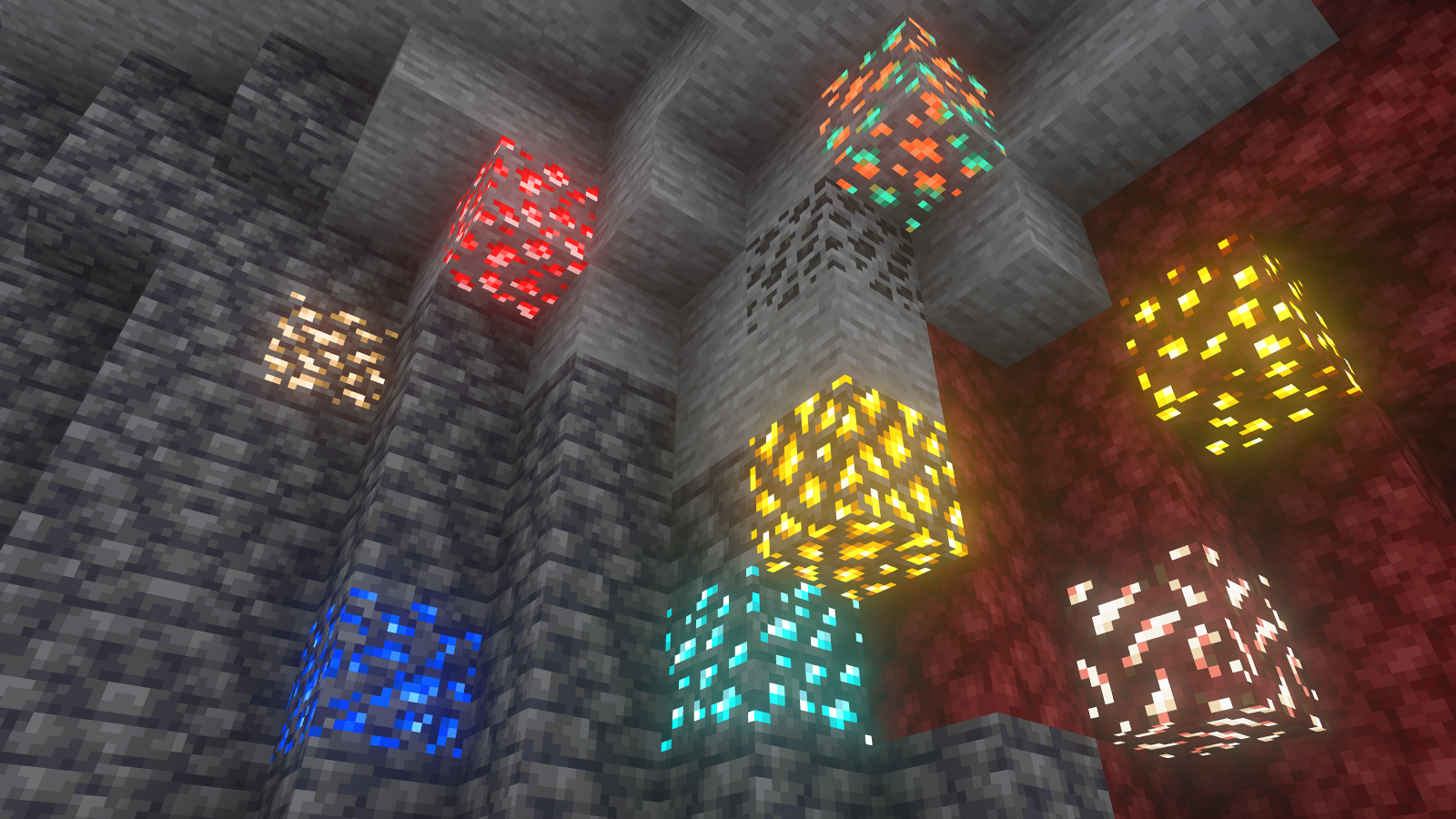
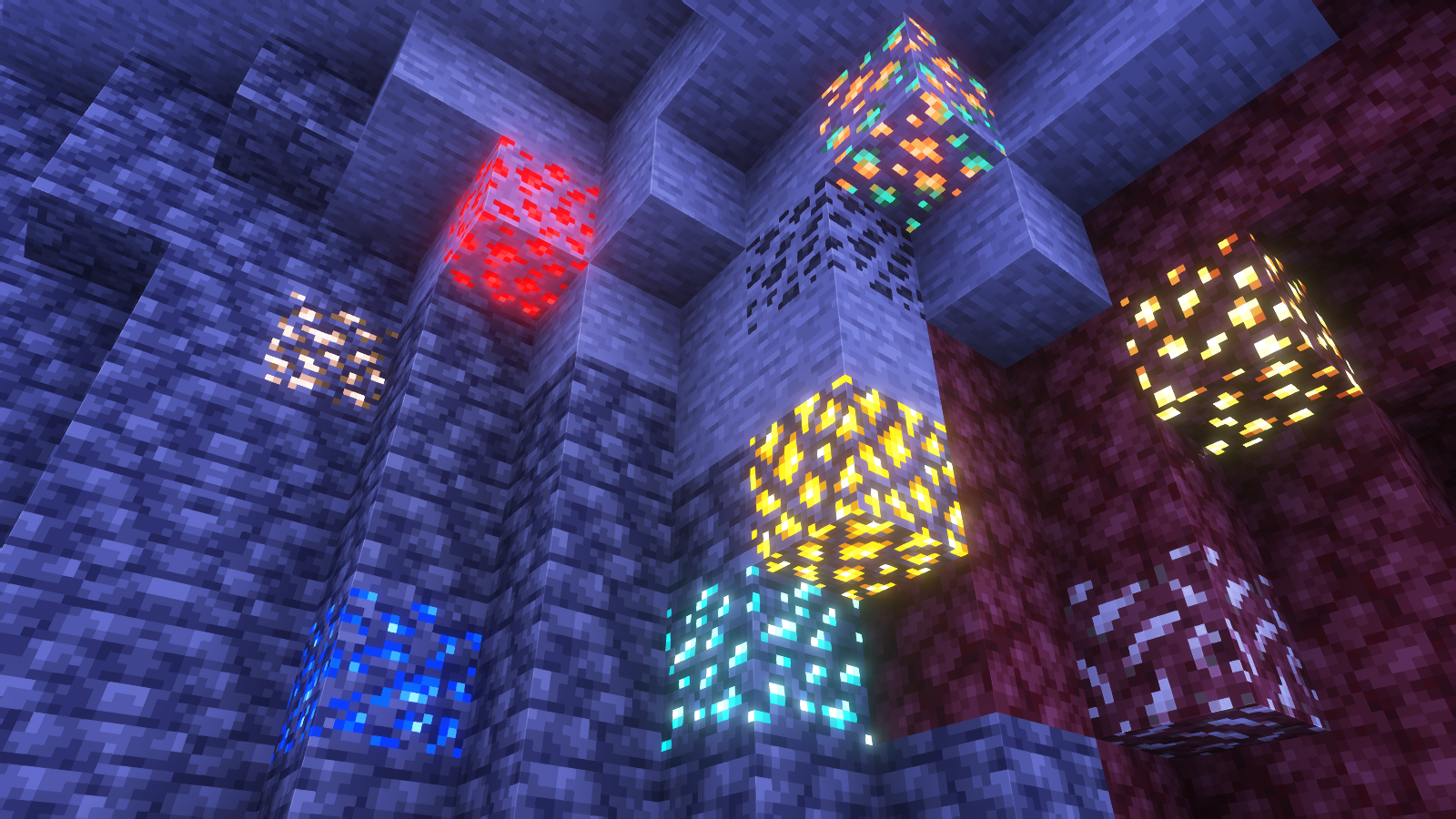
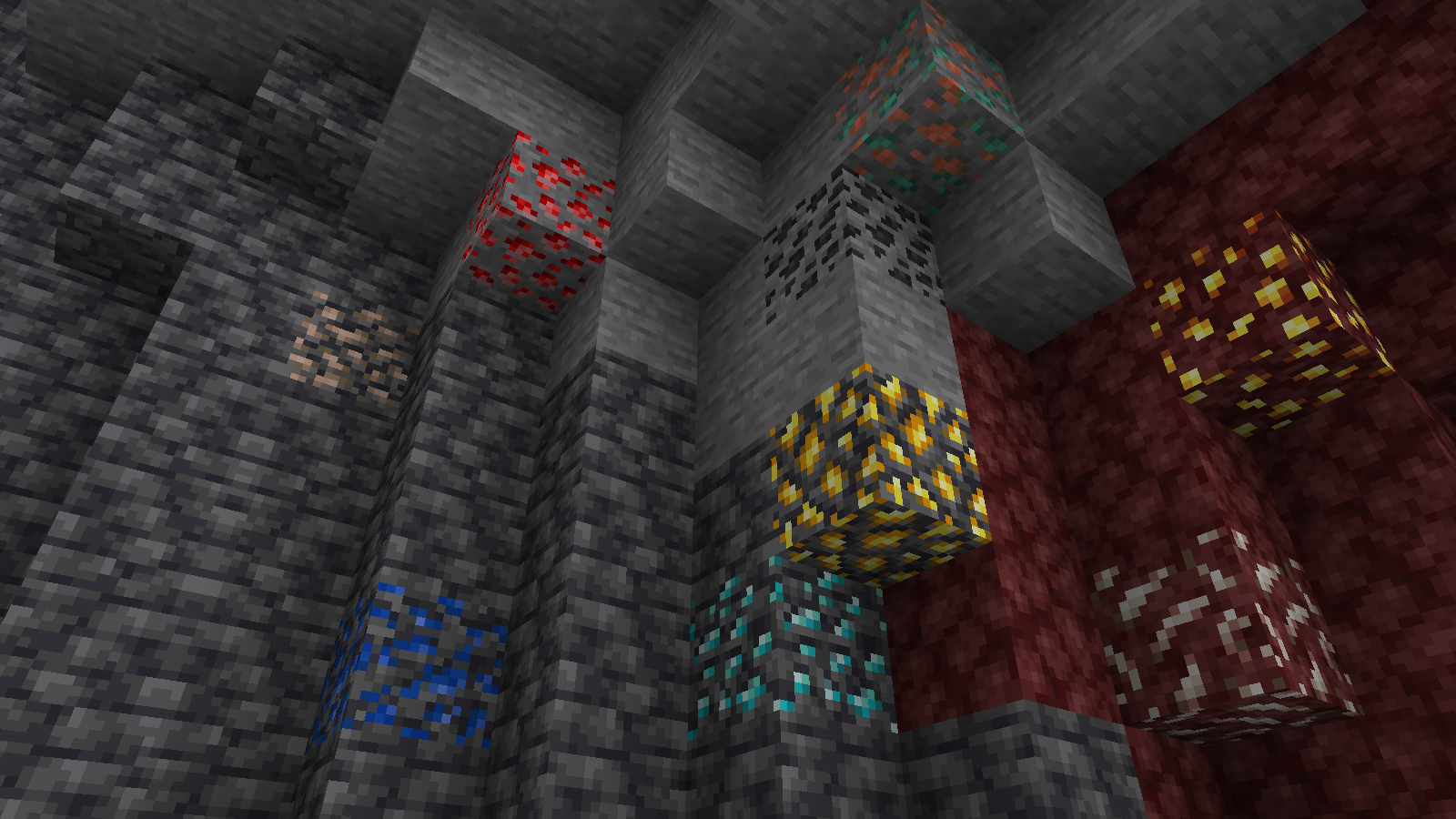
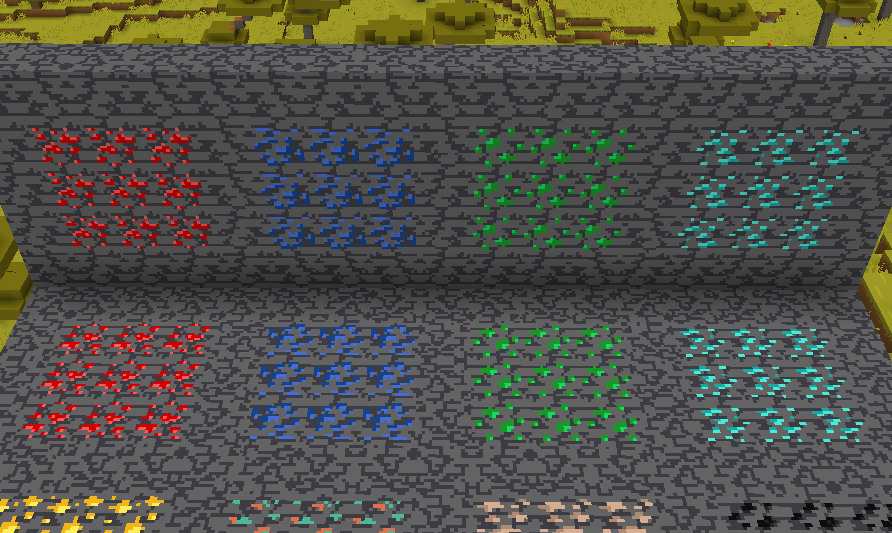
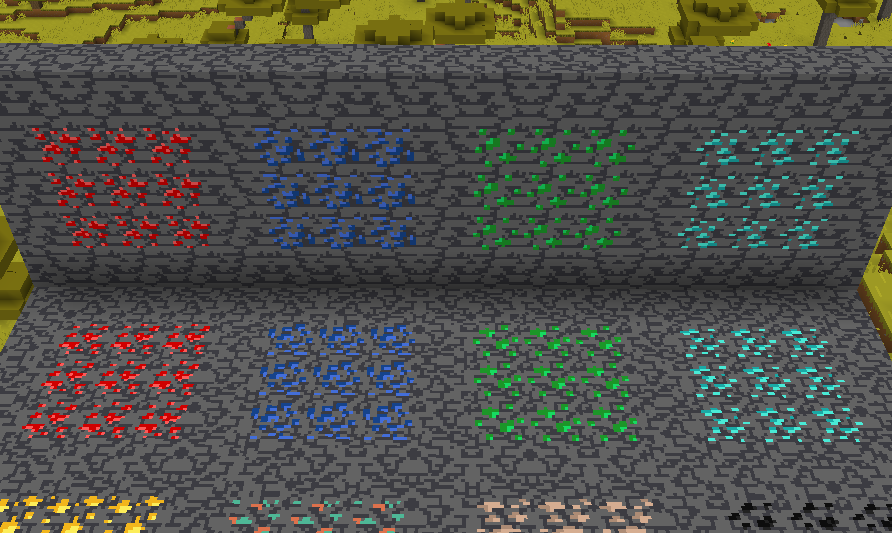
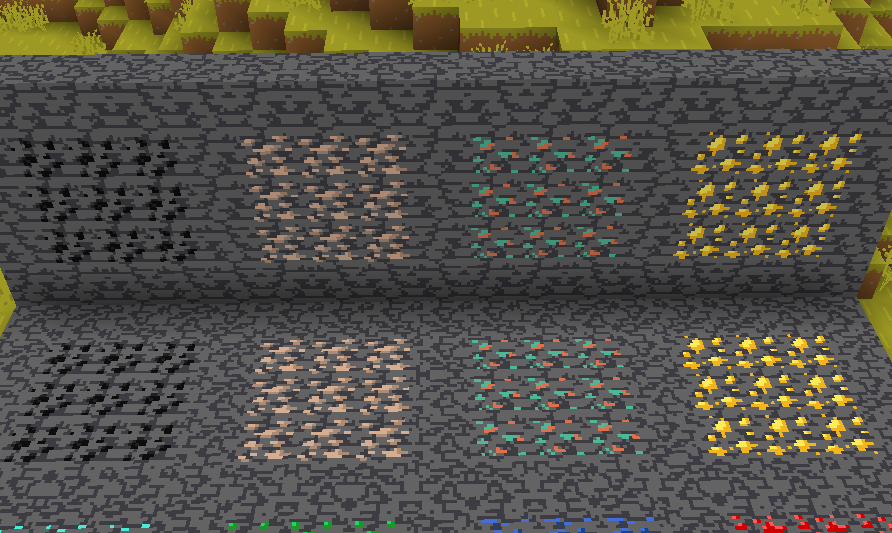
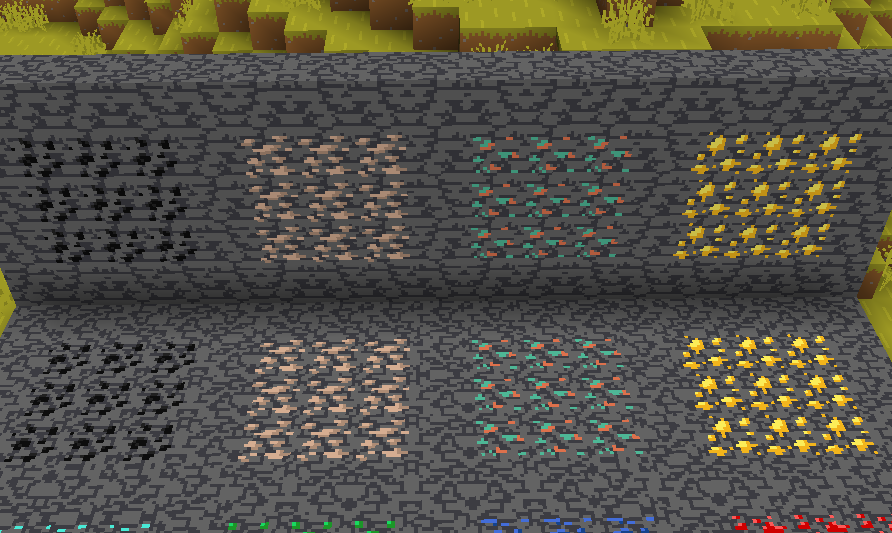
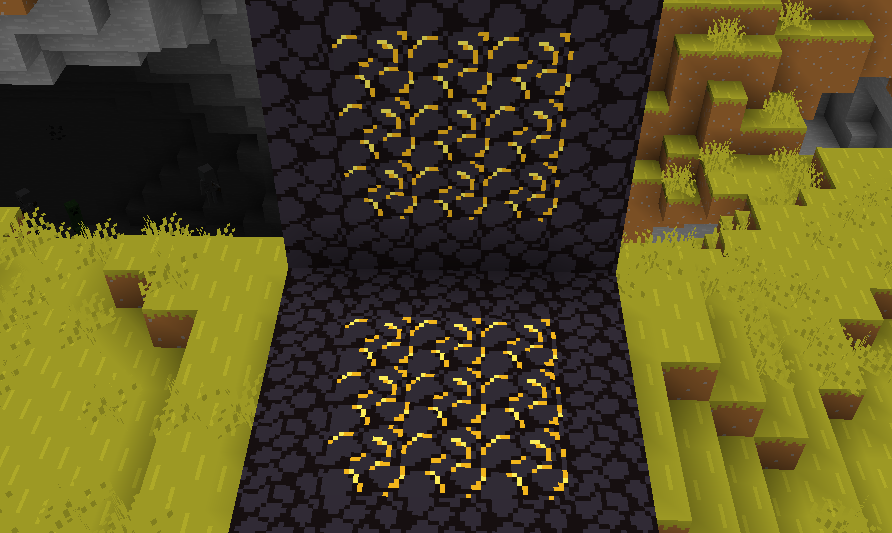
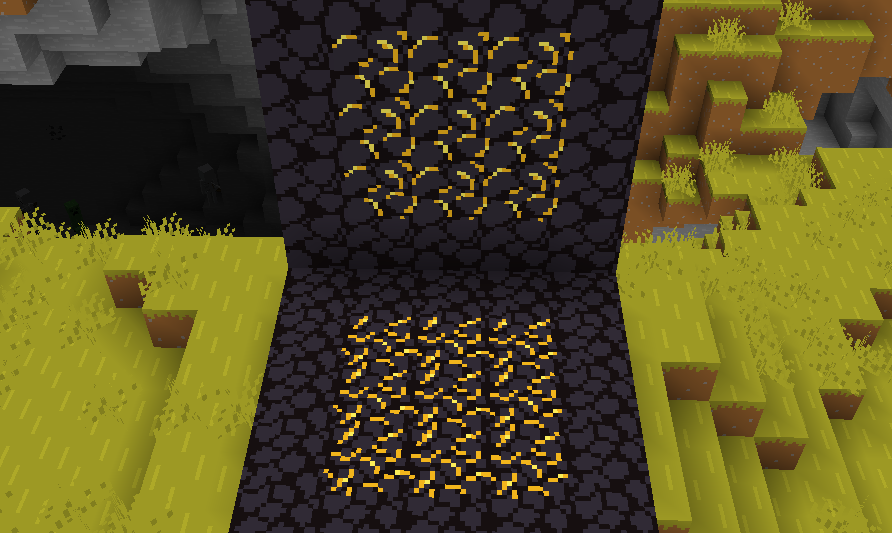
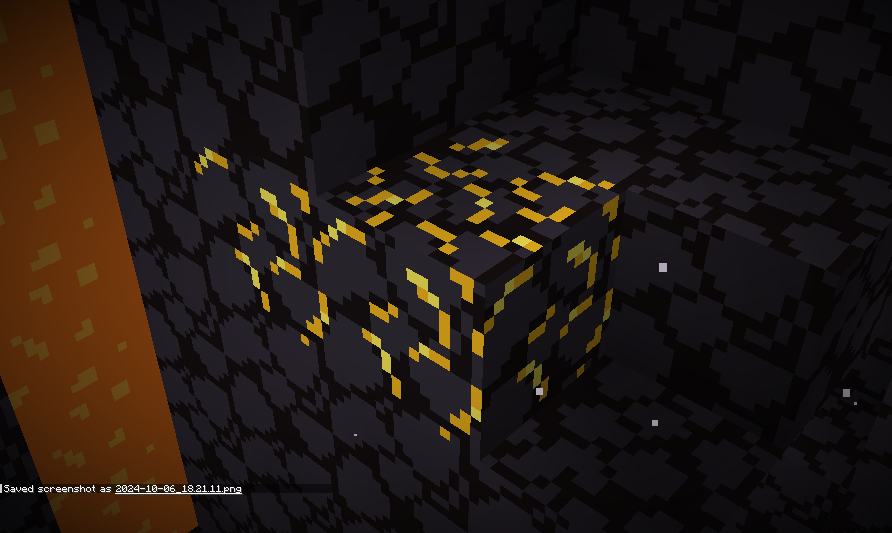
Vanilla ore textures have always seemed very “contained” in their blocks. You could draw a grid using the blocks themselves. This texture pack connects all those lonely ores together, albeit in a pretty rugged way.
This also functions as a more awesome version of all the “ore outline” resource packs.
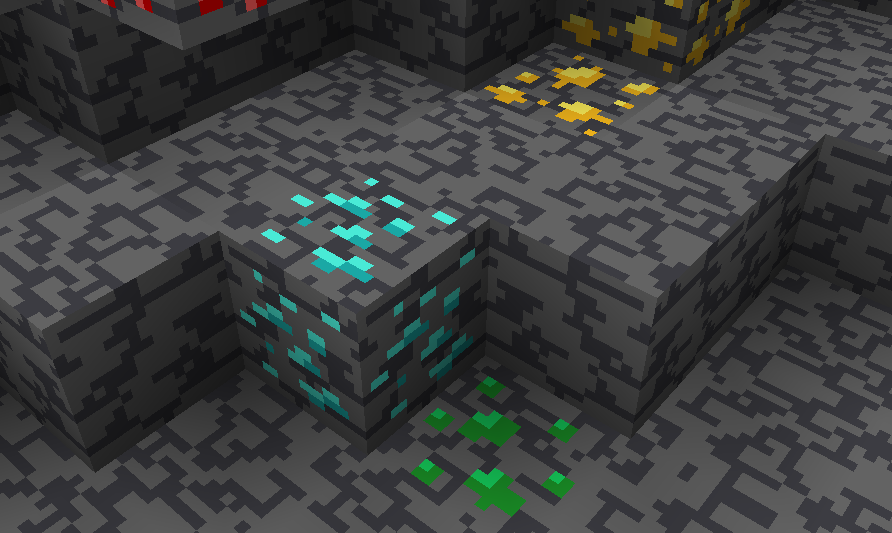
I didn’t touch gilded blackstone or ancient debris because they’ve all been pretty cool textures already, and I wouldn’t be changing much. I included them in screenshots in the gallery, but I did not change them.
Images
All Ores Affected
1.19-Latest
1.6-1.8.9
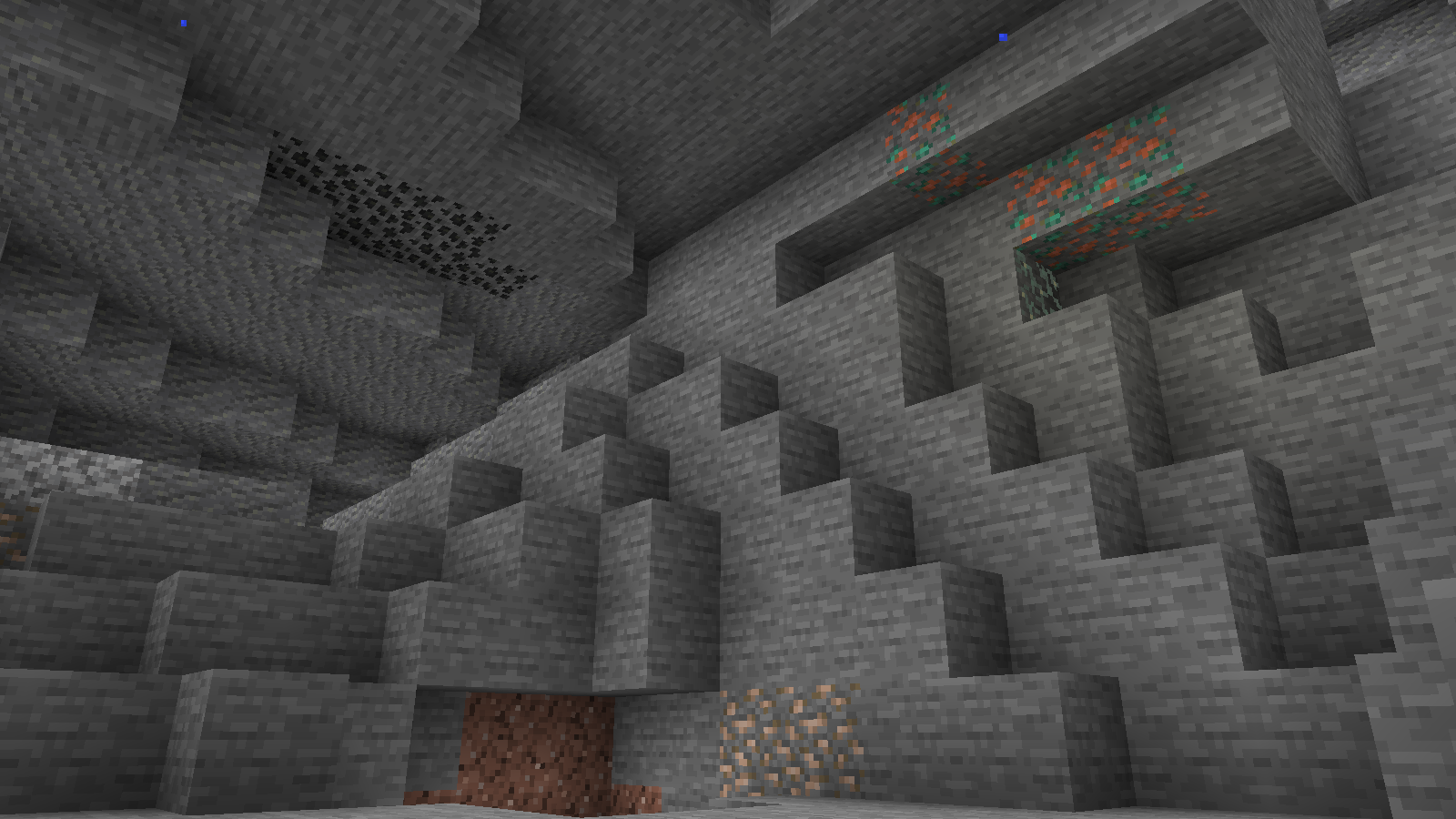
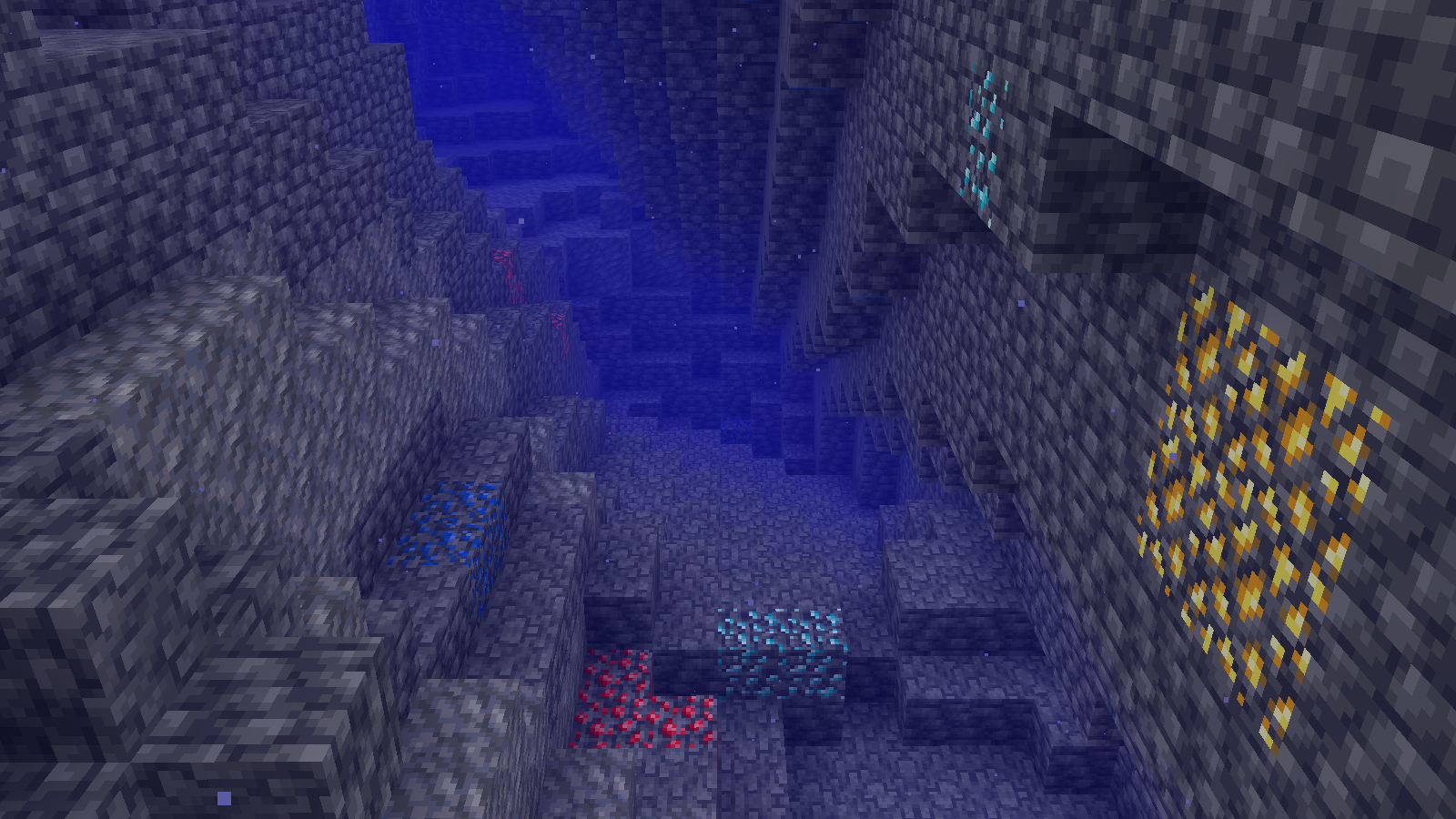
Ingame Screenshots
Shader Preview
Solas
Complementary Reimagined
None
All shaders used are linked in the gallery with their corresponding images.
If you have any questions, comments, or ideas, please check out the wiki link and post them there.
SKN’s Topsy Fixes: Bare Bones
Summary
My original resource pack, SKN’s Topsy Fixes, now packaged and colored to fit into the Bare Bones resource pack. This is actually the easiest pack, since I already had the model data set from my original resource pack.
Images
Side-by-Side Comparison
Before and after, respectively
Ingame Screenshots
If you have any questions, comments, or ideas, please check out the wiki link and post them there.



 Features