Features:
Over 20 hacks,
Cosmetics,
Fun trolls,
OP Abilities,
OverPowered Kits with unique items
Much more!
Per Section 3 of Modrinth’s Content Rules – This is not a real hacked client and is only usable if the owner allows it! Since this is a datpack, it does not give an unfair advantage in multiplayer servers, and is only server-side!
HOW TO USE:
Craft the hacked client using 8 sticks surrounding a diamond in the middle.
If you have access to commands, run the following
/recipe give @s survival:hack
This will give you the hacks instantly!
TO USE IN 1.21:
Due to changes in the /give command in 1.21, this datapack won’t work fully.
run this command
/give @p carrot_on_a_stick[custom_name='{“bold”:true,”color”:”aqua”,”italic”:false,”text”:”ZEOS CLIENT”}’,lore=[‘{“color”:”black”,”italic”:false,”text”:”.”}’,'{“bold”:true,”color”:”gold”,”italic”:false,”text”:”RIGHT-CLICK To use!”}’,'{“color”:”black”,”italic”:false,”text”:”.”}’,'{“bold”:true,”color”:”red”,”italic”:false,”text”:”SUPER SPECIAL ITEM”}’],custom_data={type:1}] 1
To Instantly Give you the hacks!
This pack is a fully custom default edit designed to give you a clean, optimized, and visually appealing experience for both SMP gameplay and PvP combat.
Every texture, detail, and tweak was made exclusively by Battlezent, ensuring a unique style with no reused assets.
🔥 Features
🎯 PvP Improvements
Clean & sharp sword models for better visibility
Reduced fire and particles for clearer duels
Optimized armor and item textures
Clear hit particles and improved critical effects
🌿 SMP Enhancements
Slightly improved blocks while keeping the classic default feel
Better item clarity for survival progression
Smooth UI elements for crafting, inventory, and menus
🎨 Visual Style
Faithful to vanilla but noticeably cleaner
Soft color adjustments for a more modern look
Consistent art direction — all made by Battlezent
⚙️ Performance
Lightweight and FPS-friendly
Great for low-end and high-end PCs
Works smoothly on most versions (adjust as needed)
Suggestions and feedback are welcome!
Zen’s Agricultural Automations
Agricultural Automation [1.20 – 1.21]
This is an updated version of the Original Data Pack by Chewbarcus
Inspired by the Bonsai Tree Mod, this Datapack aims to bring the mod to Vanilla in a similar fashion using commands to automate tree/flower/shrub/cactus/bamboo farming.
Simply place a hopper with an item frame on the side, a pot on the top of the hopper and then whatever you fancy farming into the pot.
Next up, either place a Diamond Axe, Hoe or Sword (See pictures for help) into the item frame to being the process.
Every 30 seconds you’ll be rewarded with one of the drops from custom loot tables, you can even hook the hoppers up to a redstone circuit to turn this off as the Automation will only work on hoppers that are unpowered.
[Tools & Drops]
Diamond Axe:
– Oak Sapling Logs, Sapling, Leaves, Apples
– Dark Oak Sapling Logs, Sapling, Leaves, Apples
– Pale Oak Sapling Logs, Sapling, Leaves, Pale Moss
– Acacia Sapling Logs, Sapling, Leaves
– Birch Sapling Logs, Sapling, Leaves
– Spruce Sapling Logs, Sapling, Leaves
– Cherry Sapling Logs, Sapling, Leaves
– Jungle Sapling Logs, Sapling, Leaves, Vines, Cocoa Beans
– Mangrove Propagule Logs, Propagule, Leaves, Roots
– Azalea Bush Oak Logs, Azalea Bush, Leaves, Moss
– Flowering Azalea Bush Oak Logs, Flowering Azalea Bush, Leaves, Flowering Leaves, Moss
– Crimson Fungus Logs, Fungus, Wart Blocks, Shroomlight, Vines
– Warped Fungus Logs, Fungus, Wart Blocks, Shroomlight, Vines
– Red Mushroom Red Mushroom
– Brown Mushroom Brown Mushroom
– Cactus Cactus, Green Dye
Diamond Sword:
– Bamboo Bamboo
– Dead Bush Dead Bush, Sticks
Simply pop this into your saves/[world]/datapacks folder and play!
Available On:
– Planet Minecraft https://www.planetminecraft.com/data-pack/zen-s-agricultural-automation/
– Modrinth https://modrinth.com/datapack/zens-agricultural-automations
– Github https://github.com/ZensiertG/Agricultural-Automation
Zenless Radio
# Zenless Radio 📻
The go-to resource pack for Zenless Zone Zero Music! Inspired by Puff Radio.
This resource pack is meant to replace all Minecraft music with music from Zenless Zone Zero. Made by ZZZ fans for ZZZ fans! All music is especially curated to fit the proper environments in game for seamless immersion!
This resource pack is support mainly on 1.21.x & 1.20.x as of writing but you may find success on older (and future) versions as well.
All music is sourced from https://downloads.khinsider.com/
# LighterWise Pack 🧡🔦
If you’re a fan of ZZZ and LighterWise, consider checking out LighterWise Pack
🏳️🌈
Zenitsu katana from anime Demon slayer
OptiFine required!
( Rename Any sword to “Zenitsu katana” to use it. )
For support, download this resource pack from my website:
zenitsu_katana.zip
Discord server: discord.gg/z86yJcAZKc.
Also check out my other packs: https://modrinth.com/user/MineAnimeCreations
Resource pack makes it possible to replace any sword with a Zenitsu katana from the anime Demon Slayer by renaming
Zenith’s LUT Shader
# Zenith’s LUT Shader
This simple vanilla shader allows you to customize the colors of your game by use of color lookup tables or LUTs
## Customization
Provided within the pack zip, you may find a file called `init_LUT.psd`, which will allow you to customize the look and feel of this shader.
Customization Instructions
Open init_LUT.psd into your favorite photo editor (IE GIMP, Photoshop, Affinity Photo)
I personally use the free online Photoshop alternative Photopea
You can also just use the unmoddified init_LUT.png which is also provided in the zip
Apply as many adjustment layers, or edit the ones I have pre-selected, to achieve the look you desire
These can be found under Layer > Add New Adjustment Layer
Hide the color preview layer HIDE BEFORE EXPORT
Export into the pack as assetsminecrafttextureseffectlut.png or shaderslut.png, depending on whether you are using Vanilla or Iris/OptiFine
Example LUTs
Save one of the LUTs below as assetsminecrafttextureseffectlut.png or shaderslut.png, depending on whether you are using Vanilla or Iris/OptiFine:
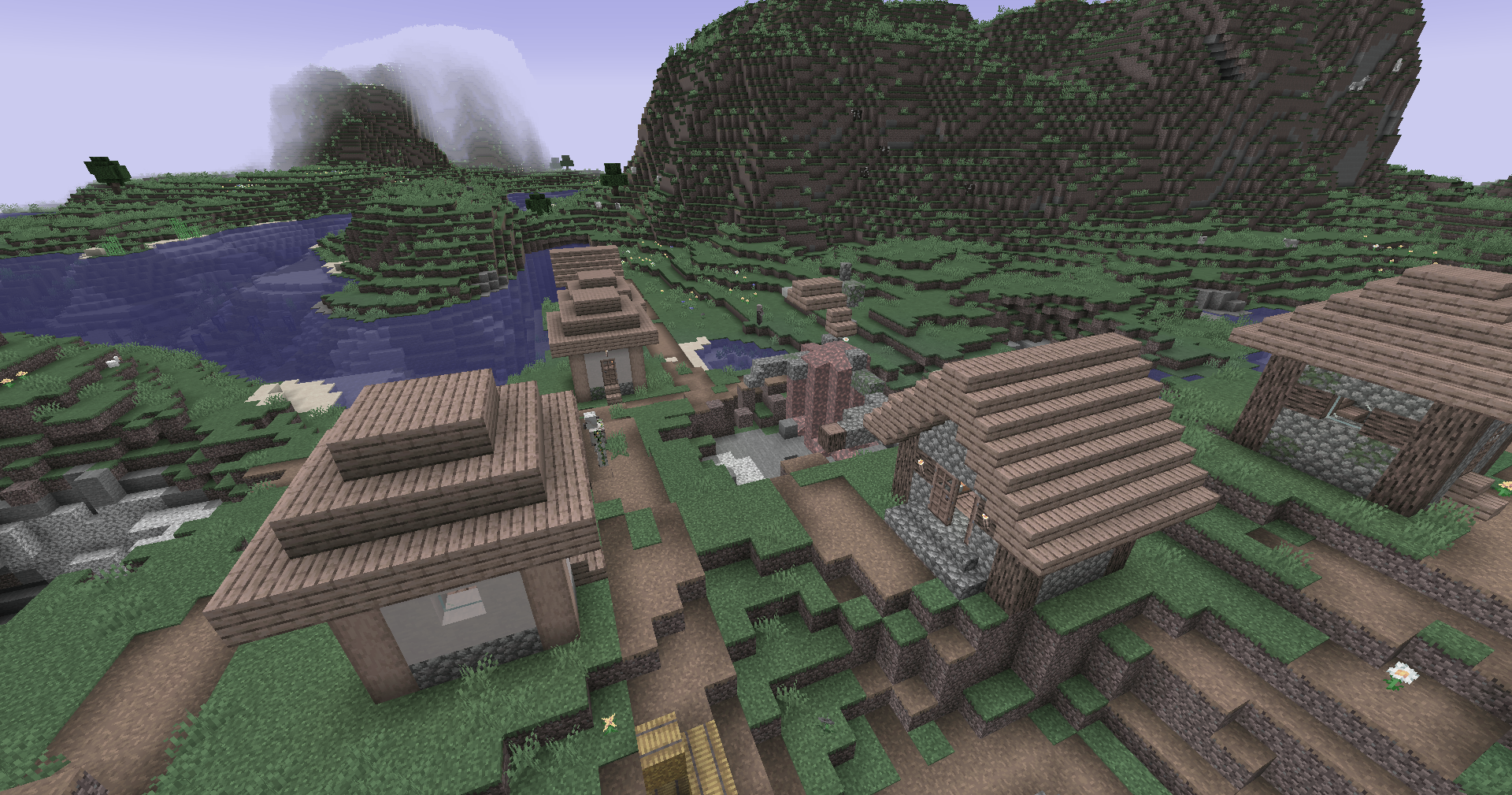
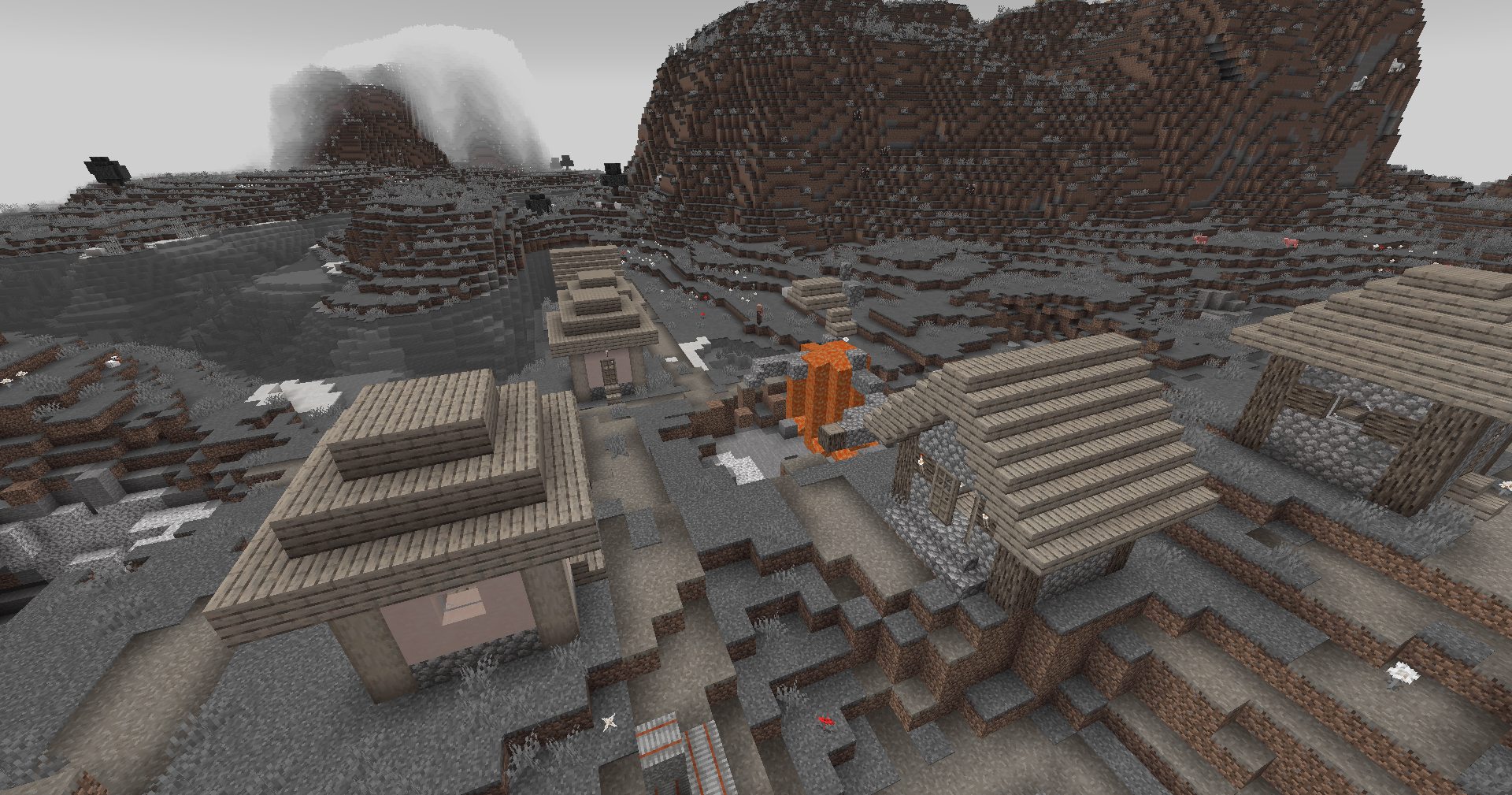
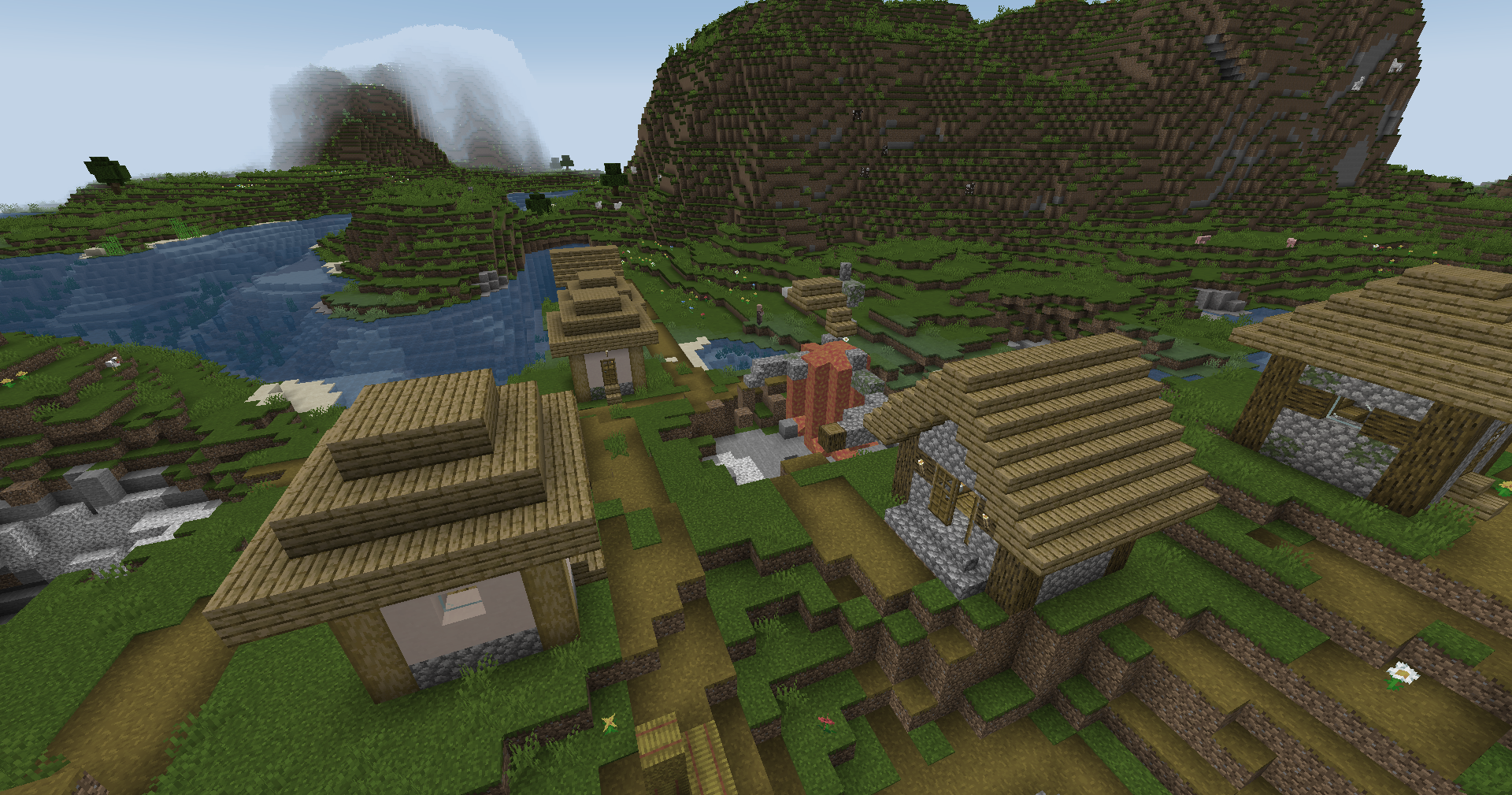
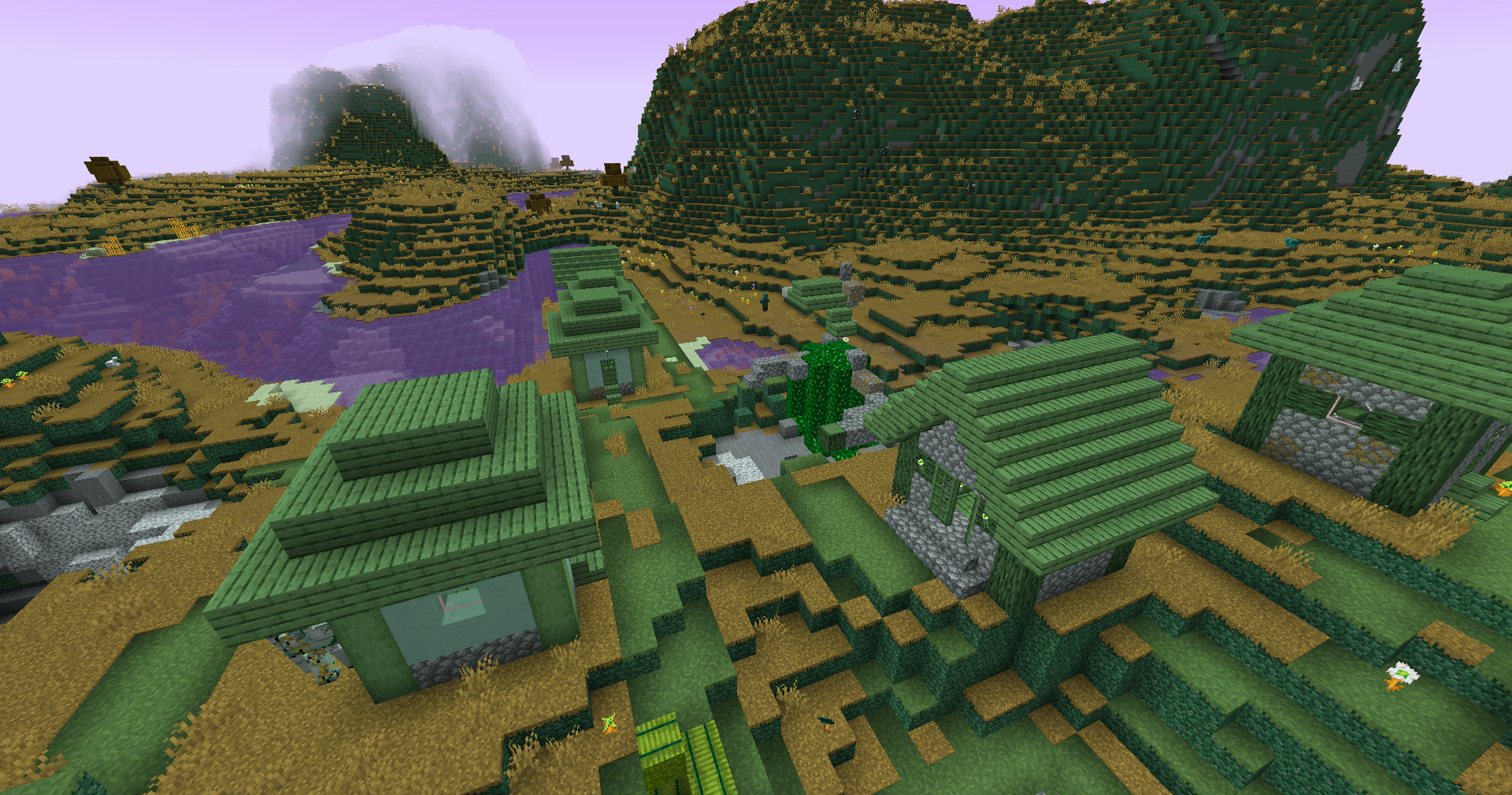
LUT
Preview
Reduced Reds
Red Isolated
Darkened World
Wut
Dramatic Black and White
Redistribution
If you wish to share your own custom LUT, please direct your users to download Zenith’s LUT Shader alongside your pack, or mark it as a dependancy on Modrinth
ZenithHome
# 🏠 ZenithHome v1.0 — Initial Release
## ✨ Features
– Set, delete & teleport to personal homes
– Interactive GUI to view all homes (`/homes`)
– Fully configurable messages with & color codes
– Unlimited custom rank support via config.yml
– Per-player YAML storage (no database needed)
– In-memory caching for zero-lag performance
### 📋 Commands
– `/sethome ` — Save a home
– `/delhome ` — Delete a home
– `/home ` — Teleport to a home
– `/homes` — Open the homes GUI
**Zenith Renewed** is an active, maintained continuation of Zenith, the Fabric port of Apotheosis.
Zenith adds incredible depth to vanilla Minecraft systems. It is split into **6 independent modules**, each focusing on a different aspect of the game. You can disable any module you don’t like, though they are designed to work perfectly together.
📖 **In-Game Documentation:** Highly recommend crafting the **Chronicle of Shadows** (1 Book + 1 Gold Ingot) for an in-game guide to everything Zenith has to offer.
The Adventure Module completely changes the exploration and combat loop. It introduces new bosses, a new loot system and powerful gems you can socket into your weapons.

✨ Enchantment Module
The Enchantment module completely overhauls the vanilla enchanting system. It replaces the old level 30 cap with a massive new system driven by three new stats: Eterna, Quanta, and Arcana.
It adds many enchantments, as well as a configurable max level for them.
The Potion module fills in the gaps of vanilla brewing. It adds craftable potions for effects that were previously unavailable (like Resistance and Luck) and introduces brand-new effects. It also adds craftable Potion Charms, which can be infused to provide permanent potion effects.

🌵 Garden Module
The Garden module allows you to configure custom growth heights for Cactus, Sugarcane, and Bamboo, making your automated farms significantly more productive.

🔥 Spawner Module
The Spawner module allows you to pick up Monster Spawners using Silk Touch. But that’s not all: you can use specific items to modify the spawner’s stats. Want it to spawn mobs faster? Ignore lighting conditions? Ignore the maximum entity cap? You can upgrade it to your exact needs.

🏘️ Village Module
The Village module gives the Fletching Table a real purpose: crafting specialized, powerful new arrows (like Explosive Arrows, Mining Arrows, and more). It also revamps the Wandering Trader, giving them a much-needed buff with highly valuable and rare trades.

* **TheWinABagel:** Previous maintainer who developed the Fabric port.
* **Safro:** Original developer of the Zenith Fabric port.
* **Shadows_of_Fire:** Creator and developer of the original Forge mod, Apotheosis.
* **Faellynna:** Original art and textures.
*(Please do not report issues with Zenith Renewed to the original developers. Use the Issues tracker on this project’s GitHub!)*
Zenith Attributes Renewed
# Zenith Attributes Renewed
**Zenith Attributes Renewed** is an active, maintained fork of Zenith Attributes, the Fabric port of Apothic Attributes.
This mod serves as a core dependency for **Zenith Renewed**, but it also works perfectly as a standalone mod.
### ✨ Features
* **Detailed Attribute GUI:** Adds a new, highly detailed interface to the player’s inventory that displays every single active attribute and stat.
* **Combat & Armor Overhaul:** Completely reworks how armor, armor toughness, and protection calculations function, scaling better and feeling closer to a traditional RPG experience.
* **Potion Tooltips:** Replaces vague vanilla potion descriptions with custom, easy-to-read tooltips that clearly show exactly what effects and attribute modifiers are being applied.
* **Attribute Formatting:** Overhauls how attributes are formatted in item tooltips, making the information clear for the player.
* **TheWinABagel:** Previous developer and creator of the original Fabric port.
* **Shadows_of_Fire:** Creator and developer of the original Forge mod.
* **Faellynna:** Original art and textures.
Zenith Attributes
Adds custom attributes that help in combat
Adds a menu in the inventory to see all attributes that the player has
Reworks the armor and protection values to a slightly different curve