zMenu
[](https://minestrator.com/a/GROUPEZ)

**Documentation**: [docs.zmenu.dev](http://docs.zmenu.dev)
**Documentation en français**: [docs.zmenu.dev/v/fr/](https://docs.zmenu.dev/v/fr/)
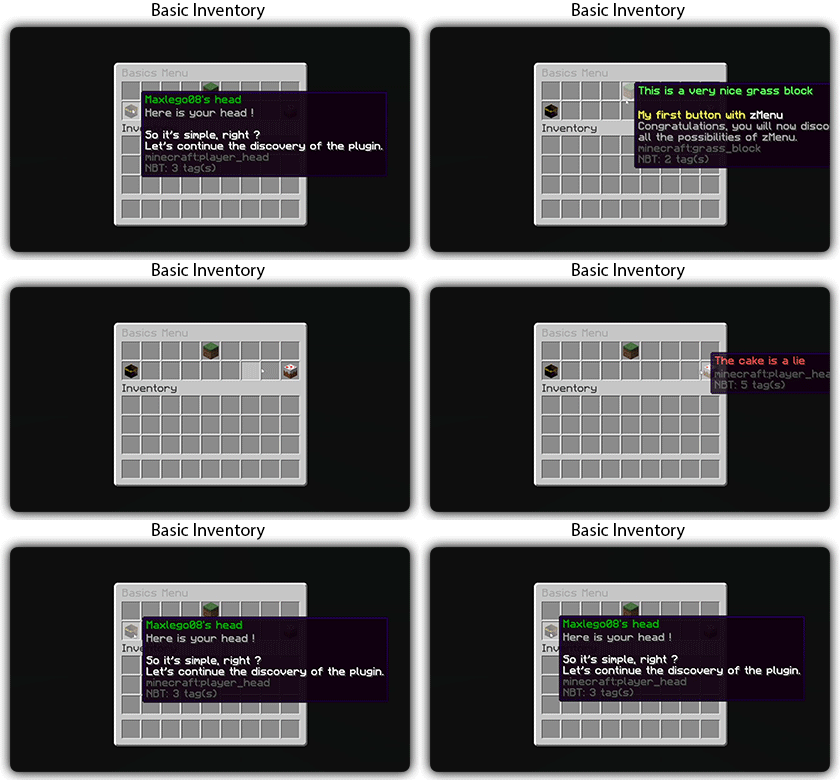
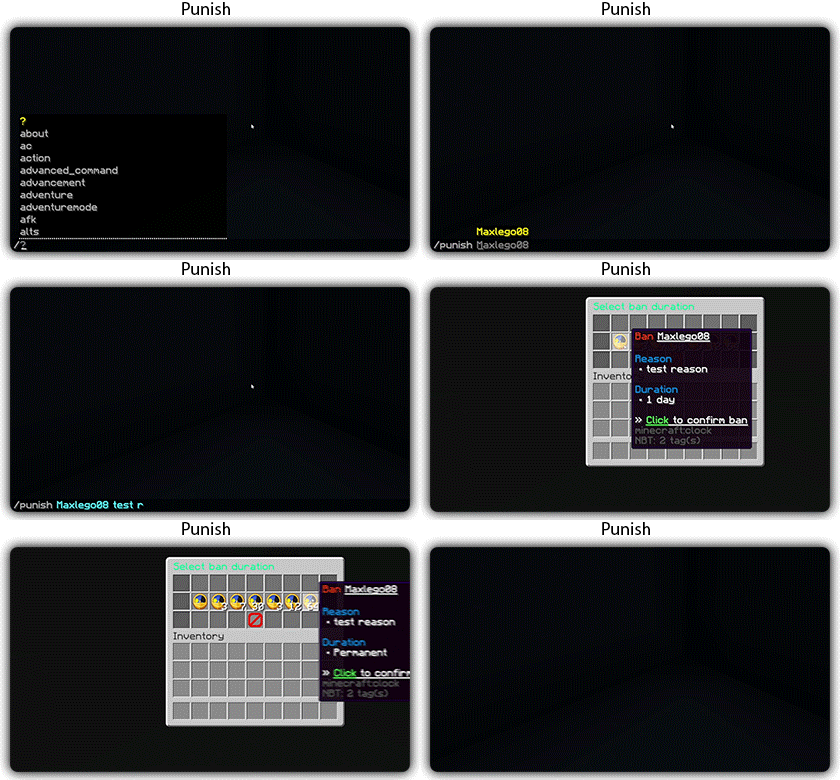
[](https://docs.zmenu.dev/plugins-files#example_shop.yml)

## With [zMenu+](https://www.spigotmc.org/resources/zmenu-premium-zmenu-addon.115533/) addon:
[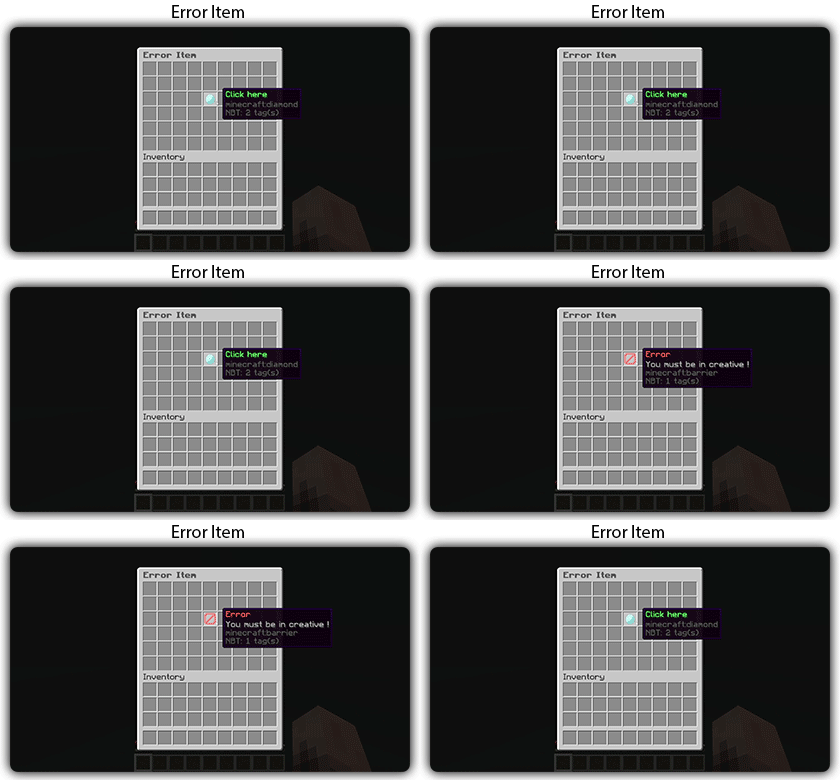](https://docs.zmenu.dev/configurations/buttons#error-item-zmenu)
[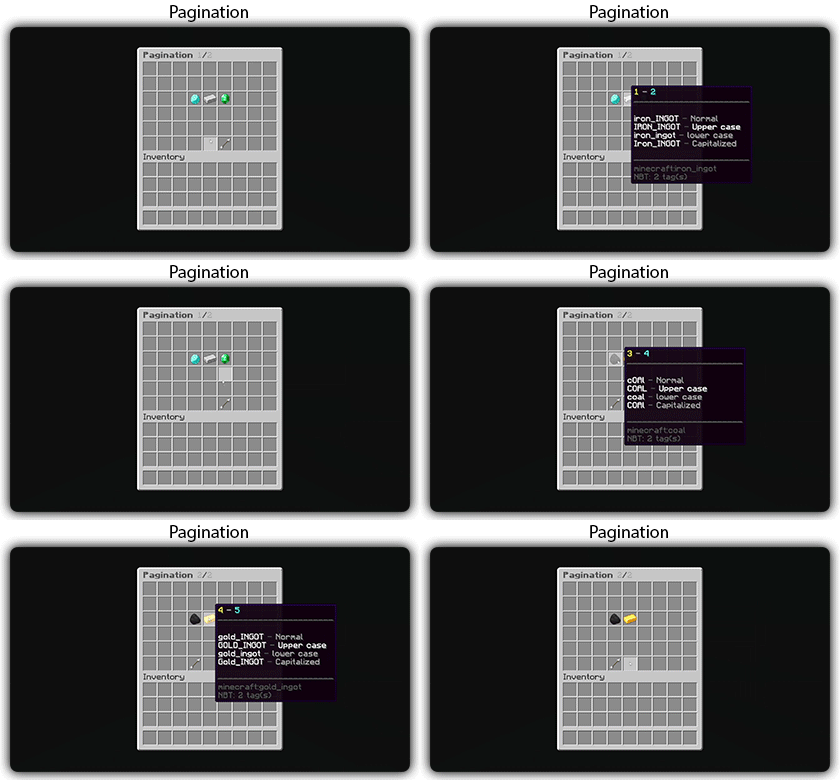](https://docs.zmenu.dev/configurations/buttons#pagination-zmenu)
[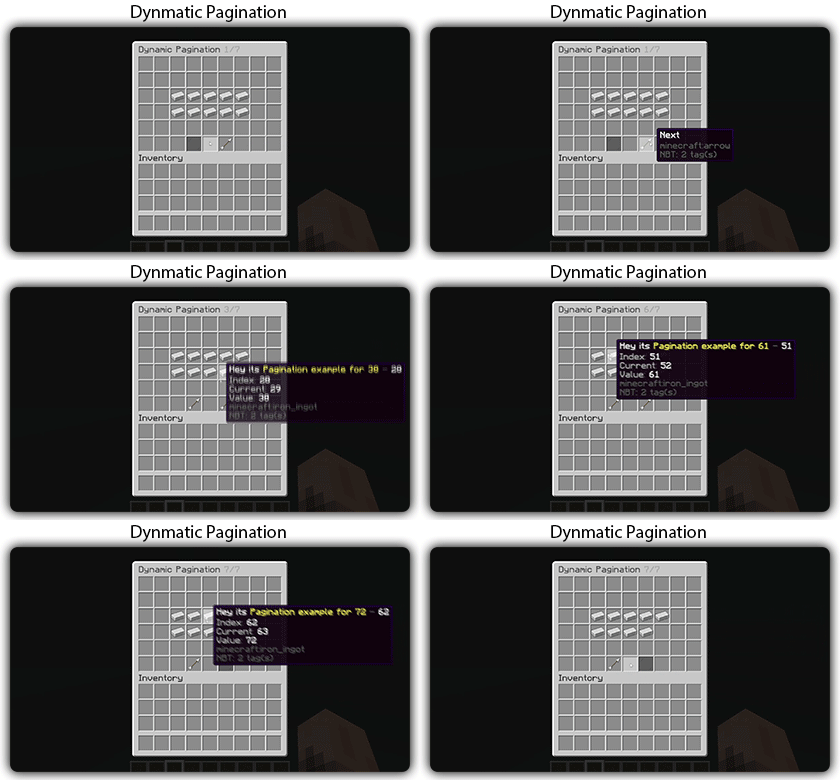](https://docs.zmenu.dev/configurations/buttons#dynamic-pagination-zmenu)
# **Features:**
✅ Ability to create an **infinite number of GUI** menus and **commands**.
✅ Possibility to create several pages in the same inventory.
✅ Arguments, actions, and auto-completion for your commands.
✅ A marketplace to download configurations.
✅ An [online inventory editor](https://minecraft-inventory-builder.com/).
✅ Open Source: [GitHub](https://github.com/Maxlego08/zMenu).
✅ Advanced API.
✅ Ability to create an infinite number of buttons for each of your actions.
✅ Highly customizable.
✅ PlaceholderAPI support.
✅ Kyori Adventure [Mini Message Format](https://docs.adventure.kyori.net/minimessage/format.html) support.
✅ [Folia](https://papermc.io/software/folia) support.
✅ Convert from other plugins: [zMenuConvert](https://www.spigotmc.org/resources/zmenuconvert.110403/).
✅ Patterns, no more need to copy and paste the same configuration several times!
✅ [zHead](https://www.spigotmc.org/resources/zhead-database.115717/) and HeadDatabase support.
✅ Documentation translated into several languages:
1. English: [docs.zmenu.dev](https://docs.zmenu.dev/)
2. Français: [docs.zmenu.dev/v/fr/](https://docs.zmenu.dev/v/fr/)
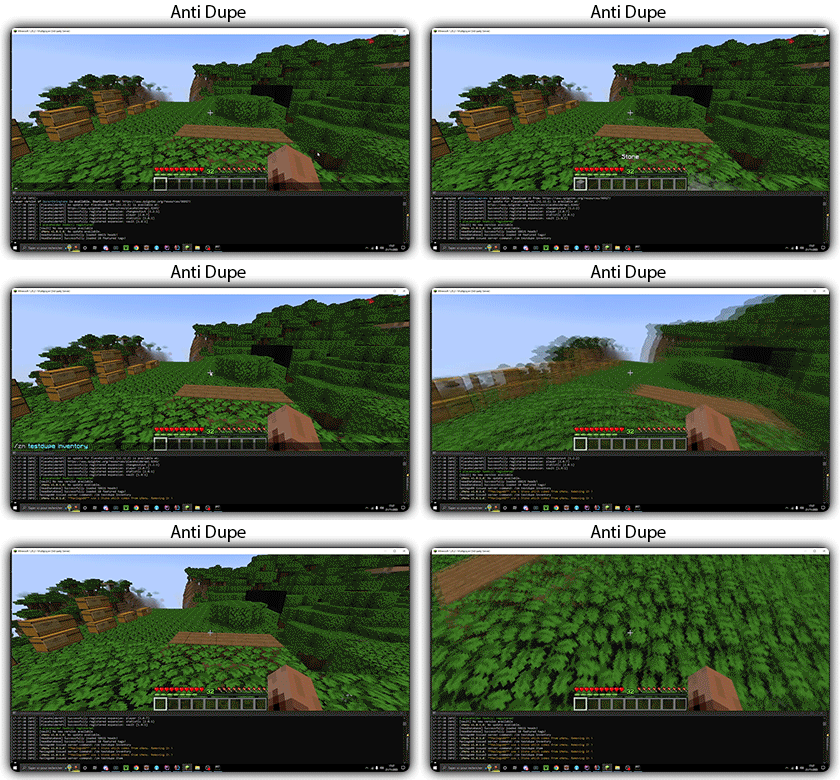
✅ **Anti-duplication** system. Duplication will be completely impossible with the plugin.
✅ Turn your items into a configuration with **/zm save**.
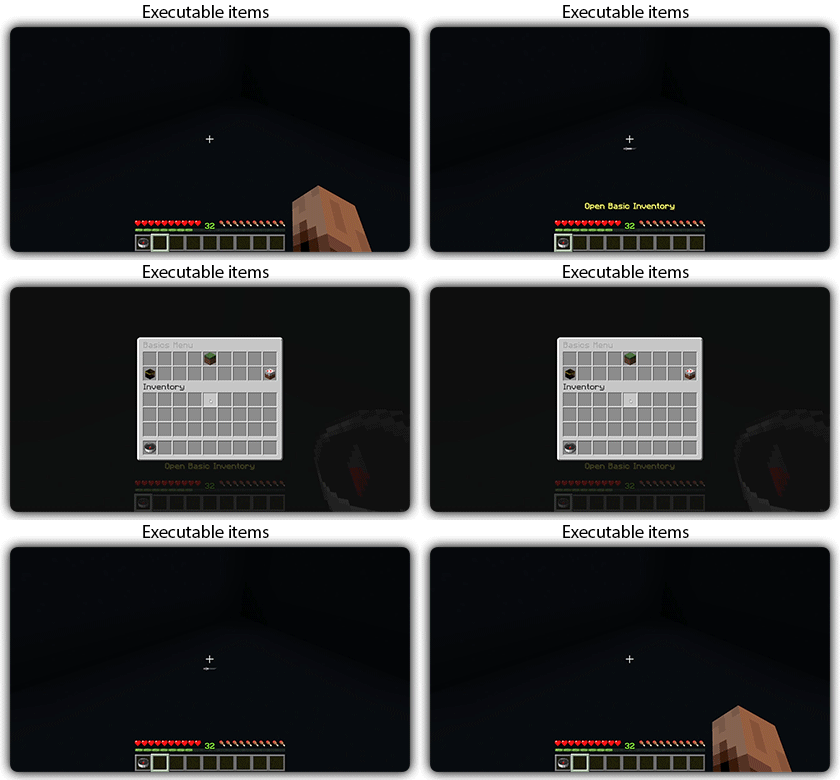
✅ Executable items for open inventories.
✅ Possibility to **translate your items** into several languages. The plugin displays the correct translation to the player!
✅ Use mathematical expressions in your inventories!
**Plugin’s files**: [https://docs.zmenu.dev/plugins-files](https://docs.zmenu.dev/plugins-files)
[](https://discord.groupez.dev/)
## Video:
[](https://youtube.com/watch?v=spxnyY7lY0Q)
[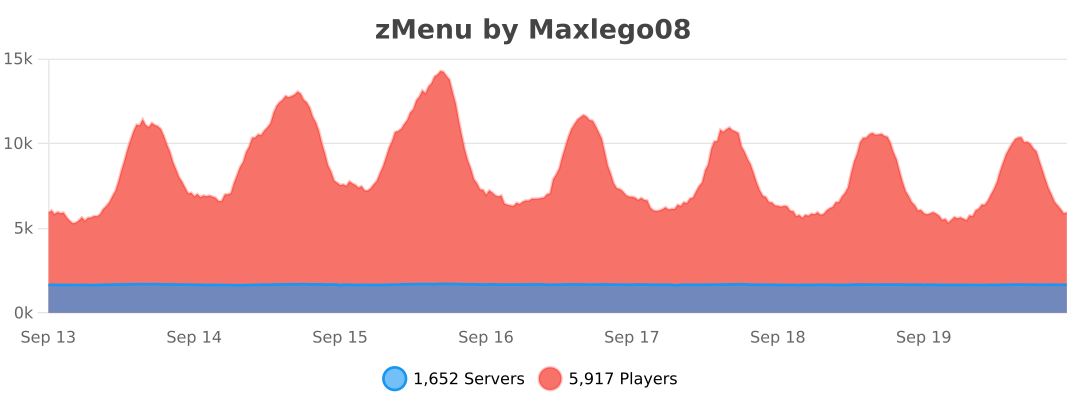](https://bstats.org/plugin/bukkit/zMenu/14951)
zLink
zLink is your custom link plugin. It works by connecting to a database and giving the user a code, that code the user can input into your project to link their account. Right now you can fetch the users uuid, luckperms rank, display name, world, game mode and when they first joined.
**Please Note: This plugin is still in beta, there will be bugs and it will not be perfect.**
If you would like to get releases before it comes here please visit: [Our Official Website](https://link.zavrobot.tech/)
ZLDiscord
**ZLDiscord is a universal plugin for Minecraft servers that provides advanced features, including a voting system, integration with placeholders for voice chats, and the creation of custom messages. This plugin is designed to simplify and automate server management.**
**Version:** 1.16.5 – 1.20.x
**Minimum** Java: 17
**Mandatory dependencies:**
[PlaceholderAPI](https://www.spigotmc.org/resources/placeholderapi.6245/)
**Development:** [here](https://plugin.zoliryzik.ru/en)
# **Commands in the game:**
“`
• /zevent “title” “command” “time” “channel_id” — Creates a new poll. (Administrator rights required).
• /zembed “Unique Name” “Title” “Description” “Channel ID” “Image URL” “Thumbnail URL” “Footer Text”” “Footer Icon URL” — creates a new embed. (administrator rights required).
(Administrator rights required).
• /zembedmanage “action” “unique_name” “new_value” — Manage created embed messages. (Administrator rights required).
• /zlink — Link your account to Discord.
• /zunlink — Unlink your account from Discord.
“`
# **Commands in Discord:**
“`
• /zevent — Creates a new poll. (Administrator rights required).
• !embed — Creates an Embed message in Discord. (Requires administrator rights ).
• /link < code > — Link your account to Discord. (In the bot’s private messages)
• /unlink — Unlink your account from Discord.
“`
# **Permisheny:**
“`
zoliryzik.use
zoliryzik.zlink
zoliryzik.zunlink
zoliryzik.zembed
zoliryzik.zembed_manage
“`
# **Placeholders (PlaceholderAPI)**
ZLDiscord integrates with PlaceholderAPI to display voice chat status. Make sure you have PlaceholderAPI installed.
**Available placeholders:**
“`
• %zoliryzik_in_vc% — Returns “In voice chat”, “Not in voice chat” and “Not bound”.
“`
# **Examples of use**
**Create a poll for an event:**
To create a poll for an event, simply type the following into the chat:
“`• /zevent “Siege of the ship” “boat run” “20m” “0000000000000000000”“`
Players will be able to vote in the Discord channel you specified.
**Create an embed message in Discord:**
To create an embed message in Discord, simply type the following into the chat:
“`• /zembed “Siege of the ship” “Siege of the ship” “The Siege of the Ship event is underwaynCords X: 0 Y: 0” “0000000000000000000”“`
Players will be able to see this message in the Discord channel you specified.
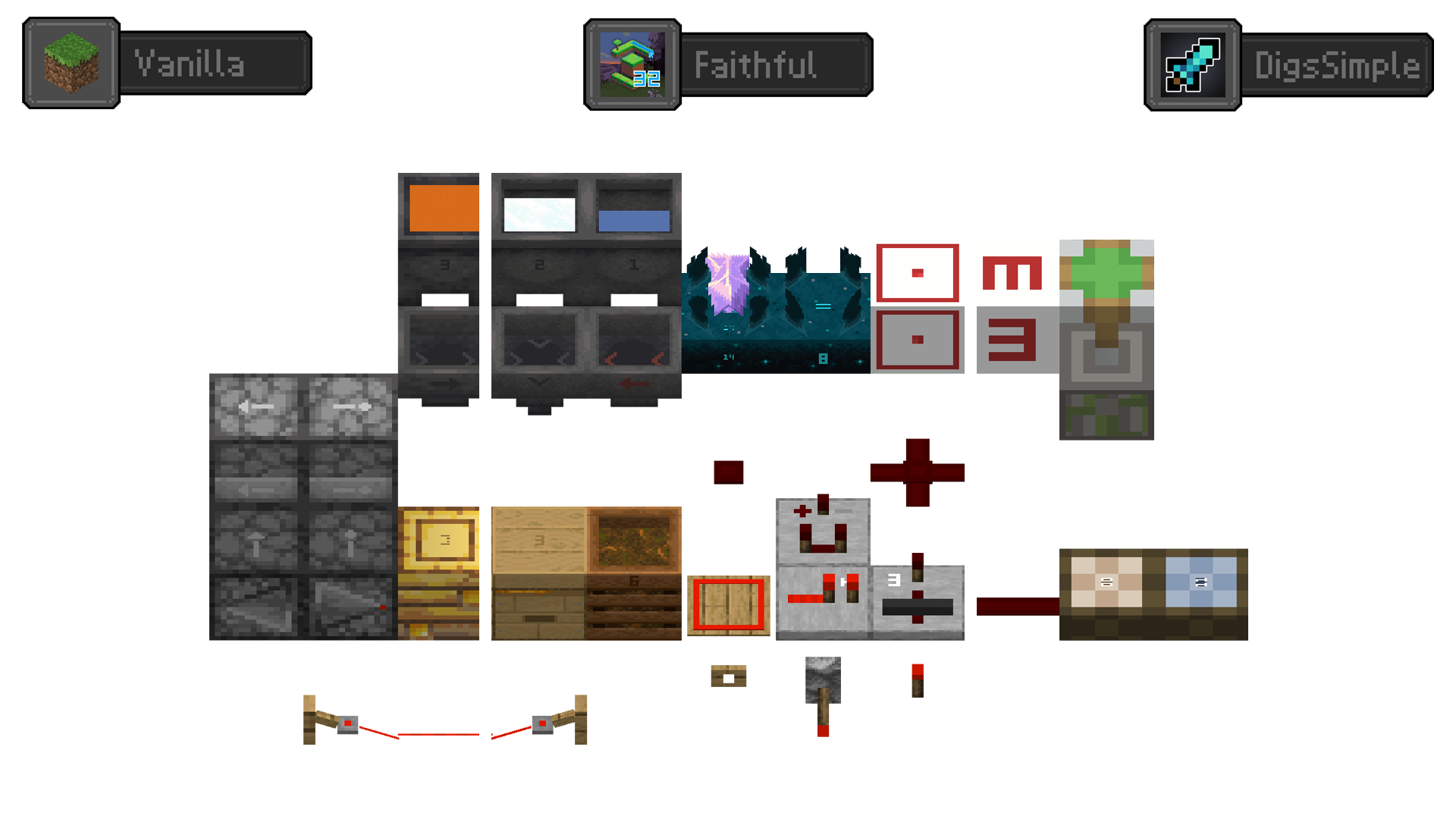
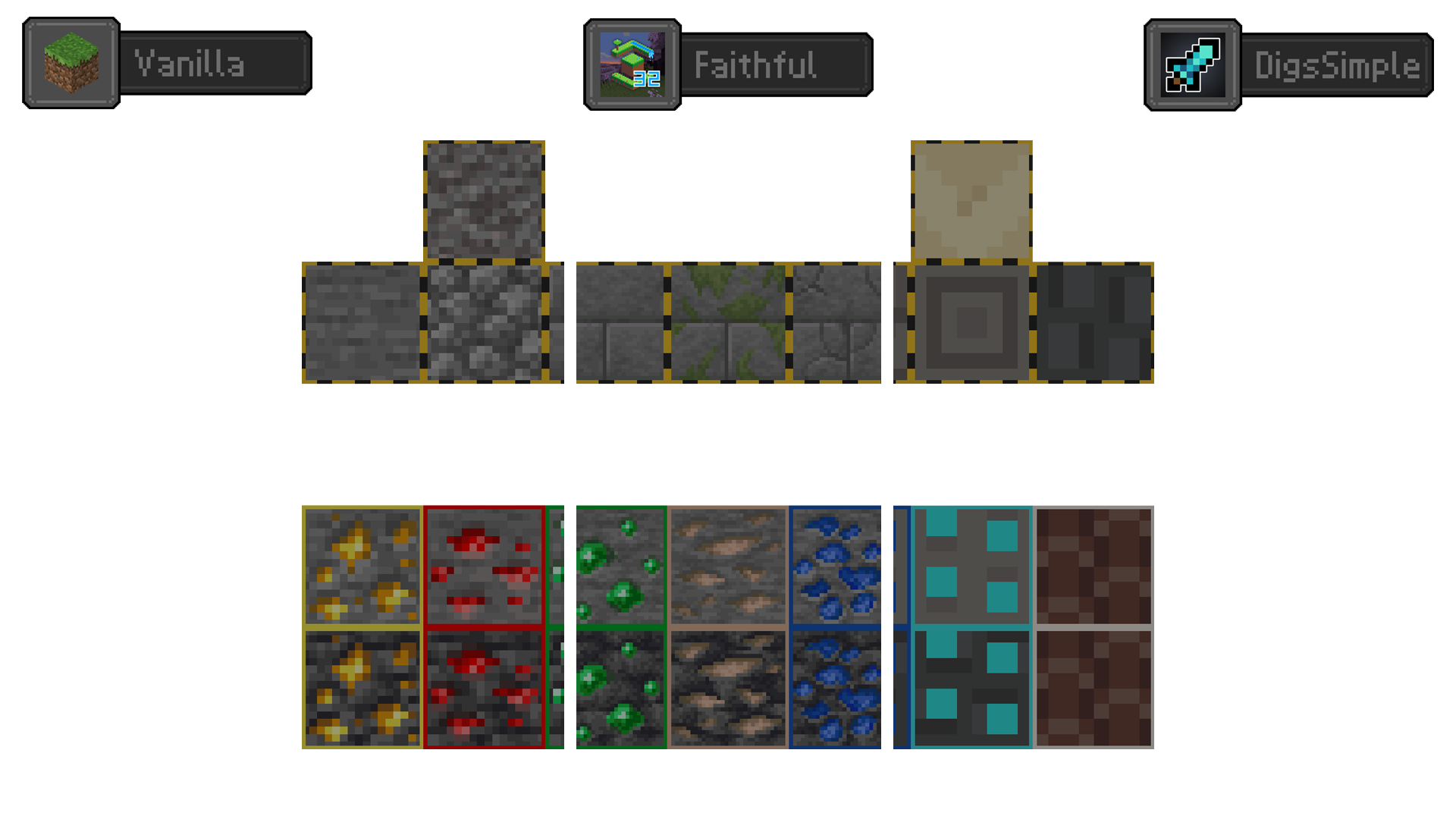
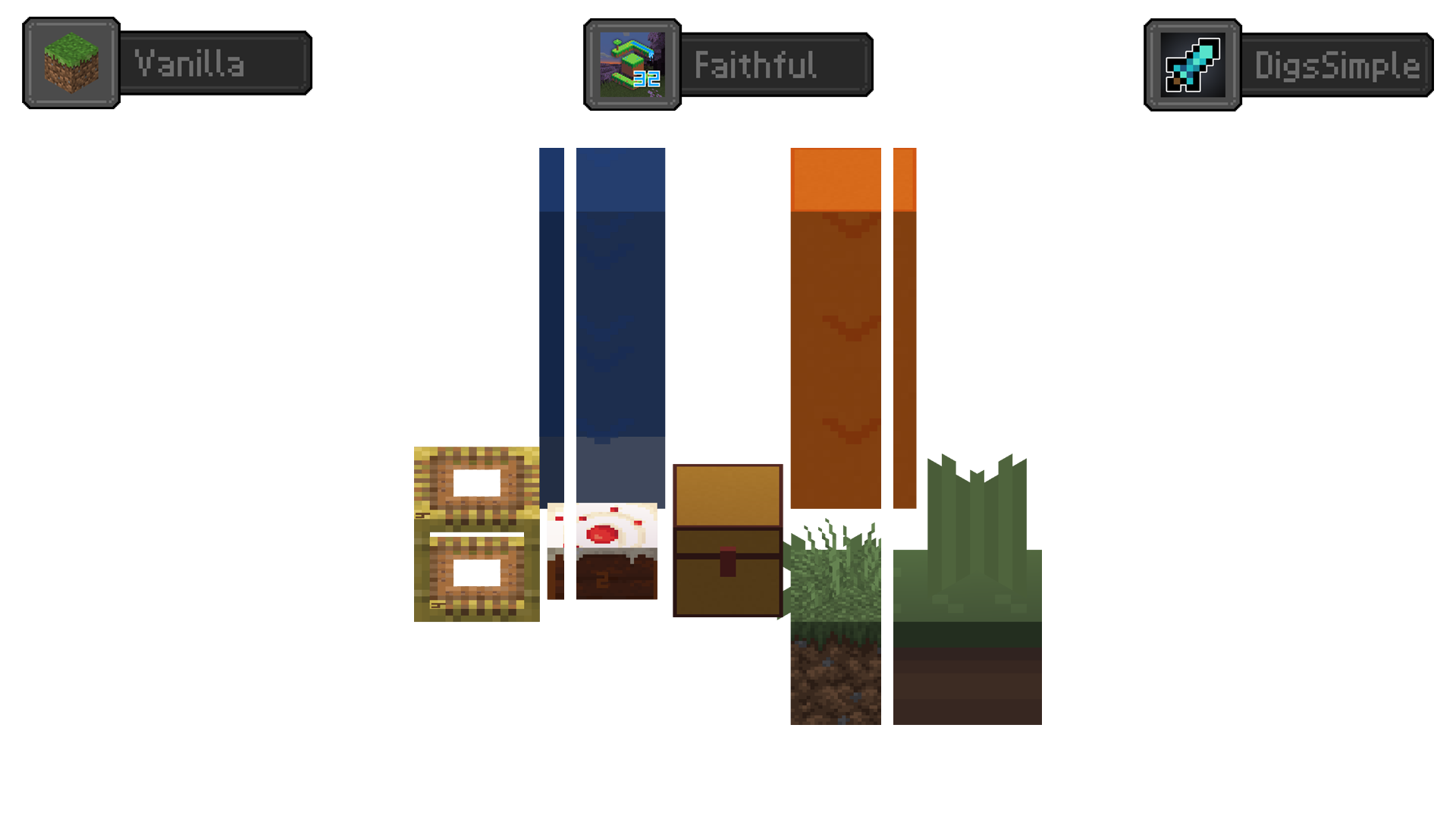
Redstone Tweaks Overlaid
**Add redstone display overlaid to your favorite resource packs**
Transparent GUI
中文
| 一个支持1.7.10到1.22的透明gui材质包!|
| :————-:|
|**搭配[清洁屏幕](https://modrinth.com/resourcepack/low-shield-fire-no-pumpkinblur)使用效果更好!**|
| **适配模组:** |
|jade|✅|
|fabric|✅|
|appleskin|✅|
|inventoryprofilesnext|✅|
English
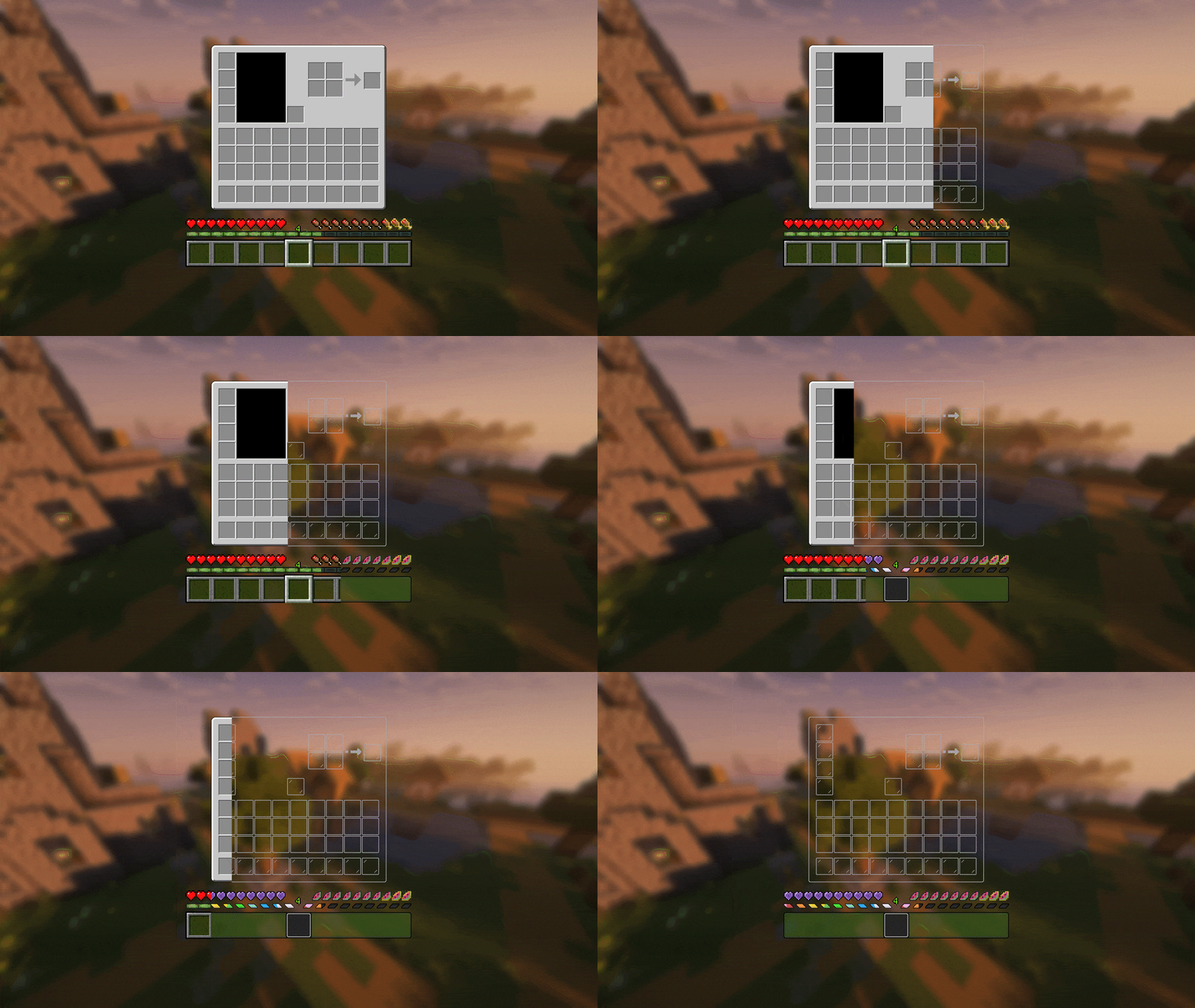
| A transparent GUI texture pack that supports 1.7.10 to 1.22!|
| :————-:|
|**It works better with [Clean Screen](https://modrinth.com/resourcepack/low-shield-fire-no-pumpkinblur)!**|
| **Mod support:** |
|jade|✅|
|fabric|✅|
|appleskin|✅|
|inventoryprofilesnext|✅|
|**Wait for more**|
zItemStacker
[](https://minestrator.com/a/GROUPEZ)
zItemStacker
Allows you to stack your items
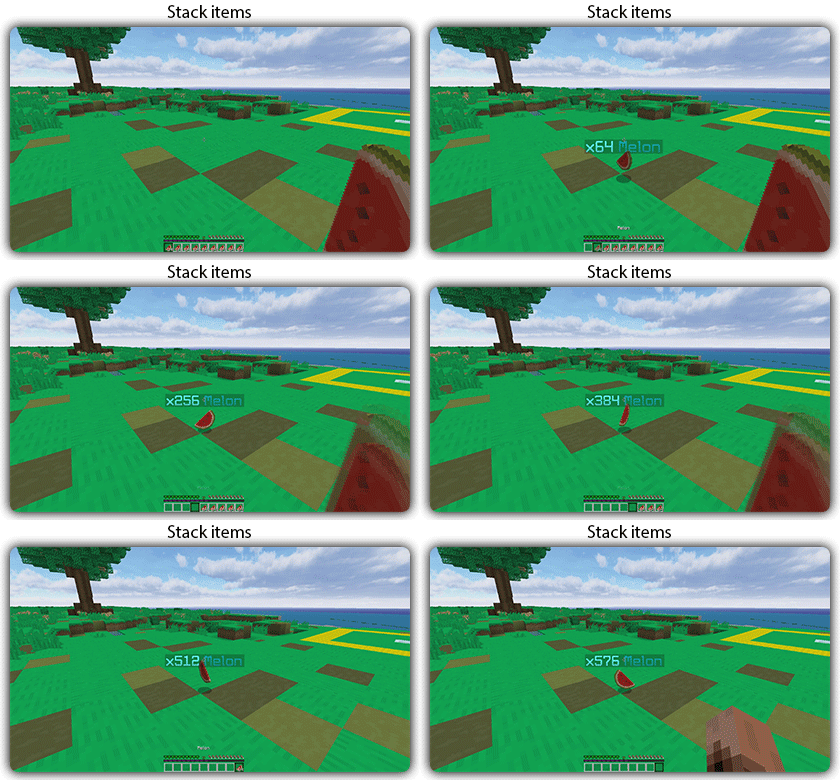
## Features:
– You can whitelist items to be taken into account by the plugin.
– You can blacklist the items that should not be taken into account by the plugin.
## Commands:
– /zitemstacker reload – reload lang and config file
– /zitemstacker version – show plugin version
Source code: https://github.com/Maxlego08/zItemStacker
Support: http://discord.groupez.dev/
Zipp CPVP Pack
# Zipp CPVP Pack ⚔️
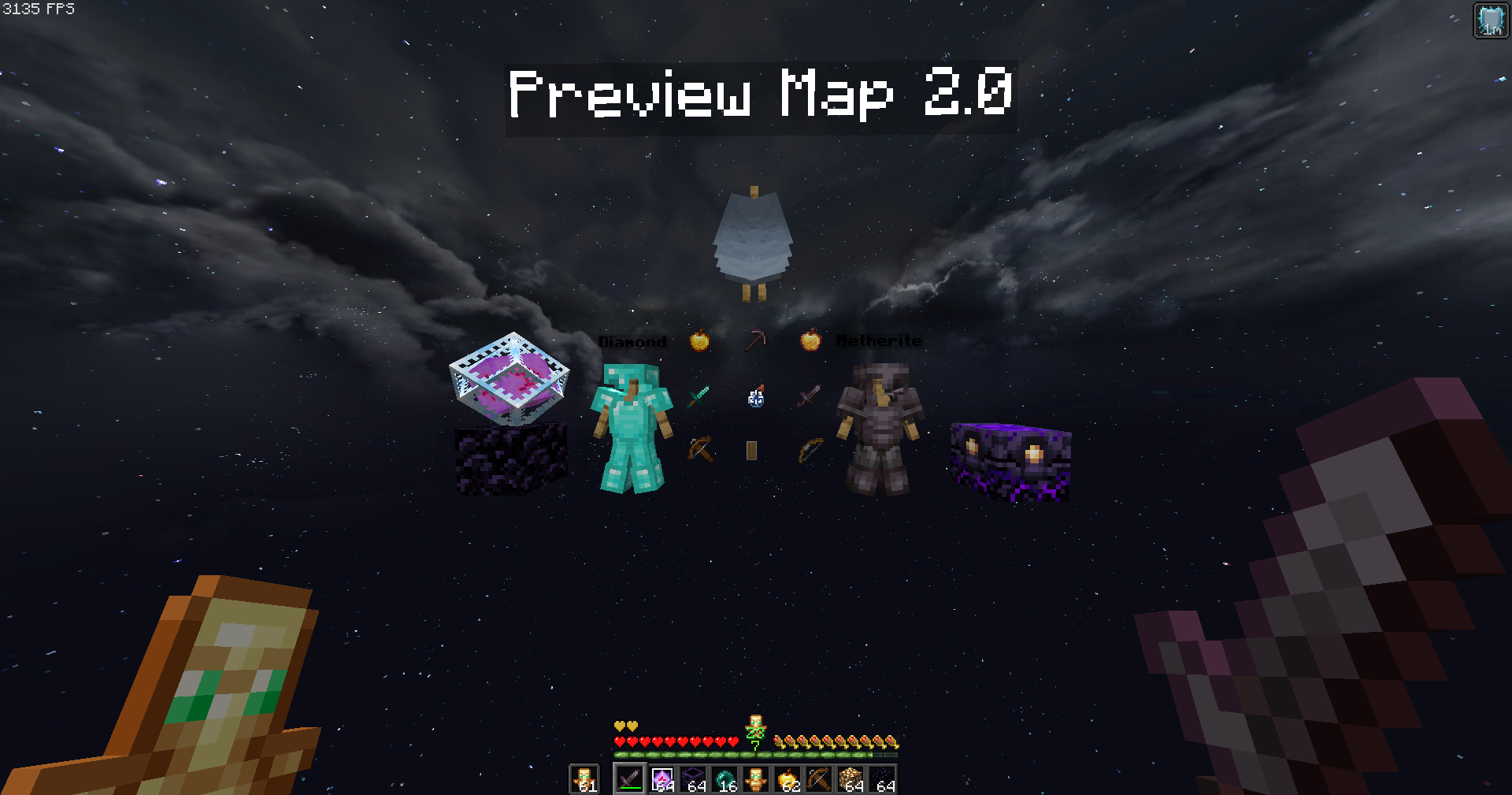
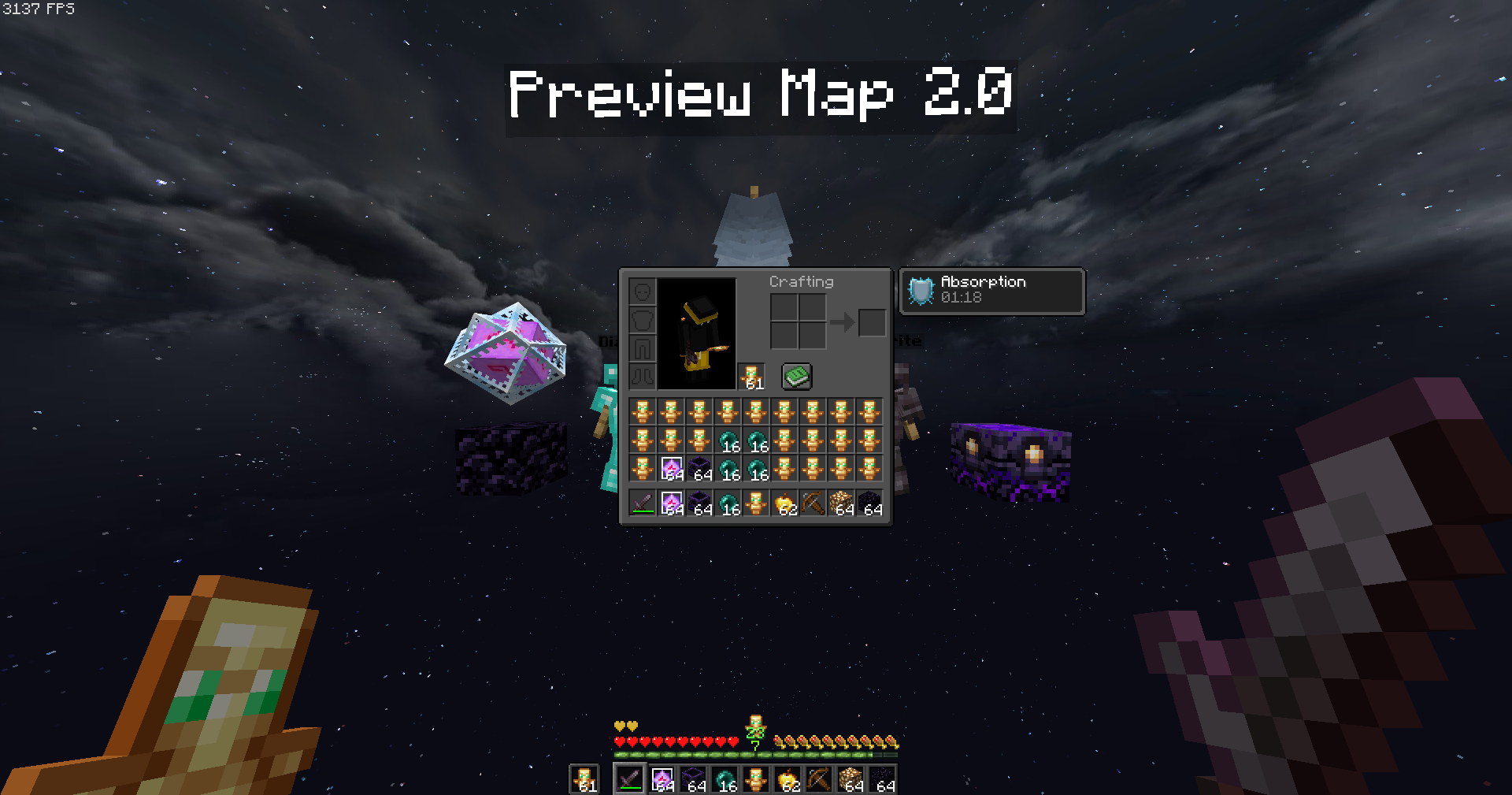
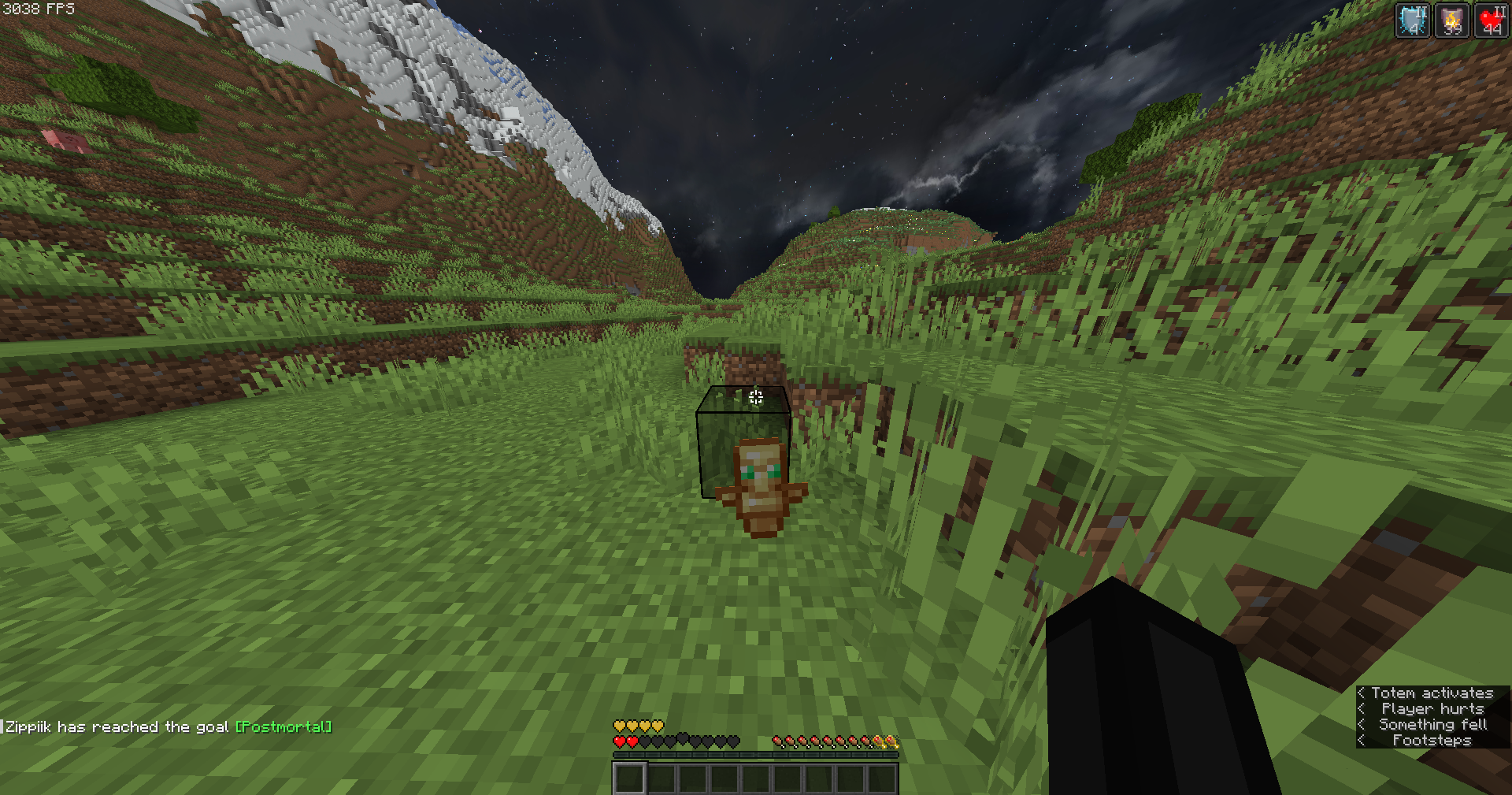
The **Zipp CPVP Pack** is designed for players who want a clean and distraction-free CPvP experience.
Every texture has been carefully adjusted to give you maximum visibility during fights, without unnecessary details that get in the way. 👀
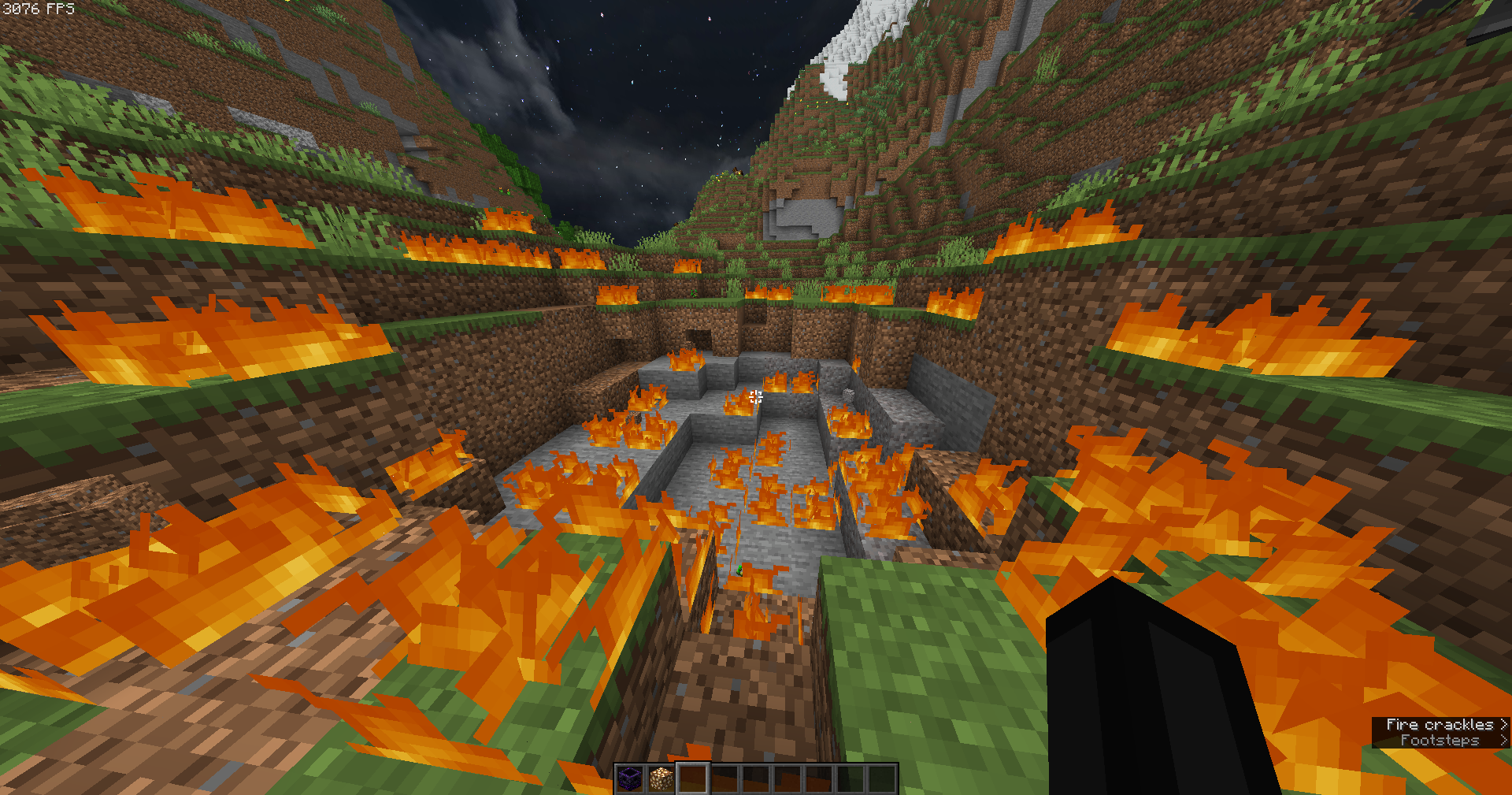
## Features ✨
– **Short swords** 🗡️ – perfect for better screen visibility in close combat.
– **Black UI** 🖤 – minimalistic and easy on the eyes.
– **No UI background** ❌🖼️ – nothing blocking your view of the action.
– **Low fire** 🔥 – keeps your screen clear even while burning.
– **No particles** 💨 – nothing will block your view during hits or critical combos.
– **Small totem pop-up** 🛡️ – so clutch moments won’t cover your screen.
## Why this pack? 💡
This pack focuses on **clarity, performance, and comfort**.
No flashy effects, no distractions — just a simple style that helps you concentrate on what matters most: winning fights. 🏆
Whether you’re playing duels, UHC, or practice servers, the **Zipp CPVP Pack** keeps your gameplay smooth and sharp. ⚡
—
## Previews 📸
Check out some screenshots to see the pack in action:
—
🔹 *Created with competitive PvP in mind, by Zipp.*
Ziplines: Rezipped!
# Zipline: Rezipped!
[](https://files.minecraftforge.net/) [](https://fabricmc.net/) [](https://neoforged.net/)
This is a multiloader fork of Tomate0613’s [Zipline](https://modrinth.com/mod/zipline): Ziplines inspired by the hit zipline game [Satisfactory](https://www.satisfactorygame.com/)!
## What’s New?
* **Momentum-Based Physics!** Gain speed going down, lose speed going up. Includes a toggle to disable realistic physics for those who prefer a more arcade-y feel (default).
* **Works With Any Tools!** Add your modded tools to the item tag `#zipline:attachment` to zip around with them.
* **Durability!** Usage wears down your zipline tool (configurable).
## Usage
### How to Zip
1. **Equip a Zipline tool** (see _compatibility_ or _customization_ below).
2. **Aim** at a compatible cable, wire, or chain.
3. **Hold Right-Click** to attach and start zipping.
4. **Look** in the direction you want to travel to influence your momentum.
5. **Jump** to detach and launch yourself off the line, or release right-click.
## Configuration
This mod uses **Cloth Config** (optional but recommended) to allow customization of the mechanics. You can access the config screen via Mod Menu or by editing `config/zipline.json`.
## Compatibility
This mod **does not add any cables on its own**. Instead, it turns existing cables from other mods into ziplines.
Supported mods include:
* [Reconnectible Chains](https://modrinth.com/mod/reconnectible-chains)
* ~~[Create Crafts & Additions](https://modrinth.com/mod/createaddition)~~ (temporarily disabled)
* [Station Decoration (Minecraft Transit Railway addon)](https://modrinth.com/mod/station-decoration)
## Customization
### Adding Zipline Tools
This mod defines the specific tag `zipline:attachment`. Any item added to this tag will function as a zipline tool. By default, this includes Pickaxes and items tagged as Wrenches.
You can add items to this tag via a Data Pack: `data/zipline/tags/item/attachment.json`
“`
{
“replace”: false,
“values”: [
“minecraft:stick”,
“create:red_rose_quartz_pickaxe”
]
}
“`
### API
Developers can add support for their own cables by implementing the `Cable` interface and registering a `CableProvider` via `Cables.registerProvider`.
***
## License
[](https://github.com/evanbones/Ziplines-Rezipped/blob/1.21.1/LICENSE.txt)
Zipline
# Zipline
Ziplines inspired by hit zipline game [Satisfactory](https://www.satisfactorygame.com/)

## Compatibility
This mod does not add any cables on its own.
Instead you can zoop along cables, wires and chains from any of these mods:
– [HyphaPiracea](https://modrinth.com/mod/hyphapiracea)
– [Connectible Chains](https://modrinth.com/mod/connectiblechains)
– [Create Crafts & Additions](https://modrinth.com/mod/createaddition)
– [Station Decoration (Minecraft Transit Railway addon)](https://modrinth.com/mod/station-decoration)
## Recipe

ZipBomb
# ZipBomb
ZipBomb is a modpack that aims to maintain a vanilla feel while adding cool and interesting features. A few performance/optimization mods are also added.
## Notice
If you wish to use FreshAnimations, please disable Physics Mod.