TF2 hit sound
A meme resourcepack that replaces the hitting sound with the tf2 hit sound
Even if it says that the pack is outdated, it should work on all versions
You can submit bugs or suggestions [here](https://docs.google.com/forms/d/e/1FAIpQLSeELpo_gqlwn4ftgP_tkB6I-rq6c6nyvs4BM07e89AKy3DI2g/viewform?usp=sf_link)
ColorCraft

# 🎨 ColorCraft — Bring Color to Your Interface
**ColorCraft** redefines how you see Minecraft’s UI — literally.
It enhances text visibility and adds rich formatting to menus, messages, and UI elements across multiple languages and mods.
Better contrast, better clarity, better *vibes*. 🌈
—
## ✨ What It Does
Tired of dull, unreadable menus or chat text blending into the background?
ColorCraft injects vibrant colors and styles into Minecraft’s interface — making it more intuitive and eye-catching without altering the game’s vanilla spirit.
✅ Improved contrast on menus and buttons
✅ Styled text for game modes, tooltips, effects, and more
✅ Support for mods & multiple languages
✅ Seamless integration with existing UI packs
—
## 🖼️ Sneak Peek
| Feature | Preview |
|———-|———-|
| Main Menu |  |
| Create World Menu |  |
| Settings & UI |  |
| Sodium Compatibility |  |
| Keybinds |  |
| Enchantments |  |
| Dye Colors |  |
| Effects |  |
| Pause Menu |  |
| Death Screen |  |
| Chat Messages |  |
—
## 🌍 Supported Languages
Almost all major Minecraft Vanilla languages are supported ! (some mods may not be fully supported yet for all languages)
`ru_ru` Thanks to [YarTom](https://modrinth.com/user/YarTom) for some of the translations.
—
## 🧩 Mod Compatibility
ColorCraft supports a wide variety of mods to ensure every text in your world stays clean and colorful.
✅ Supported mods:
– [Alex’s Caves](https://modrinth.com/mod/alexs-caves)
– [Alex’s Mobs](https://modrinth.com/mod/alexs-mobs)
– [Alexs Caves: Stuff & Torpedoes](https://modrinth.com/mod/alexscaves-torpedoes)
– [Better Statistics Screen](https://www.curseforge.com/minecraft/mc-mods/betterstats)
– [Bobby](https://modrinth.com/mod/bobby)
– [Cave Dust](https://modrinth.com/mod/cave-dust)
– [Cloth Config](https://modrinth.com/mod/cloth-config)
– [Create](https://modrinth.com/mod/create)
– [Detail Armor Bar Reconstructed](https://modrinth.com/mod/detail-armor-bar-reconstructed)
– [Durability Tooltip](https://modrinth.com/mod/durability-tooltip)
– [Dynamic FPS](https://modrinth.com/mod/dynamic-fps)
– [Dynamic Crosshair](https://modrinth.com/mod/dynamiccrosshair)
– [Embeddium](https://modrinth.com/mod/embeddium)
– [Enderite Mod](https://modrinth.com/mod/enderite-mod)
– [Enhanced Block Entities](https://modrinth.com/mod/ebe)
– [Extended Enchanting](https://modrinth.com/mod/extended-enchanting)
– [Fancy Block Particles – Renewed](https://modrinth.com/mod/fbp-renewed)
– [Farmer’s Delight](https://modrinth.com/mod/farmers-delight)
– [Immersive Hotbar](https://modrinth.com/mod/immersive-hotbar)
– [Inventory Particles](https://modrinth.com/mod/inventory-particles)
– [Inventory Management](https://modrinth.com/mod/inventory-management)
– [InvMove](https://modrinth.com/mod/invmove)
– [Malilib](https://modrinth.com/mod/malilib)
– [Mod Menu](https://modrinth.com/mod/modmenu)
– [Naturally Trimmed](https://modrinth.com/mod/naturally-trimmed)
– [Nvidium](https://modrinth.com/mod/nvidium)
– [oωo](https://modrinth.com/mod/owo-lib)
– [Physics Mod](https://modrinth.com/mod/physicsmod)
– [Presence Footsteps](https://modrinth.com/mod/presence-footsteps)
– [Shulker Box Tooltip](https://modrinth.com/mod/shulkerboxtooltip)
– [Sodium](https://modrinth.com/mod/sodium)
– [Sodium Extra](https://modrinth.com/mod/sodium-extra)
– [Sounds](https://modrinth.com/mod/sound)
– [Stellar View](https://modrinth.com/mod/stellarview)
– [Supplementaries](https://modrinth.com/mod/supplementaries)
– [TCDCommons API](https://www.curseforge.com/minecraft/mc-mods/tcdcommons)
– [Terralith](https://modrinth.com/datapack/terralith)
– [VanillaTweaks](https://modrinth.com/mod/vanillatweaks)
– [Vein Mining](https://modrinth.com/mod/vein-mining)
– [Veinminer Enchantments](https://modrinth.com/mod/veinminer-enchantments)
– [Wakes](https://modrinth.com/mod/wakes)
– [Waystones](https://modrinth.com/mod/waystones)
– [Xaero’s Minimap](https://modrinth.com/mod/xaeros-minimap)
– [Xaero’s World Map](https://modrinth.com/mod/xaeros-world-map)
– [Yet Another Config Lib (YACL)](https://modrinth.com/mod/yacl)
> 🧱 *Want your mod supported?*
Drop your mod link in the issues tab — compatibility updates are frequent.
—
## 🧠 Compatibility Notes
– Works with (maybe) any Minecraft version
– Compatible with all major mod loaders (Fabric, Forge, etc.)
– Can be used alongside other **UI enhancement** or **dark mode** packs
– Designed for **vanilla readability** — no texture changes outside of text
– Some of the UI Texture Pack features may conflict with other UI packs, so make sure to place ColorCraft above them in the resource pack list for best results.
—
## ⚙️ Installation
1. Download the latest release from [Modrinth](https://modrinth.com/resourcepack/colorcraft) or your launcher.
2. Drop it into your `resourcepacks` folder.
3. Enable it in-game and place it **above** any UI pack (for priority).
4. Enjoy your clean, colorful Minecraft interface. ✨
—
## ❤️ Contribute
Want to translate, tweak, or suggest a new color scheme?
Open a [Pull Request](https://github.com/JustArthur/ColorCraft/pulls) or start a [Discussion](https://github.com/JustArthur/ColorCraft/discussions).
> Every contribution keeps ColorCraft vibrant — thank you for helping make Minecraft more readable for everyone!
—
**🧡 Stay colorful. Stay creative.**
TCommandBlockerLite


# TCommandBlocker (v1.1)
Check the updated page [here](https://www.spigotmc.org/resources/tcommandblocker.111927/)
Simple command blocker plugin
# Features
– Unlimited commands
– Block any command
– 100% translatable
# Commands
– /tcommandblocker reload
– /tcommandblocker version
# Permissions
– tcommandblocker.reload
– tcommandblocker.version
# Dependencies
– None
Hermit Soundboard
# Hermit Soundboard
This resource pack contains a mix of sounds from Hermitcraft.
This includes:
– Slimes shouting in the (pitch-shifted) voice of
[EthosLab](https://www.youtube.com/channel/UCFKDEp9si4RmHFWJW1vYsMA) that the player is
[“the greatest redstone master in the world”]((https://www.youtube.com/watch?v=oAvPZwbM1Mc&t=586s))
– Goats occasionally [laughing maniacally](https://www.youtube.com/watch?v=kiVH4CjiHhI&t=1400s) or saying
[“Anyways, what?”](https://www.youtube.com/watch?v=j4ph_6Uu91s&t=1520s)
– Turtles taking damage will tell you in XisumaVoid’s voice that “This is illegal!”
– Once in a while you may hear a Zedaph [moo](https://www.youtube.com/watch?v=DaUZcfY0IVg&t=1097s)
in amongst the cows
– Mixed into the wolf sounds are various audio clips of [XisumaVoid,](https://www.youtube.com/watch?v=fSh8q0b4m4g&t=802s),
[Zedaph, JoeHills and ZombieCleo](https://www.youtube.com/watch?v=eaIXFYf_v8U), aka,
“The Woolves of Wool Street”
– You might one day hear an Enderman ask if you’ve
[“got any pickles?”](https://www.youtube.com/watch?v=56y1nRZlu9Q&t=438s)
– Hurt ghasts will occasionally sound like [Grian](https://www.youtube.com/watch?v=qmJHVf_UaXo&t=230s)
## Credits
The author of this resource pack claims no rights to any of the underlying assets. All voices
are of the members of the Hermitcraft server, as taken from their videos.
The combining of these elements into this resource pack was done under the principle of fair use.
## License
This pack and its contents has been marked as dedicated to the public domain. Details can be found in
the accompanying LICENSE.txt file.
SyncChats
SyncChats
SyncChats is a professional Minecraft plugin that enables bidirectional synchronization between Minecraft chat and Discord. Designed for production servers, it offers advanced filtering, rate limiting, and statistics tracking features.
Features
Chat Synchronization
– Bidirectional: Minecraft ↔ Discord messages
– Flexible modes: Webhook and Discord Bot
– Rich embeds: Formatted messages with avatars
– Mentions: Discord @mentions support
Security & Performance
– Advanced filtering: Blocked words, custom regex
– Rate limiting: Anti-spam protection
– Smart caching: Performance optimization
– Console logging: Full server console capture to Discord
Discord Integration
– Slash commands: Native Discord commands
– Rich embeds: Beautiful formatted messages
– Event logging: Player join/leave, deaths, achievements
– Bot presence: Dynamic status updates
Statistics & Monitoring
– Real-time stats: Message counts, active users
– Performance metrics: Response times, cache hits
– Event tracking: Server events and player actions
– Discord logs: Complete server monitoring
Installation
1. Download the latest release
2. Place the .jar file in your server’s plugins folder
3. Configure the plugin in config.yml
4. Set up your Discord bot and obtain a token
5. Configure Discord channel IDs and permissions
6. Restart your server
Commands
Discord Slash Commands
– /reload – Reload plugin configuration
– /status – Show plugin status
– /stats – Display plugin statistics
– /serverstatus – Show server status and player count
Minecraft Commands
– /syncchatsreload – Reload plugin configuration
– /syncchatsstatus – Show plugin status
– /syncchatsstats – Display statistics
– /syncchatsserverstatus – Show server status
Permissions
Configure permissions in the config.yml file using Discord user IDs and role IDs.
Requirements
– Minecraft Server (Spigot/Paper 1.13+)
– Java 17 or higher
– Discord Bot Token
– Discord Server with appropriate permissions
Support
For support, please open an issue on the GitHub repository.
SuperHide

## SuperHide
– This plugin allows people with permissions to fully hide themselves in the playerlist! It shows no empty nickname, it completely hides you!
– ⚠️ ProtocolLib is required for SuperHide to work, and ProtocolLib isn’t uploaded to Modrinth, so please make sure ProtocolLib is installed on your server
**_This plugin is compatible with vanish plugins._**

SunReg | Register
🌞 SunReg – The Best Free Register Plugin
Author: Not_LazyyXD
SunReg is a powerful and reliable registration plugin designed for Minecraft servers that want the quality of big networks like PikaNetwork, FireMC, and HaiderNetwork—but without the high price tag.
Unlike other paid plugins, SunReg gives you everything you need for a smooth, secure, and lag-free login system completely free. It’s built for both performance and stability, so your players can enjoy the best experience without delays or bugs.
✨ Features:
Fast & secure player registration system
Optimized for lag-free performance
User-friendly commands & configuration
Inspired by top-tier networks but 100% free
Perfect for small to large Minecraft servers
If you want a professional, free, and community-friendly register plugin, SunReg is the ultimate solution.
Bad Apple Shaders
# Bad Apple Shaders
  
This is an Iris/OptiFine shader which changes rendering to look like [【東方】Bad Apple!! PV【影絵】](https://youtu.be/FtutLA63Cp8)
 
## Screenshots

## FAQ
Q: Does this work on OptiFine?
A: Yes. **This does come with an epilepsy warning if you are on an m-series mac.**
Q: Does this work on Iris/Oculus?
A: Yes.
Q: Does this work on 1.8?
A: The Legacy version should work with 1.8.
## Pridepack
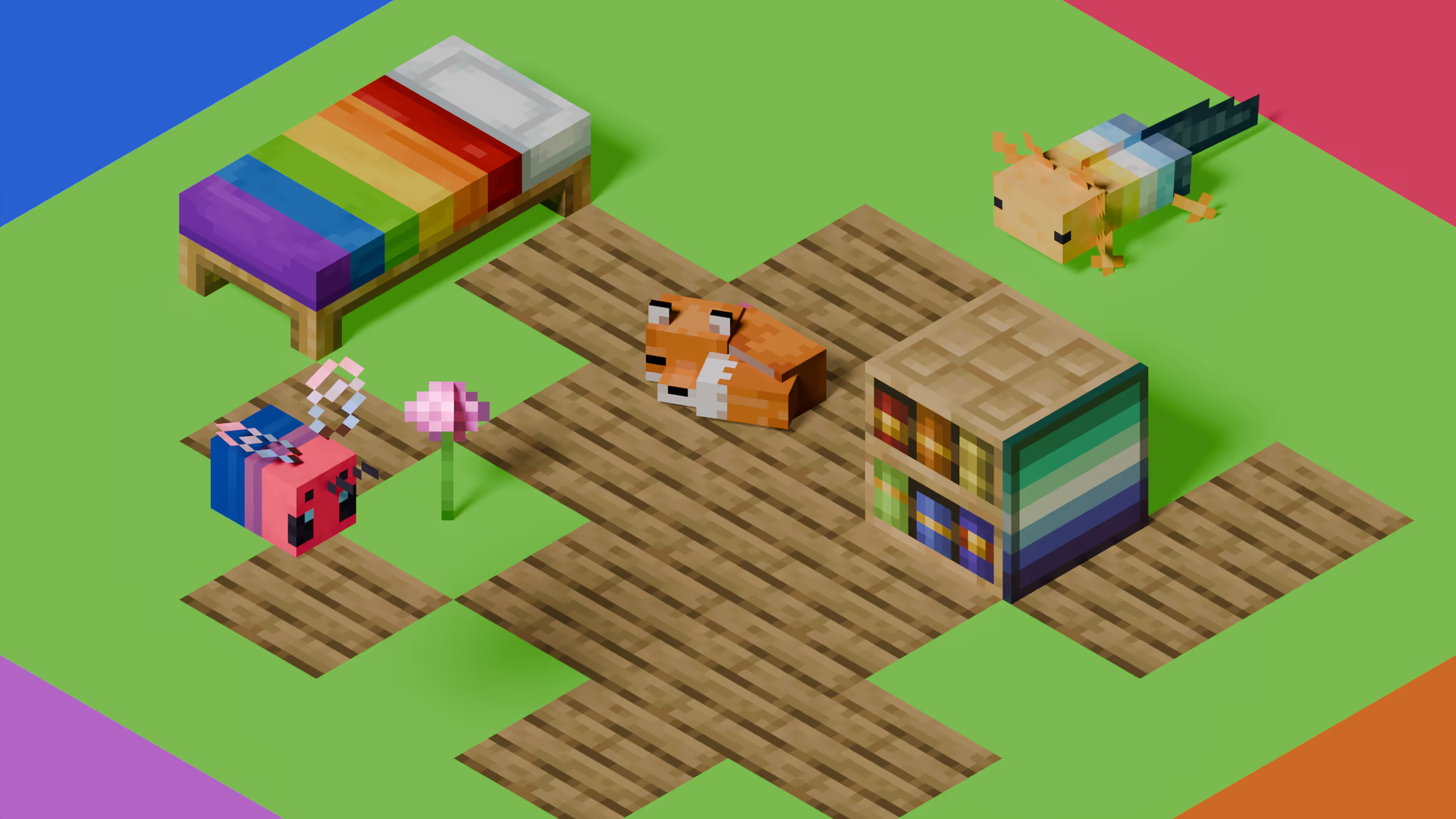
[Pridepack](https://pridecraft.gay/pridepack) is a Resource Pack made by [Pridecraft Studios](https://pridecraft.gay). It comes with many LGBT Pride additions, such as paintings, beds, mobs and Main Menu changes. If you’re interested in gaying your game, you should check it out!
Steak = Cooked Beef
Makes steak called cooked beef because it makes more sense and it will make a friend of mine happy because he likes beef!
It’s very simple, does nothing else, just this!
(And maybe a little easter egg, try to find it 😀 )
Squared Shadow
This is a Texture Pack, originally designed for “[Better Than Adventure!](https://www.betterthanadventure.net/)”, and consequentially Beta 1.7.3 (although it will work with ANY version of Minecraft that has a Shadow, since the location and filename has never changed, despite the outdated Resource Pack version warning), that gives the Entities a squared Shadow, instead of a circular one. Consistency, my beloved.
# CREDITS
– Shadow texture and “pack.png” made by AndreWharn.
– Do not use the assets without permission, please!
# Thanks for using this pack! 😀