Invisible Armor for Old Minecraft
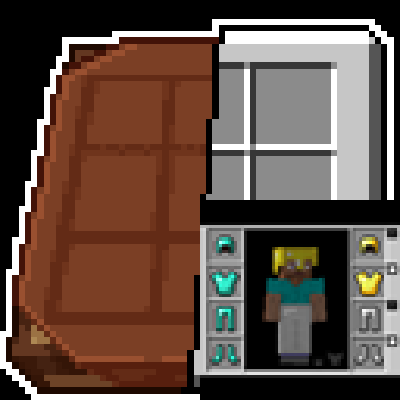
Invisible armor for old Minecraft! Just drop into your texture pack folder and enjoy!
Invisible armor for old Minecraft! Just drop into your texture pack folder and enjoy!
InvisAlert+
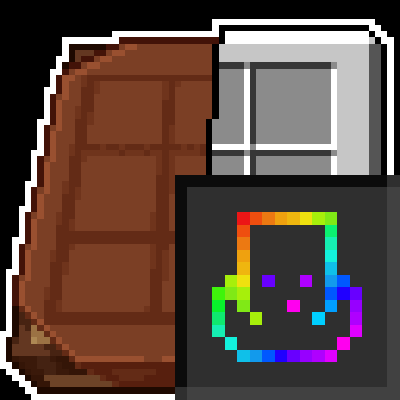
InvisAlert+ is a lightweight, client-side resource pack designed to make invisibility particles in Minecraft immediately visible. Invisible potions and effects can be frustrating, especially in PvP, survival, or mob-fighting scenarios where timing and awareness matter. This pack replaces the subtle default particles with a bright, clear warning so you always know when other players are invisible around you
Key Features:
– Clear Indicators: Instantly see when invisibility is applied with a bold, easy-to-notice particle.
– Minimal & Lightweight: Only changes the invisible potion particle; leaves all other textures untouched.
– Compatible with Any Pack: Layer InvisAlert+ over your favorite texture pack without conflicts.
– PvP & Survival Friendly: Designed for players who need awareness in fast-paced or tactical situations.
Installation Instructions:
Download the zip.
Move the InvisAlert+ folder into your Minecraft resourcepacks directory.
Enable the pack in-game and layer it on top of your existing texture pack.
Notes:
Fully client-side; no server mods required.
Works on all supported Minecraft versions (1.20+ recommended).
Perfect for PvP servers, survival maps, or personal gameplay improvement.
# ✦ Infinity Gauntlet Plugin ✦
### A Marvel-themed Minecraft Plugin for Spigot 1.20.4
—
## 📦 Installation
### Requirements
– Spigot / Paper 1.20.4
– Java 17+
### Building from Source
“`bash
# 1. Install Spigot API locally (first time only)
mkdir ~/spigot-build && cd ~/spigot-build
curl -o BuildTools.jar https://hub.spigotmc.org/jenkins/job/BuildTools/lastSuccessfulBuild/artifact/target/BuildTools.jar
java -jar BuildTools.jar –rev 1.20.4
# 2. Install the API to local Maven cache
mvn install:install-file
-Dfile=~/spigot-build/Spigot/Spigot-API/target/spigot-api-1.20.4-R0.1-SNAPSHOT.jar
-DgroupId=org.spigotmc
-DartifactId=spigot-api
-Dversion=1.20.4-R0.1-SNAPSHOT
-Dpackaging=jar
# 3. Build the plugin
cd InfinityGauntlet
mvn package
# 4. Copy the jar to your server
cp target/InfinityGauntlet-1.0.0.jar /path/to/server/plugins/
“`
—
## ✦ THE 6 INFINITY STONES
Each stone is found inside a lore-accurate structure and can be used individually OR inserted into the Infinity Gauntlet for amplified powers.
| Stone | MCU Artifact | Structure | Individual Power |
|——-|————-|———–|—————–|
| 💠 **Space** | Tesseract | Norse Temple (snow, blue beacon) | Teleport 50 blocks (look direction) |
| 💛 **Mind** | Scepter | Dark Blackstone Chamber | Charm nearest hostile mob for 5s |
| ❤ **Reality** | Aether | Svartalfheim Dark Elf Ruins | Transform blocks in 5-block radius |
| 💜 **Power** | Orb | Morag Underground Vault | Devastating energy explosion + knockback |
| 💚 **Time** | Eye of Agamotto | Kamar-Taj Sanctum Library | Haste/regen for player, slow nearby enemies |
| 🧡 **Soul** | Soul Stone | Vormir Sacrificial Cliff | Drain life from all nearby mobs → heals you |
—
## 🥊 THE INFINITY GAUNTLET
### Crafting Recipe (Default)
“`
[Gold] [Gold] [Gold]
[Gold] [Diam] [Gold]
[ — ] [Gold] [ — ]
“`
> The recipe is fully configurable via the GUI editor! `/recipeedit`
### How to Use
1. **Craft** or obtain the Gauntlet with `/gauntlet give`
2. **Right-click** while holding the Gauntlet to open the **Stone Manager GUI**
3. **Drag & Drop** stones from your inventory into their colored slots
4. **Click an inserted stone** in the GUI to remove it (it goes back to your inventory)
5. With **all 6 stones**: **Shift + Right-click** to perform the **SNAP!**
### The SNAP (All 6 Stones Required)
– Broadcasts a server-wide message
– **50% chance** of killing each nearby player (within 100 blocks)
– **50% chance** of killing each nearby mob (within 50 blocks)
– Survivors glow briefly
– Drains the wielder’s health and applies weakness
– **30 second cooldown**
—
## ⚔ MARVEL ENDGAME ITEMS (Balance Items)
These items let other players compete against a Gauntlet wielder!
| Item | Inspired By | Ability |
|——|————|———|
| ⚡ **Iron Man Repulsor** | Tony Stark | Fire targeted energy blast (6 dmg + knockback, 1s CD) |
| ⚙ **Nano Gauntlet** | Stark replica | Passive: absorb 50% damage, reflect 25% |
| ⚡ **Mjolnir** | Thor | Call lightning strike on target, slow fall while held (3s CD) |
| ⚔ **Stormbreaker** | Thor | Bifrost beam + 5m cleave (12 dmg, 2s CD) |
| 🛡 **Vibranium Shield** | Captain America | Throw to stun target (blind + slow, 1.5s CD) |
| 💣 **War Machine Cannon** | War Machine | Fire explosive bolt (4s CD) |
| 🌀 **Quantum Tunnel Device** | Ant-Man | Phase/invulnerability for 3 seconds (10s CD) |
| ✦ **Chaos Crystal** | Scarlet Witch | Levitate all nearby enemies + damage (5s CD) |
| ◎ **Sling Ring** | Doctor Strange | Teleport to your bed/spawn (30s CD) |
| ⚔ **Vibranium Spear** | Okoye | Life steal: heals 30% of damage dealt |
| ⚔ **Thanos’ Double-Blade** | Thanos | +15 dmg, ignores 50% of armor |
—
## 🏛 STRUCTURES
Each structure is themed after the MCU location where each stone was found:
| Stone | Location | Structure Details |
|——-|———-|——————-|
| Space | Norway/Asgard | Stone brick Norse temple, snow floor, blue beacon, blue glass altar |
| Mind | Thanos ship | Enclosed gilded blackstone chamber, gold altar, soul torches |
| Reality | Svartalfheim | Broken deepslate ruins, cracked pillars, magma/red glass Aether pool |
| Power | Morag | Underground purpur vault, purple pillars, magma traps in corners |
| Time | Kamar-Taj | Sandstone sanctum, bookshelf walls, enchanting table, sea lantern altar |
| Soul | Vormir | Red sandstone cliff plateau, soul sand shrine, obsidian monoliths, soul fire |
Each structure contains a **chest** with the corresponding Infinity Stone inside.
Spawn structures with:
– `/spawnstructure
– `/spawnstructure ALL` — spawns all 6 spaced 30 blocks apart
—
## 💬 COMMANDS
| Command | Permission | Description |
|———|———–|————-|
| `/gauntlet` | `infinitygauntlet.admin` | Main command + subcommands |
| `/gauntlet give` | admin | Give yourself the Infinity Gauntlet |
| `/gauntlet stones` | admin | List all stone give commands |
| `/gauntlet structures` | admin | Info on all structures |
| `/gauntlet recipe` | admin | Info on the crafting recipe |
| `/givestone
| `/giveitem
| `/recipeedit` | admin | Open the Gauntlet recipe editor GUI |
| `/spawnstructure
—
## ⚙ CONFIG
`config.yml` controls:
– **Gauntlet recipe** (also editable live via `/recipeedit`)
– **Per-stone cooldowns**
– **Power multipliers**
– **Structure settings**
—
## 📁 File Structure
“`
InfinityGauntlet/
├── pom.xml
└── src/main/
├── resources/
│ ├── plugin.yml
│ └── config.yml
└── java/com/marvel/infinitygauntlet/
├── InfinityGauntletPlugin.java ← Main class
├── items/
│ ├── InfinityStone.java ← 6 stone definitions
│ └── MarvelItem.java ← 11 Marvel weapons/devices
├── managers/
│ ├── StoneManager.java ← Stone ItemStack creation & NBT
│ ├── GauntletManager.java ← Stone insert/remove/lore update
│ ├── RecipeManager.java ← Configurable crafting recipe
│ ├── StructureManager.java ← 6 lore-accurate structures
│ ├── MarvelItemManager.java ← Marvel weapon ItemStack creation
│ └── CooldownManager.java ← Per-player per-ability cooldowns
├── gui/
│ ├── GauntletGUI.java ← Stone drag-drop management GUI
│ └── RecipeEditorGUI.java ← Live recipe editor GUI
├── listeners/
│ ├── GauntletListener.java ← Gauntlet right-click + snap
│ ├── StoneListener.java ← Individual stone powers
│ ├── MarvelItemListener.java ← All Endgame weapon abilities
│ └── StructureListener.java ← Structure protection (expandable)
└── commands/
├── GauntletCommand.java
├── GiveStoneCommand.java
├── GiveItemCommand.java
├── RecipeEditCommand.java
└── SpawnStructureCommand.java
“`
—
## 🎮 GAMEPLAY FLOW
“`
Explore world → Find structure → Loot stone from chest
↓
Craft Infinity Gauntlet (or get from admin)
↓
Right-click Gauntlet → Open Stone Manager GUI
↓
Drag stones from inventory into colored slots
↓
With all 6: Shift+Right-click → SNAP!
“`
Other players fight back using Marvel Endgame weapons (balanced via cooldowns and targeted powers).
—
*”Perfectly balanced, as all things should be.”*
**Welcome To My Resource Packs**
**How To Get This Items**
**Commands:**
“`
/give (username) minecraft:yellow_dye{CustomModelData:1}
“`
“`
/give (username) minecraft:purple_dye{CustomModelData:2}
“`
“`
/give (username) minecraft:red_dye{CustomModelData:3}
“`
“`
/give (username) minecraft:orange_dye{CustomModelData:4}
“`
“`
/give (username) minecraft:light_blue_dye{CustomModelData:5}
“`
“`
/give (username) minecraft:lime_dye{CustomModelData:6}
“`
**2.0.0 Update**
**Commands:**
“`
/give (username) minecraft:white_dye{CustomModelData:1010}
“`
“`
/give (username) minecraft:white_dye{CustomModelData:2020}
“`
“`
/give (username) minecraft:white_dye{CustomModelData:3030}
“`
“`
/give (username) minecraft:white_dye{CustomModelData:4040}
“`
“`
/give (username) minecraft:white_dye{CustomModelData:5050}
“`
“`
/give (username) minecraft:white_dye{CustomModelData:6060}
“`
**Thank You And Enjoy**
**Bundle Texture Pack Compat** **Immersive Interfaces – Mod Support Unofficial**

### Immersive Interfaces – Mod Support Unofficial
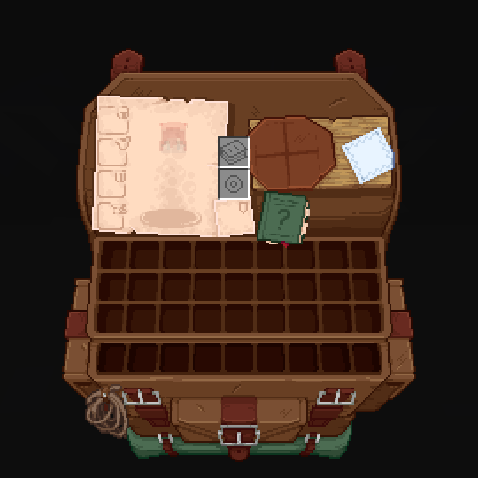
This texture pack adds special compatibility with Trinkets Mod, integrating its grooves into the aesthetics of Immersive Interfaces.
### Before:
### After:
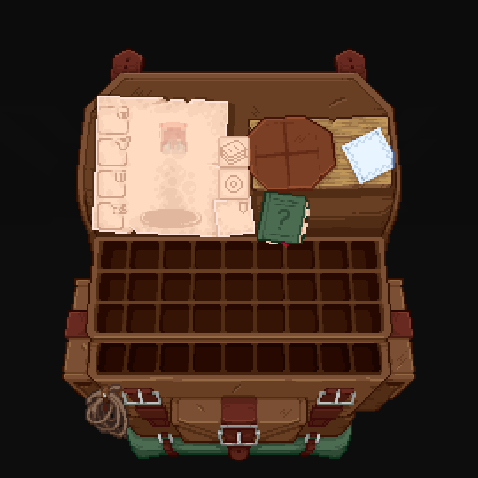
Shrimp’s Immersive Interfaces Add-on: This Texture Pack adds small details to some mods to fit more with Immersive Interfaces.
**Mod Compatibility:**
– Accesories (Curios & Trinkets)
– Accessories Compatibility Layer
– Alex’s Caves
– Alex’s Mobs
– Armageddon
– Apotheosis & (Fabric)
– Apothic Attributes & (Fabric)
– Apothic Enchanting
– Backpacked
– Cosmetic Armor Reworked
– Curios API
– Diet
– Easy Magic
– Ender Chested
– EMI
– Farmer’s Delight & ([Refabricated]
– Fishing Upgrades & More
– Inventory Profiles Next
– Horseman
– Iron Chests
– Iron’s Spells ‘n Spellbooks
– ItemSwampper
– Just Enough Items (JEI)
– Just Enough Resources
– Just Leveling & Fork
– L_Ender ‘s Cataclysm
– Legendary Tabs
– Let’s Do Camping
– Miner’s Delight+
– Molten Metal
– Polymorph
– Roughly Enough Items (REI)
– Sophisticated Backpacks
– Sophisticated Storage
– Spell Engine (RPG Classes API)
– What Are They Up To (Watut)
– Quark
– Quark Oddities
– T.O Magic ‘n Extras (Iron’s Spells Addon)
– Terramity
– Traveler’s Backpack
– TrashSlot
– Trinkets
– Yukami’s Sophisticated Backpack Tab
– yyz’s backpack
## Other compatibilities in parts:









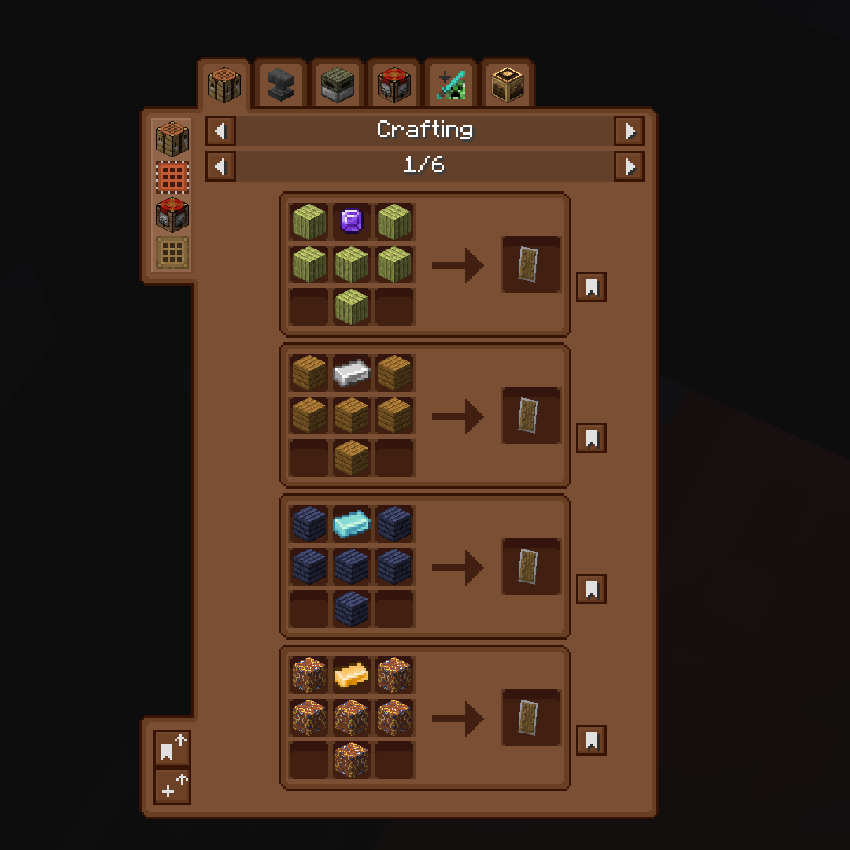
### **Just Enough Items (JEI) Support:**
Before:
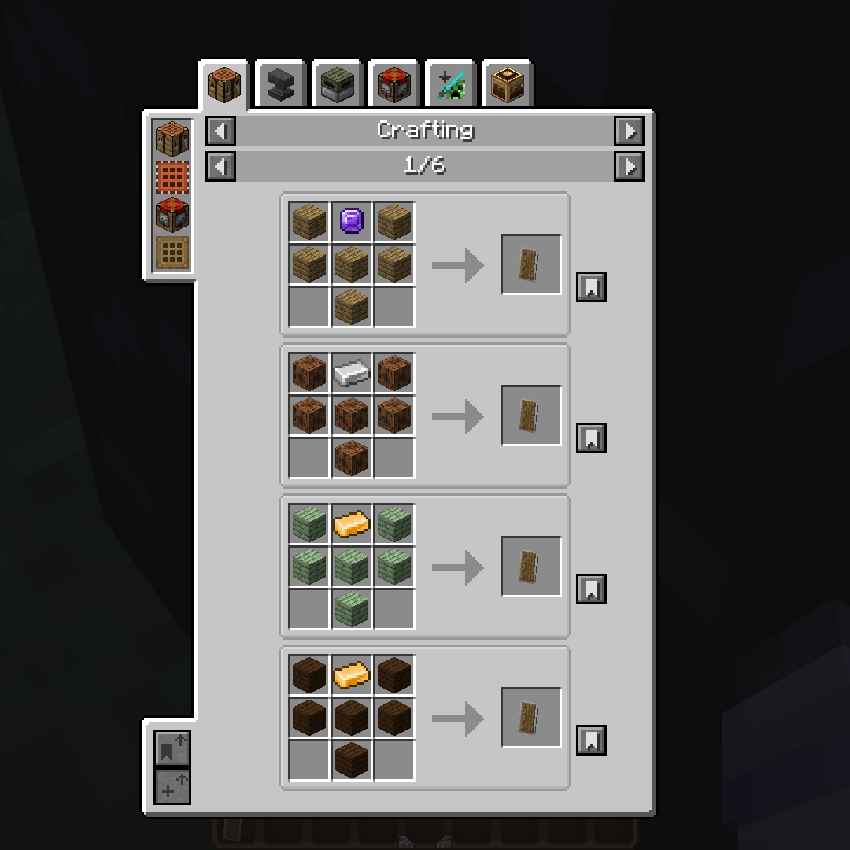
After:
### **Quark Oddities Support:**
Before:
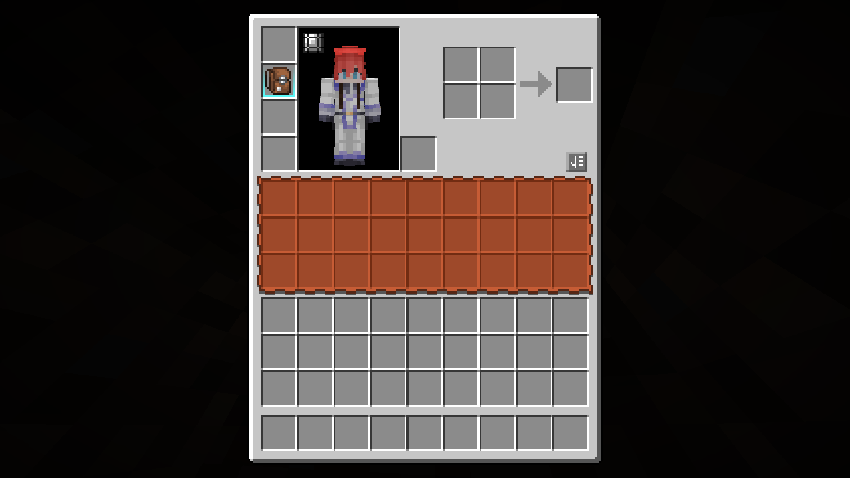
After:
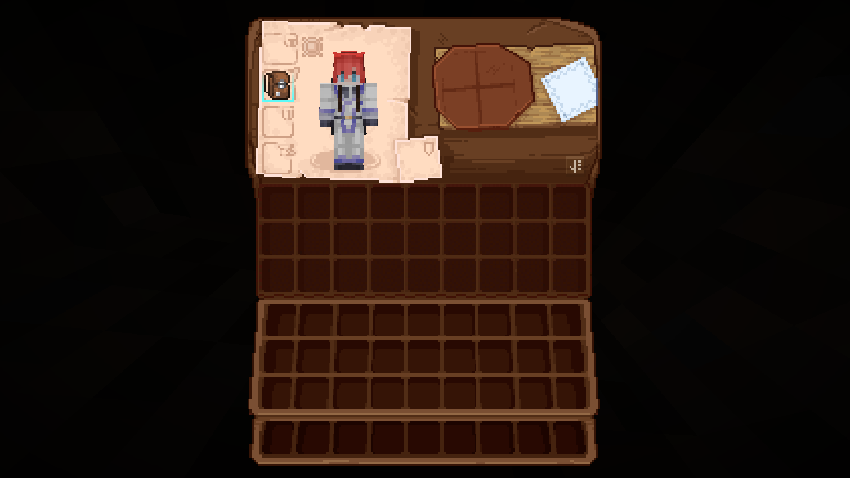
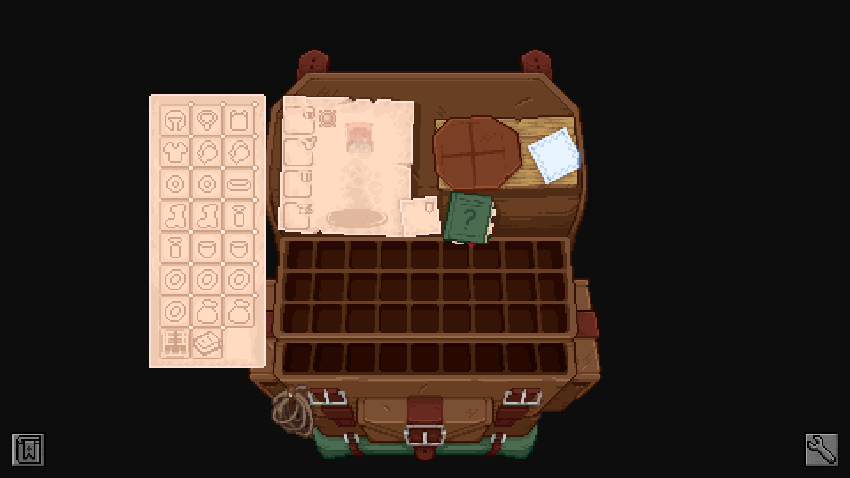
### **Curios Support:**
Before:
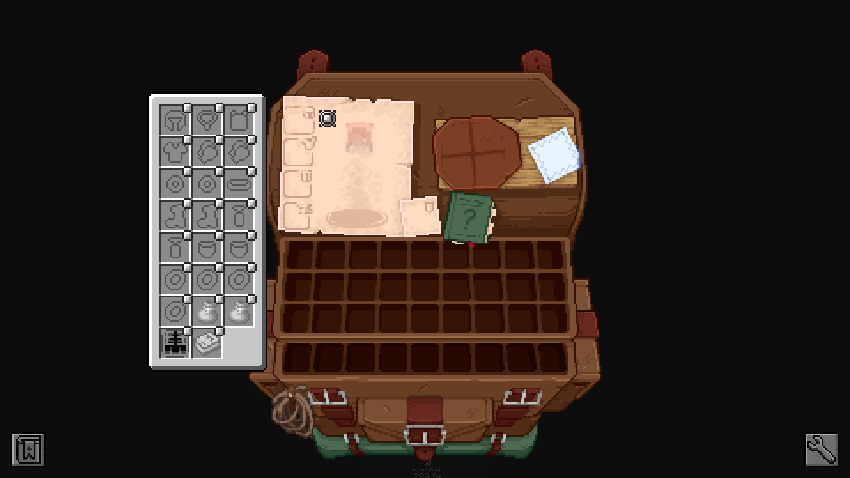
After:
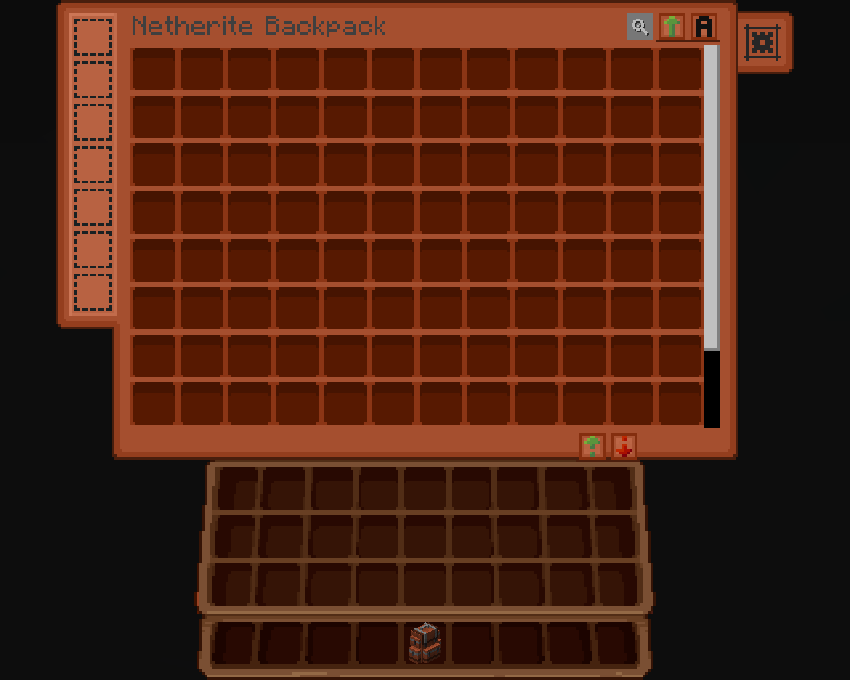
### **Sophisticated Backpacks & Storage Support:**
Before:
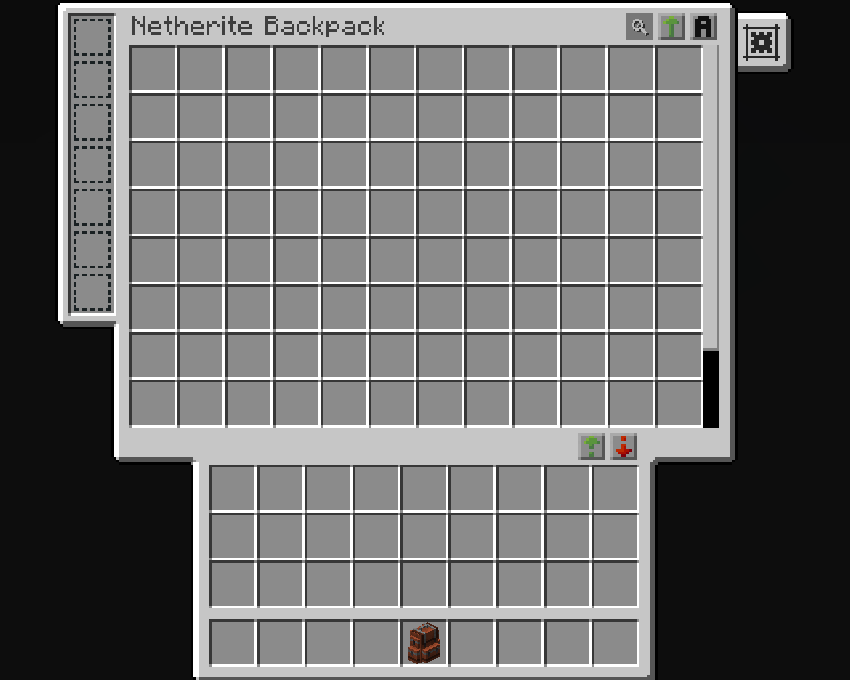
After:
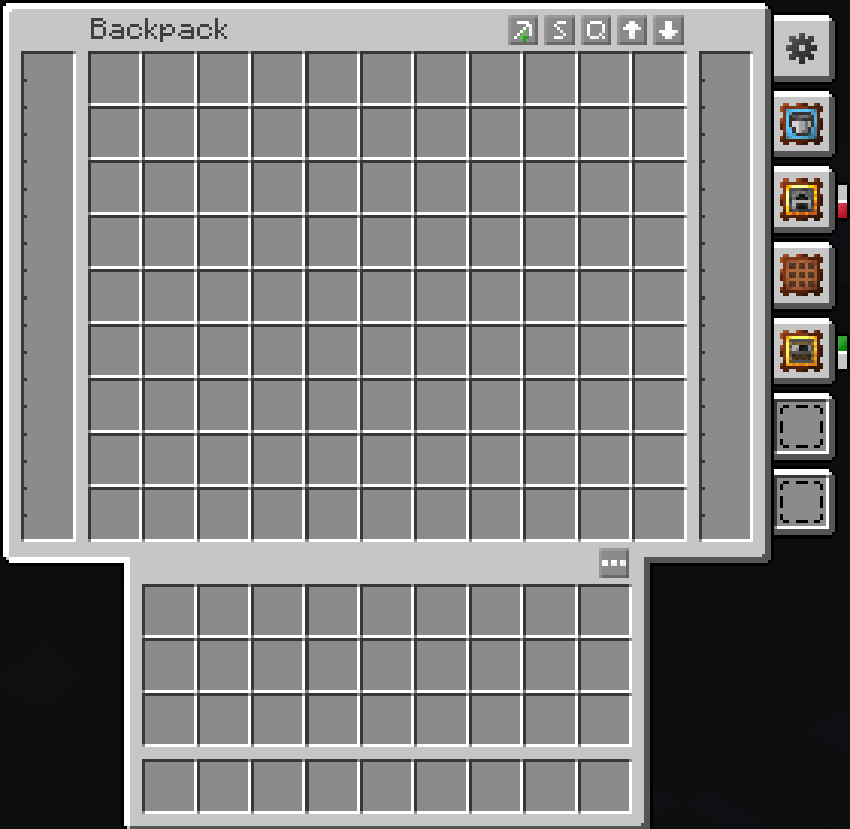
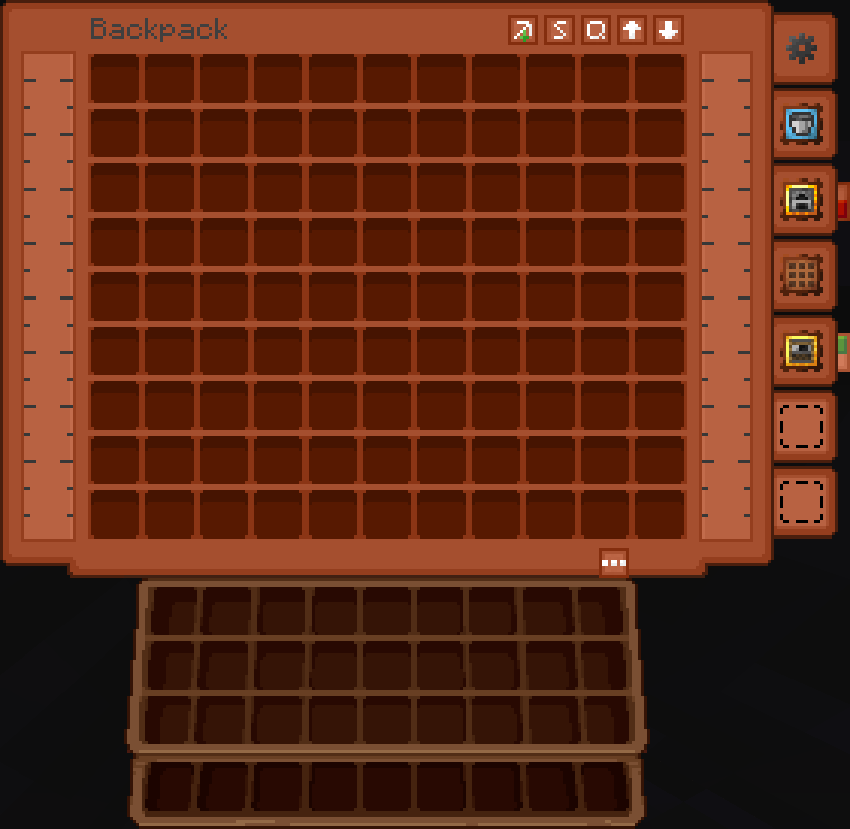
### **Traveler’s Backpack:**
Before:
After:
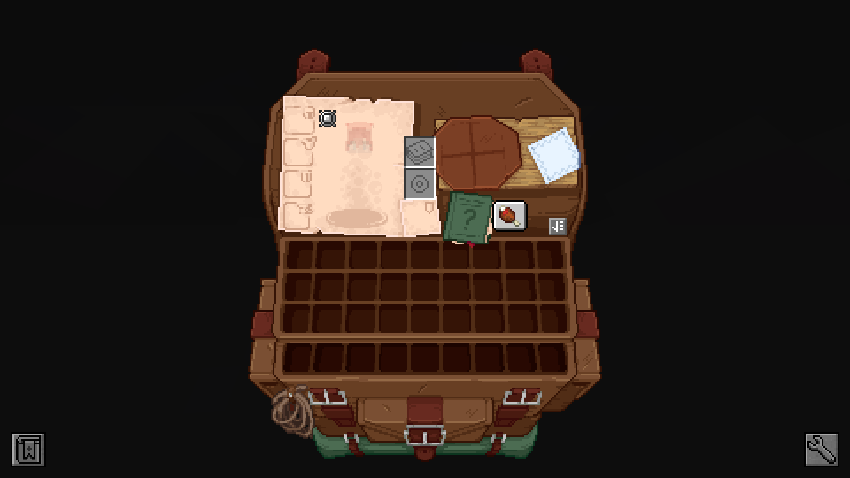
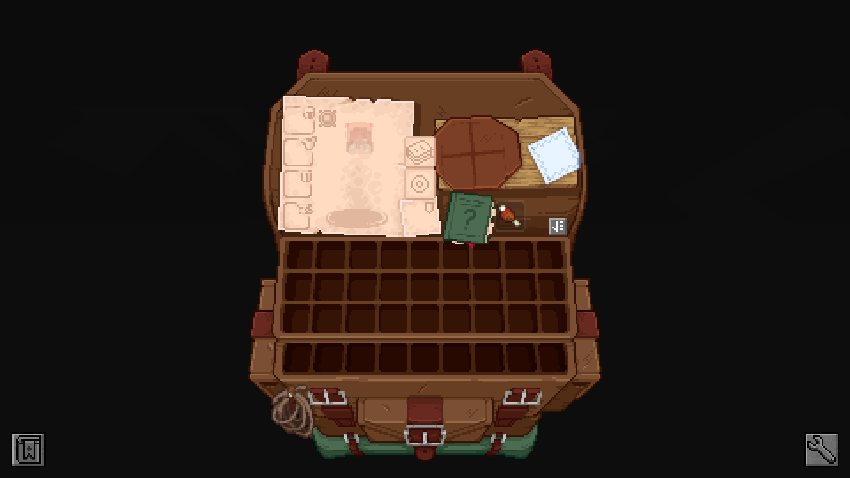
### **Trinkets & Diet Support:**
Before:
After:
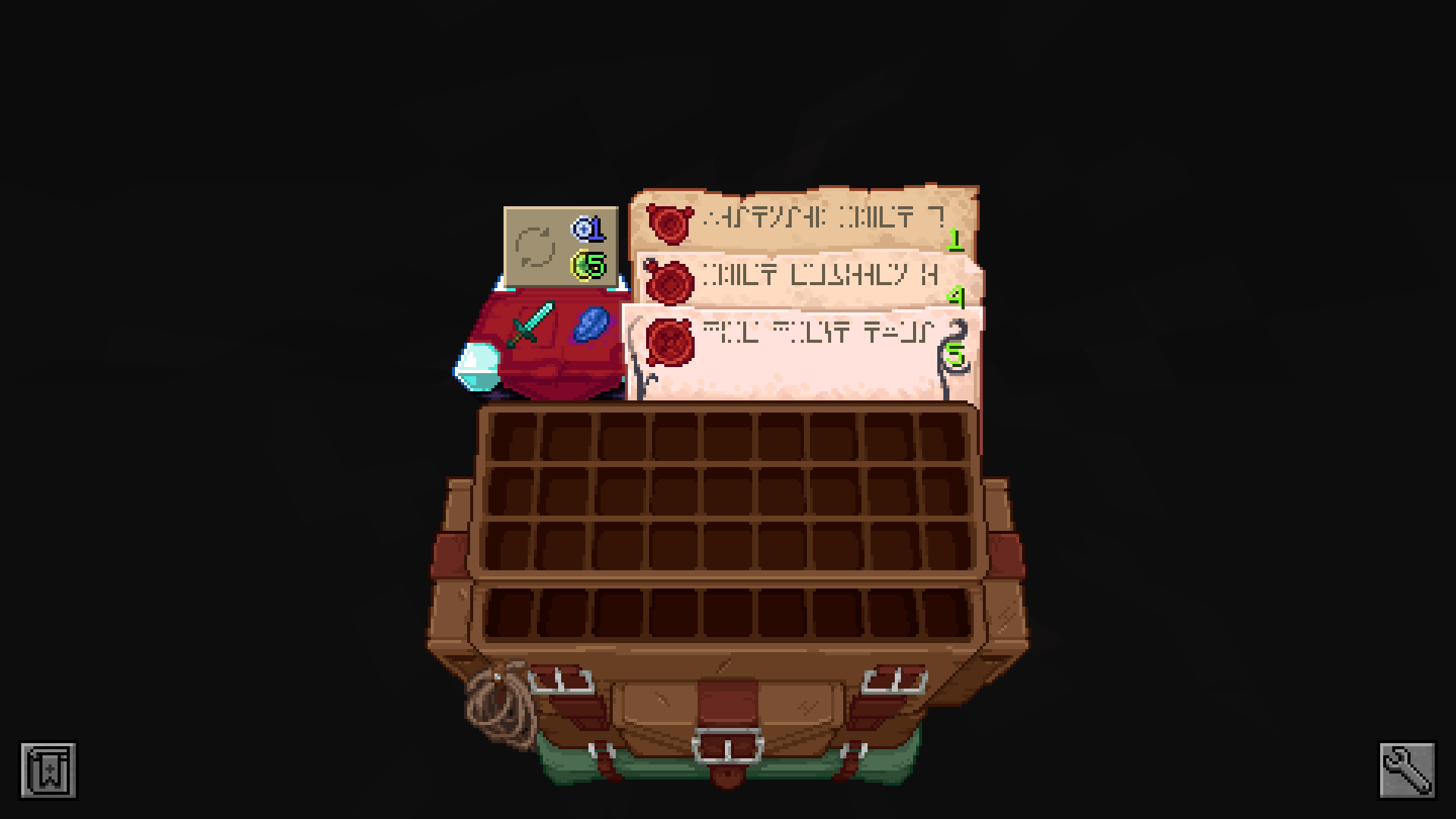
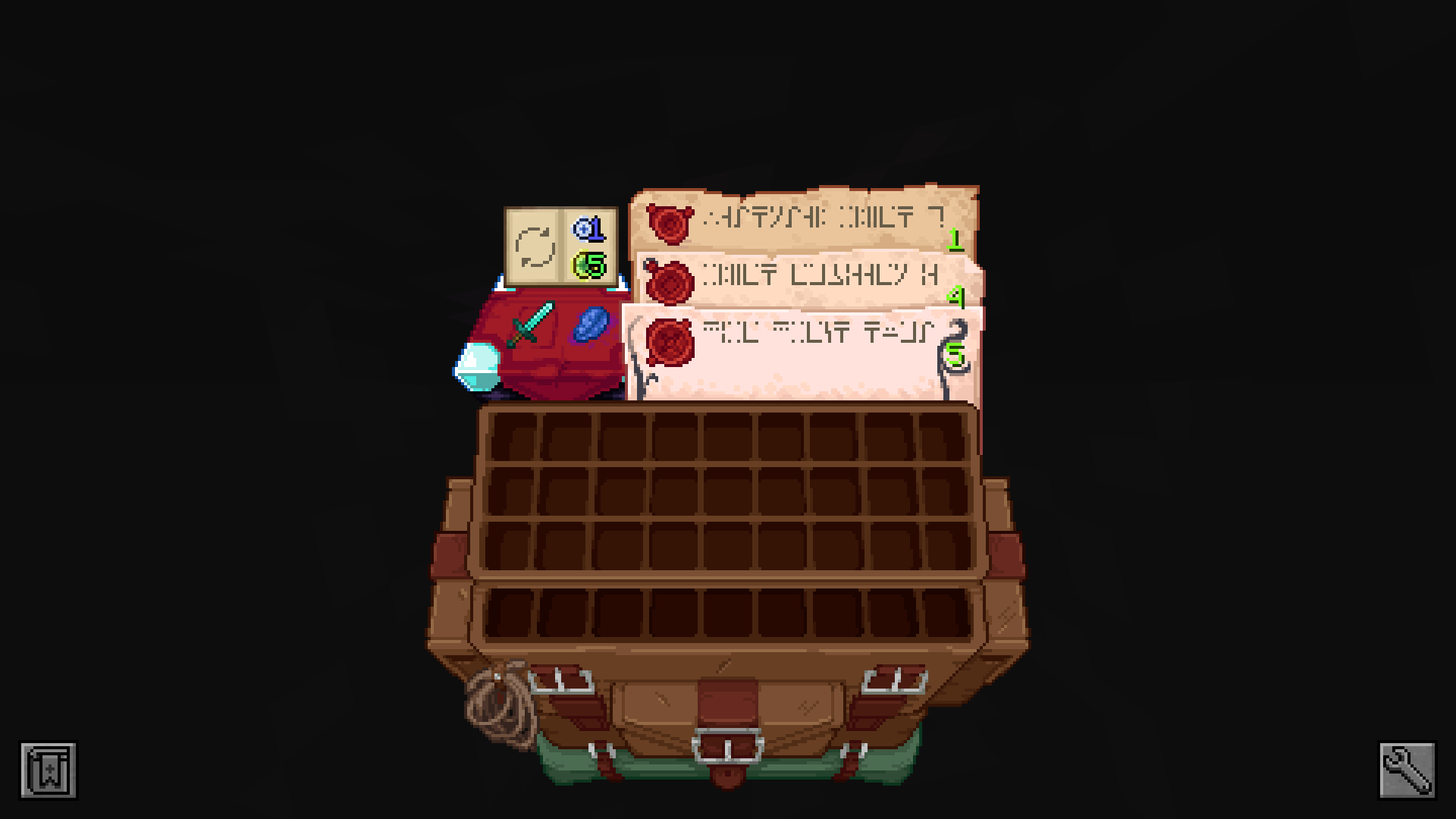
### **Enchanting Table (Easy Magic):**
Before:
After:
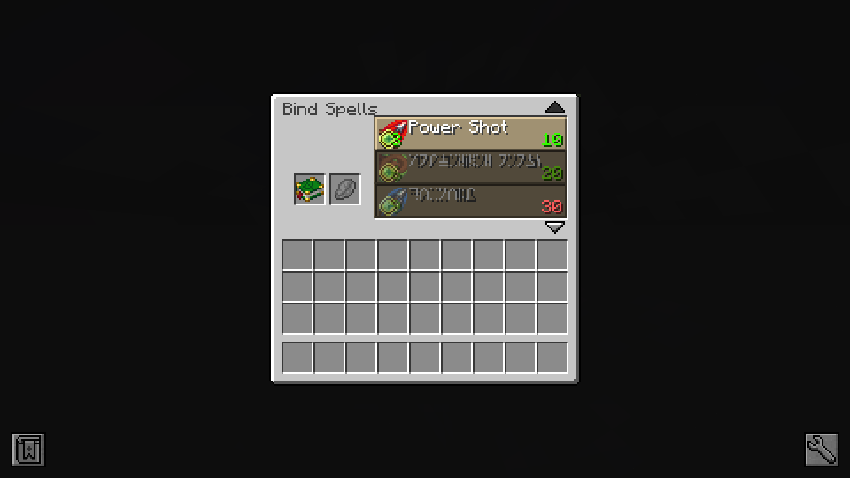
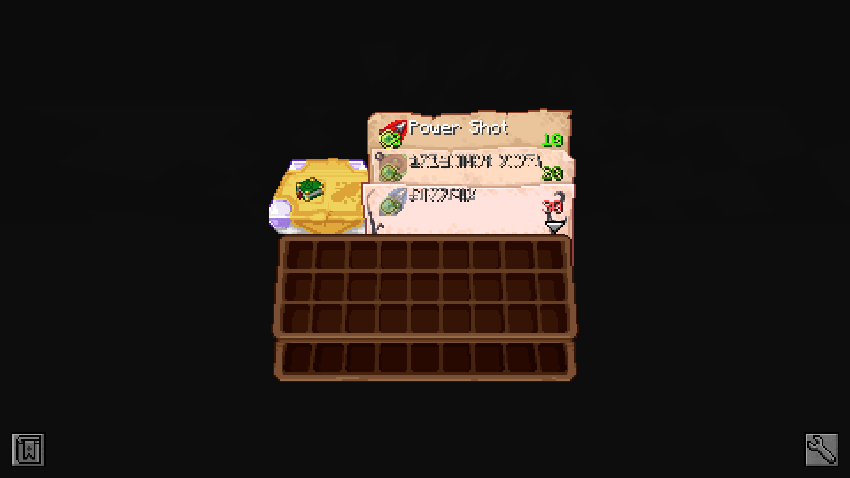
### **Spell Binding Table (Spell Engine – Rpg Classes API):**
Before:
After:
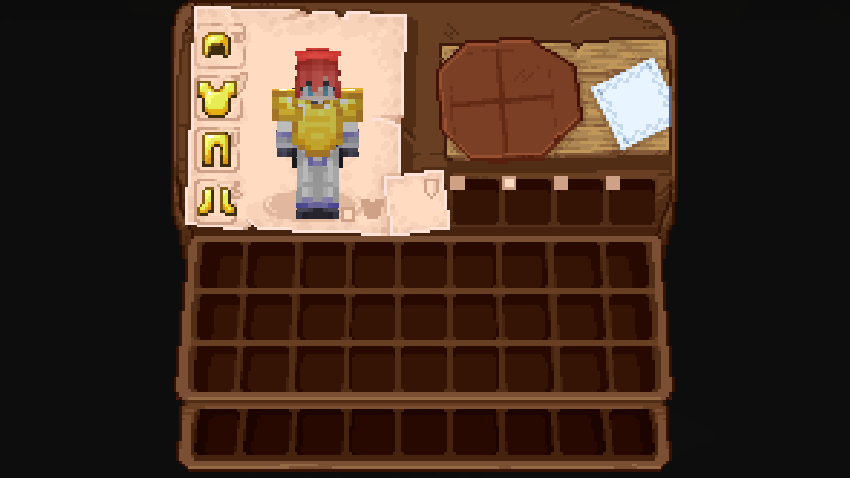
### **Cosmetic Armor Reworked:**
Before:
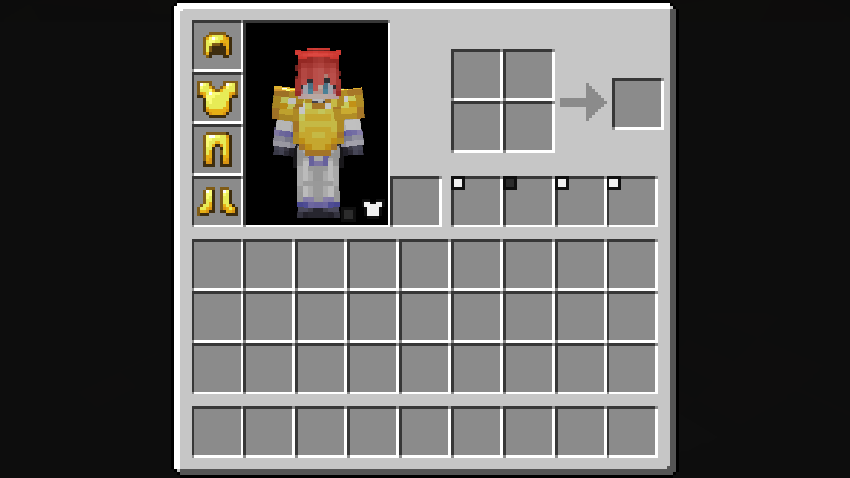
After:
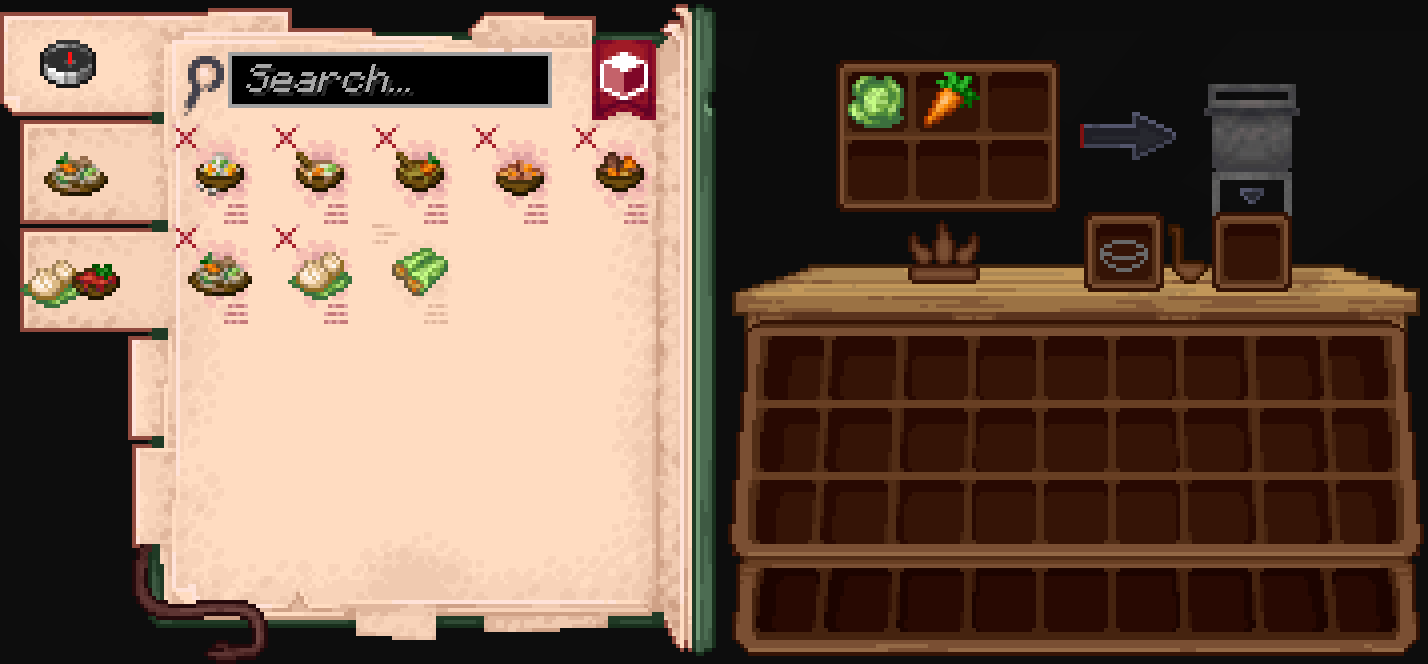
### **Farmer’s Delight:**
Before:
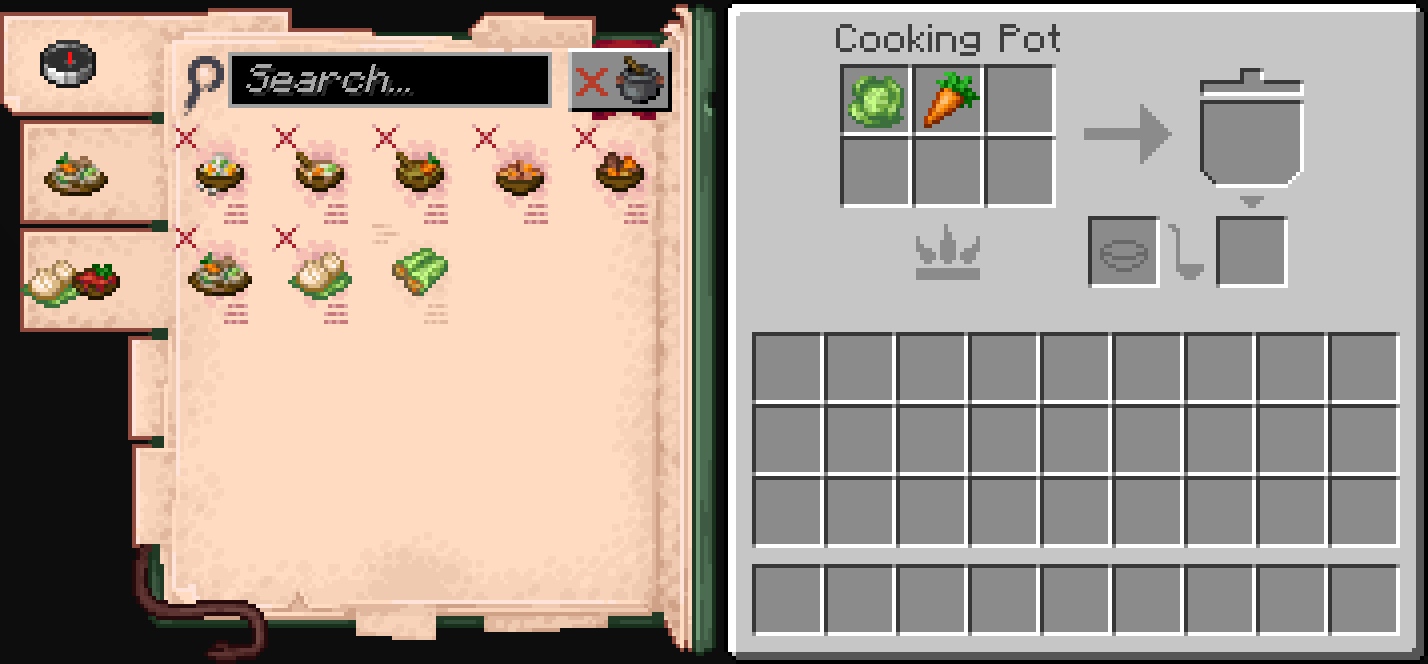
After:
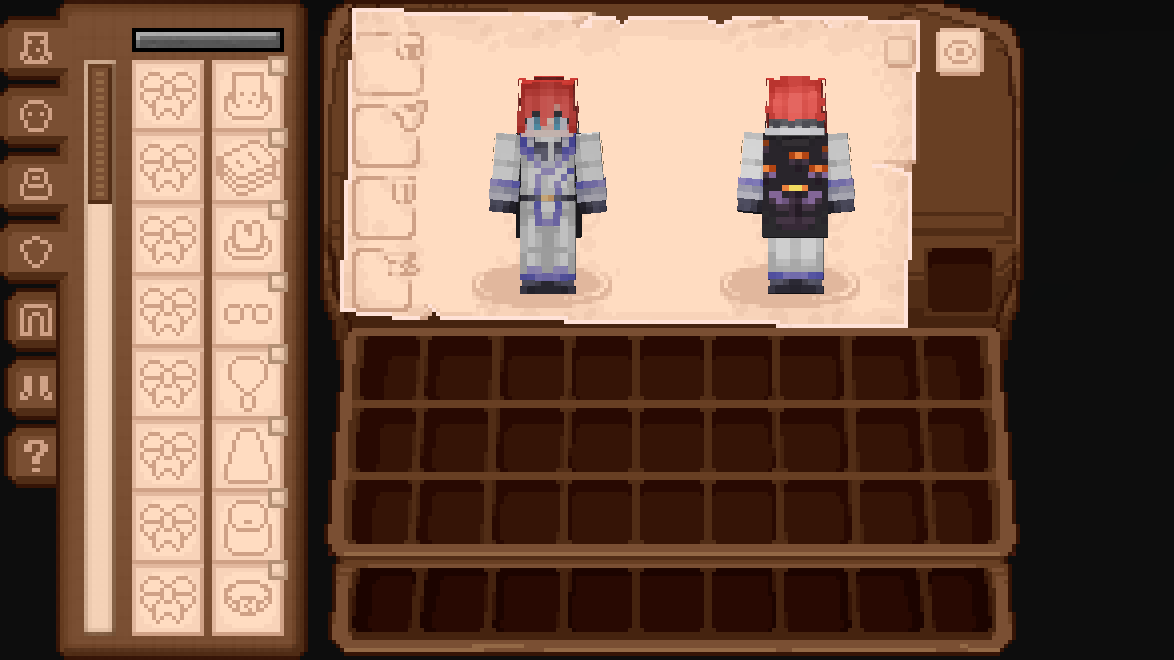
### **Accesories:**
Before:
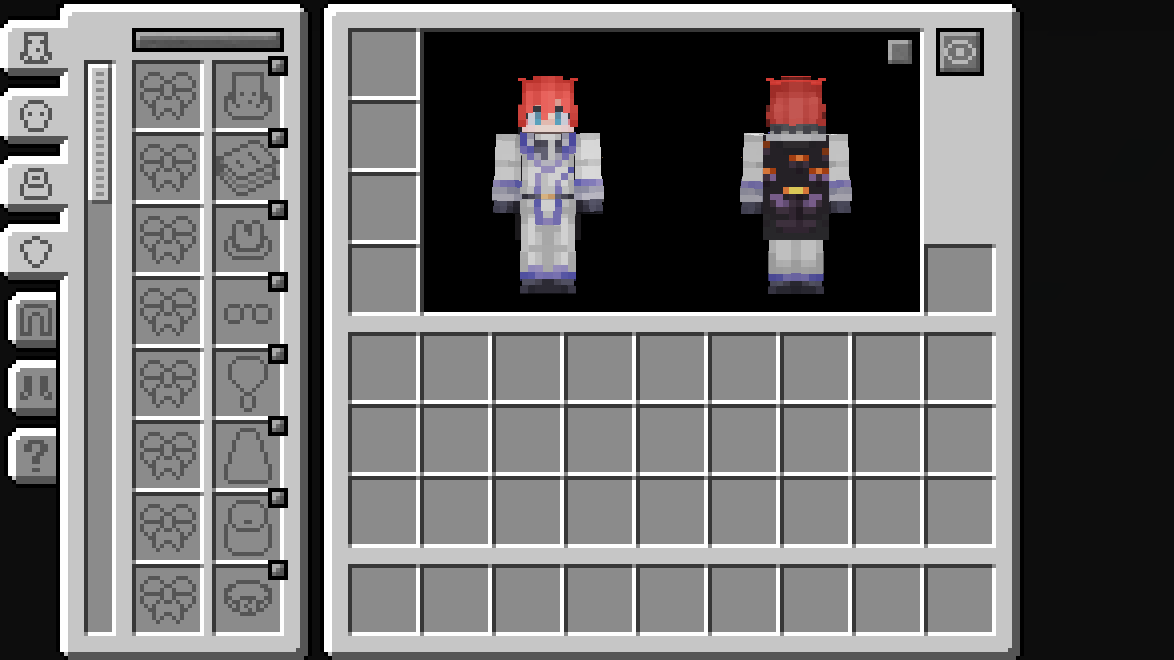
After:
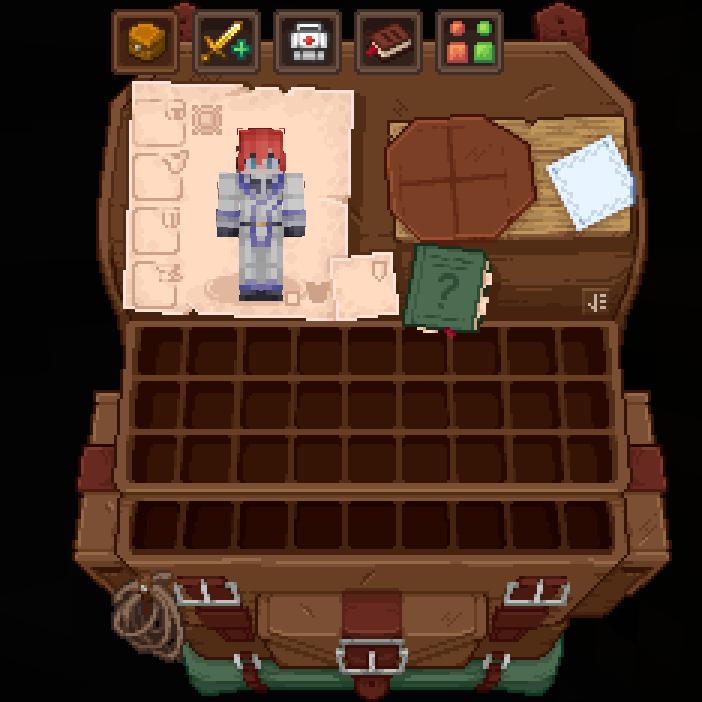
### **Legendary Tabs:**
Before:
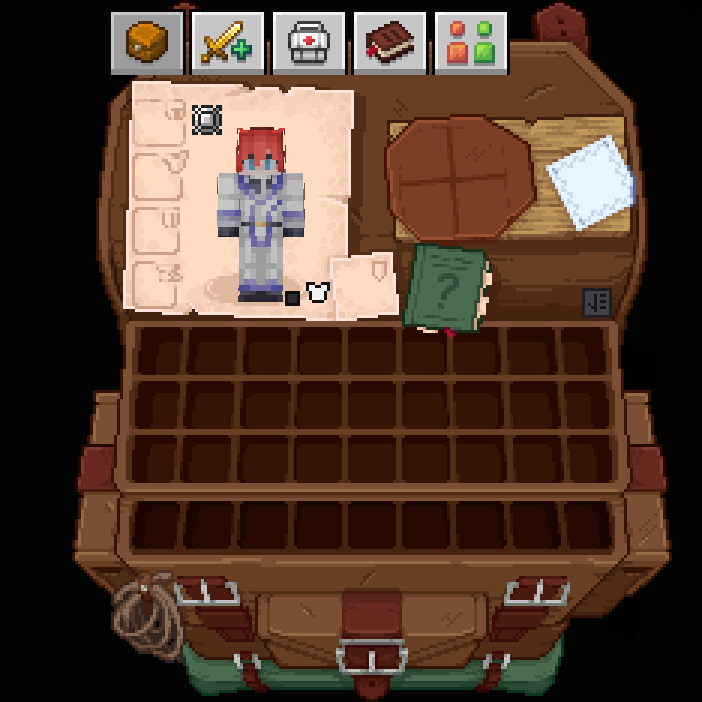
After:
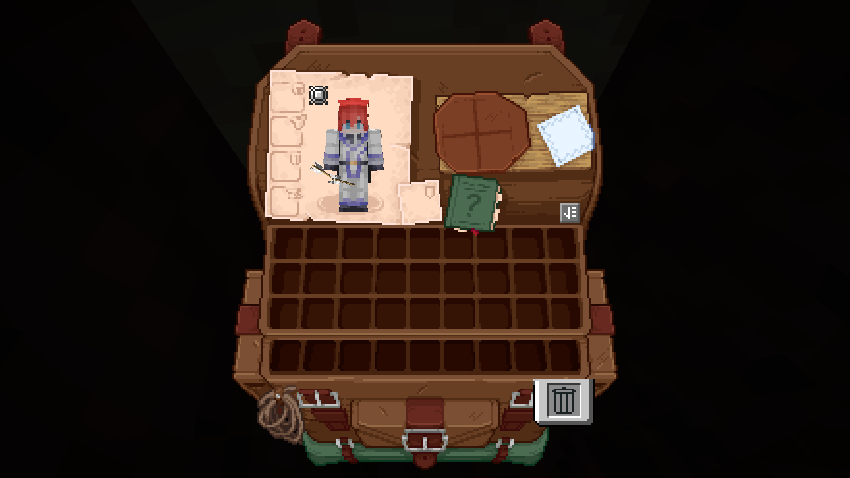
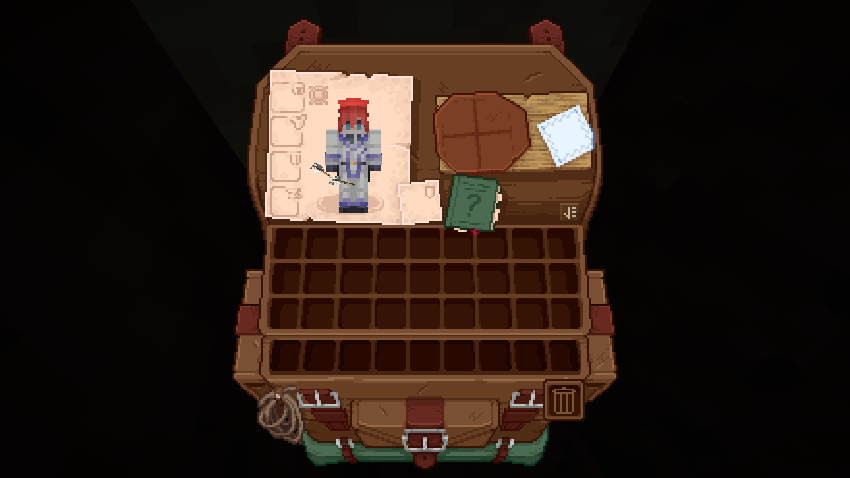
### **TrashSlot:**
Before:
After:
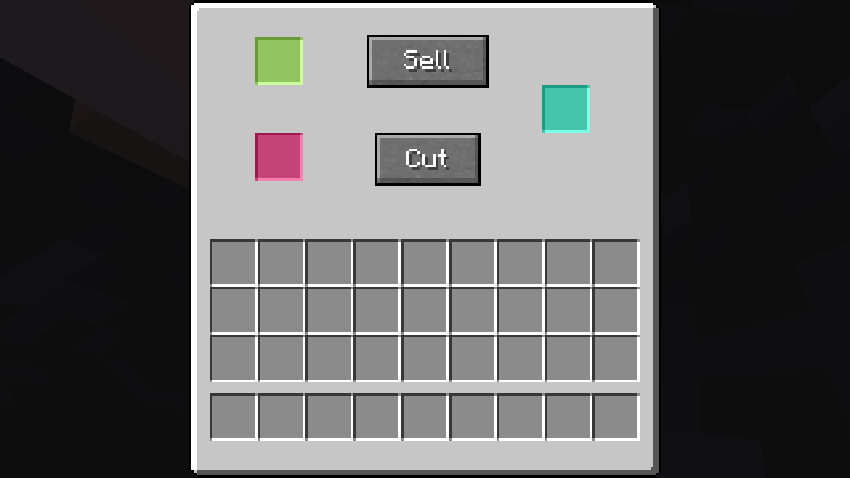
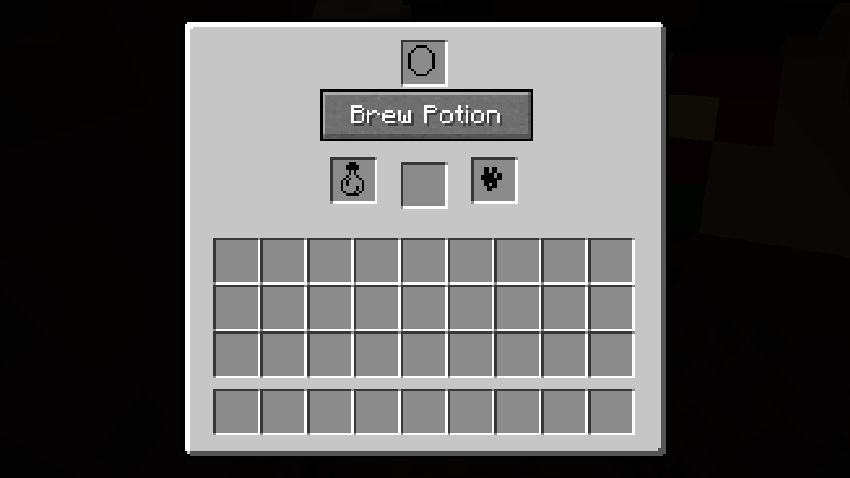
### **Fisherman (Fishing Upgrades & More):**
Before:
After:
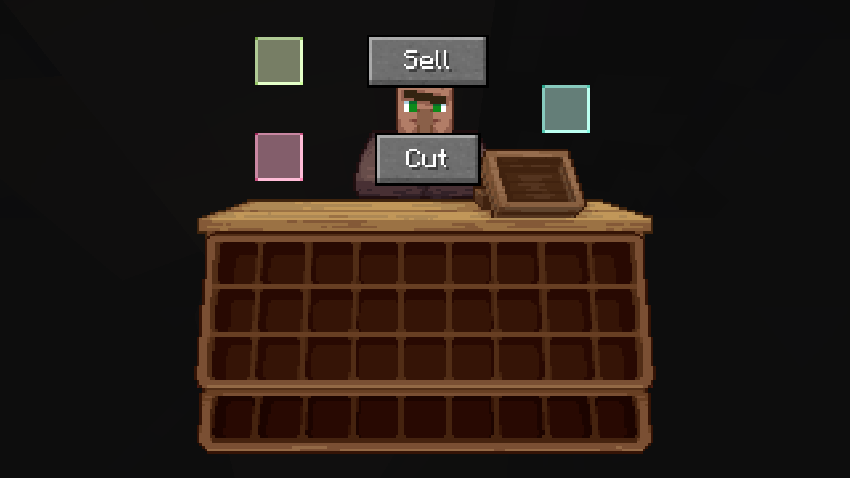
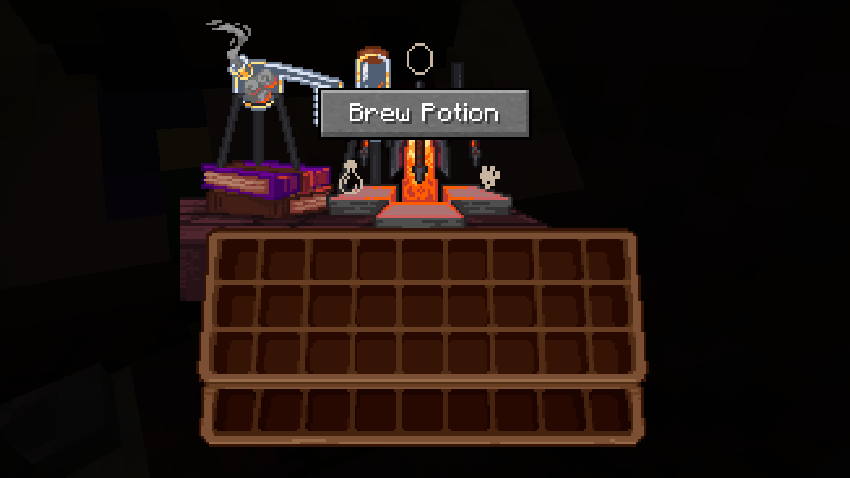
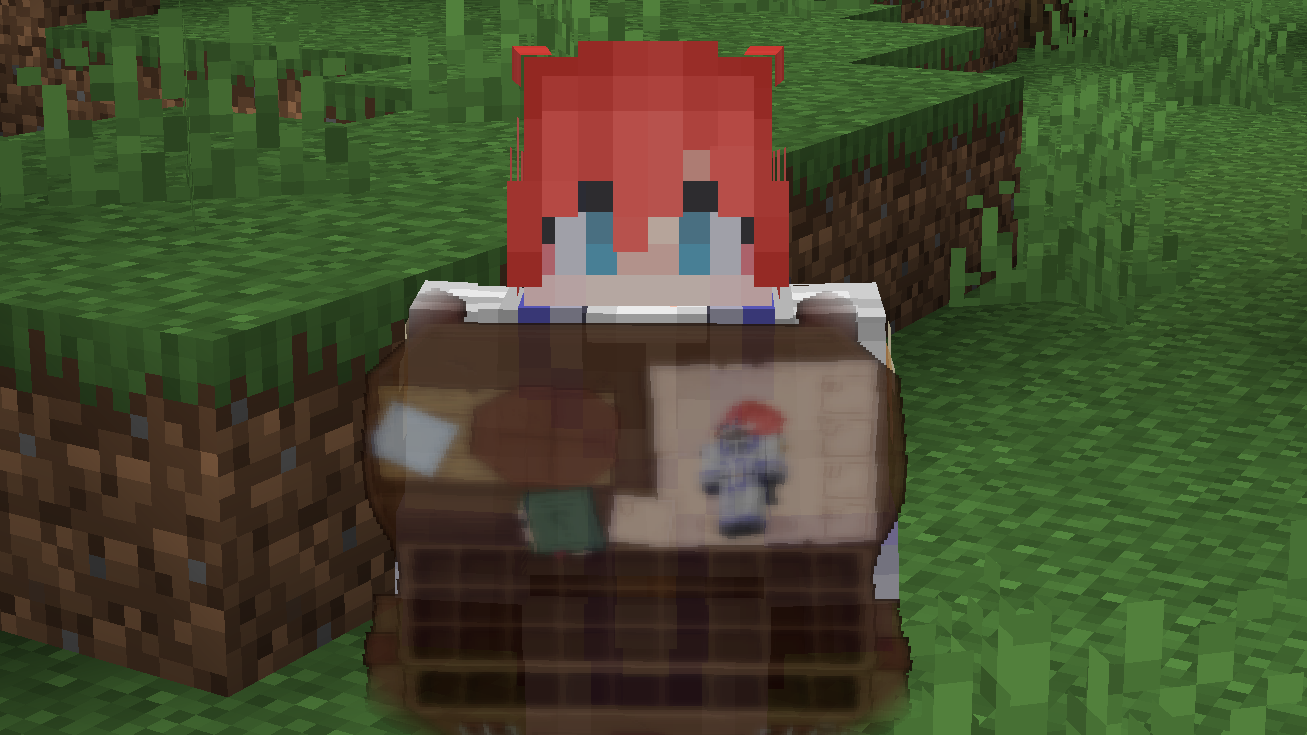
### **What Are They Up To (Watut) Support:**
**Bundle Texture Pack Compat** **Immersive Interfaces – Mod Support Unofficial**
### Immersive Interfaces – Mod Support Unofficial
This texture pack adds special compatibility with Curios API, integrating its grooves into the aesthetics of Immersive Interfaces.
### Before:

### After:

# Ignite
### HTTP for your Minecraft server.
## Features
– Dynamic file hosting
## Upcoming features
– HTTPS
– Server statistics
– API endpoints
– Domains
# How to use this mod
To get started with Ignite, first start your server with the mod installed. Then, in the config folder open “ignite”. Create a new file called “index.html”. From there you will need to create an HTML page for your server. You can also use this mod to host resource packs.
Note: This tool reads files dynamically meaning you can do stuff like edit your resource pack while it’s running.
**This resource pack changes your hearts and hunger bar icons to be circles.**
### Features:
– Round hearts
– Round hunger bar
– Changes all types of hearts (poison, freezing, hardcore…)
– Compatible with the AppleSkin mod
**♡ Make sure to follow!**
This project is a **Hub Plugin** for the **Velocity Proxy Server**. It automatically connects players to the best
available lobby servers based on permissions, server load, and other criteria. The plugin includes advanced debugging
features and offers full customization through a configuration file.
## Features
– **Automatic Server Selection**: Automatically connects players to the best available lobby server.
– **Multiple Lobbies**: Supports multiple lobby types with individual permissions and priorities.
– **Customizable Messages**: Success messages and system notifications can be fully customized using **MiniMessage**
syntax.
– **Dynamic Commands**: Fully customizable commands and permissions for different lobbies.
– **Debugging Mode**: Enable debug mode to troubleshoot issues with detailed messages.
– **Placeholder Support**: Supports placeholders for server and player information.
## Installation
1. **Requirements**:
– Velocity Proxy Server (latest version)
– **Java 21**
2. **Plugin Download**:
– Download here from Modrinth
3. **Installation**:
– Place the JAR file in the `plugins` directory of your Velocity server.
4. **Restart the Server**:
– Restart your Velocity server to load the plugin.
## Configuration
After the server’s first start, a `config.yml` file will be generated in the plugin directory. This file allows full
customization, including commands, permissions, messages, and server behaviors. You can adjust everything to meet your
server’s needs.
### MiniMessage and Regex Support
The plugin supports **MiniMessage** syntax for customizing messages. You can easily style your messages using
MiniMessage tags like ``, ``, and `
the MiniMessage web editor.
For custom server filters and other patterns, **Regex** is supported. Test your expressions easily with
a Regex editor.
### Example Configuration
“`yaml
messages:
success-message: <#69d9ff>You are now in the Hub.
already-connected-message: <#ff614d>You are already on the Hub.
connection-in-progress-message: <#ff9c59>In Progress…
server-disconnected-message: <#ff614d>The Lobby Server is Offline…
connection-cancelled-message: <#ff614d>Transfer cancelled.
system-messages:
players-only-command-message: <#ff9c59>This Command is only available to Players.
no-lobby-found-message: <#ff9c59>I’m sorry! I was unable to find a Lobby Server for you.
aliases:
– lobby
– leave
base-hub-command: hub
debug:
enabled: true
permission: hub.debug
lobbies:
– name: teamlobby
filter: (?i)^teamlobby.*
permission: hub.team
priority: 2
commands:
teamlobby:
standalone: false
subcommand: true
autojoin: false
– name: premiumlobby
filter: (?i)^premiumlobby.*
permission: ”
priority: 1
commands:
premiumlobby:
standalone: true
subcommand: false
autojoin: true
overwrite-messages:
success-message: <#69d9ff>You are now in the Premium Hub.
– name: lobby
filter: (?i)^lobby.*
permission: ”
priority: 0
commands:
base:
standalone: false
subcommand: true
autojoin: true
placeholder:
server:
enabled: true
lobby:
enabled: true
player:
enabled: true
auto-select:
on-join: true
on-server-kick: true
ping-duration-in-millis: 20
finder:
start-duration: 20
increment-duration: 20
max-duration: 200
“`
You can customize all commands, permissions, and other settings directly in the configuration file to suit your server’s
requirements.