## Are you for re-ail?
You know what really steams my engine? **Rails**. Specifically, how _expensive_ they are.
Rails are not a bad method of transportation, especially early-game. They’re pretty fast, and can even be automated using redstone, making them an immersive choice!
There’s just one problem: accessibility. During the period of a world that they would be useful (pre-elytra), most people don’t have a surplus of ingots to spend on tracks. I mean, just for regular, unpowered rails, it costs roughly 1 ingot for 3 blocks of track.

That’s what this recipe change aims to fix. By making rails more affordable, it’s now a more realistic goal to make a train between your friend’s base!
## Available wherever the tracks take you!
**Rail Recipe Rebalance** is available all the way from version **1.15** to **26.1**, and will continue to be updated for newer versions! You can install it as a datapack, or as a mod for your favorite modloader!
Additionally, RRR aims to add compatibility with mods, and currently adds new recipes for the following mods:
> – **[Copper Rails](https://modrinth.com/mod/copperrails)**
> – **[Create](https://modrinth.com/mod/create)**
*If you would like to request a mod to be supported, DM me at* **palm1**!
## Try these couplings!
Rails get even better with these amazing projects, and they are highly recommended for use with this pack!
### Server
> – **[Linkart](https://modrinth.com/mod/linkart-refabricated)** – Link your minecarts together!
> – **[Fast Minecart](https://modrinth.com/mod/fast-minecart)** – Double the speed of minecarts!
### Client and Server
> – **[Copper Rails](https://modrinth.com/mod/copperrails)** – Adds two new rail types in the vanilla style!
> – **[Create](https://modrinth.com/mod/create)** – Allows you to couple minecarts, control rail speed, and create custom multi-block trains!
## You May Also Like
[](https://modrinth.com/datapack/planked-chests)
[](https://modrinth.com/datapack/backported-shelves)
Rabbit Shield
# Rabbit Shield
This resource pack replaces the default shield with a custom 3D model.
This resource pack gives some blocks more volume, while maintaining the original texture of the block.
QDAA
Implements really simple antialiasing via *super-sampling*, also known as SSAA.
## Huh?
Antialiasing is often implemented via “FXAA”, “TAA”, “MSAA”, etc. All of these methods are approximations, but they’re very fast. FXAA and TAA are basically just really fancy blurs, and MSAA can only smooth polygon edges; pixelated textures are totally missed out on, which is most of what Minecraft is.
Super-sampling is the most pure, accurate, and expensive form of antialiasing. The entire scene is rendered at a higher resolution, and then downscaled for presentation. It’s also the easiest to implement.
For example, if you’re playing in a 1280×720 window, then QDAA will render the game at *2560×1440* instead, and then resize it to 1280×720 before it’s drawn to the screen.
This mod reuses functionality in Minecraft that handles macOS Retina displays, so it should be quite compatible, except with other mods that modify how the framebuffer is drawn to the screen. It also technically optimizes the final render step, replacing a normal quad render with a blit.
Notably, due to how this works, **QDAA can even antialias GUIs**, improving readability of rotated text and smoothing the edges of 3D item models. Shaders only work on the world.
## Versions
2.0 is an xplat redesign of QDAA based on the old “Simple” version, which works on 1.21.1+. Historically, QDAA is available in both “Simple” and “Configurable” versions, which are v1.1 and v1.2 due to having no foresight.
### Simple
Really basic implementation of just the AA. ~~Works on any version with Blaze3D, pinky promise. Will likely never need updating. Remind me if I forget to tag new versions.~~ Mojang refactored how their framebuffer code works, so it broke. Yay. 2.0 exists to fix this.
**Note**: 1.16 and earlier only [*sorta*](https://blob.jortage.com/blobs/7/3d4/73d4a6b5e2bb3172856992ccddbdf281b17105075ad07be9f4919d75dea913d9a4f7249196e40ef061a653354dd617942f9897668e07dad5bd497f65c3bcceb9) work. Only 1.18 and higher is supported.
### Configurable
More “full-fledged” mod with a config screen and runtime toggling. Potentially useful to ship in modpacks off-by-default. Highly version-dependent due to usage of GUIs. Likely won’t receive updates, I regret it.
PvP particles
Most particles will have a yellow background. The only exceptions are :
– Strength (orange)
– Slowness (greenish)
– Regeneration (red)
– Weakness (dark greenish)
– Luck (green)
– Fire resistance (orange)
– Water breathing (green)
– Swiftness (flashy green)
– Poison (greenish)
**This resource pack improves the current crosshair and the block breaking animation for PvP!**
# 📥Installation:
This ressource pack improves the current crosshair and the block breaking animation for PvP! The pack is *made for* **all versions and snapshots between 1.6 and 26.1.1**.
# ✨Features:
Improves the current crosshair and the block breaking animation for PvP -> replaces them with a super assistive and useful crosshair and a loading bar block breaking animation!
# 🛠️Versioning:
This ressource pack uses the following versioning system:
– **Base pack:** standard versioning + Minecraft version
– -> *e.g.* **v1.0-1.21.8, v2.4-v1.21.11,…**
Thanks to all the resource packs and their authors, who either licensed their projects under the MIT license or allowed me to use their resource packs!
– [PvP Crosshair](https://modrinth.com/resourcepack/pvp-crosshair)
– [Loading Bar Breaking Animation Pack](https://modrinth.com/resourcepack/loading-bar-breaking-animation-1.8.9-version)
Without these projects and their authors, PvP Crosshair & BBA Pack would not have been possible to make. **Special thanks!**
# 💘 Support me!
To help me and make me develop more fascinating projects, share and recommend this resourcepack. Thank you so much!!!
You can also try my other projects [here](https://modrinth.com/user/Titan1um) or the projects me and Polr made [here](https://modrinth.com/organization/titan1um-x-polr)! 😀
Proxy Protocol Support is a [Fabric](https://fabricmc.net/) and [Quilt](https://quiltmc.org/) mod which adds support for [Proxy Protocol (HAProxy)](https://www.haproxy.com/blog/haproxy/proxy-protocol/ “Proxy Protocol (HAProxy)”) for your Minecraft server. It allows to accept both proxied and direct connections simultaneously.
For example you can use [TCPShield](https://tcpshield.com/ “TCPShield”) or other software ([Nginx](https://nginx.org/en/docs/stream/ngx_stream_proxy_module.html#proxy_protocol “Nginx”), [FRP](https://gofrp.org/)) to forward traffic, and hide your server’s IP address. Without Proxy Protocol, your console will only show the proxy’s IP address. By reading the Proxy Protocol packet, this mod makes showing the player’s real IP address possible.
**This is a Server-Side only mod; it does nothing when installed on a client.**
Supports Minecraft versions 1.14-26.1 and probably later (untested).
—
## Secure Hybrid Mode
This mod allows your Minecraft server to simultaneously accept connections from a **trusted proxy** (using the PROXY protocol) and from **trusted direct-access IPs**. This is perfect for setups where you want to hide your server’s IP behind a proxy, while still allowing admins or local players to connect directly.
The mod operates on a secure **”Default Deny”** principle. If an incoming connection’s IP address is not explicitly whitelisted in one of the lists below, it will be **rejected**. This prevents unauthorized users from bypassing your proxy and connecting directly to your server’s real IP address.
—
## Configuration
Configuration is handled in `config/proxy_protocol_support.json`.
### `enableProxyProtocol`
Set to `true` to enable the mod’s functionality.
– **Default**: `true`
### `proxyServerIPs`
A list of IP addresses that are your trusted proxy servers. Connections from these IPs **must** send a PROXY Protocol header.
– **Default**: `[“127.0.0.1”]`
### `directAccessIPs`
A list of IPs or CIDR ranges that are allowed to connect directly **without** a PROXY Protocol header. This is ideal for admins, local network players, and server-side tools.
– **Default**: `[“127.0.0.1”, “192.168.0.0/16”]`
### `whitelistTCPShieldServers`
When `true`, the mod automatically fetches TCPShield’s official proxy IPs and adds them to the trusted `proxyServerIPs` list.
– **Default**: `false`
—
## Example Scenarios
#### Scenario 1: Server behind FRP on the same machine
You run `frpc` on the same machine as the Minecraft server. Players from the internet connect through the proxy. You want to connect directly from your gaming PC on the same LAN (`192.168.1.100`).
#### Scenario 2: Server protected by a remote proxy service
Your server is at home, and you use a VPS with the IP 203.0.113.10 as a proxy. You want your entire home network (192.168.0.0/24) to have direct access.
#### Scenario 3: Maximum Security (Proxy Only)
You only want to allow connections through your proxies and nothing else (not even from the local machine).
“`toml
proxyServerIPs = [“1.2.3.4”, “5.6.7.8”] # Your proxy IPs
directAccessIPs = [] # Leave empty
“`
Looking for Minecraft server? Visit [BedrockHost.pl](https://bedrockhost.pl/)
Profundis: Nine New Quality Cave Biomes
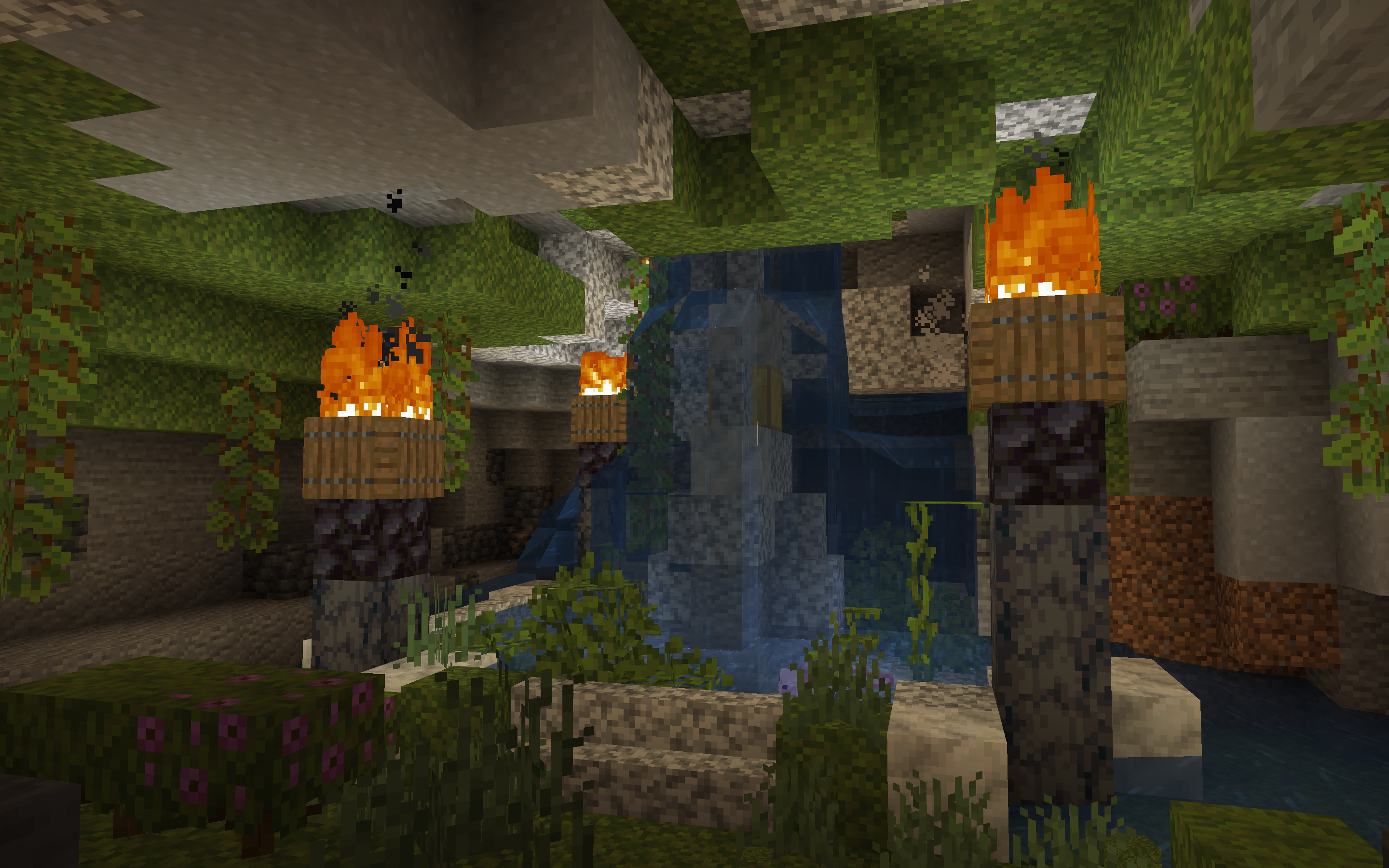
A world generation mod adding in nine new underground biomes: the Frozen Caves, the Mushroom Caves, the Molten Caves, the Amethyst Caves, the Black Caves, the Arid Caves, the Floral Lush Caves, the White Caves, and the Painted Caves.
I was busy with college and just saw this again but 160 thousand downloads!? Thank you all so much! If anyone has any ideas for new cave biomes, feel free to suggest some!
Profundis is a world generation mod which adds nine new vanilla-styled underground biomes to the game. These seven new underground biomes make the depths of the world significantly more diverse—what was once just three underground biomes is now ten! Mojang claimed that Caves & Cliffs would make the underground even more varied than the surface; Profundis aims to add much needed variation to the underground.
Profundis is a server-side mod, meaning it can be installed on a server and clients can join without needing to install a mod, much like a plugin! It can also be installed on a client for singleplayer!
Biomes
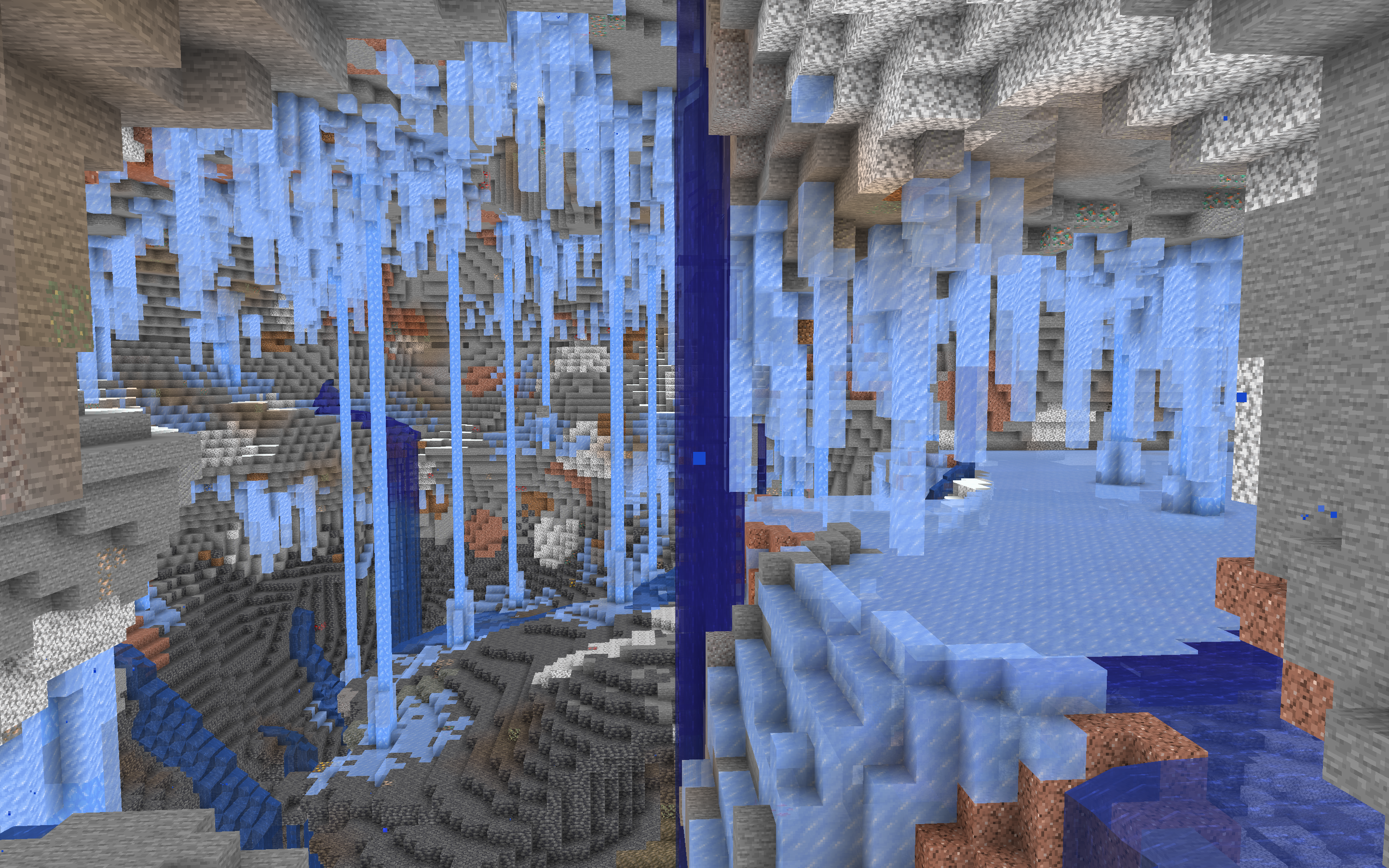
❄The Frozen Caves typically generates below cold regions of the world, and has icicles hanging from the ceiling with small ice and snow patches on the ground. Aquifers generating here have a layer of ice on the top, just like frozen lakes and rivers on the surface. Redstone is also extrememly abundant here.
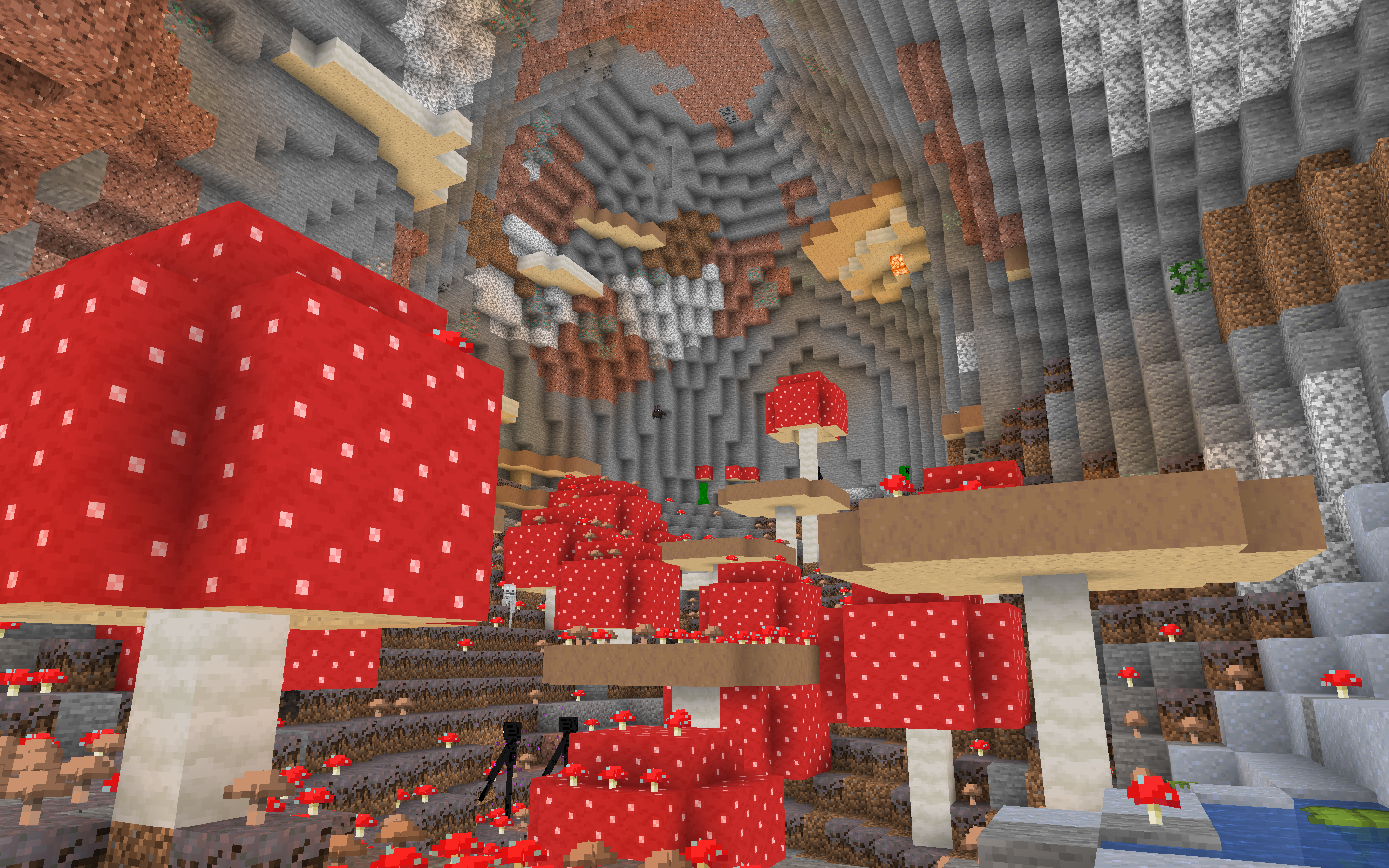
🍄The Mushroom Caves can generate beneath more humid biomes. They have mycelium patches on the ground, with a plethora of small red and brown mushrooms generating everywhere. Huge mushrooms also spawn, although they spawn more often in large caves than small caves. Shelf Fungi line the walls, occasionally glowing with Shroomlights, in addition to the biome’s higher rate of Glow Lichen.
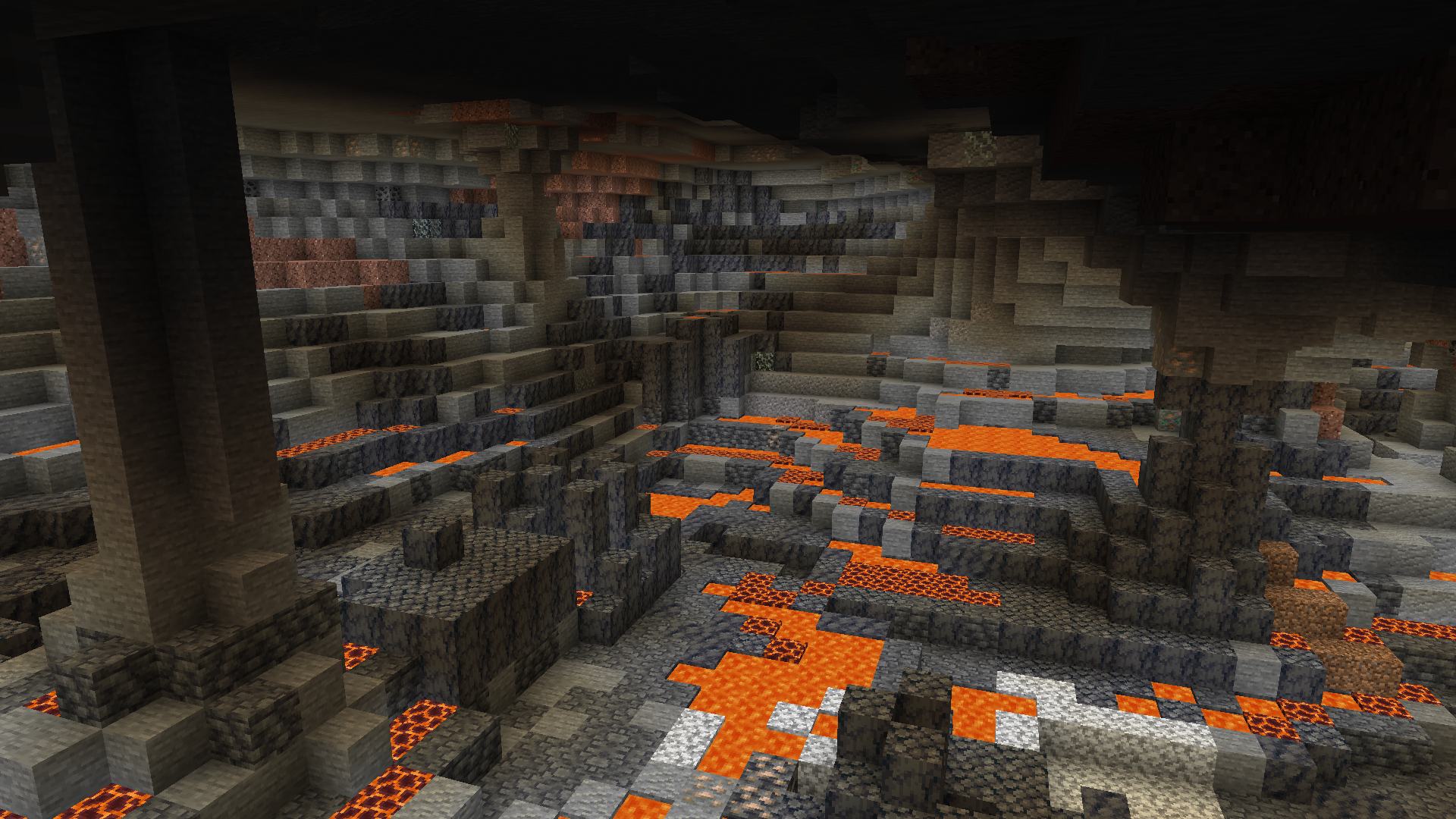
🌋The Molten Caves can generate in almost any environment. They have lava deltas meandering throughout the stony slopes of the caves, with an abundance of lava springs as well. Basalt columns similar to those in the Basalt Deltas also spawn, although not as frequent as in the Nether. Small patches of Smooth Basalt can occasionally generate on cave surfaces in the Deepslate layer as well. Iron is more abundant here.
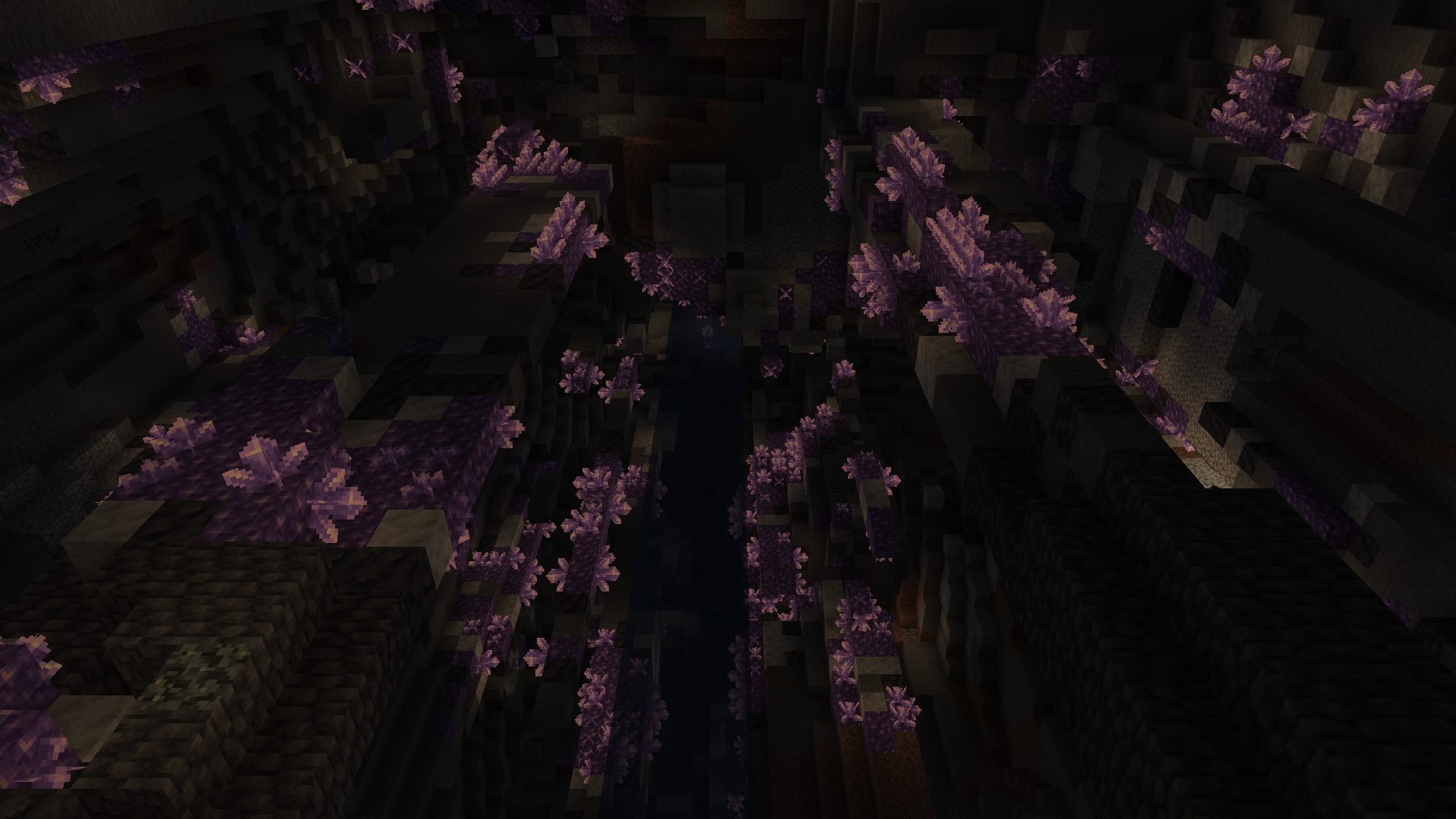
🔮The Amethyst Caves generate underneath hillier areas. They are filled with beautiful Amethyst Veins, with calcite and smooth basalt cracks in the cave walls. The crystals leave a gentle glow, alluring miners with their serenity.
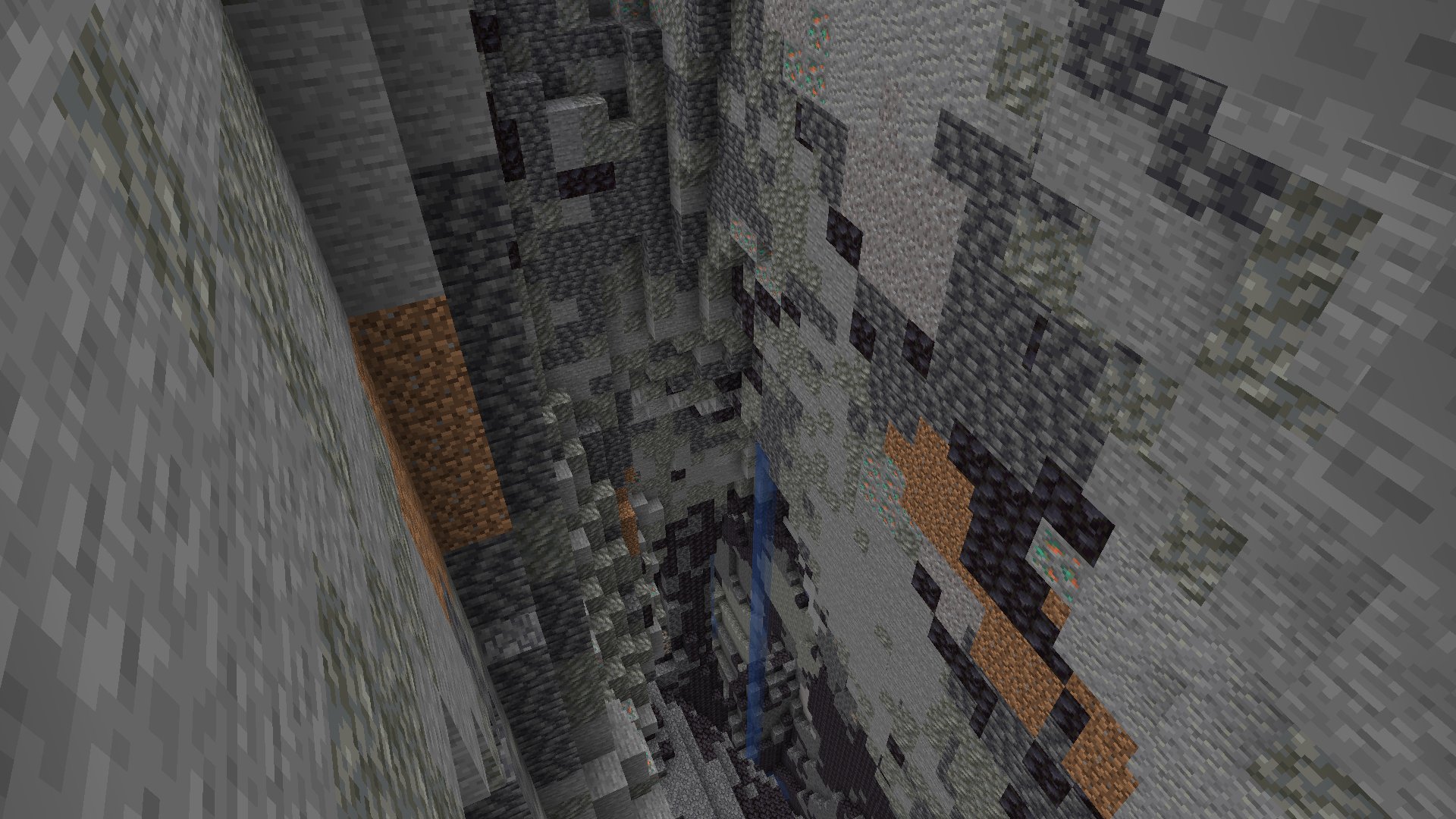
⚫The Black Caves generate in almost any environment. They have walls of Tuff, Deepslate, and Blackstone, hence the name. They also lack Glow Lichen, making it difficult to see in large caverns.
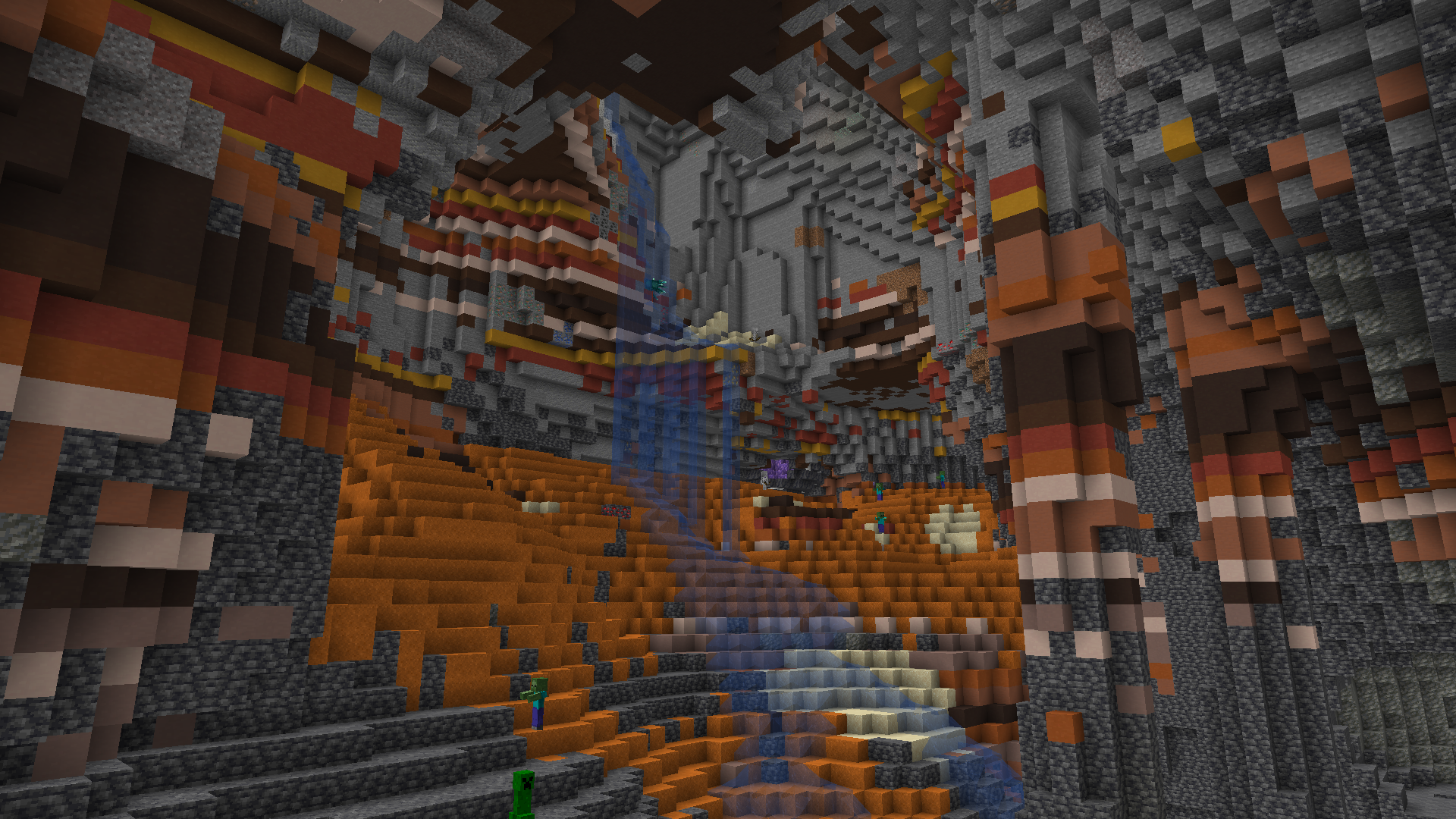
🟧The Arid Caves generate under hotter areas. They have floors of sand and red sand, with sand in higher levels and red sand below deepslate level. The walls are made up of Terracotta bands of a variety of colours. They generate much like Frozen Caves, but in hotter biomes and rarer.
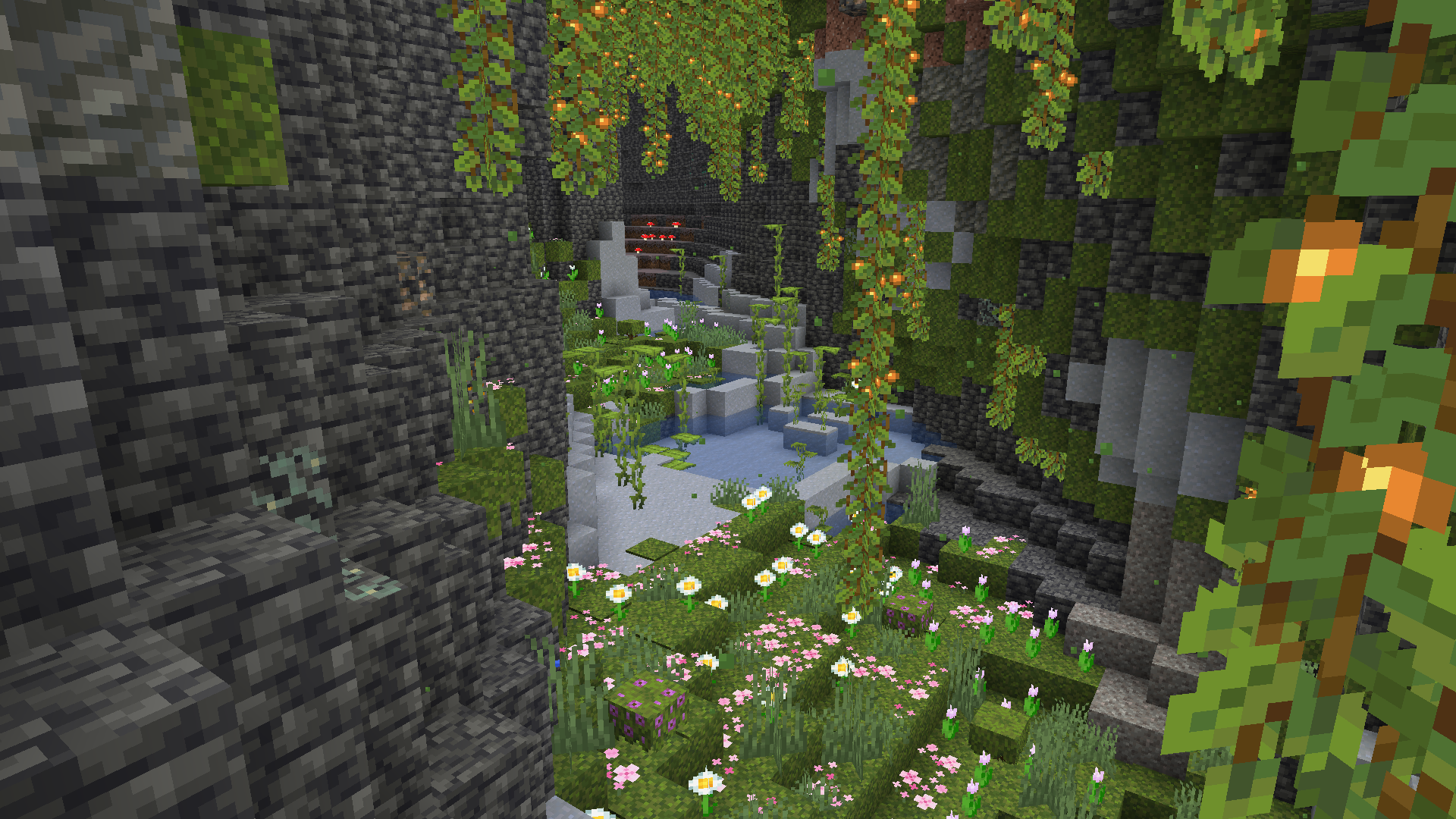
🌸The Floral Lush Caves are a variant of Lush Caves. They are exactly identical, except with a floor made of a variety of flowers. Pink Pedals coat the moss, while a mix of all flowers native to the Flower Forest grow in the moss.
⚪️The White Caves generate in almost any environment. Much like the Black Caves they have walls of Diorite, Calcite, and Andesite, hence the name. They generate in the same area as the Black Caves.
🎨The Painted Caves generate most commonly in tropical areas. They have walls of multicolored terracotta in a mesmerizing rainbow pattern.
All of the cave biomes’ generation can be disabled individually in the config by simply changing a value.
Structures
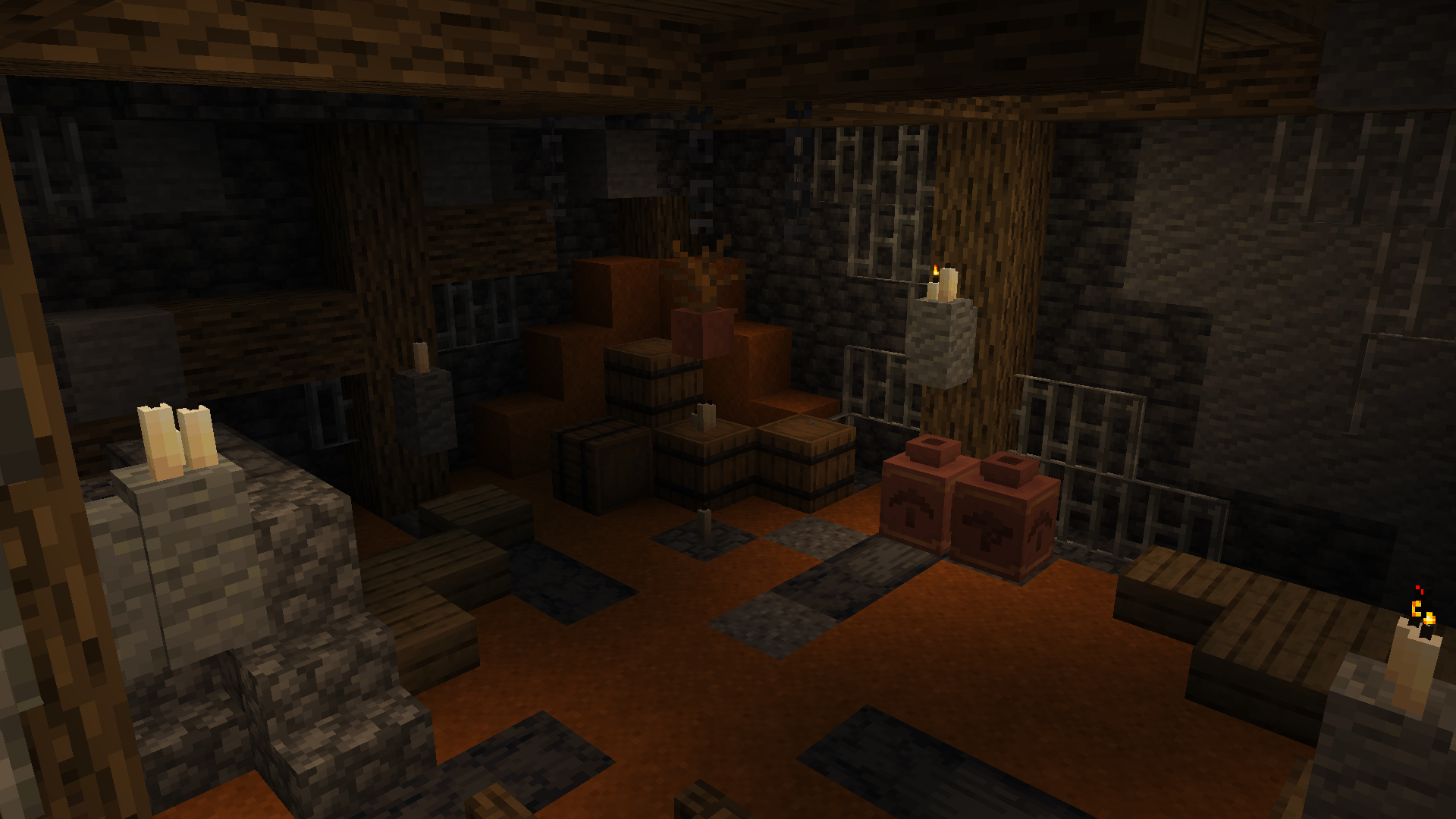
🪵Cabins generate in every Vanilla and Profundis cave biome, but not in barren caves. They are small to mid-sized bunkers, originally constructed as small bases for miners. They each contain a few functional blocks such as furnaces and crafting tables, plus barrels with loot. The barrels typically have mediocre loot with a pickaxe thrown in, but occasionally contain more valuable treasure. In addition, the loot found in the barrels matches what biome the structure spawns in.
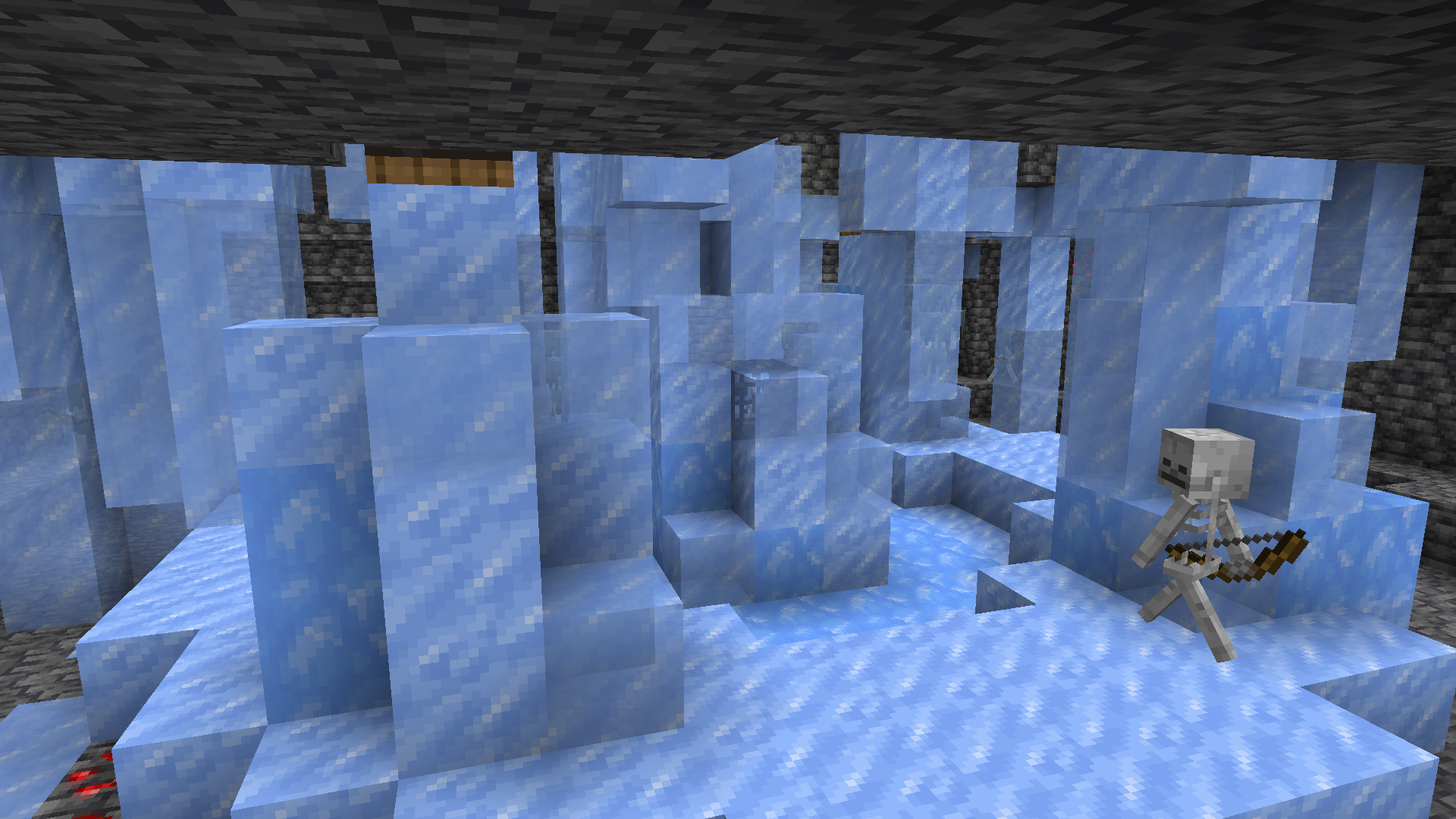
🧊Ice Dungeons are a variant on regular Monster Room dungeons that spawn in Frozen Caves. They contain an icy arena with a Skeleton Spawner and 8 pre-spawned Strays (I opted to not use a Stray Spawner as to not contradict with Vanilla’s precedent on Strays; if you would like that to change let me know!). They additionally contain four barrels full of typical dungeon loot plus snow and ice.
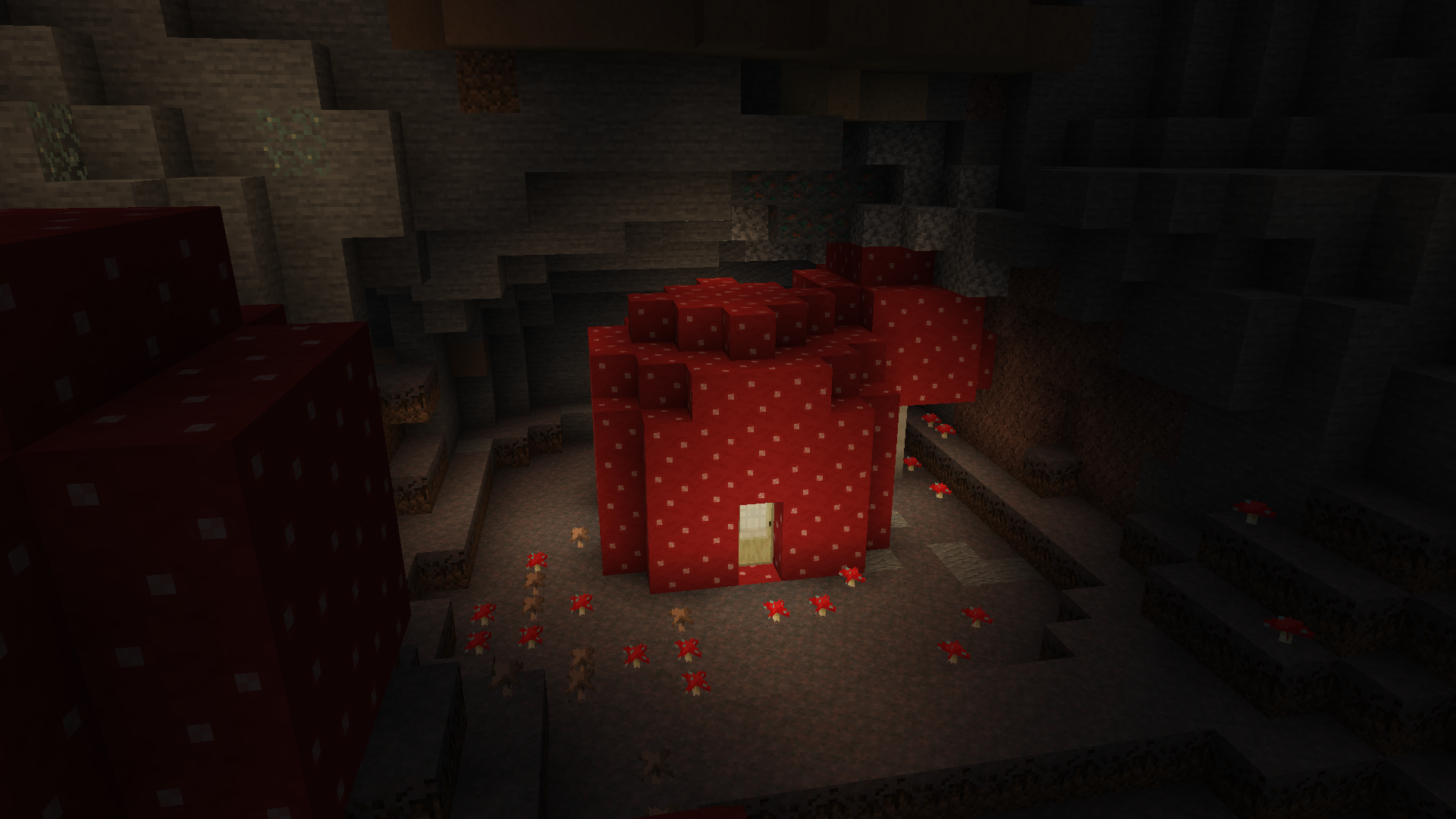
🍄Mushroom Houses are an uncommon structure generating beneath Mushroom Fields and in Mushroom Caves. They are non-hostile and contain a few chests of loot, plus some standard utilities. Loot is not very rewarding, but can be a useful source of food in a pinch.
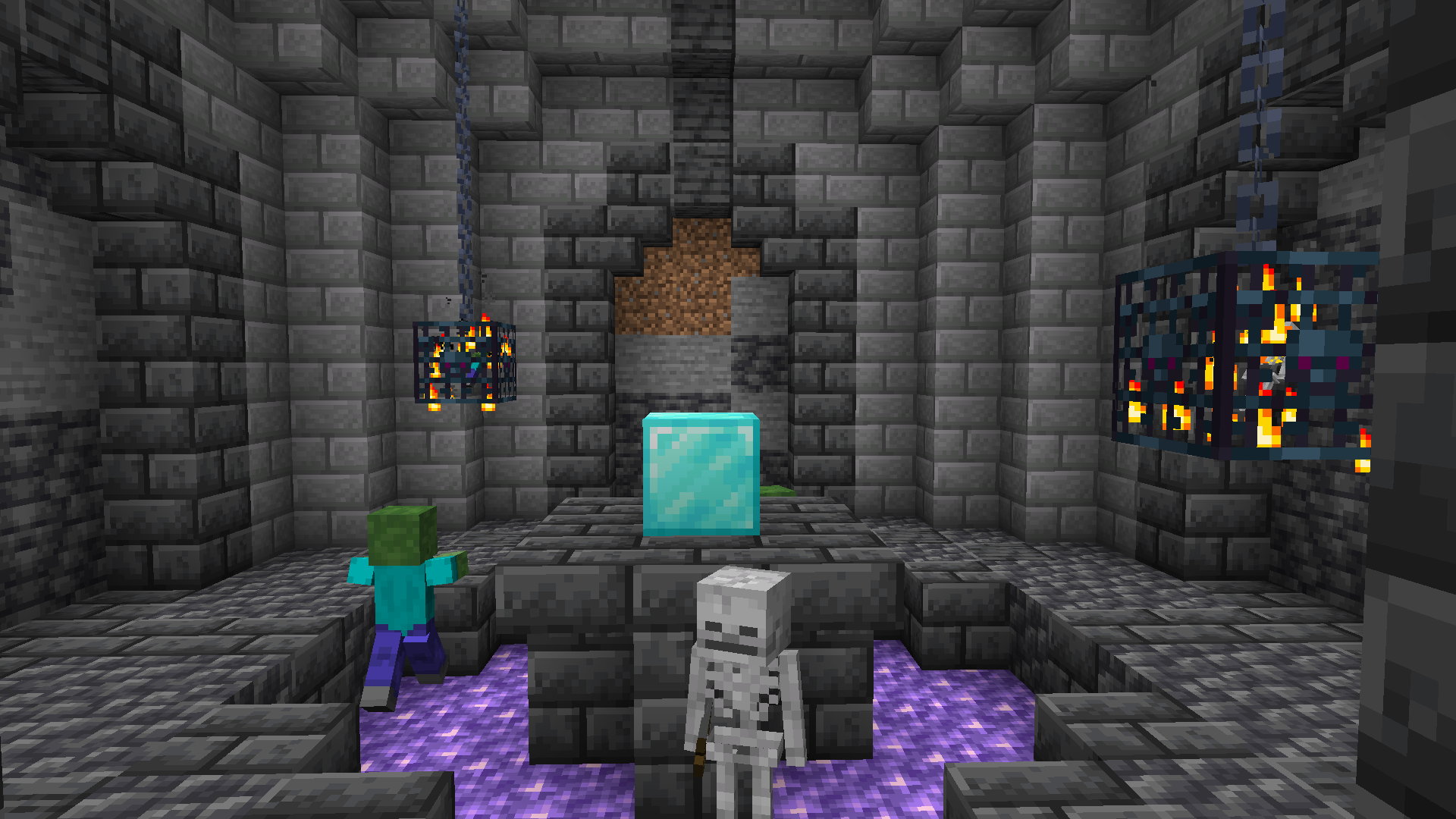
🔮Amethyst Dungeons are a slightly more difficult version of regular Monster Room Dungeons, generating in Amethyst Caves. They contain one Zombie spawner and one Skeleton spawner, and a Diamond Block in the middle as a reward.
⛲️Sanctuaries are underground fountains generating in Lush Caves and Floral Lush Caves. They contain a Gold Block and a rare blue Axolotl.
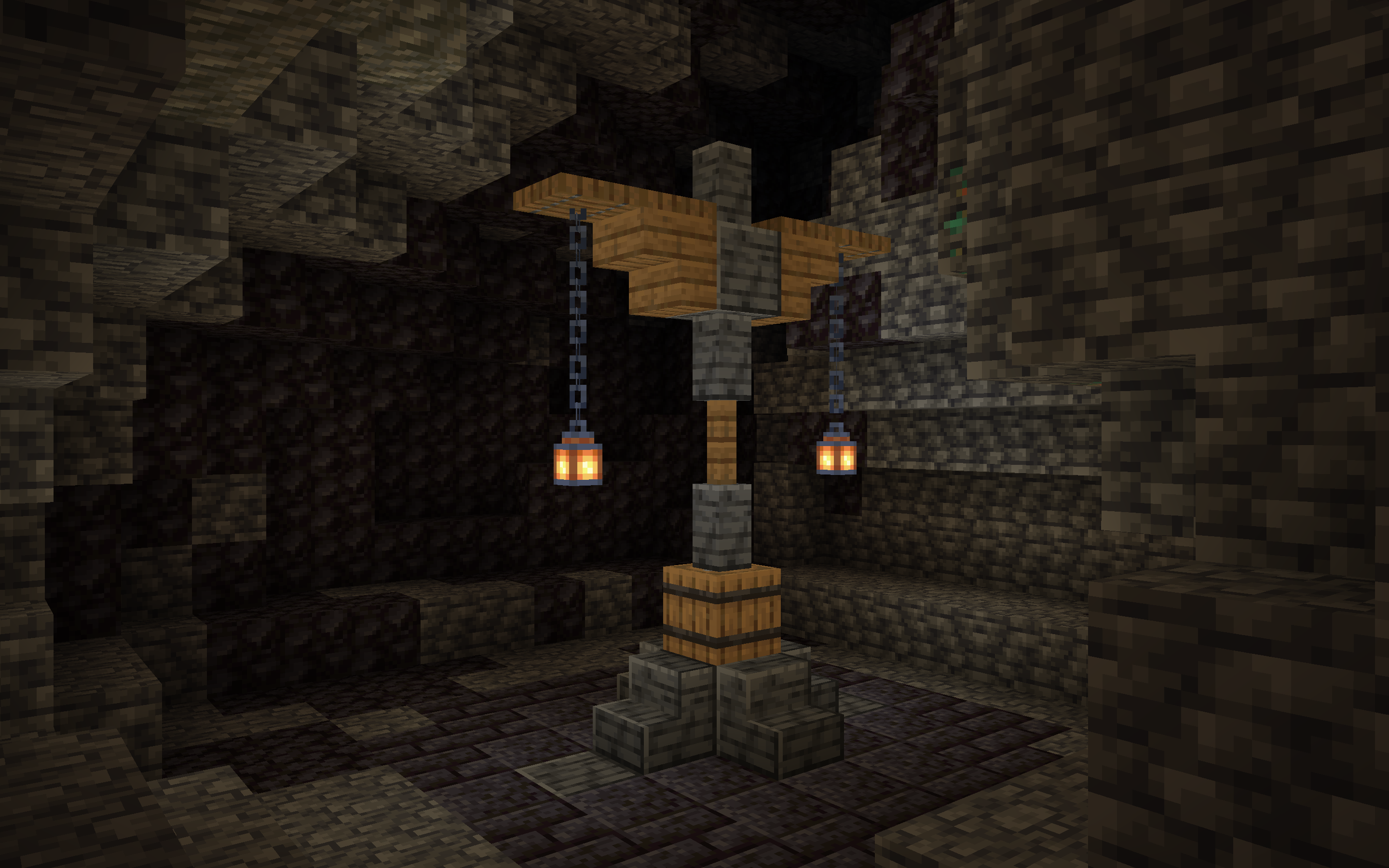
🏮Blackstone Lanterns are small lightposts generating in Black Caves. They contain one barrel in the center of the structure—but make sure to open the barrel at night for optimum loot! If opened during the day, their loot will be lackluster.
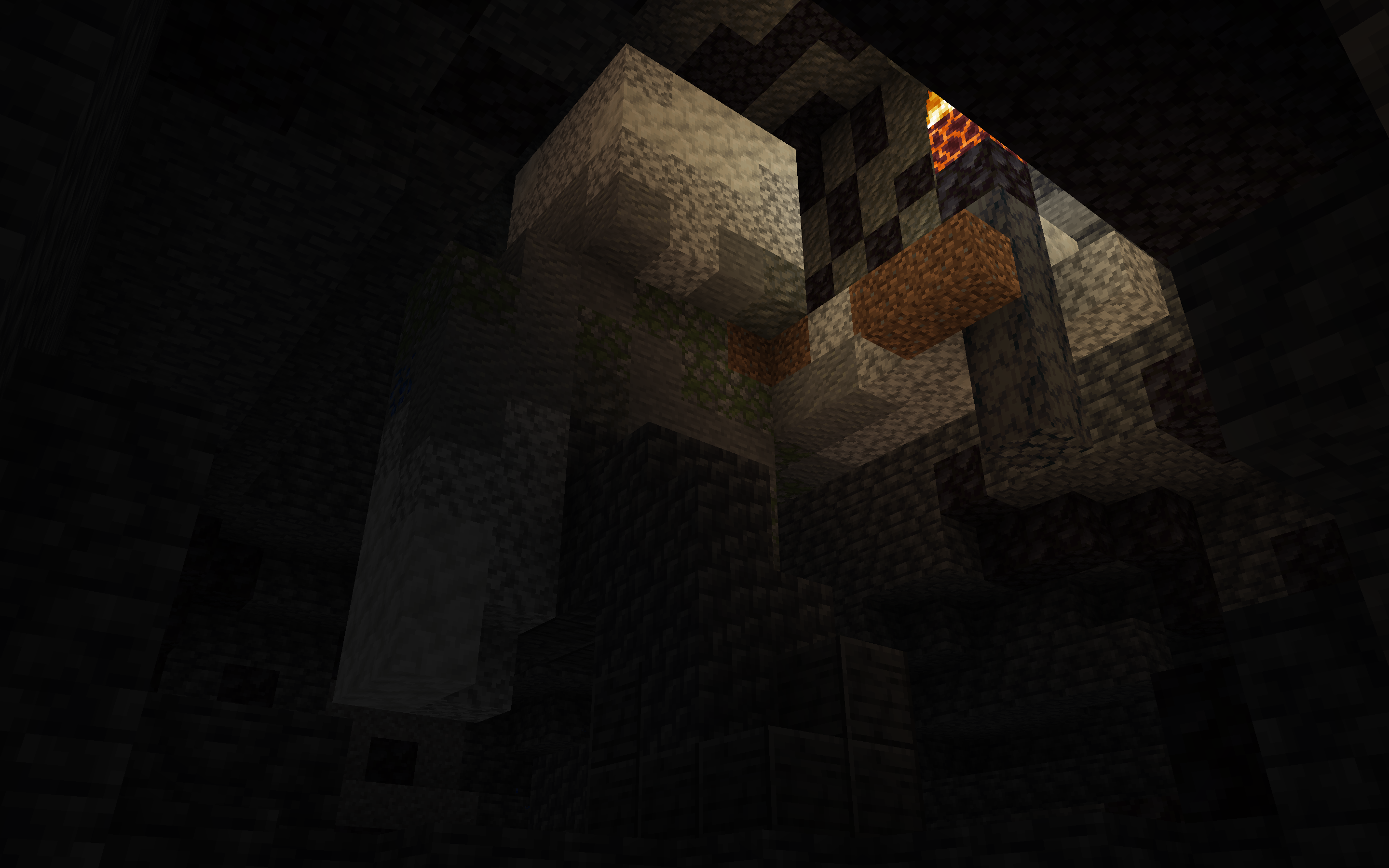
🗿Deep Statues are uncommon humanoid statues generating in Frozen Caves, Mushroom Caves, Amethyst Caves, Black Caves, and Arid Caves. They contain eight Iron Blocks in the head of the structure.
If any of you have any ideas for new cave biomes or structures please let me know on my GitHub! I’m always open to suggestions!
Frozen Caves
Mushroom Caves
Molten Caves
Amethyst Caves
Black Caves
Arid Caves
Floral Lush Caves
Cabin
Ice Dungeon
Mushroom House
Amethyst Dungeon
Sanctuary
Blackstone Lantern
Deep Statue
Pride Pack
# Pridepack
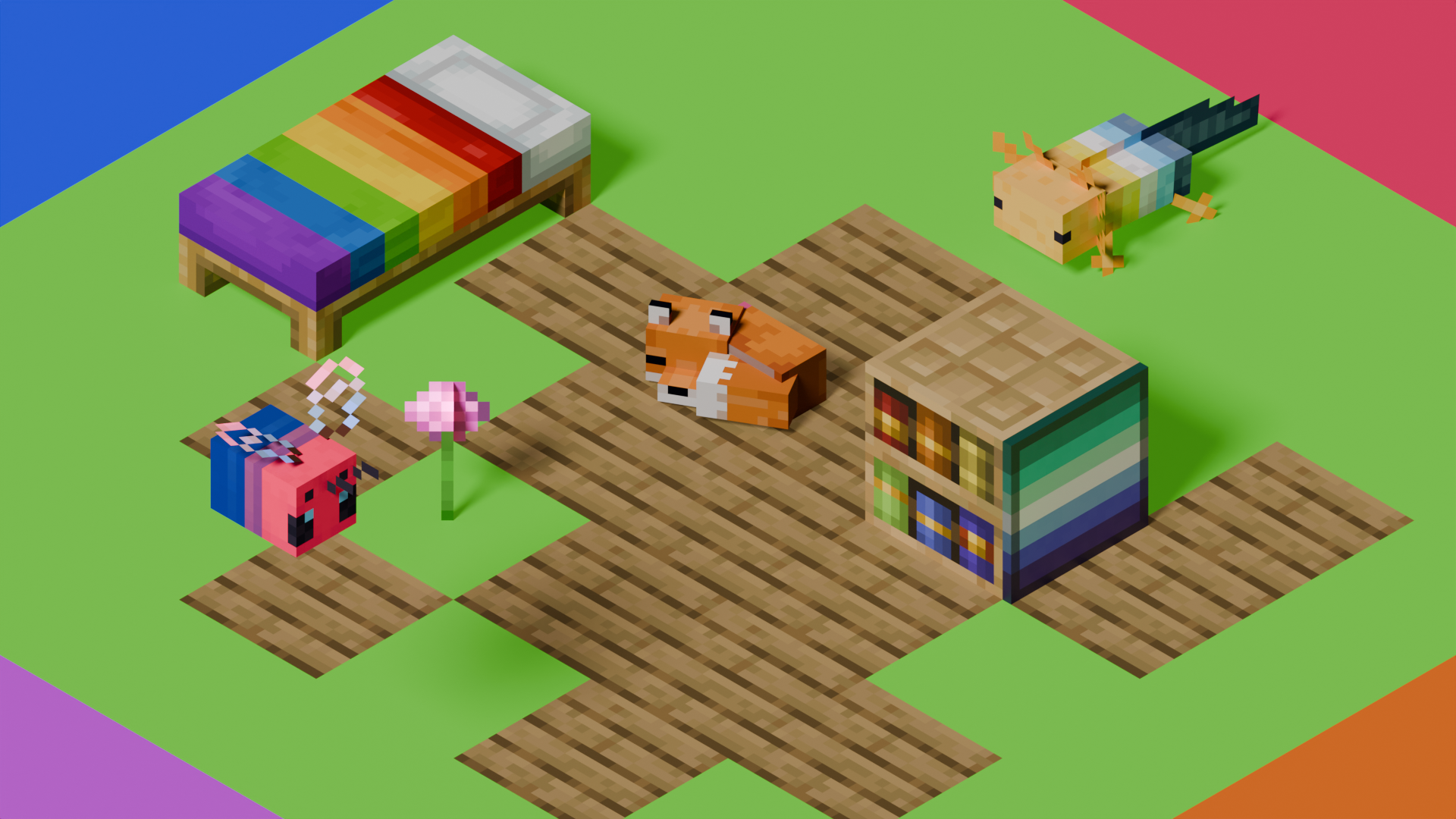
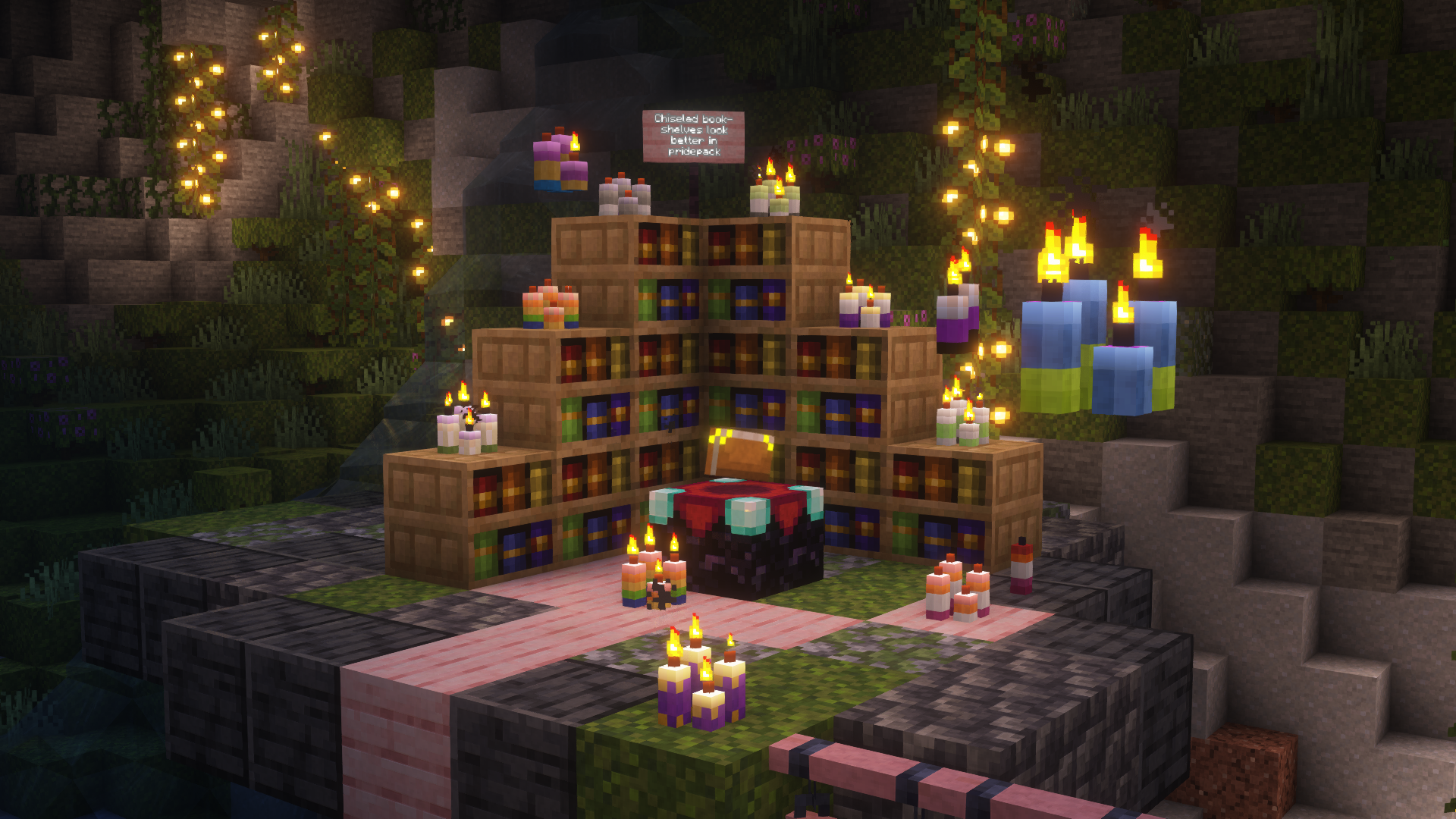
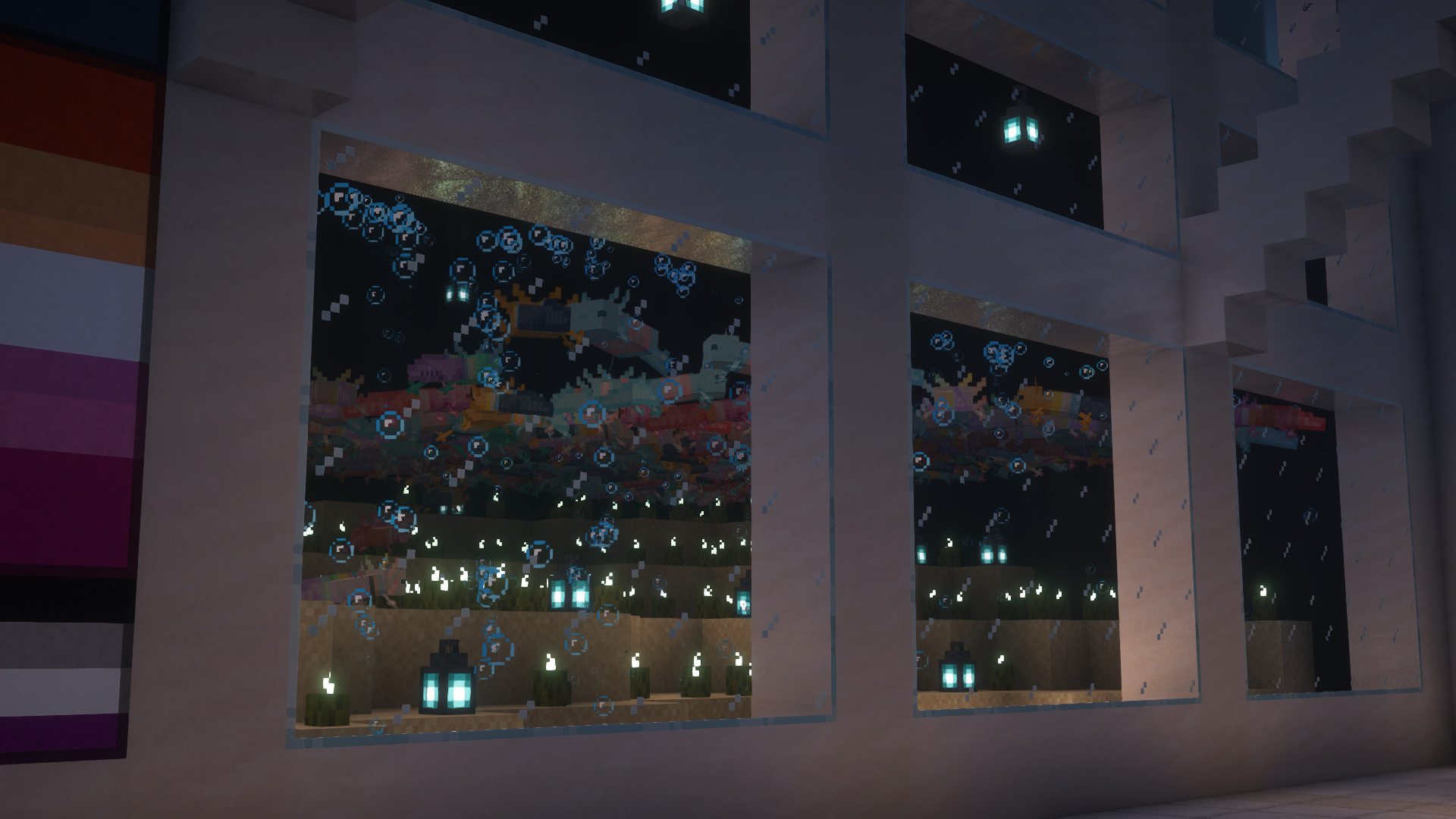
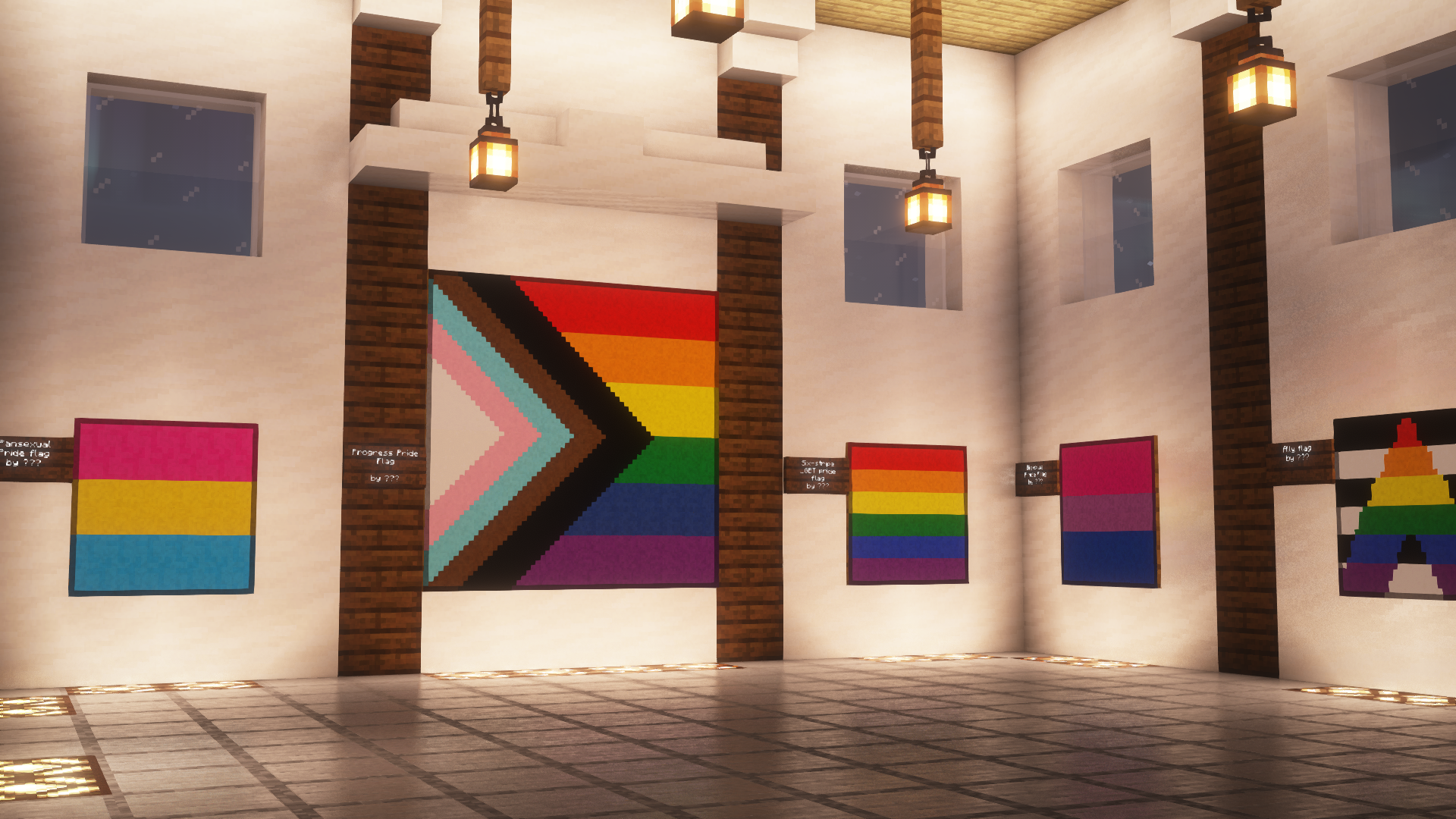
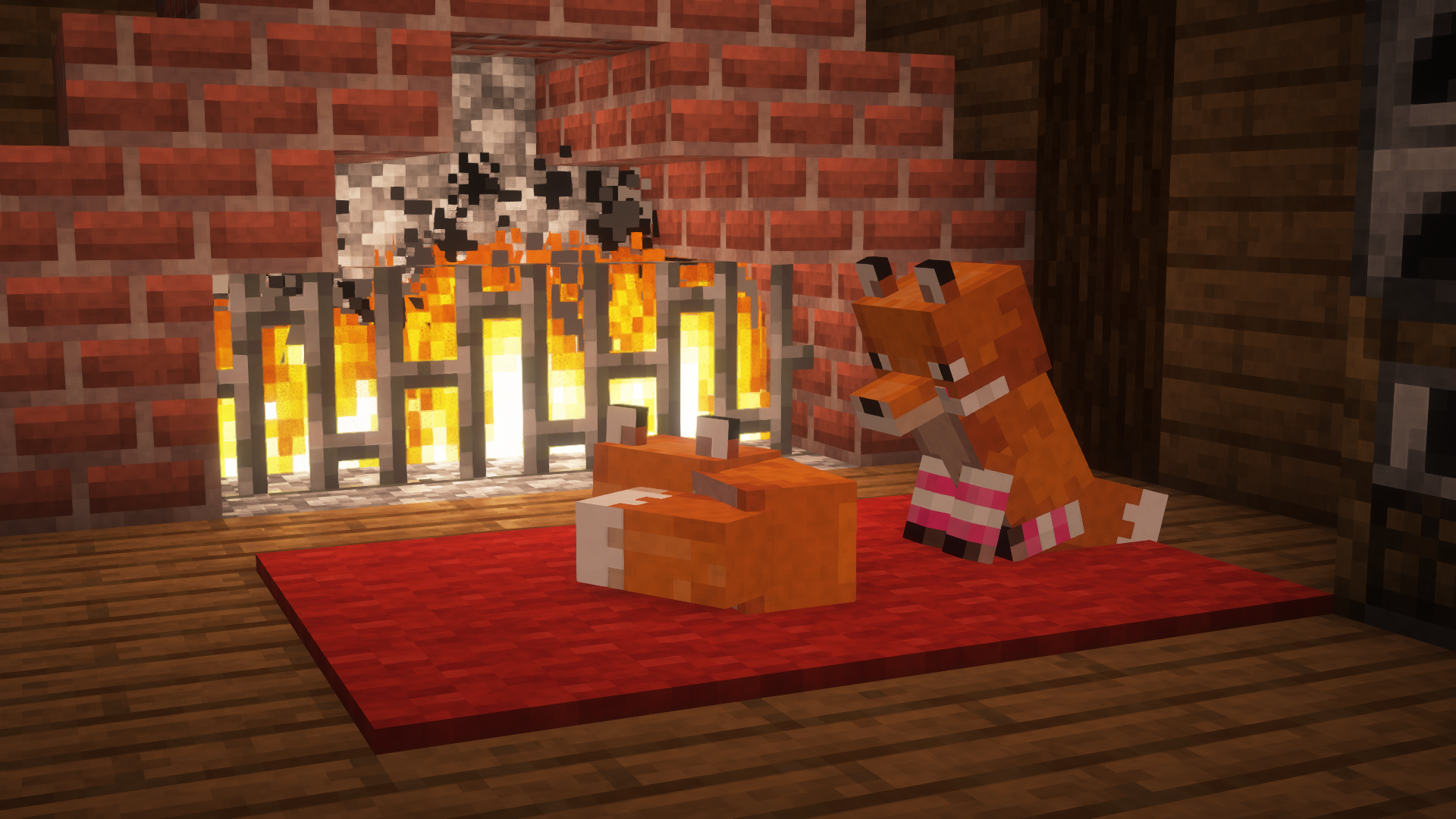
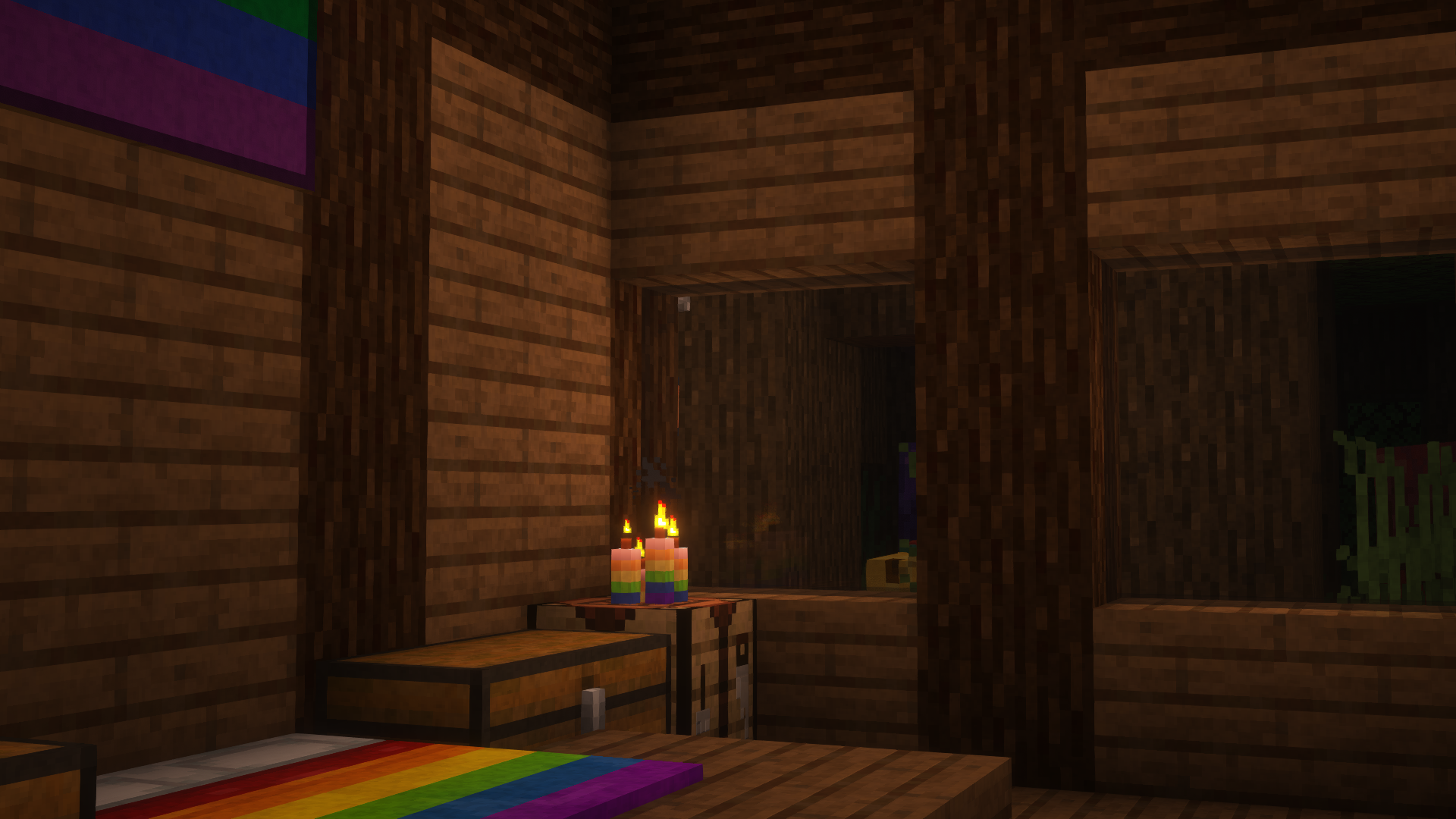
This is Pridepack, a Resource Pack made by [Pridecraft Studios](https://pridecraft.gay). It comes with many LGBT Pride additions, such as paintings, beds, mobs and Main Menu changes.
## Donate
You can support the developers of Pridecraft Studios by donating on Patreon
## Who
Pridecraft Studios is a collective modding group that creates resource packs, tooling, and our flagship mod, Joy. Our team of volunteers strive to create prideful content for the diverse Minecraft community <3. We target both Java and Bedrock editions, hoping to create memorable experiences for you.
## Other Downloads
[](https://modrinth.com/project/pridepack) [](https://www.curseforge.com/minecraft/texture-packs/pride-pack) [](https://git.pridecraft.gay/pridepack)
## Socials
[](https://discord.pridecraft.gay)
[](https://tech.lgbt/@pridecraft)
[](https://youtube.com/@pridecraftstudios)
[](https://bsky.app/profile/pridecraft.gay)
[](https://instagram.com/pridecraftstudios)
# Licenses
Assets license [CC BY-SA 4.0]
The soundtracks for Joy are licensed from [lynndova](https://lynndova.com/), under different terms and are **not** distributed under CC BY-SA 4.0. [See here for licensing terms.](https://git.pridecraft.gay/pridepack/blob/main/LICENSE-MUSIC)
In short:
– You must provide credit to lynndova
– You can not reupload this soundtrack verbatim
– You may use this soundtrack under the fair use doctrine including but not limited to the following:
– Using this soundtrack in videos or streams
If you are unsure if you may use the soundtracks or wish to license the soundtracks for your own use, contact lynndova using [their public email](mailto:[email protected]).
 ](https://modrinth.com/datapack/planked-chests)
 ](https://modrinth.com/datapack/backported-shelves)