Jane Doe ZZZ Title Screen Background
Replace the main menu background with Jane Doe (Zenless Zone Zero).
Replace the main menu background with Jane Doe (Zenless Zone Zero).
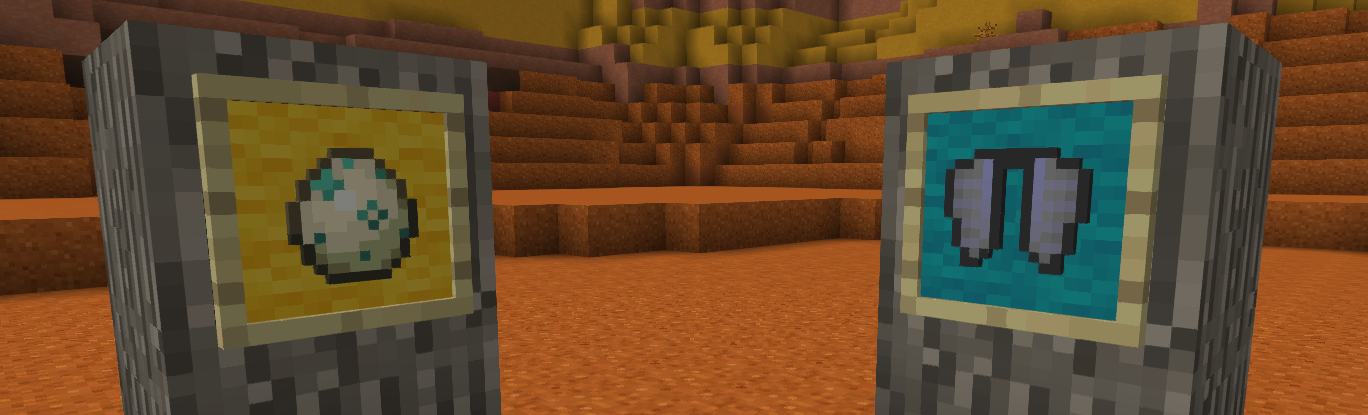
# **Color your item frame!**
Add 16 wool color on item frame
**To color:**
Before v3.0:
Sneak right click with dye on item frame
On v3.0
Craft item frame and glow item frame with dye
**To clear color**
Before v3.0:
Sneak right click with water bucket on item frame
Or break item frame
On v3.0
No clear, juste break
## Warning
**Older item frame was not compatible with v3.0**
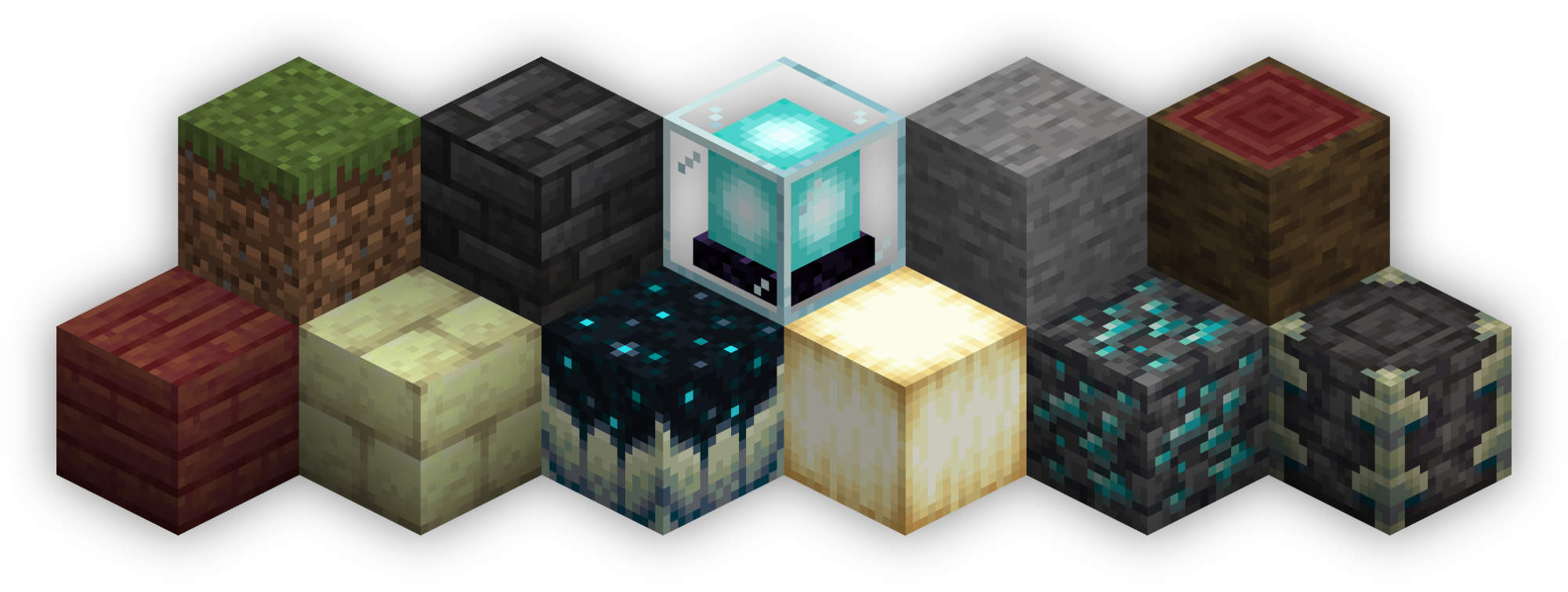
Isometric Renders allows you to take isometric screenshots, or rather, create renders of game objects like parts of world, blocks, items and entities.
These are automatically keyed to have a transparent background and you can adjust scale, positioning and many more options right in-game in a fancy gui.
This was designed with modded wikis or similar documentation in mind, should be easy to use and mostly pretty performant.
In-Depth documentation is available on https://docs.wispforest.io/isometric-renders/home
***
🌟 **Currently Supported Rendering Targets** 🌟
– Items
– Blocks
– Entities
– Areas of the world
– Batch export of multiple blocks or items
– Item Atlases (Overviews)
The basic command is **/isorender**
***
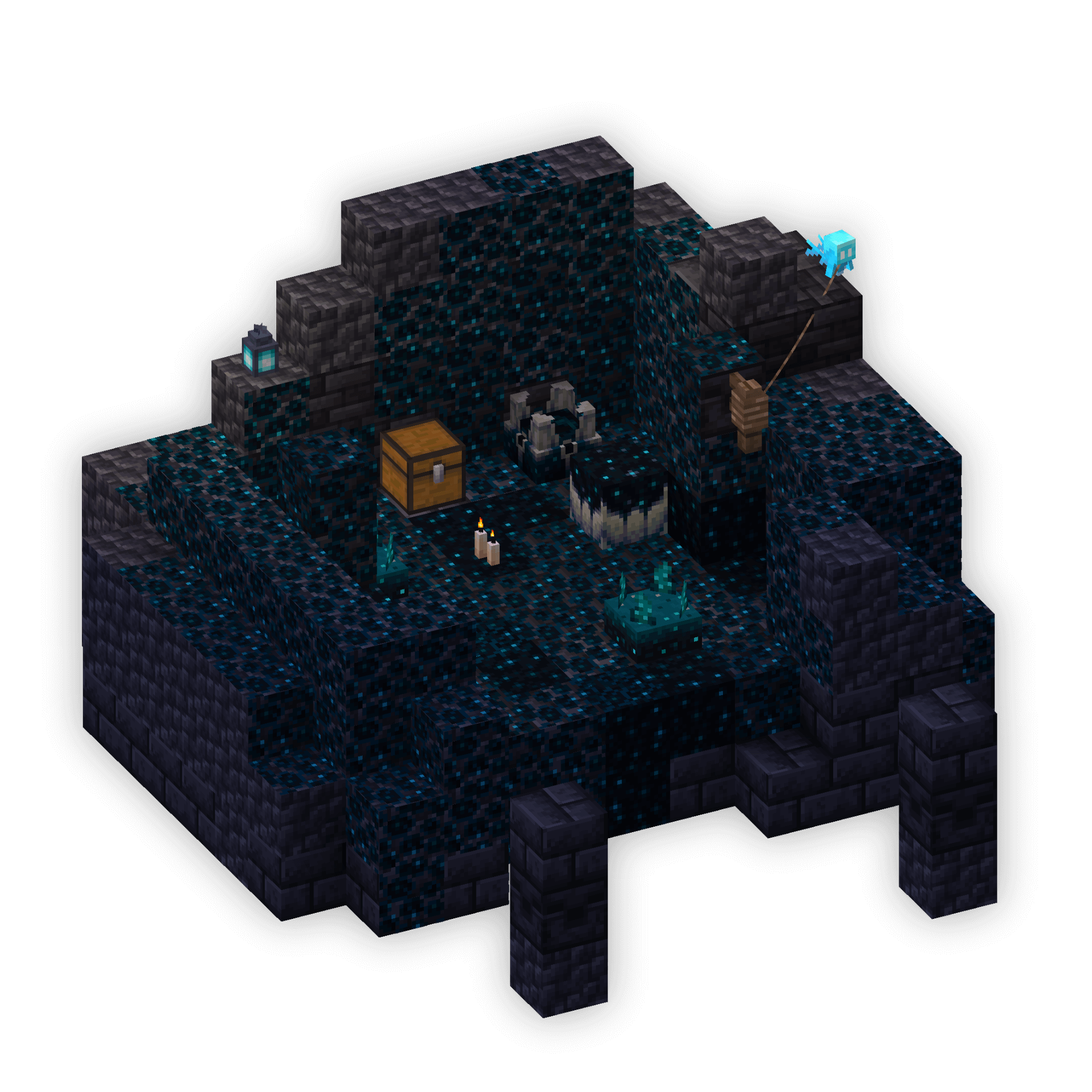

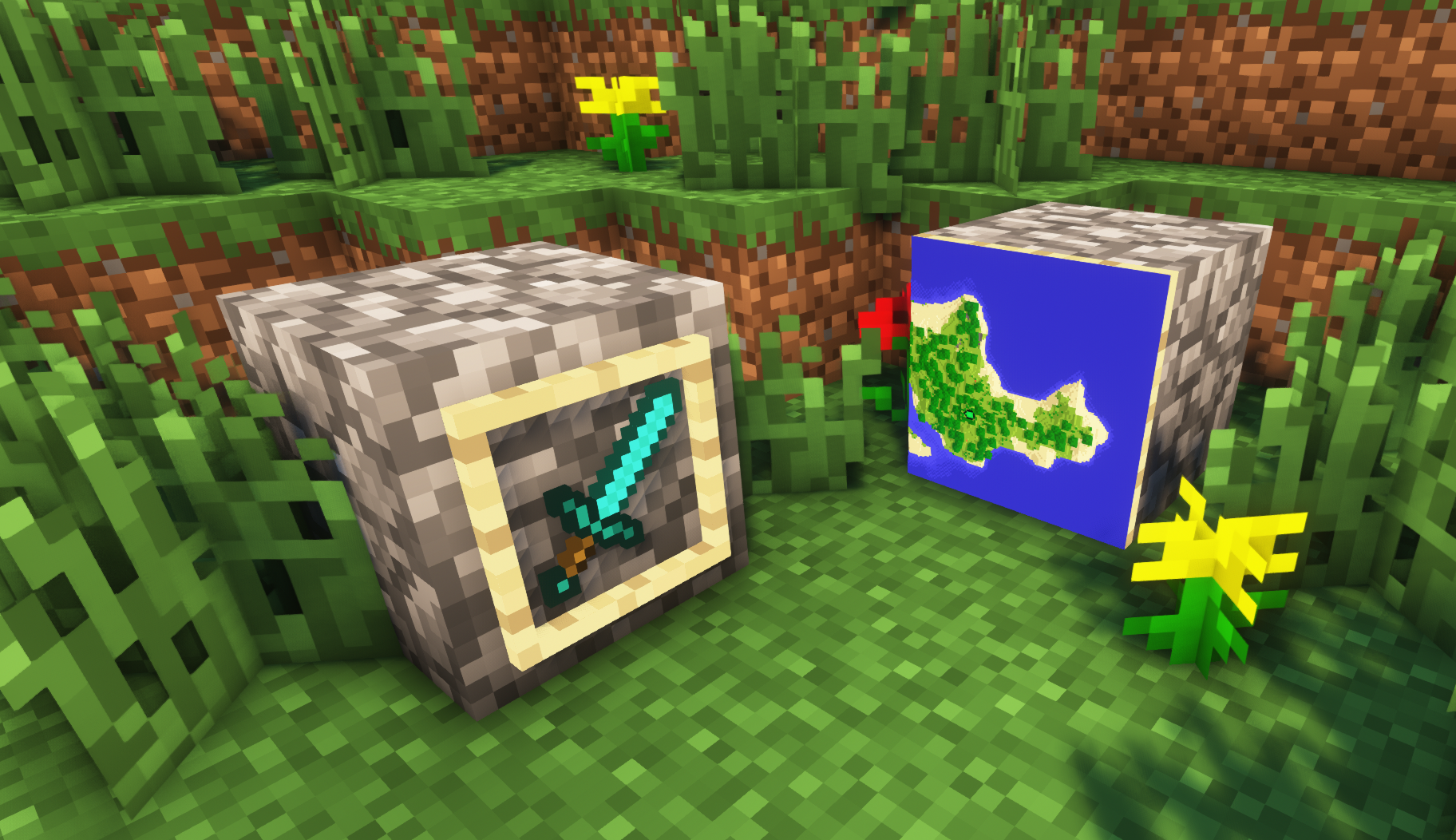
**A simple resource pack that makes item frames invisible**.
—
## Need a Minecraft Server? (Sponsor)

Get **25% off your first month** with Sparked Host.
—
## Quick info
– **Versions:** 1.4+ (full invisibility from 1.8+)
– **Works with almost all mods (Sodium/Iris and OptiFine too)**
– **No mods or commands required**
– **Additional files for invisible glow item frames and invisible map frames**
– **Versions below 1.8 will only have the center of the frame invisible (view images below for more info)**
—
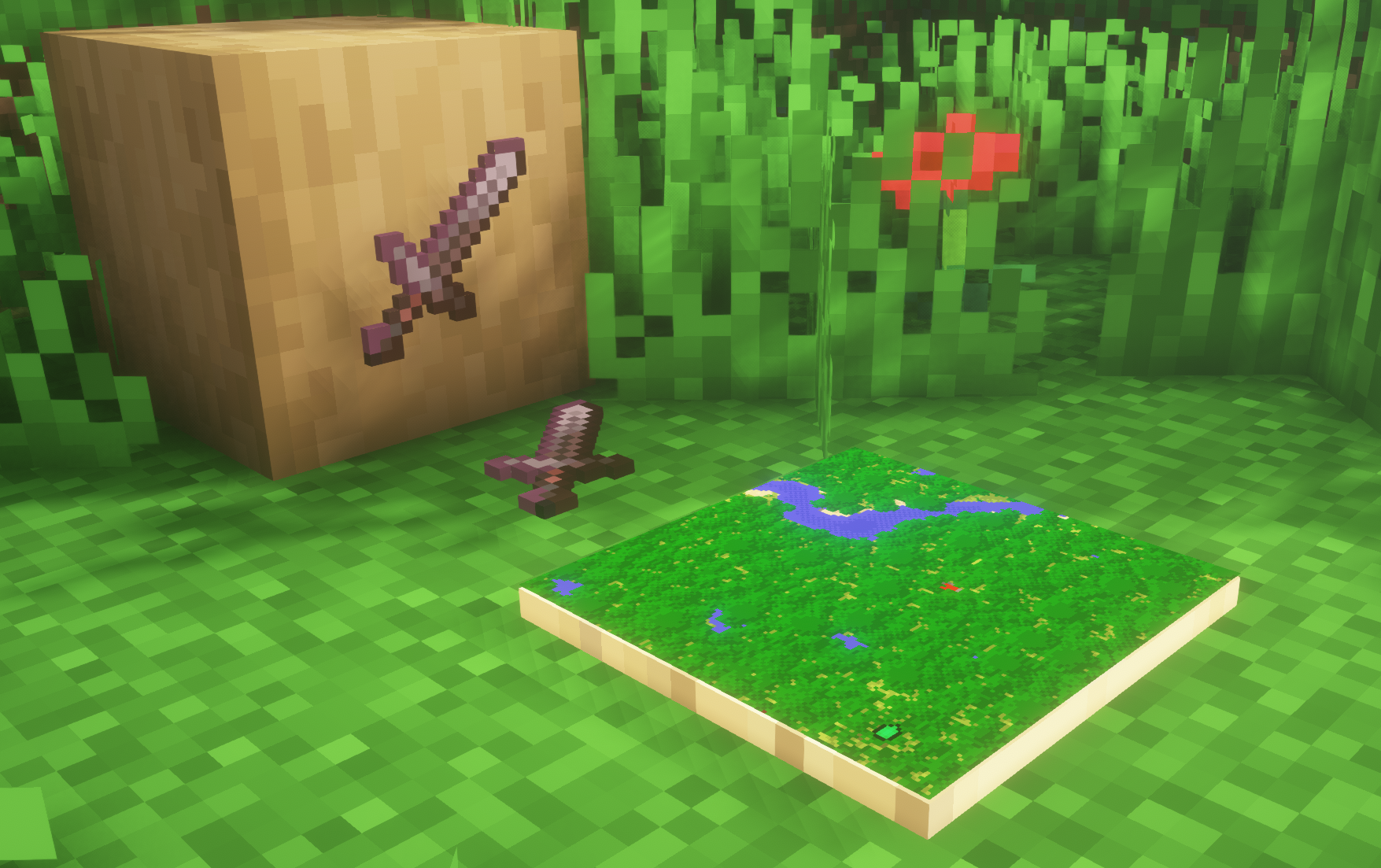
## Showcase
**1.8+**
—
**Can I use this with other packs?**
> Yes, but place this pack in a **higher priority (above other packs)**.
**How do I remove item frames?**
> Enable debug hitboxes using **F3 + B** and break the frame.
**Can I use this pack in my modpack or server?**
> Yes you are free to use it, as long as you don’t claim this pack as your own.
**Why is my map/glow item frame not invisible?**
> You have to install those separately. They are available under **additional files** or the buttons near the top of this page.
**Does this make the game slower?**
> This pack actually slightly **improves the client-side framerate** in scenes with lots of item frames.
—
## Additional Files
– Download Invisible Glow Item Frames
– Download Invisible Map Item Frames
—
## Need a Minecraft Server? (Sponsor)

Use code **MattyWalker** for 25% off your first month.
# InventoryTabs
### A new version of this mod is maintained over at Inventory Tabs 4.
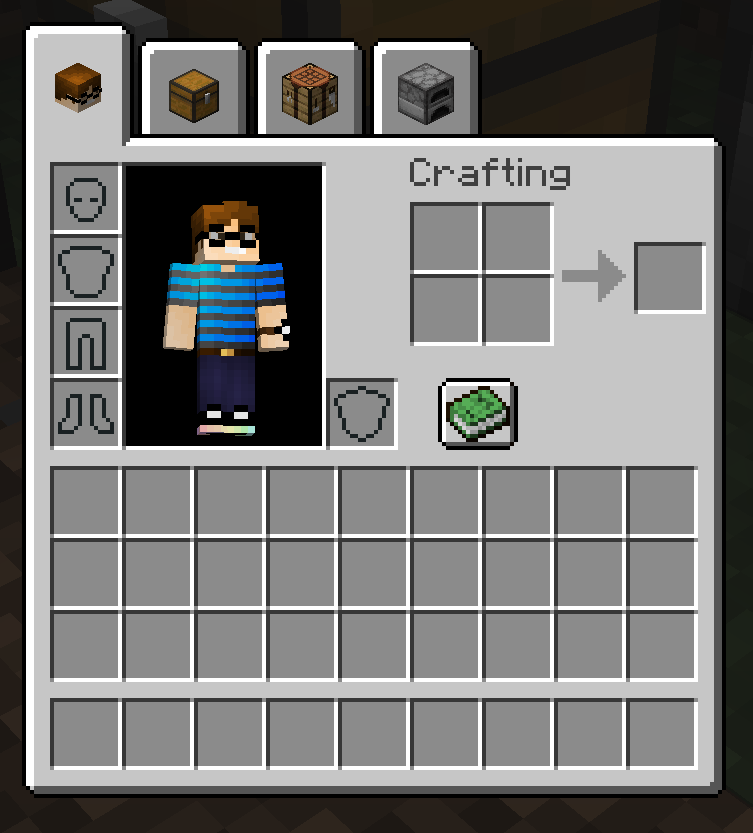
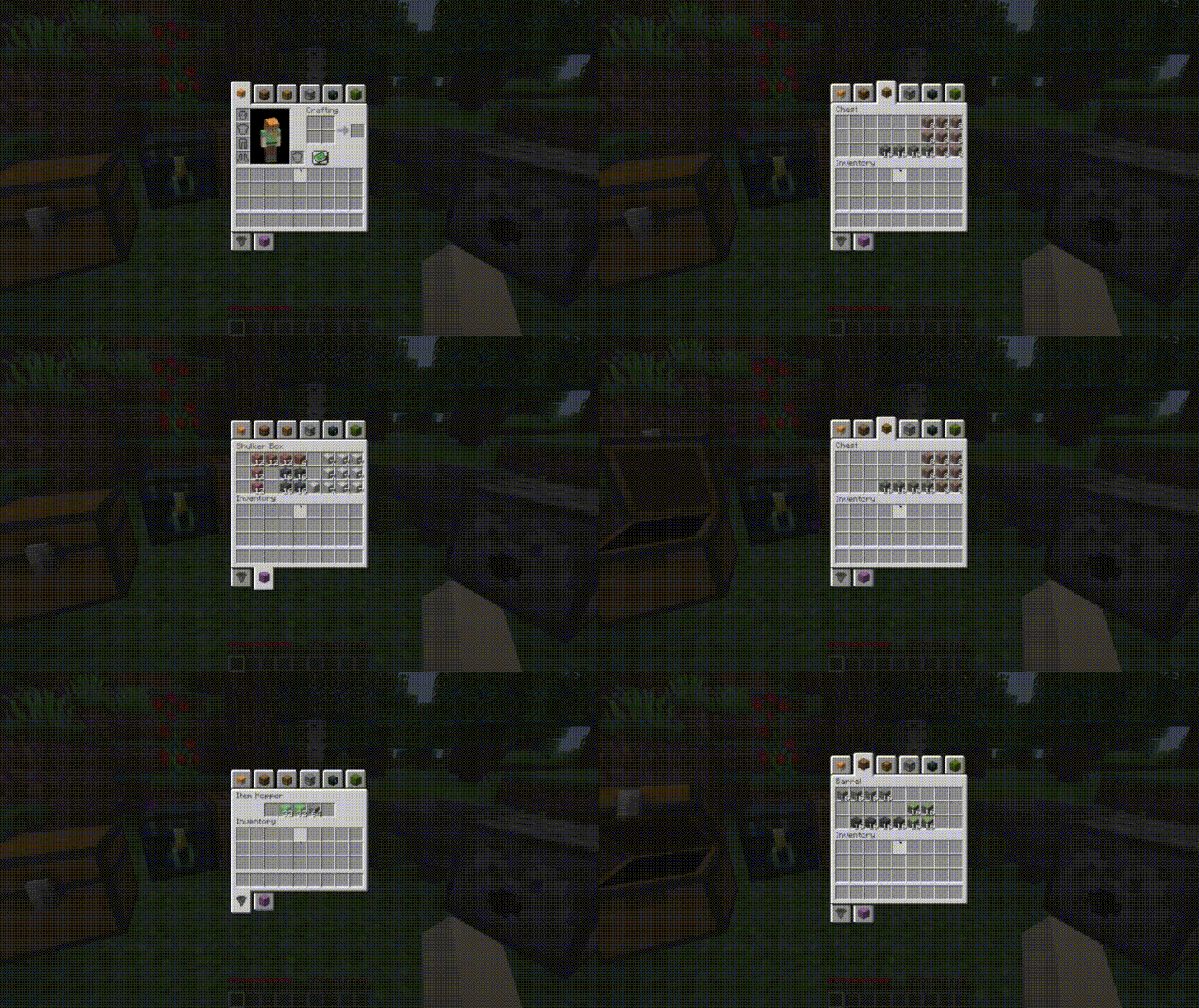
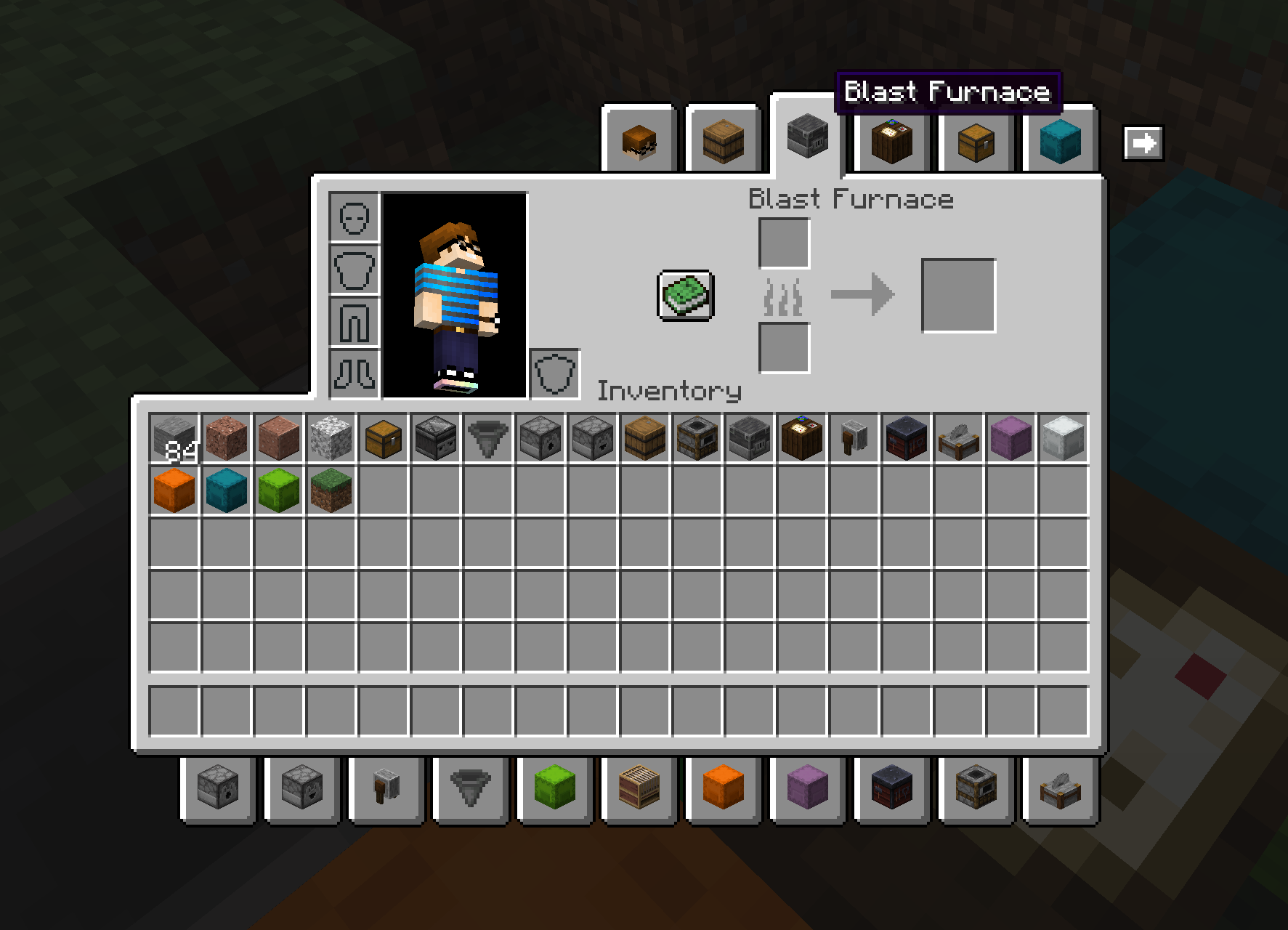
Adds tabs to access nearby blocks without leaving your inventory. Completely client-side. Requires Cloth Config API.
|
 |
 |
Also has BigInv and PlayerEx support!
|
 |
 |
New in version 0.8.1, chest icons and hover text can be changed by nearby item frames!

New in 0.9.0: Entity support!
|
 |
 |
This 1.18 port is based on LiamMCW’s fork of the original mod by cakewhip. Full credits can be found at https://github.com/Andrew6rant/inventorytabs/graphs/contributors.


Interactic adds more ways to interact with dropped items, hence the name. Many of it’s features are inspired by ItemPhysic, this mod has however been built from the ground up for Fabric.
## Features
– **Fancy Item Rendering**: Items will spin while they fall, at a changing speed depending on how fast they’re falling. When on the ground, they’ll lay flat and compact stacks
– **Enhanced Pickup and Tooltips**: You can pick up items by right-clicking them, even from a few blocks away. When looking at one, you’ll see it’s tooltip rendered below your crosshair.
– **Item Filter**: The Item Filter is an Item that allows you to finely control which items you want to automatically pick up. You can configure it to use either a white- or blacklist and any items affected by that lsit will require you to explicitly pick them up using either a right-click or by sneaking. You can also globally disable auto-pickup in the config to force everyone to explicitly pick up all items.
– **Item Throwing**: You can throw items by holding down the drop key for a period of time. The longer you hold it, the further you’ll throw it. Items which have a damage modifier on them like Sword and Axes will also deal damage when they hit something after being thrown this way.
– **Client-Only Mode**: You can use Interactic in a mode where it will automatically disable all server-side features and give you only the enhanced rendering and tooltips.
All of these features can be individually toggled in the config
## Instant Respawn Always
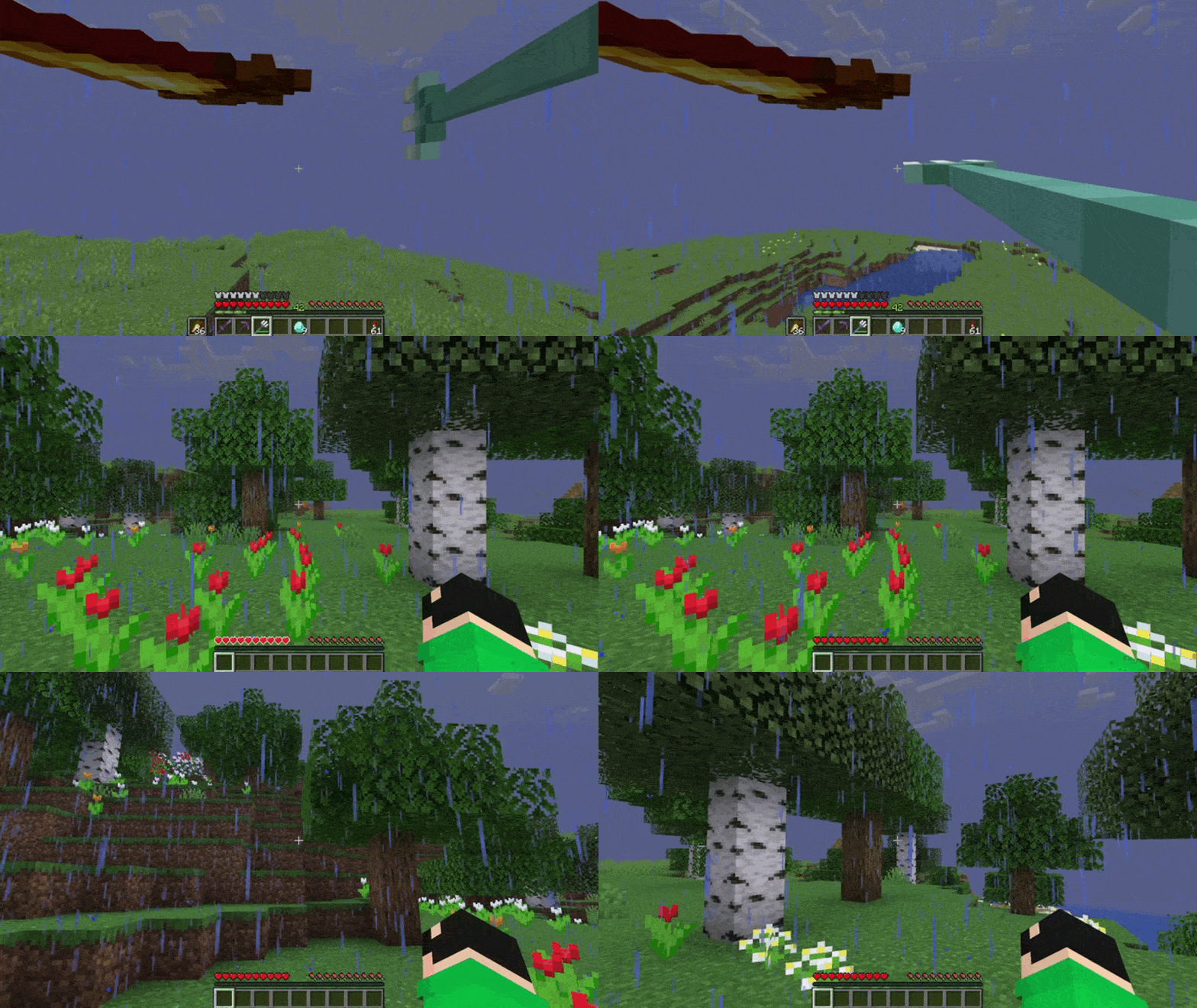
Skip the death screen in each world, like in short videos, so you don’t have to waste time on settings.
## Dependencies
– Fabric loader requires Fabric API

# Infinity Water Bucket Overview:
Infinity Water Bucket is a small mod that allows the Infinity enchantment for Water Buckets, using an anvil, providing an infinite portable water source. It also allows you to use the Infinity enchantment on empty Buckets, providing an infinite liquid void.
## Infinity Water Bucket Community:
Myself, along with other players of Infinity Water Bucket, can found at our Discord. There is also a Guilded server for those who prefer to join it instead of Discord.
## Infinity Water Bucket Requirements:
Infinity Water Bucket can be played using either Forge or Fabric and even Legacy Fabric. On Fabric (including Legacy Fabric) the Fabric API is optional.
### Main Features:
– Uses Mixin to allow the Infinity enchantment to be applied to empty and water buckets.
– Works with Dispensers to place infinite water or pickup infinite liquids
– Prevents Enchanted empty buckets from milking cows
– Prevents Enchanted from picking up fish & axolotls
– Allows you to fill/consume cauldrons with an infinite supply
– Server-side, but without it on the client causes visual glitches
– Built-in Update Checker
– Mod Support
– [Caves and Cliffs Backport](https:/www.curseforge.com/minecraft/mc-mods/caves-and-cliffs-backport) – Prevents Axolotls pickups & Fill/Empty Cauldrons
– Milk All The Mobs (Forge & Fabric) – Prevents Enchanted empty buckets from milking supported entities
– Get In The Bucket Mod – Prevents Enchanted from picking up mobs
– Note that this mod is incompatible with Infinity & Mending Unnerf

## Minecraft Version:
Please do not ask for Infinity Water Bucket to be ported to an older version of Minecraft. coolsim intends to maintain all current Minecraft versions (1.4.7+) and is willing to backport the Forge Version further when the associated RetroGradle updates are out. coolsim will begin to update Infinity Water Bucket to 1.19 as the corresponding Forge & Fabric Full Release version is released, so please don’t ask.
## License and Modpacks:
Please feel free to use Infinity Water Bucket in any modpack whilst making sure to give credit to coolsim. Do not redistribute Infinity Water Bucket in any form.


Incantationem is a vanilla+ mod adding enchantments and curses to the game.
***Featuring…***
– Vanilla styled: All enchantments can be obtained by the enchantment table and loot;
– 10+ enchantments;
-3 curses;
– …and more to come!
For info on each enchantment and curse, check our Wiki.


# idwtialsimmoedm
idwtialsimmoedm adds descriptions to tooltips that contain enchantments or status effects. It uses the same language-key format as Enchantment Descriptions, so all mods that already have descriptions available will be compatible out of the box. idwtialsimmoedm however is completely standalone and very lightweight, yet still comes with a few config options. If you have Cloth Config and Modmenu installed, you will be able to open the config screen otherwise you can edit the file in `config/idwtialsimmoedm.json`.
## Config Options
– **Description Prefix and Indent:** These options determine what kind of bullet-point style to use for displaying the descriptions. If you want to just display the text, leave both of these blank. The indent is used on the second line onwards, if the description is too long and wraps, to align with the first line which uses the prefix
– **Display only when Shift is held:** If this option is enabled, the description tooltip will never show on any item unless the Shift key is held on your keyboard
– **Display only on Enchanted Books:** If this option is enabled, the description tooltip will never be shown on items that aren’t Enchanted Books