Japanese Title
This resource pack changes Minecraft title screen logo to unused official Japanese logo “マインクラフト”, the Japanese Katakana for “Minecraft”.
Originally sourced from the official website of a design company that created this logo for Mojang. but it was never officially used. For more information check the Minecraft Wiki logo page.
Version 1 replaces the main logo with “マインクラフト” and removes the subtitle.
Version 2 keeps the original main logo and changes the subtitle to “マインクラフト”.
Previews gallery
I do not own this.
日本語:
元は、Mojangのためにこのロゴをデザインしたデザイン会社の公式ウェブサイトからのものですが、公式には使用されませんでした。詳しくはMinecraft Wikiのロゴページをご覧ください。
バージョン1 は、メインロゴを「マインクラフト」に置き換え、サブタイトルを削除しています。
バージョン2 は、元のメインロゴを維持し、サブタイトルを「マインクラフト」に変更しています。
プレビューギャラリー
これは私の所有物ではありません。
Jane Doe ZZZ Title Screen Background
Replace the main menu background with Jane Doe (Zenless Zone Zero).
Item Frame Color
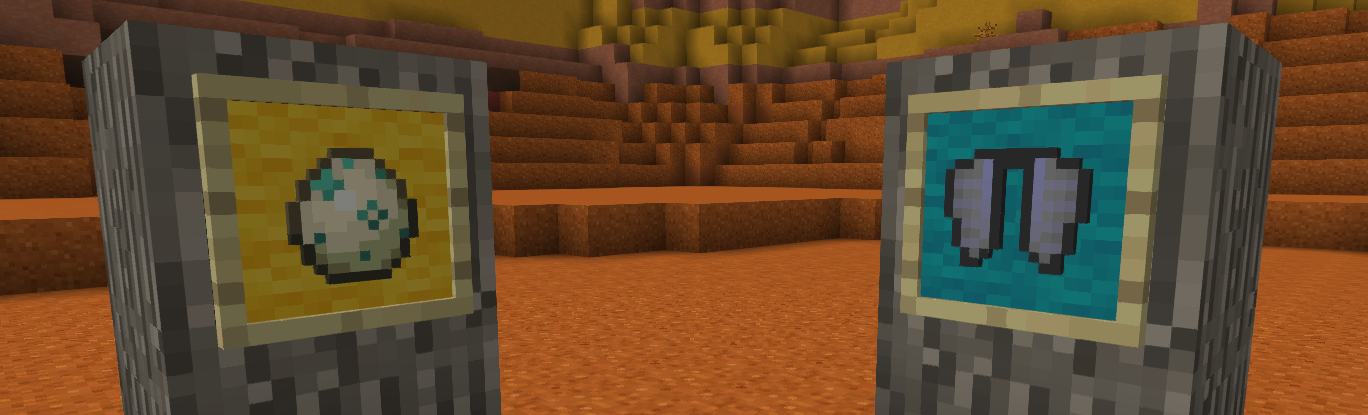
# **Color your item frame!**
Add 16 wool color on item frame
**To color:**
Before v3.0:
Sneak right click with dye on item frame
On v3.0
Craft item frame and glow item frame with dye
**To clear color**
Before v3.0:
Sneak right click with water bucket on item frame
Or break item frame
On v3.0
No clear, juste break
## Warning
**Older item frame was not compatible with v3.0**
Invisible Item Frames

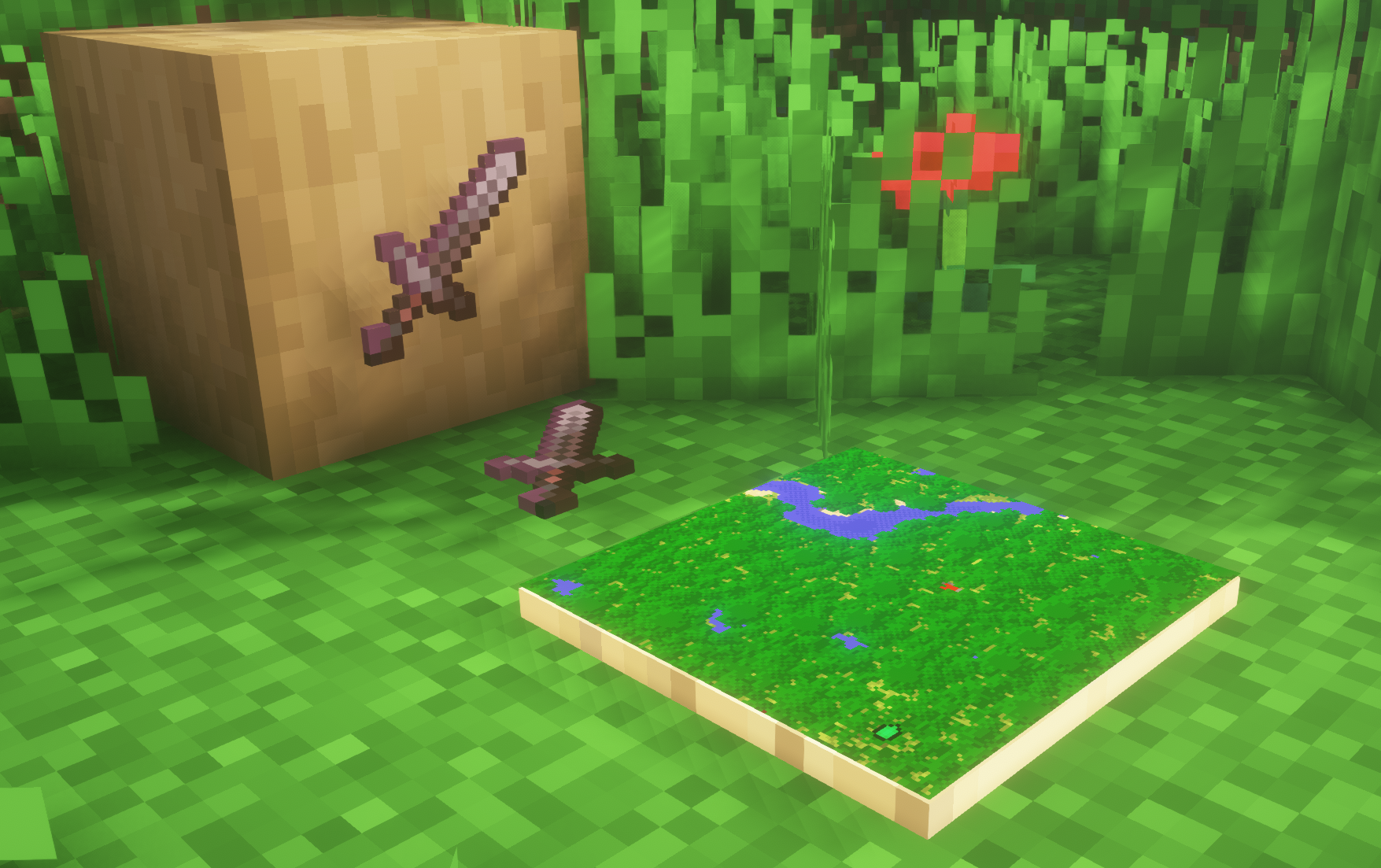
**A simple resource pack that makes item frames invisible**.
—
## Need a Minecraft Server? (Sponsor)

Get **25% off your first month** with Sparked Host.
—
## Quick info
– **Versions:** 1.4+ (full invisibility from 1.8+)
– **Works with almost all mods (Sodium/Iris and OptiFine too)**
– **No mods or commands required**
– **Additional files for invisible glow item frames and invisible map frames**
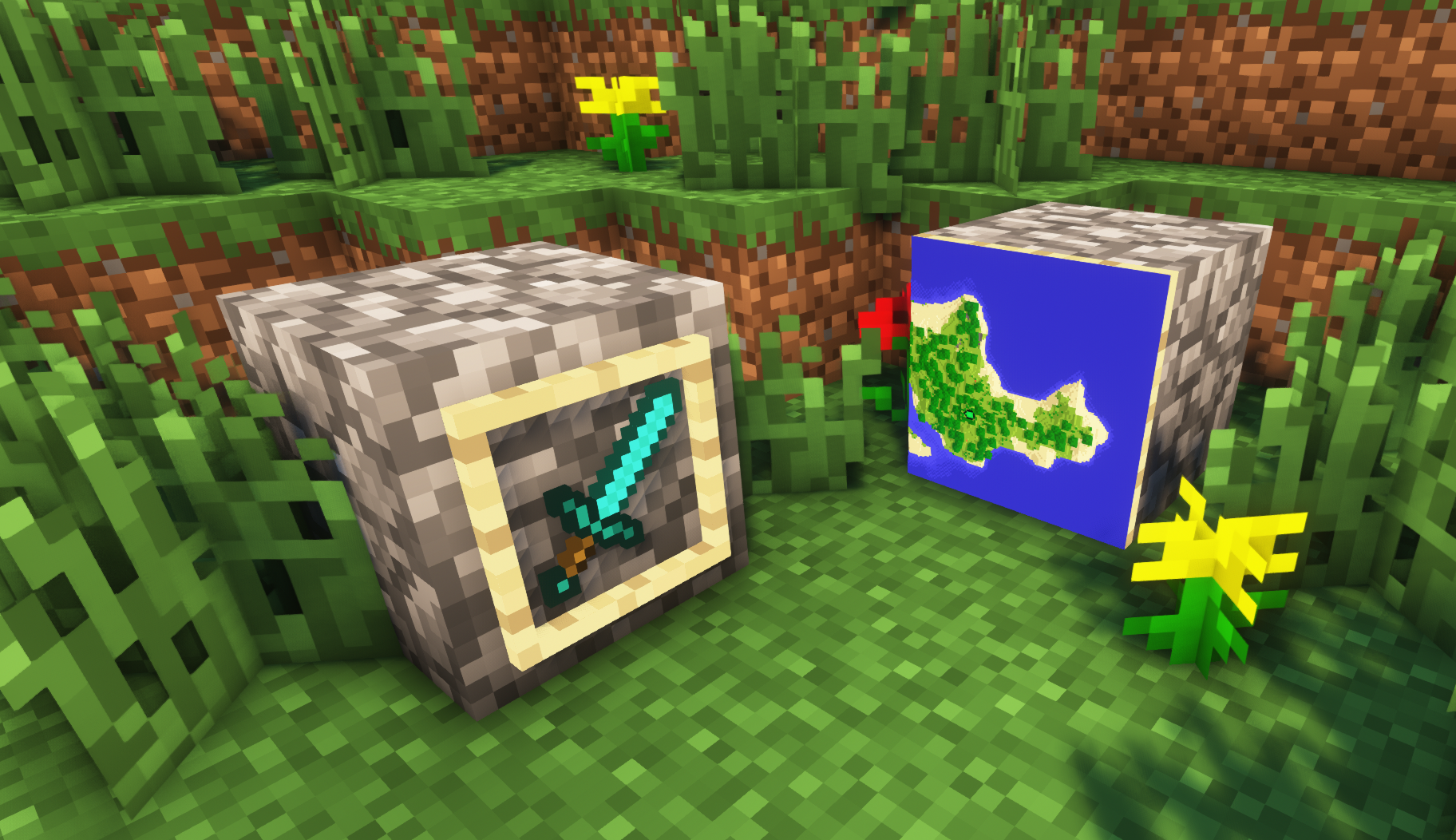
– **Versions below 1.8 will only have the center of the frame invisible (view images below for more info)**
—
## Showcase
**1.8+**
1.4-1.7.10
—
FAQ
**Can I use this with other packs?**
> Yes, but place this pack in a **higher priority (above other packs)**.
**How do I remove item frames?**
> Enable debug hitboxes using **F3 + B** and break the frame.
**Can I use this pack in my modpack or server?**
> Yes you are free to use it, as long as you don’t claim this pack as your own.
**Why is my map/glow item frame not invisible?**
> You have to install those separately. They are available under **additional files** or the buttons near the top of this page.
**Does this make the game slower?**
> This pack actually slightly **improves the client-side framerate** in scenes with lots of item frames.
—
## Additional Files
– Download Invisible Glow Item Frames
– Download Invisible Map Item Frames
—
## Need a Minecraft Server? (Sponsor)

Use code **MattyWalker** for 25% off your first month.
Inventory Tabs (updated)
# InventoryTabs
### A new version of this mod is maintained over at Inventory Tabs 4.
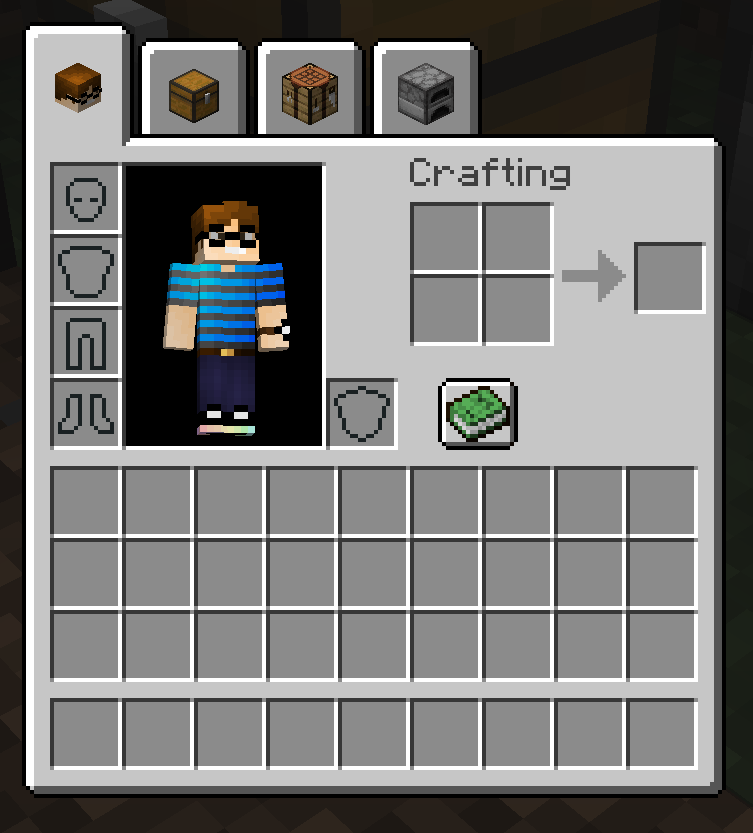
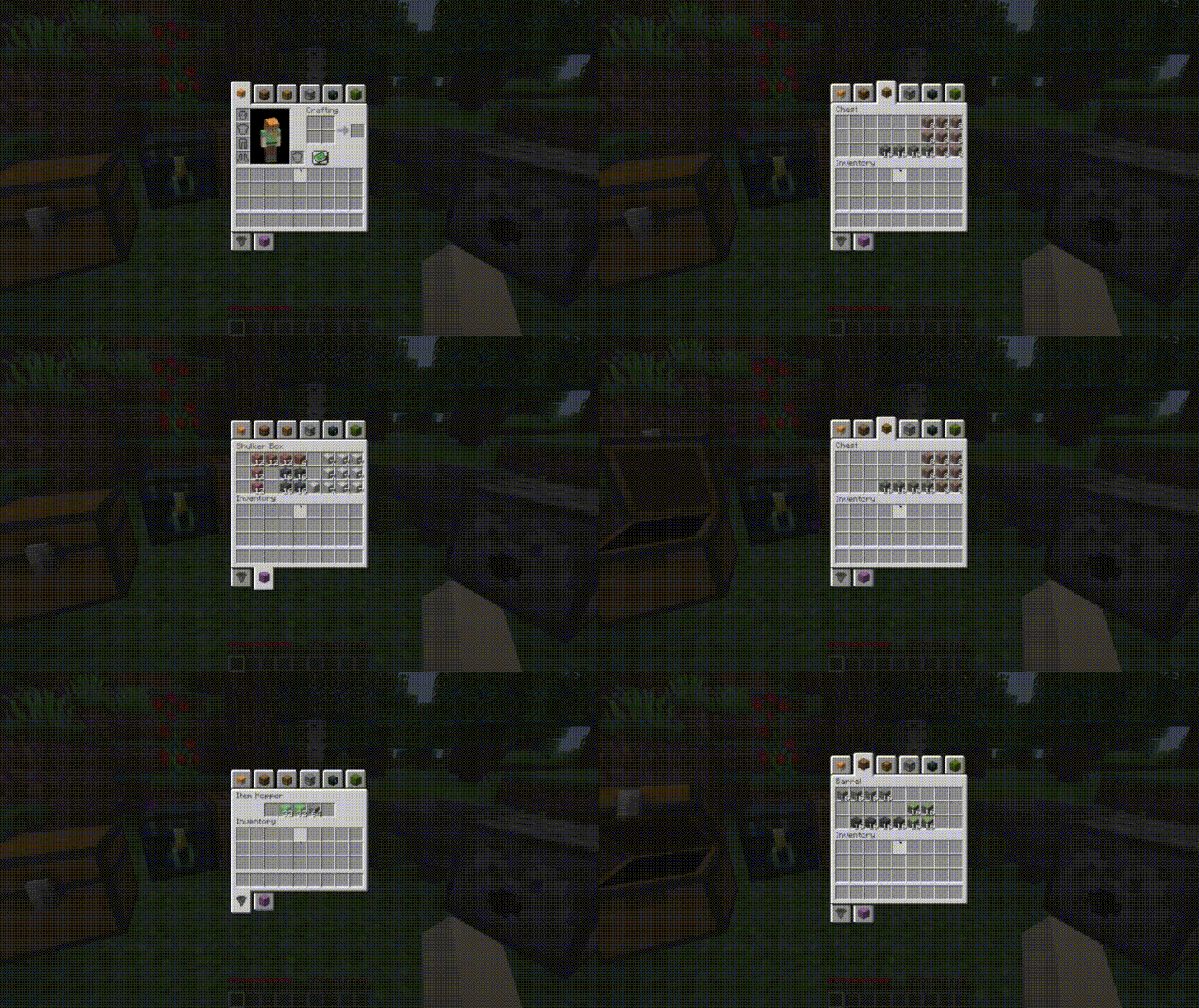
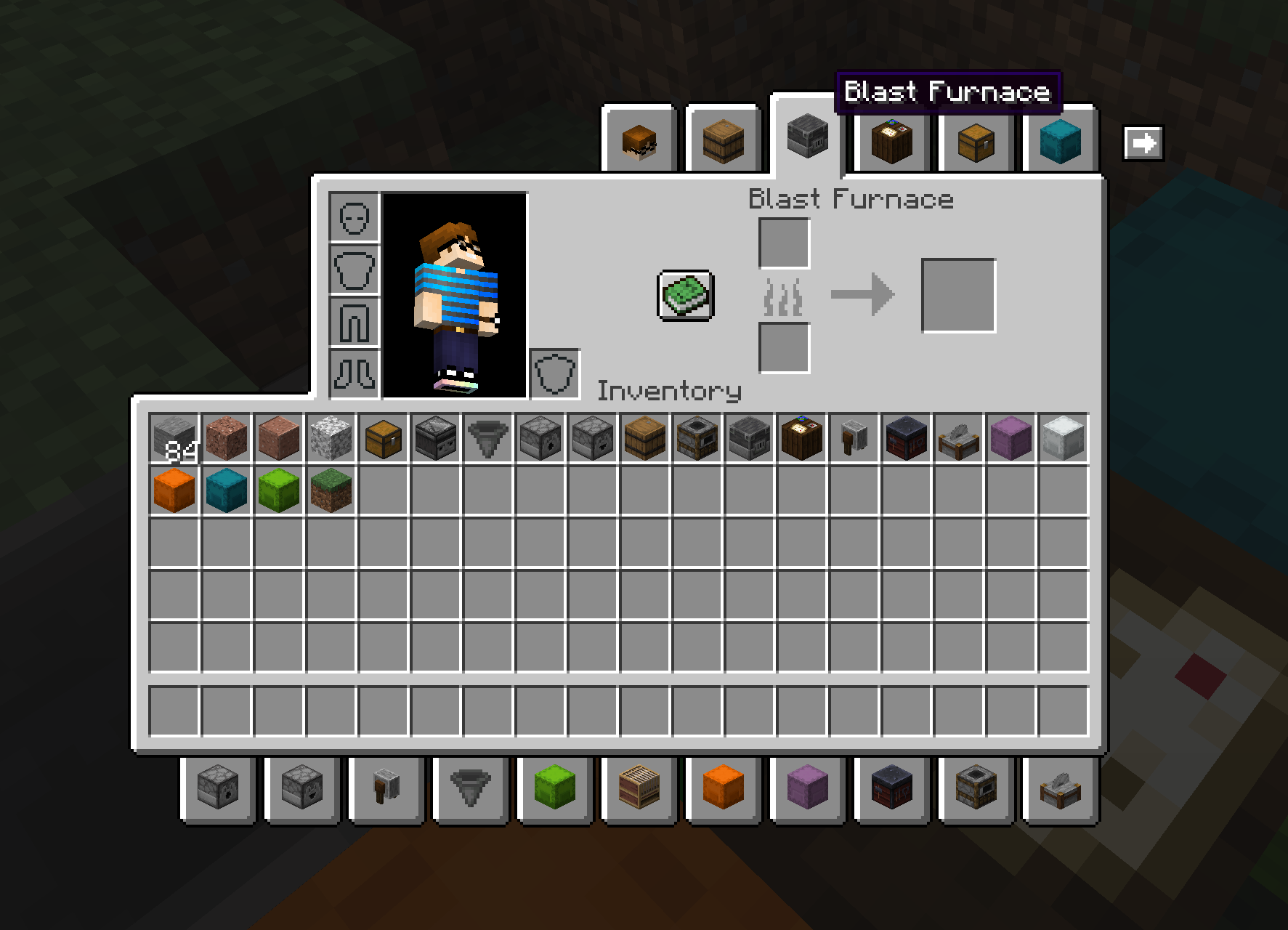
Adds tabs to access nearby blocks without leaving your inventory. Completely client-side. Requires Cloth Config API.
|
|
|
Also has BigInv and PlayerEx support!
|
|

|
New in version 0.8.1, chest icons and hover text can be changed by nearby item frames!

New in 0.9.0: Entity support!
|

|

|
This 1.18 port is based on LiamMCW’s fork of the original mod by cakewhip. Full credits can be found at https://github.com/Andrew6rant/inventorytabs/graphs/contributors.
Instant Respawn Always
## Instant Respawn Always
Skip the death screen in each world, like in short videos, so you don’t have to waste time on settings.

## Dependencies
– Fabric loader requires Fabric API
Infinity Water Bucket

# Infinity Water Bucket Overview:
Infinity Water Bucket is a small mod that allows the Infinity enchantment for Water Buckets, using an anvil, providing an infinite portable water source. It also allows you to use the Infinity enchantment on empty Buckets, providing an infinite liquid void.
## Infinity Water Bucket Community:
Myself, along with other players of Infinity Water Bucket, can found at our Discord. There is also a Guilded server for those who prefer to join it instead of Discord.
## Infinity Water Bucket Requirements:
Infinity Water Bucket can be played using either Forge or Fabric and even Legacy Fabric. On Fabric (including Legacy Fabric) the Fabric API is optional.
### Main Features:
– Uses Mixin to allow the Infinity enchantment to be applied to empty and water buckets.
– Works with Dispensers to place infinite water or pickup infinite liquids
– Prevents Enchanted empty buckets from milking cows
– Prevents Enchanted from picking up fish & axolotls
– Allows you to fill/consume cauldrons with an infinite supply
– Server-side, but without it on the client causes visual glitches
– Built-in Update Checker
– Mod Support
– [Caves and Cliffs Backport](https:/www.curseforge.com/minecraft/mc-mods/caves-and-cliffs-backport) – Prevents Axolotls pickups & Fill/Empty Cauldrons
– Milk All The Mobs (Forge & Fabric) – Prevents Enchanted empty buckets from milking supported entities
– Get In The Bucket Mod – Prevents Enchanted from picking up mobs
– Note that this mod is incompatible with Infinity & Mending Unnerf

## Minecraft Version:
Please do not ask for Infinity Water Bucket to be ported to an older version of Minecraft. coolsim intends to maintain all current Minecraft versions (1.4.7+) and is willing to backport the Forge Version further when the associated RetroGradle updates are out. coolsim will begin to update Infinity Water Bucket to 1.19 as the corresponding Forge & Fabric Full Release version is released, so please don’t ask.
## License and Modpacks:
Please feel free to use Infinity Water Bucket in any modpack whilst making sure to give credit to coolsim. Do not redistribute Infinity Water Bucket in any form.
Icon Bubbles
**This resource pack changes your hearts and hunger bar icons to be circles.**
### Features:
– Round hearts
– Round hunger bar
– Changes all types of hearts (poison, freezing, hardcore…)
– Compatible with the AppleSkin mod
**♡ Make sure to follow!**
Hide Item Frame

## Description
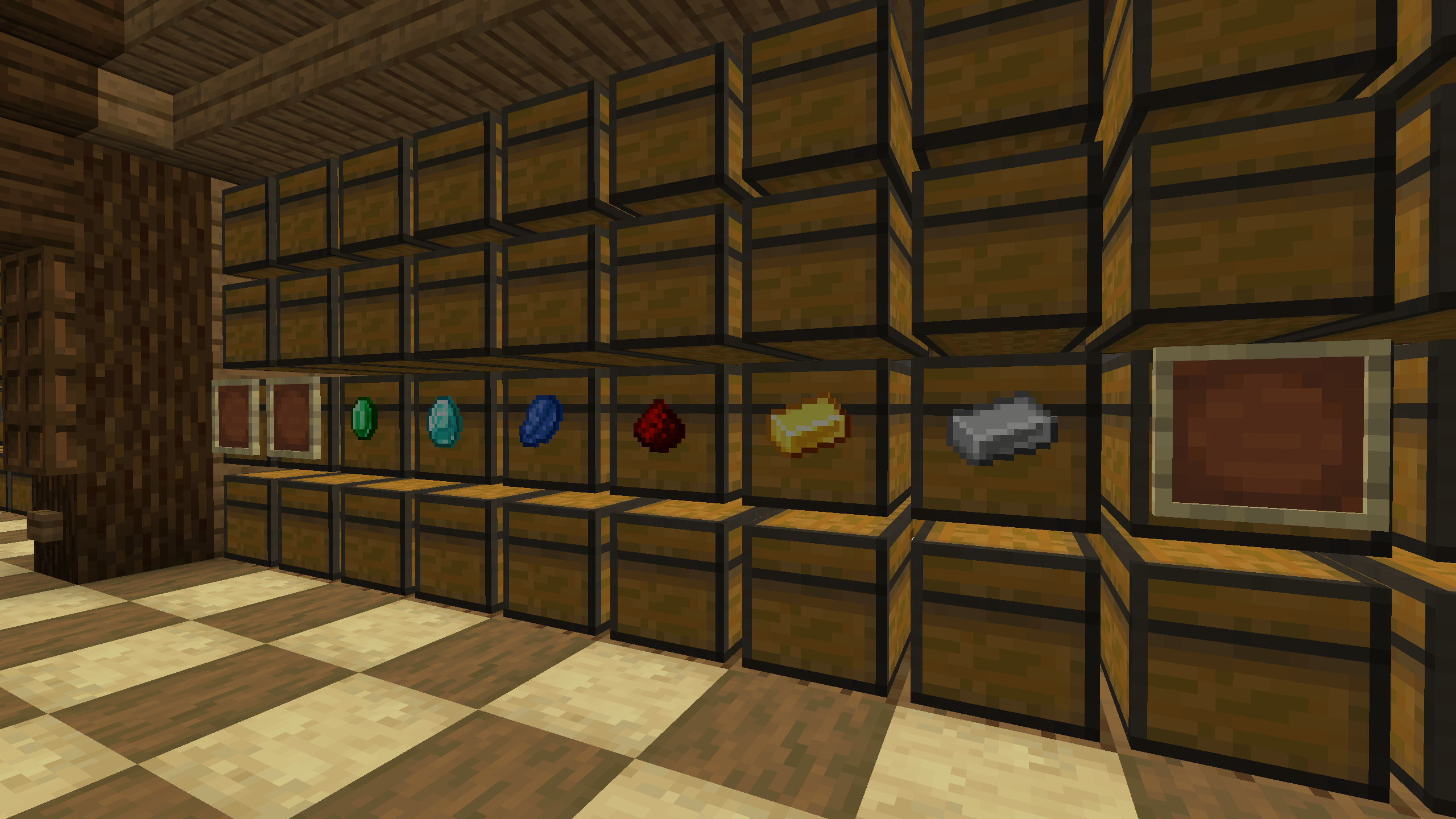
A mod that hides frames if they contain an item. This solution allows you to improve the interior and see the frames when they are empty.
## Usage
To see all frames again, even those that contain an item, you can press the H button (default). The frame state is saved in the configuration file “`hide_item_frame.json“`
Hide HUD in Third-Person View
## Hide HUD in Third-Person View
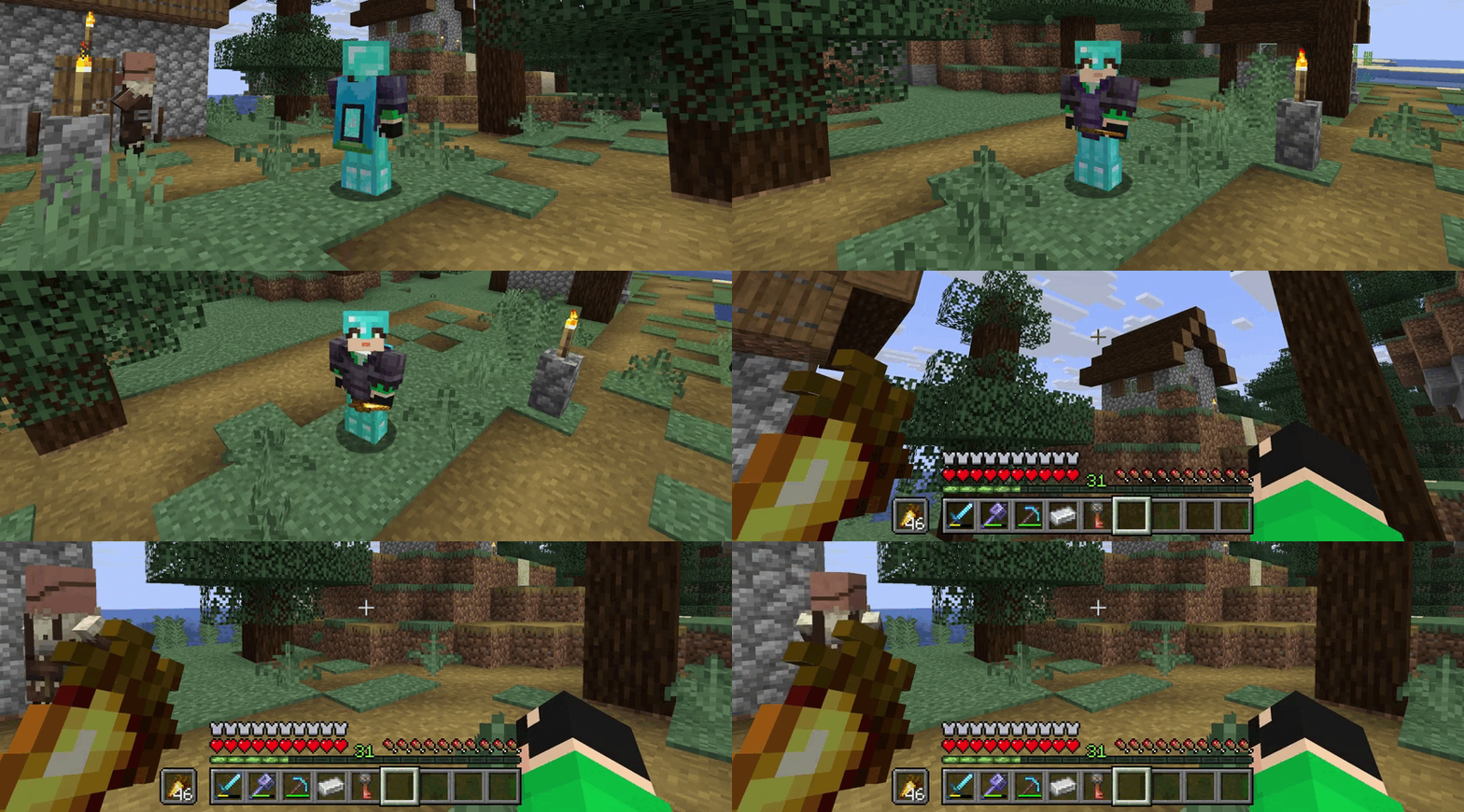
The mod hides the interface on the screen (F1) when the player changes the perspective to a third-person view (F5). This will help to avoid pressing the hide interface button again.