# Update v1.9
For the upcoming **_1.21.5_** the pack will work right out of the box, **no mods needed!**
## New Solo Leveling Weapons!

## New Spellbooks!
These books are magic Spellbooks, rename a crossbow to the name of the book u want!
Use colored fireworks as ammo and it will look like magic projectiles!
– compatible & tested with [CIT-Resewn](https://www.curseforge.com/minecraft/mc-mods/cit-resewn) 1.16 – 1.21.1!
– compatible & tested with [Optifine](https://optifine.net/downloads) 1.16 – 1.21.3!
– should work for all upcoming Minecraft versions since texturepack format doesnt change!
– needs [Optifine](https://optifine.net/downloads) or [CIT-Resewn](https://www.curseforge.com/minecraft/mc-mods/cit-resewn) to work!
– if u need help join my [Discord](https://discord.gg/CdawEAH4va)!
This pack includes unique weapons and shields!
You get them by **renaming** your weapon or shield in an **anvil** to the designated name in the **nameslist** or **spreadsheet**!
Weapons with the **shield-icon** can block,
(model can be applied to shields via renaming) so you can dual-wield them!
Nameslist!
New in 1.9
– Awakened Kasaka’s Fang ⛊
– Kamish Wrath Alpha ⛊
– Kamish Wrath Beta ⛊
New in 1.8
– Demonking Longsword
– Demonking Dagger ⛊
– compatible & tested for 1.16 – 1.20.1!
– should work for all upcoming Minecraft versions since texturepack format doesnt change!
– needs [Optifine](https://optifine.net/downloads) or [CIT-Resewn](https://www.curseforge.com/minecraft/mc-mods/cit-resewn) to work!
– if u need help join my [Discord](https://discord.gg/CdawEAH4va)!
– for more infos visit my [Website](https://www.zerotekz.net/)!
This pack includes unique weapons and shields!
You get them by **renaming** your weapon or shield or tool in an **anvil** to the designated name in the **nameslist**!
Nameslist!
Swords:
– Angelic Sword
– Demonic Sword
– Corrupted Sword
– Angelic Greatsword
– Demonic Greatsword
– Corrupted Greatsword
– Yamato (Devil May Cry 5)
– Dante’s Devilsword (Devil May Cry 5)
– Awakened Devilsword (Devil May Cry 5)
– Bloodthirst (Metal Gear Rising Muramasa)
– Blue Rose (Sword Art Online Alicization)
– Infinity (Infinity Blade)
– Katana of War
– Dagger
– Bloodvein
– Royal Slash
– Golden Splitter
– Death Bringer
– Claws
– Grim
Bows:
– Assassination (Inspired by World of Warcraft) (Bow)
– Daedric (Inspired by TESV Skyrim) (Bow)
– Light Staff
– Lightning Staff
– Fire Staff
A mod that reverts the fix for [MC-113809](https://bugs.mojang.com/browse/MC-113809) in 20w12a+ which brings back the infamous 0-tick farms of pre-1.16. Also reverts [MC-165034](https://bugs.mojang.com/browse/MC-165034) via the [implementation](https://github.com/KingContaria/1.14.4-Emulator/blob/master/src/main/java/me/contaria/emulator114/mixin/entity/FallingBlockEntityMixin.java) from [KingContaria](https://github.com/KingContaria)’s excellent [1.14.4 Emulator](https://github.com/KingContaria/1.14.4-Emulator) so the sand-on-boats farm works.
I think it works up to the latest minecraft version (1.20.2 at the time of writing) but the sand-falling-on-boats only works to 1.17.1.
Zero Particles
This time I present you “Zero Particles” Pack.
its is a simple particles texture pack
which reduces particles in Minecraft.
modified and recreate the particles.
This pack is supported both single player world and multiplayer servers.
version supported
form- 1.16 TO Latest version
make sure you check the file version before downloading the pack
all versions have separate files
Enjoy the “Zero Particles” Pack.
THANKS FOR DOWNLOADING.
Zero Inventory Problems – ZIP Backpacks
# Zero Inventory Problems – ZIP Backpacks
Zero Inventory Problems is a plugin for Spigot based Minecraft Servers that adds backpacks to store there overfully inventorys.
### Features
* Plug & Play
* Highly configurable config
* Support for Spigot based servers 1.19.* (only tested on spigot)
### Requirements
– Java 17 or higher
– Spigot and (probably) any other fork of Spigot (1.19.* or higher)
### Installation
2. Download [Zero Inventory Problems](https://www.curseforge.com/minecraft/bukkit-plugins/zero-inventory-problems/files)
3. Put both in your *plugins* directory
4. Start your server and [configure](https://github.com/Imprex-Development/zero-inventory-problems/wiki/Config) Zero Inventory Problems to your liking
Still having trouble getting Zero Inventory Problems to run check out our [common issues](https://github.com/Imprex-Development/zero-inventory-problems/wiki/Common-Issues).
Zeph’s Vanilla+
# 📕About
My favorite optimization and QoL mods, all in one place. Designed to improve performance while maintaining a strict vanilla feel, with sparse new content along the way. Originally made for a small group of friends, this pack will also work on larger servers. The mods add a few new structures with very few new blocks, with a strict no-new-tools policy. There’s also some mods for technical players thrown in to help them monitor performance and farms.
# 📙Installation Instructions
This pack has been tested in a few of the most popular launchers, but I’ve decided to focus on the Prism launcher, which could be downloaded [here](https://prismlauncher.org). Once you download for your respective platform, follow the install instructions below. There is an auto-updating version of the pack for advanced users which can be found under the mod pack’s [repository](https://github.com/ZephWasTaken/Zephs-Vanilla-Plus).
> 1. Download the mod’s .mrpack file for the latest version
> 2. Open the .mrpack file with the Prism launcher
> 3. Click the browse button and change the file type from .zip to .mrpack
> 4. Select the .mrpack file from wherever you downloaded it to
* There is an auto-updating version of the pack which can be found above, but should be used only if you’re familiar with debugging the install
AntiXRay
# 🛡️ zepAntiXRay — Hide Ores from X-Ray Cheaters
**Anti XRay** protects your server from players using X-Ray resource packs or hacked clients to locate ores. Ores are hidden **server-side** and only revealed when a player is close enough or has direct line of sight.
—
## ✨ Features
– **Hides ores server-side** — Diamond, Emerald, Gold, Iron, Redstone, Lapis, Ancient Debris and more
– **No client mod required** — works completely server-side
– **Lightweight** — minimal performance impact on your server
– **Simple & focused** — does exactly one thing, and does it well
—
## ⚙️ How it works
Ore blocks are **replaced with stone** in the chunk data before being sent to the client. They are only revealed when a player is **close enough**, preventing any X-Ray cheater from spotting them at a distance.
This pack is a fully custom default edit designed to give you a clean, optimized, and visually appealing experience for both SMP gameplay and PvP combat.
Every texture, detail, and tweak was made exclusively by Battlezent, ensuring a unique style with no reused assets.
🔥 Features
🎯 PvP Improvements
Clean & sharp sword models for better visibility
Reduced fire and particles for clearer duels
Optimized armor and item textures
Clear hit particles and improved critical effects
🌿 SMP Enhancements
Slightly improved blocks while keeping the classic default feel
Better item clarity for survival progression
Smooth UI elements for crafting, inventory, and menus
🎨 Visual Style
Faithful to vanilla but noticeably cleaner
Soft color adjustments for a more modern look
Consistent art direction — all made by Battlezent
⚙️ Performance
Lightweight and FPS-friendly
Great for low-end and high-end PCs
Works smoothly on most versions (adjust as needed)
Suggestions and feedback are welcome!
Zenitsu katana from anime Demon slayer
OptiFine required!
( Rename Any sword to “Zenitsu katana” to use it. )
For support, download this resource pack from my website:
[zenitsu_katana.zip](https://mineanimecreations.com/resource-pack/zenitsu_katana.zip)
Discord server: discord.gg/z86yJcAZKc.
Also check out my other packs: https://modrinth.com/user/MineAnimeCreations
Resource pack makes it possible to replace any sword with a Zenitsu katana from the anime Demon Slayer by renaming
Zenith’s LUT Shader
# Zenith’s LUT Shader
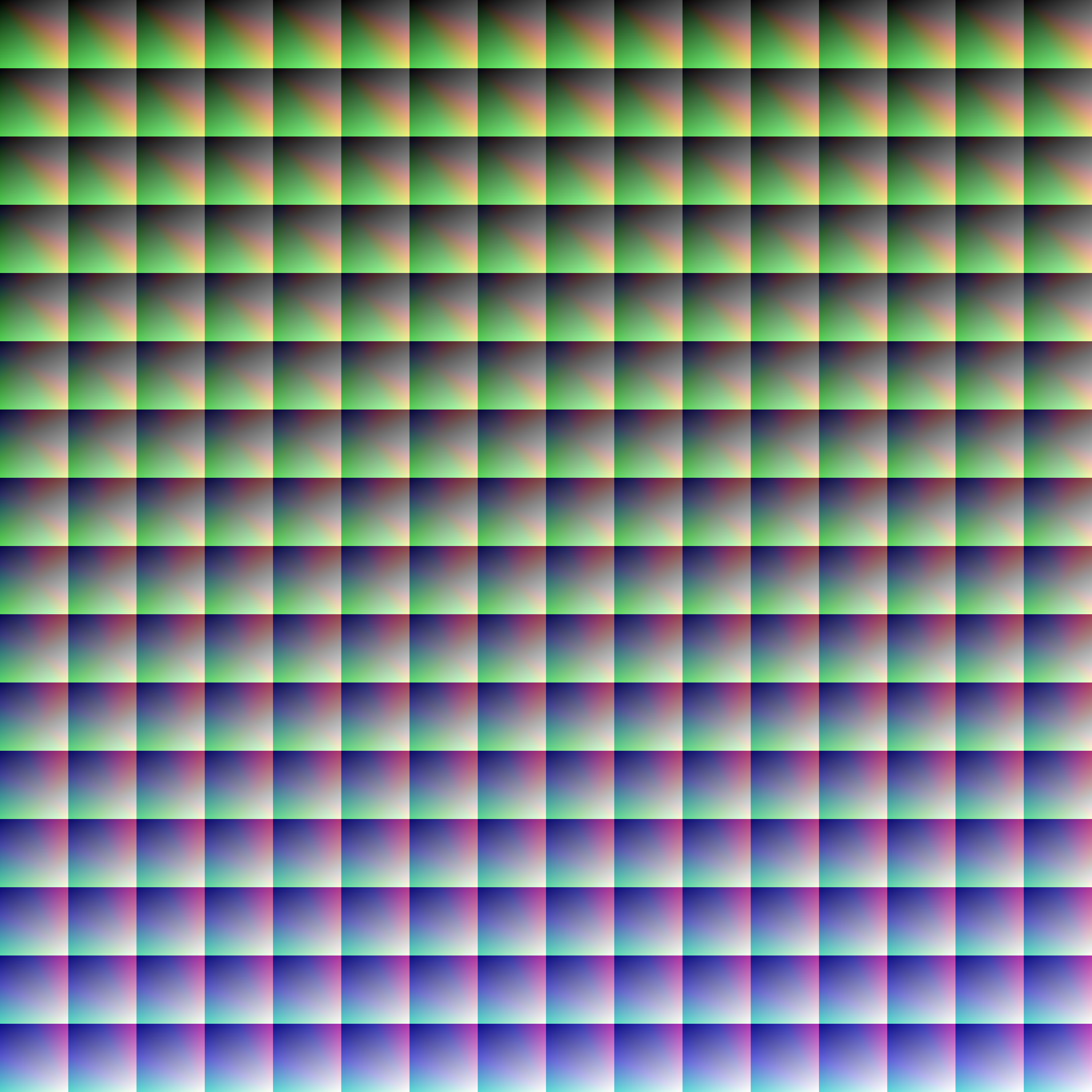
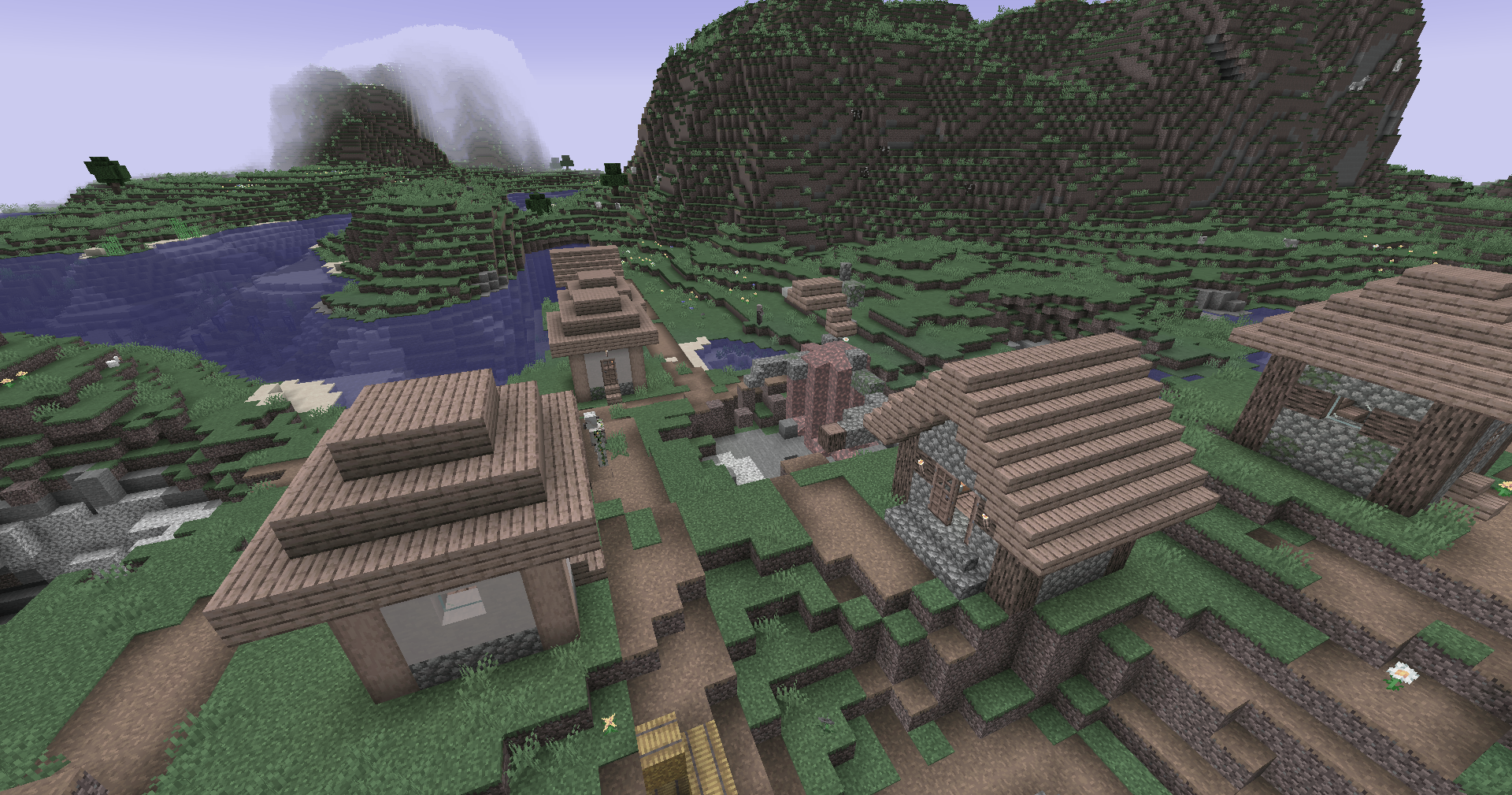
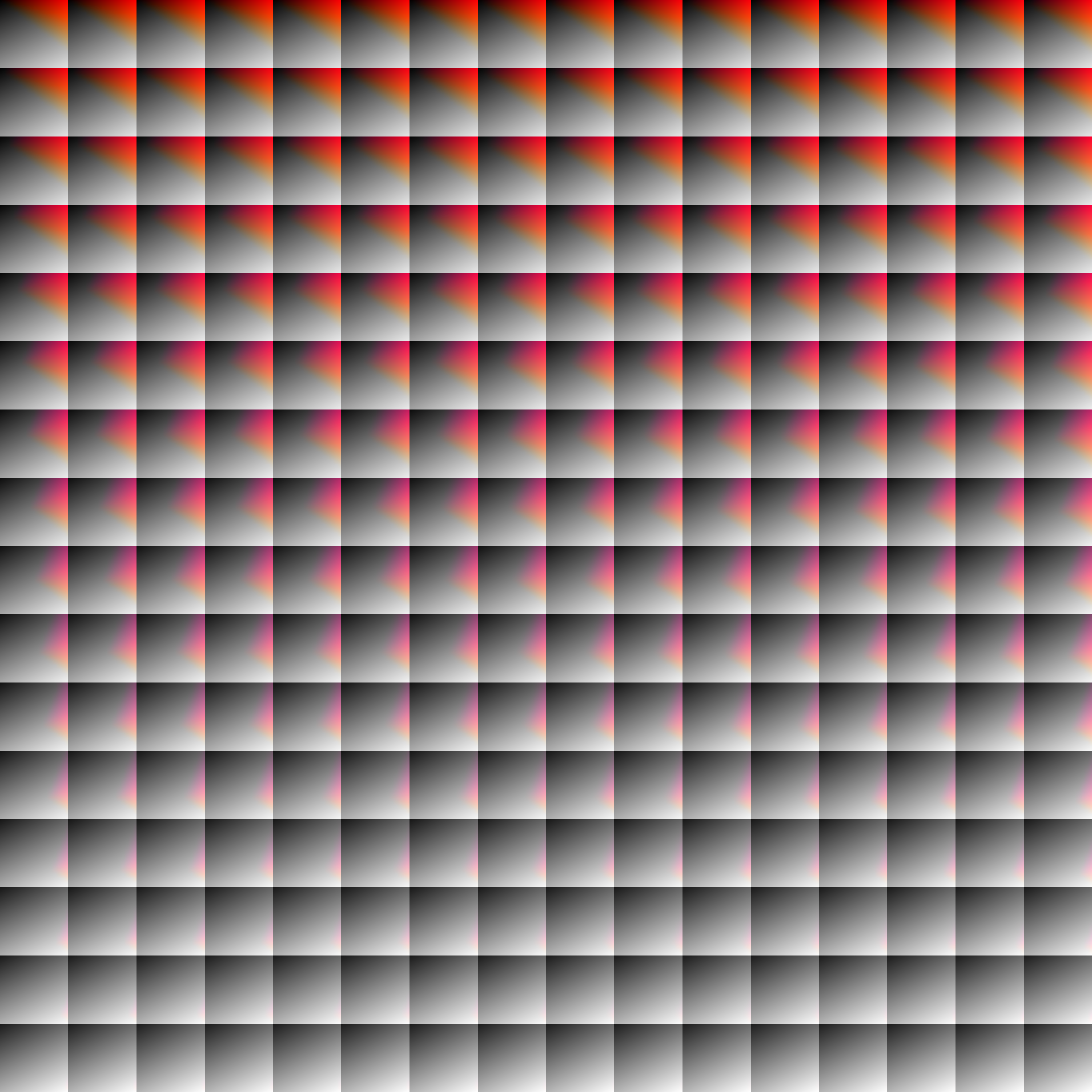
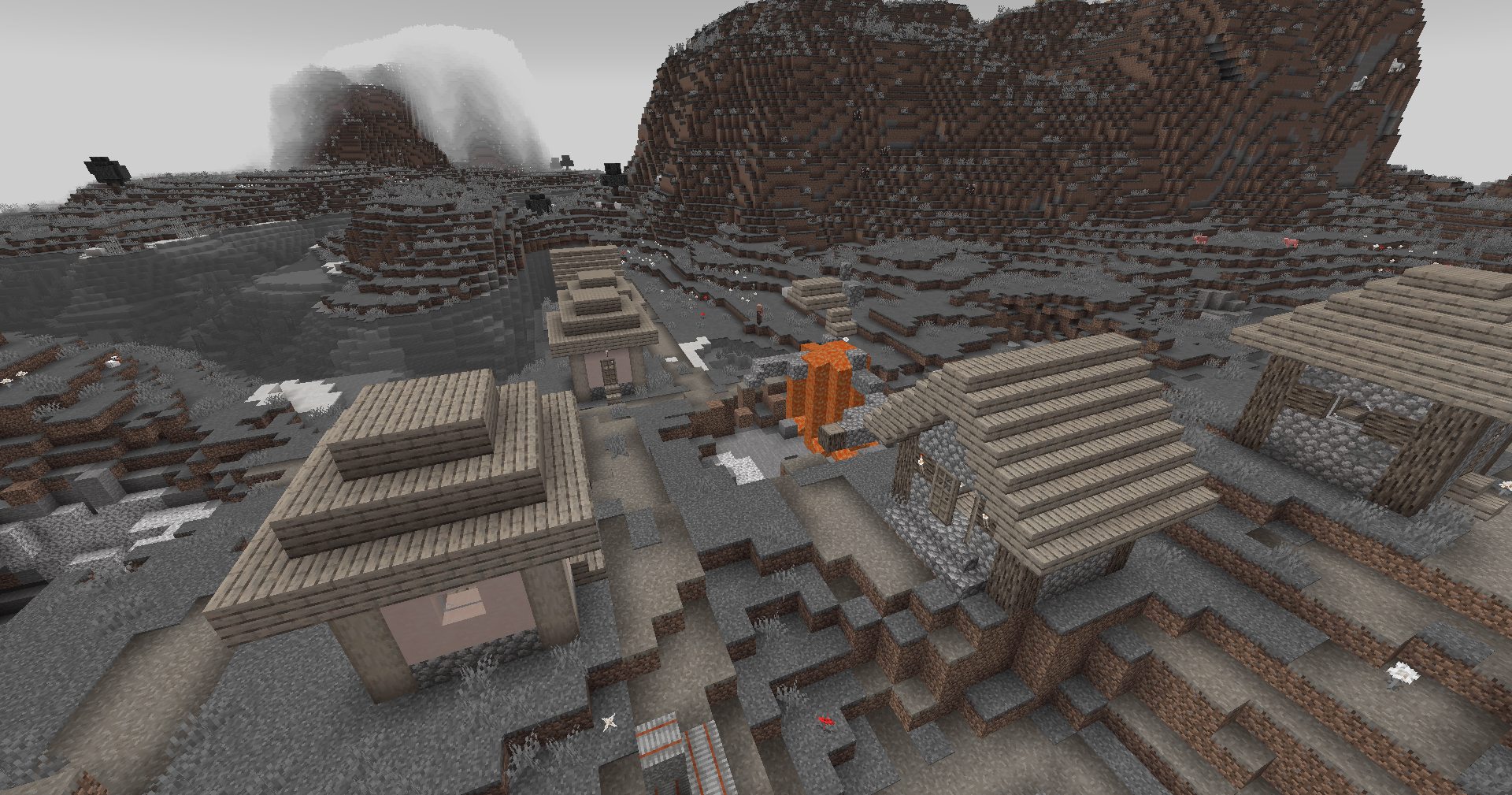
This simple vanilla shader allows you to customize the colors of your game by use of color lookup tables or LUTs
## Customization
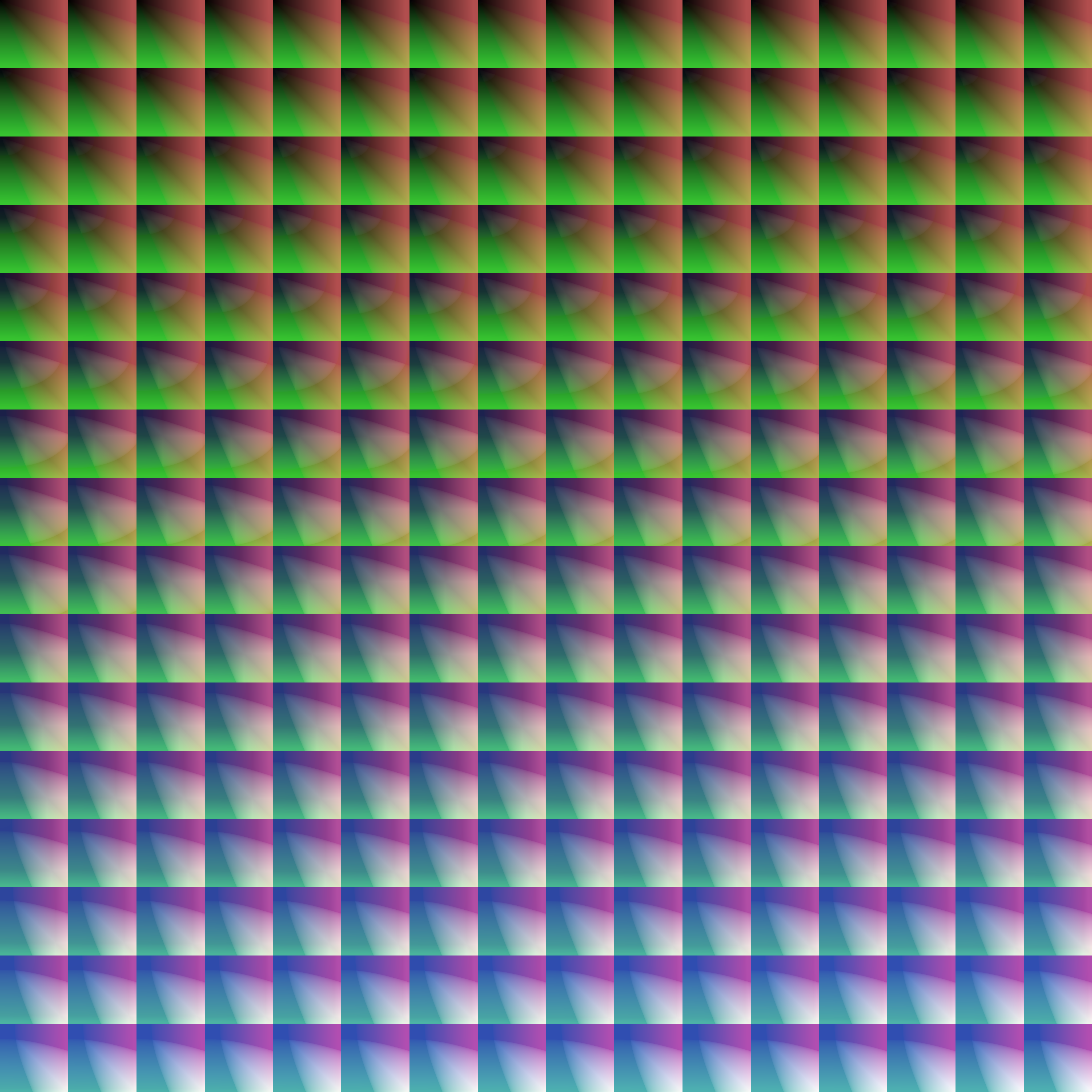
Provided within the pack zip, you may find a file called `init_LUT.psd`, which will allow you to customize the look and feel of this shader.
Customization Instructions
Open init_LUT.psd into your favorite photo editor (IE GIMP, Photoshop, Affinity Photo)
I personally use the free online Photoshop alternative Photopea
You can also just use the unmoddified init_LUT.png which is also provided in the zip
Apply as many adjustment layers, or edit the ones I have pre-selected, to achieve the look you desire
These can be found under Layer > Add New Adjustment Layer
Hide the color preview layer HIDE BEFORE EXPORT
Export into the pack as assetsminecrafttextureseffectlut.png or shaderslut.png, depending on whether you are using Vanilla or Iris/OptiFine
Example LUTs
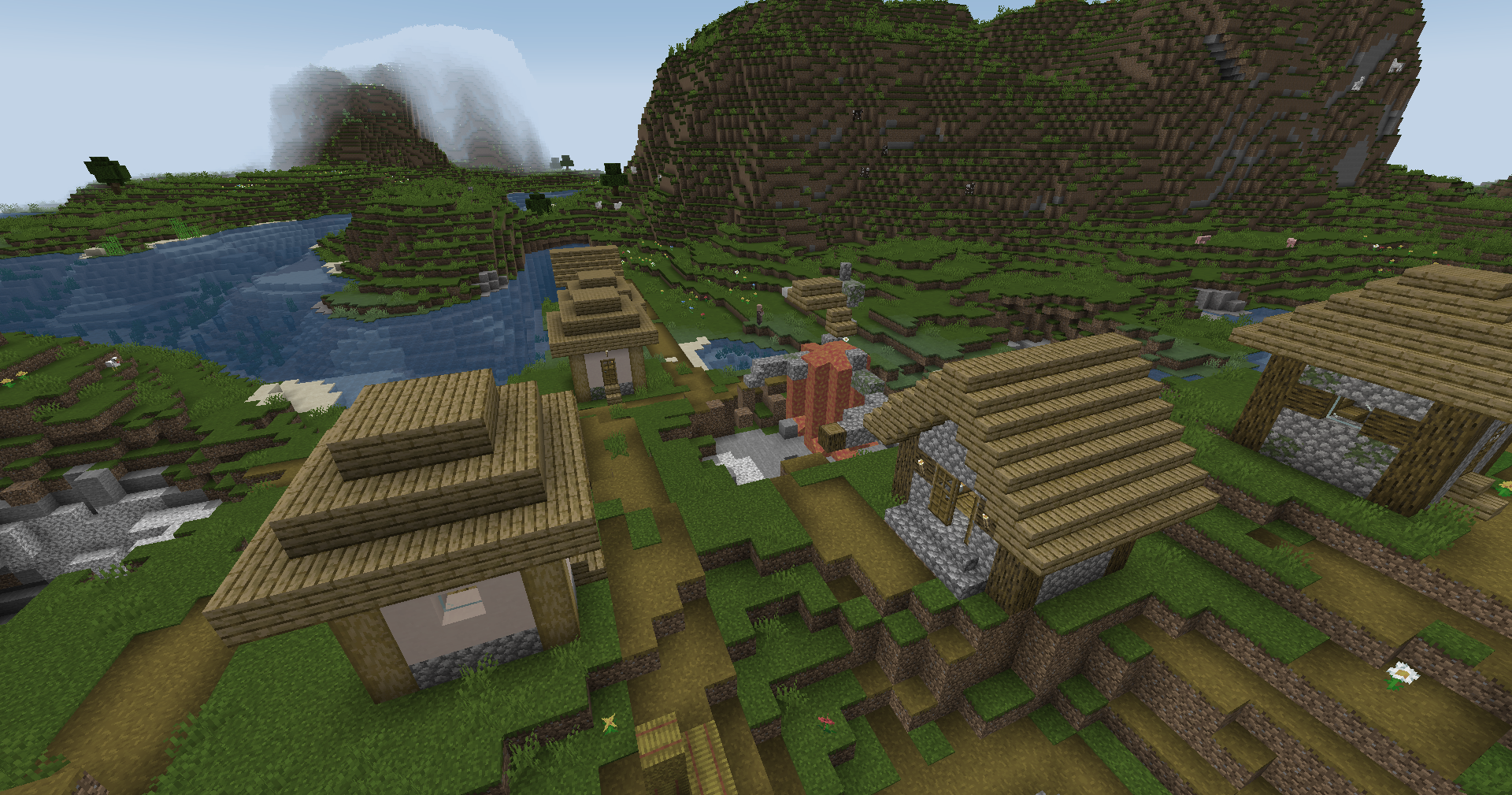
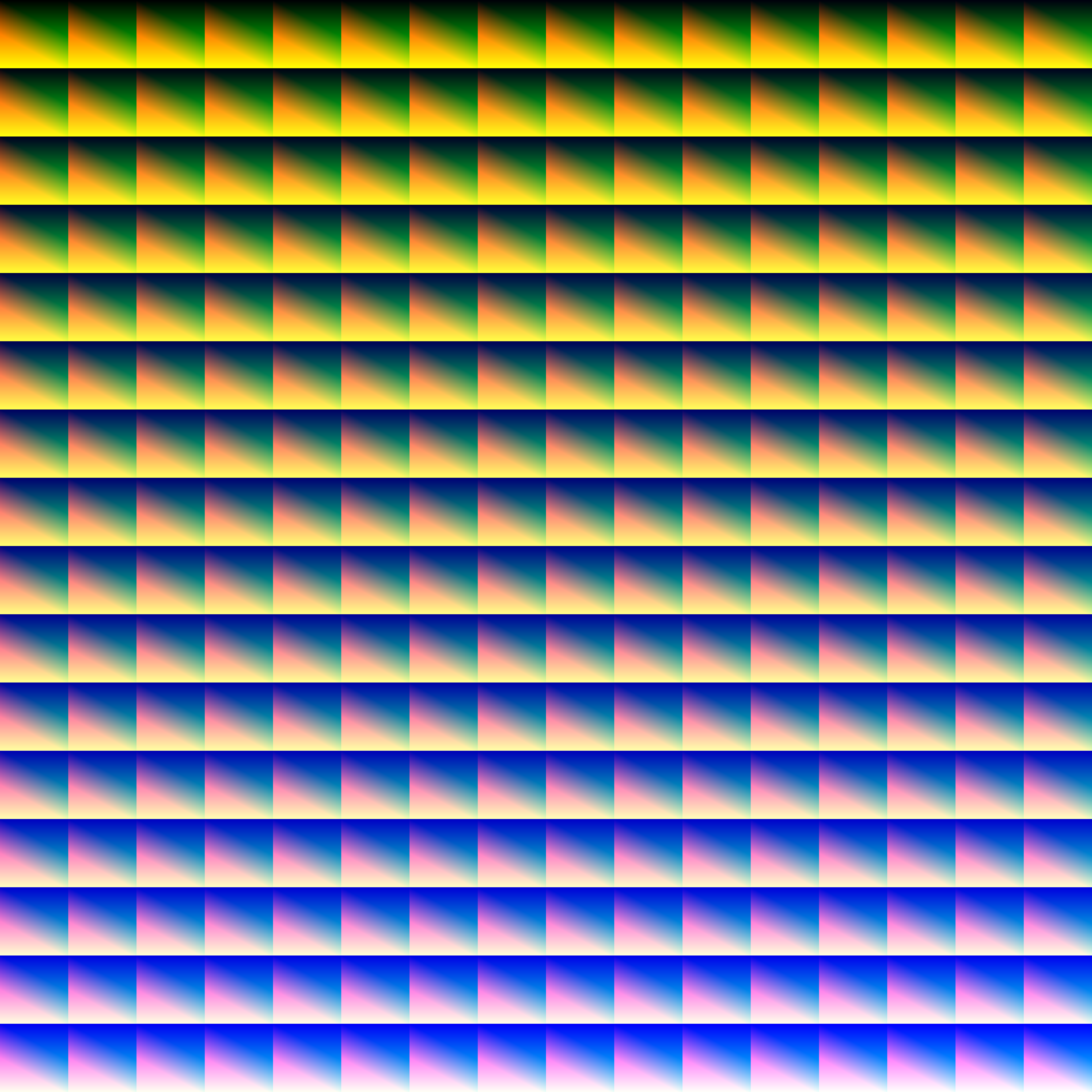
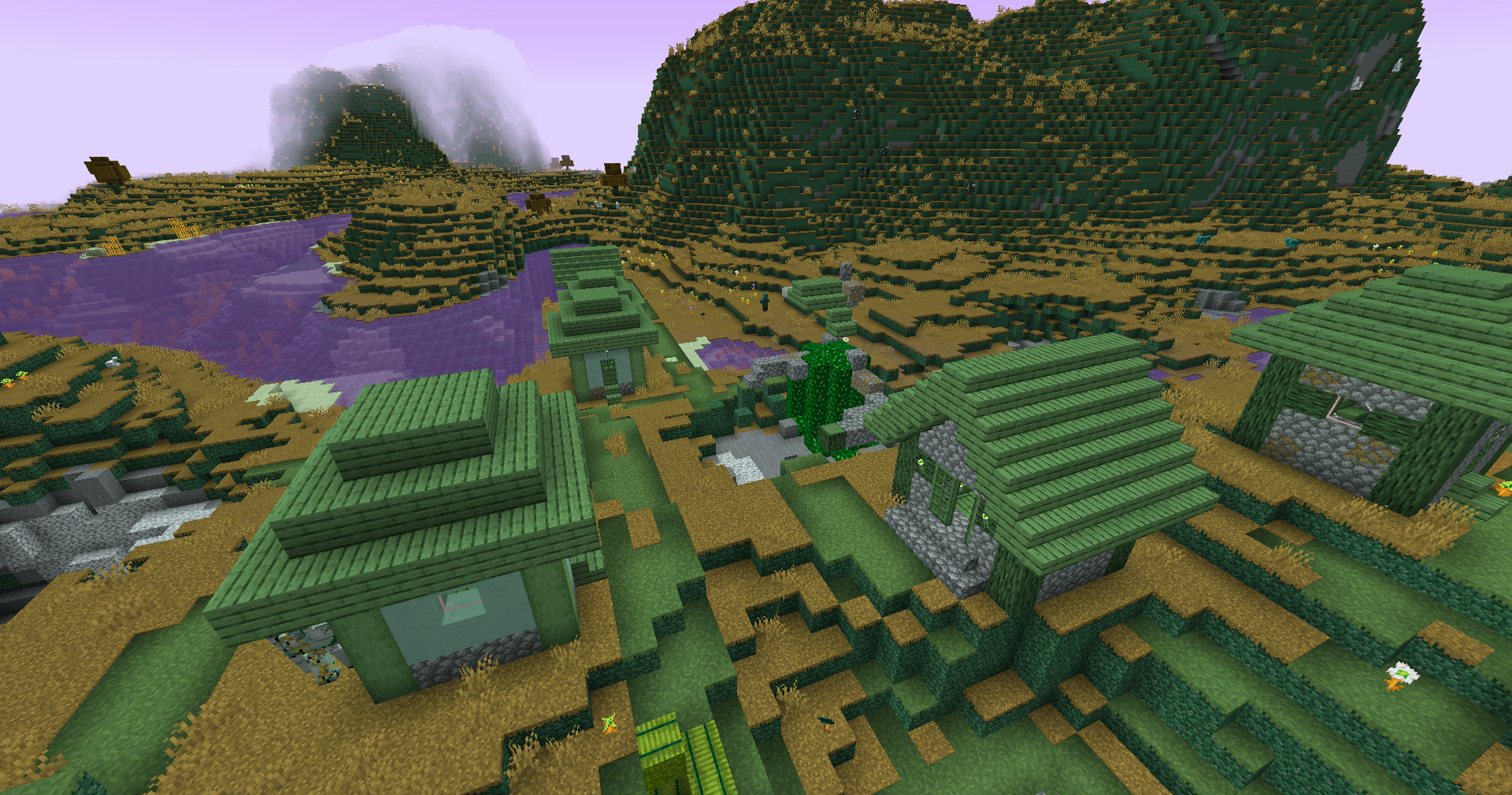
Save one of the LUTs below as assetsminecrafttextureseffectlut.png or shaderslut.png, depending on whether you are using Vanilla or Iris/OptiFine:
LUT
Preview
Reduced Reds
Red Isolated
Darkened World
Wut
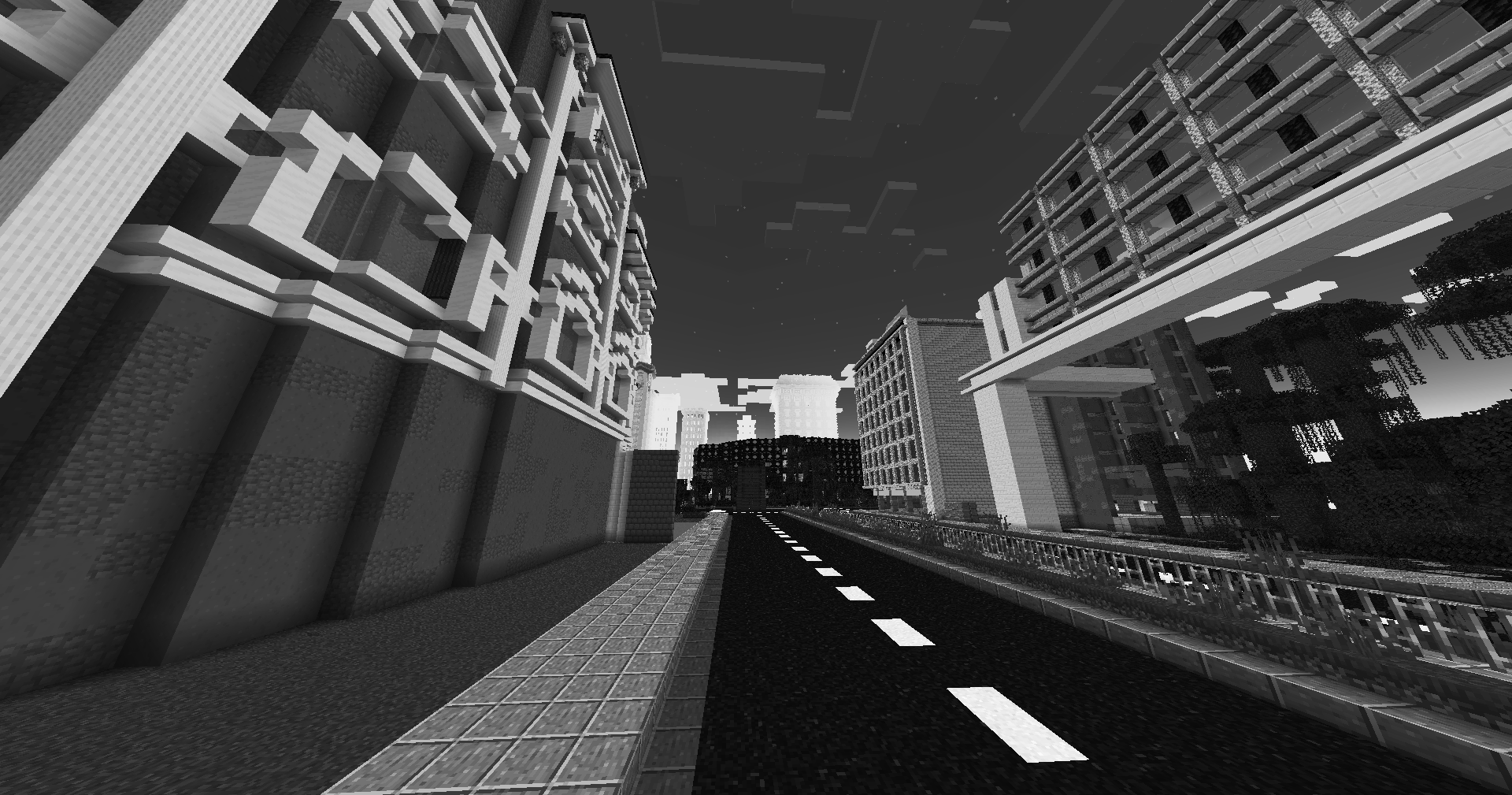
Dramatic Black and White
Redistribution
If you wish to share your own custom LUT, please direct your users to download Zenith’s LUT Shader alongside your pack, or mark it as a dependancy on Modrinth