nerdPVP
# NerdPVP – A Clean & Competitive PVP Resource Pack
### WARNING : This pack is still in alpha and NOT complete
## Overview
Nerd PVP is a streamlined resource pack designed for competitive Minecraft PVP. It enhances visibility, reduces distractions, and optimizes key elements to give you a tactical edge in combat. Whether you’re playing Bedwars, SkyWars, or Faction PVP, this pack keeps your focus sharp and your performance crisp.
## Key Features
– ✔ Clear & Minimalist Textures – Removes visual clutter for better enemy tracking.
– ✔ Optimized Sword & Tool Designs – Clean, high-visibility models for fast-paced combat.
– ✔ Low Fire – Less obstruction during fights.
– ✔ 16x Resolution – Balanced performance for smooth gameplay.
## Compatibility
Works on Minecraft [version (1.16.x, 1.17.x, 1.18.x,1.19.x, etc) ]
Supports OptiFine (connected textures, custom skies).
FPS-friendly (compatible with Sodium, Iris, etc.).
## Installation
Download the .zip file.
Place it in your resourcepacks folder.
Activate in-game via Options > Resource Packs.
## Feedback & Updates
Suggestions or bug reports? Say it in the discord server or DM me directly. Updates focus on community-driven improvements!
## Developer note
You can use textures from this pack, just credit the pack maker “membercatcousin”
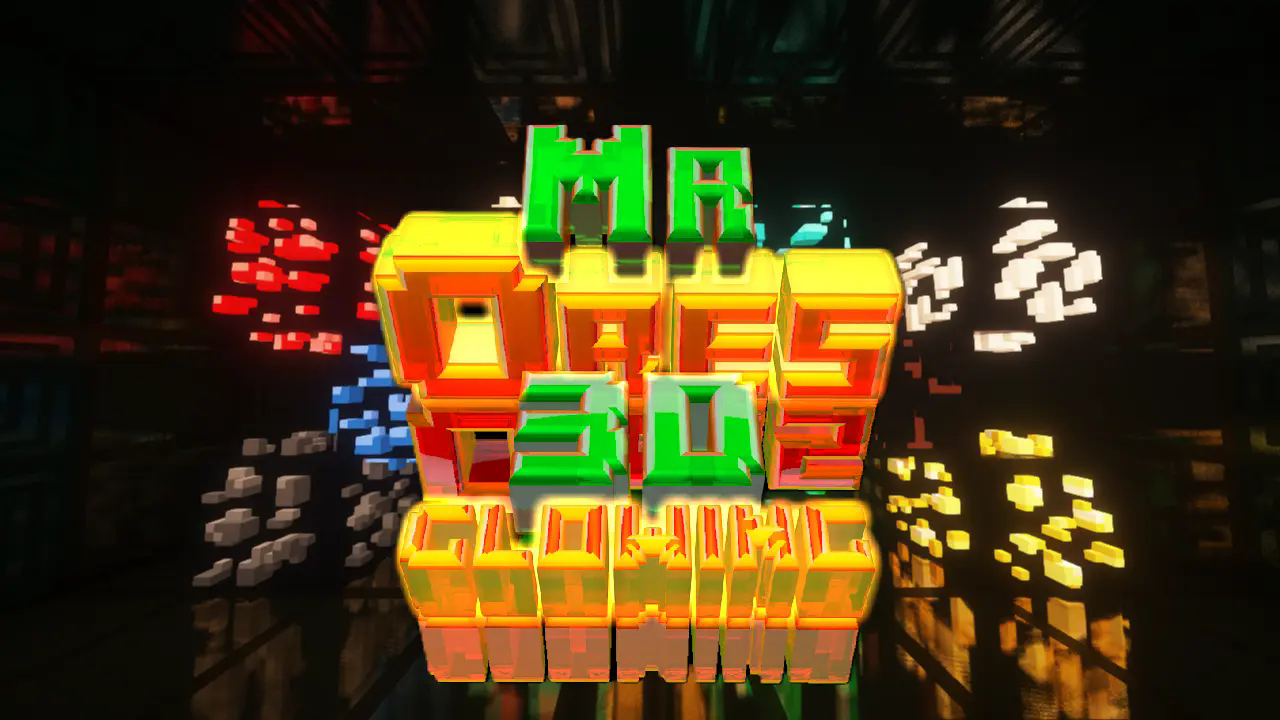
MrOres 3D Glowing (Optifine/Continuity)
**MrOres 3D Glowing (Optifine/Continuity)** — Resource Pack.

A donation makes my time worthwhile; please consider supporting me if you like this content.
MrOres 3D Glowing is a resource pack that transforms Minecraft ores into custom 3D models with advanced glowing effects, designed specifically for users who play with OptiFine or Continuity. It takes full advantage of emissive textures and connected texture systems to deliver a visually enhanced experience.
This version requires either OptiFine or Continuity to function properly, as it relies on features not available in Vanilla Minecraft. It is ideal for players who want immersive lighting effects and refined visual feedback across ores.
For those who prefer a Vanilla-compatible experience without mods or shaders, a separate version is available: MrOres 3D Vanilla Glowing, which works flawlessly in standard Minecraft environments.

✨ Features:
Custom 3D models for all ores
Glowing effects visible in dark and dynamic environments
Requires OptiFine or Continuity for emissive texture support
Optimized for connected textures and modded environments
Vanilla-compatible version available in MrOres 3D Vanilla Glowing.

Terms of Use for the Resource Pack “MrOres 3D Glowing”
Created by: MrTuGaa
This resource pack was created solely for aesthetic purposes within Minecraft Java Edition. It includes models, textures, and other visual elements designed by the original author.
✅ Allowed:
– Use the resource pack to play Minecraft.
– Share the resource pack on social media, videos, servers, or communities **as long as the official download link is included**.
– Include the resource pack in modpacks or collections, **without modifying it** and **keeping its original name**.
❌ Not Allowed:
– Sell, monetize, or distribute the resource pack as if it were your own.
– Modify, rename, or alter any part of the content.
– Reuse models or textures in other projects without explicit permission from the author.
This work is protected by copyright. Any unauthorized use will be considered a legal violation.
—
Términos de uso del resource pack “MrOres 3D Glowing”
Creado por: MrTuGaa
Este resource pack ha sido creado con fines exclusivamente estéticos para su uso dentro del juego Minecraft Java Edition. Incluye modelos, texturas y otros elementos visuales diseñados por su autor original.
✅ Permitido:
– Usar el resource pack para jugar Minecraft.
– Compartir el resource pack en redes sociales, videos, servidores o comunidades **siempre que se incluya el enlace oficial de descarga**.
– Incluir el resource pack en modpacks o colecciones, **sin modificarlo** y **respetando su nombre original**.
❌ Prohibido:
– Vender, monetizar o distribuir el resource pack como si fuera propio.
– Modificar, renombrar o alterar cualquier parte del contenido.
– Reutilizar modelos o texturas en otros proyectos sin autorización expresa del autor.
Este trabajo está protegido por derechos de autor. Cualquier uso no autorizado será considerado una infracción legal.