Block Hitboxes Indicator

—–
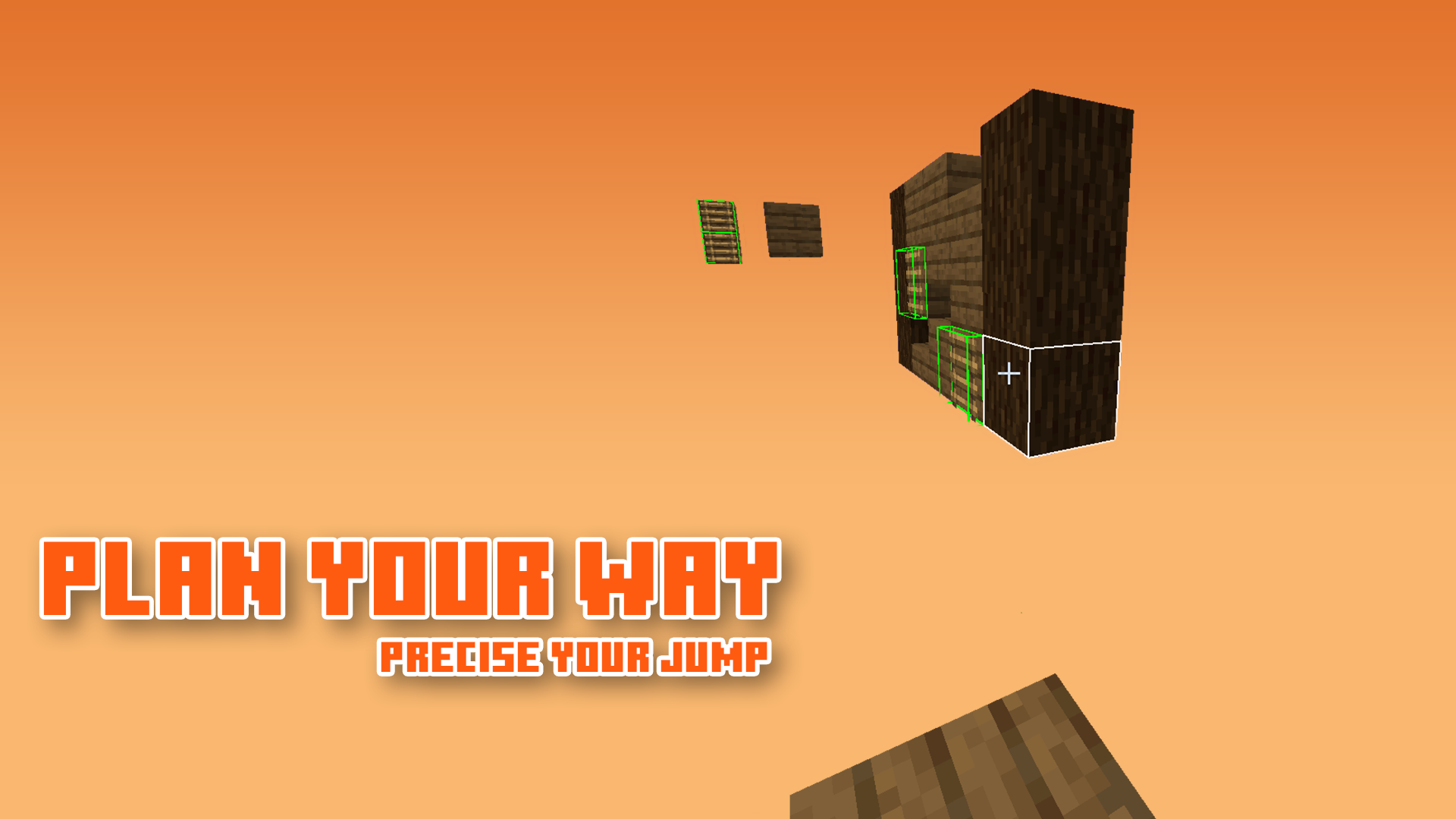
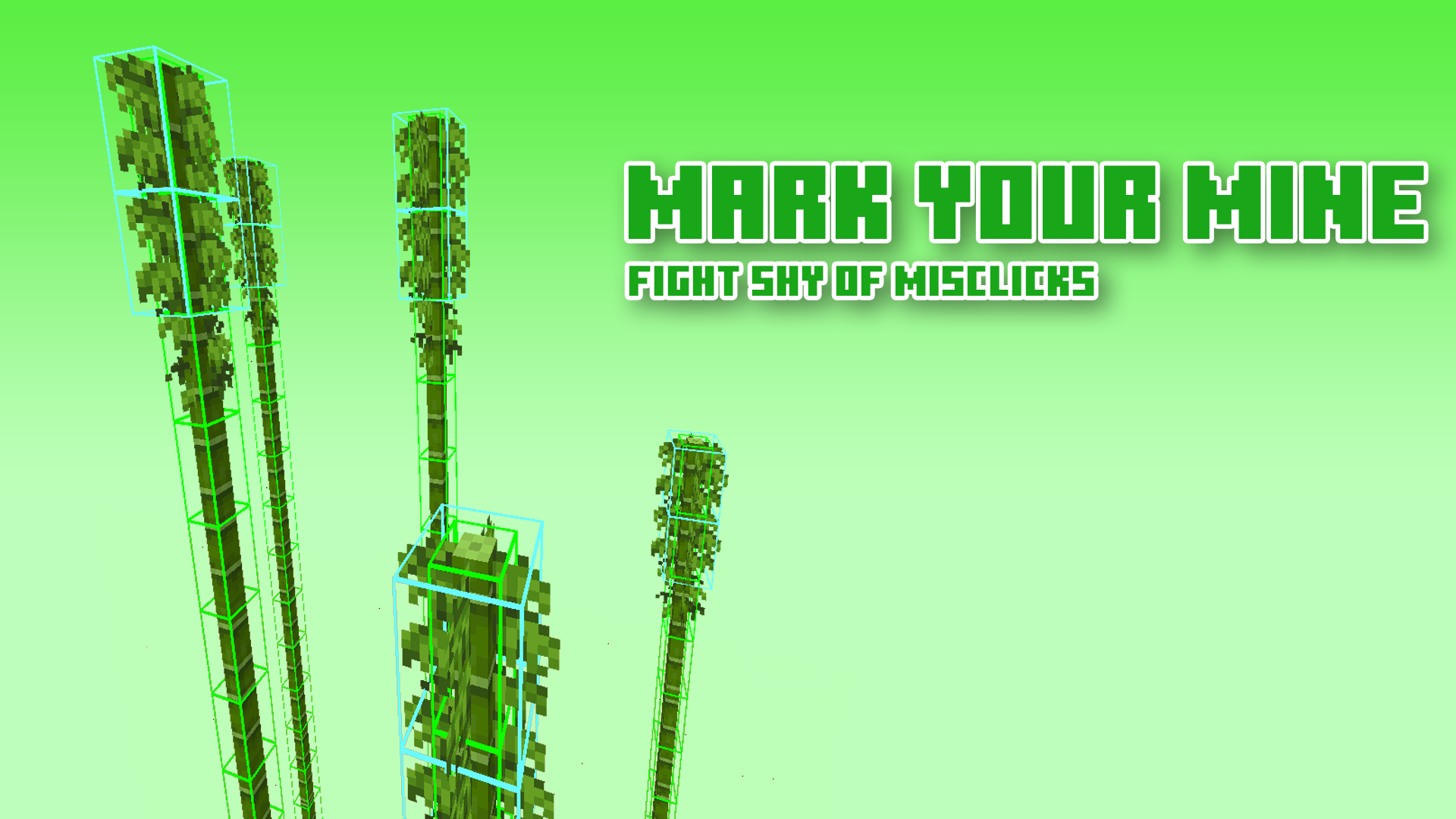
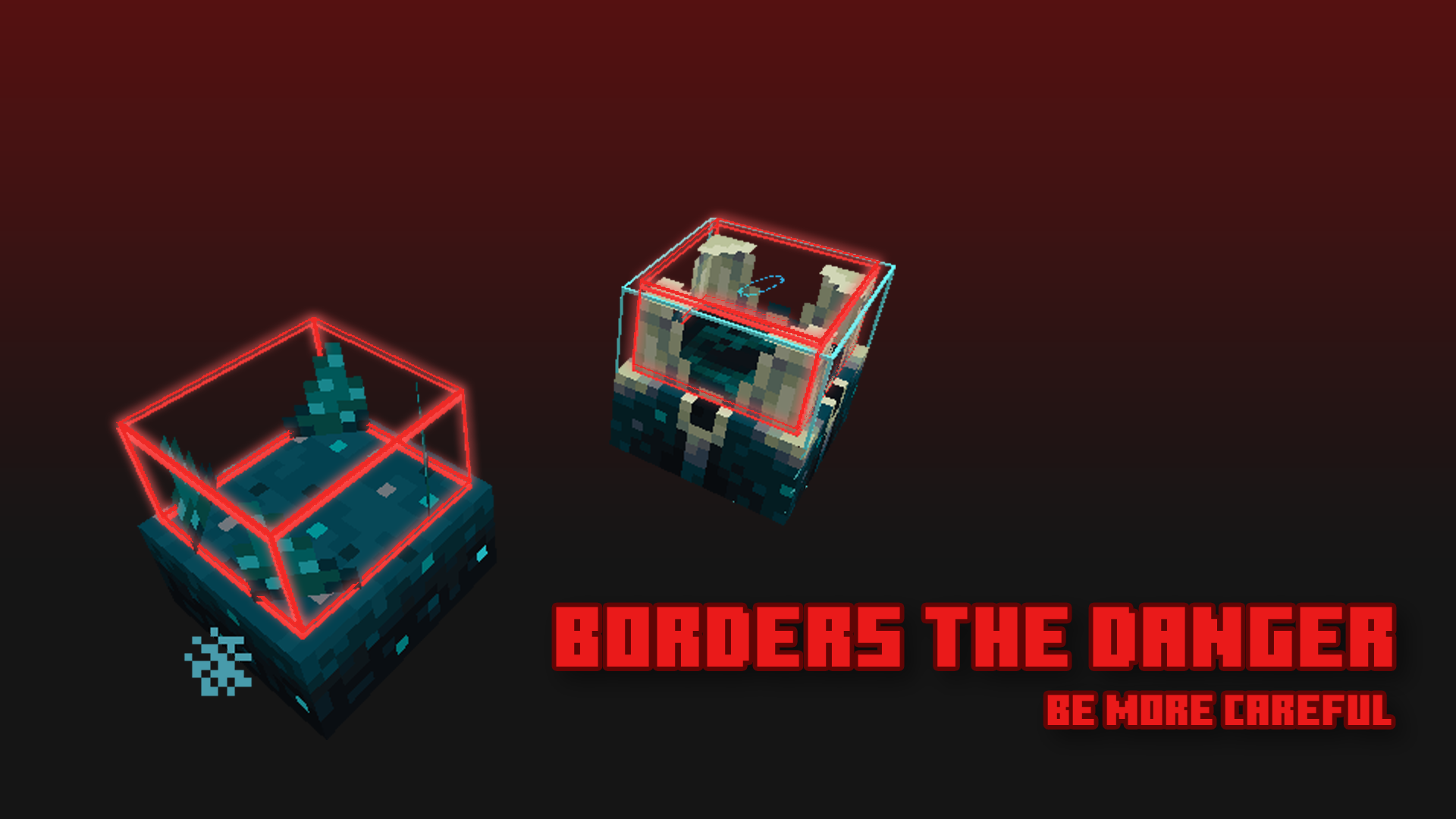
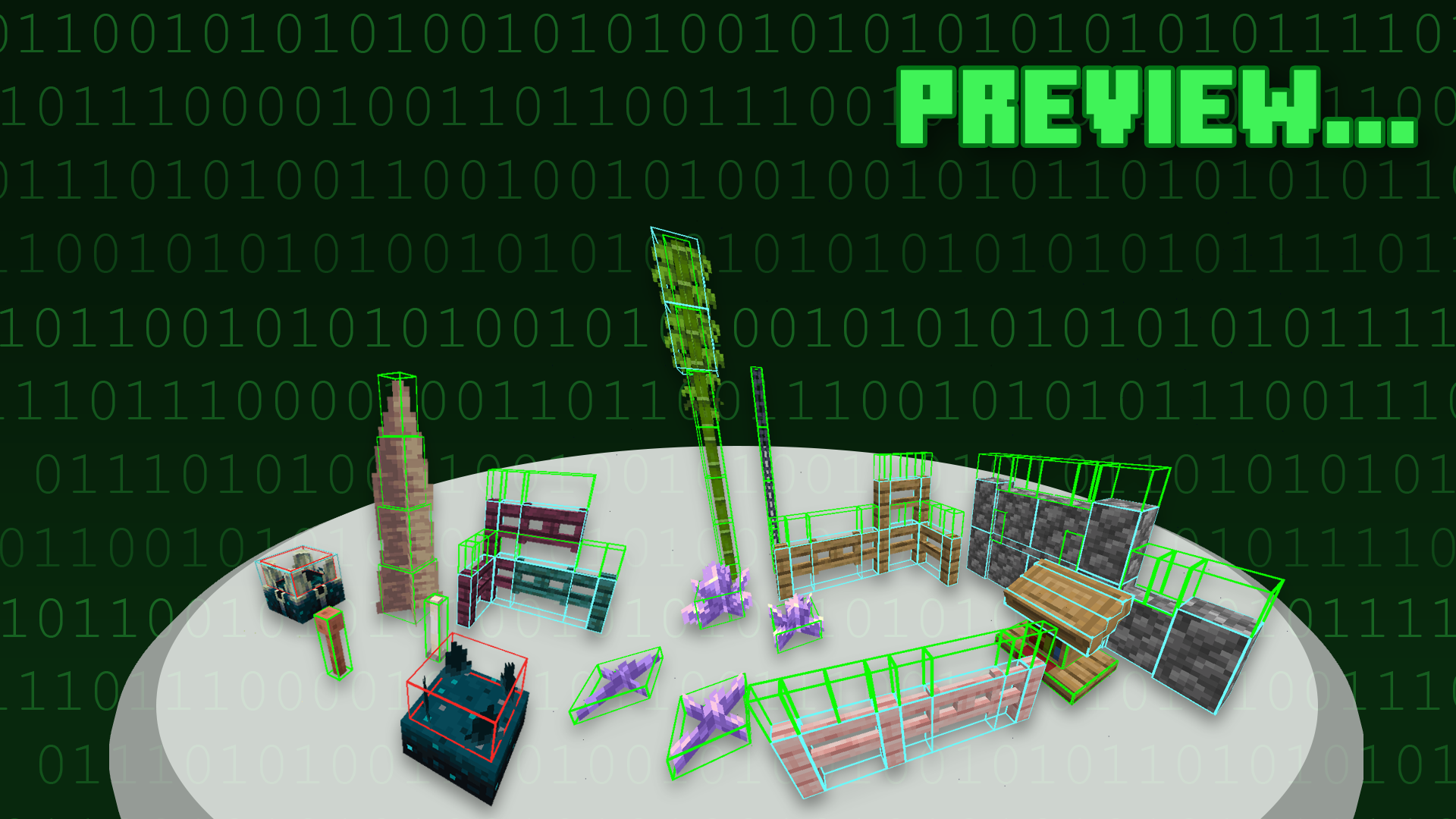
More Screenshots
## Description
Block Hitboxes Indicator reveals the actual hitbox of the block so that you can do things without a jam; it shows the part where you can interact with them (through mining or placing next to them) and the part where their collision is present.
**For images, see Gallery**
## Information & Recommendation
Here is what the hitbox color indicates:
| Color | Shows Collision | Shows Interaction | Shows Activation * |
|——-|—————-|——————-|—————–|
| Green | True | True | False * |
| Cyan | True | False | False * |
| Red | False | False | True * |
–|| * As of 1.20, the red hitbox no longer works like it was, as of the new hitbox update. ||–
### Recommend using this with Sodium, as it fixes the weird-looking lighting.
But if you can’t, you can turn off the “Smooth Lighting” option in-game.
—–

—–
## Terms of Use

[Protected under a “NaiNonTheN00b1’s ToU [Class II]”](https://nainonth.github.io/tou#classii)
## Additional Note
– OptiFine is optional — more like a good-to-have.1
– Sodium is recommended
## Footnote(s)
1. Possibly be a frequently-asked question.
## Crediting
Thank you everyone for suggesting blocks!
BetterHotbar+


## 📚 | ABOUT
• Minecraft Vanilla’s hotbar has not been updated in a long time, and it lacks a bit of modernity. That’s why I made this resource pack 16x with the intention of improving the design of the hotbar, while still staying true to the Vanilla aspect of the game. 💎✨
## 🎨 | OTHER VERSIONS
• BetterHotbar+ (Transparent Version)
## 🏷️ | CREDITS
• Resource pack created by t2rtle (ARR) ©️✨
## 📦 | MODPACKS & VIDEOS
• You may freely use this resource pack in any modpack as long as the download remains hosted within the Modrinth ecosystem. ☕✨
• You are also free and welcome to create video/stream content (YouTube, Twitch, TikTok, etc.), and it is not necessary to give credits or link to this page. However, if for any reason you want to provide the download to your viewers, you must link to this page and not distribute the download outside the Modrinth ecosystem. 📽️✨

## 📮 | QUESTIONS
• 01. Can I distribute your resource pack? 📌
> R: **No**. Do not distribute my projects anywhere. 📌
BetterGoldBlock
Adds A W Gold Block
BetterFont+
Text font of the game with small changes, however, much better and with a vanilla style! 😎
• *It also has a 100% **BLACK** version (the **dark** version). 🌙*
• *Supports **textures** that change the game **interface**. 📌*
**Warning**: the texture itself is still in **testing**, meaning there may be **bugs**. Another thing too, if you want to use it in something, left the **credits** linking the link this page back in your project (modpack, server multiplayer, and others). ⛔
**CREDITS**: @t2rtle (**creator/owner** and **designer** of the **BetterFont+** resource pack). 👑
*Dark version (with “BetterHotbar+ default” resourcepack):*

*Default version (with “BetterHotbar+ dark” resourcepack):*

Better Enchanted Golden Apple


Adds a Custom Item Texture for the Enchanted golden Apple!
This solely changes the texture for a Enchanted golden Apple. Nothing more. Nothing less.
For 1.21.4 and below you NEED Optifine or CIT Resewn!!!

Better Command Block UI
*Tired of holding down your arrow keys to get to the middle of a long command, only to overshoot and spend another half an eternity backtracking? Wishing you could just see the whole thing in a more structured format without needing to copy it into external software and back again?*
This **_clientside_** mod intends to address these issues and more by completely overhauling the Command Block UI.
Current features:
– Multi-line command text field
– Automatic indentation based on parentheses
– Colorcoding of nested NBT data
– Line wraparound
– Horizontal and vertical scrolling
– Improved selection & erasing
– Click-and-drag selection
– Double click word selection
– Ctrl-erasing only erases actual words instead of all NBT
– Adapts to UI scale and window dimensions
– Reorganization of existing buttons
– Command block state buttons (Type, conditionality, power mode, output tracking) reduced to simple icons with tooltips
– New button to switch between viewing the command and output
– Command block chain navigation
– Buttons to move backwards and forwards through the chain without leaving the UI
– If multiple blocks point into current one, all of them are listed with the direction they’re in as a tooltip. The one “in line” with the current block will be listed first
– UI Button and CTRL + S to save without leaving the UI
– Tools window
– Rotation selector, outputs radians
– Color selector, outputs integer and hex code
– Area selector keybind
– Press ; to select two opposite corners of a volume (akin to WorldEdit), and the mod will put the corresponding area selector (x=..,y=..,z=..,dx=..,dy=..,dz=..) in your clipboard
– Config options
– Fully configurable indentation behaviour
– Optional auto-saving when closing the screen or moving along chain
– ModMenu support
– Compatible with NBT Autocomplete, Component Utils, Better Suggestions, and Better Highlighting

As mentioned, the mod is entirely **clientside**. It takes in the command as received from the server and just displays it across multiple lines and with indentation, but doesn’t actually add any line breaks to it.
Better Visible Ores
# Emesive Textures Of Ores Without Optifine 
# 1.21.2+ works without OptiFine
# Below 1.21.2 requires OptiFine for emissive textures
This texture pack improves the visibility of resource ores in Minecraft. It changes the textures of to make resources easier to spot while mining, without changing gameplay mechanics.
The pack helps players mine more efficiently and saves time by making ores clearer and easier to recognize. It is especially useful for survival players, or anyone who wants a smoother and less frustrating mining experience.
This is a visual-only texture pack and does not affect game balance or give gameplay advantages beyond better visibility.
Better Zombie X Herobrine
Transform your Minecraft experience with Better Zombie X Herobrine A terrifying and unique texture pack that completely reimagines the classic zombies.
Every zombie you encounter is replaced with a haunting Herobrine version
featuring glowing white eyes that pierce through the darkness creating an unsettling atmosphere for your worlds.
Perfect for adventure maps, horror-themed servers
or just adding a creepy twist to vanilla gameplay. This pack focuses on entity and model textures
Altering the visual appearance of zombies while keeping Minecraft’s vanilla feel intact. With a resolution of 16x–32x, it balances clarity and performance
Ensuring smooth gameplay on most systems. Whether you’re exploring dungeons, fighting mobs, or building eerie landscapes Better Zombie X Herobrine adds a chilling and memorable visual
If the menu looks strange or is missing textures, that’s normal, but it won’t affect your gameplay.
Element that will keep players on edge. Experience the horror… if you dare.
Better Weather Sight
# Better Weather Sight
## What it does?
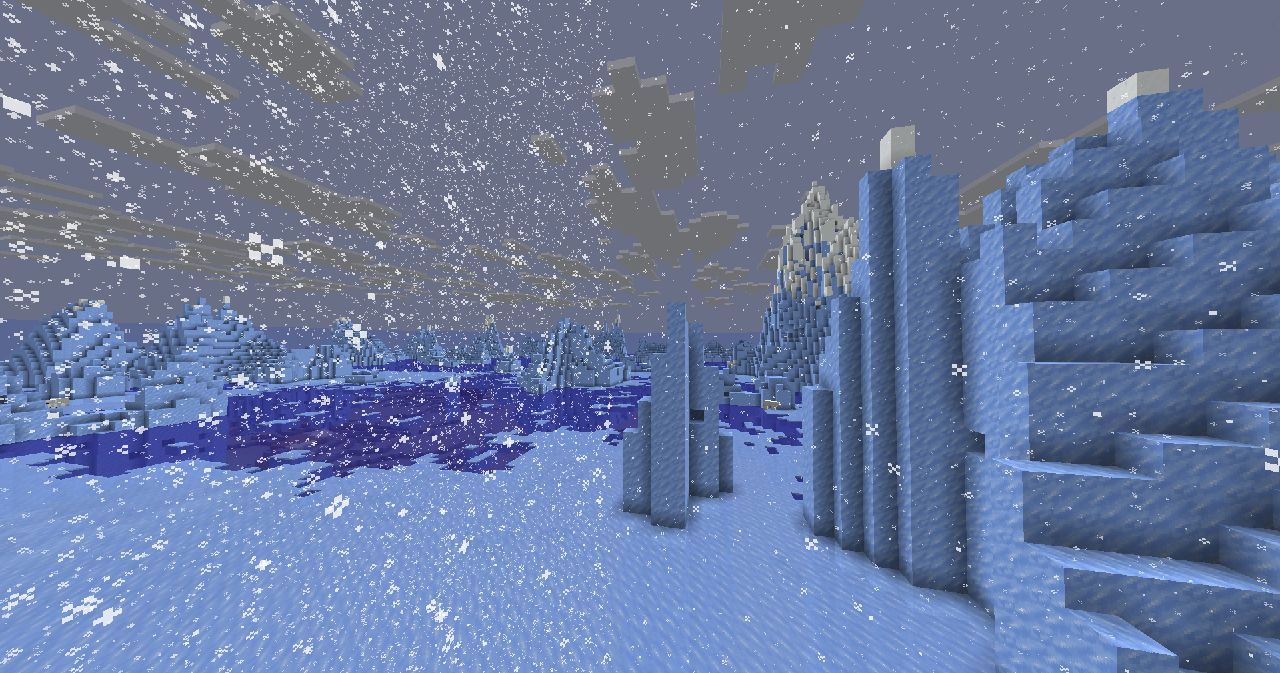
– Makes **rain, snow** doesn’t hide your sight
### Troubleshooting
Weather is still hiding my sight!
Make sure this resource pack is placed above other resource packs in the order.
[PBR]Better weapons and tools(更好的武器和工具)
## Overview
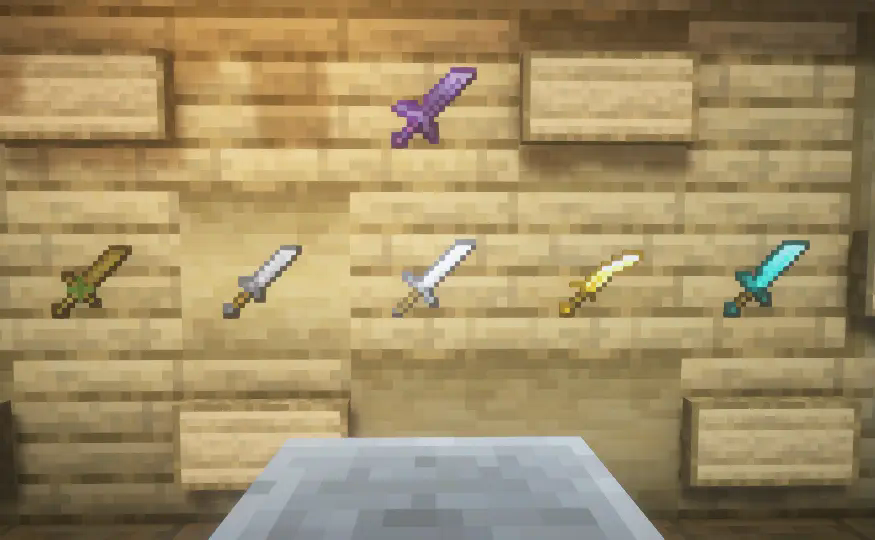
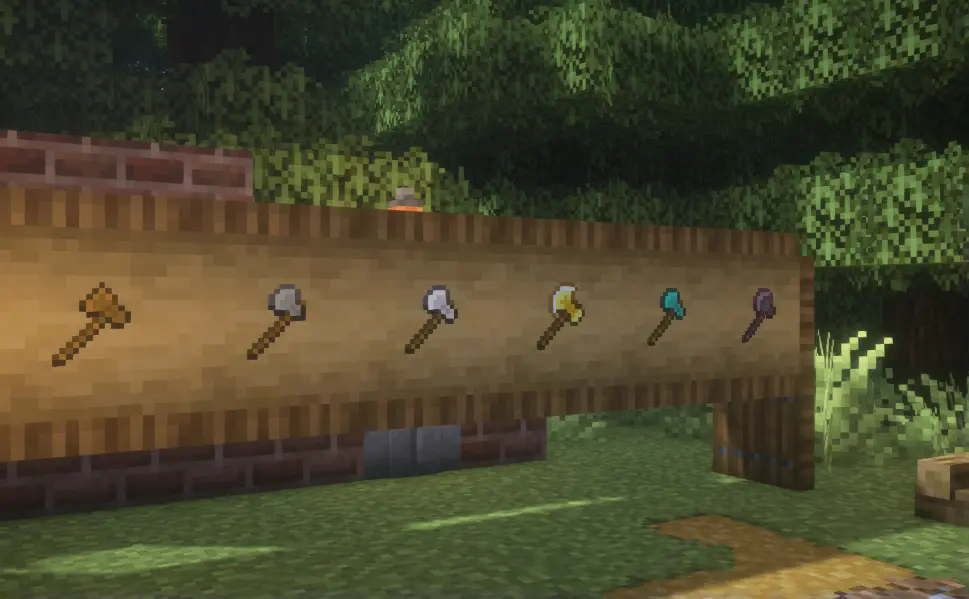
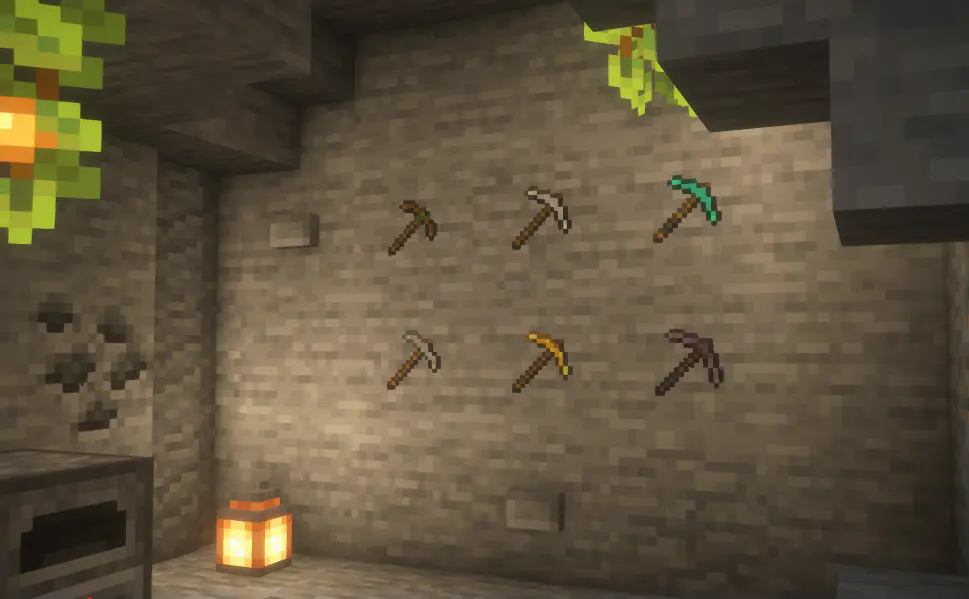
The original sword was changed to the appearance of a knife,the bow has been changed to the appearance of a recurve bow,and tools have different details,at the same time, it enhanced the enchanted glint light effects and better Mace.
## I often make some unreliable small updates, and unless you’re curious, the trial version is not recommended.
#### If the game shows ‘Corrupted or Incompatible’, please ignore it. This is because there are file paths added to accommodate older versions.
**_If you’d like to keep track of future updates, place following my resource pack._**
> It is permissible to learn, but direct publication without permission is not allowed.
~~**This is still a semi-finished product.**~~(Completed)
_**A durability below 20% will have a special appearance,~~The tools section will be completed in a future update.~~**_(Completed)
> labPBR is supported
Come and check out this resource pack too,It is modeling the items.
Makes Items to be 3D,but faithful to the original.
Swd’s 3D-Items
## content
(I haven’t updated the showcase images for a long time, so they might differ somewhat from the current resultsXD)
> Weapons
> Axe
> Pickaxe
> Hoe
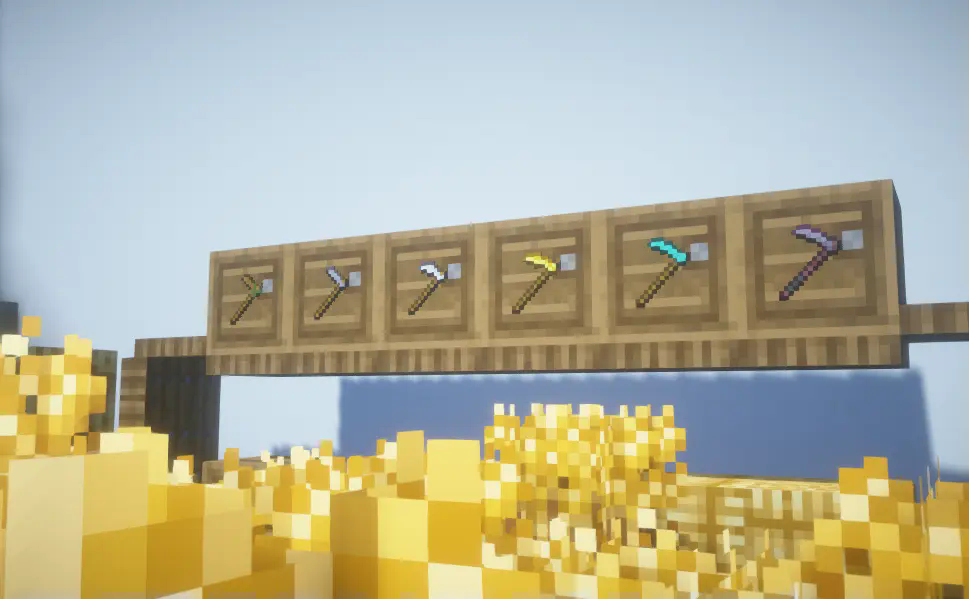
> Shovel
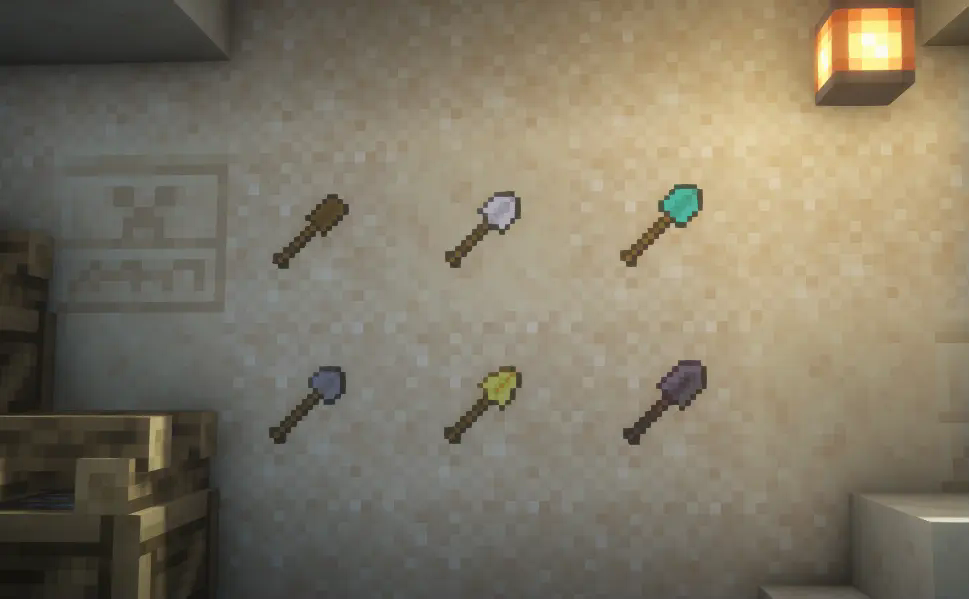
> Armor
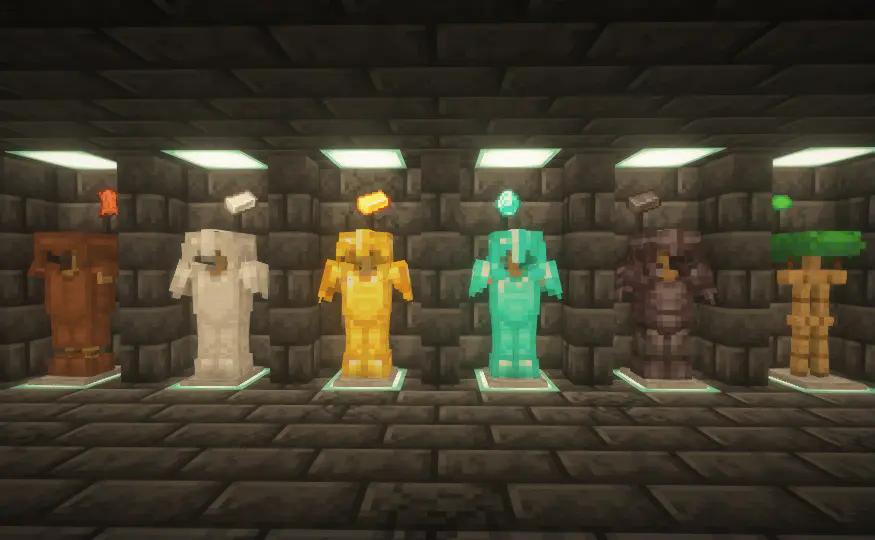
> Crossbow and bow
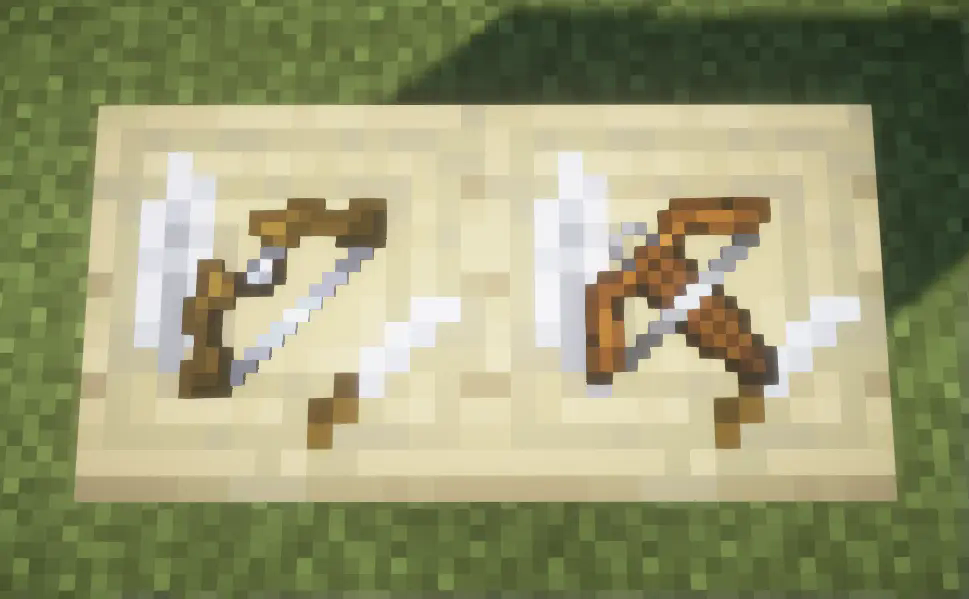
> Mace
Unimportant words
Finally finished,although this is the first texture pack I’ve made, I also try to make everyone happy.
After I finished it, I found that the compatibility of this resource pack was surprisingly good, and I tested it to version 1.17 without any problems,although some special features may be lost, it can still function normally.Who would have thought I originally wanted to create a high version of the resource pack?