Yeth’s TPA
**Yeth’s TPA is a Teletransportation Accept mod for Minecraft designed to be compatible, stable, and sufficient.**
## Commands
– **/tpa ** Sends a TPA request to a user
– **/tpa accept ** Accepts a TPA request from a user
– **/tpa here** Sends a TPA Here request to a user
– **/tpa cancel** Cancels an outgoing TPA request
– **/tpa ignore ** Ignores a player from making TPA requests
– **/tpa help** Sends a list of all commands
– **/tpa disable** Disables TPA requests from being sent to you
– **/tpa enable** Enables TPA requests to be sent to you
– **/tpa setting ** Configures settings in TPA
## Features
– Automatic expiry of TPA requests
– TP delay w/ countdown
– Multiple request handling
– Permissions for server owners
– Anti-TPA-traps
## Support
Yeth’s TPA supports the following mod loaders:
– Fabric
– Neoforge
– Forge
– Quilt
– Legacy Fabric
– Babric
– Ornithe
– BTA
– LiteLoader
For Minecraft versions 1.7.2 – 26.1.2
Yet Another RTP
Yes, it’s yet *another* RTP plugin. However this time, it’s focused on performance! (And customizability)
This plugin will, on command, teleport a player to a completely random location in a set area, world, and at least x blocks away. While this plugin may not be the best at showmanship, it’s purpose is to excel at pure performance.
If you have a problem or suggestion for the plugin, make sure to check out the GitHub!
### Commands:
/rtp
– Permission: rtp.runcmd **Only needed if `require-perm:` is set to true in the config**
– The main RTP command. Teleports whoever ran the command to a random location
/addused
– Permission: rtp.add
– Makes the plugin act as if said player has already ran the command (Useful if `one-use` is set to true in the config)
/removeused
– Permission: rtp.remove
– Makes the plugin act as if said player hasn’t ran the command (Useful if `one-use` is set to true in the config)
### Misc Permissions:
rtp.exempt
– People with this permission can use the command without a time limit between uses
### Default Config:
“`version: 2
settings:
one-use: false
# Makes the command one use only
require-perm: false
# Makes the command require a permission
max-dist: 5000
# Max distance away from specified location. 5000 = -5000 to 5000 in x and z
min-dist: 100
# Min distance away from the center of the RTP teleport range
pointx: 0
pointz: 0
# The center of the RTP teleport range. X and Z coords
world-dest: world
# The specified world to teleport to
cooldown: 60
# Amount of seconds to wait before player can use the command again
bstats: true
messages:
# All messages use MiniMessage format. See here: https://docs.advntr.dev/minimessage/
run-rtp: Beginning RTP.
# Message to send when RTP command is ran
after-rtp:
# Message to send after RTP command is ran
no-perm: You don’t have permission to run this command.
# Message to send when lacking permission to run RTP command
used-once: You’ve already used this command once
# Message to send when command has already been used
invalid-player: Invalid player specified
# Message to send when an invalid player is specified for a command
Yet Another Discord Chat Link
# Yet Another Discord Chat Link










A simple mod to connect the in-game chat with a Discord channel.
## Why another one?
– This one focuses on simplicity. It is as light as it gets with only the basic functionality and very little required setup!
**Setup:**
1. Go to https://discord.com/developers and create a new application
2. Copy the ID and invite the bot with the following url (dont forget to change the ID or else the link won’t work:
“`url
https://discord.com/oauth2/authorize?permissions=2953964624&scope=bot%20applications.commands&client_id=APPLICATION_ID
“`
3. Enable developer mode on discord to be able to right-click a channel and copy its channel ID
4. Download the mod into the mods folder and let it generate the config file. The server will crash on first launch since the Bot Token is invalid.
5. Paste the copied channel ID of the channel that you would like the chat to be linked to into the config file (name: `config/yadclconfig.properties`)
6. On the discord developer dashboard, in your application, go to the bot tab on the sidebar and reset and copy the bot token and paste it into the config file.
7. Restart the server and you should be good to go. Check that the bot has read/write permission in that channel.
*Alternative suggested Setup Guide (not by me):*
https://erdbeerbaerlp.de/projects/discord-integration/quick-setup
Yellow XP
# Yellow XP
This texture pack changes the colour of the XP bar and the XP orbs. The XP bottles are also coloured yellow.


or use [Animatica](https://modrinth.com/mod/animatica)
**This Texture Pack [Requires Optifine](https://optifine.net/downloads)!**
**Thank you for 1k downloads!**
Made with [Enchanted Games – CustomXP](https://enchanted.games/app/custom-xp/)
“`
©️Hostet by x_halo’s project host.
“`
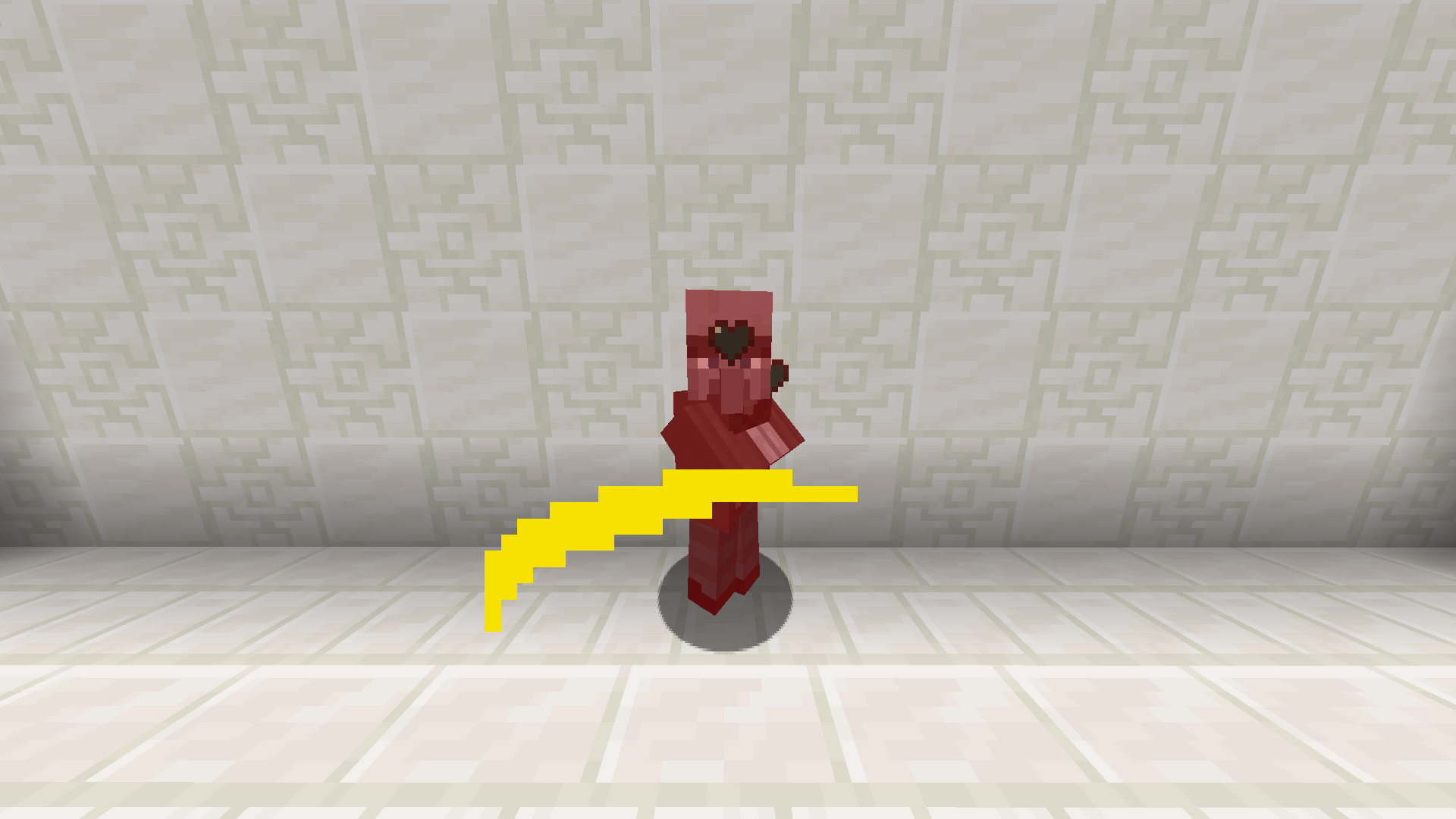
Yellow Sweep
**Changes sweep to yellow**
—
Tired of boring brownish-gray sweeps? Then try spicing up your game with something new!
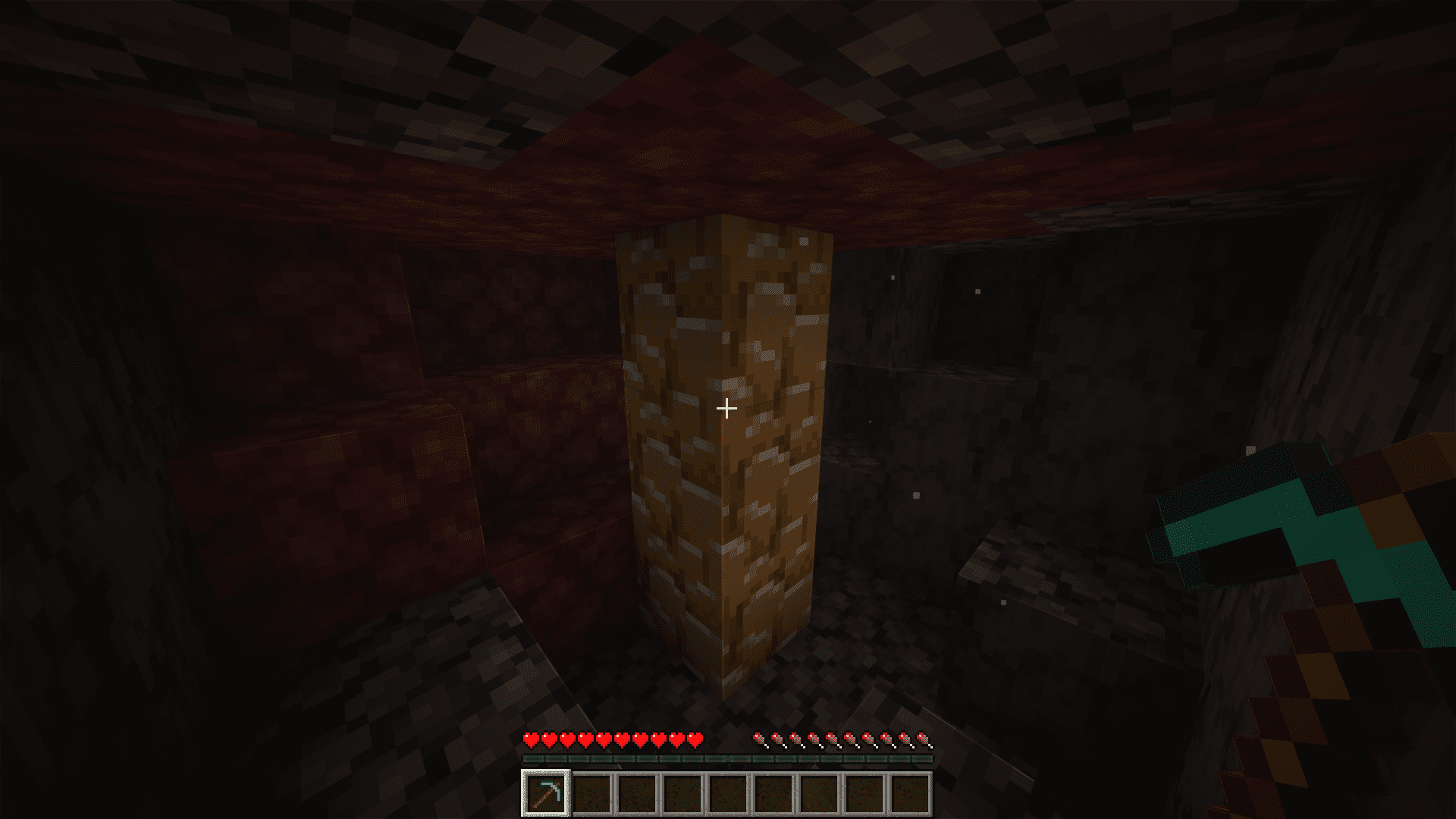
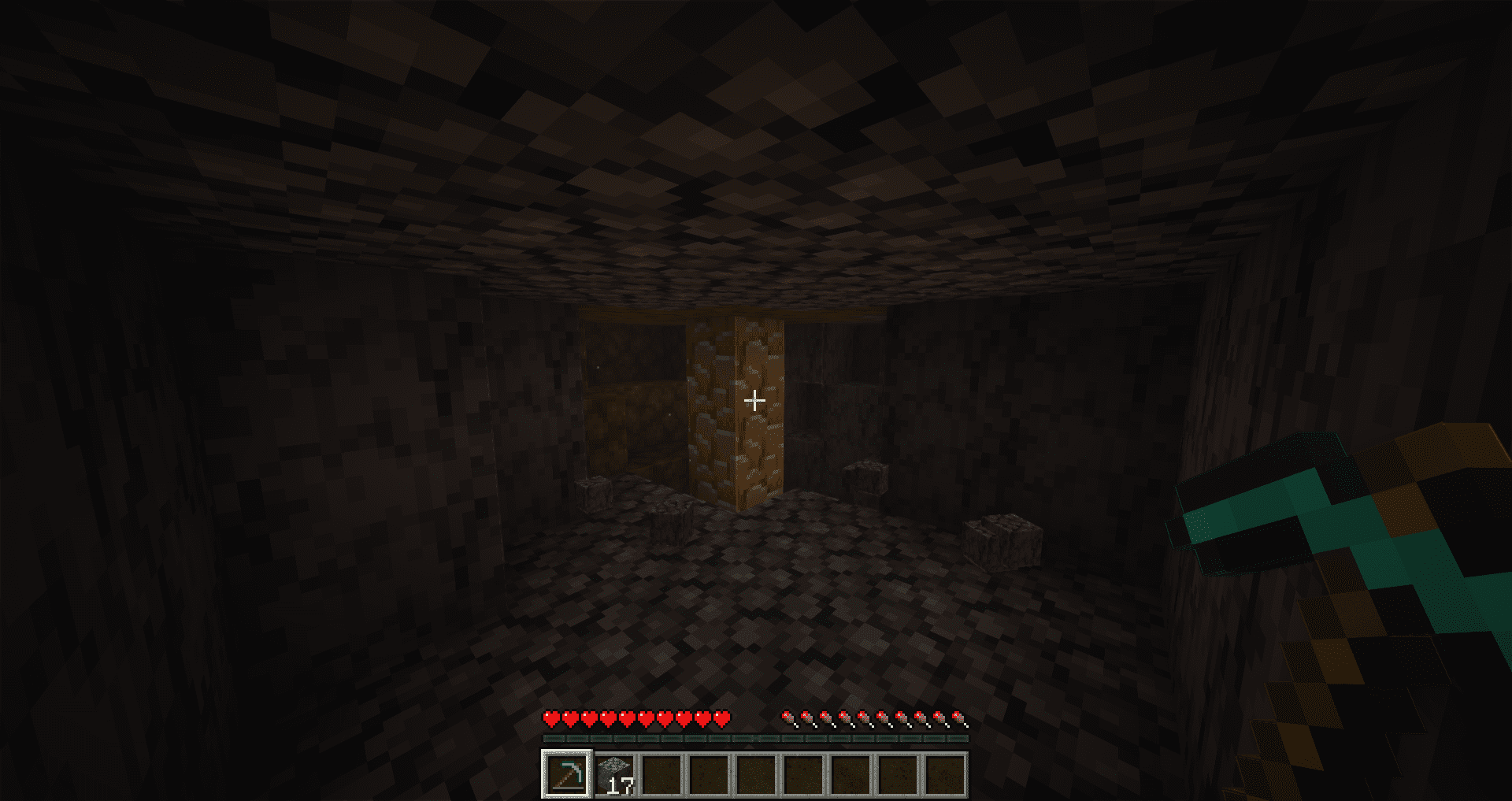
Yellow powder snow
EN: This resource pack makes powder snow yellow
RU: Этот ресурспак делает рыхлый снег жёлтым

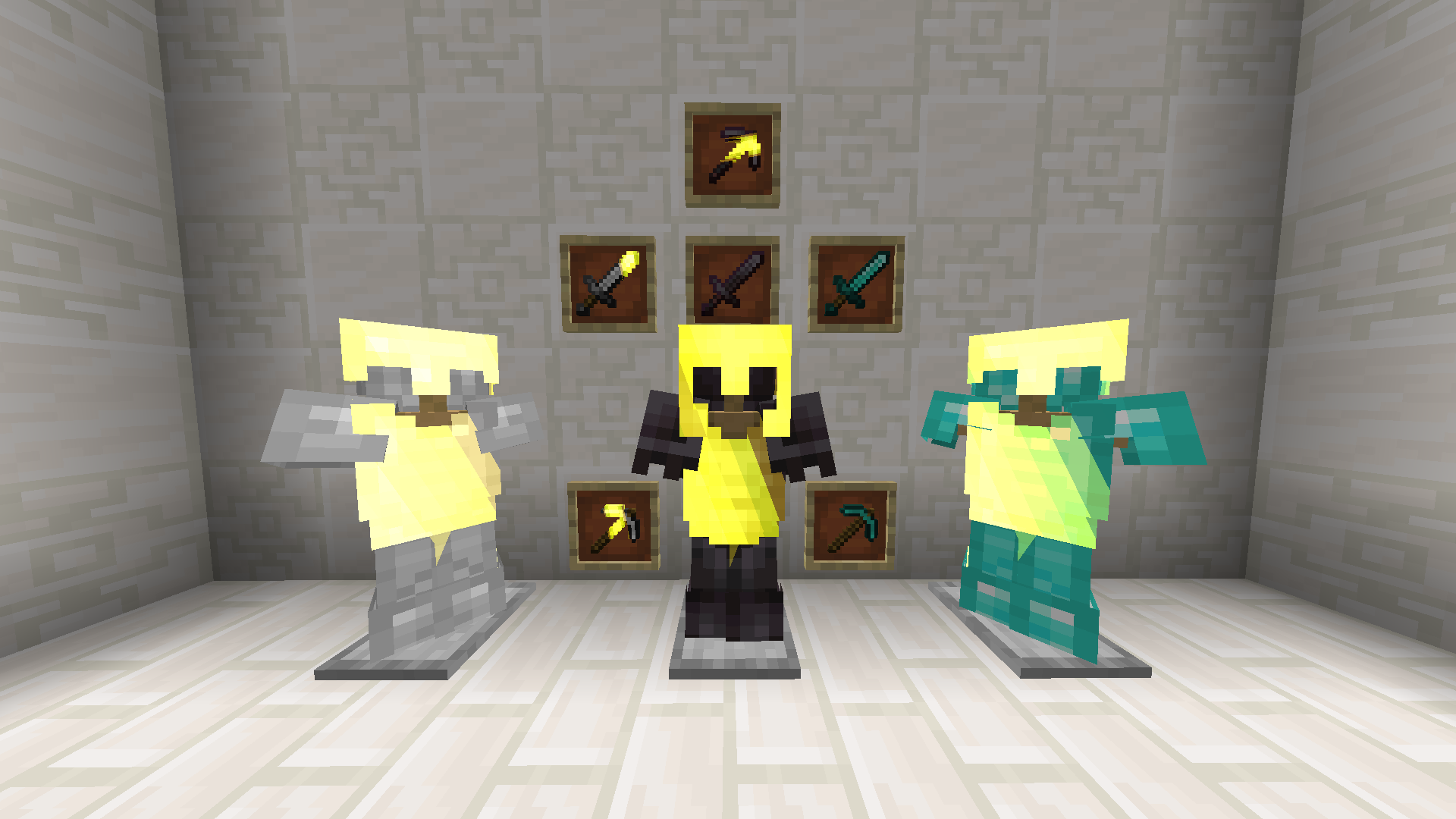
Yellow Netherite
## 📖 Description
EN
Replaces the texture of netherite with yellow
RU
Замент текстуру незерита на желтую
## ✨ Preview
Screenshot
Screenshot
Yellow Knockback Swords
Make swords enchanted with knockback become yellow!
Requires CIT Resewn or Optifine
Simply drag into your resource pack folder, extract, and enable it and put it at the top of your packs.
Yellow Hearts
Always Yellow Hearts
—
**Brighten up your Minecraft experience with yellow hearts!**
This resource pack transforms the default red heart textures into a cheerful yellow hue. Whether your hearts are full, half-full, or empty, they will always display in a vibrant yellow, offering a fresh visual twist to your health bar.
**Features:**
* All heart icons are changed to yellow.
* Consistent yellow appearance for full, half, and empty states.
* Purely aesthetic change – no gameplay modifications.
* Compatible with various Minecraft versions.
Enjoy a splash of sunshine on your health bar!
Yellow Enchantment Glint
Changes the enchantment glint to yellow.