Invisible Item Frames

**A simple resource pack that makes item frames invisible**.
—
## Need a Minecraft Server? (Sponsor)

Get **25% off your first month** with Sparked Host.
—
## Quick info
– **Versions:** 1.4+ (full invisibility from 1.8+)
– **Works with almost all mods (Sodium/Iris and OptiFine too)**
– **No mods or commands required**
– **Additional files for invisible glow item frames and invisible map frames**
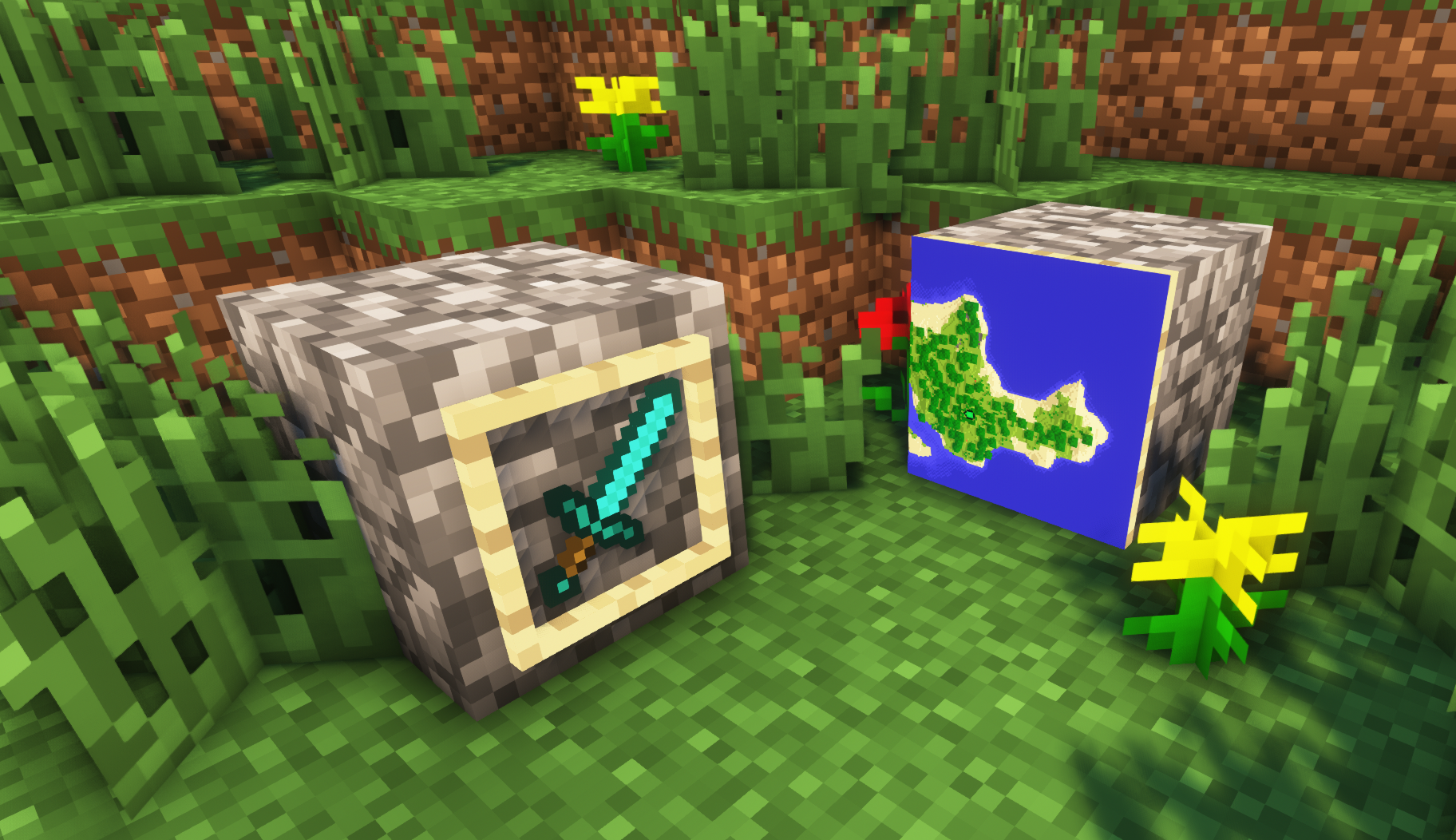
– **Versions below 1.8 will only have the center of the frame invisible (view images below for more info)**
—
## Showcase
**1.8+**
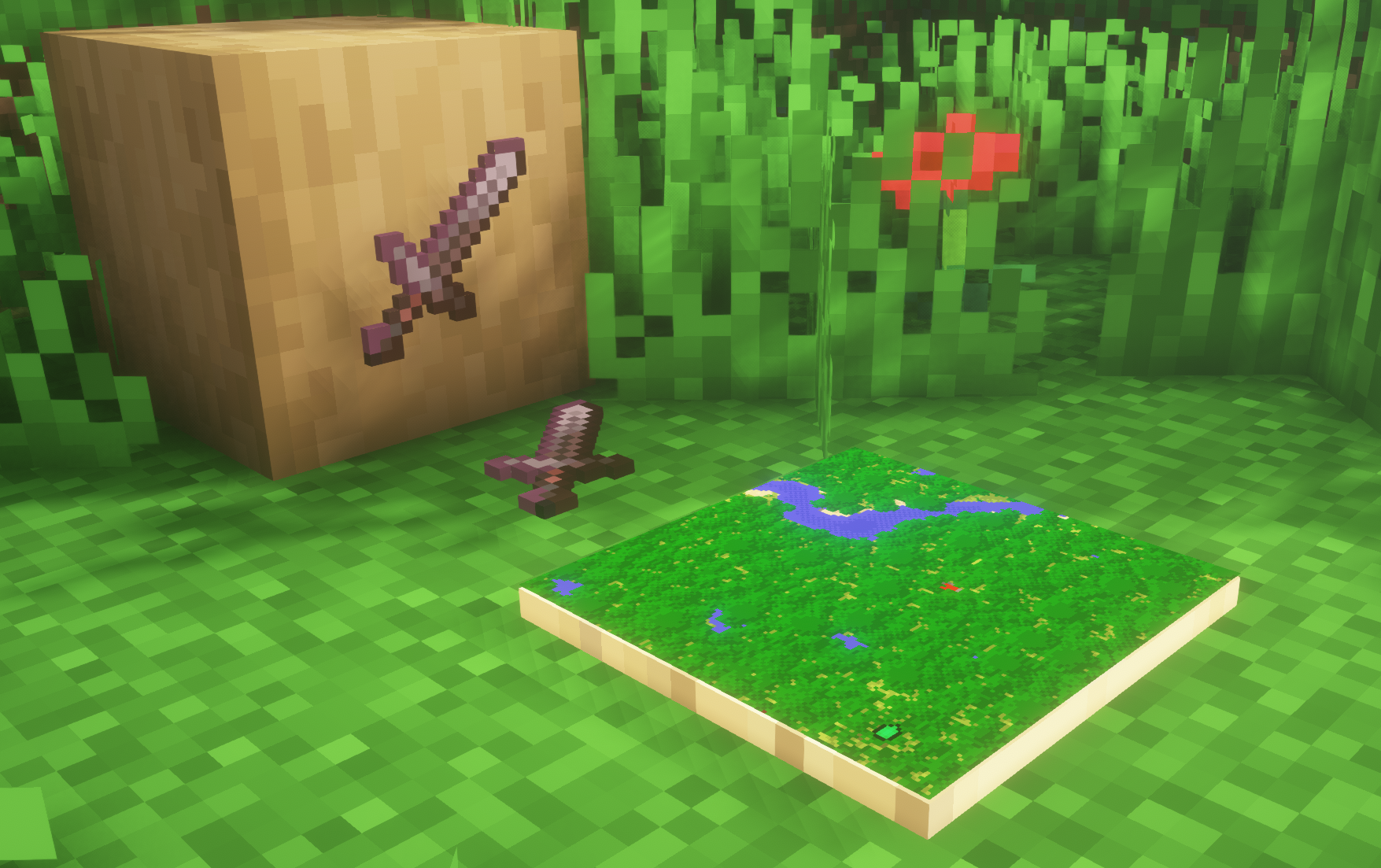
1.4-1.7.10
—
FAQ
**Can I use this with other packs?**
> Yes, but place this pack in a **higher priority (above other packs)**.
**How do I remove item frames?**
> Enable debug hitboxes using **F3 + B** and break the frame.
**Can I use this pack in my modpack or server?**
> Yes you are free to use it, as long as you don’t claim this pack as your own.
**Why is my map/glow item frame not invisible?**
> You have to install those separately. They are available under **additional files** or the buttons near the top of this page.
**Does this make the game slower?**
> This pack actually slightly **improves the client-side framerate** in scenes with lots of item frames.
—
## Additional Files
– Download Invisible Glow Item Frames
– Download Invisible Map Item Frames
—
## Need a Minecraft Server? (Sponsor)

Use code **MattyWalker** for 25% off your first month.
Inventory Tabs (updated)
# InventoryTabs
### A new version of this mod is maintained over at Inventory Tabs 4.
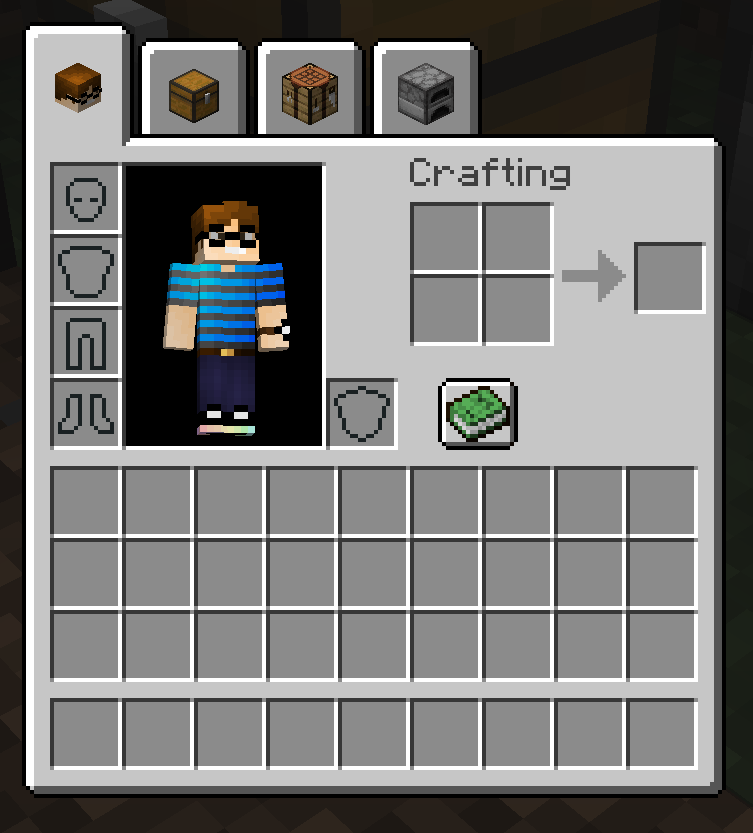
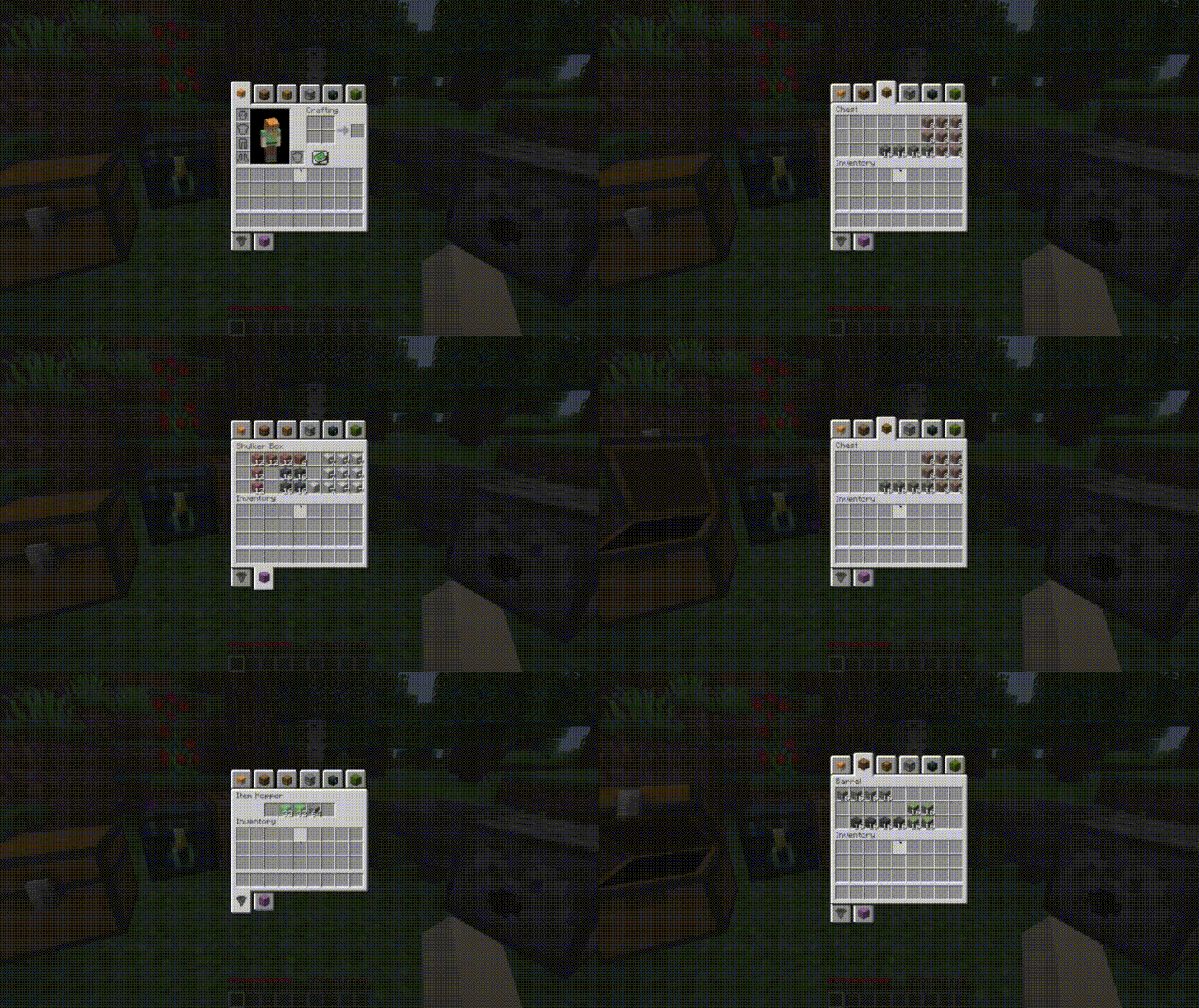
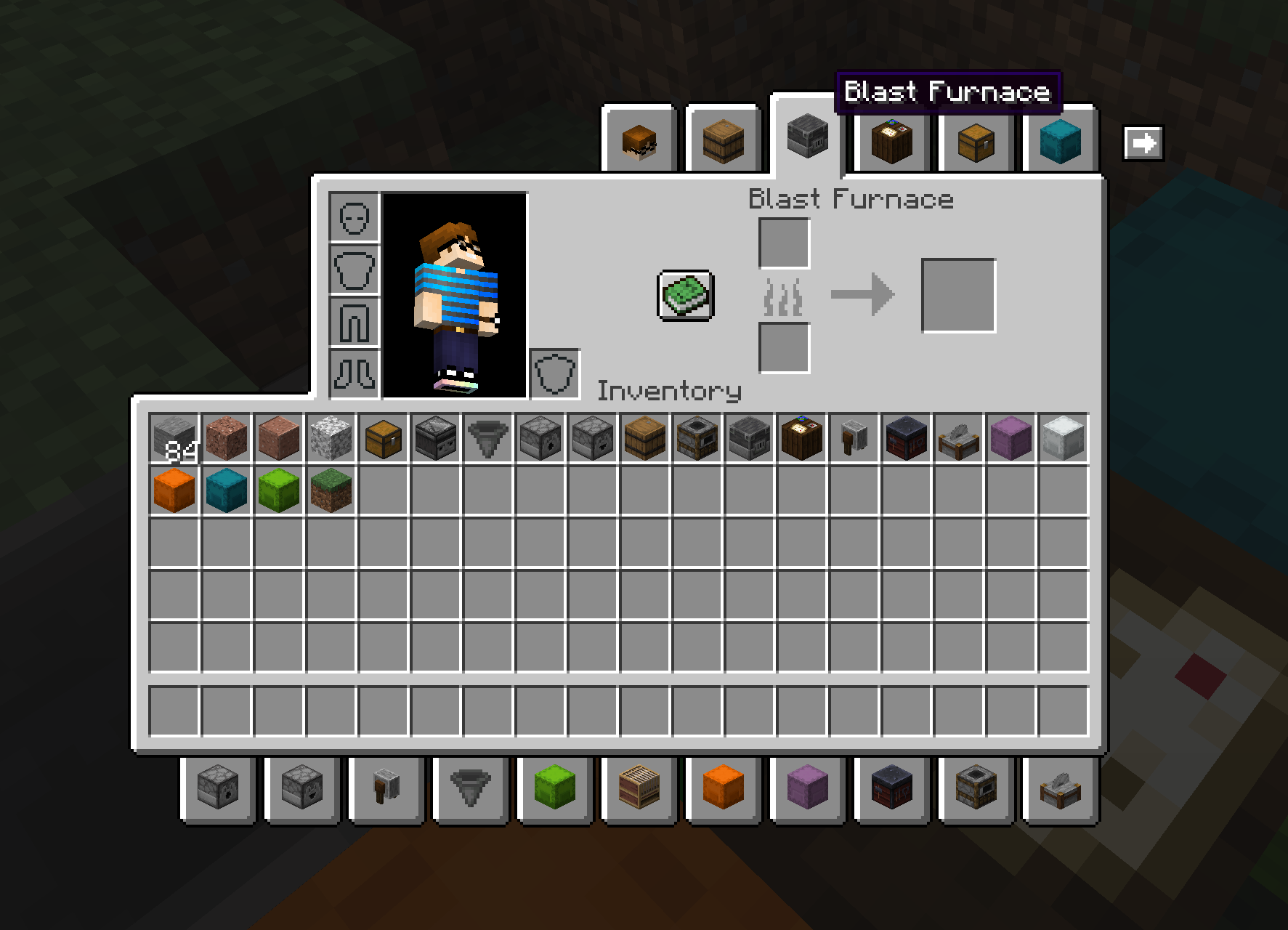
Adds tabs to access nearby blocks without leaving your inventory. Completely client-side. Requires Cloth Config API.
|
|
|
Also has BigInv and PlayerEx support!
|
|

|
New in version 0.8.1, chest icons and hover text can be changed by nearby item frames!

New in 0.9.0: Entity support!
|

|

|
This 1.18 port is based on LiamMCW’s fork of the original mod by cakewhip. Full credits can be found at https://github.com/Andrew6rant/inventorytabs/graphs/contributors.
Interactic


Interactic adds more ways to interact with dropped items, hence the name. Many of it’s features are inspired by ItemPhysic, this mod has however been built from the ground up for Fabric.
## Features
– **Fancy Item Rendering**: Items will spin while they fall, at a changing speed depending on how fast they’re falling. When on the ground, they’ll lay flat and compact stacks
– **Enhanced Pickup and Tooltips**: You can pick up items by right-clicking them, even from a few blocks away. When looking at one, you’ll see it’s tooltip rendered below your crosshair.
– **Item Filter**: The Item Filter is an Item that allows you to finely control which items you want to automatically pick up. You can configure it to use either a white- or blacklist and any items affected by that lsit will require you to explicitly pick them up using either a right-click or by sneaking. You can also globally disable auto-pickup in the config to force everyone to explicitly pick up all items.
– **Item Throwing**: You can throw items by holding down the drop key for a period of time. The longer you hold it, the further you’ll throw it. Items which have a damage modifier on them like Sword and Axes will also deal damage when they hit something after being thrown this way.
– **Client-Only Mode**: You can use Interactic in a mode where it will automatically disable all server-side features and give you only the enhanced rendering and tooltips.
All of these features can be individually toggled in the config
Instant Respawn Always
## Instant Respawn Always
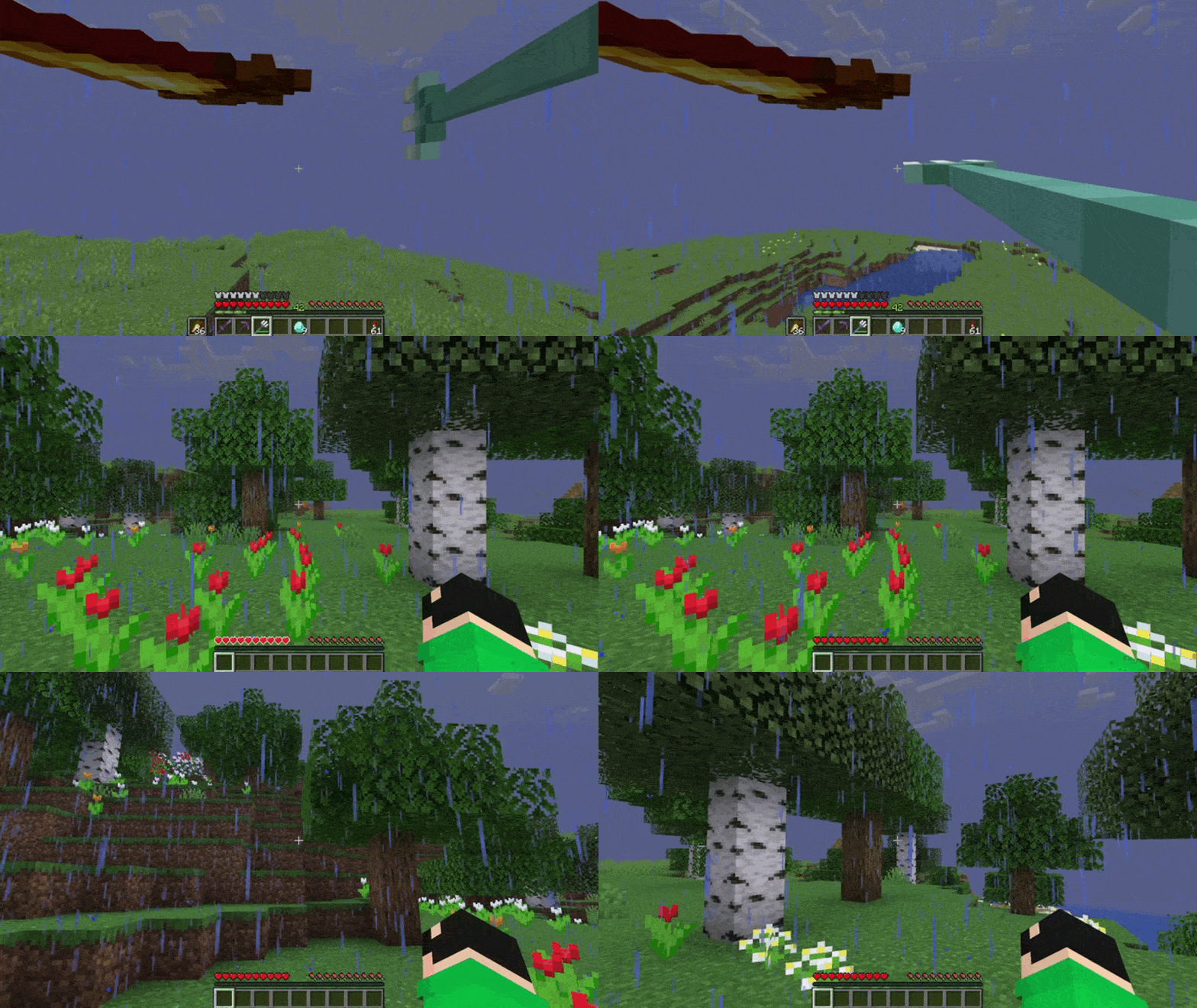
Skip the death screen in each world, like in short videos, so you don’t have to waste time on settings.
## Dependencies
– Fabric loader requires Fabric API
Icon Bubbles
**This resource pack changes your hearts and hunger bar icons to be circles.**
### Features:
– Round hearts
– Round hunger bar
– Changes all types of hearts (poison, freezing, hardcore…)
– Compatible with the AppleSkin mod
**♡ Make sure to follow!**
Horse Stats Vanilla
This client-side mod displays the statistics (health, speed, jump height) of horses in their inventory.
It’s kept simple to match the vanilla style.
HorseStatsVanilla requires the Fabric API.
If you want to change the config of this mod you need to install Modmenu.
Hide Item Frame

## Description
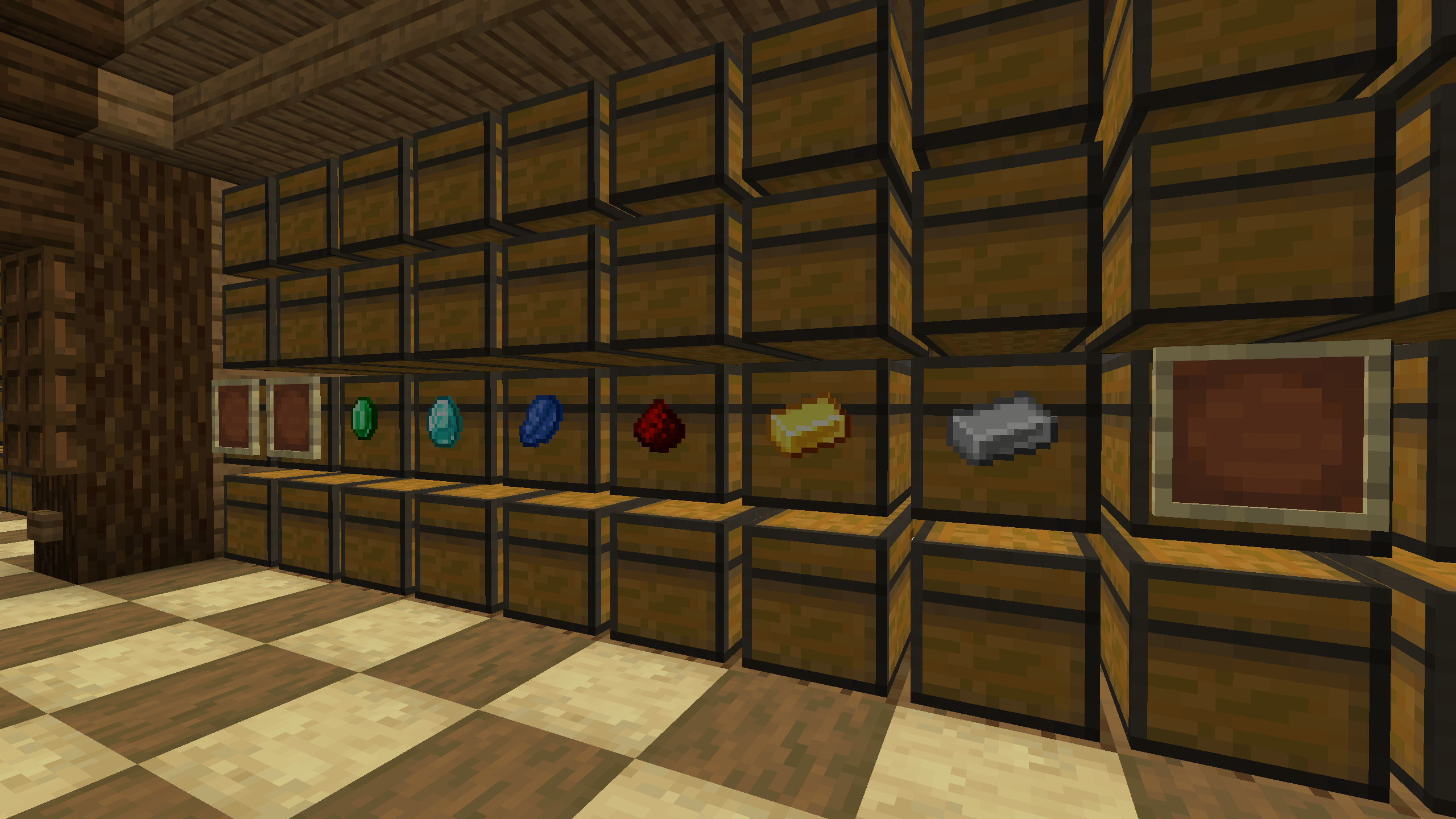
A mod that hides frames if they contain an item. This solution allows you to improve the interior and see the frames when they are empty.
## Usage
To see all frames again, even those that contain an item, you can press the H button (default). The frame state is saved in the configuration file “`hide_item_frame.json“`
Hide HUD in Third-Person View
## Hide HUD in Third-Person View
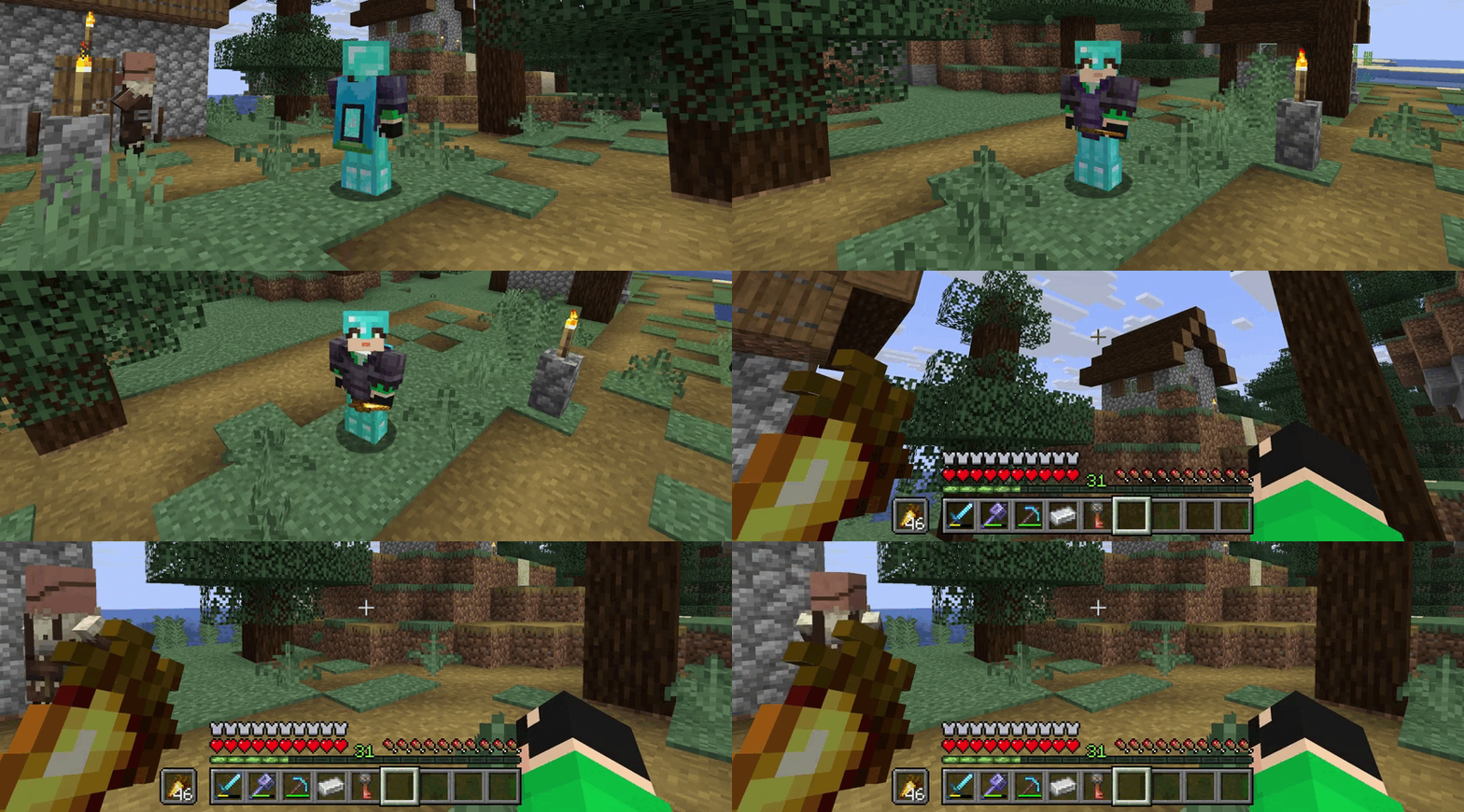
The mod hides the interface on the screen (F1) when the player changes the perspective to a third-person view (F5). This will help to avoid pressing the hide interface button again.
Hidden Ores
### What does this do?
This resource pack turns every ore in the game hidden. That includes the stone, deepslate, and nether variants. It will appear as if there are no ores. You can use this as a challenge or as a troll.
### How does it work?
It changes the models of ores instead of the textures, so it’s compatible with most resource packs.
### What versions does this support?
This resource pack works for versions 1.13 (1.13-pre3) and up.
HEX Dust
Makes redstone dust 3D, and displays its signal strength in Hexadecimal.
The font of this pack is easily editable just by changing the textures!