Yippee Fox
# Overview
Foxes will ocasionally go “YIPPEE” when it’s idle.
# Discord
[Discord](https://discord.com/invite/eYaAp3SqPA)
# Overview
Foxes will ocasionally go “YIPPEE” when it’s idle.
# Discord
[Discord](https://discord.com/invite/eYaAp3SqPA)
The texture pack removes the load on the PC by reducing rain and snow.
Hallo!
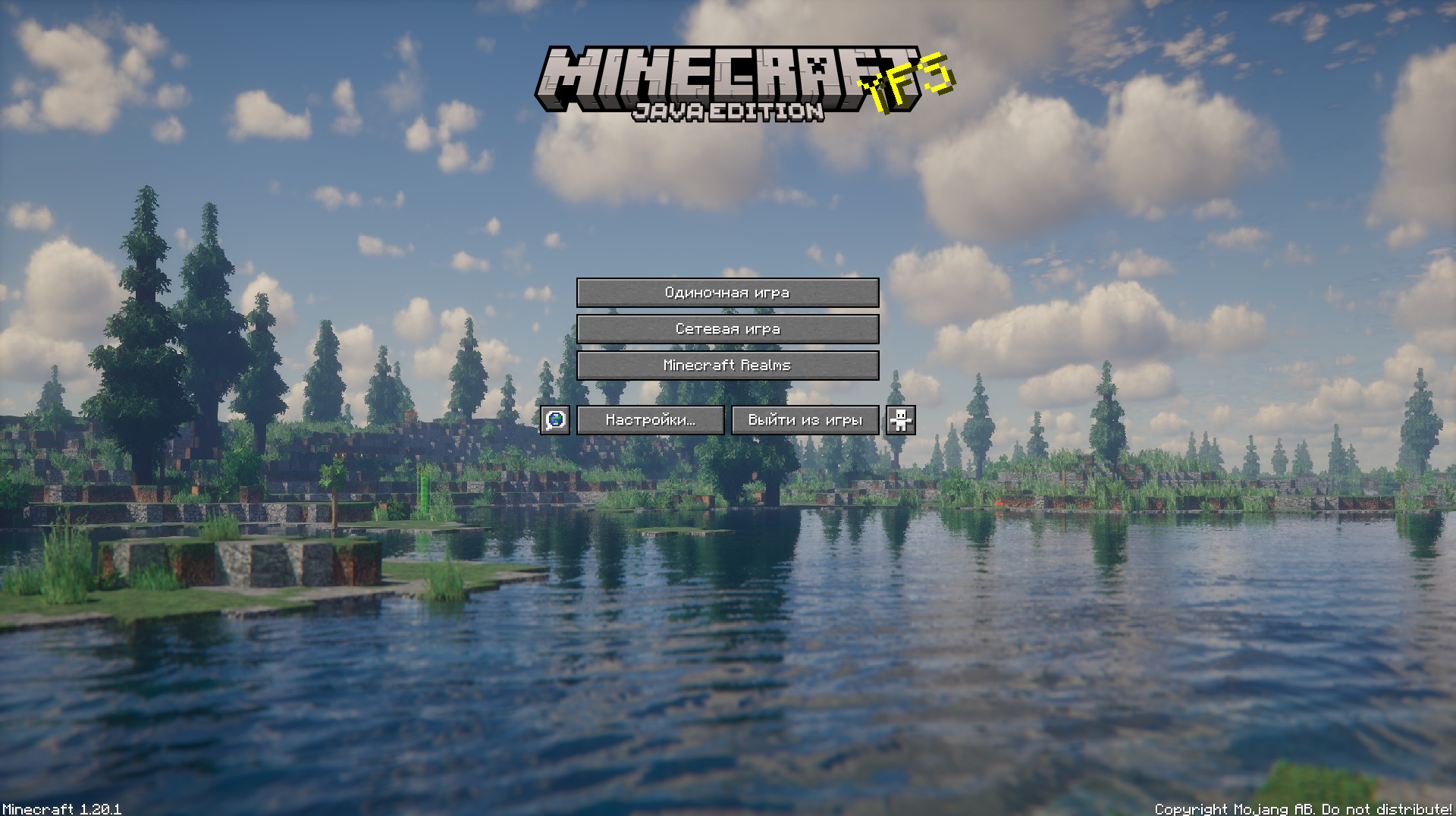
This texture pack improves your Minecraft by changing the background
**Yeth’s TPA is a Teletransportation Accept mod for Minecraft designed to be compatible, stable, and sufficient.**
## Commands
– **/tpa
– **/tpa accept
– **/tpa
– **/tpa cancel** Cancels an outgoing TPA request
– **/tpa ignore
– **/tpa help** Sends a list of all commands
– **/tpa disable** Disables TPA requests from being sent to you
– **/tpa enable** Enables TPA requests to be sent to you
– **/tpa setting
## Features
– Automatic expiry of TPA requests
– TP delay w/ countdown
– Multiple request handling
– Permissions for server owners
– Anti-TPA-traps
## Support
Yeth’s TPA supports the following mod loaders:
– Fabric
– Neoforge
– Forge
– Quilt
– Legacy Fabric
– Babric
– Ornithe
– BTA
– LiteLoader
For Minecraft versions 1.7.2 – 26.1.2
# Yet Another Discord Chat Link


A simple mod to connect the in-game chat with a Discord channel.
## Why another one?
– This one focuses on simplicity. It is as light as it gets with only the basic functionality and very little required setup!
**Setup:**
1. Go to https://discord.com/developers and create a new application
2. Copy the ID and invite the bot with the following url (dont forget to change the ID or else the link won’t work:
“`url
https://discord.com/oauth2/authorize?permissions=2953964624&scope=bot%20applications.commands&client_id=APPLICATION_ID
“`
3. Enable developer mode on discord to be able to right-click a channel and copy its channel ID
4. Download the mod into the mods folder and let it generate the config file. The server will crash on first launch since the Bot Token is invalid.
5. Paste the copied channel ID of the channel that you would like the chat to be linked to into the config file (name: `config/yadclconfig.properties`)
6. On the discord developer dashboard, in your application, go to the bot tab on the sidebar and reset and copy the bot token and paste it into the config file.
7. Restart the server and you should be good to go. Check that the bot has read/write permission in that channel.
*Alternative suggested Setup Guide (not by me):*
https://erdbeerbaerlp.de/projects/discord-integration/quick-setup
# Yellow XP
This texture pack changes the colour of the XP bar and the XP orbs. The XP bottles are also coloured yellow.

or use [Animatica](https://modrinth.com/mod/animatica)
**This Texture Pack [Requires Optifine](https://optifine.net/downloads)!**
**Thank you for 1k downloads!**
Made with [Enchanted Games – CustomXP](https://enchanted.games/app/custom-xp/)
“`
©️Hostet by x_halo’s project host.
“`
**Changes sweep to yellow**
—
Tired of boring brownish-gray sweeps? Then try spicing up your game with something new!
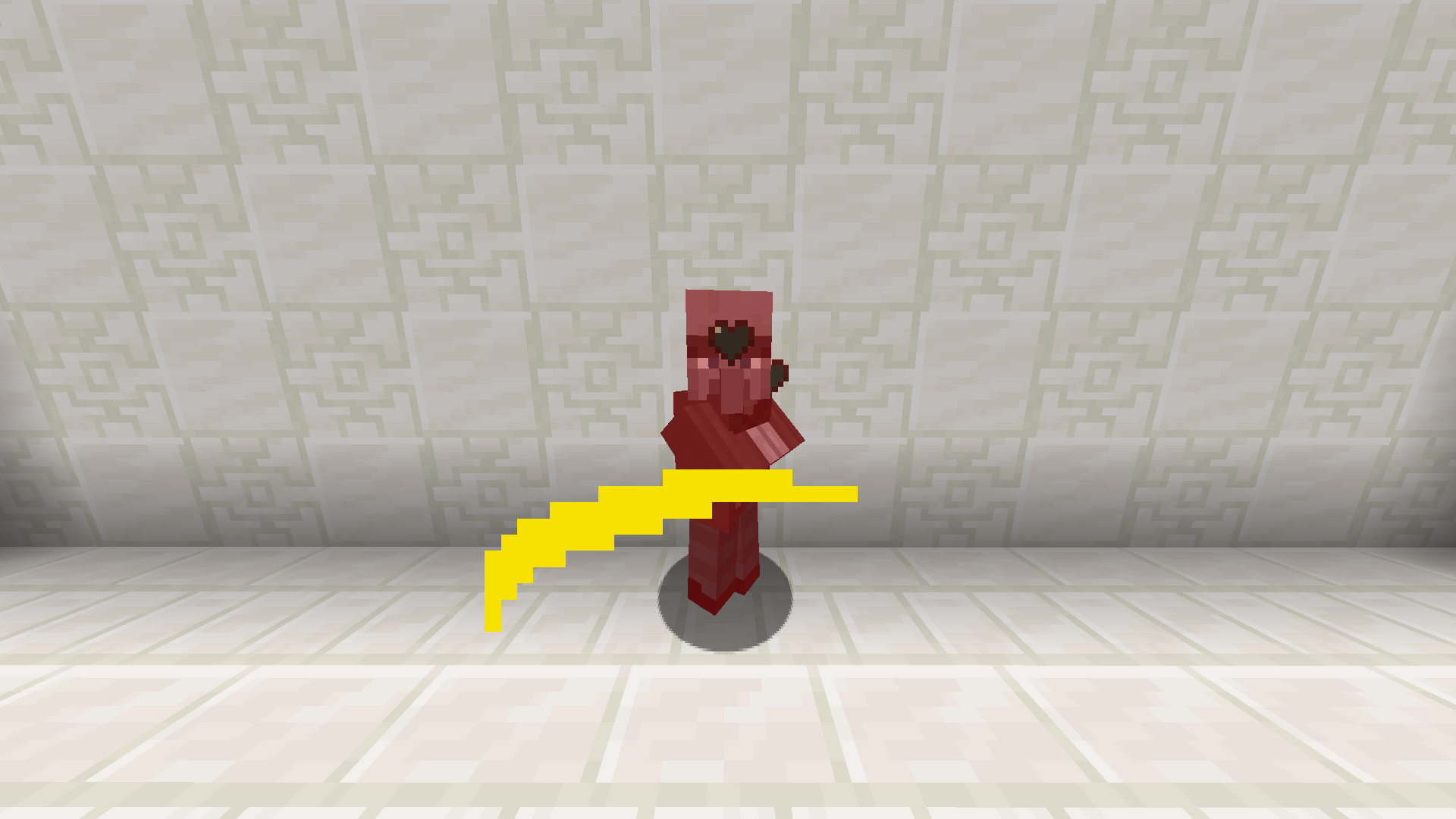
EN: This resource pack makes powder snow yellow
RU: Этот ресурспак делает рыхлый снег жёлтым

## 📖 Description
Replaces the texture of netherite with yellow
Замент текстуру незерита на желтую
## ✨ Preview
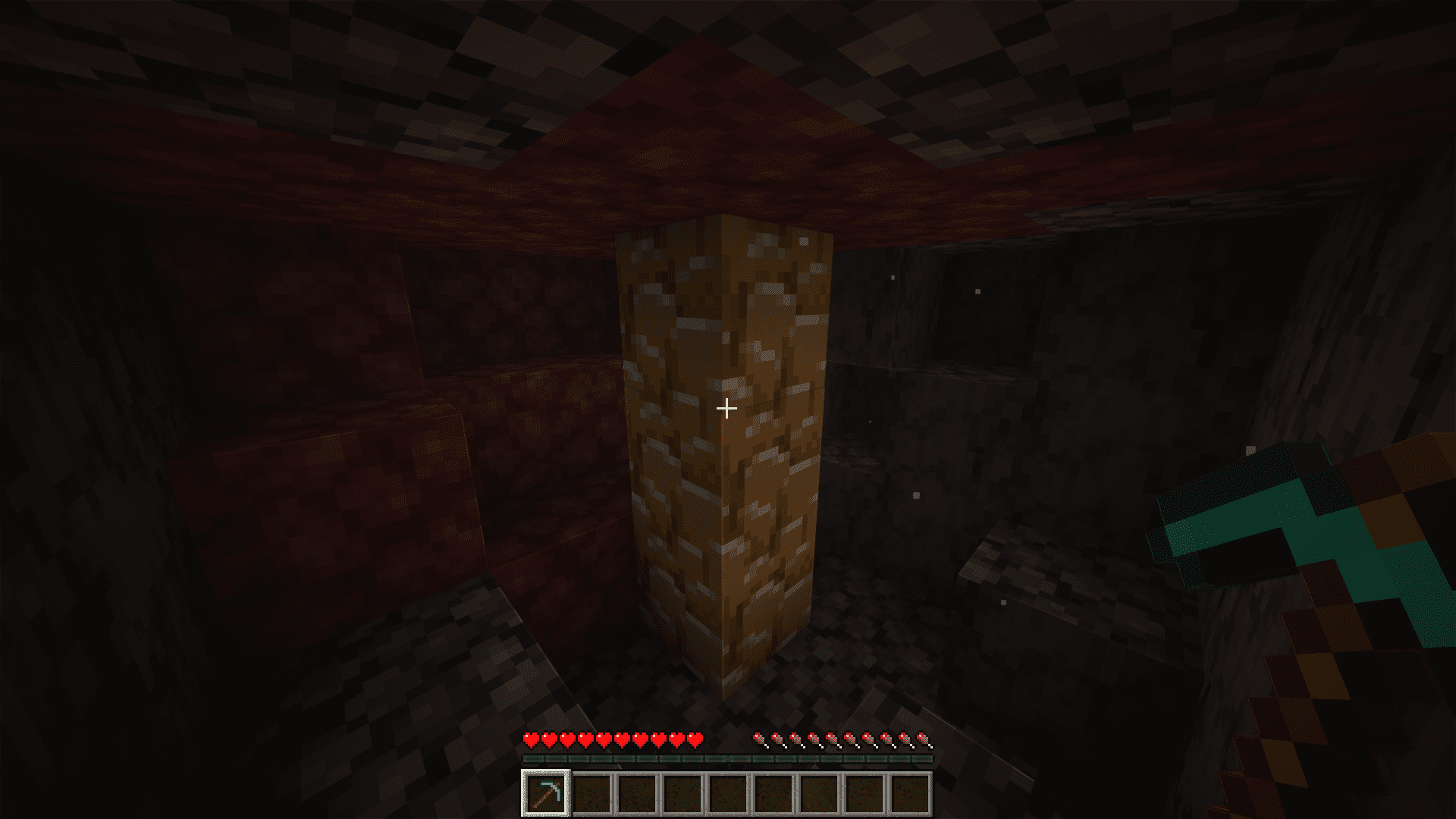
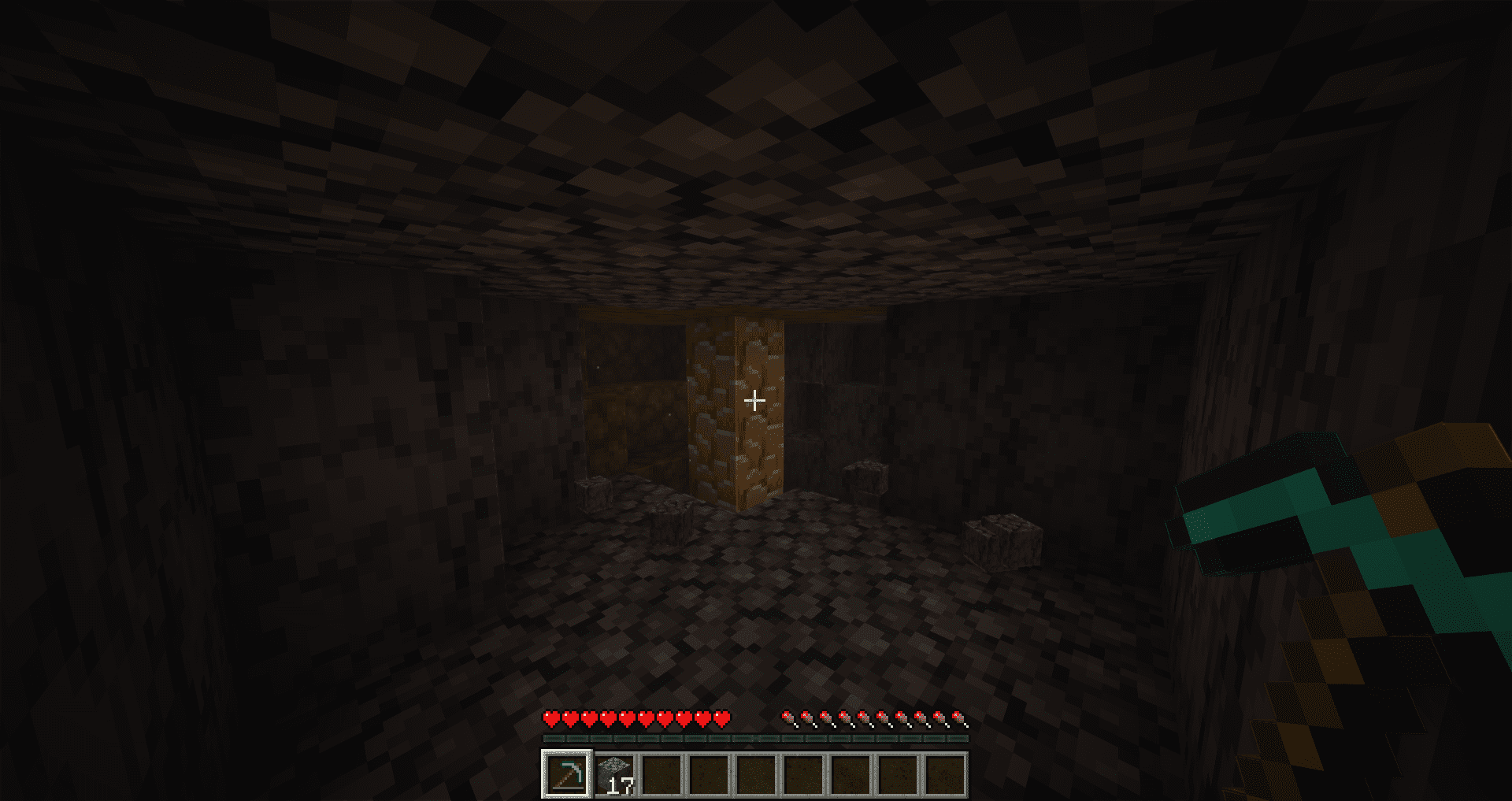
Make swords enchanted with knockback become yellow!
Requires CIT Resewn or Optifine
Simply drag into your resource pack folder, extract, and enable it and put it at the top of your packs.



