HUDTweaks
# HUDTweaks
### A fabric mod that adds better customization to the HUD.
This mod is still in beta. There are plenty of bugs left to fix and plenty of features left to add. If you want to report a bug or request a feature, please do so [here](https://github.com/burgerguy/HUDTweaks/issues).
Since version 1.2, this mod requires Fabric API to run. Previous versions do not have this requirement.


——
#### Known bugs:
* ~~customization gui when not in game is broken~~ (fixed)
* ~~element borders in customization gui doesn’t show up on some hardware~~ (i guess it just works now?)
#### Known missing features (will be added):
* add the rest of the built in hud elements
* ~~better focusing in the customization gui~~ (done)
* ~~dedicated customization gui button~~ (done)
* hud config profiles, including built in ones
* save/load button for config
* finish mod api and documentation
* ~~complete disconnection from FAPI~~ (done, but had to JIJ resource loader)
* vertical hotbar
* debug menu (F3) text resizing
#### Possible features:
* (eventually this will have things)
——
### Mod Compatability
Other mods that add elements to the HUD can implement the HUDTweaks API. A guide can be found on the [wiki](https://github.com/burgerguy/HUDTweaks/wiki). If you feel that there is anything wrong with the API that could be changed, you can open an issue or contact me directly on discord (burger#0007).
Homabric
# Homabric
Little yet powerful home management mod for Fabric
> ⚠️This mod is in early stage of development, you can use all functions that are listed below, but they may be changed in future. Code quality might be very poor sometimes and it will be improved in future.
### Features
– ⭐ Sharing homes with players.
– ⭐ Max home limits per group or player via permissions.
– ⭐ Using GUI for teleportation and viewing all home information.
– ⭐ Editing home icons for GUI with support for modded items.
– ⭐ Ability to easily configure the mod and view player locations.
– ⭐ Teleport timeout with ability to prevent teleportation if player moved or got damaged.
#### Planned features
– [ ] Ability to define teleport timeout using permissions.
– [ ] Ability to define `/home` command aliases in config.
– [ ] Rewrite code for better readability.
### Languages
– 🇬🇧 English
– 🇷🇺 Russian
– 🇨🇳 Chinese (@Neubulae)
## Commands
You can use `homabric.teleport.bypass` permission to bypass teleport timeout.
### Players
– /h **OR** /home `homabric.base.use`
– /h `homabric.base.byName`
– /h set `homabric.base.set`
– /h remove `homabric.base.remove`
– /h p `homabric.base.others`
– /h list `homabric.base.list`
– /h allow `homabric.base.allow`
– /h disallow `homabric.base.disallow`
– /h setIcon - `homabric.base.setIcon`
### Admins
You can access to admin commands by using `/homabric`.
– /homabric `homabric.admin.use`
– /homabric reload `homabric.admin.reload`
– /homabric teleport `homabric.admin.teleport`
– /homabric set `homabric.admin.set`
– /homabric remove `homabric.admin.remove`
– /homabric list `homabric.admin.list`
### Classic Commands
You can disable these commands in configuration file by setting `enableClassicCommands` to `false`.
– /sethome `homabric.base.set`
– /removehome `homabric.base.remove`
– /playerhome `homabric.base.others`
– /listhome `homabric.base.list`
– /allowhome `homabric.base.allow`
– /disallowhome `homabric.base.disallow`
## Configuration
I developed this mod with simplicity in mind, I decided to store home data inside the configuration file instead of NBT in Entity or World, this allows server owners fast migration between maps without loosing data and editing them which saves a lot of time.
> ⚠️ Starting from version 2.0.0 the configuration file are now split into two different ones.
### homabric.config.conf
This file stores Homabric settings.
“`shell
# Do not touch this value, it allows mod to
# check if config file is outdated or not.
configVersion=3
# This option enables alternative command variants like /sethome, /removehome and etc.
enableClassicCommands=true
# Sets the maximum amount of homes per player.
homesLimit=21
# You can define permissions that will override home limit for the players if they have them.
# Permission names are transformed to permissions like ‘homabric.homelimit.‘
# Example permission: vip: { max-homes=6 }
permissionsHomeLimit {}
# Sets the timeout in seconds before player will be teleported home.
# You can disable this feature by setting it to 0.
teleportCooldown=5
“`
### homabric.homes.conf
This file contains all homes that are created by players.
“`shell
players {
# Player nickname (not a DisplayName)
ExamplePlayer {
# List of player homes
homes {
# Name of the home
“village” {
# Players that can access this home
allowed-players=[]
# Icon must be an identifier, for example ‘minecraft:cobblestone’
icon=”minecraft:map”
# World where home is located
world=”minecraft:overworld”
# Coordinates, including head position
pitch=7.15
x=160.66
y=72.0
yaw=-51.45
z=-76.45
}
# Example of home with allowed player ‘Rogi27’
home {
allowed-players=[
Rogi27
]
icon=”minecraft:iron_shovel”
pitch=8.25
world=”minecraft:overworld”
x=1337.3
y=172.0
yaw=123.1
z=276.45
}
}
}
}
“`
### Migration from 1.x.x
Due to breaking changes in 2.0.0 you are required to manually edit your config file and move `players` section from original config to new one called `homabric.homes.conf`.
Hide Item Frame

## Description
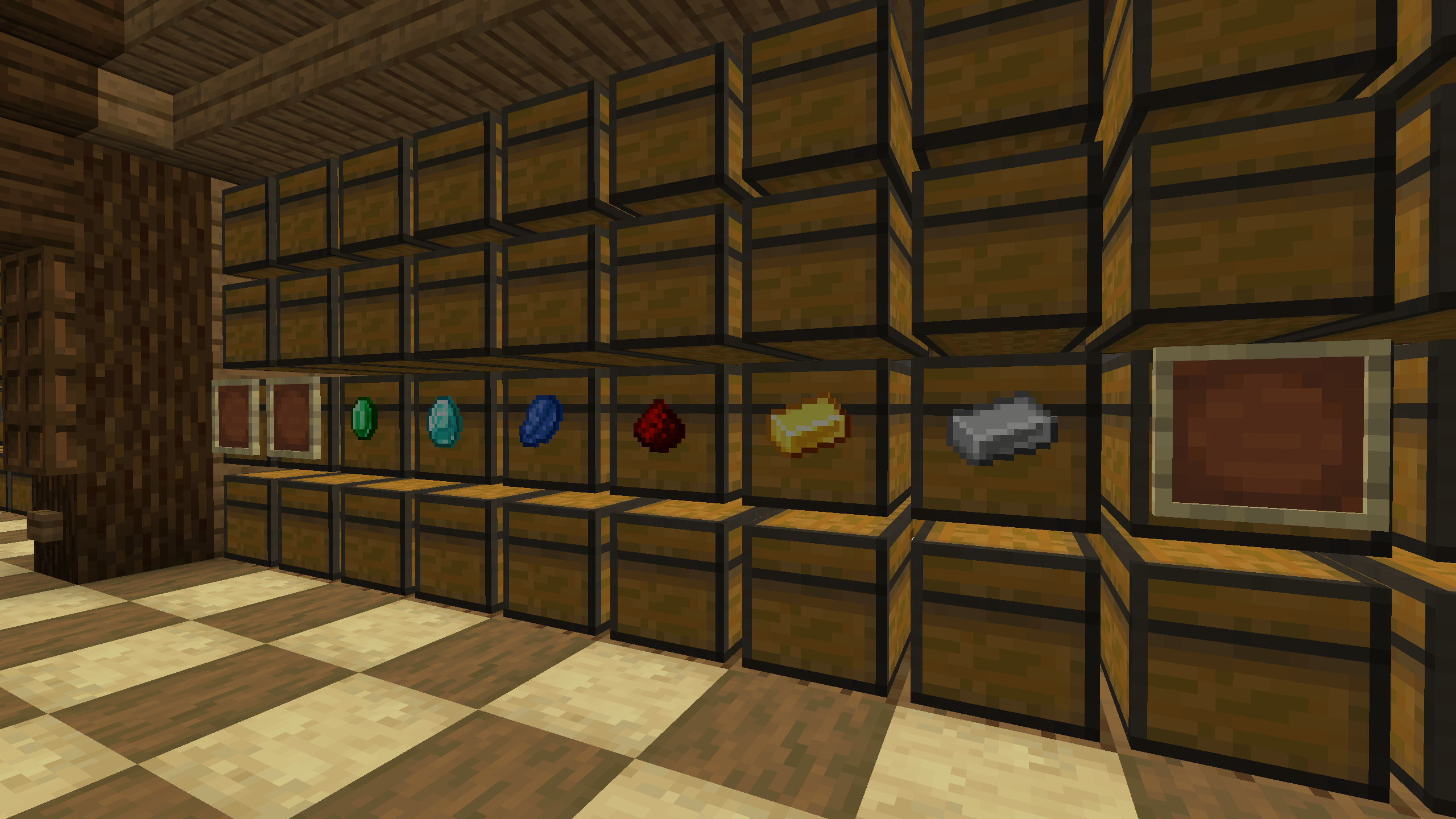
A mod that hides frames if they contain an item. This solution allows you to improve the interior and see the frames when they are empty.
## Usage
To see all frames again, even those that contain an item, you can press the H button (default). The frame state is saved in the configuration file “`hide_item_frame.json“`
Hide HUD in Third-Person View
## Hide HUD in Third-Person View
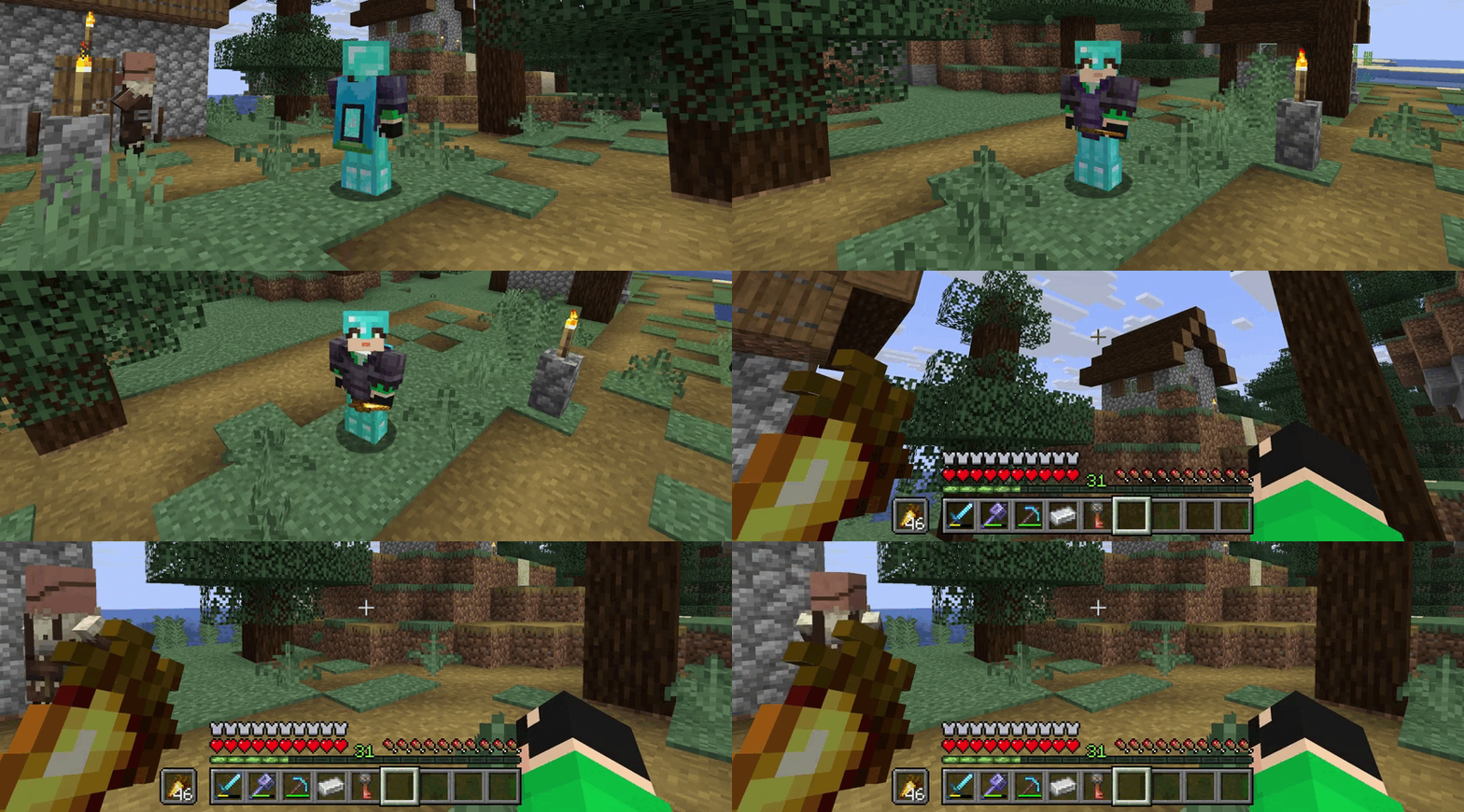
The mod hides the interface on the screen (F1) when the player changes the perspective to a third-person view (F5). This will help to avoid pressing the hide interface button again.
Hidden Ores
### What does this do?
This resource pack turns every ore in the game hidden. That includes the stone, deepslate, and nether variants. It will appear as if there are no ores. You can use this as a challenge or as a troll.
### How does it work?
It changes the models of ores instead of the textures, so it’s compatible with most resource packs.
### What versions does this support?
This resource pack works for versions 1.13 (1.13-pre3) and up.
HEX Dust
Makes redstone dust 3D, and displays its signal strength in Hexadecimal.
The font of this pack is easily editable just by changing the textures!
i hate shadows
[](https://discord.gg/XgH4EpyPD2)
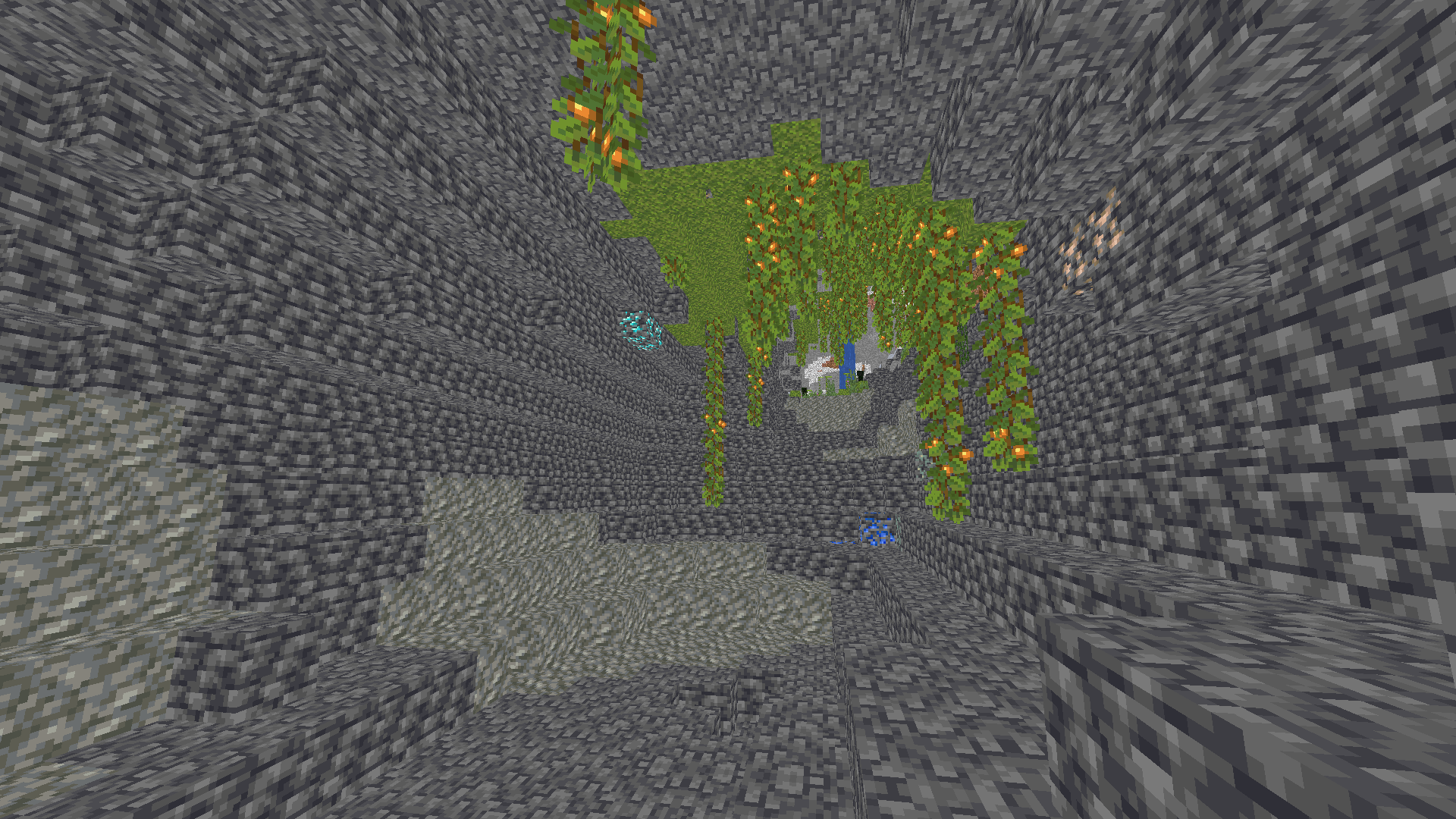
**✨ I REALLY HATE SHADOWS…** **i hate shadows** is a lightweight Minecraft shader that does one thing — and does it perfectly:
it _removes every single shadow_. 🌞
No dark corners, no spooky vibes — just pure, bright daylight everywhere you look.
Perfect for players who love minimal visuals, boosted performance, and a world that never hides in the dark.

### 🌟 Features
* ❌ No shadows at all
* ⚡ FPS-friendly, super lightweight
* 🌞 Always bright, clean visuals
* 🎮 Works great on low-end systems


[](https://kcbhosting.com/aff/xsoras)


**🧠 Lamapi: Next-Gen Open Source AI**
Pushing the boundaries of accessible intelligence. Whether you need lightweight efficiency or industrial-grade reasoning, the **Next Series** delivers.
**Why build with Lamapi?**
– ⚡ **High Efficiency:** From compact 1B models to powerful 70B reasoning engines.
– 🌍 **Multilingual Mastery:** Optimized for superior performance in English & Turkish.
– 🛠️ **Ready to Deploy:** State-of-the-art open weights available immediately.
**Explore our models and start building:**
🔗 https://huggingface.co/Lamapi

**🚀 KCB Hosting: Power Meets Reliability**
Looking for a host that takes your gaming experience as seriously as you do? We provide robust infrastructure ensuring smooth gameplay and enterprise-grade uptime.
**Why switch to us?**
– 💎 **7-Day Free Trial:** Experience the quality risk-free (No commitment).
– 🛡️ **99.9% Uptime SLA:** Your server stays online, guaranteed.
– ⏰ **24/7 Support:** Expert help whenever you need it.
🔥 Experience the difference with 25% off your first month,
Use code **XSORAS**
**Deploy your server now:**
🌐 [https://kcbhosting.com](https://kcbhosting.com/aff/xsoras)
💬 https://discord.gg/kcbhosting
 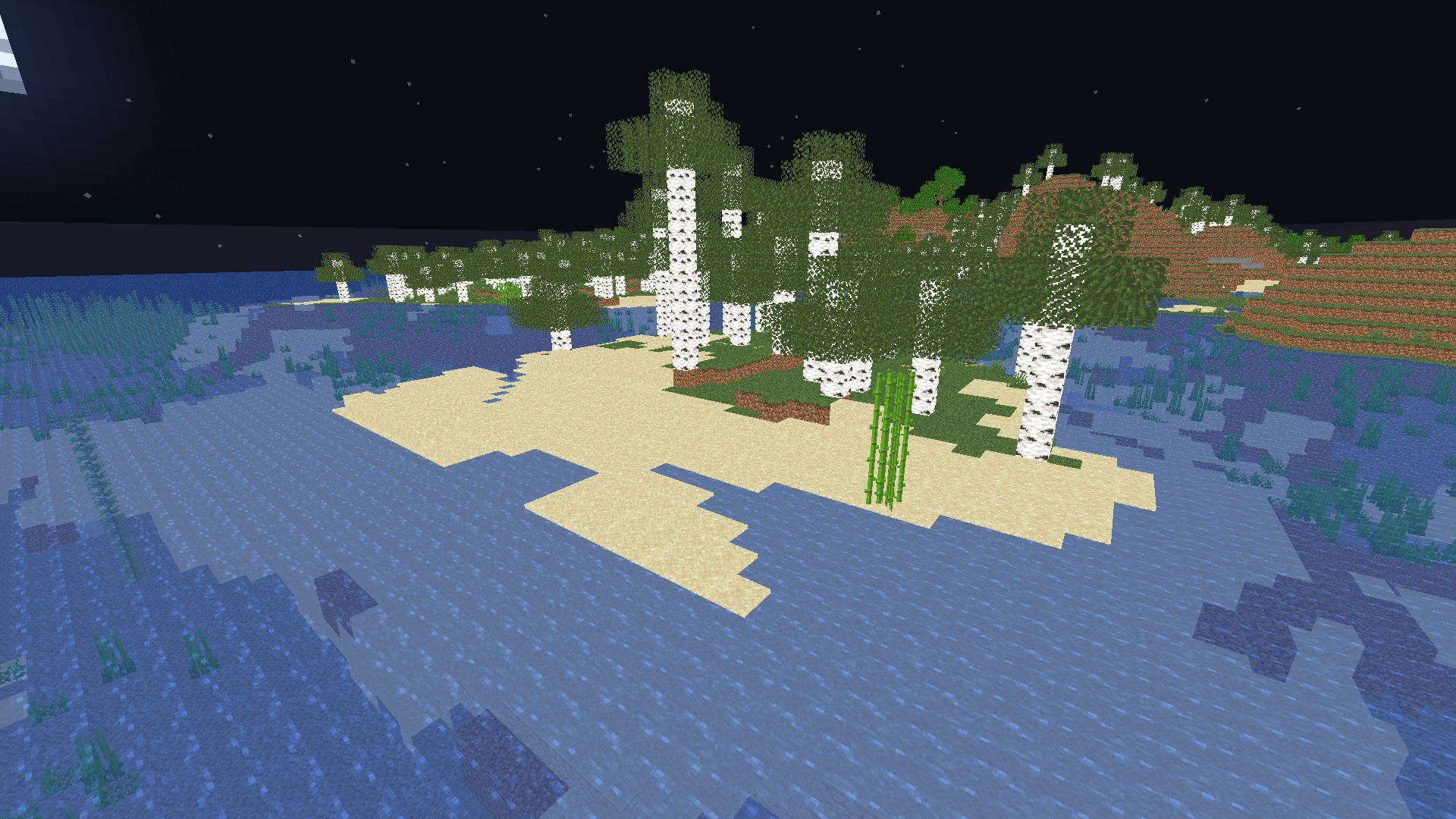 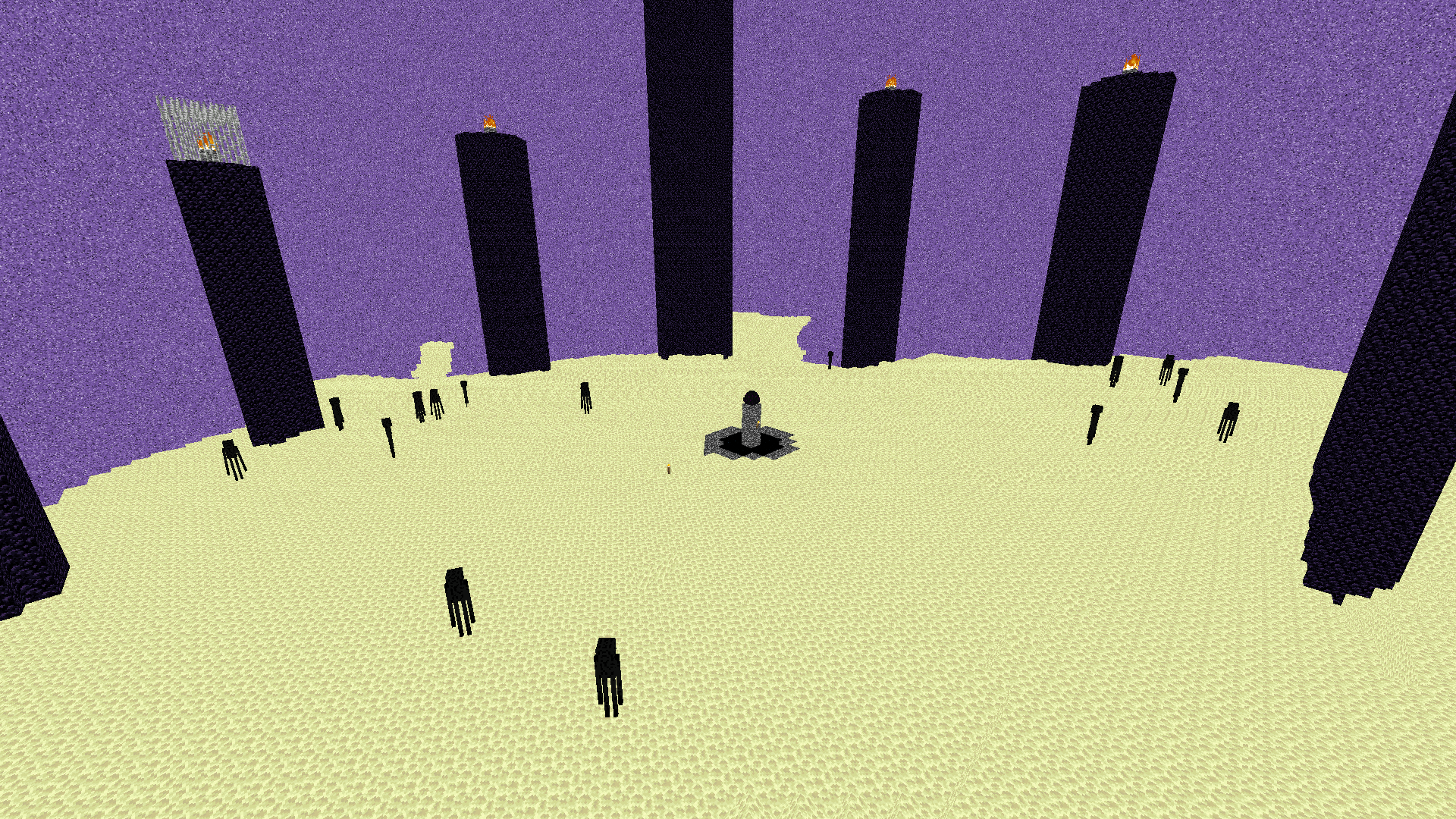  **Shadows removed, forever.**
Fake Hardcore Hearts/Health
Adds Hardcore Hearts to regular worlds without actually enabling Hardcore Mode,
available to every Minecraft version.
All Hearts have been replaced with their Hardcore variants, including Regular hearts, Absorption hearts, Poisioned hearts, Withered hearts and even Frozen hearts.

You can absolutely use this to troll your friends.
You can totally use this to record your 100% legit Minecraft playthrough before going off-camera mining.
Happier Pumpkin
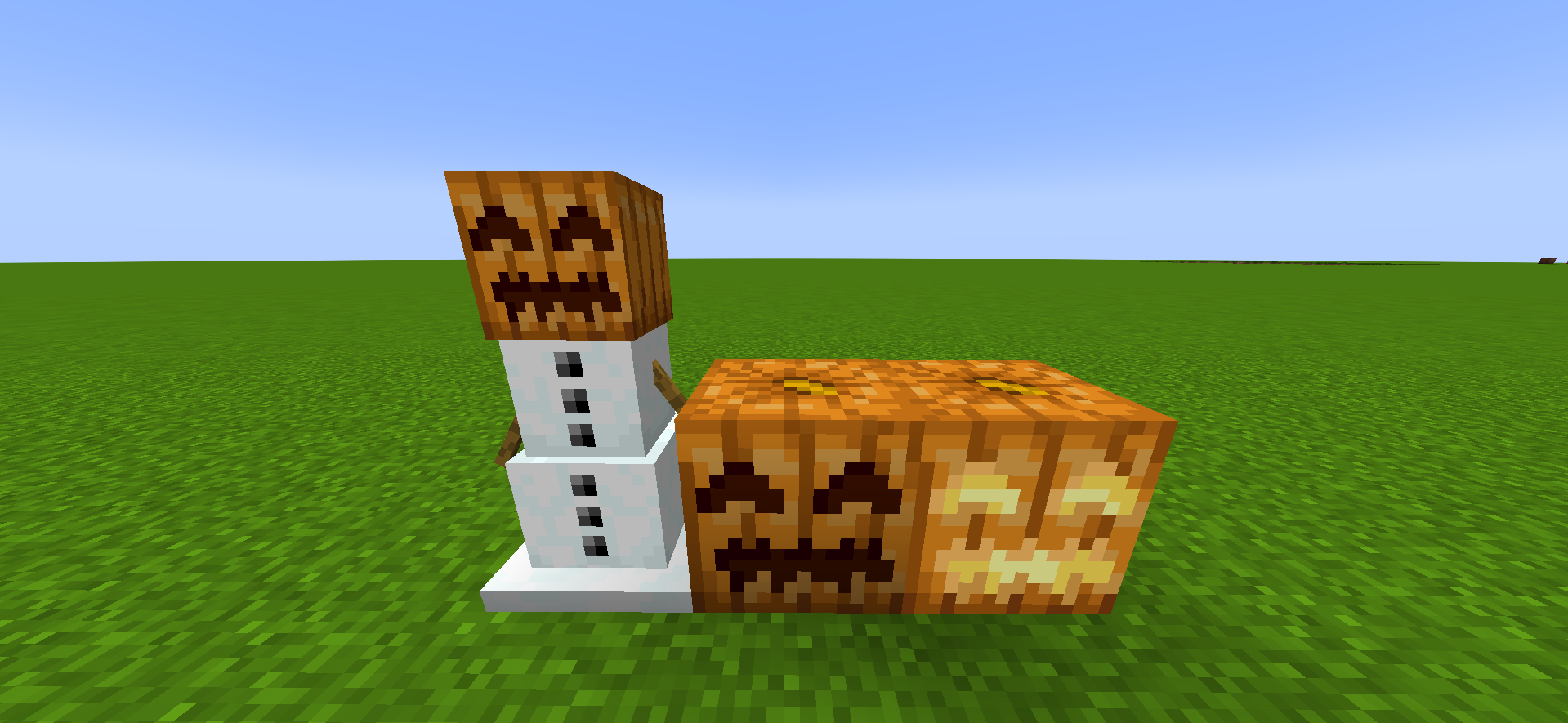
# **😊Happier Pumpkin🎃**
**Happier Pumpkin** makes pumpkins happier the **HAPPIEST** in the **PUMPKING KINGDOM**
Grimstone
# Grimstone
**Grimstone** was implemented in snapshot 21w07a. One week later, snapshot 21w08a released and changed the block’s name to Deepslate. This pack undoes that by renaming all Deepslate-related blocks, changing all instances of “Deepslate” to “Grimstone”.
### Included Blocks
* Chiselled ~~Deepslate~~ Grimstone
* Cobbled ~~Deepslate~~ Grimstone Slab
* Cobbled ~~Deepslate~~ Grimstone Stairs
* Cobbled ~~Deepslate~~ Grimstone Wall
* Cobbled ~~Deepslate~~ Grimstone
* Cracked ~~Deepslate~~ Grimstone Bricks
* Cracked ~~Deepslate~~ Grimstone Tiles
* ~~Deepslate~~ Grimstone Brick Slab
* ~~Deepslate~~ Grimstone Brick Stairs
* ~~Deepslate~~ Grimstone Brick Wall
* ~~Deepslate~~ Grimstone Bricks
* ~~Deepslate~~ Grimstone Coal Ore
* ~~Deepslate~~ Grimstone Copper Ore
* ~~Deepslate~~ Grimstone Diamond Ore
* ~~Deepslate~~ Grimstone Emerald Ore
* ~~Deepslate~~ Grimstone Gold Ore
* ~~Deepslate~~ Grimstone Iron Ore
* ~~Deepslate~~ Grimstone Lapis Lazuli Ore
* ~~Deepslate~~ Grimstone Redstone Ore
* ~~Deepslate~~ Grimstone Tile Slab
* ~~Deepslate~~ Grimstone Tile Stairs
* ~~Deepslate~~ Grimstone Tile Wall
* ~~Deepslate~~ Grimstone Tiles
* ~~Deepslate~~ Grimstone
* Infested ~~Deepslate~~ Grimstone
* Polished ~~Deepslate~~ Grimstone Slab
* Polished ~~Deepslate~~ Grimstone Stairs
* Polished ~~Deepslate~~ Grimstone Wall
* Polished ~~Deepslate~~ Grimstone
* Reinforced ~~Deepslate~~ Grimstone