## Customization
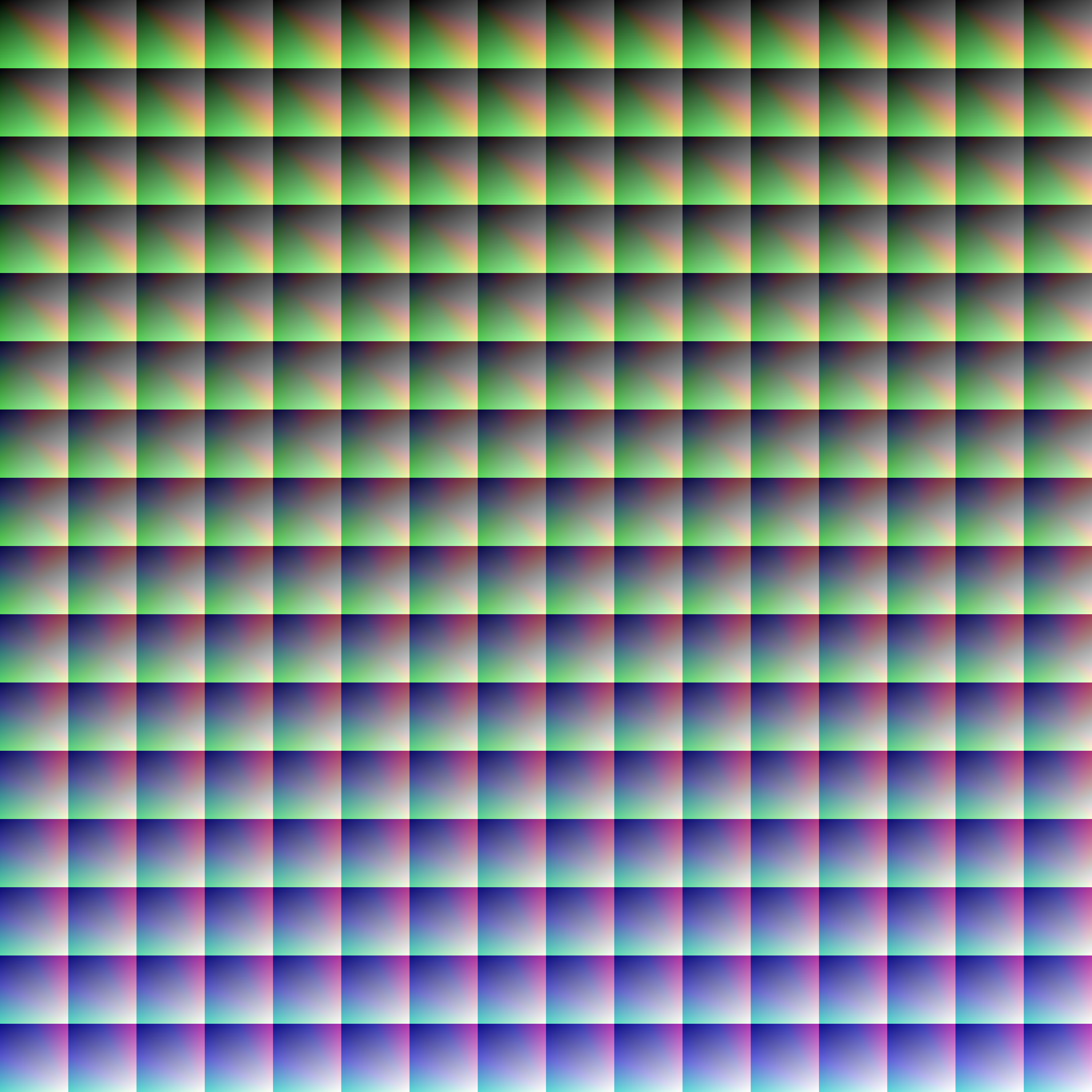
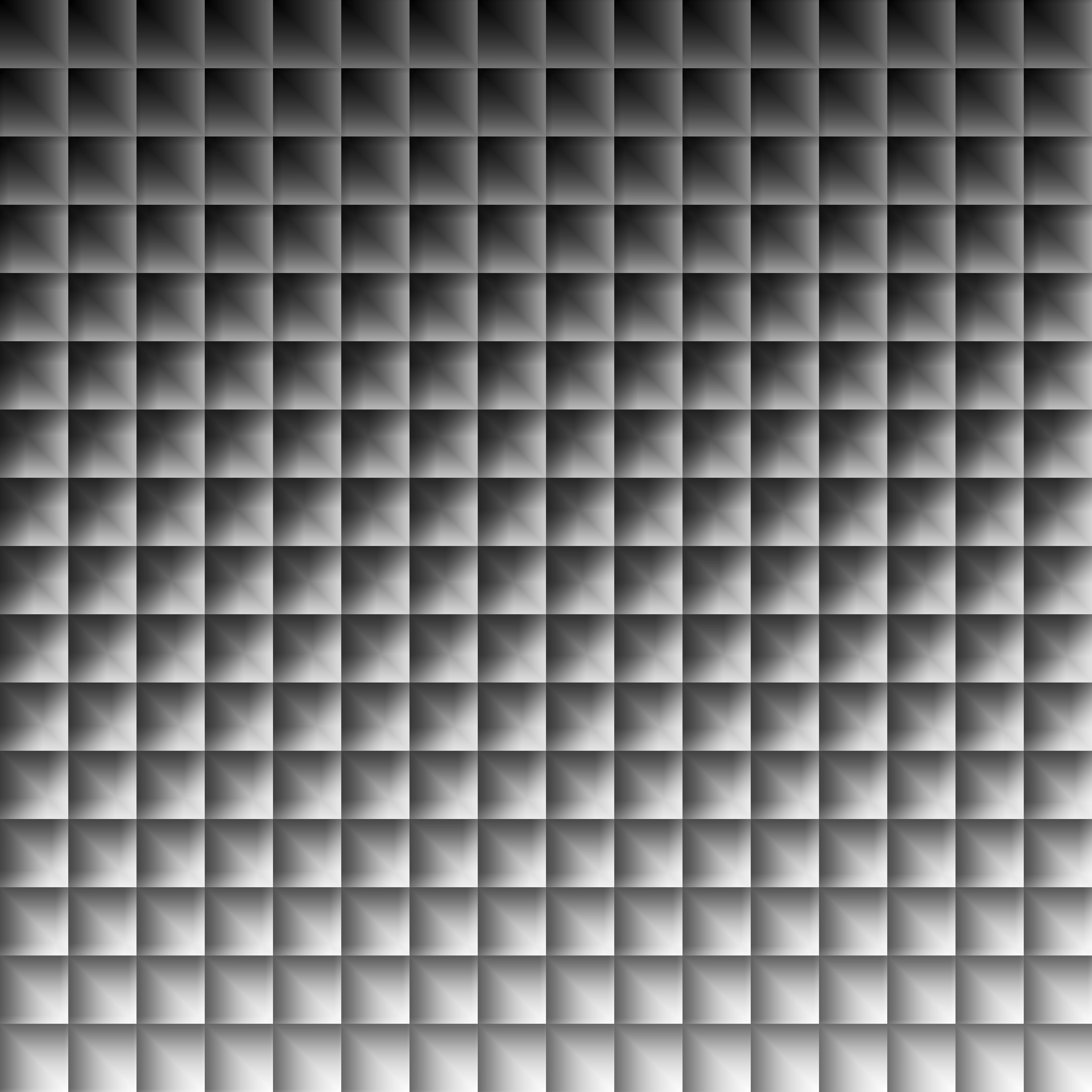
Provided within the pack zip, you may find a file called `init_LUT.psd`, which will allow you to customize the look and feel of this shader.
Customization Instructions
Open init_LUT.psd into your favorite photo editor (IE GIMP, Photoshop, Affinity Photo)
I personally use the free online Photoshop alternative Photopea
You can also just use the unmoddified init_LUT.png which is also provided in the zip
Apply as many adjustment layers, or edit the ones I have pre-selected, to achieve the look you desire
These can be found under Layer > Add New Adjustment Layer
Hide the color preview layer HIDE BEFORE EXPORT
Export into the pack as assetsminecrafttextureseffectlut.png or shaderslut.png, depending on whether you are using Vanilla or Iris/OptiFine
Example LUTs
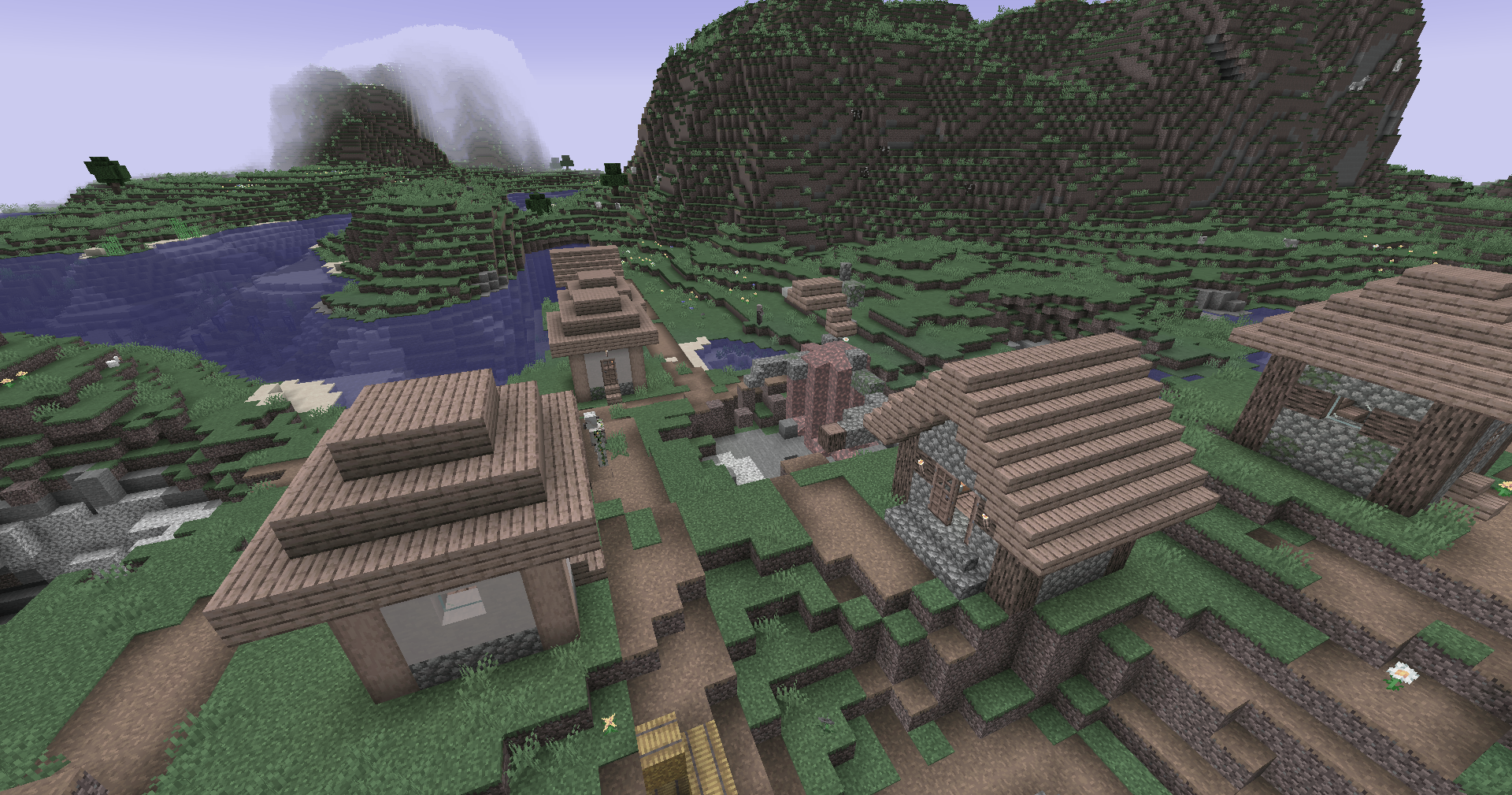
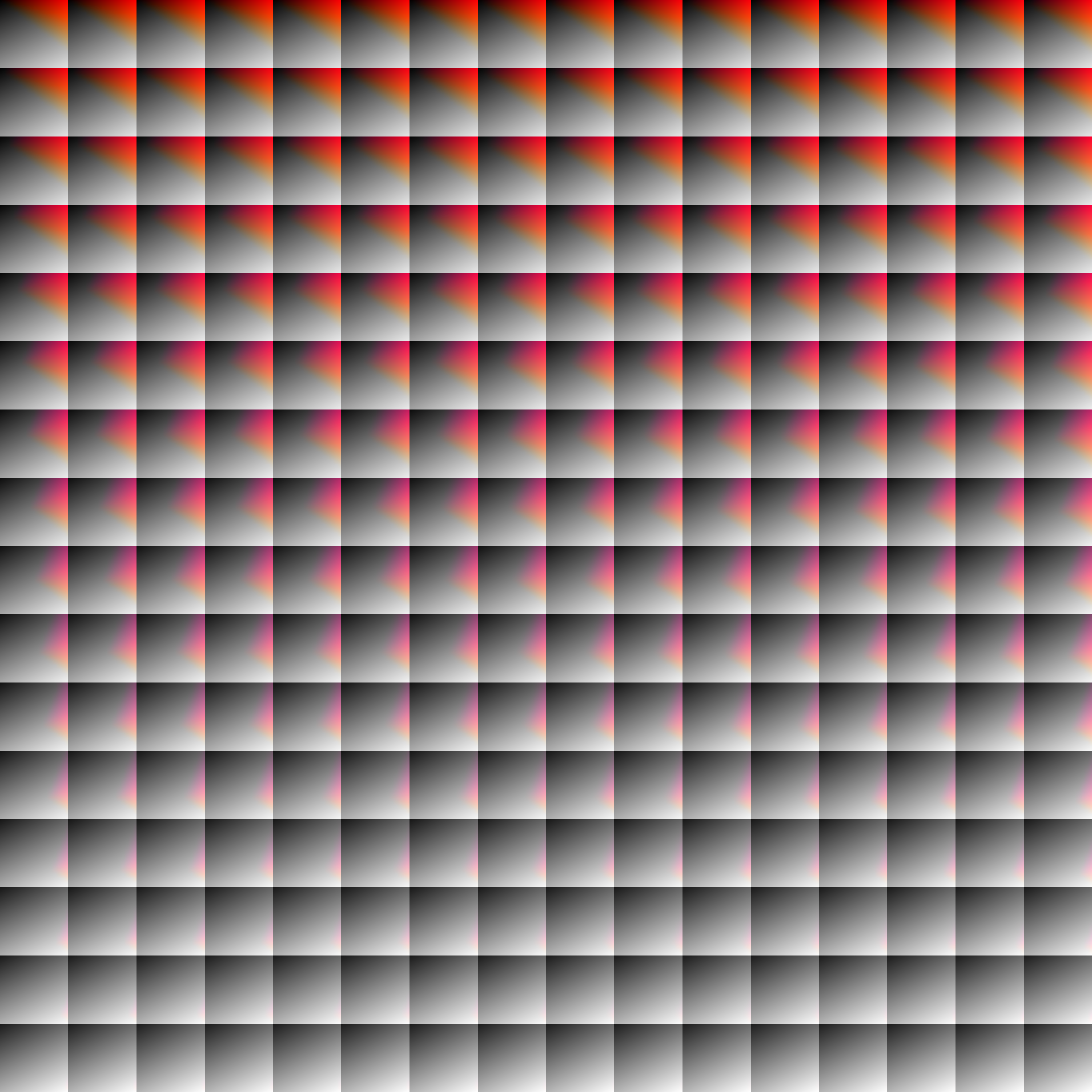
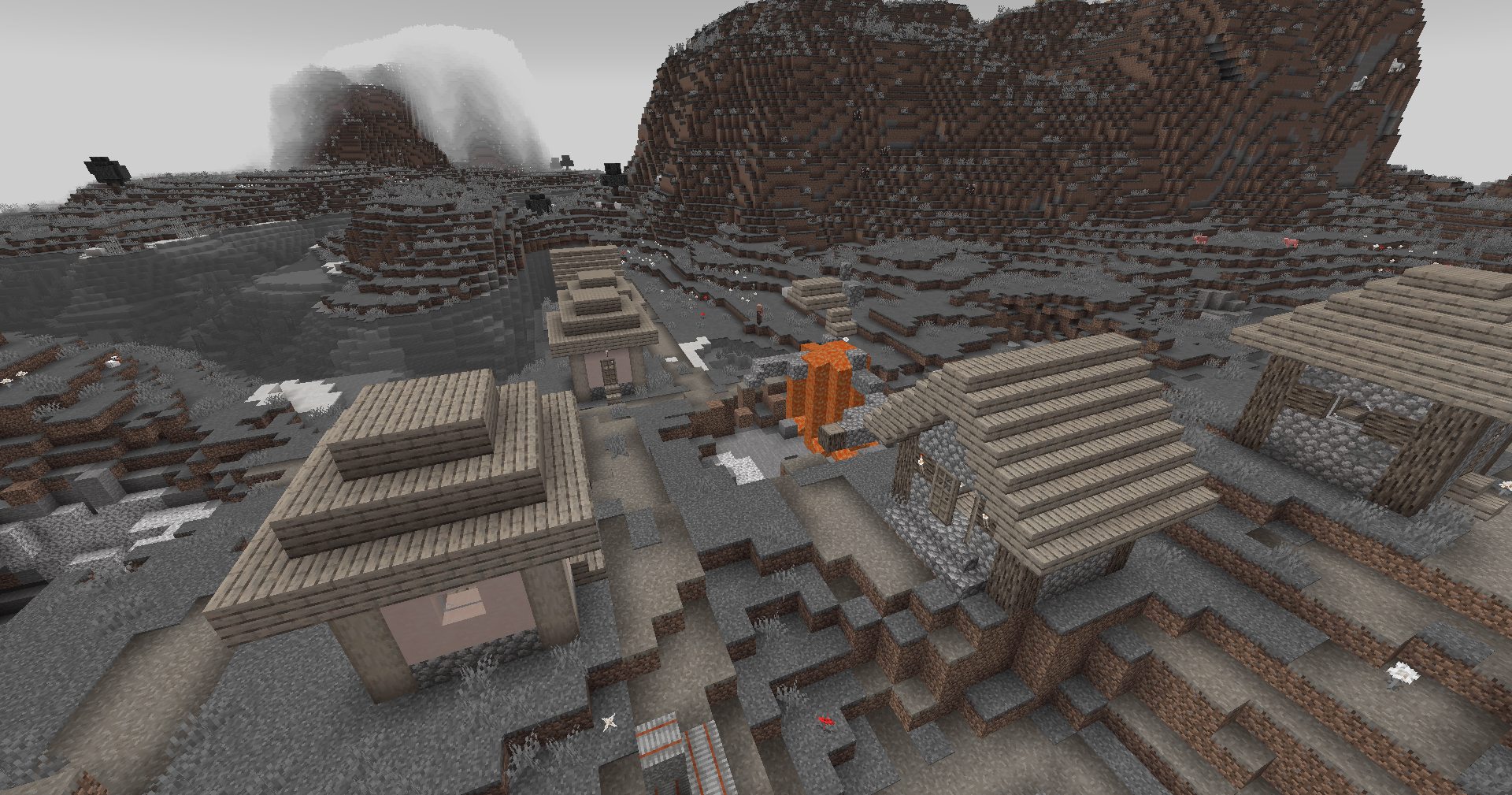
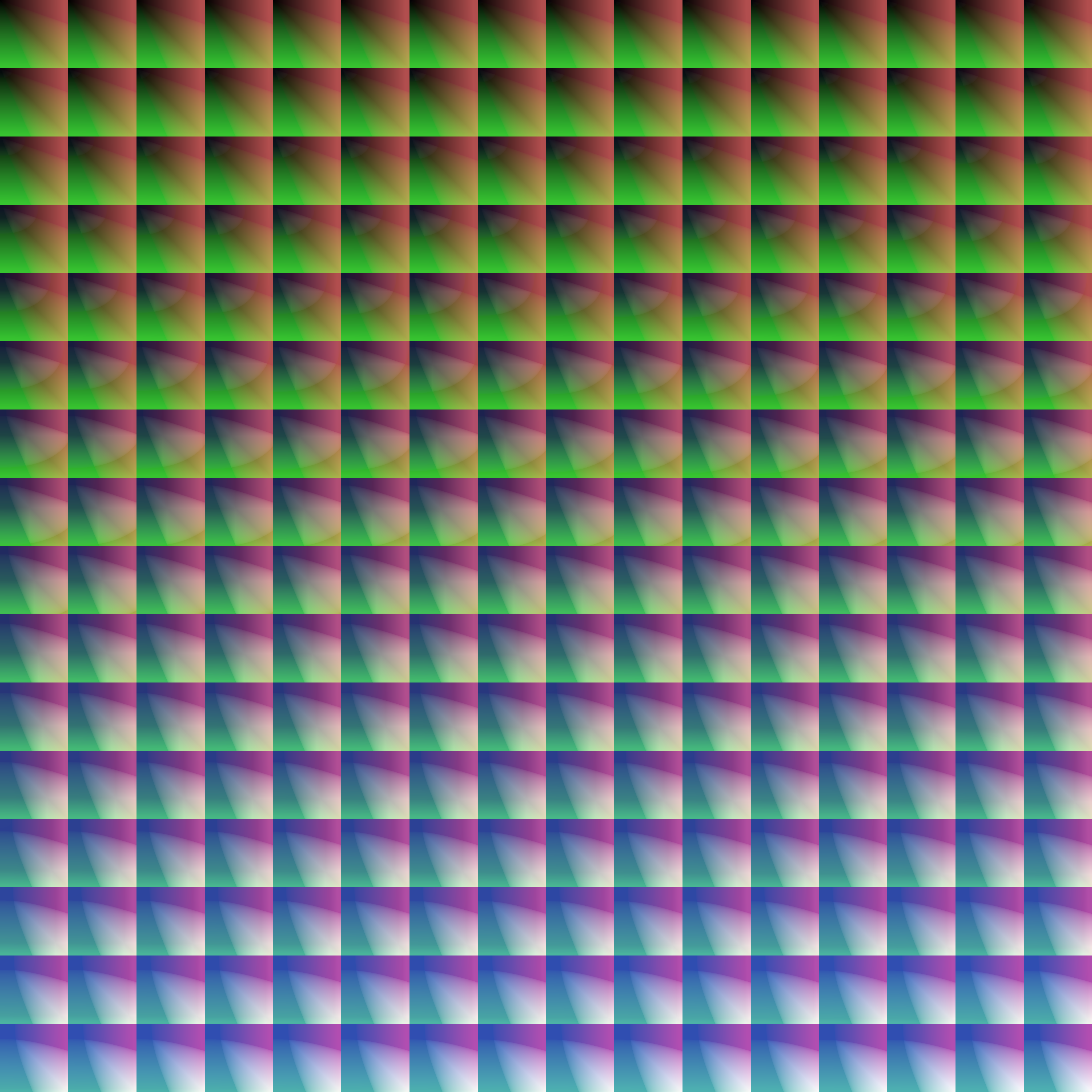
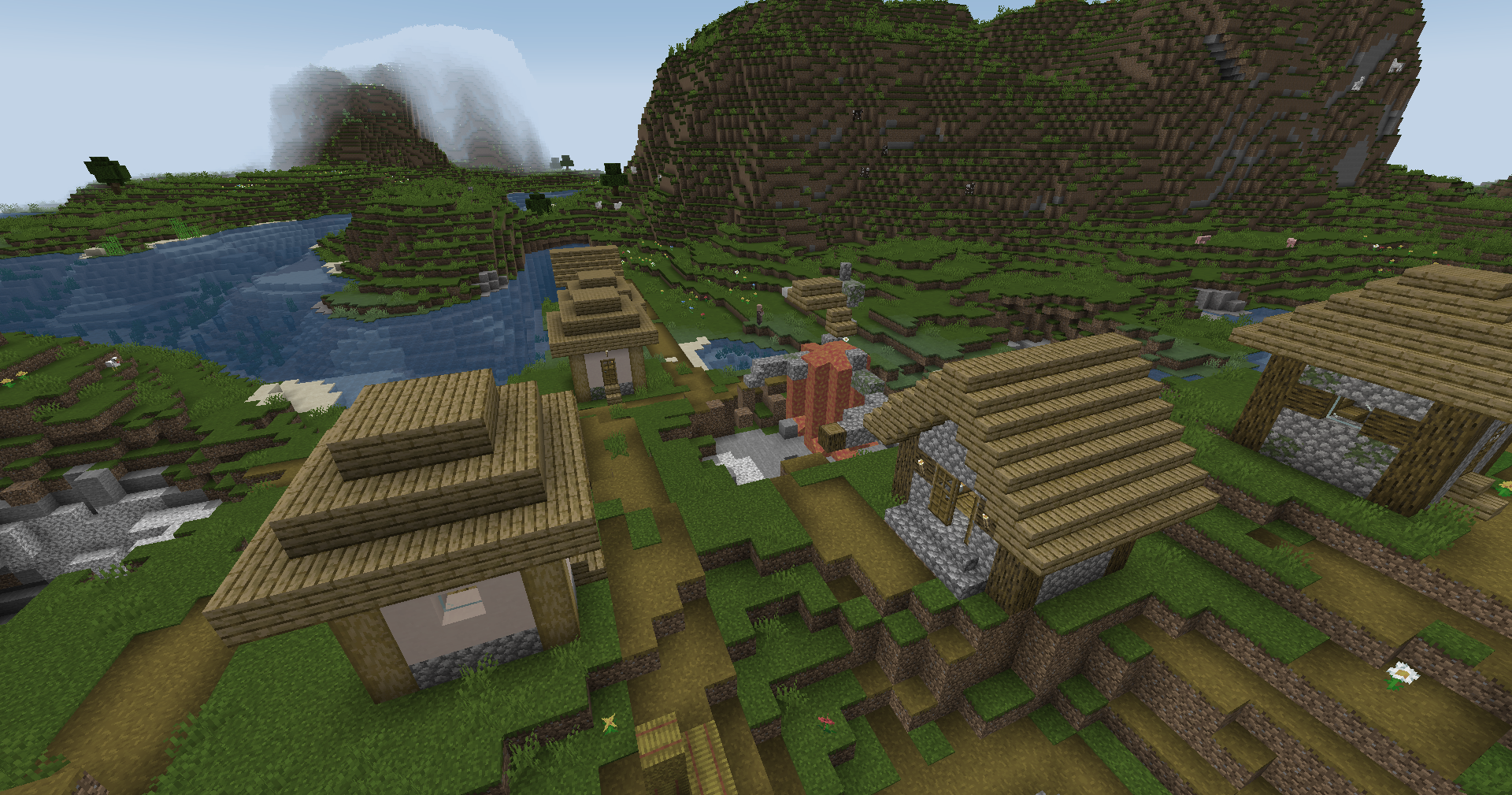
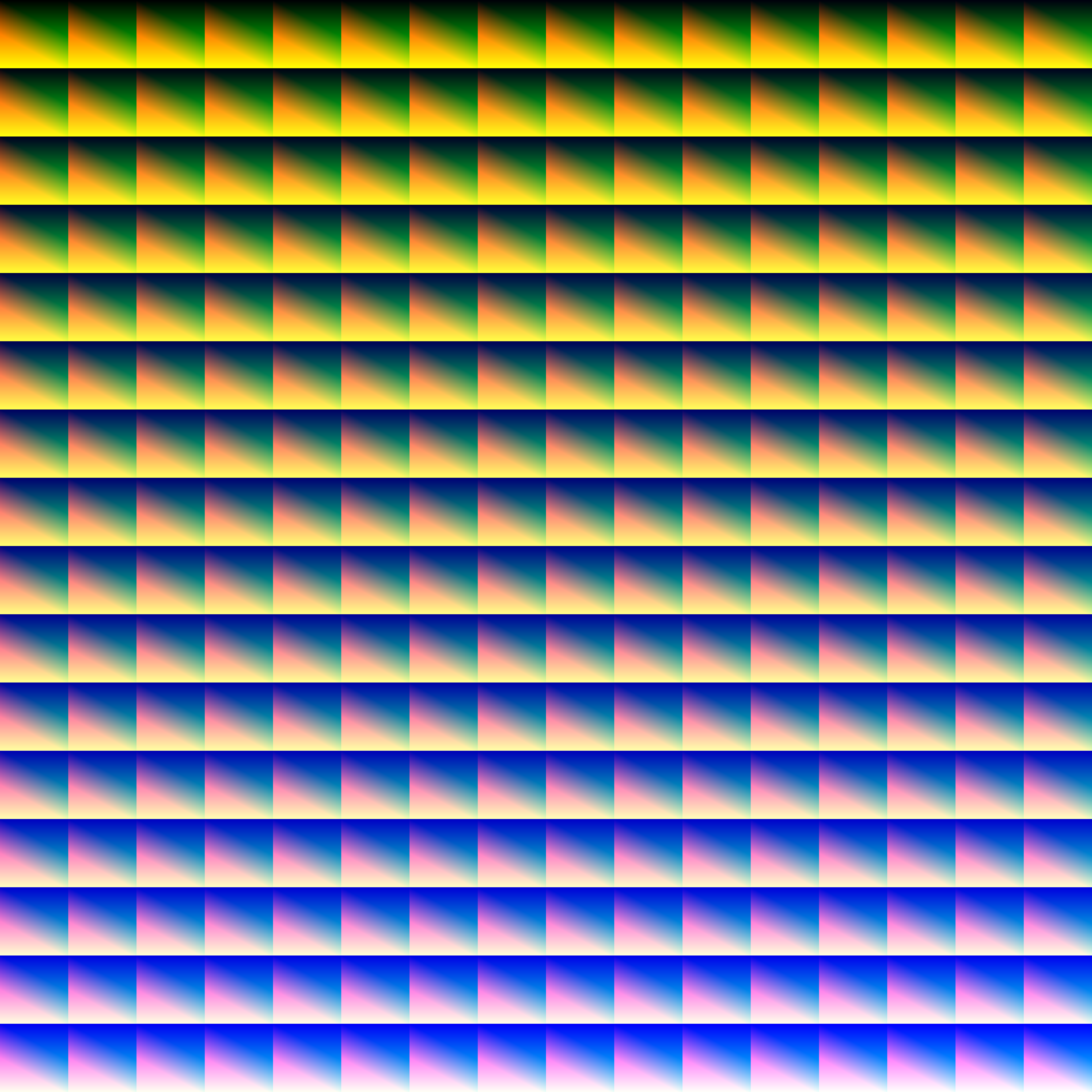
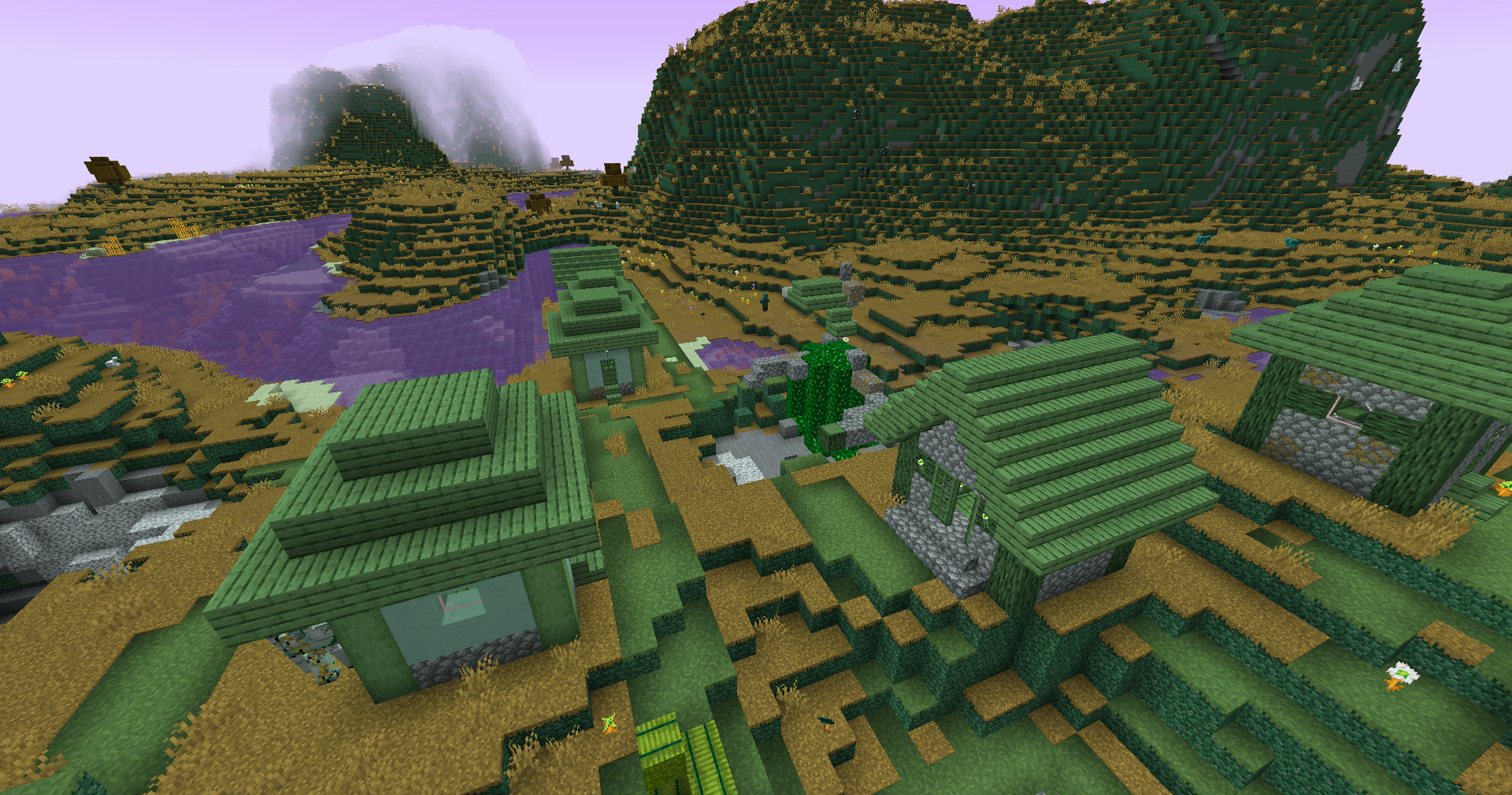
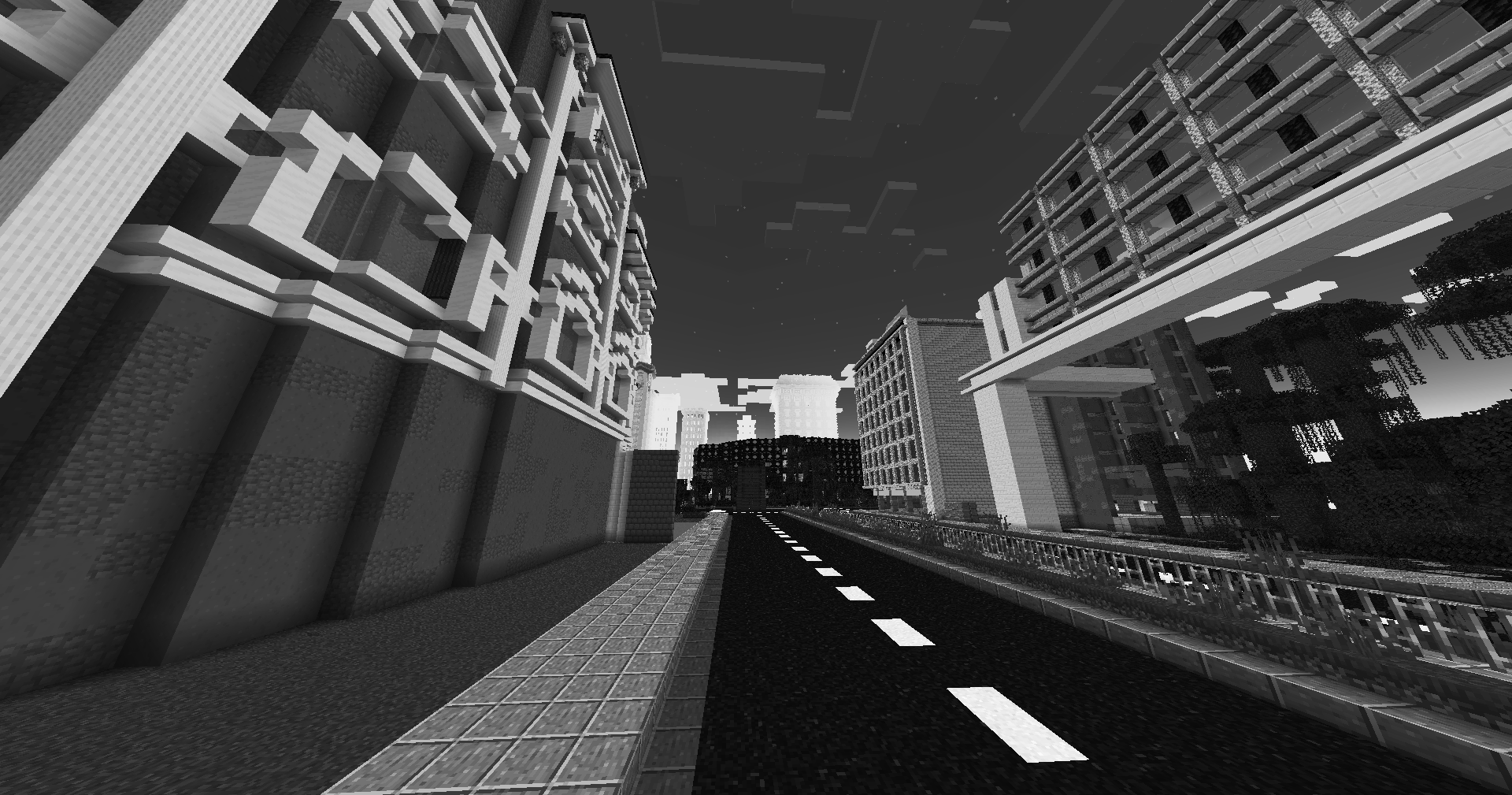
Save one of the LUTs below as assetsminecrafttextureseffectlut.png or shaderslut.png, depending on whether you are using Vanilla or Iris/OptiFine:
LUT
Preview
Reduced Reds
Red Isolated
Darkened World
Wut
Dramatic Black and White
Redistribution
If you wish to share your own custom LUT, please direct your users to download Zenith’s LUT Shader alongside your pack, or mark it as a dependancy on Modrinth
Zen Font
Get a server today and play with your friends! Click HERE or below banner & Use Code GAMERPOTION to get 25 off!
Zen Font
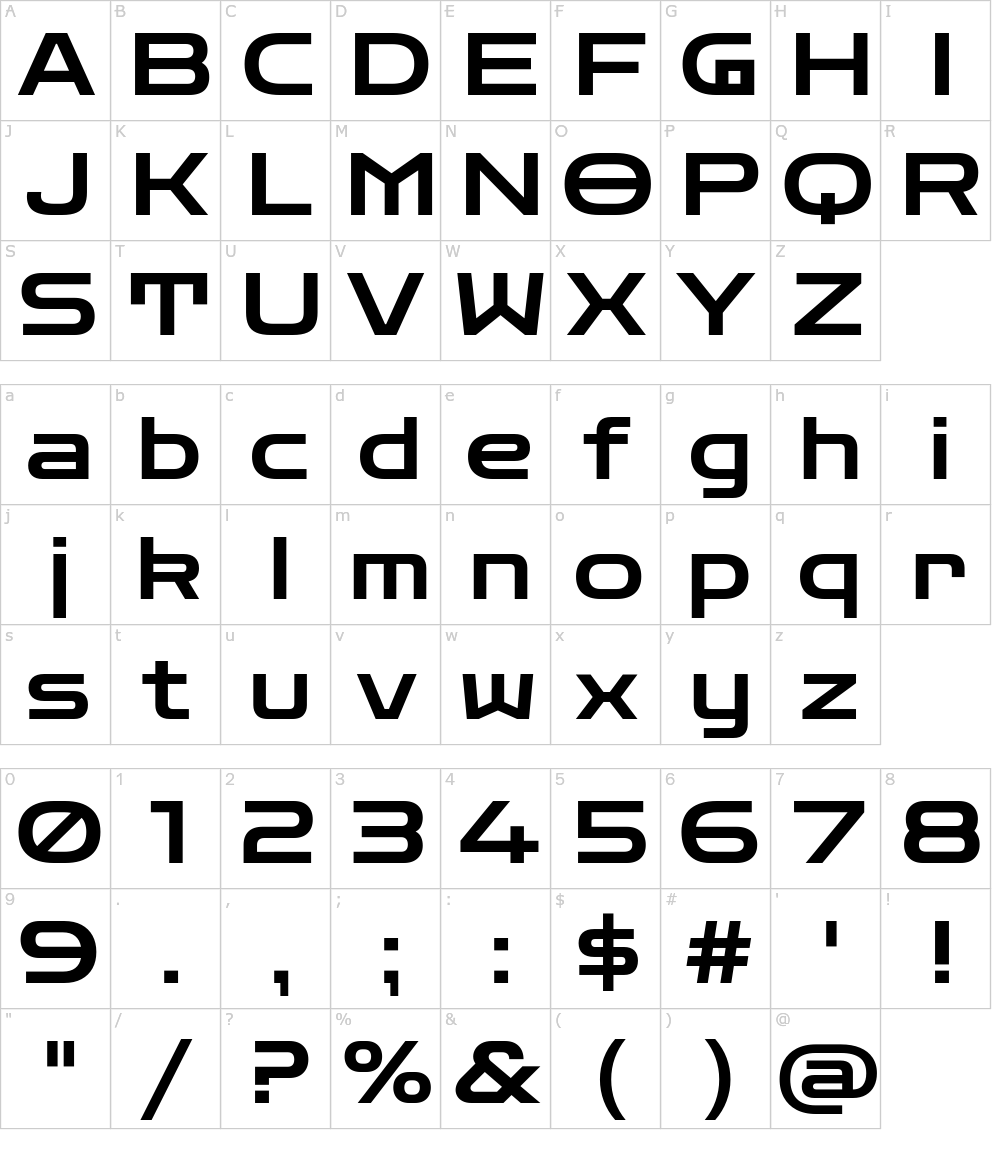
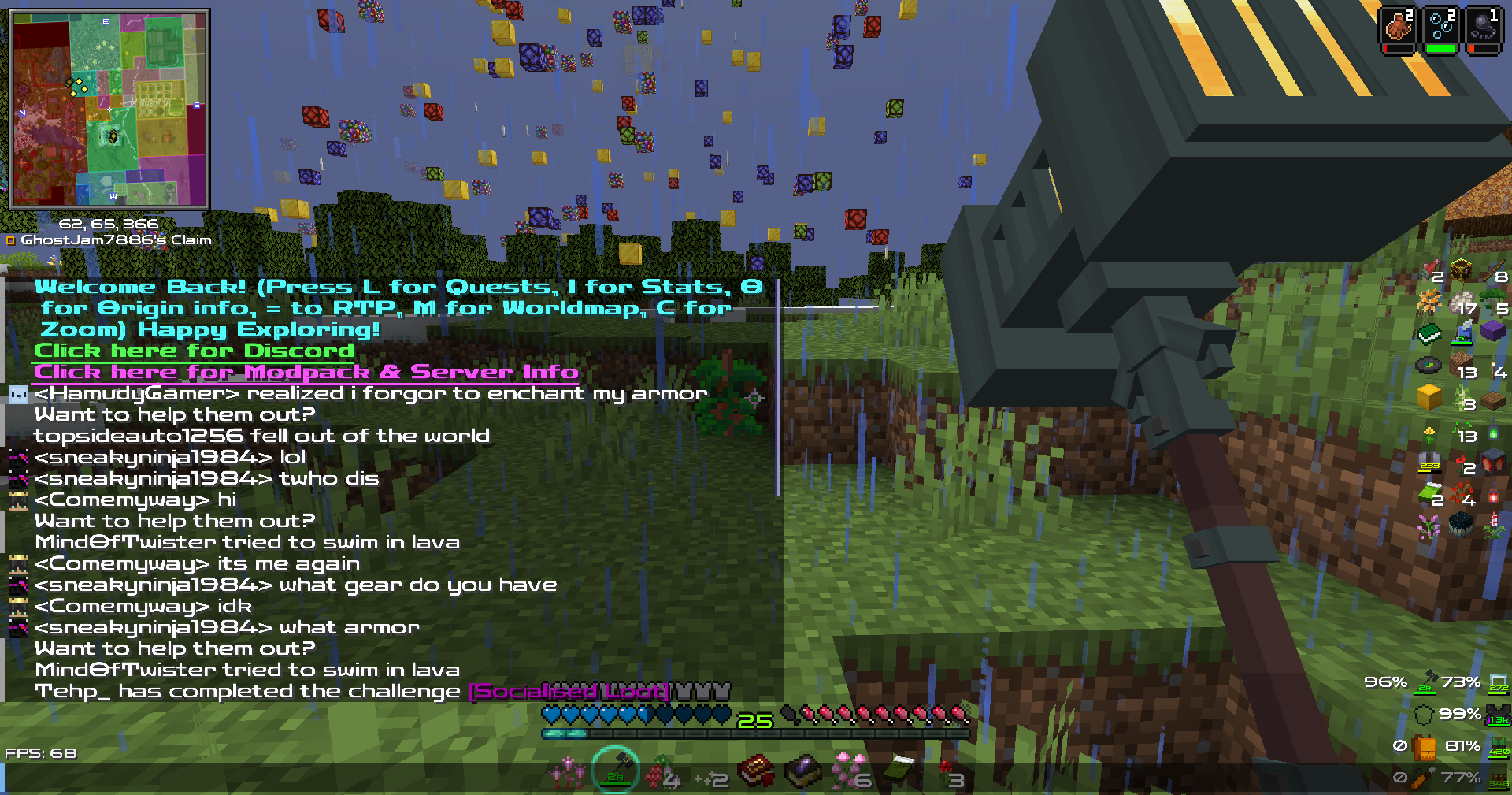
Your vanilla experience will be further improved thanks to this clear & crisp font. Made for the DarkRPG modpack but now available to the public!.
Based on the Zen Dots Google Font by Yoshimichi Ohira.
The font is licensed under the Open Font License.
Screenshots (from DarkRPG)
Click the banner below to get your server today! or go to BisectHosting.com and make sure to use the code ‘gamerpotion‘ to get your 25% off.
The Legend of Zelda: Builders of the Realm
## Legend of Zelda – Minecraft
The pack is full of items from the greatest game of all time Legend of Zelda: Breath of the Wild
Optifine is require if played on Forge
[Cit Resewn](https://modrinth.com/mod/cit-resewn) is required if played on Fabric
Zekren’s MusicPack
Experience Minecraft like never before with Zekren’s MusicPack! Designed to immerse you in a brand new auditory adventure, this pack replaces the entire main music soundtrack with 63 new tracks!
**_Features:_**
**Complete Overhaul:** Every piece of the main soundtrack has been replaced, including three music discs (5, 11, 13), ensuring a cohesive and fresh auditory experience.
**Ambient Vibes**: Inspired by the original OST, each track brings a blend of ambient and atmospheric electronic music, enhancing immersion and creating new memories.
**Modern Soundscape:** Perfect for those who have grown accustomed to or muted the decade-old music, this pack aims to reinvigorate your Minecraft sessions with contemporary sounds.
**Future-Proof:** Now compatible with Minecraft 1.7.2+! I went all the way back to the 2013 music update. **For 1.21+, please join my [Patreon](https://www.patreon.com/Zekren/)
Rediscover the joy of Minecraft with Zekren’s MusicPack and elevate your gameplay to a whole new level. Dive into your world with a refreshed sense of wonder and make every adventure unforgettable. Experience the Nether with a more hellish and spooky ambiance, feel the cosmic expanse of the End, and enjoy enhanced soundscapes that elevate every biome to new heights. Everything is designed to enhance your experience, not change it entirely, ensuring a familiar yet vastly improved Minecraft journey.
Blue – Colored Ancient Debris
Make the ancient debris **blue** color over
“`
dirt
“`
color (:
Zeharyus Anime Music discs
It adds over 21 music
discs with. Custom textures / requires a Resourcepack all 21 discs have Custom anime music for jukebox
1–re zero ost
2–eminence in shadow s1 op
3—-eminence in shadow s2 op
4–solo leveling op
5–mahoraga vs sukuna ost
6–bizarre town jjba
7–breakdown jjba
8–il ventor d’oro
9–jjk op
10–jjk s2 op
11–shinzo o sasageyo op
12–idol
13–overlord op 4 remix
14–kira theme jjba
15–made in heaven theme
16–rumbling
17–BloodyStream
18–BingBang
19–Hollow purple
20–Black catcher
21–jojo p1 op sonochinosadame
ZedYakh – Ultra FPS Boost
**THIS PROJECT WILL NO LONGER RECIVE ANY UPDATES**, you can use other modpacks such as my friend’s modpack: ‘[Echo Performance](https://modrinth.com/modpack/echoperformance)’
## این پروژه دیگه بروزرسانی نمیشه. میتونید از مودپک های دیگه استفاده کنید
### پیشنهاد من:
## [Echo Performance](https://modrinth.com/modpack/echoperformance)
⠀⠀⠀
⠀⠀⠀⠀
⠀⠀⠀⠀⠀⠀⠀⠀⠀⠀⠀⠀⠀⠀⠀⠀⠀
⠀⠀⠀
⠀⠀⠀⠀⠀⠀⠀⠀⠀⠀⠀⠀
⠀
⠀⠀
Old description:
**What is ZedYakh**
——————————————————————
ZedYakh means **AntiFreeze** in Farsi. I chose this name because I’ve included the most effective FPS boost mods to make the game run as smoothly as possible!
## What’s different with other FPS boost modpacks?
This modpack is designed for the lowest-end PCs, focusing solely on FPS mods without any unnecessary additions. The primary goal was to make chunk loading smooth, minimizing any huge FPS drops.
**FAQ**
> Q: Can I use other Mods with this Modpack?
>
> A: Yes you can use almost any mods with this modpack without any issue.
> (But in version 2.0.0 for minecraft 1.21 , don’t use Lithium mod, it cause you to crash)
——————————————————————————————
> Q: Is this Modpack without any bugs?
>
> A: I have tested this modpack, but if you encounter any problems or bugs, feel free to comment. I always strive to fix bugs and I’ll never give up – Inshallah.
——————————————————-
> Q: Will you update or backport to other versions?
>
> A: Yes, i will
ضدیخ در معنا به همون معنای آنتی فریز هست که من داخلش از بهترین مودای افپیاسی استفاده کردم که بهتون بیشترین افپیاس ممکنه رو بده و بازی رو در روان ترین حالت براتون اجرا کنه
**تفاوتش با بقیه مودپک های افزایش افپیاس چیه؟**
————————————————-
این مودپک برای ضعیف ترین سیستم ها ساخته شده و از بهترین و موثرترین مودهای افپیاسی استفاده شده که بتونین ماینکرفت رو خیلی راحت اجرا کنین و به همین دلیل مود اضافه ای هم داخل مودپک قرار داده نشده
درواقع در این مودپک چانک لود کردن یکی از اهداف اصلی بود که شما الان با این مودپک چانک هاتونو میتونین به روان ترین حالت ممکنه اونم با کمترین افت فریم لود کنین
سوالات متداول
> پرسش: آیا میتونم مودهای دیگه ای با این مودپک استفاده کنم؟
>
> پاسخ: بله شما میتونین اکثر مودها رو با این مودپک باز کنین و مشکلی براتون رخ نده
> (البته در نسخه 2.0.0 برای ماینکرفت 1.21 از مود لیتیوم استفاده نکنید، چون مسبب کرش میشه)
> پرسش: آیا این مودپک بدون باگ هست؟
>
> پاسخ: من این مودپک رو تست کردم ولی باز شما اگه مشکلی دیدین میتونین کامنت بزارین
> من دائما درحال رفع مشکلات هستم و ازین کار دست نخواهم کشید – انشالله
> پرسش: آیا برای نسخه جدید تر یا قدیمی تر نسخه ای منتشر میکنید
>
> پاسخ: من در آینده برای نسخه های قدیمی تر مودپک رو منتشر میکنم، اما نه همه نسخه ها. این برای نسخه های جدید هم صدق می کند
> برای مثال من برای نسخه 1.21.1 مودپک رو منتشر نخواهم کرد چون تغییر خاصی تو این نسخه رخ نداده، اما برای نسخه هایی که تغییراتی در آنها رخ داده باشه مودپک رو منتشر خواهم کرد چه نسخه های قدیمی و چه نسخه های آینده
>
[zChat](https://www.spigotmc.org/resources/zchat.116042/) is a Spigot plugin that is simple to format and manage your chat on your server.
## Features
– Support for all versions from 1.13 to 1.20.6
– Chat Formatting
– PlaceholderAPI Support
– [MiniMessage](https://docs.advntr.dev/minimessage/) support
– Per group format using permissions
## Commands
– /zchat – Manage your zChat plugin.
– /clearchat – Clears the chat.
– /togglechat – Toggle off and on the chat.
– /chatfilter – Manage the chat’s filter.
– /chatcooldown – Set or toggle the cooldown on chat.