Join my Discord server [here](https://discord.gg/WYdD5xUamd)!
Yippee Fox
# Overview
Foxes will ocasionally go “YIPPEE” when it’s idle.
# Discord
[Discord](https://discord.com/invite/eYaAp3SqPA)
You’re in Grave Danger
# You’re in Grave Danger
Get it?
## About
You’re in Grave Danger is a highly configurable grave mod.
This mod will add graves to your game, which will spawn at your death location with all your items. You can then go back and retrieve your lost items. The mod will remember your inventory layout and put everything back to where it was before you died. The mod is highly configurable. In fact, if you think a config is missing that has anything to do with what happens when you die, it’s not refered to as a missing feature, but a bug. (Not really but that’s how serious I am about everything being configurable).
If you play multiplayer you’ll have no trouble finding which grave is yours, as both your face and player name will render on it (if you’ve enabled it in the config of course)
## Features
The mod is available for 1.16.5, 1.17.1, and 1.18!
As 1.18 is the newest version of minecraft, 1.18 will be the version most updates are pushed to. This is why you will often find more features in this version than the other versions. However once in a while the 1.16.5 and 1.17.1 will be backported from the newest version. Any issues found with earlier versions will also be handled.
The mod aims to be compatible with most, if not all inventory mods. Currently You’re in Grave Danger provides compat for: inventorio [all versions], trinkets [all versions], curios [1.16], travelers backpack [1.16, 1.17]
Other inventory mods are also compatible with this mod, including backslot, extra inventory and BigInv. The mod will also work with infinitory, however that compatibility is not well tested. If any of the listed mods would not be compatible, or you know another mod affecting the inventory, please open an issue in the mod github repository, or report it in the discord server.
The mod is technically compatible with every soulbound enchantment, since you can configure which enchantments should not be dropped on death in your grave, and which you should as well keep in your inventory when you respawn.
Graves can be waterlogged, and renders can be adapted to the block the grave is standing on.
Graves can be completely customized with resource packs in all versions. They will affect block hitbox, render parts, the grave skull and grave text.
More features are also provided, however some of these are disabled by default as most people probably don’t want these issues as a part of the mod.
## Misc info
If you find any bug/missing config, or have a cool idea that would fit in the theme of the mod, please open an issue on the [github issue tracker](https://github.com/B1n-ry/Youre-in-grave-danger/issues)
The mod is under MIT license, so feel free to use this in your modpack!
This mod is required both on client and server, as it will add custom blocks and renderers.
Want more info about how to configure the mod for modpacks and servers or similar? Visit the [github wiki](https://github.com/B1n-ry/Youre-in-grave-danger/wiki)
YFs – Snow & Rain
The texture pack removes the load on the PC by reducing rain and snow.
YFs – Better menu background
Hallo!
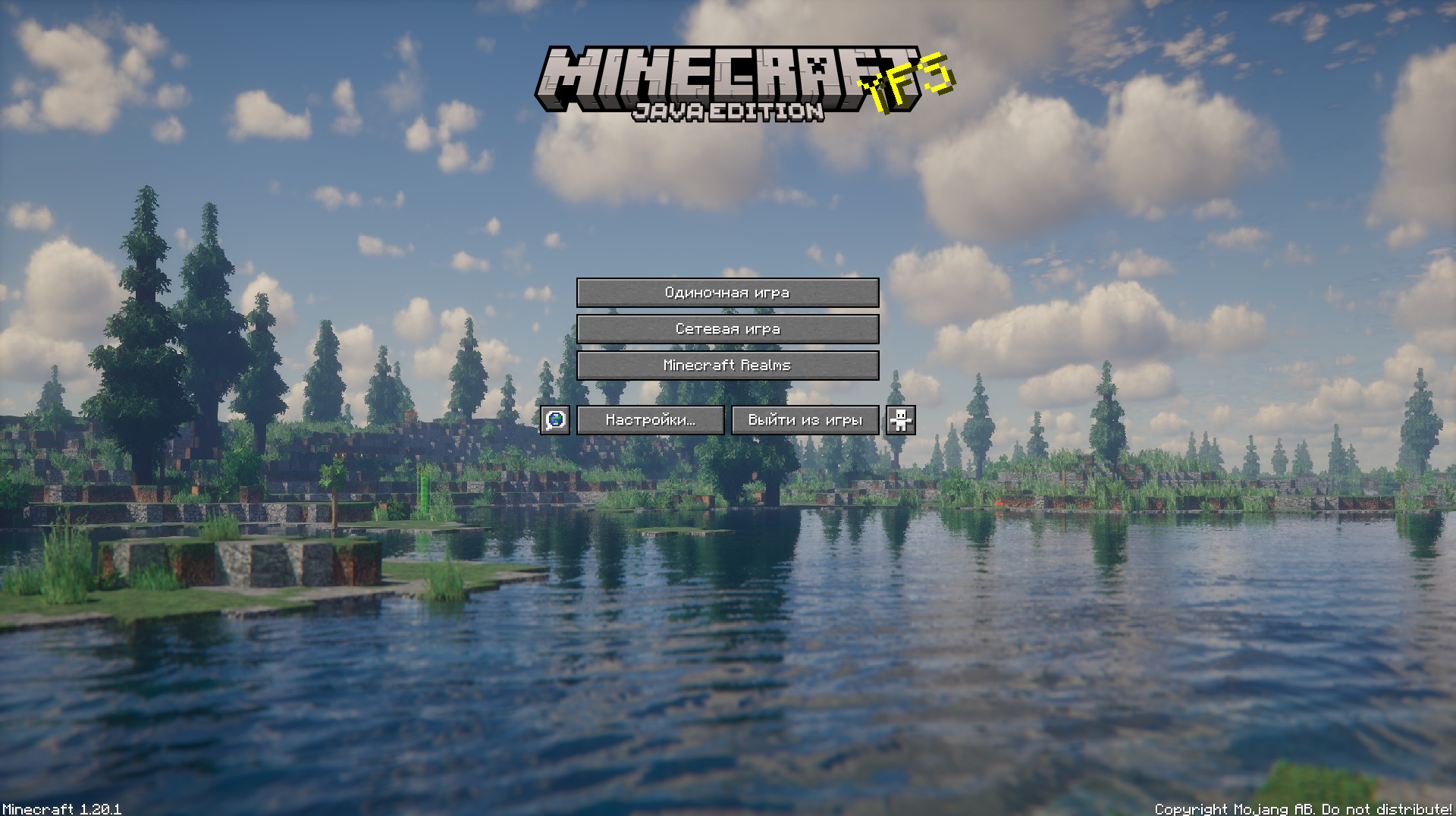
This texture pack improves your Minecraft by changing the background
Yeth’s TPA
**Yeth’s TPA is a Teletransportation Accept mod for Minecraft designed to be compatible, stable, and sufficient.**
## Commands
– **/tpa ** Sends a TPA request to a user
– **/tpa accept ** Accepts a TPA request from a user
– **/tpa here** Sends a TPA Here request to a user
– **/tpa cancel** Cancels an outgoing TPA request
– **/tpa ignore ** Ignores a player from making TPA requests
– **/tpa help** Sends a list of all commands
– **/tpa disable** Disables TPA requests from being sent to you
– **/tpa enable** Enables TPA requests to be sent to you
– **/tpa setting ** Configures settings in TPA
## Features
– Automatic expiry of TPA requests
– TP delay w/ countdown
– Multiple request handling
– Permissions for server owners
– Anti-TPA-traps
## Support
Yeth’s TPA supports the following mod loaders:
– Fabric
– Neoforge
– Forge
– Quilt
– Legacy Fabric
– Babric
– Ornithe
– BTA
– LiteLoader
For Minecraft versions 1.7.2 – 26.1.2
Yes Steve Model
The Yes Steve Model mod is a Minecraft Forge/Fabric/NeoForge mod that modifies the vanilla player model, using geckolib at its core, using Minecraft Bedrock Edition models and animation files. This allows players to customize player models and animations as they wish.
– **Custom Model Wiki: **
– **Discord: **
– **This github repository is maintained by community player @Elaina and stores many YSM models shared by art authors: [https://github.com/Elaina69/Yes-Steve-Model-Repo](https://github.com/Elaina69/Yes-Steve-Model-Repo)**
# Platform Support
Versions 1.1.5 and earlier were written in pure Java and support the three major mainstream platforms and mobile platforms.
Since the encryption algorithm of the old versions written in Java was quickly cracked, starting from version 1.2.0, the core encryption and rendering parts are all written in C++. This greatly improves the rendering performance and security, but the multi-platform support is poor.
The Yes Steve Model mod takes into account the mod needs of the server community, and adopts many designs suitable for the server environment, including but not limited to:
1. Automatic synchronization of client models: When players enter the server, the server will automatically synchronize the models to the player’s computer.
2. Encrypted model files: All the models sent to the player client are encrypted binary files, effectively avoiding the problem of model theft!
3. Model auth function: Models can be authorized separately, and only after the OP input command is authorized, a specific model can be used.
4. Vanilla player model modification: Added default Steve and Alex models, both of which can automatically call the player skin display.
Simple customization function: The model customization function is extremely simple. You only need to place the model, textures and animation files in a specific folder, and input the reload command in the game to automatically load and synchronize. No need to write any configuration files!
—
For client players, it is also extremely simple to use. After the player enters the server for the first time and waits for more than ten seconds (time-consuming for model synchronization), he can use the shortcut key Alt + Y to open the following GUI:
– ① Model switching button: Click to switch to the corresponding model. If the icon in the upper right corner of the button is red, it means the model is not authorized. The number in the icon represents the number of materials that the model can switch.
– ② Texture switching button: For models with multiple textures, click the left and right buttons to switch the model texture.
– ③ Model category switching button: You can switch between all models, auth models and vanilla models (currently only Steve and Alex models
—
There are many authors who have published works on planetminecraft. You can follow them:
– **NekuroMC**:
– **Omegaff0048**:
– **rWby9**:
– **WelfarexWaifu**:
# Additional Warning:
### Please do not create any models that violate laws and regulations. This production team is also opposed to any form of R18/NSFW content creation! We have never participated in any related content creation!

or use [Animatica](https://modrinth.com/mod/animatica)
Tired of boring brownish-gray sweeps? Then try spicing up your game with something new!
Yellow Snow
[Porting information for 26.1 update](https://wiki.chaotictrials.de/porting/version/26.1/)
**[](https://vshymanskyy.github.io/StandWithUkraine)**
A mod created for **WinterJam 2020**.
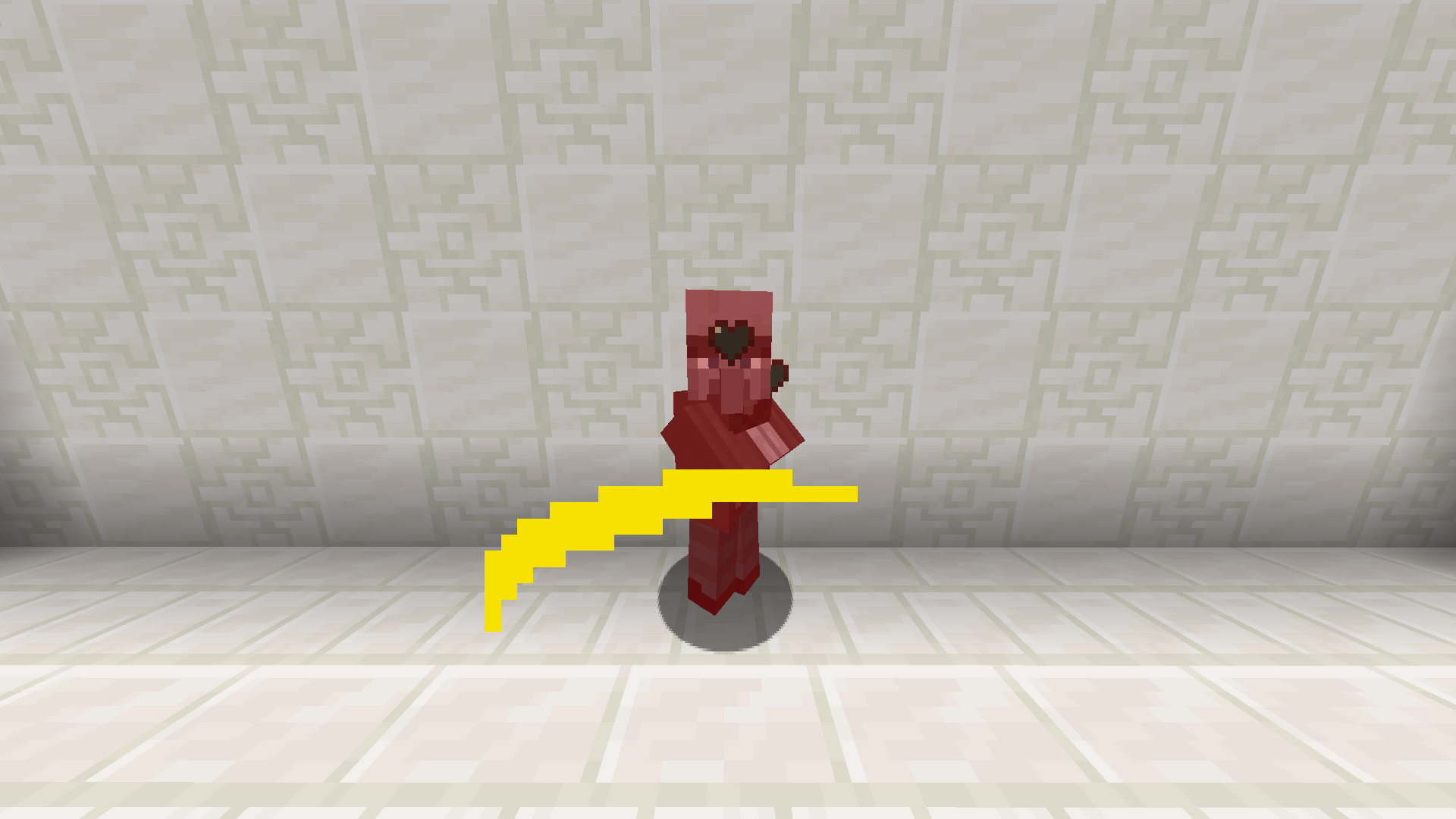
Adds yellow snow to the game. Yellow snow balls deal damage to entities.
How to get yellow snow? Just pee on normal vanilla snow.


