White Lanterns
This resource pack changes the color of the lantern block to white, similar to that of an LED light, to give your worlds a modern touch.

##
### Also try Luish’s Katanas!
White Furry Totem
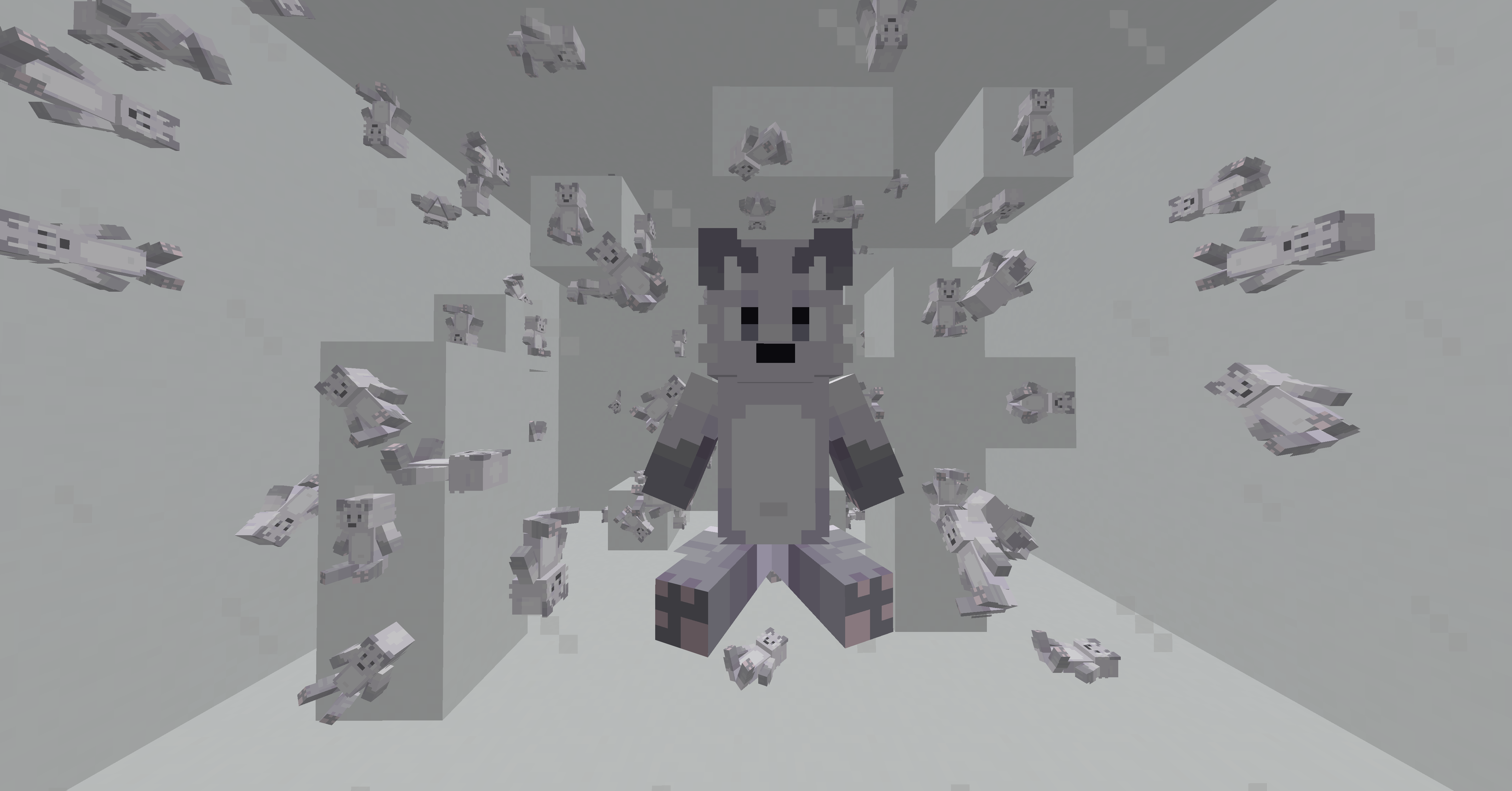
This is a resource pack that replaces a regular totem with a white furry totem :3
## Compatibility with the resource pack:
| Version | Mods | Result |
|:———————:|:———————:|:———————:|
| Vanilla | – | ✅ |
| Forge | Optifine | ✅ |
| Fabric | CIT Resewn | ✅ |
## Other:
My Telegram Channel: Click :3
If you have any questions, do not hesitate and write to me in the personal discord: muralovty
Next update:
It won’t happen 🥺
White Enderman
Makes Enderman White
White Enchantment Glint
# White Enchantment Glint
Makes the enchantment glint **white**!
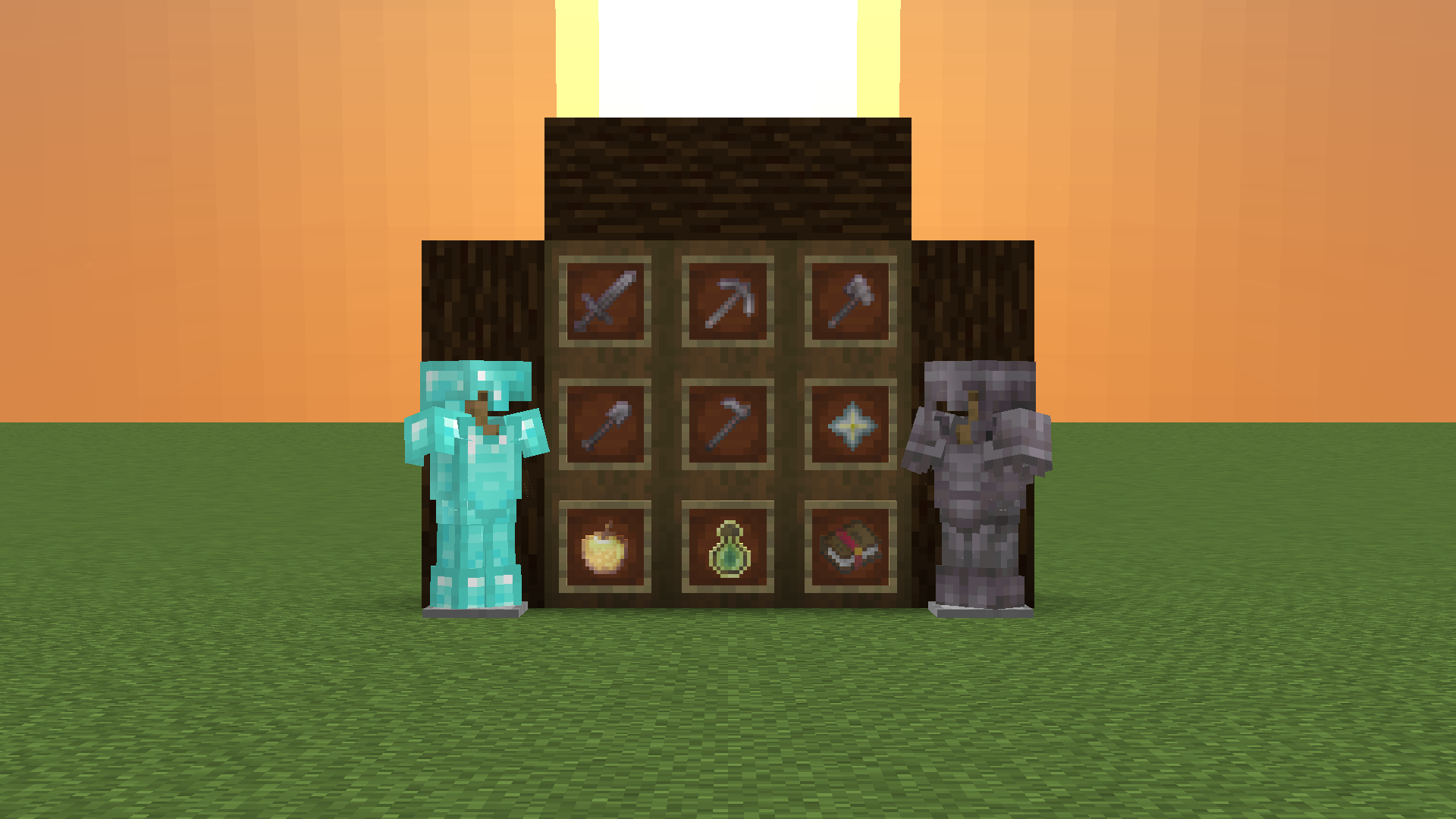
White Enchant Glint
⚪White Enchant Glint
–
Mostly suitable for 1.15~latest version, though can be used in earlier version with less effect, which could not fixed in resource pack way.
Click this to view alternatives.
ℹStatement
–
This work is authorized for non-commercial purposes only.
Proper attribution to the original author and a clear link to the source must be provided.
Unauthorized reuploading, redistribution and commercial utilization are strictly prohibited.
Distortion, defamation or any act that damages reputation shall not be permitted.
Any disputes arising from improper use shall be solely borne by the user, and the original author shall bear no responsibility therefor.
All Rights Reserved.
– _In the event of discrepancies statements contained in older versions, the above statements shall prevail._
Check my profile if you want to view more Resource Pack Projects.<3
White Anime Girl Totem
A clean and stylish Totem of Undying texture pack featuring a white-haired anime girl. This pack replaces the default Minecraft totem with a cute high-quality anime design while keeping the vanilla style smooth and lightweight. Perfect for PvP, survival, and aesthetic gameplay
Whimscape

Whimscape is a crisp 16×16 pixel art look with a sprinkle of extra vibrance. It keeps things recognizable and for the most part close to Default in color.
## Features
– Completely retextured
– Custom models for many blocks and items
– Random texture variants for many blocks
– Textures for item variants:
– Axolotl Buckets
– Enchanted Books (single enchantments)
– A custom font
– A clean GUI with less blindingly bright panels
– Quality of life improvements:
– Less obstructive idle shield position in first person view
– Less obstructive fire effect in first person view
– Hoppers show their direction from above
– Infested blocks have a red outline in item form
– Waxed blocks and items have a glint animation in inventory
**OptiFine or alternatives required:**
– Emissive textures
– Custom entity models
– Custom colors for birch, underwater, sky, fog
– Portal and glass connected textures
**Other supported mods** (for latest release, may vary in older versions):
– AppleSkin
– Dungeons and Taverns
– EMI
– Farmer’s Delight
– Just Enough Items (JEI)
– Mod Menu
– oωo
– Roughly Enough Items (REI)
– TrashSlot
– Visuality
– Waystones
**Add-on packs:**


## Shader pack settings
I recommend these shader settings for compatibility.
#### Complementary Shaders (_Reimagined/Unbound_):
– RP Support: **Integrated PBR+**
– Performance Settings → Real-Time Shadows: **High** or above or **OFF** (if using the Whimscape Leaves add-on)
– Atmosphere → Rain / Weather → Weather Texture Opacity: **900**
– Materials → IntegratedPBR+ Materials → Other IPBR+ Features → IPBR+ Emissive Mode: **labPBR > IPBR+**
– Materials → IntegratedPBR+ Materials → Other IPBR+ Features → IPBR+ Compatibility Mode: **On**
## Frequently Asked Questions
#### Can I use Whimscape on my server?
> Yes.
#### Can I use Whimscape in my videos/streams?
> Yes.
#### Can I put Whimscape in my modpack?
> Yes.
#### Can I create and share my own mod support add-ons for Whimscape?
> Yes.
#### Can you add support for [mod]?
> For any mod with more than a few assets: I _probably_ won’t be able to get to it. The list of mods I’d like to support is ever-growing.
>
> For a popular mod with very few assets, or a mod that causes loading errors, open an issue on the tracker.
#### Can I port Whimscape to Bedrock/another game?
> No.
#### Do you take commissions?
> No.
## Issues?
Please report bugs on the Whimscape issue tracker on GitHub. In other places I’m likely to miss reports or see them much later.
WhereIDied
WhereIDied is a simple and easy to use Minecraft plugin that tells players the exact coordinates of their death in a custom message. Allows flexible text customization via config.yml.
Where Is It
# Where Is It
Minecraft mod to locate items in nearby inventories. Press Y over an item to search.

## Requirements
– Fabric API
– YACL
Also embeds JackFredLib and MixinExtras.
## Features
– Not required – vanilla clients can join without restricting mod users.
– Detailed searching – search by item ID, name, item tag, fluid contents, enchantment, potions, and more, and any
combination of the previous.
– Server-side functionality – clients without the mod can use the command `/whereis` (default, changeable) to use the
mod.
– Support for recipe viewers, including the vanilla Recipe Book, and for JEI, REI, EMI:
– Ability to search for items containing specific fluids, and tags for recipes.
– Custom searches (search for enchantments using enchanted books, and potion effects using potions).
– Smart favourite handling – add a named Shulker Box in your favourites, and search for it regardless of the
contents.
## Usage
Press **Y** (by default) to search by item ID.
### Inventory
Hold shift to also search for NBT data.
### Recipes (Recipe Book / JEI / REI / EMI)
Will search for tags in the recipe if applicable. If hovered over a fluid, will search for items containing said fluid.
### Item Overlays (JEI / REI / EMI)
Normally matches the inventory, however certain items contain different behavior:
– Enchanted books will search for any items with that enchantment. Holding shift will specify the level as well.
– Potions will search for the potion effect on any item. Holding shift will match the specific item.
### Item Favourites/Bookmarks (JEI / REI / EMI)
Will try to look for the specific item by looking at name, enchantments or potion effects.
WheatToBread
# WheatToBread
A Minecraft PaperMC plugin that allows you to smelt wheat into bread using furnaces and smokers.




## Author
mituba4154
## Features
– Convert wheat to bread by smelting in furnaces and smokers
– Configurable on/off toggle
– Configurable bread output per wheat
– Admin command to reload configuration
## Compatibility
– **API:** PaperMC/Spigot API 1.20.1
– **Server Versions:** PaperMC 1.20.1 – 1.21.1
## Installation
1. Download the latest `WheatToBread.jar` from releases
2. Place the JAR file in your server’s `plugins` folder
3. Restart your server or use a plugin manager to load it
4. Configure the plugin by editing `plugins/WheatToBread/config.yml`
## Configuration
The configuration file is located at `plugins/WheatToBread/config.yml`:
“`yaml
# Enable or disable the wheat to bread conversion
enabled: true
# Number of bread items produced from one wheat
bread-count: 1
# Cooking time in ticks (20 ticks = 1 second)
cooking-time: 200
# Experience points given when smelting wheat to bread
exp: 0.0
“`
### Options
– `enabled`: Set to `true` to enable wheat to bread conversion, `false` to disable (default: `true`)
– `bread-count`: Number of bread items produced from one wheat (default: `1`, minimum: `1`)
– `cooking-time`: Time in ticks for smelting to complete (default: `200`, minimum: `1`). 20 ticks = 1 second
– `exp`: Experience points awarded when smelting completes (default: `0.0`)
### GeyserMC Compatibility
This plugin uses server-side furnace recipes which work correctly with GeyserMC. However, **Bedrock Edition clients may not see the recipe in their recipe book** due to GeyserMC’s known limitation with custom recipes. Despite this display issue, **the smelting functionality works correctly** – Bedrock players can smelt wheat into bread in furnaces and receive the configured result.
## Commands
| Command | Description | Permission |
|———|————-|————|
| `/wtbreload` | Reload the plugin configuration | `wheattobread.admin` |
## Permissions
| Permission | Description | Default |
|————|————-|———|
| `wheattobread.admin` | Allows reloading the plugin configuration | OP only |
## Usage
1. Place wheat in a furnace or smoker
2. Add fuel to start smelting
3. Wait for the wheat to smelt into bread
4. Collect your bread!