zHomes







zHomes is a modern, fast and fully-configurable homes plugin for Spigot/Paper/Purpur/PufferFish servers. It focuses on simplicity, speed and customization so server owners can give players a familiar — but powerful — teleportation experience.
Some features:
– Create, delete and list homes
– Admin tools for managing and converting homes
– PlaceholderAPI support for message placeholders
– MiniPlaceholders support for minimessage placeholders
– Vault support for economy/command-costs
– GriefPrevention and WorldGuard integration for region checks
– Teleport warmup and safe-teleport checks
– Configurable commands, messages and permissions
– 100% configurable menus
– Uses SQL (H2/SQLite/MariaDB/MySQL) for storage (no local data/ directory)
Maintained by [yL3oft](https://github.com/yL3oft). This project is free and open-source.
—

Requirements
– Java 17+ (check release notes for exact JDK requirement)
– Paper, Spigot or a compatible fork
Installation
1. Download the latest JAR from Releases / Modrinth / Hangar / Spigot.
2. Place the JAR in your server’s `plugins/` folder.
3. Start the server once to generate config files (src/main/resources/config.yml defaults).
4. You’re done!
Quick test
– As a player: `/sethome home1` then `/home home1`
– As an admin: `/zhomes reload`
—

Admin
– `/zhomes info` — Shows plugin info and stats.
– `/zhomes reload` — Reloads plugin configuration and messages.
– `/zhomes version ` — Checks the plugin version and updates if `` is specified.
– `/zhomes nearhomes [radius] <-u -h >` — Check for homes near a location (your location by default). Admins can specify a user and home to check near that home.
– `/zhomes parse ` – Parse a string with Plugin Placeholders & PlaceholderAPI placeholders for a specific player.
– `/zhomes export` — Export all homes to a .json.gz file in the plugin folder.
– `/zhomes import ` — Import homes from a .json.gz file exported by `/zhomes export`.
– `/zhomes converter ` — Inline converter tool to import homes from other plugins (example: `/zhomes converter ultimatehomes`). See detailed converter docs: https://docs.yleoft.me/zhomes/commands-and-permissions/zhomes-converter-less-than-type-greater-than
Player / Home commands
– `/sethome [name]` — Create a home (default name if omitted).
– `/delhome [name]` — Delete a home. Admins can use `/delhome `.
– `/home [name]` — Teleport to a home. Admins can use `/home `.
– `/homes [player]` — List homes. Admins can use `/homes `.
– `/home rename [oldName] [newName]` — Rename a home
Notes
– Command costs and vault integration require Vault to be installed.
– Some commands have admin-only variants (see Permissions below).
Full command list and usage: https://docs.yleoft.me/zhomes/commands-and-permissions
—

Below are the permission nodes and their default intent as defined in the plugin configuration (zHomes/config.yml). Use your permissions plugin to grant or deny these.
Command permissions
– zhomes.command.main — Main command (True by default)
– zhomes.command.main.help — Help SubCommand (Only OP by default)
– zhomes.command.main.version — Version SubCommand (True by default)
– zhomes.command.main.info — Info SubCommand (Only OP by default)
– zhomes.command.main.reload — Reload SubCommand (Only OP by default)
– zhomes.command.main.nearhomes – Nearhomes SubCommand (Only OP by default)
– zhomes.command.main.parse — Parse SubCommand (Only OP by default)
– zhomes.command.main.converter — Converter SubCommand (Only OP by default)
– zhomes.command.main.importexport — Import & Export SubCommand (Only OP by default)
– zhomes.command.sethome — `/sethome` (True by default)
– zhomes.command.delhome — `/delhome` (True by default)
– zhomes.command.delhome.others — `/delhome ` (Only OP by default)
– zhomes.command.homes — `/homes` (True by default)
– zhomes.command.homes.others — `/homes ` (Only OP by default)
– zhomes.command.home — `/home` (True by default)
– zhomes.command.home.others — `/home ` (Only OP by default)
– zhomes.command.home.rename — `/home rename` (True by default)
Bypass / misc permissions (as defined in config.yml)
– zhomes.bypass.limit — Bypass home limits (Only OP by default)
– zhomes.bypass.dimensionalteleportation — Bypass dimension restriction (Only OP by default)
– zhomes.bypass.safeteleport — Bypass safe-teleport checking (False by default)
– zhomes.bypass.warmup — Bypass teleport warmup (Only OP by default)
– %command_permission%.bypass.command-cost — Bypass command-cost (Only OP by default). Command-specific bypass permission is generated from the command permission string (see config.yml)
– %command_permission%.bypass.command-cooldown — Bypass commands cooldown (Only OP by default). Command-specific bypass permission is generated from the command permission string (see config.yml)
If you want to see the authoritative defaults and change them, open src/main/resources/config.yml in the repo or check the live docs: https://docs.yleoft.me/zhomes/commands-and-permissions
—

zHomes contains an inline converter to import homes from well-known plugins. The converter runs in-chat (not a GUI). See full converter details here: https://docs.yleoft.me/zhomes/commands-and-permissions/zhomes-converter-less-than-type-greater-than
—

Supported integrations:
– PlaceholderAPI — Message placeholders supported & custom [placeholders provided by zHomes](https://docs.yleoft.me/zhomes/hooks/placeholderapi).
– MiniPlaceholders – MiniMessage placeholders supported for advanced message formatting & custom [placeholders provided by zHomes](https://docs.yleoft.me/zhomes/hooks/miniplaceholders).
– Vault — for economy-based command-costs.
– GriefPrevention — region checks integration.
– WorldGuard — region and flag checks.
– MiniMessage — advanced message formatting.
– bStats — anonymous metrics (configurable).
Enable or disable integrations from config and ensure the third-party plugins are installed on the server when you expect integration behavior.
—

If you find zHomes helpful or need assistance:
– Discord: https://discord.gg/yCdhVDgn4K
– Issues: https://github.com/yL3oft/zHomes/issues
– Docs: https://docs.yleoft.me/zhomes
Support the project by starring the repo and joining the Discord!
—
zHead
[](https://minestrator.com/a/GROUPEZ)
zHead is a swift and intuitive plugin enabling you to access thousands of custom Minecraft skulls with distinctive designs. This user-friendly skulls plugin opens the door to creative design possibilities, significantly improving your builds’ quality and offering creative liberty to both you and your players.
Should you seek additional methods to make your builds stand out with ease, zHead is the perfect solution!
Credit: [https://minecraft-heads.com/](https://minecraft-heads.com/)
## Commands:
– **/zhead** (aliases: /head, /zhd) – `zhead.use` – Display commands
– **/zhead reload** – `zhead.reload` – Reload configuration files
– **/zhead info** – `zhead.info` – Get head information
– **/zhead give [] []** – `zhead.give` – Give a head
– **/zhead search ** – `zhead.search` – Search heads
– **/zhead random [] []** – `zhead.random` – Give a random head
– **/playerhead ** – `zhead.player.head` – Give a player’s head
## Inventory Permissions:
– `zhead.miscellaneous`
– `zhead.plants`
– `zhead.monsters`
– `zhead.humanoid`
– `zhead.humans`
– `zhead.food.drinks`
– `zhead.decoration`
– `zhead.blocks`
– `zhead.animals`
– `zhead.alphabet`
– `zhead.refresh`
## Placeholders:
– **%zhead_count%** – Displays the total number of heads
– **%zhead_count_format%** – Displays the total number of heads with a format
– **%zhead_category_count_%** – Displays the total number of heads for a category
– **%zhead_category_count_format_%** – Displays the total number of heads for a category with a format
**API**: [https://github.com/Maxlego08/zHead?tab=readme-ov-file#api](https://github.com/Maxlego08/zHead?tab=readme-ov-file#api)
[](https://bstats.org/plugin/bukkit/zHead/21364)
## We would like to extend our heartfelt thanks to [Minecraft-Heads.com](https://minecraft-heads.com/) for providing their API, which has been an invaluable source of all the data used in our project.
Zet’s Grace: Recraft Equipment
# Zet’s Grace: Recraft Equipment
## Notice
Part of [Zet’s Grace Collection](https://modrinth.com/collection/4Hmh13Uh).
## Description
Recipes for repairing equipment, added item data is lost.
_(Added item data means components such as Enchantments, Dyed Color, and Item Name.)_
### Details
– Equipment is replaced with new one.
## Features
Adds recraft recipe for each equimpment with durability.
## Usage
any **Equipment** with durability
**+** its main **Ingredient**
**=** recrafted **Equipmemt**
Zet’s Grace: Craft Equipment
# Zet’s Grace: Craft Equipment
## Notice
Part of [Zet’s Grace Collection](https://modrinth.com/collection/4Hmh13Uh).
## Description
Recipes for uncraftable items, mostly equipment.
## Features
Adds recipes for:
– **Name Tag**
– **Enchanted Golden Apple**
– **Totem of Undying**
– **Elytra**
– **Trident**
– **Heavy Core** _(Since 24w18a ~ 1.21)_
– **Chainmail Armor**
– **Saddle** _(Before 25w20a ~ 1.21.6)_
– **Horse Armor** _(Except Leather one.)_
Zet’s Grace: Beneficial Effects
# Zet’s Grace: Beneficial Effects
_Data Pack 1.13–1.14.4 unavailable due to lack of predicates._
## Notice
Part of [Zet’s Grace Collection](https://modrinth.com/collection/4Hmh13Uh).
## Description
Commands for endless status effects.
### Details
– Each command triggers within 1-15 ticks ~ 0.375s.
– Given effects have reasonable duration time.
– Lost effects are restored within 1-15 ticks ~ 0.375s.
– Effects immunity clears effect the same tick it was gained.
– Effects concealment hides effect the same tick it was exposed.
– Stronger/other effects are untouched.
## Features
Adds 3 trigger commands with 4 inputs.
## Commands
“`
trigger activity set 10
trigger activity set 11
trigger activity set 12
trigger activity set 0
“`
“`
trigger mobility set 10
trigger mobility set 11
trigger mobility set 12
trigger mobility set 0
“`
“`
trigger security set 10
trigger security set 11
trigger security set 12
trigger security set 0
“`
## Effects
activity
### activity 10-12
– **Mining Fatigue** _(Immunity)_
– **Weakness** _(Immunity)_
– **Darkness** _(Immunity)_
– **Night Vision** _(8m)_
– **Water Breathing** _(8m)_
### activity 11
– **Haste I** _(8m)_
– **Strenght I** _(8m)_
### activity 12
– **Haste II** _(4m)_
– **Strenght II** _(4m)_
mobility
### mobility 10-12
– **Slowness** _(Immunity)_
– **Levitation** _(Immunity)_
– **Slow Falling** _(Immunity)_
### mobility 11
– **Speed I** _(8m)_
– **Jump Boost I** _(8m)_
### mobility 12
– **Speed II** _(4m)_
– **Jump Boost II** _(4m)_
security
### security 10-12
– **Hunger** _(Immunity)_
– **Poison** _(Immunity)_
– **Wither** _(Immunity)_
– **Saturation** _(8m)_
– **Fire Resistance** _(8m)_
### security 11
– **Resistance I** _(2m)_
– **Regeneration I** _(2m)_
### security 12
– **Resistance II** _(1m)_
– **Regeneration II** _(1m)_
ZeroXFog
Zero Fog removes distance and dimensional fog for a clearer and sharper experience. Enjoy improved visibility in the Nether, End, and caves without altering the core aesthetic. Designed to stay lightweight and simple, this pack enhances exploration, building, and PvP by eliminating visual haze while keeping performance and compatibility in mind.
AntiXRay
# 🛡️ zepAntiXRay — Hide Ores from X-Ray Cheaters
**Anti XRay** protects your server from players using X-Ray resource packs or hacked clients to locate ores. Ores are hidden **server-side** and only revealed when a player is close enough or has direct line of sight.
—
## ✨ Features
– **Hides ores server-side** — Diamond, Emerald, Gold, Iron, Redstone, Lapis, Ancient Debris and more
– **No client mod required** — works completely server-side
– **Lightweight** — minimal performance impact on your server
– **Simple & focused** — does exactly one thing, and does it well
—
## ⚙️ How it works
Ore blocks are **replaced with stone** in the chunk data before being sent to the client. They are only revealed when a player is **close enough**, preventing any X-Ray cheater from spotting them at a distance.
—
## 📋 Requirements
| | |
|—|—|
| **Minecraft** | 1.7.x-1.21.x |
| **Server Software** | Paper, Purpur, Folia, Bukkit, Spigot |
| **Java** | 21+ |
| **ProtocolLib** | Please use the Newst Version |
—
## ⚠️ Limitations
> This plugin is focused **solely on hiding ores**. It does not include any additional anti-cheat features beyond X-Ray protection.
Zent PvP and SMP
Best SMP + PvP Texture Pack | Default Edit
Creator: Battlezent
⭐ Overview
This pack is a fully custom default edit designed to give you a clean, optimized, and visually appealing experience for both SMP gameplay and PvP combat.
Every texture, detail, and tweak was made exclusively by Battlezent, ensuring a unique style with no reused assets.
🔥 Features
🎯 PvP Improvements
Clean & sharp sword models for better visibility
Reduced fire and particles for clearer duels
Optimized armor and item textures
Clear hit particles and improved critical effects
🌿 SMP Enhancements
Slightly improved blocks while keeping the classic default feel
Better item clarity for survival progression
Smooth UI elements for crafting, inventory, and menus
🎨 Visual Style
Faithful to vanilla but noticeably cleaner
Soft color adjustments for a more modern look
Consistent art direction — all made by Battlezent
⚙️ Performance
Lightweight and FPS-friendly
Great for low-end and high-end PCs
Works smoothly on most versions (adjust as needed)
Suggestions and feedback are welcome!
Zenith’s LUT Shader
# Zenith’s LUT Shader
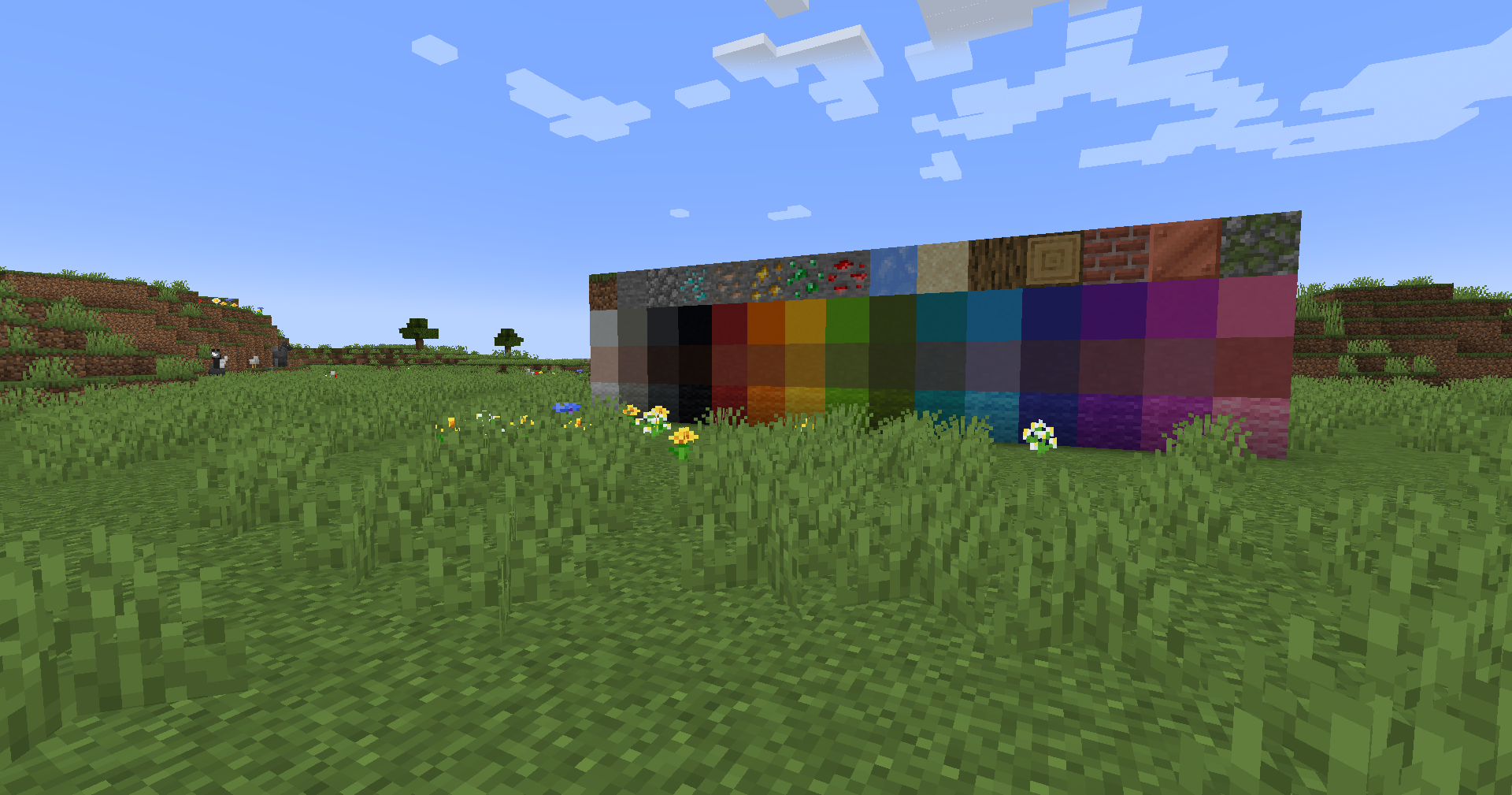
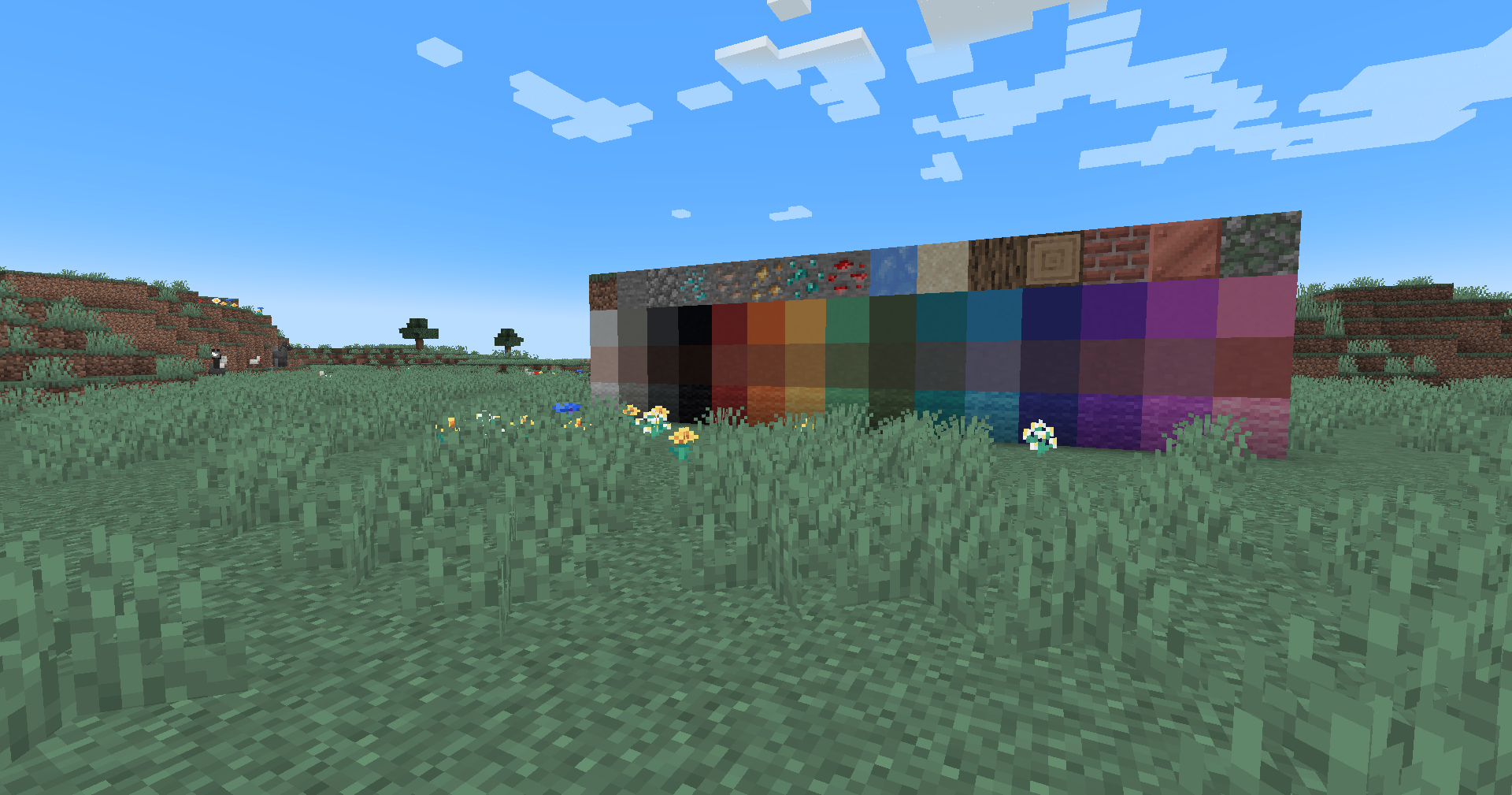
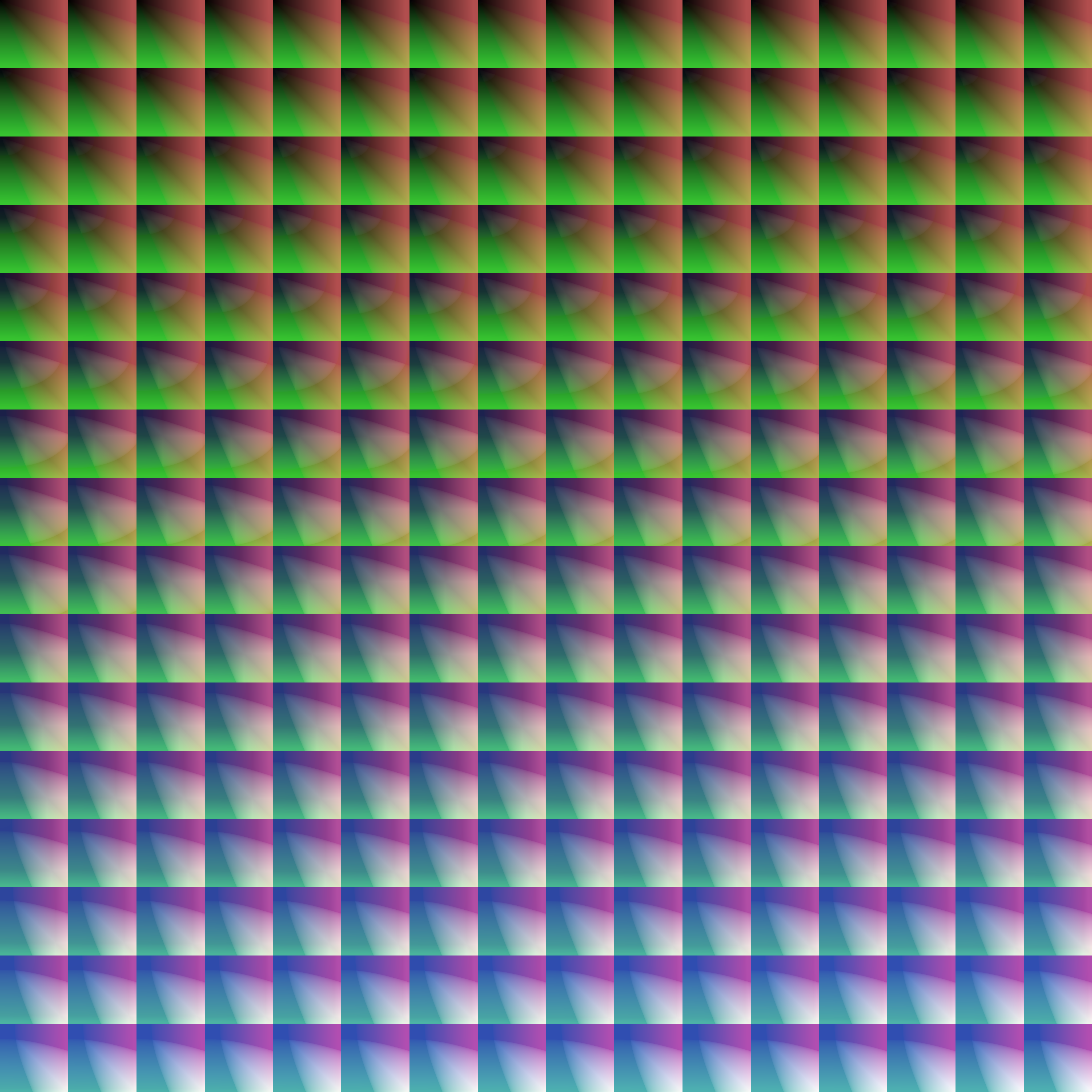
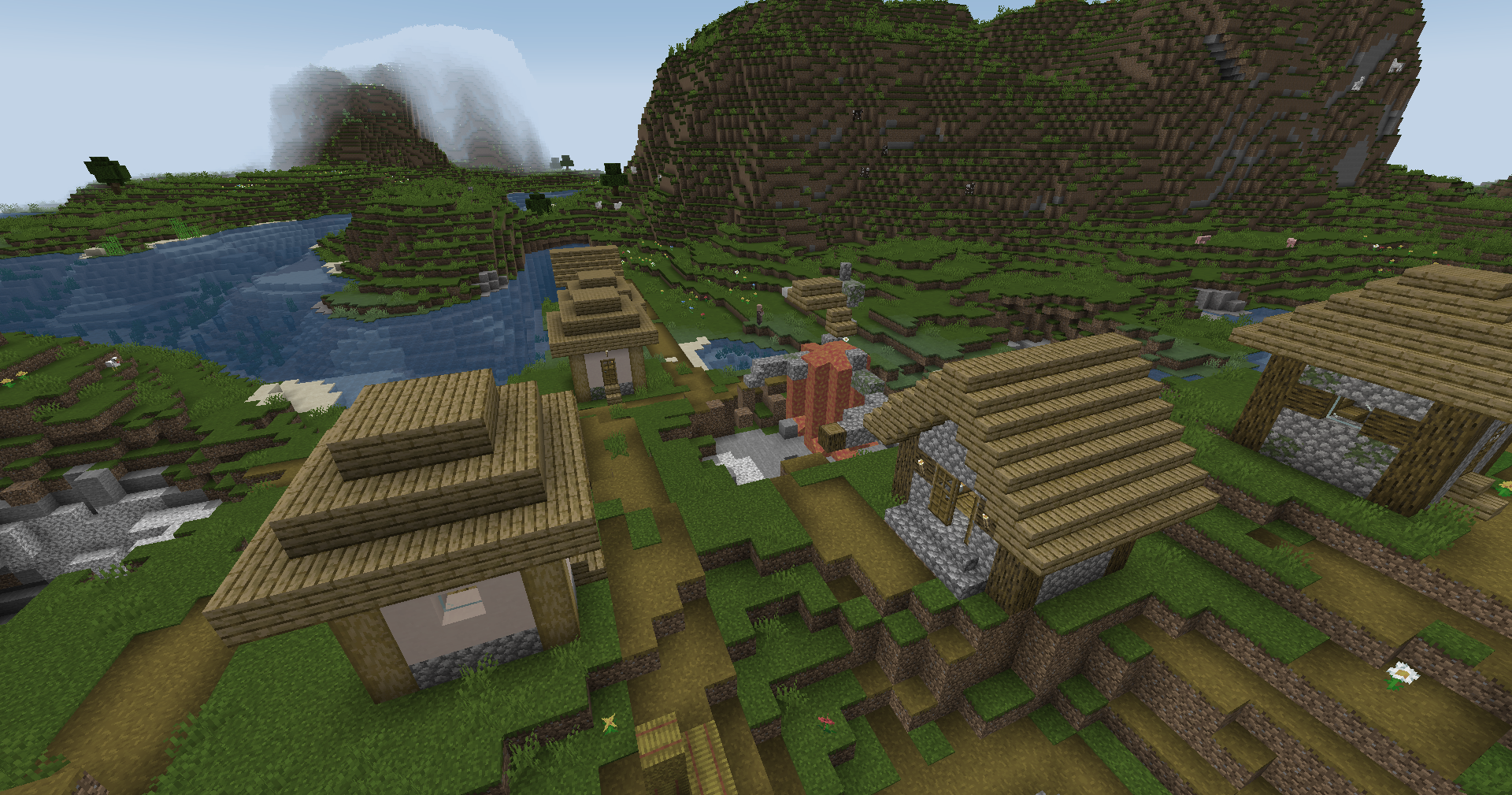
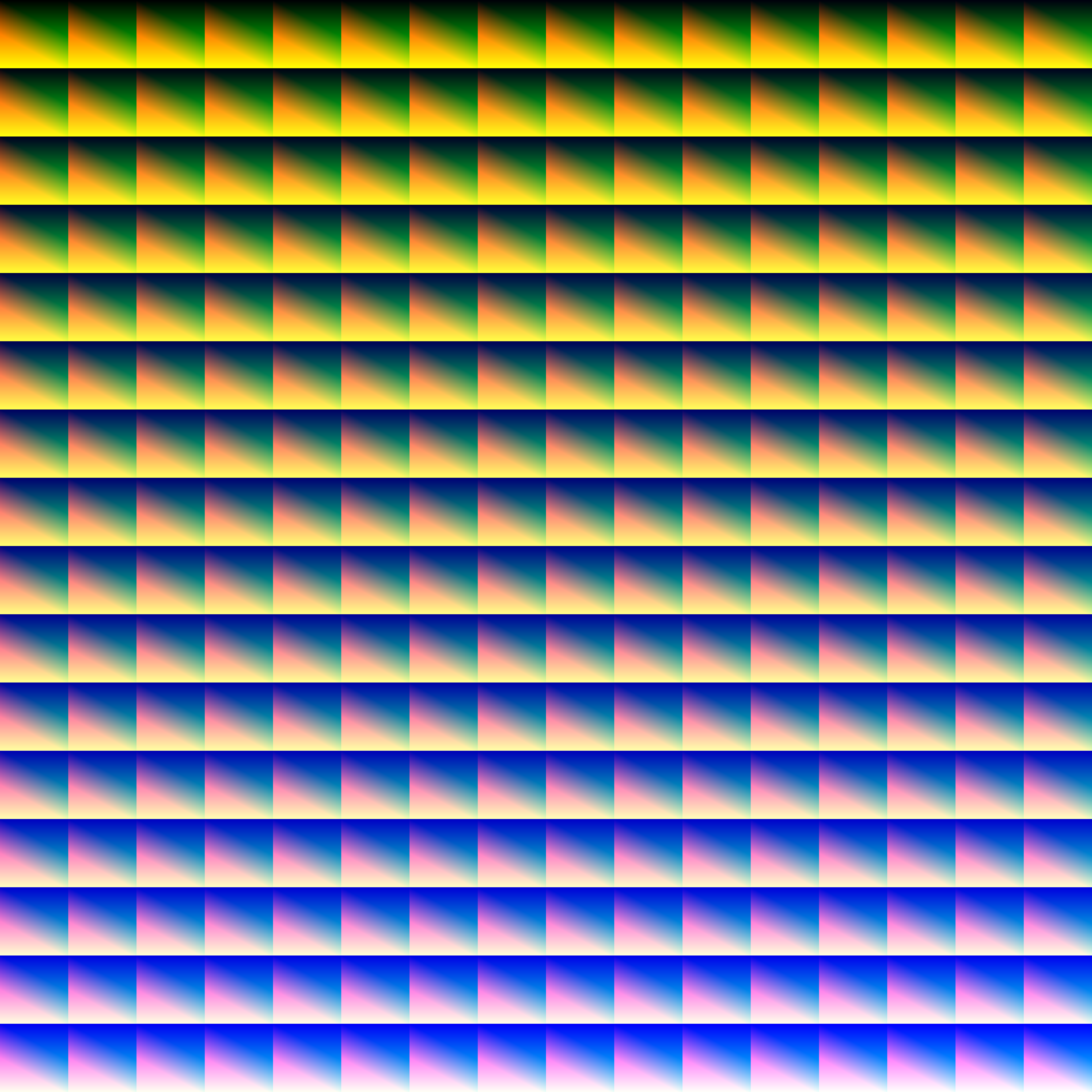
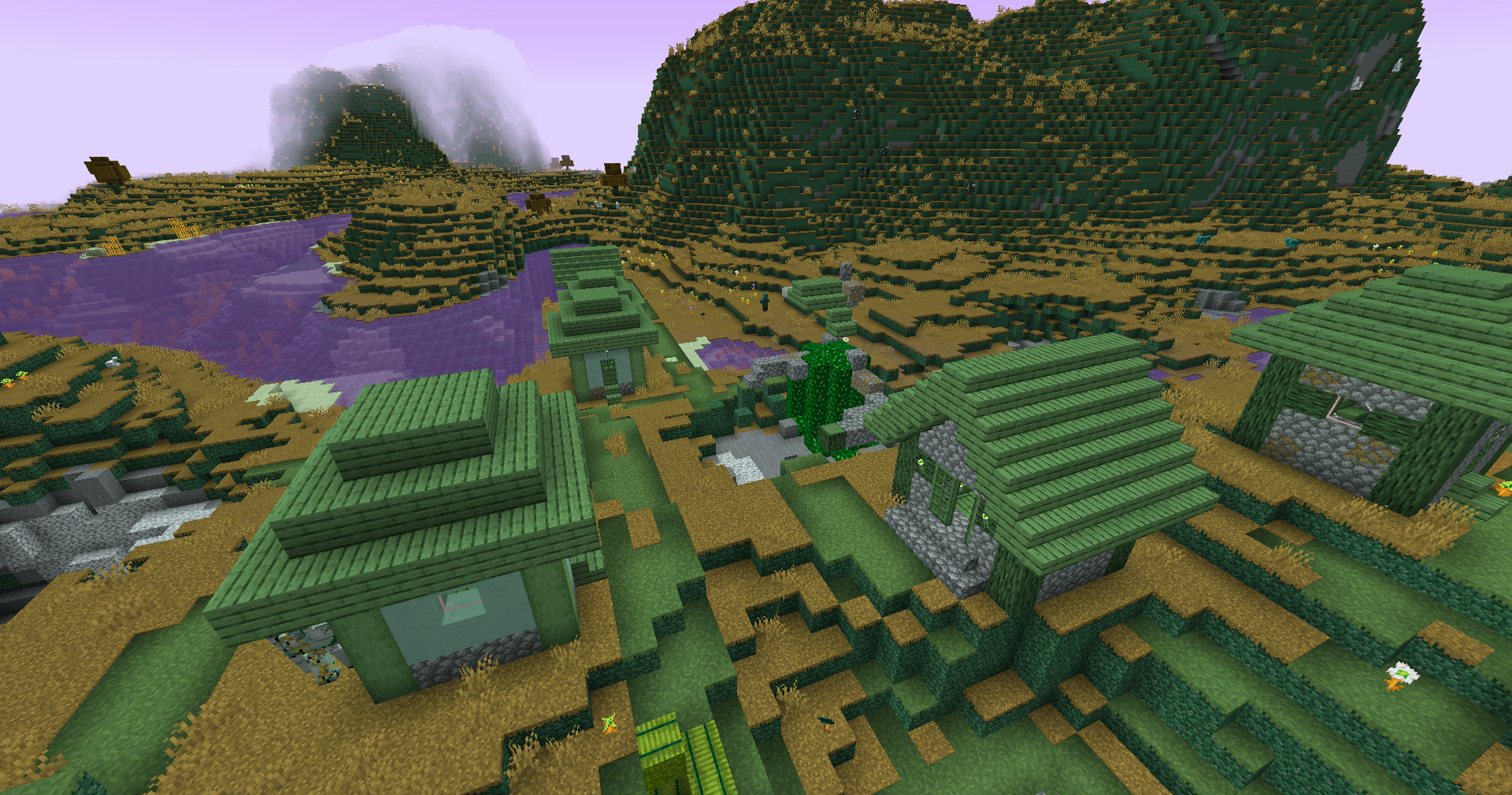
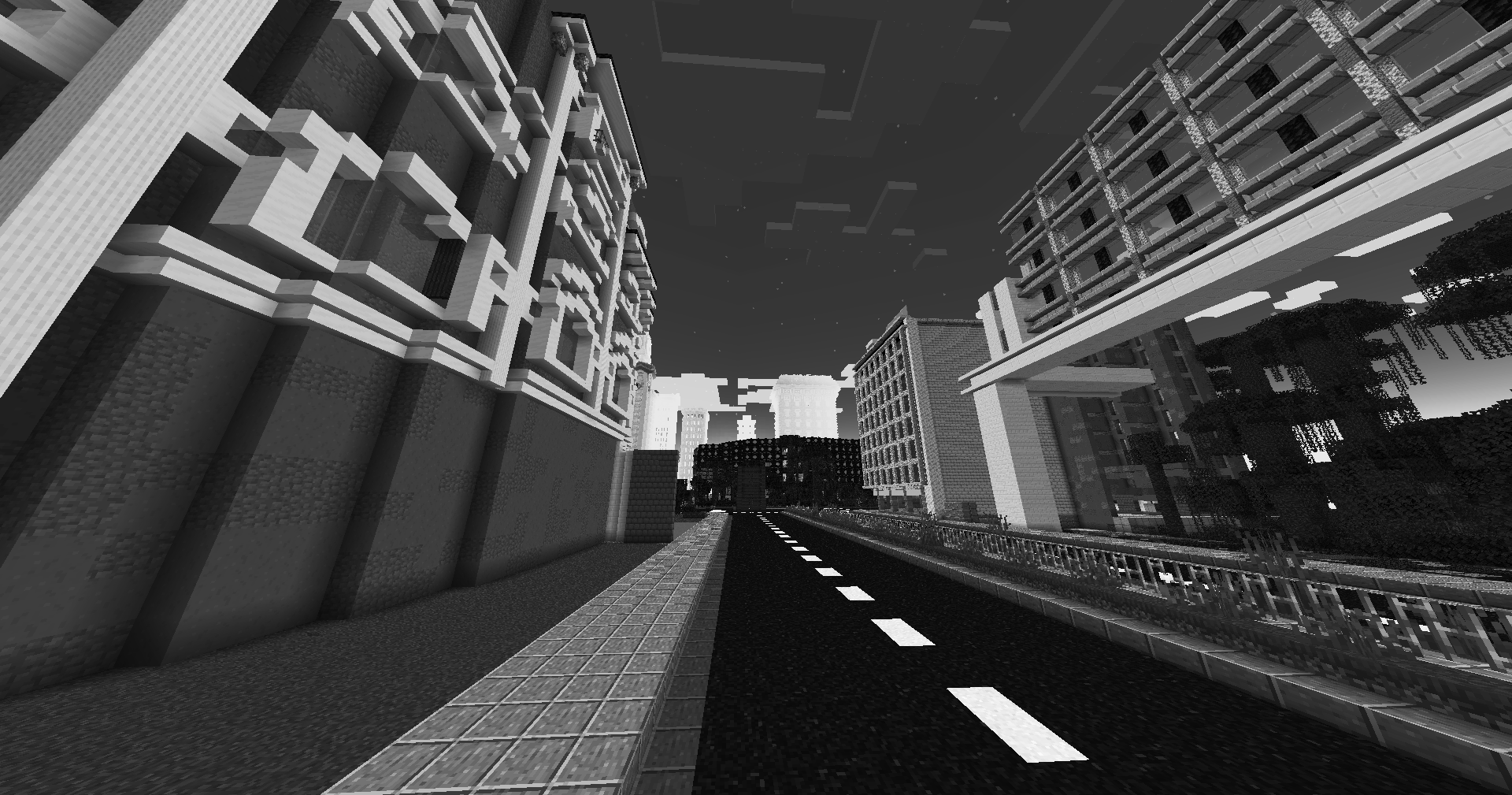
This simple vanilla shader allows you to customize the colors of your game by use of color lookup tables or LUTs
|Vanilla Colors|Custom LUT|
|–|–|
|||
## Installation
Vanilla
- Download the vanilla version of this shader
- Add to
.minecraft/resourcepacks
- Set graphics to
Fabulous
- Activate Resource Pack
OptiFine/Iris
- download the Iris/OptiFine version of this shader
- add to
.minecraft/shaderpacks
- Select shader in Shaders Menu
## Customization
Provided within the pack zip, you may find a file called `init_LUT.psd`, which will allow you to customize the look and feel of this shader.
Customization Instructions
- Open
init_LUT.psd into your favorite photo editor (IE GIMP, Photoshop, Affinity Photo)
- I personally use the free online Photoshop alternative Photopea
- You can also just use the unmoddified
init_LUT.png which is also provided in the zip
- Apply as many adjustment layers, or edit the ones I have pre-selected, to achieve the look you desire
- These can be found under
Layer > Add New Adjustment Layer
- Hide the color preview layer
HIDE BEFORE EXPORT
- Export into the pack as
assetsminecrafttextureseffectlut.png or shaderslut.png, depending on whether you are using Vanilla or Iris/OptiFine
Example LUTs
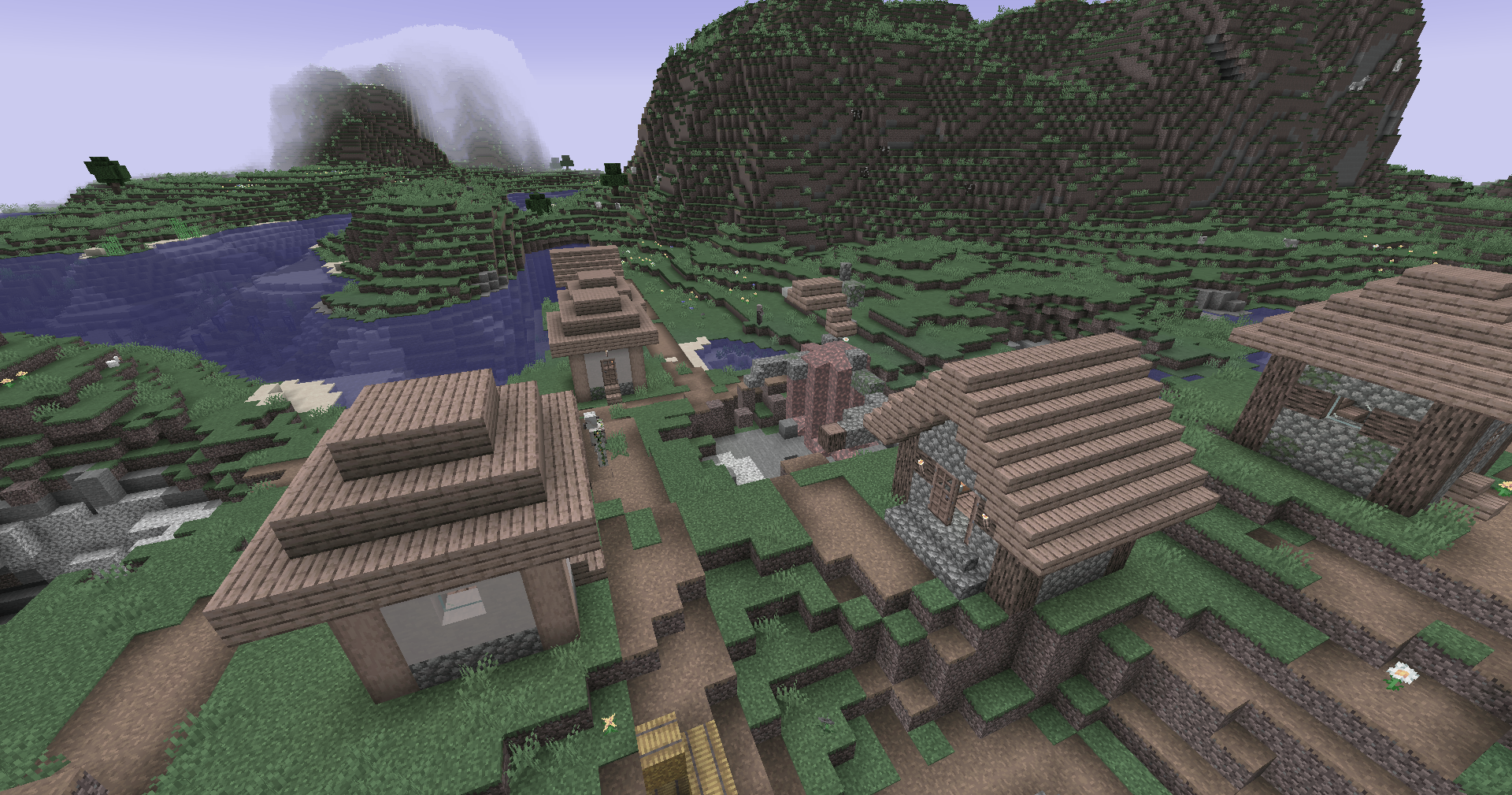
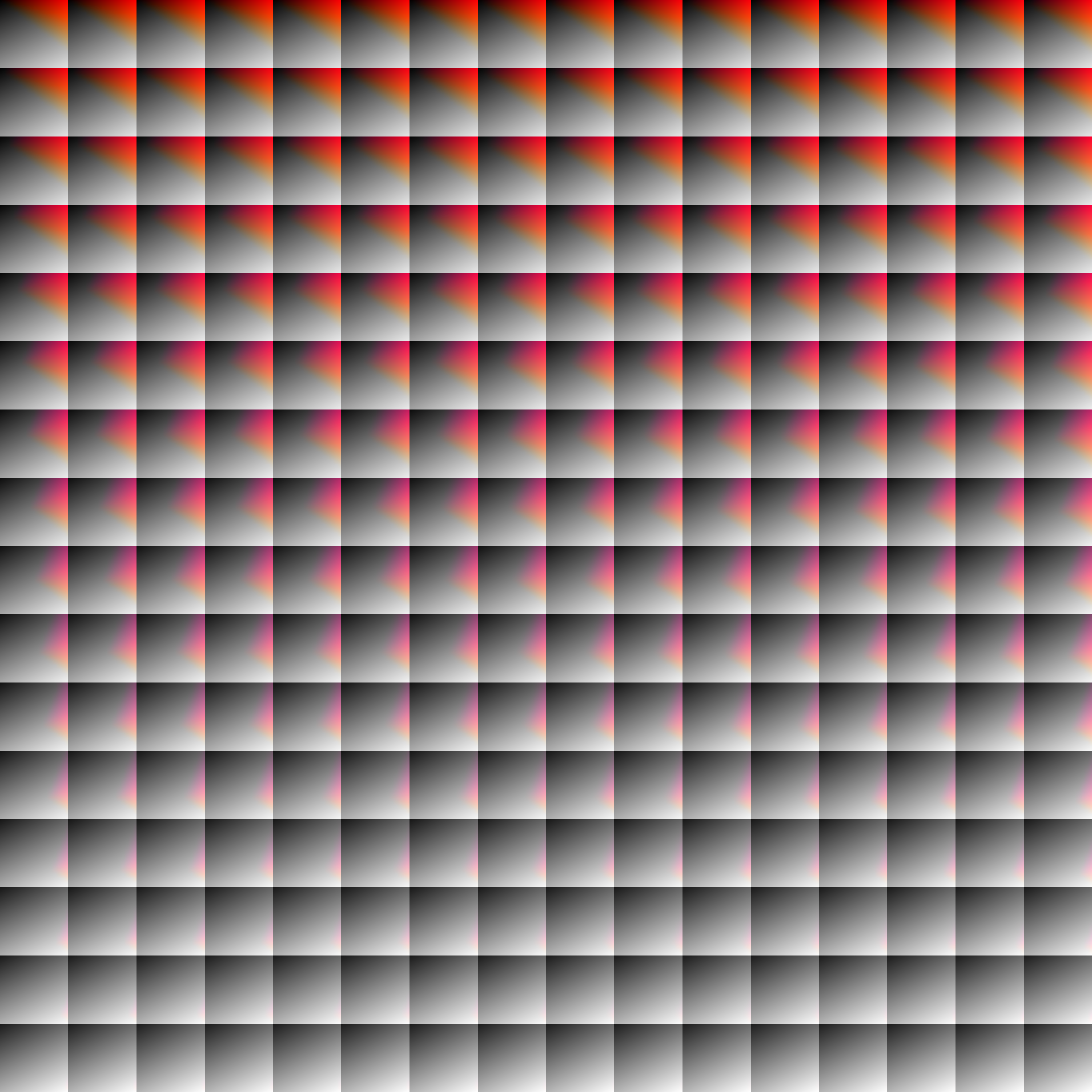
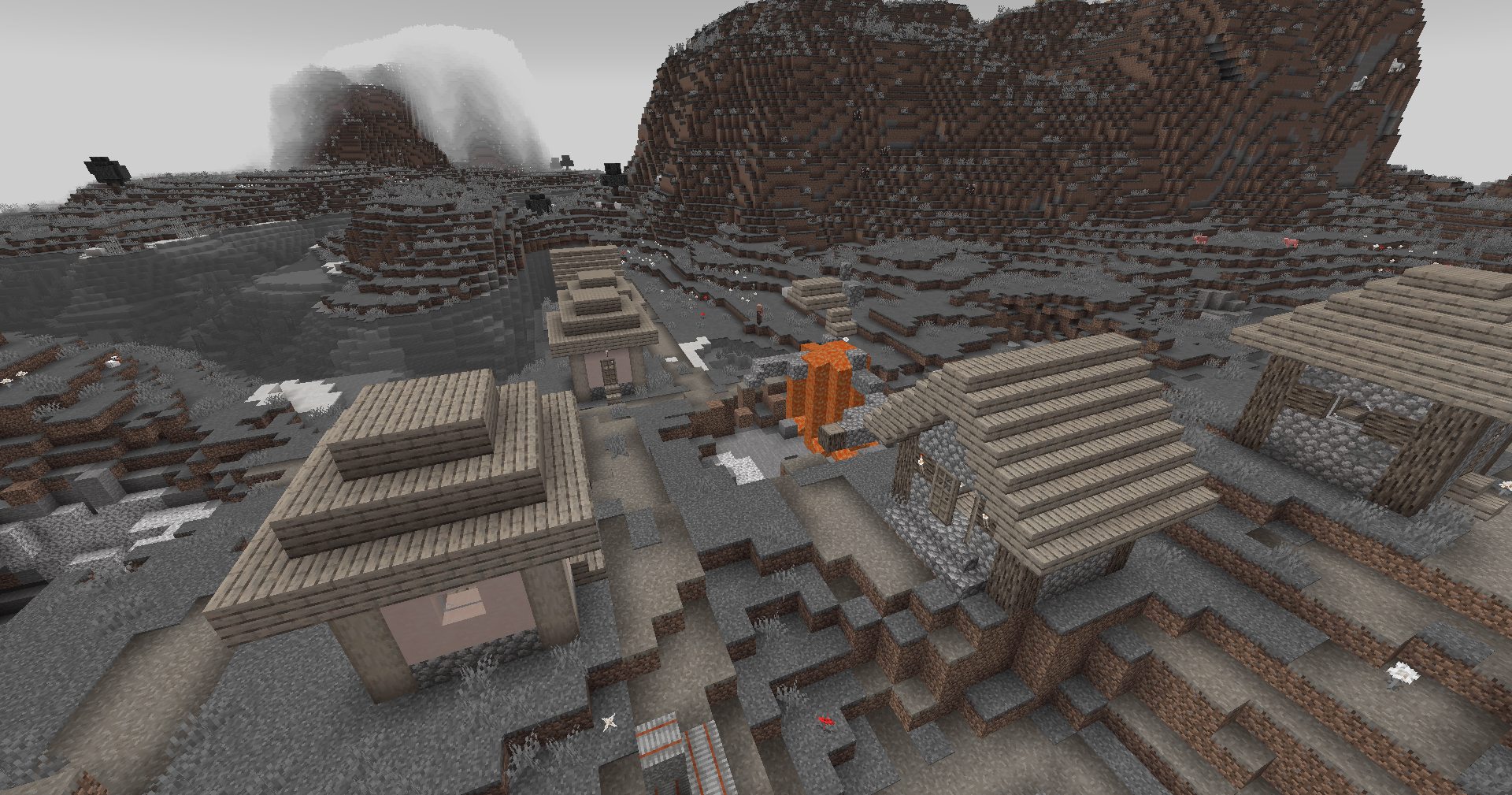
Save one of the LUTs below as assetsminecrafttextureseffectlut.png or shaderslut.png, depending on whether you are using Vanilla or Iris/OptiFine:
| LUT |
Preview |
Reduced Reds

|
|
Red Isolated
|
|
Darkened World
|
|
Wut
|
|
Dramatic Black and White

|
|
Redistribution
If you wish to share your own custom LUT, please direct your users to download Zenith’s LUT Shader alongside your pack, or mark it as a dependancy on Modrinth
Zekren’s MusicPack
Experience Minecraft like never before with Zekren’s MusicPack! Designed to immerse you in a brand new auditory adventure, this pack replaces the entire main music soundtrack with 63 new tracks!
**_Features:_**
**Complete Overhaul:** Every piece of the main soundtrack has been replaced, including three music discs (5, 11, 13), ensuring a cohesive and fresh auditory experience.
**Ambient Vibes**: Inspired by the original OST, each track brings a blend of ambient and atmospheric electronic music, enhancing immersion and creating new memories.
**Modern Soundscape:** Perfect for those who have grown accustomed to or muted the decade-old music, this pack aims to reinvigorate your Minecraft sessions with contemporary sounds.
**Future-Proof:** Now compatible with Minecraft 1.7.2+! I went all the way back to the 2013 music update. **For 1.21+, please join my [Patreon](https://www.patreon.com/Zekren/)
Rediscover the joy of Minecraft with Zekren’s MusicPack and elevate your gameplay to a whole new level. Dive into your world with a refreshed sense of wonder and make every adventure unforgettable. Experience the Nether with a more hellish and spooky ambiance, feel the cosmic expanse of the End, and enjoy enhanced soundscapes that elevate every biome to new heights. Everything is designed to enhance your experience, not change it entirely, ensuring a familiar yet vastly improved Minecraft journey.