A Minecraft plugin that exposes your server console through a WebSocket connection. Built for groupez.dev, a test server generator for paid plugins.
## Features
– Real-time console log streaming via WebSocket
– Password-protected authentication
– Log history persistence (loads previous logs on client connection)
– Support for both **Spigot/Paper** and **Velocity** platforms
– Included test web page for quick testing
A test web page is included in the `web/` folder. Open `web/index.html` in your browser to connect to the WebSocket server and view console logs in real-time.
## Installation
1. Download the appropriate JAR for your platform from Modrinth
2. Place the JAR in your server’s `plugins` folder
3. Restart your server
4. Configure the plugin in `plugins/WebConsoleServer/config.properties` (Velocity) or `plugins/WebConsoleServer/config.yml` (Spigot)
## Configuration
“`properties
# IP address to bind the WebSocket server (use 0.0.0.0 for all interfaces)
websocket-host=0.0.0.0
# Port for the WebSocket server
websocket-port=8765
# Password for WebSocket authentication (leave empty for no authentication)
websocket-password=changeme
# Maximum number of log lines to keep in history
max-log-history=500
“`
## WebSocket Protocol
### Authentication Flow
1. Client connects to `ws://host:port`
2. Server sends `{“type”:”auth_required”}`
3. Client sends `{“type”:”auth”,”password”:”your_password”}`
4. Server responds with `{“type”:”auth_success”}` or `{“type”:”auth_failed”}`
5. On success, server sends log history followed by `{“type”:”history_complete”}`
### Message Types
| Type | Direction | Description |
|——|———–|————-|
| `auth_required` | Server → Client | Authentication is required |
| `auth` | Client → Server | Authentication request with password |
| `auth_success` | Server → Client | Authentication successful |
| `auth_failed` | Server → Client | Authentication failed |
| `log` | Server → Client | Console log message |
| `history_complete` | Server → Client | All historical logs have been sent |
### Log Message Format
“`json
{“type”:”log”,”message”:”[12:34:56] [INFO] [ServerName]: Your log message here”}
“`
## Building from Source
“`bash
# Build all modules
./gradlew build
# Output JARs are located in target/
# – WebConsoleServer-Spigot-1.0.jar
# – WebConsoleServer-Velocity-1.0.jar
“`
On Windows, use `gradlew.bat` instead of `./gradlew`.
## License
MIT License
## Links
– groupez.dev – Test server generator for paid plugins
– Github – Source code
WeazyLink
# **WeazyLink**
WeazyLink adds **/linkaccount** to your server and connects your Minecraft server with Discord, making it easier for moderators to manage the community. With WeazyLink, players can link their Minecraft accounts to their Discord profiles, which helps prevent impersonation and makes player identification much easier.
## Features
– Easy Account Linking: Players can use the /linkaccount command in-game to generate a unique code. This code can be used in your Discord server to link their Minecraft username with their Discord ID.
– Database support: WeazyLink uses json file by default. But for larger communities, you can use databases like MongoDB and MySQL too.
– Simple Setup: WeazyLink is easy to install and configure, so you can get started quickly without any hassle.
### Thank you!
Survival Weather Control
### DESCRIPTION
This data pack allows you to summon a thunderstorm using the classic altar used to summon herobrine! To do it, simply build the altar (place 9 gold blocks in a 3×3 arrangement with a lit netherrack block in the center surrounded by 4 redstone torches) and walk in the fire to “sacrifice” your health.
– go to your saves folder located here on Windows:
“`
C:Users(your name)AppDataRoaming.minecraftsaves
“`
put the zipped file in the data packs folder, and either restart your world or execute /reload
### OTHER THINGS TO NOTE
– gold blocks will turn into copper blocks upon usage
– for feedback, bug reports, or other help, join the discord server from the links section of this page!
With this Mod your Hotbar items will be visible on your Character, with a unique location for a Shield and Banner.
You can turn on or off the visibility for all of them one-by-one in the settings window (Press V to open it).
Good compatibility with other mod Items.
(With these types of Items: TieredItem (Sword), TridentItem, ShieldItem, BowItem, CrossbowItem, BannerItem, DiggerItem (Tools))
### **There are 3 versions available for this mod!**
1. A **Client-Only** where others won’t see these items on you, but you can use it on servers without any problems.
2. There is a **Multiplayer** version where others see you the same way you see yourself!
So if you hide some of your items with the toggle screen (can be opened with the V key by default)
other players won’t see those items on you.
**3. From v4.1.0+ the first 2 version in merged**
If you find any errors please let me know.
Only the latest minecraft version gets support!
Thanks for downloading my mod!
### IMPORTANT:
The Client-Only and Multiplayer version is merged from v4.1.0+
### Credits:
-russian translations: rey_zex
Weapon Pack
# Description
The “Weapon Pack” resource pack replaces the crossbow with a weapon when renaming. The resource pack contains 15 weapons, including: 4 assault rifles, 2 designated marksman rifles, 5 submachine guns, 2 sniper rifles, 1 shotgun and 1 pistol.
# Gallery
### M416

### Tommy gun

### Ump

### S686

More images in the Gallery tab
# Warning
Resource pack works only with Optifine.
WayMoreIcons
# WayMoreIcons
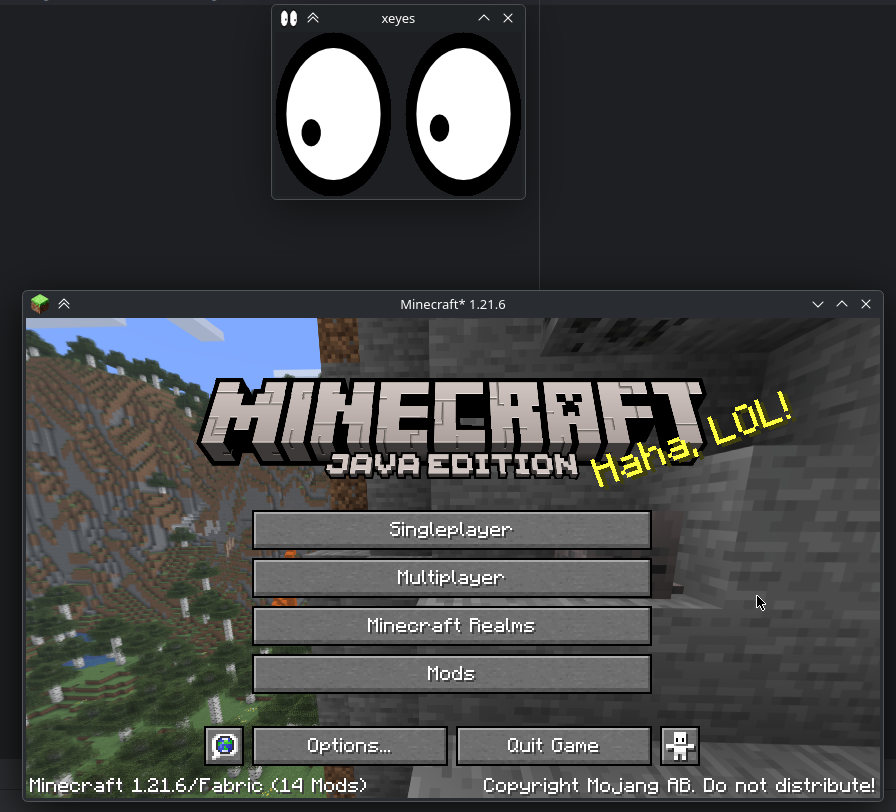
Simple mod that adds support for setting the window icon when running under Wayland.
## Note
Icon assets were retrieved from the following sources:
https://mcasset.cloud/1.21.6/assets/icons/
https://mcasset.cloud/1.17.1/assets/icons/
## License
Copyright (c) 2025 blucobalt
This program is free software: you can redistribute it and/or modify
it under the terms of the GNU Lesser General Public License as published by
the Free Software Foundation, either version 3 of the License, or
(at your option) any later version.
This program is distributed in the hope that it will be useful,
but WITHOUT ANY WARRANTY; without even the implied warranty of
MERCHANTABILITY or FITNESS FOR A PARTICULAR PURPOSE. See the
GNU General Public License for more details.
You should have received a copy of the GNU Lesser General Public License
and a copy of GNU General Public License along with this program. If not, see
http://www.gnu.org/licenses/
You should have received a copy of the GNU Lesser General Public License
along with realmsfix. If not, see http://www.gnu.org/licenses/.
## Modpacks / etc
Feel free to use this mod in any way, as long as you give credit and follow the license above. This could mean linking to the Modrinth page, or something among those lines.
Or don’t! You have free will. (But I would appreciate it if you did.)
Wayland Fix
*Note: if you do not use Linux, this mod is not for you*
“Wayland is a replacement for the X11 window system protocol and architecture with the aim to be easier to develop, extend, and maintain.”
With the increasing popularity of Wayland compositors on Linux, including several desktop environments switching to Wayland by default, application support for Wayland makes the Linux desktop experience all the better.
While Minecraft does run under XWayland, features like per-monitor HiDPI scaling do not function. If you experience problems related to XWayland, this mod is for you.
# Requirements
A Wayland-supported system GLFW installation and the following JVM flag is required:
“`
-Dorg.lwjgl.glfw.libname=/usr/lib/libglfw.so
“`
To install the proper GLFW on Arch Linux, run:
“`sh
sudo pacman -S glfw-wayland
“`
# Motivation
I wrote this mod after using Sway WM with a HiDPI display. All XWayland applications look blurry, so it is not an option. The community solution was to patch the system glfw, but I’d rather not do that.
# Bug Reports
If you continue to experience problems with Minecraft on Wayland after installing this mod, file a bug report on the issue tracker if it hasn’t already been reported.
Wax And Honey
WAX AND HONEY is a mod that complements the buzzing update 1.15 in Minecraft!
The mod supports two languages: English (EN) and Русский (RU)
There are a lot of decorative blocks in fashion that fit coolly into the world of Minecraft!
The mod is available for versions 1.15.2, 1.16.5 and 1.17.1
Recipes:
Fashion review on YouTube:
Wawla – What Are We Looking At
This mod is an addon for Waila/Hwyla. It gathers a lot of additional information about the game and presents it using the information display HUD. This mod requires Hwyla or Waila, along with Bookshelf.
NOTE: This mod requires other mods to run properly!
MC 1.7.10 – WAILA
MC 1.8.x -> 1.12.x – HWYLA
MC 1.15.2 -> 1.16.5 HWYLA and Bookshelf
Features include
Animal Breeding Cooldown
Animal Growing Up timer.
Armor points
Block Blast Resistance (Off by default)
Block Hardness (Off by default)
Block Break Progress
Block Enchantment Power
Total Enchanting Power for Enchanting Table
Horse Speed
Horse Jump Strength
Item Frame Contents
Player Head Username
Villager Professions
Trapped Chests displayed as normal Chests instead.
Notice: If you are using older versions of the mods, some features may not be available, and some additional features may not be documented. This page only maintains info on the latest versions.
**This project is sponsored by Nodecraft. Use code DARKHAX for 30% off your first month of service!**
MelonPack
# Welcome to Melonpack
Do you like Melons? Do you like Minecraft texture packs? If so, this pack is for you!
This pack makes most things melon! Melons? MELON! tools? MELON! hotbar? MELON!