Wither Star
# Wither Star + Beacon
I don’t know, it just makes sense to me for the star to be some kind of core that gives the Wither it’s power. So I made this, replacing the “Nether Star” for a “Wither Star”.
With the new star done, it made sense to change the only thing that it is used for: The Beacon.
So I made a darker version and also changed its glass frame (it doesn’t change actual glass, only the beacon one)
## Preview
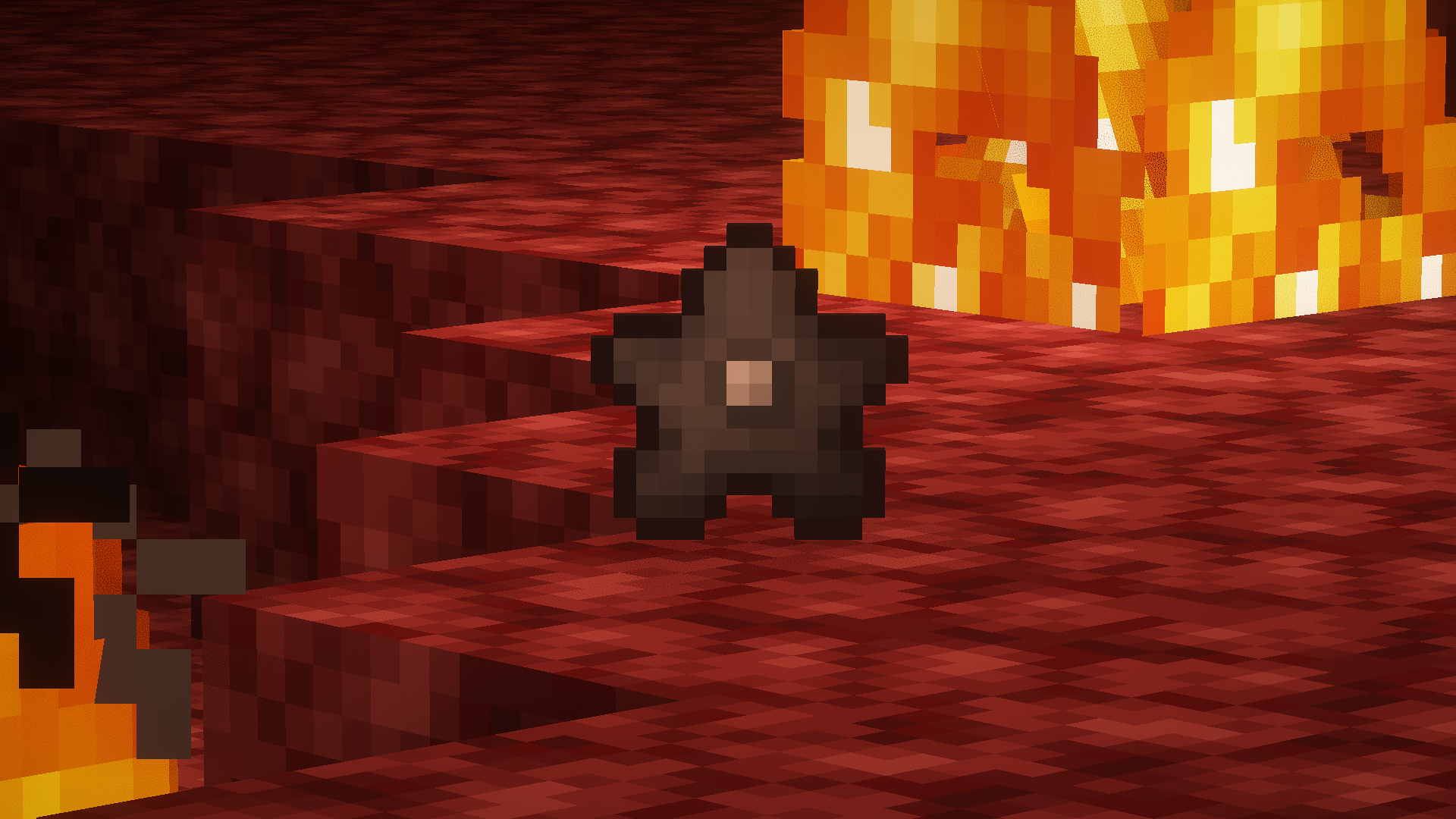
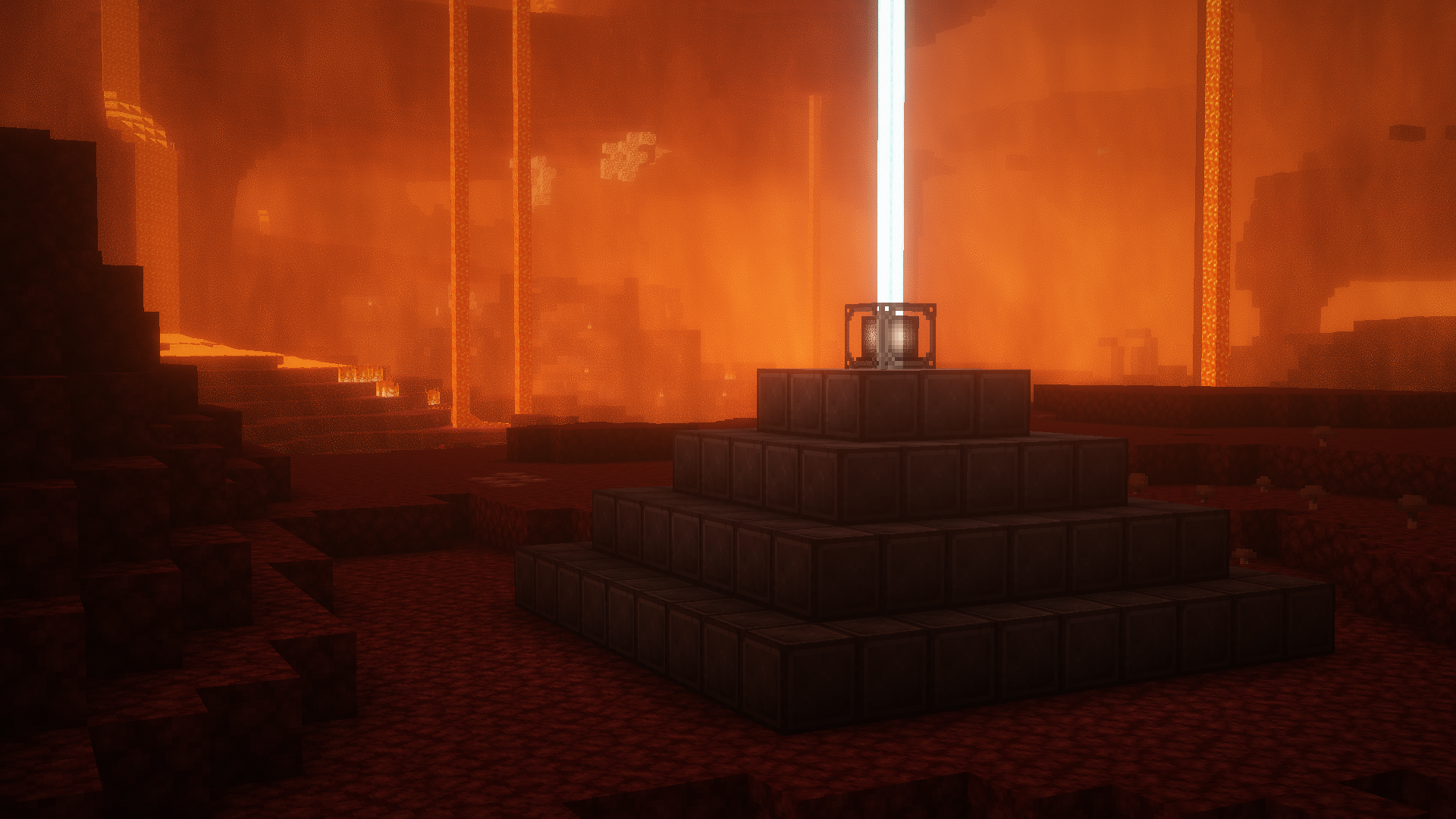
##### *Screenshots taken with [Complementary Shaders](https://modrinth.com/shader/complementary-reimagined)
Wither Skeleton Archers in Fortresses
Using commands, wither skeletons are capable of wielding bows, and even inflict fire damage on a hit with them. This datapack/server-side mod replaces the skeletons that spawn in nether fortresses with such wither skeletons, making these structures more difficult. __Regular sword-wielding wither skeletons are unaffected.__
**Original:** The [original datapack](https://www.planetminecraft.com/data-pack/wither-skeleton-archers-in-nether-fortresses/) my datapack is based off of was abandoned three years ago, and performs the replacement whenever a skeleton spawns in the nether on nether bricks (or related blocks). It also wouldn’t work in newer versions, as it did this nether check using `Dimension:-1` instead of the newer format `Dimension:the_nether`. My datapack instead uses a predicate to detect whether a skeleton is in a nether fortress.
**Versions:** The only differences between the legacy version (1.15 – 1.18.2), the 1.19.x version (1.19 – 1.19.4), and the modern version (1.20+) are syntax-based in the code; each one works the same way. This is necessary because the `feature` field in `location` predicates was renamed to `structure` in 1.19.3, and the `alternative` predicate type was renamed to `any_of` in 1.20.
**Mod Compatibility:** It is currently impossible to detect whether an entity is in any structure that has a given tag, so instead I used `any_of`/`alternative` to allow for modded fortresses, such as:
– Apocalyptic Fortress (`hexfortress:nether_fortress`)
– Dungeons and Taverns (`minecraft:nether_keep`)
– YUNG’s Better Fortresses (`betterfortresses:fortress`)
This mod is also compatible with any fortress mod that keeps the `minecraft:fortress` namespace. If you have a modded structure that isn’t on this list that you’d like this datapack to be compatible with, you can edit the file `data/wsaif/predicates/in_fortress.json` and follow the format there to add it.
**Uninstalling:** This datapack is safe to remove from your world, but doing so won’t revert any existing wither skeleton archers back to skeletons.
Wither Rose
# WitherRose shader
A lightweight and efficient stylized shader
### with multiple color palettes:
WitherRose(Pixelation)
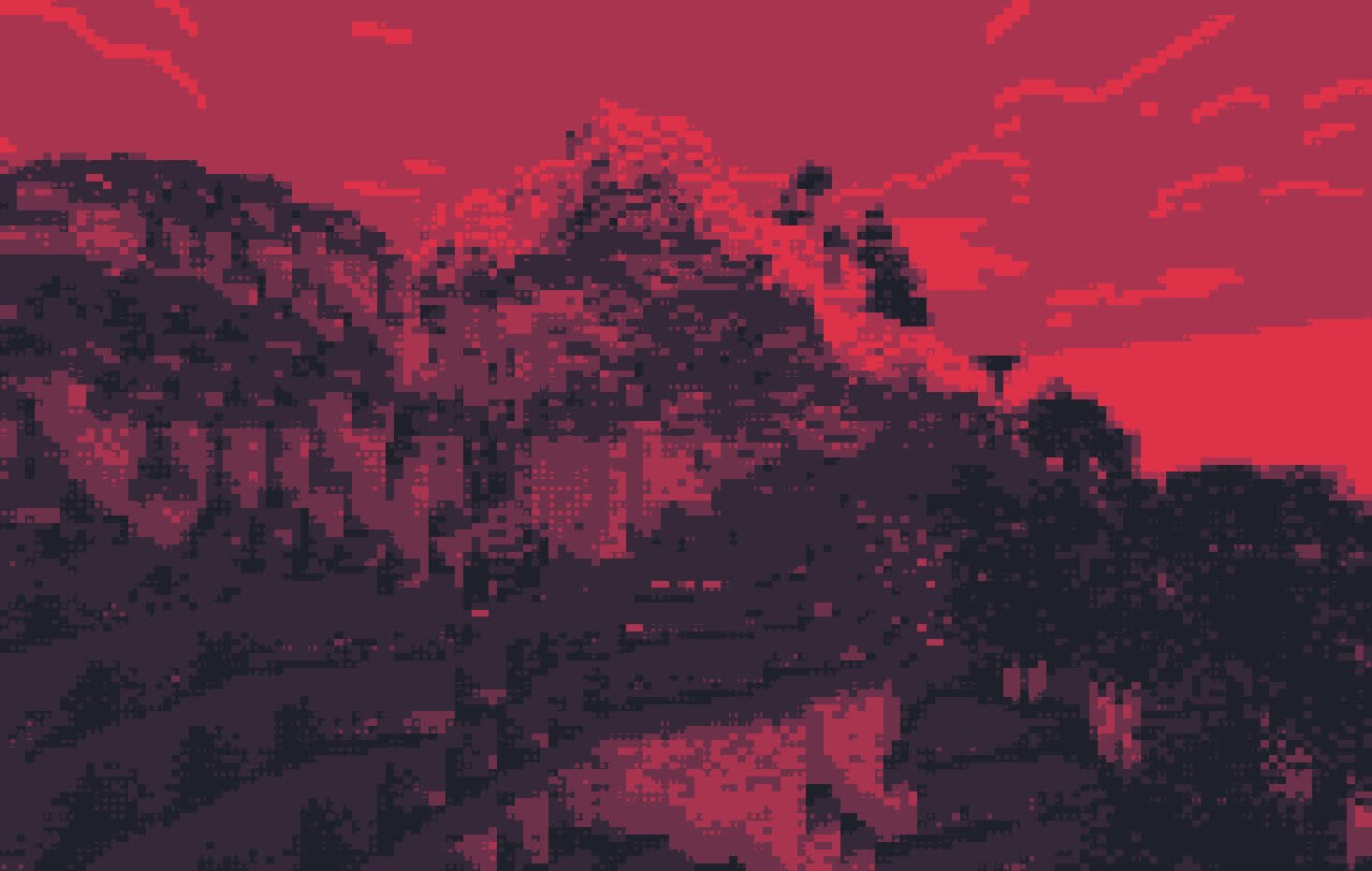
Retro(Cel Shading)
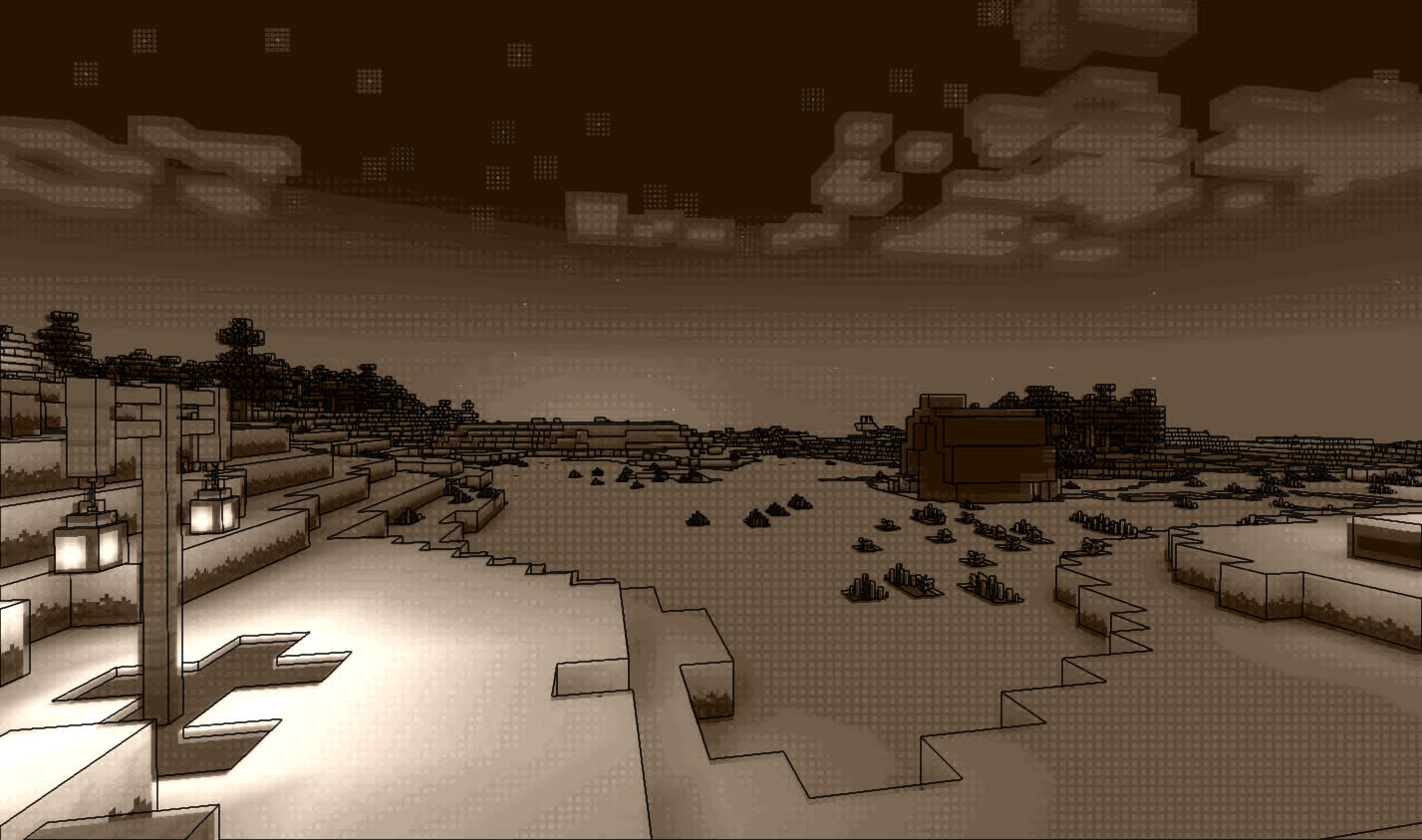
Original
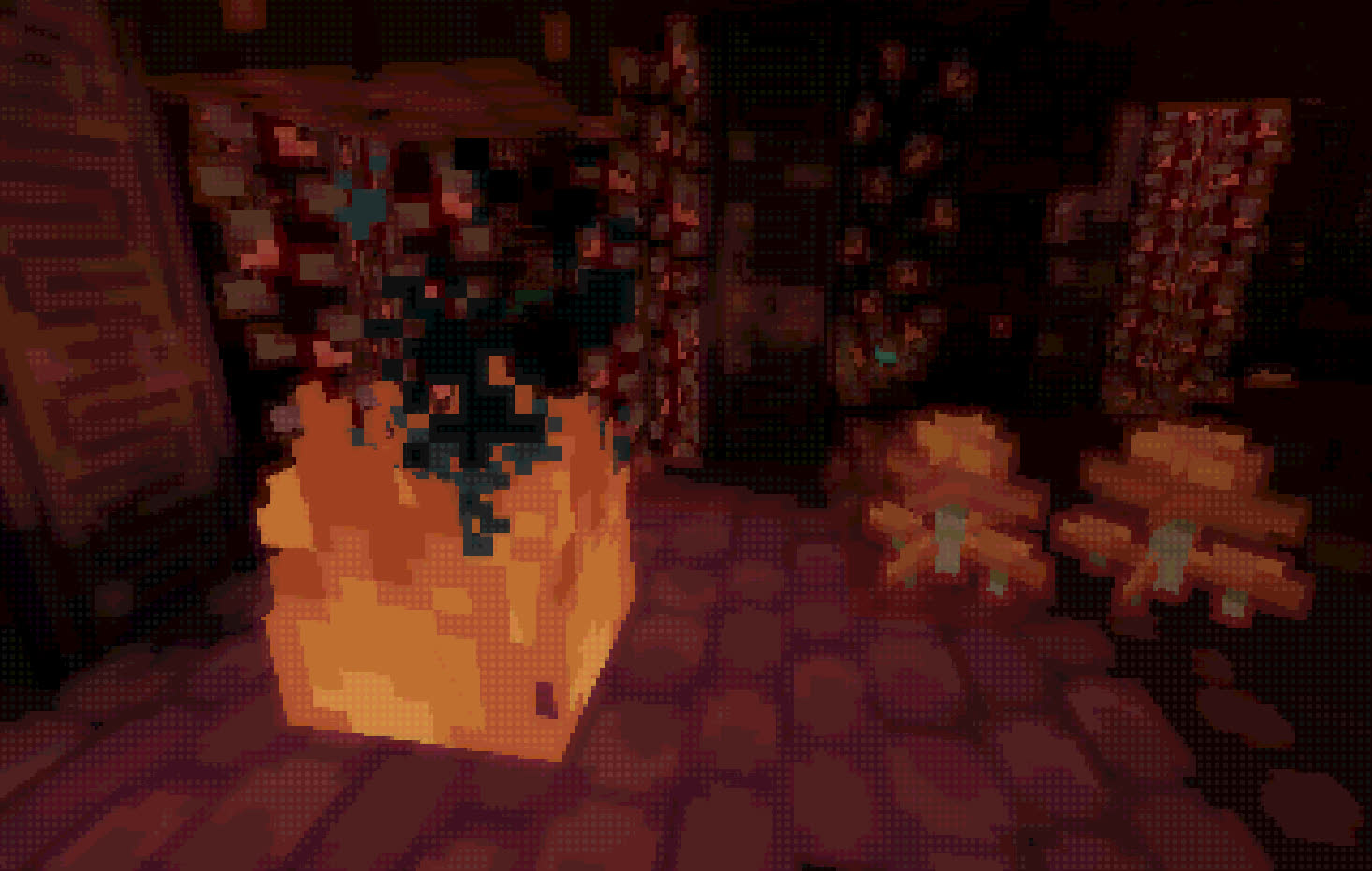
WitherRose(Pixelation)
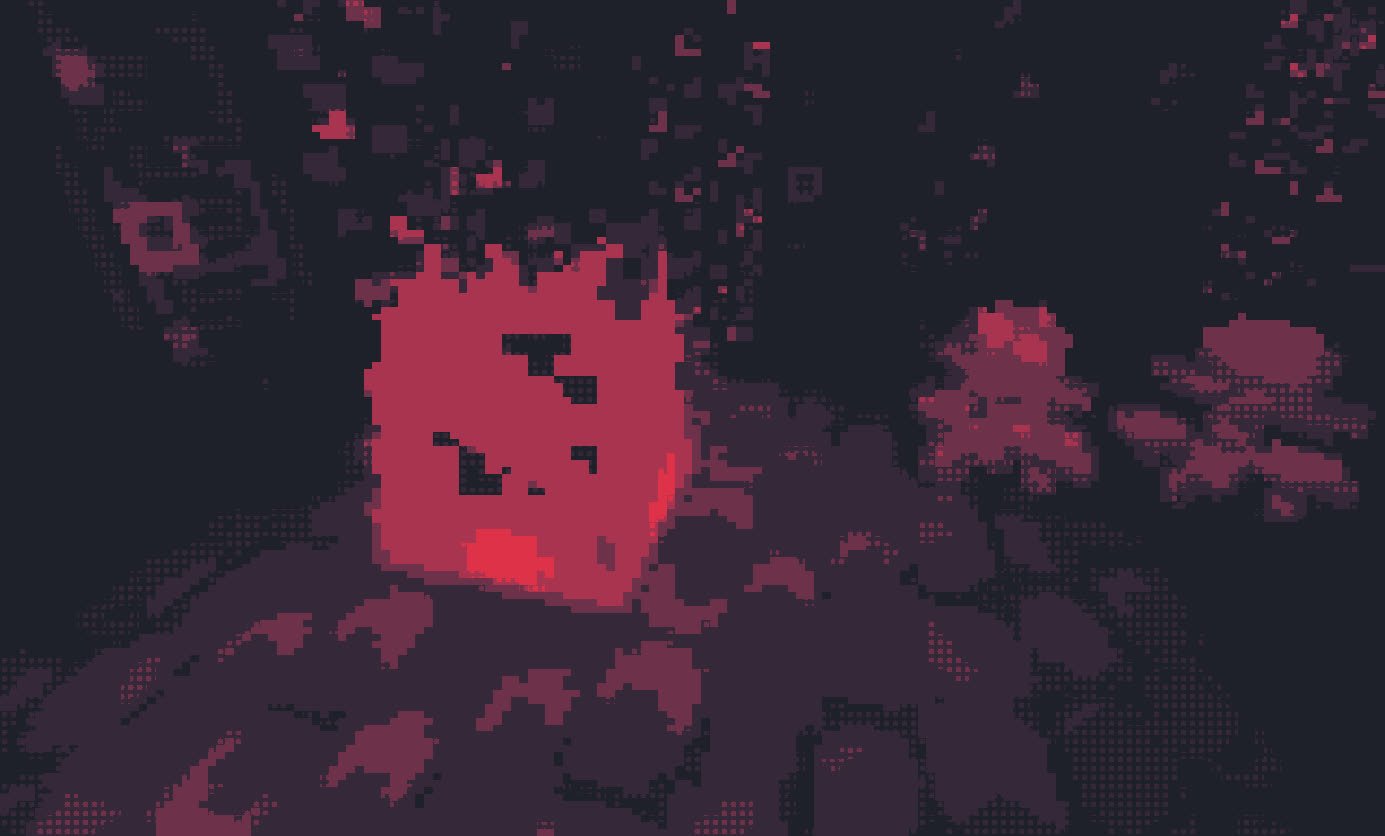
### System Requirements:
Minimum: Intel HD530
Recommended: GTX960m or better
Wither Fix
When the Datapack notices a Wither being trapped in Bedrock, it teleports the Wither to the nearest player
Withdrawer
Withdrawer is a way for players to withdraw their money, exp, hp or others onto physical items, so they can redeem them, trade them, sell them or store them as they wish.
## Features
* Withdraw your money, exp or hp onto items!
* Use the API to implement a new item that fits your needs!
* Bulk-Redeeming while pressing down the Shift Key.
* Messages and Sounds are all configurable, such as plugin prefix.
* The items are all configurable.

Witch redstone drop buff
Still playing older versions, but don’t want to exploit raid farms?
No problem!
Just drop this datapack into your world and build a witch farm to get insane amounts of redstone. Supports versions 1.13 – 1.20.6, in 1.21+ this is a Vanilla mechanic.
With this pack enabled, witches will drop 6 redstone on average, with 7.5 average if you have Looting III.
Witch Hat – Heycronus

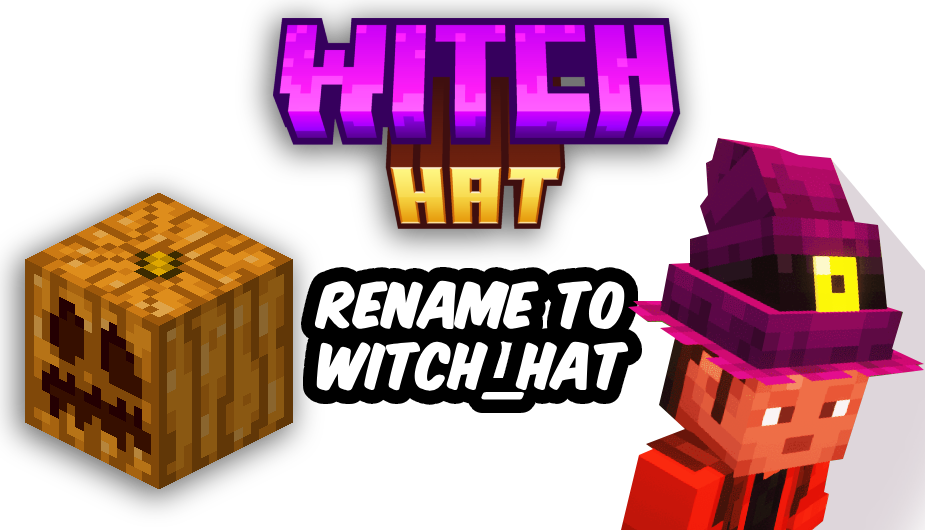
🎃 Witch Hat 🧙♀️✨
Get into the Halloween spirit with this magical texture pack! 👻
When you rename a carved pumpkin to “witch_hat”, it transforms into a stylish witch hat — perfect for spooky adventures and mystical builds! 🕯️💀
🧡 Features:
-Turn pumpkins into custom witch hats
-Great for Halloween decorations or themed outfits 🕸️
-Requires OptiFine to work properly 🧩
Wispy Shader
# Wispy Shaders V1.4
A performance-optimized shader pack initially based on Mellow Shaders and outperforms many other so claimed ‘potato’ shaders. Works on all major versions
## Credits
* **Original Shader**: [Mellow Shaders](https://www.curseforge.com/minecraft/shaders/mellow) by [TheCMK](https://www.curseforge.com/members/thecmk/)
* **Performance Optimizations**: [l_aggy](https://www.curseforge.com/members/l_aggy/projects)
## Features
(All information and statistics is based on V1.3)
* **Ultra-optimized** for integrated graphics (iGPUs)
* **40%+** improvement on Balanced compared to MakeUp-Ultrafast with all effects off
* **Color grading** and biome‑specific lighting for all dimensions.
* **Cinematic post‑processing**: bloom, sharpening, tonemapping, TAA, motion blur, film grain, vignette.
## To-do
1. More benchmarking
2. Adding features (Can’t really optimize more)
3. Bugfix some features
## Performance Profiles
* iGPU (8 Chunks) tested on i5-4570 (HD4600) on CachyOS
* dGPU (24 Chunks) tested on R9 8940HX (5060 Laptop=4060 desktop) on Windows 11
* Choose a profile in shader settings that matches your hardware:
| Profile |FPS (iGPU) |FPS (dGPU) |Description |
| —————– |———- |———- |—————————- |
| ULTRA_PERFORMANCE |190+ |440+ |Maximum FPS, minimal effects |
| PERFORMANCE |190+ |?? |Good balance for iGPU |
| BALANCED |180+ |?? |A mix of features |
| QUALITY |120+ |?? |More effects |
| ULTRA_QUALITY |120+ |380+ |Lowest FPS, All features |
## Installation
1. Install [Iris Shaders](https://irisshaders.dev/) or OptiFine
2. Download Wispy Shaders
3. Place the ZIP file in `.minecraft/shaderpacks/`
4. Select Wispy in Video Settings → Shaders
5. Choose a performance profile
## Optimizations
* ~~Disabled~~ Deleted expensive composite passes by default
* Fast gamma correction
* Simplified post-processing
* Optimized every composite pass and fog,lighting,sky,water,taa,bloom e.t.c
* Reduced shader complexity
* Too many to count now mainly faster math less calls,lookups and samples check [source](https://github.com/Epxlsol/Wispy-Shader) for more
[](https://ko-fi.com/M4M01S7TSM)
## Links
– Original Mellow: https://modrinth.com/shader/mellow
– Report Issues: https://github.com/epxlsol/wispy-shader/issues
—
**Note**: This is a performance-focused fork. For the original experience with all features, use [Mellow Shaders](https://modrinth.com/shader/mellow).
Wisp’s Better Lanterns
[](https://twitter.com/2DWisp) [](https://ko-fi.com/jamiecubed) [](https://modrinth.com/user/JamieCubed)
## 💡 Introduction:
A small pack that changes the Lantern and Soul Lantern model to be a little fancier without breaking the Vanilla style (aka adding way too many cubes…).
## 🎨 All of my Creations:
– [Wisp’s Reworked Vanilla](https://modrinth.com/resourcepack/artisanal-default)
– [Wisp’s Colourful Wildflowers](https://modrinth.com/resourcepack/wisps-colourful-wildflowers)
– [Simple Grass Flowers](https://modrinth.com/resourcepack/simple-grass-flowers)
– [Bare Bones Grass Flowers](https://modrinth.com/resourcepack/bare-bones-grass-flowers)
– [Simple Lower Grass Sides](https://modrinth.com/resourcepack/simple-lower-grass-sides)
– [Fancy Full Block Grass](https://modrinth.com/resourcepack/fancy-full-block-grass)
– [Artisanal Nether Bricks](https://modrinth.com/resourcepack/artisanal-nether-bricks)
– [Simple Rustic Glass](https://modrinth.com/resourcepack/simple-rustic-glass)
– [Raven Phantoms](https://modrinth.com/resourcepack/raven-phantoms)
– [Better Breeze Rods](https://modrinth.com/resourcepack/better-breeze-rod)
## 🤔 Frequently Asked Questions:
**Q: How do I install the pack?**
A: Follow [this guide](https://www.planetminecraft.com/blog/how-to-install-minecraft-texture-packs-4615399/).
**Q: Can you port this to Bedrock?**
A: I currently have no plans to port this to Bedrock.
**Q: Can someone else port this to Bedrock?**
A: No, I do not allow third-party ports of my packs.
**Q: Can you add this feature?**
A: Maybe! Comment any suggestions and we can see what happens.
**Q: I found a bug!**
A: Comment all bugs and I will fix them as soon as possible.
**Q: Does this pack work on X version?**
A: The pack is confirmed to work as far as **1.15**. It is unlikely to work on any earlier version due to changes to filenames.
**Q: Can I add this to my modpack?**
A: Of course! You must give credit and can not claim any of my work as your own.
[](https://bisecthosting.com/jamie)
Wireless Chargers

**Wireless Chargers** adds chargers which can **charge nearby blocks** and **players!** A charger’s **effective area can be highlighted** with a toggle.

###  Basic Wireless Player Charger
– Charges players’ items in a 9x9x9 area
– Charges at 50 FE/t per player
###  Advanced Wireless Player Charger
– Charges players’ items in a 13x13x13 area
– Charges at 200 FE/t per player
###  Basic Wireless Block Charger
– Charges blocks in a 5x5x5 area
– Charges at 50 FE/t per block
###  Advanced Wireless Block Charger
– Charges blocks in a 7x7x7 area
– Charges at 200 FE/t per block

### FAQ
**Can I use your mod in my modpack?**
Yes, feel free to use my mod in your modpack

### Discord
For future content, upcoming mods, and discussion, feel free to join the SuperMartijn642 discord server!
[ ](https://discord.gg/QEbGyUYB2e)
