Zombie Apocalypse: Reborn
## YOU NEED TO CHANGE MODS’ CONFIGS TO EXPERIENCE THE 100 DAYS ZOMBIE APOCALYPSE
## Features
**Landscape Overhaul :**
Adds various different and charming biomes to game. There is beautiful grass fields,grand forests, and much more interesting things waiting for you! Feel free to explore with zombies following you, forever.
**Survival Improvements:**
Thirst burns, and hypothermia cripples. Pray for not freezing to death at night, or get a sunstroke while exploring.
**Zombie Enchancement:**
With Zombie Awareness, make zombies more intelligent and threatening! Be careful, they will always hunt for you.
**Optimized Performance:**
– **CensoredASM** greatly improves entity performance.
– **Entity/Particle Culling** reduce render pressure.
– **Vintage Fix** greatly decrease memory use.
## Performance
Tested on the exact same settings and the same seed.
| | Zombie Apocalypse: Reborn | Mustard Virus by Forge Labs |
|—————————|—————————|—————————–|
| FPS | 350 | 235 |
**…And much more for you to discover!**
Warning: Made by a sleep-deprived newbie. Balance? Doubtful. Bugs? Guaranteed. But your feedback will shape this apocalypse!
ZNPCsPlus
# ZNPCsPlus
ZNPCsPlus is a powerful and intuitive Spigot plugin that allows you to create and manage fake entities in Minecraft. These entities can perform actions such as executing commands or switching servers, providing seamless integration and interactivity for players.
This plugin is a modern, performance-focused remake of the original ZNPCs plugin, developed to ensure continued support and enhanced features after the original was discontinued.
—
## Features
– **100% Packet-Based**: All operations are offloaded from the main thread, ensuring excellent performance.
– **Performance & Stability Oriented**: Designed to minimize server impact while remaining reliable.
– **Wide Version Support**: Compatible with Minecraft versions 1.8 through 1.20.4.
– **Flexible Storage Options**: Choose from multiple storage solutions to best suit your setup.
– **Intuitive Commands**: User-friendly command system for effortless NPC management.
—
## Requirements
### Software
– **Java**: Version 8 or higher
– **Minecraft Versions**: 1.8 – 1.21
### Supported Server Platforms
– [Spigot](https://www.spigotmc.org/)
– [Paper](https://papermc.io/software/paper) ([GitHub](https://github.com/PaperMC/Paper))
– [Folia](https://papermc.io/software/folia) ([GitHub](https://github.com/PaperMC/Folia))
– ArcLight ([GitHub](https://github.com/IzzelAliz/Arclight))
### Optional Dependencies/Extensions
– [PlaceholderAPI](https://github.com/PlaceholderAPI/PlaceholderAPI): Enables the use of placeholders for dynamic content.
—
## Why Choose ZNPCsPlus?
– **Performance**: Optimized for high performance, with no tasks running on the main thread.
– **Compatibility**: Works across a broad range of Minecraft versions and server types.
– **Flexibility**: Supports custom storage backends and integrates seamlessly with popular plugins.
—
## Found a Bug or Need Help?
– **Report Issues**: Open an issue in our [GitHub issue tracker](https://github.com/Pyrbu/ZNPCsPlus/issues).
– **Get Support**: Join our [support Discord](https://discord.gg/MAZz6XpPcg).
—
## Installation
1. Download the latest release of ZNPCsPlus from [Spigot](https://www.spigotmc.org/resources/znpcsplus.109380/) or [Modrinth]. (Dev Builds are available at out [Jenkins](https://ci.pyr.lol/job/ZNPCsPlus/)).
2. Place the downloaded JAR file in your server’s `plugins` folder.
3. Restart your server.
—
## Credits
ZNPCsPlus wouldn’t be possible without the following libraries and resources:
– **[PacketEvents 2.0](https://github.com/retrooper/packetevents)**: Packet handling library.
– **[Minecraft Protocol Wiki (formally wiki.vg)](https://minecraft.wiki/w/Minecraft_Wiki:Projects/wiki.vg_merge/Main_Page)**: Minecraft protocol documentation.
– **[gson](https://github.com/google/gson)**: JSON parsing library by Google.
– **[Mineskin.org](https://mineskin.org/)**: Website for raw skin file uploads
– **[Adventure](https://docs.advntr.dev/)**: Minecraft text API.
– **[DazzleConf](https://github.com/A248/DazzleConf)**: Configuration library.
– **[Director](https://github.com/Pyrbu/Director)**: Command library.
– **[PlaceholderAPI](https://github.com/PlaceholderAPI/PlaceholderAPI)**: Universal placeholder system.
—
## Metrics
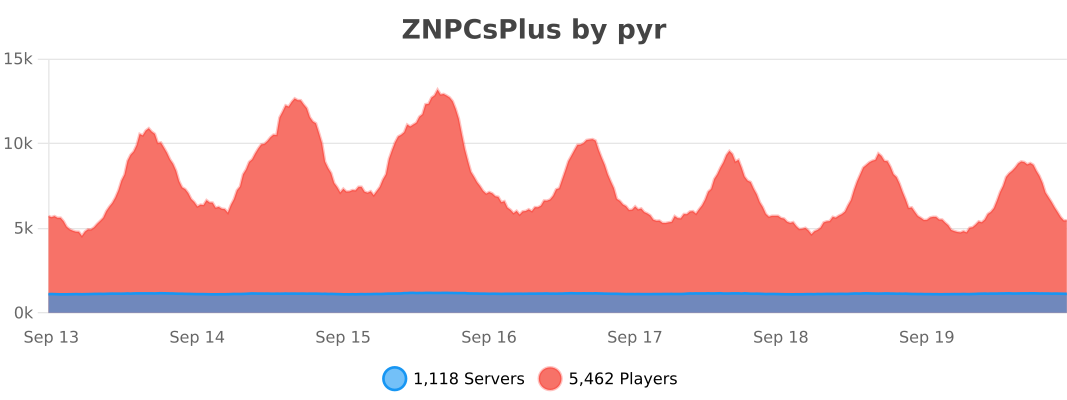
ZNPCsPlus utilizes [bStats](https://bstats.org/) for anonymous data collection. Metrics help us improve the plugin by providing insight into usage and performance. You can disable this in the `bStats` configuration.
[](https://bstats.org/plugin/bukkit/ZNPCsPlus/18244/)
—
## Support the Project
Love ZNPCsPlus? Help us grow by:
– Starring the [GitHub repository](https://github.com/Pyrbu/ZNPCsPlus).
– Leaving a positive review on [Spigot](https://www.spigotmc.org/resources/znpcsplus.109380/).
—
ZMusic Client
![][banner]
![][tested-versions]
![][players]
![][servers]
![][releases]
![][downloads]
![][license]
[简体中文](README.md) | [日本語](README_JP.md) | English
V3 version is under development based on TabooLib 6
[V2](https://github.com/RealHeart/ZMusic/tree/v2) version is now LTS (long -term support) status
## Introduction
This is a powerful music system that supports the following functions.
* Full service song
* Play separately
* Lyrics display
* Lyrics translation display
* Multi -search source (Netease Cloud/Ximalaya/Bilibili/SoundCloud)
* Keyword search
* Personal song list
* Full service song list
* Play of the song list (Netease Cloud)
* Volume adjustment (only Allmusic MOD support)
* Support BungeeCord
## Video
[YouTube](https://youtu.be/B1RNNwE_MGE)
## Feedback
* Submit [Issues](https://github.com/RealHeart/ZMusic/issues)
* Join [Discord](https://discord.gg/twQgJNufYn) feedback
## Develop
1. clone
> “`shell
> git clone https://github.com/RealHeart/ZMusic
> “`
2. build
> “`shell
> cd ZMusic
> gradlew clean build
> “`
## Usage
1. Download the latest version in [release](https://github.com/RealHeart/ZMusic/releases)
2. move jar to plugins folder
3. Run Server
## Documentation
[Click view Documentation](https://m.zplu.cc/)
## Repositories
* [ZMusic](https://github.com/RealHeart/ZMusic) – Plugin
* [ZMusic Mod](https://github.com/RealHeart/ZMusic-Mod) – Mod
* [ZMusic Docs](https://github.com/RealHeart/ZMusic-Docs) – Documentation
## Open Source License
This project uses [GPL-3.0](LICENSE) license for open source code
“`text
ZMusic – Powerful Music System
Copyright (C) 2022 RealHeart
This program is free software: you can redistribute it and/or modify
it under the terms of the GNU General Public License as published by
the Free Software Foundation, either version 3 of the License, or
(at your option) any later version.
This program is distributed in the hope that it will be useful,
but WITHOUT ANY WARRANTY; without even the implied warranty of
MERCHANTABILITY or FITNESS FOR A PARTICULAR PURPOSE. See the
GNU General Public License for more details.
You should have received a copy of the GNU General Public License
along with this program. If not, see .
“`
## Thank
* [TabooLib](https://github.com/TabooLib/TabooLib) Plug-in development framework
* [JetBrains](https://www.jetbrains.com/) Provide powerful IDE support
## Contributors
[![][contrib]](https://github.com/RealHeart/ZMusic/graphs/contributors)
[banner]: https://socialify.git.ci/RealHeart/ZMusic/image?description=1&forks=1&issues=1&language=1&name=1&owner=1&pulls=1&stargazers=1&theme=Auto
[license]: https://img.shields.io/github/license/RealHeart/ZMusic?style=for-the-badge
[players]: https://img.shields.io/bstats/players/7291?label=players&style=for-the-badge
[servers]: https://img.shields.io/bstats/servers/7291?label=servers&style=for-the-badge
[tested-versions]: https://img.shields.io/spiget/tested-versions/83027?style=for-the-badge
[releases]: https://img.shields.io/github/v/release/RealHeart/ZMusic?style=for-the-badge
[downloads]: https://img.shields.io/github/downloads/RealHeart/ZMusic/total?style=for-the-badge
[contrib]: https://contrib.rocks/image?repo=RealHeart/ZMusic
zMenu
[](https://minestrator.com/a/GROUPEZ)

**Documentation**: [docs.zmenu.dev](http://docs.zmenu.dev)
**Documentation en français**: [docs.zmenu.dev/v/fr/](https://docs.zmenu.dev/v/fr/)
[](https://docs.zmenu.dev/plugins-files#example_shop.yml)

## With [zMenu+](https://www.spigotmc.org/resources/zmenu-premium-zmenu-addon.115533/) addon:
[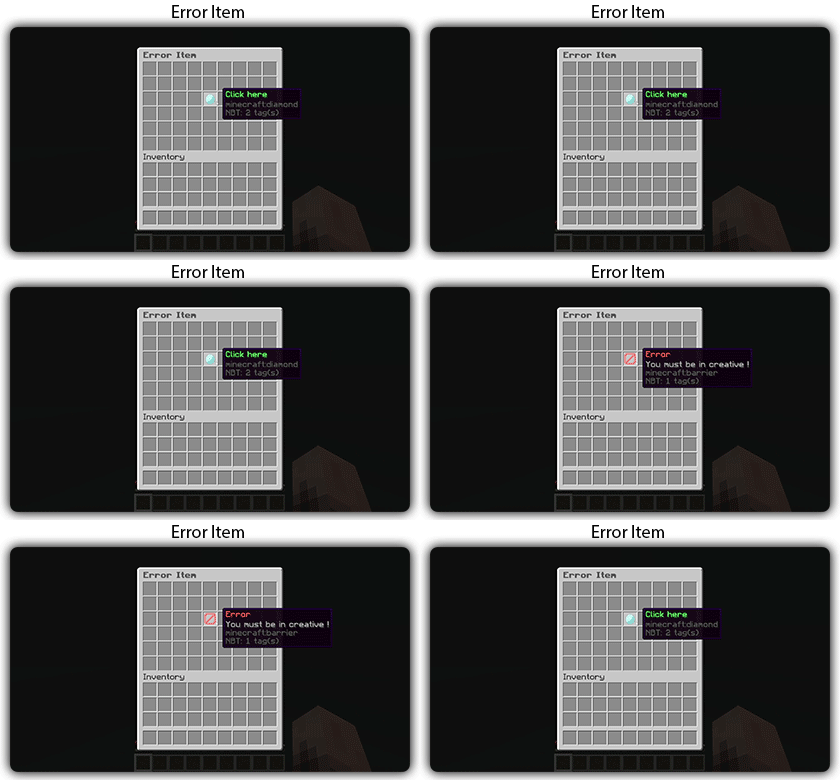](https://docs.zmenu.dev/configurations/buttons#error-item-zmenu)
[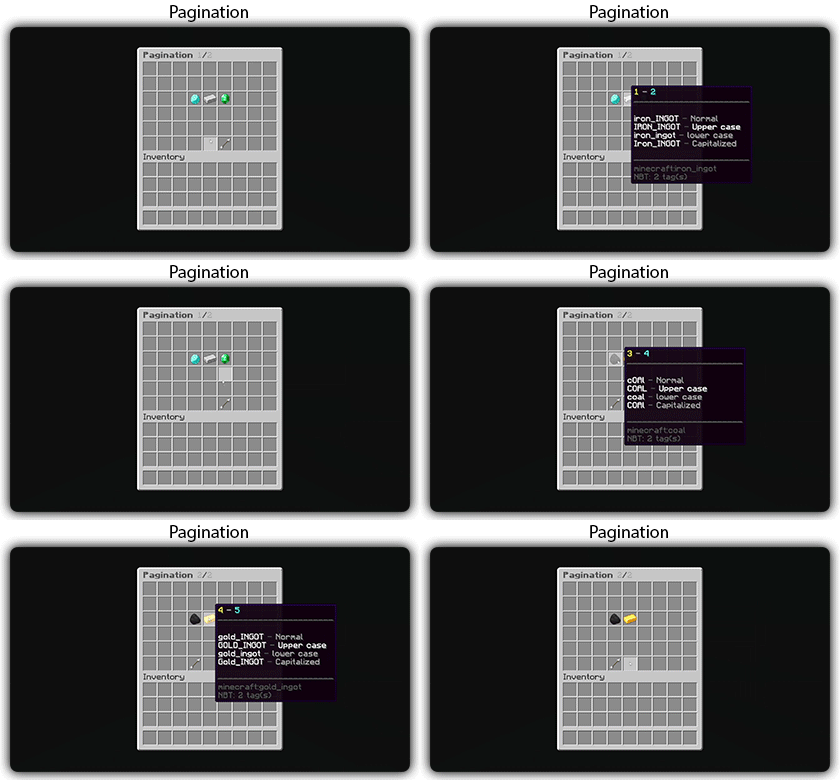](https://docs.zmenu.dev/configurations/buttons#pagination-zmenu)
[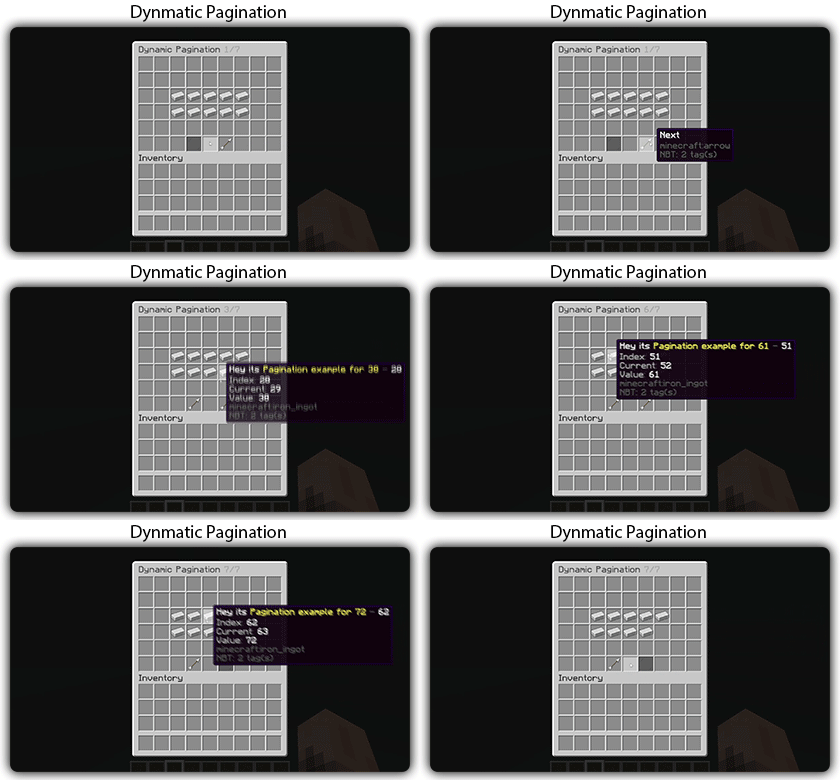](https://docs.zmenu.dev/configurations/buttons#dynamic-pagination-zmenu)
# **Features:**
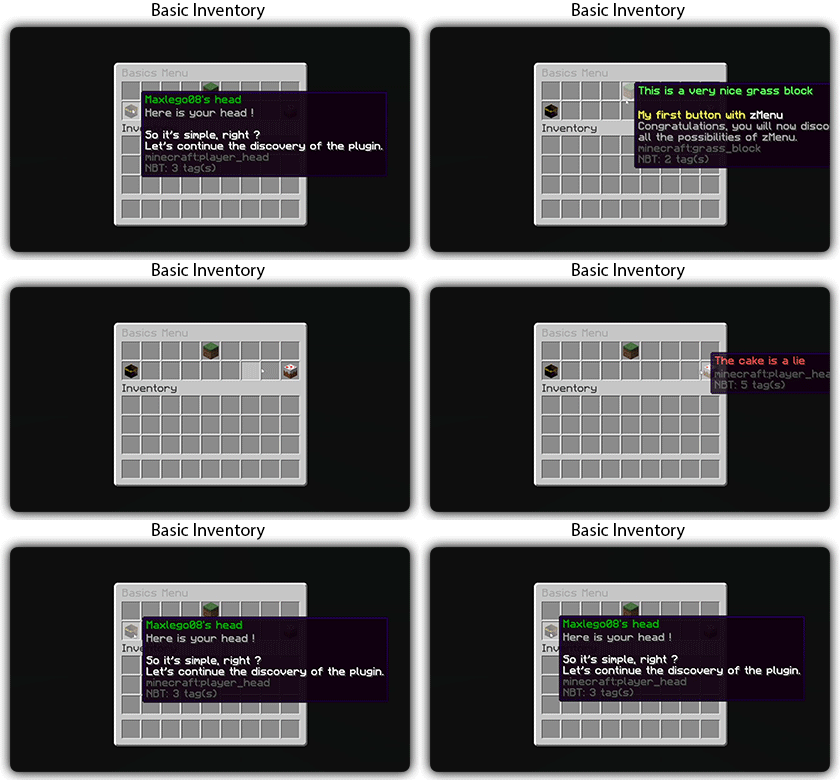
✅ Ability to create an **infinite number of GUI** menus and **commands**.
✅ Possibility to create several pages in the same inventory.
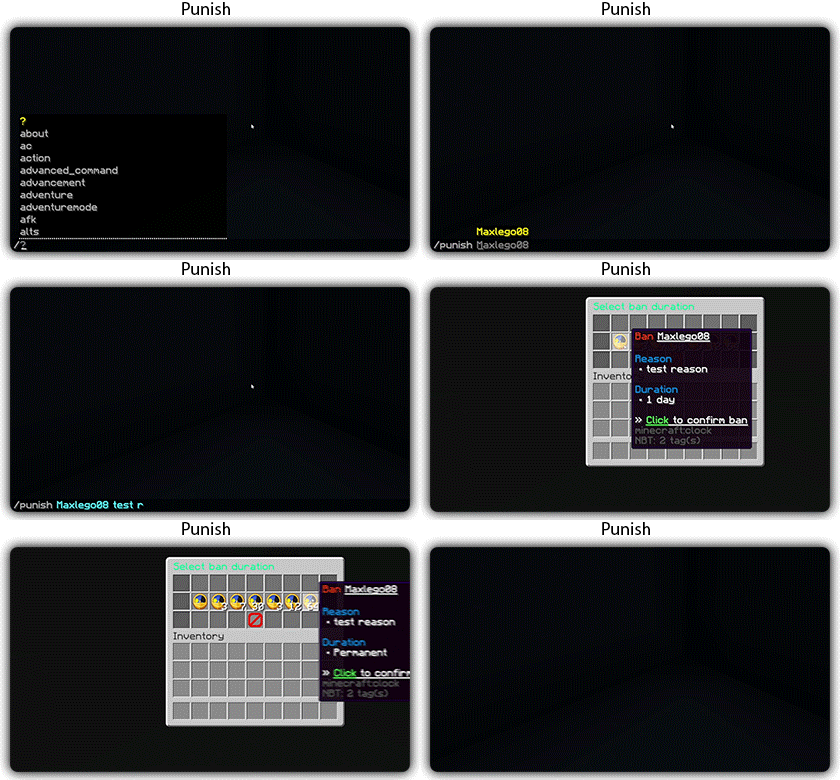
✅ Arguments, actions, and auto-completion for your commands.
✅ A marketplace to download configurations.
✅ An [online inventory editor](https://minecraft-inventory-builder.com/).
✅ Open Source: [GitHub](https://github.com/Maxlego08/zMenu).
✅ Advanced API.
✅ Ability to create an infinite number of buttons for each of your actions.
✅ Highly customizable.
✅ PlaceholderAPI support.
✅ Kyori Adventure [Mini Message Format](https://docs.adventure.kyori.net/minimessage/format.html) support.
✅ [Folia](https://papermc.io/software/folia) support.
✅ Convert from other plugins: [zMenuConvert](https://www.spigotmc.org/resources/zmenuconvert.110403/).
✅ Patterns, no more need to copy and paste the same configuration several times!
✅ [zHead](https://www.spigotmc.org/resources/zhead-database.115717/) and HeadDatabase support.
✅ Documentation translated into several languages:
1. English: [docs.zmenu.dev](https://docs.zmenu.dev/)
2. Français: [docs.zmenu.dev/v/fr/](https://docs.zmenu.dev/v/fr/)
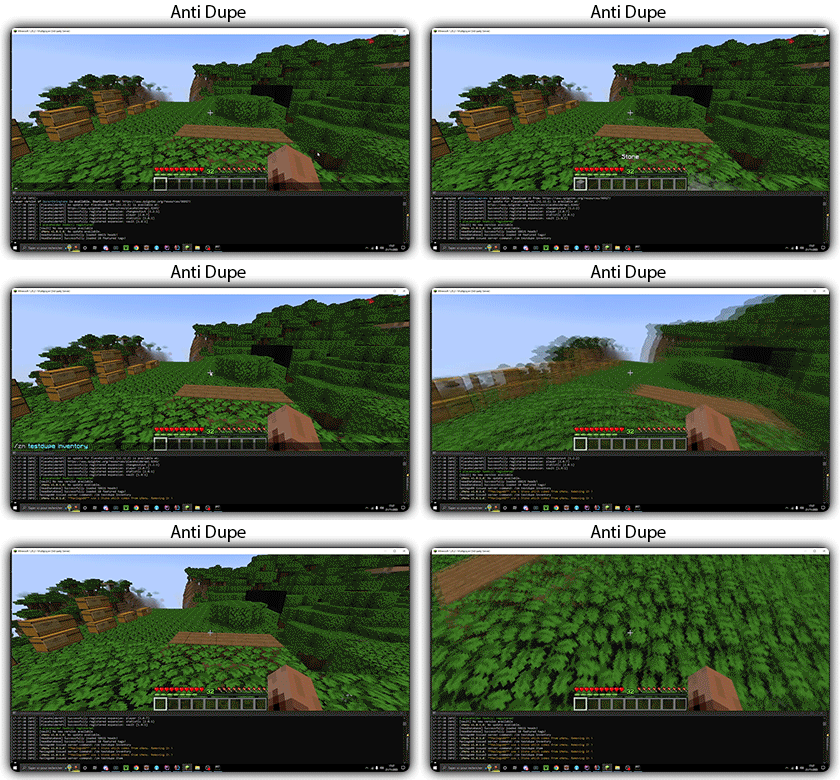
✅ **Anti-duplication** system. Duplication will be completely impossible with the plugin.
✅ Turn your items into a configuration with **/zm save**.
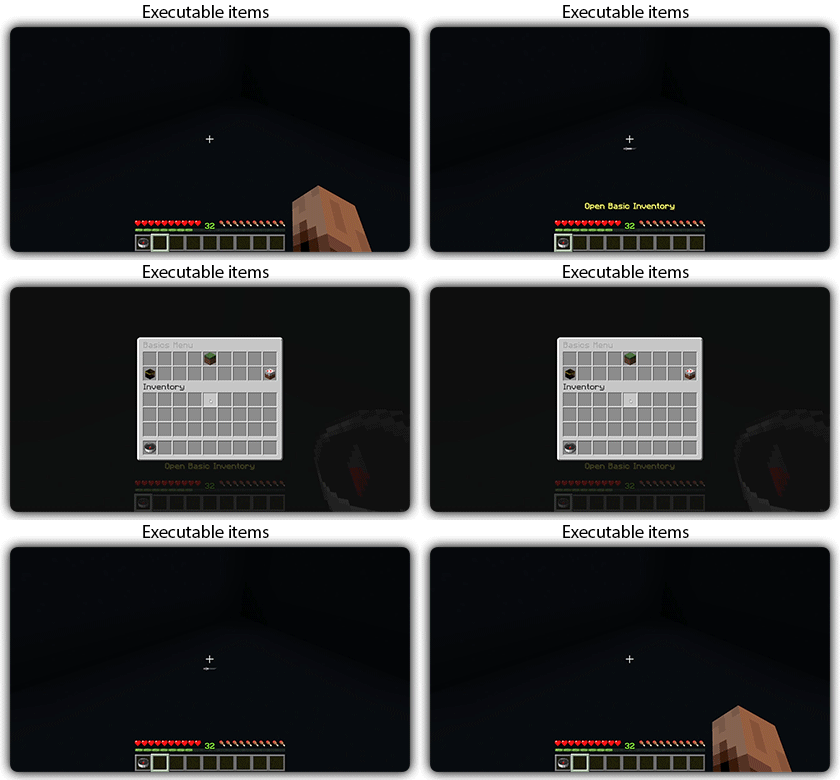
✅ Executable items for open inventories.
✅ Possibility to **translate your items** into several languages. The plugin displays the correct translation to the player!
✅ Use mathematical expressions in your inventories!
**Plugin’s files**: [https://docs.zmenu.dev/plugins-files](https://docs.zmenu.dev/plugins-files)
[](https://discord.groupez.dev/)
## Video:
[](https://youtube.com/watch?v=spxnyY7lY0Q)
[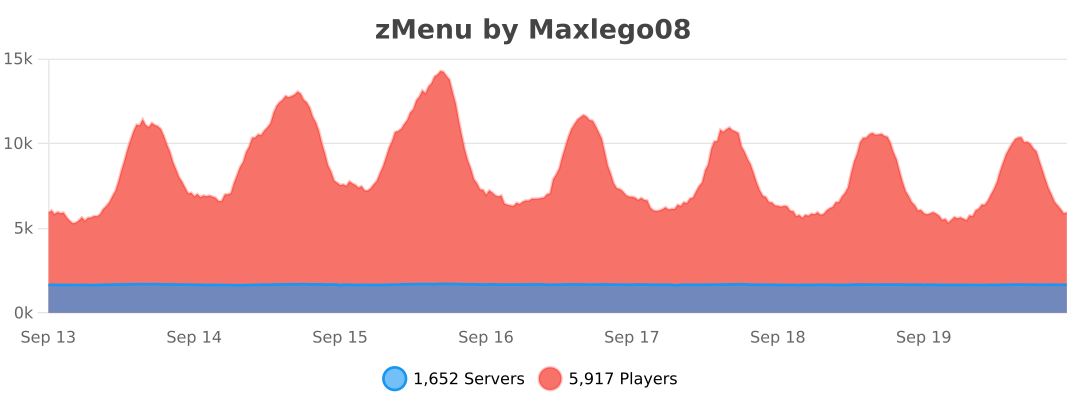](https://bstats.org/plugin/bukkit/zMenu/14951)
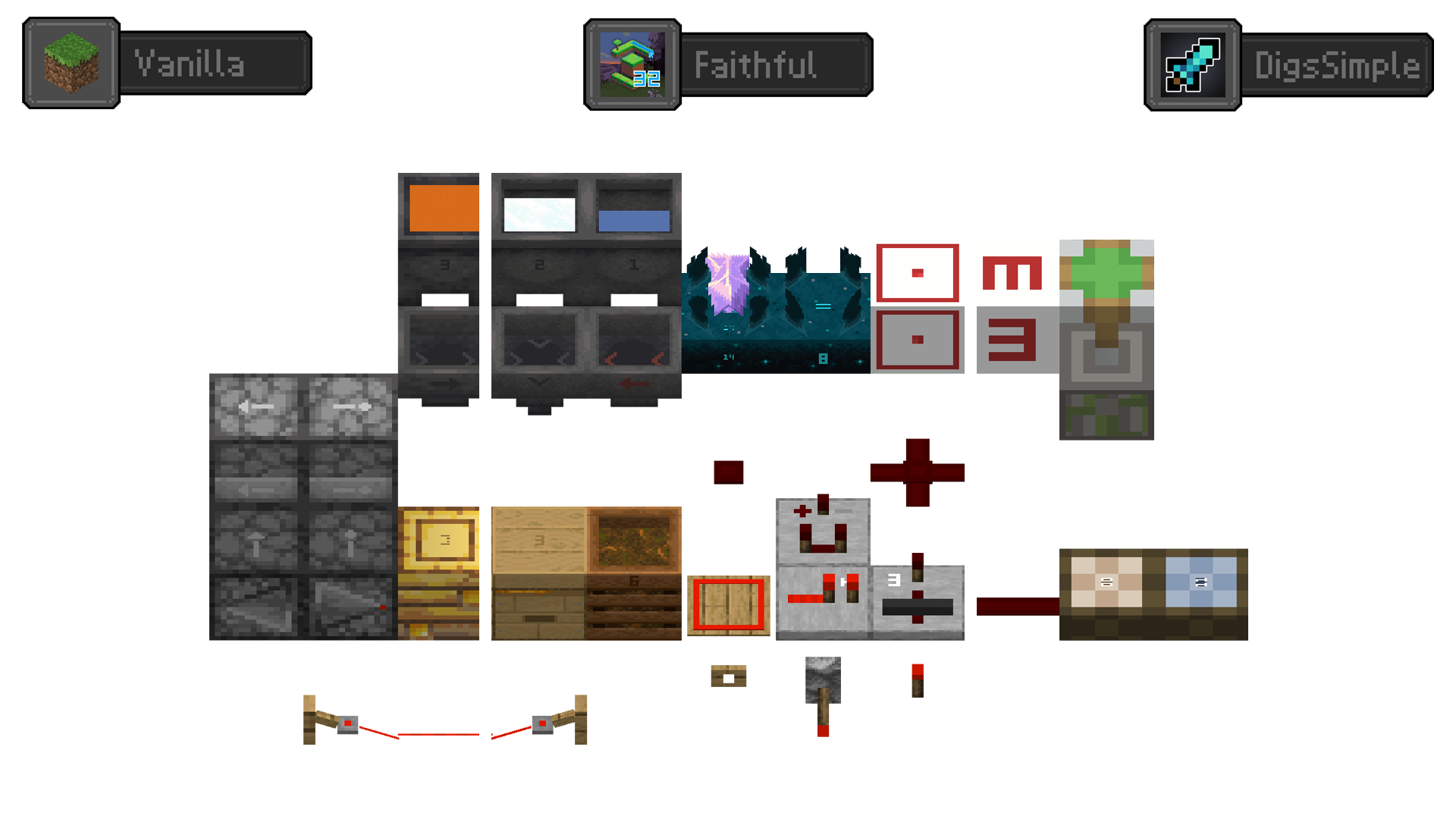
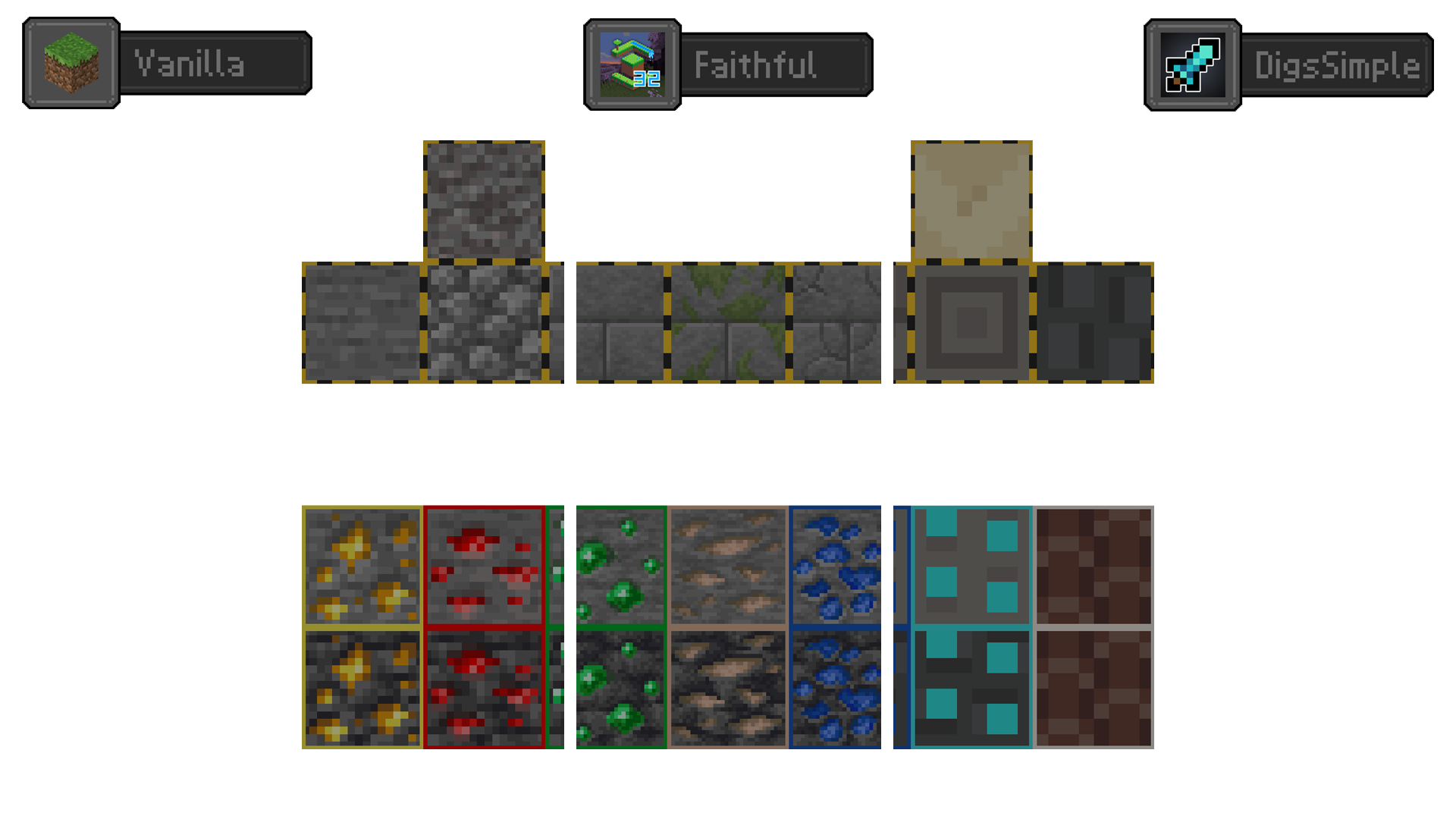
Redstone Tweaks Overlaid
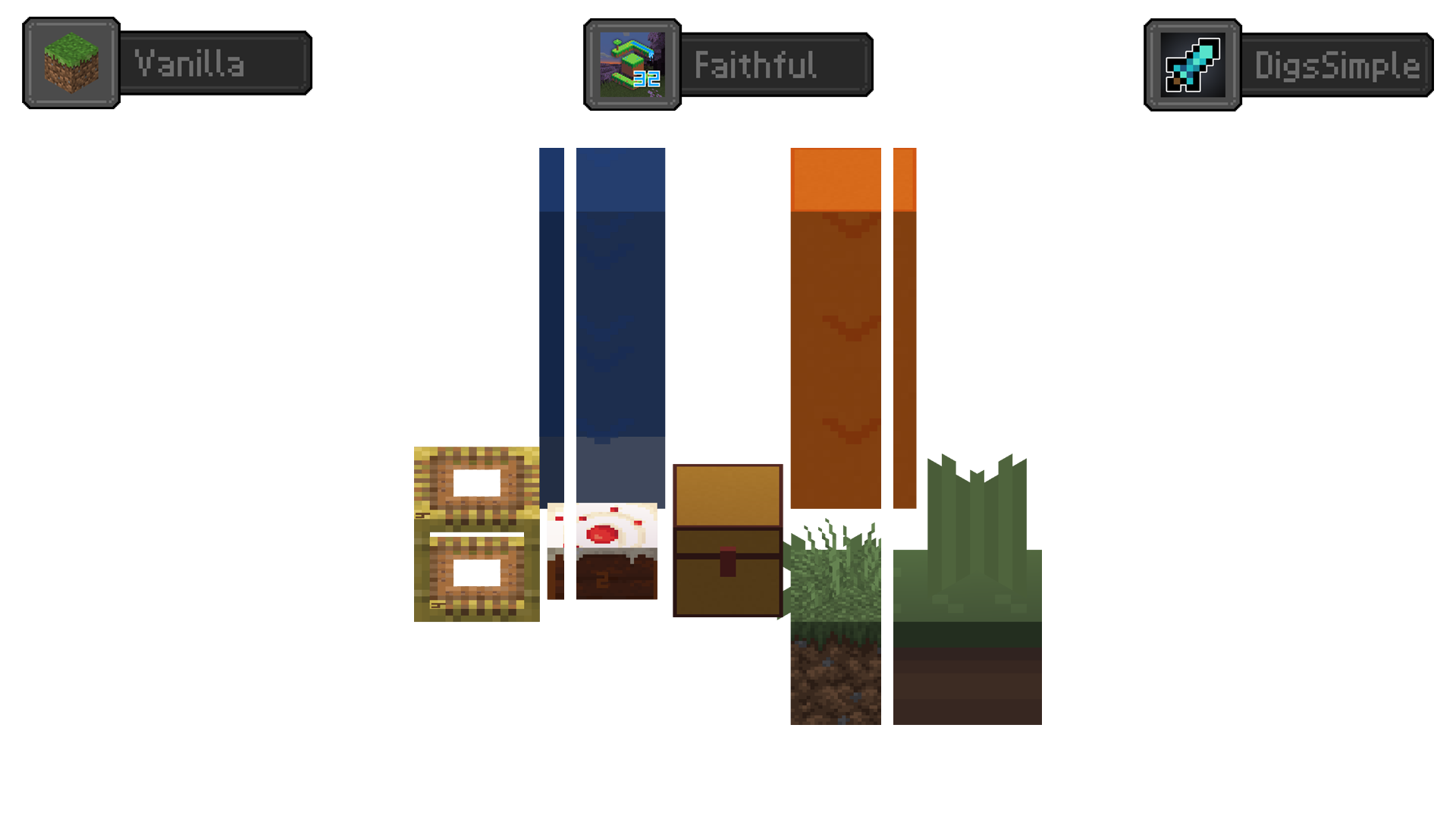
**Add redstone display overlaid to your favorite resource packs**
Transparent GUI
中文
| 一个支持1.7.10到1.22的透明gui材质包!|
| :————-:|
|**搭配[清洁屏幕](https://modrinth.com/resourcepack/low-shield-fire-no-pumpkinblur)使用效果更好!**|
| **适配模组:** |
|jade|✅|
|fabric|✅|
|appleskin|✅|
|inventoryprofilesnext|✅|
English
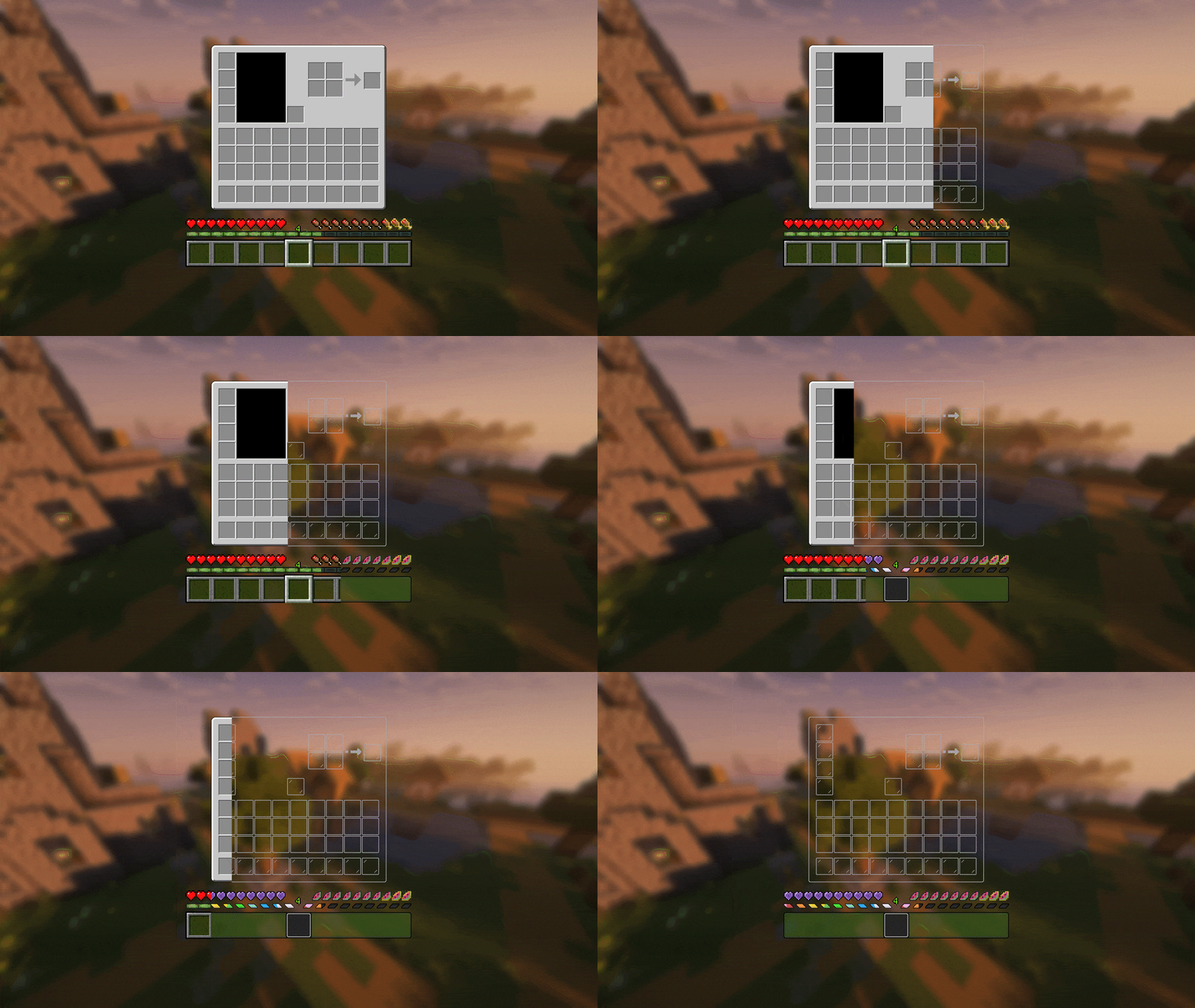
| A transparent GUI texture pack that supports 1.7.10 to 1.22!|
| :————-:|
|**It works better with [Clean Screen](https://modrinth.com/resourcepack/low-shield-fire-no-pumpkinblur)!**|
| **Mod support:** |
|jade|✅|
|fabric|✅|
|appleskin|✅|
|inventoryprofilesnext|✅|
|**Wait for more**|
zItemStacker
[](https://minestrator.com/a/GROUPEZ)
zItemStacker
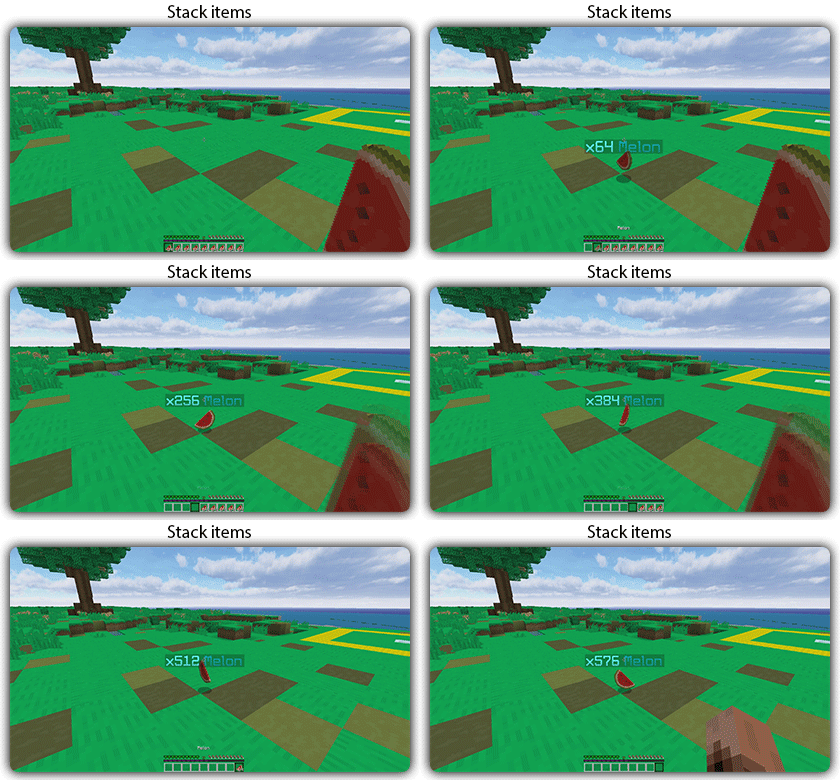
Allows you to stack your items
## Features:
– You can whitelist items to be taken into account by the plugin.
– You can blacklist the items that should not be taken into account by the plugin.
## Commands:
– /zitemstacker reload – reload lang and config file
– /zitemstacker version – show plugin version
Source code: https://github.com/Maxlego08/zItemStacker
Support: http://discord.groupez.dev/
Zip Zip totem
Zip Zip totem with sound is a simple resource pack that replaces the texture of the totem and its sound with the meme zip zip zip
This resource pack was made for the players of the GribMine server!
Join us
Zilibobka (Зилибобка) Totem of Undying
– EN: **Zilibobka** is a popular Russian meme, which was also stimulated during post-ironic memes in 2017 on the social network VKontakte and Tiktok. Texture pack replaces Totem of Immortality with this meme
– RU: **Zilibobka (Зилибобка)** – популярный российский мем который также был зафоршен во времена постироничных мемов в 2017 году в соц сети ВКонтакте и Тиктоке. Текстурпак заменяет тотем бессмертия на этот мем
[ALL RESOURCEPACKS COLLECTION: MEMES + STREAMERS](https://modrinth.com/collection/sfDcDGAi)
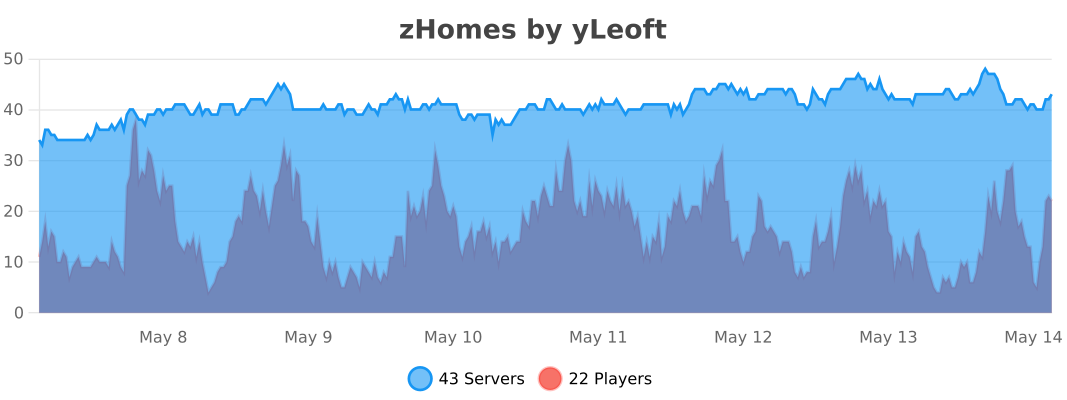
zHomes







zHomes is a modern, fast and fully-configurable homes plugin for Spigot/Paper/Purpur/PufferFish servers. It focuses on simplicity, speed and customization so server owners can give players a familiar — but powerful — teleportation experience.
Some features:
– Create, delete and list homes
– Admin tools for managing and converting homes
– PlaceholderAPI support for message placeholders
– MiniPlaceholders support for minimessage placeholders
– Vault support for economy/command-costs
– GriefPrevention and WorldGuard integration for region checks
– Teleport warmup and safe-teleport checks
– Configurable commands, messages and permissions
– 100% configurable menus
– Uses SQL (H2/SQLite/MariaDB/MySQL) for storage (no local data/ directory)
Maintained by [yL3oft](https://github.com/yL3oft). This project is free and open-source.
—

Requirements
– Java 17+ (check release notes for exact JDK requirement)
– Paper, Spigot or a compatible fork
Installation
1. Download the latest JAR from Releases / Modrinth / Hangar / Spigot.
2. Place the JAR in your server’s `plugins/` folder.
3. Start the server once to generate config files (src/main/resources/config.yml defaults).
4. You’re done!
Quick test
– As a player: `/sethome home1` then `/home home1`
– As an admin: `/zhomes reload`
—

Admin
– `/zhomes info` — Shows plugin info and stats.
– `/zhomes reload` — Reloads plugin configuration and messages.
– `/zhomes version ` — Checks the plugin version and updates if `` is specified.
– `/zhomes nearhomes [radius] <-u -h >` — Check for homes near a location (your location by default). Admins can specify a user and home to check near that home.
– `/zhomes parse ` – Parse a string with Plugin Placeholders & PlaceholderAPI placeholders for a specific player.
– `/zhomes export` — Export all homes to a .json.gz file in the plugin folder.
– `/zhomes import ` — Import homes from a .json.gz file exported by `/zhomes export`.
– `/zhomes converter ` — Inline converter tool to import homes from other plugins (example: `/zhomes converter ultimatehomes`). See detailed converter docs: https://docs.yleoft.me/zhomes/commands-and-permissions/zhomes-converter-less-than-type-greater-than
Player / Home commands
– `/sethome [name]` — Create a home (default name if omitted).
– `/delhome [name]` — Delete a home. Admins can use `/delhome `.
– `/home [name]` — Teleport to a home. Admins can use `/home `.
– `/homes [player]` — List homes. Admins can use `/homes `.
– `/home rename [oldName] [newName]` — Rename a home
Notes
– Command costs and vault integration require Vault to be installed.
– Some commands have admin-only variants (see Permissions below).
Full command list and usage: https://docs.yleoft.me/zhomes/commands-and-permissions
—

Below are the permission nodes and their default intent as defined in the plugin configuration (zHomes/config.yml). Use your permissions plugin to grant or deny these.
Command permissions
– zhomes.command.main — Main command (True by default)
– zhomes.command.main.help — Help SubCommand (Only OP by default)
– zhomes.command.main.version — Version SubCommand (True by default)
– zhomes.command.main.info — Info SubCommand (Only OP by default)
– zhomes.command.main.reload — Reload SubCommand (Only OP by default)
– zhomes.command.main.nearhomes – Nearhomes SubCommand (Only OP by default)
– zhomes.command.main.parse — Parse SubCommand (Only OP by default)
– zhomes.command.main.converter — Converter SubCommand (Only OP by default)
– zhomes.command.main.importexport — Import & Export SubCommand (Only OP by default)
– zhomes.command.sethome — `/sethome` (True by default)
– zhomes.command.delhome — `/delhome` (True by default)
– zhomes.command.delhome.others — `/delhome ` (Only OP by default)
– zhomes.command.homes — `/homes` (True by default)
– zhomes.command.homes.others — `/homes ` (Only OP by default)
– zhomes.command.home — `/home` (True by default)
– zhomes.command.home.others — `/home ` (Only OP by default)
– zhomes.command.home.rename — `/home rename` (True by default)
Bypass / misc permissions (as defined in config.yml)
– zhomes.bypass.limit — Bypass home limits (Only OP by default)
– zhomes.bypass.dimensionalteleportation — Bypass dimension restriction (Only OP by default)
– zhomes.bypass.safeteleport — Bypass safe-teleport checking (False by default)
– zhomes.bypass.warmup — Bypass teleport warmup (Only OP by default)
– %command_permission%.bypass.command-cost — Bypass command-cost (Only OP by default). Command-specific bypass permission is generated from the command permission string (see config.yml)
– %command_permission%.bypass.command-cooldown — Bypass commands cooldown (Only OP by default). Command-specific bypass permission is generated from the command permission string (see config.yml)
If you want to see the authoritative defaults and change them, open src/main/resources/config.yml in the repo or check the live docs: https://docs.yleoft.me/zhomes/commands-and-permissions
—

zHomes contains an inline converter to import homes from well-known plugins. The converter runs in-chat (not a GUI). See full converter details here: https://docs.yleoft.me/zhomes/commands-and-permissions/zhomes-converter-less-than-type-greater-than
—

Supported integrations:
– PlaceholderAPI — Message placeholders supported & custom [placeholders provided by zHomes](https://docs.yleoft.me/zhomes/hooks/placeholderapi).
– MiniPlaceholders – MiniMessage placeholders supported for advanced message formatting & custom [placeholders provided by zHomes](https://docs.yleoft.me/zhomes/hooks/miniplaceholders).
– Vault — for economy-based command-costs.
– GriefPrevention — region checks integration.
– WorldGuard — region and flag checks.
– MiniMessage — advanced message formatting.
– bStats — anonymous metrics (configurable).
Enable or disable integrations from config and ensure the third-party plugins are installed on the server when you expect integration behavior.
—

If you find zHomes helpful or need assistance:
– Discord: https://discord.gg/yCdhVDgn4K
– Issues: https://github.com/yL3oft/zHomes/issues
– Docs: https://docs.yleoft.me/zhomes
Support the project by starring the repo and joining the Discord!
—