Vanilla Crate
Retextures the Immersive Engineering crate to match the vanilla chest texture.
Before:

After:

Retextures the Immersive Engineering crate to match the vanilla chest texture.
Before:

After:

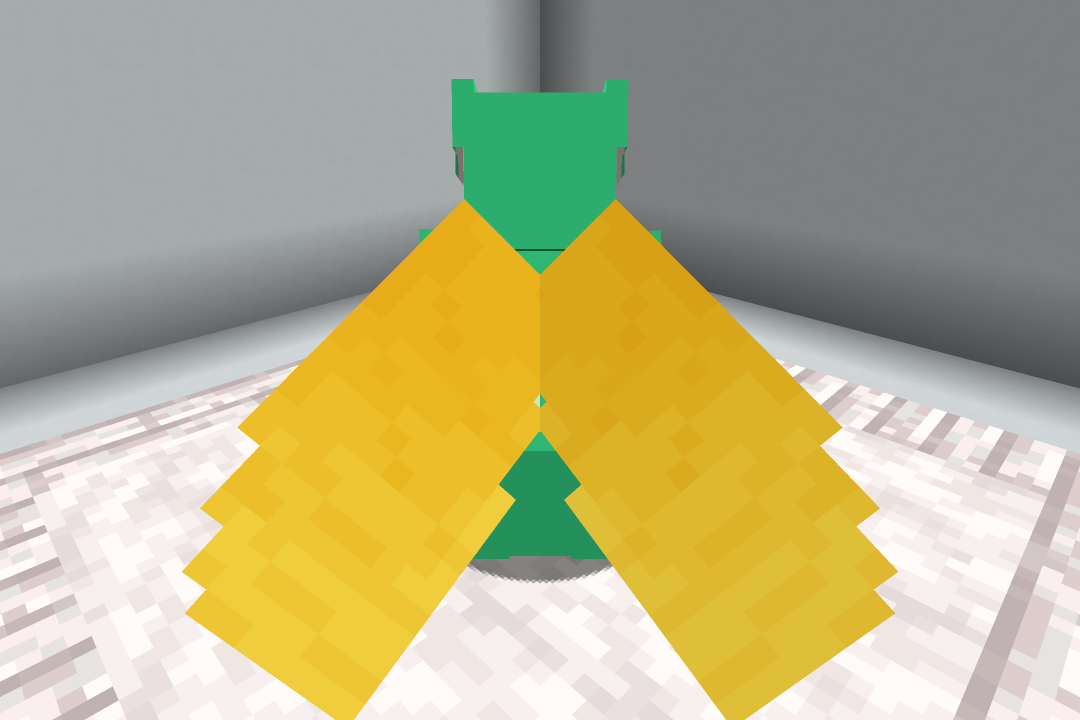
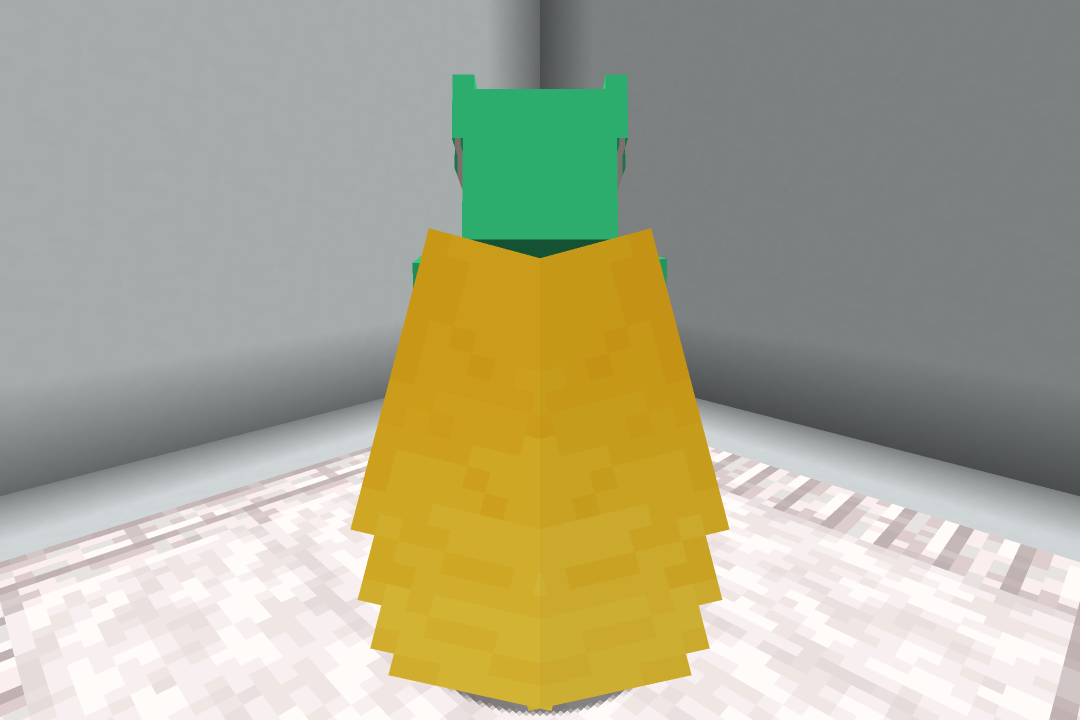
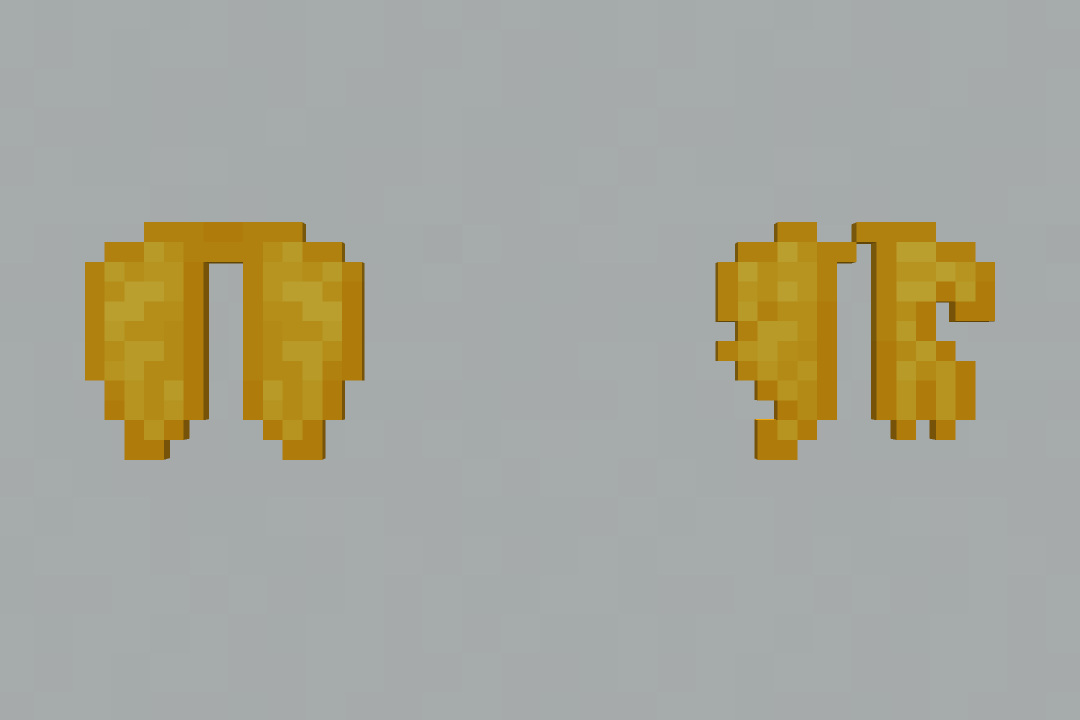
## Elytra (Yellow)
This resource pack changes the elytra textures to be a nice yellow color.
_If you want to support us and our work, please consider checking out our similar resource packs or all of our resource packs!_
To install this resource pack, select your Minecraft version in the download menu, and copy the downloaded file into Minecraft’s `resourcepacks` folder. Alternatively, if you are using the Modrinth App, you can easily add this resource pack to an instance by selecting “Install with Modrinth App” in the download menu.
For more detailed installation instructions, see the Minecraft Wiki.
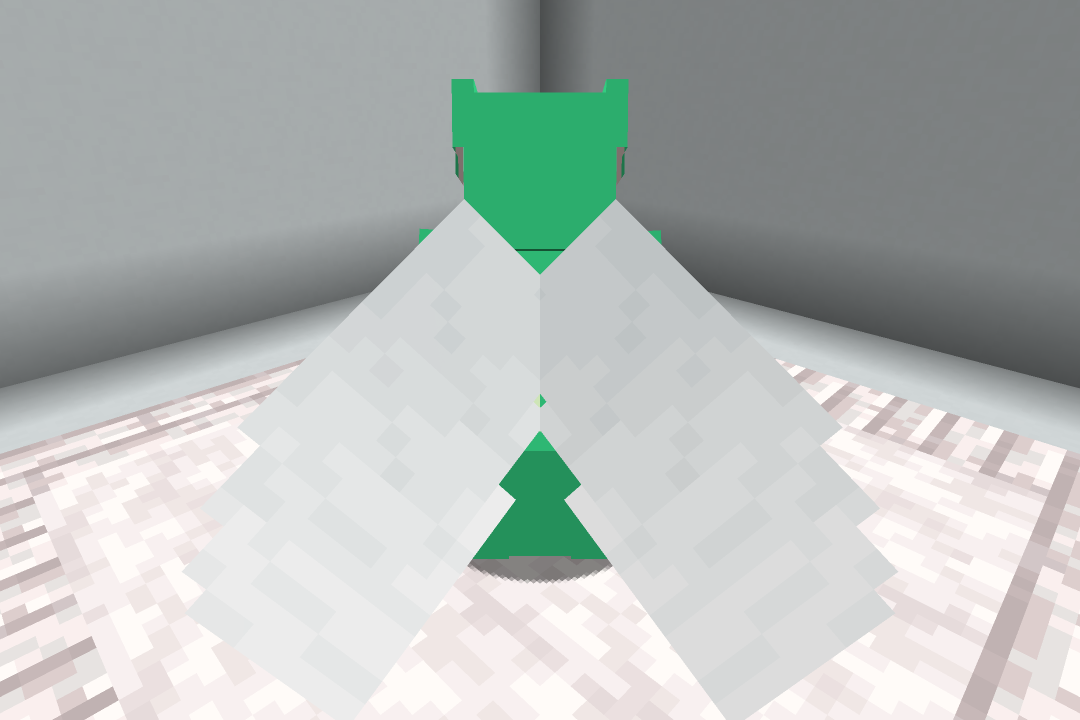
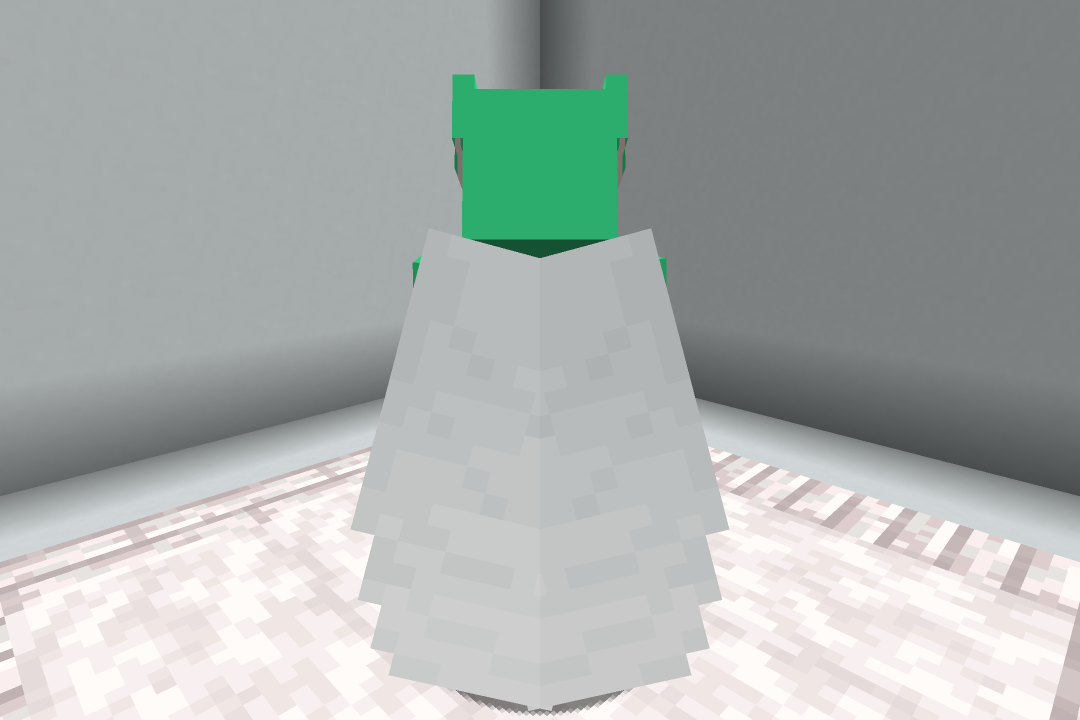
## Elytra (White)
This resource pack changes the elytra textures to be a nice white color.
_If you want to support us and our work, please consider checking out our similar resource packs or all of our resource packs!_
To install this resource pack, select your Minecraft version in the download menu, and copy the downloaded file into Minecraft’s `resourcepacks` folder. Alternatively, if you are using the Modrinth App, you can easily add this resource pack to an instance by selecting “Install with Modrinth App” in the download menu.
For more detailed installation instructions, see the Minecraft Wiki.
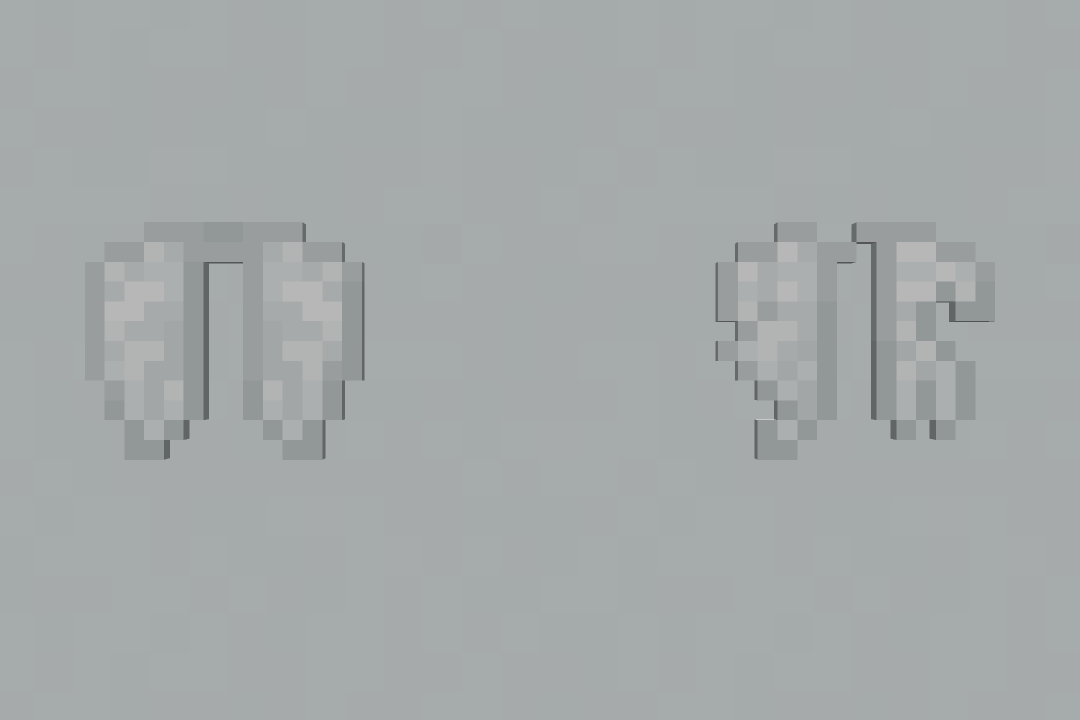
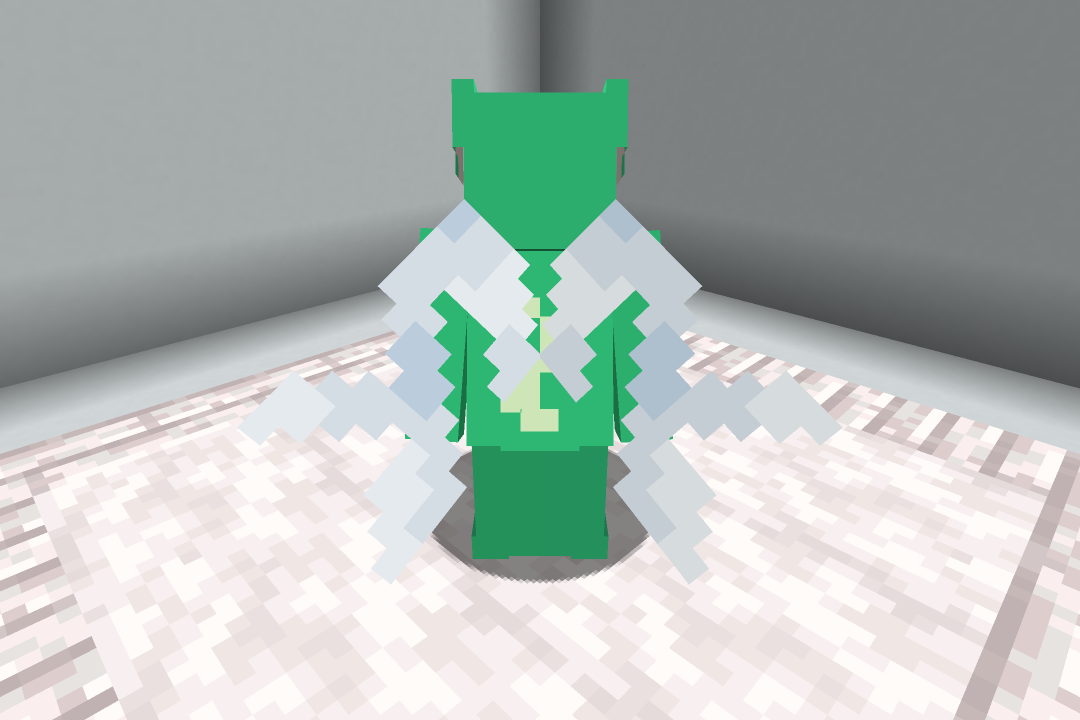
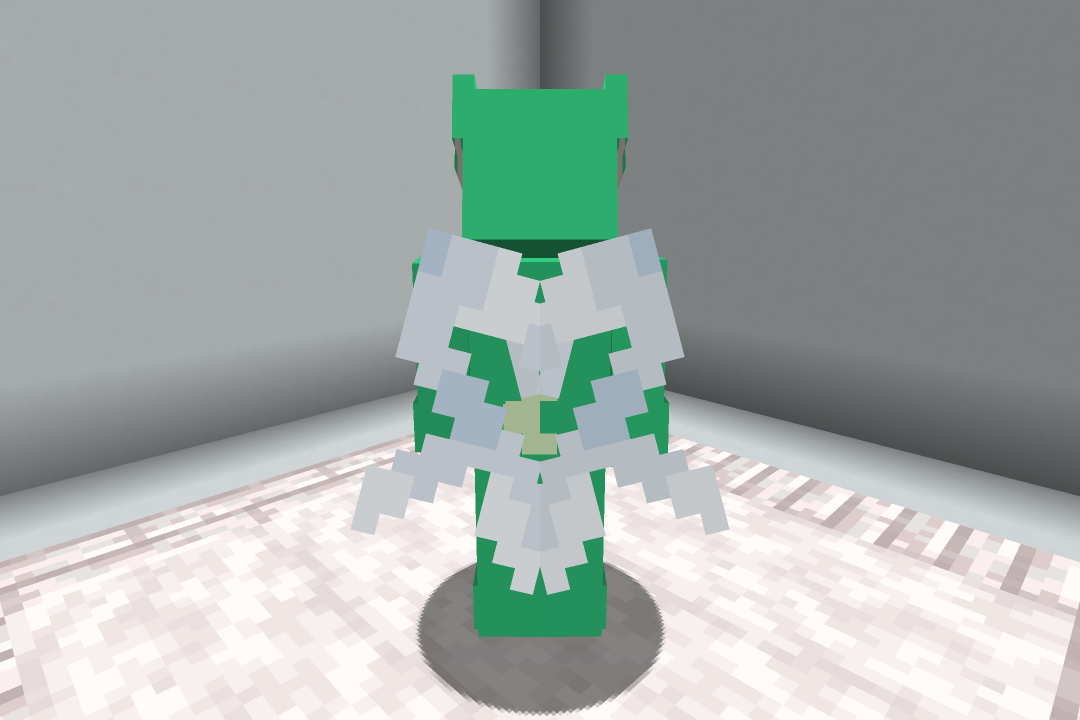
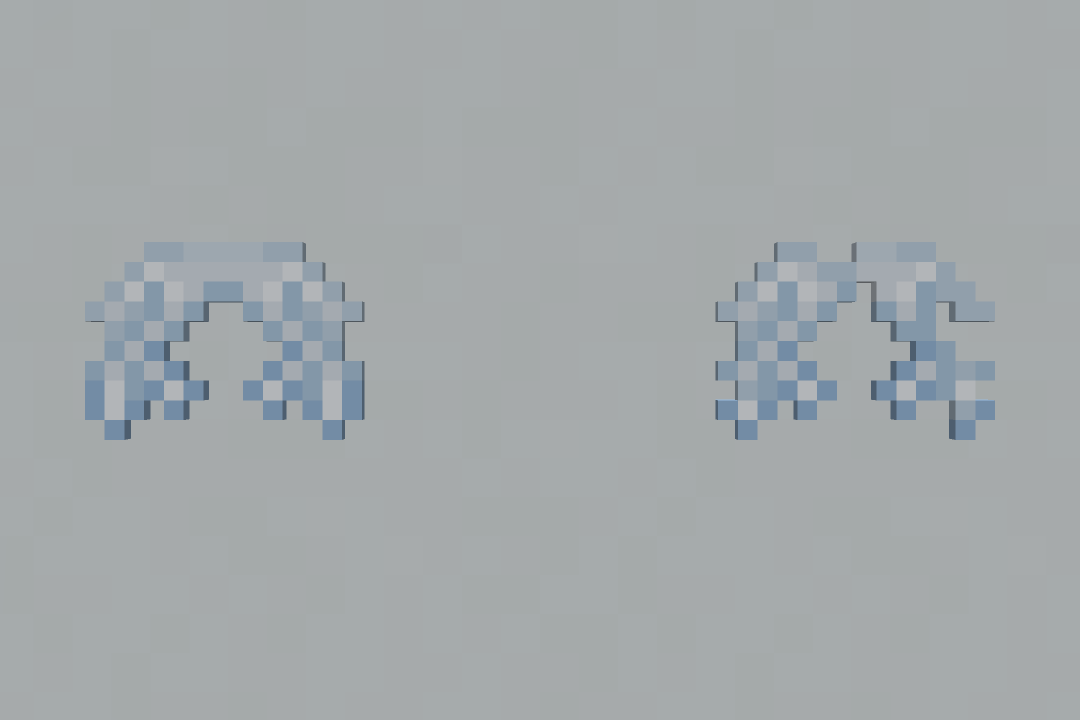
## Elytra (Vex)
This resource pack changes the elytra textures to look like the Vex’s wings.
_If you want to support us and our work, please consider checking out our similar resource packs or all of our resource packs!_
To install this resource pack, select your Minecraft version in the download menu, and copy the downloaded file into Minecraft’s `resourcepacks` folder. Alternatively, if you are using the Modrinth App, you can easily add this resource pack to an instance by selecting “Install with Modrinth App” in the download menu.
For more detailed installation instructions, see the Minecraft Wiki.
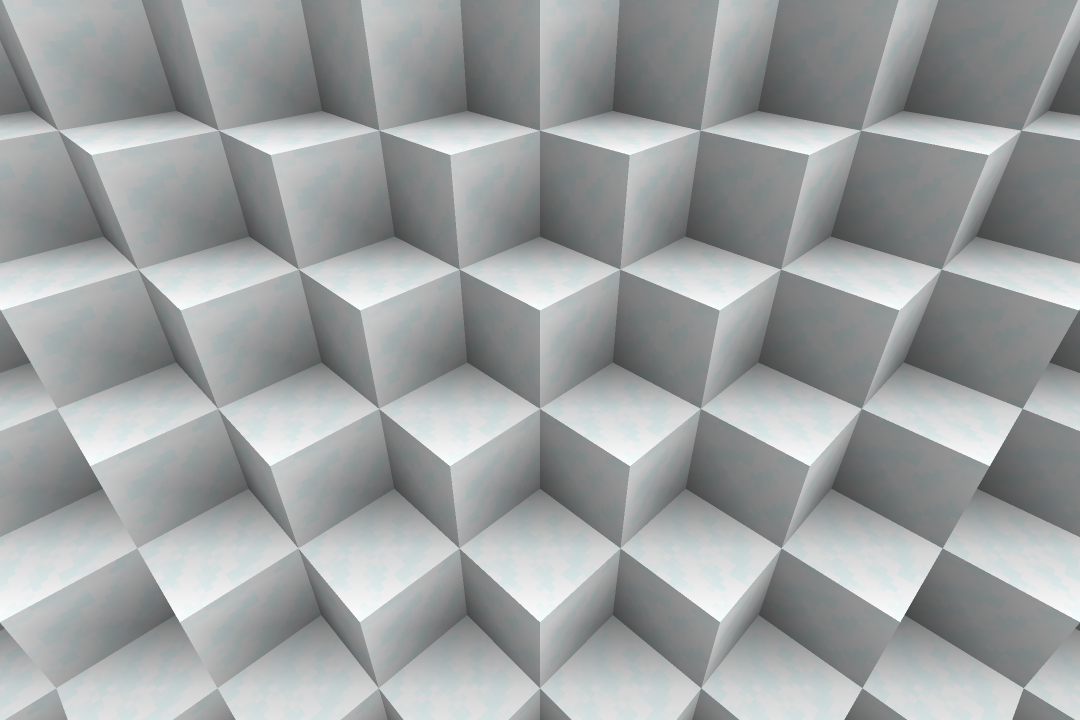
## Snow Sides
This resource pack changes the snowy grass side texture to cover the entire block.
_If you want to support us and our work, please consider checking out our similar resource packs or all of our resource packs!_
To install this resource pack, select your Minecraft version in the download menu, and copy the downloaded file into Minecraft’s `resourcepacks` folder. Alternatively, if you are using the Modrinth App, you can easily add this resource pack to an instance by selecting “Install with Modrinth App” in the download menu.
For more detailed installation instructions, see the Minecraft Wiki.
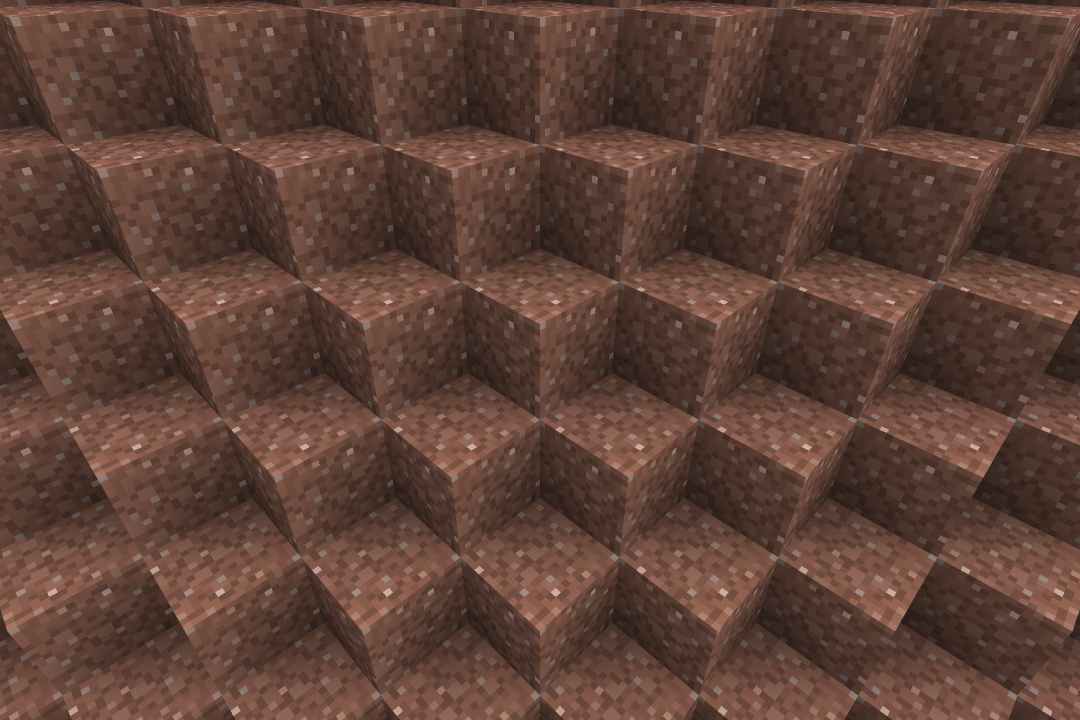
## Smooth Granite
This resource pack changes the granite texture to be smoother with less contrast.
_If you want to support us and our work, please consider checking out our similar resource packs or all of our resource packs!_
To install this resource pack, select your Minecraft version in the download menu, and copy the downloaded file into Minecraft’s `resourcepacks` folder. Alternatively, if you are using the Modrinth App, you can easily add this resource pack to an instance by selecting “Install with Modrinth App” in the download menu.
For more detailed installation instructions, see the Minecraft Wiki.
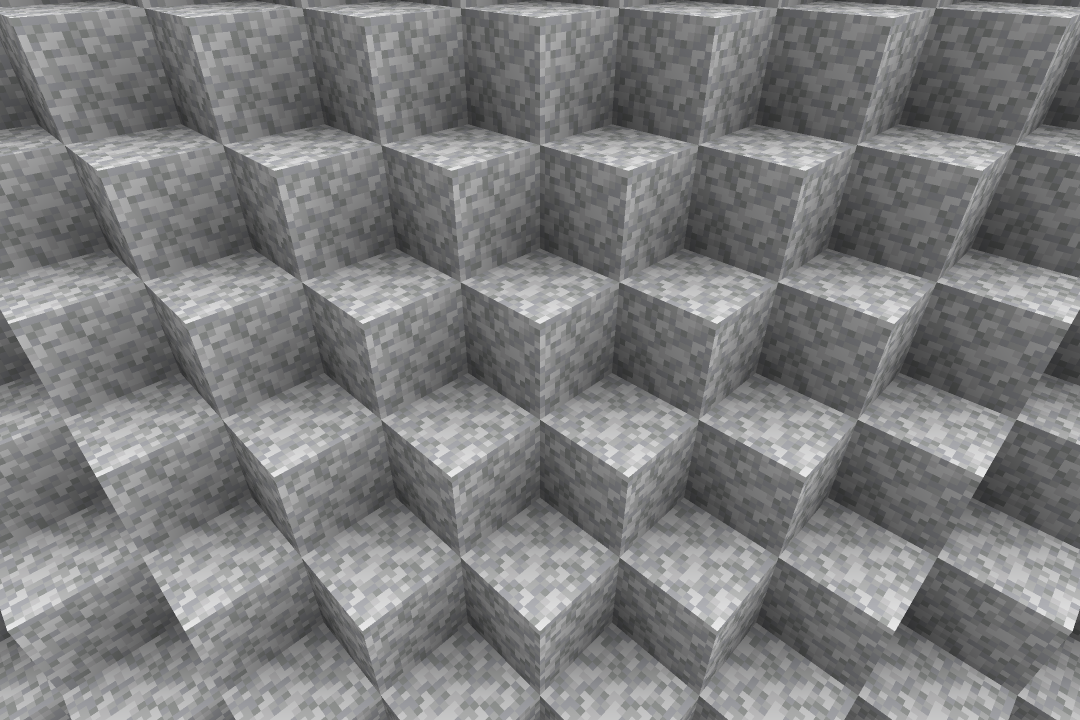
## Smooth Diorite
This resource pack changes the diorite texture to be smoother with less contrast.
_If you want to support us and our work, please consider checking out our similar resource packs or all of our resource packs!_
To install this resource pack, select your Minecraft version in the download menu, and copy the downloaded file into Minecraft’s `resourcepacks` folder. Alternatively, if you are using the Modrinth App, you can easily add this resource pack to an instance by selecting “Install with Modrinth App” in the download menu.
For more detailed installation instructions, see the Minecraft Wiki.
## Rising Block Destroy Animation
This resource pack changes the block breaking animation to a rising sweep animation.
_If you want to support us and our work, please consider checking out our similar resource packs or all of our resource packs!_
To install this resource pack, select your Minecraft version in the download menu, and copy the downloaded file into Minecraft’s `resourcepacks` folder. Alternatively, if you are using the Modrinth App, you can easily add this resource pack to an instance by selecting “Install with Modrinth App” in the download menu.
For more detailed installation instructions, see the Minecraft Wiki.
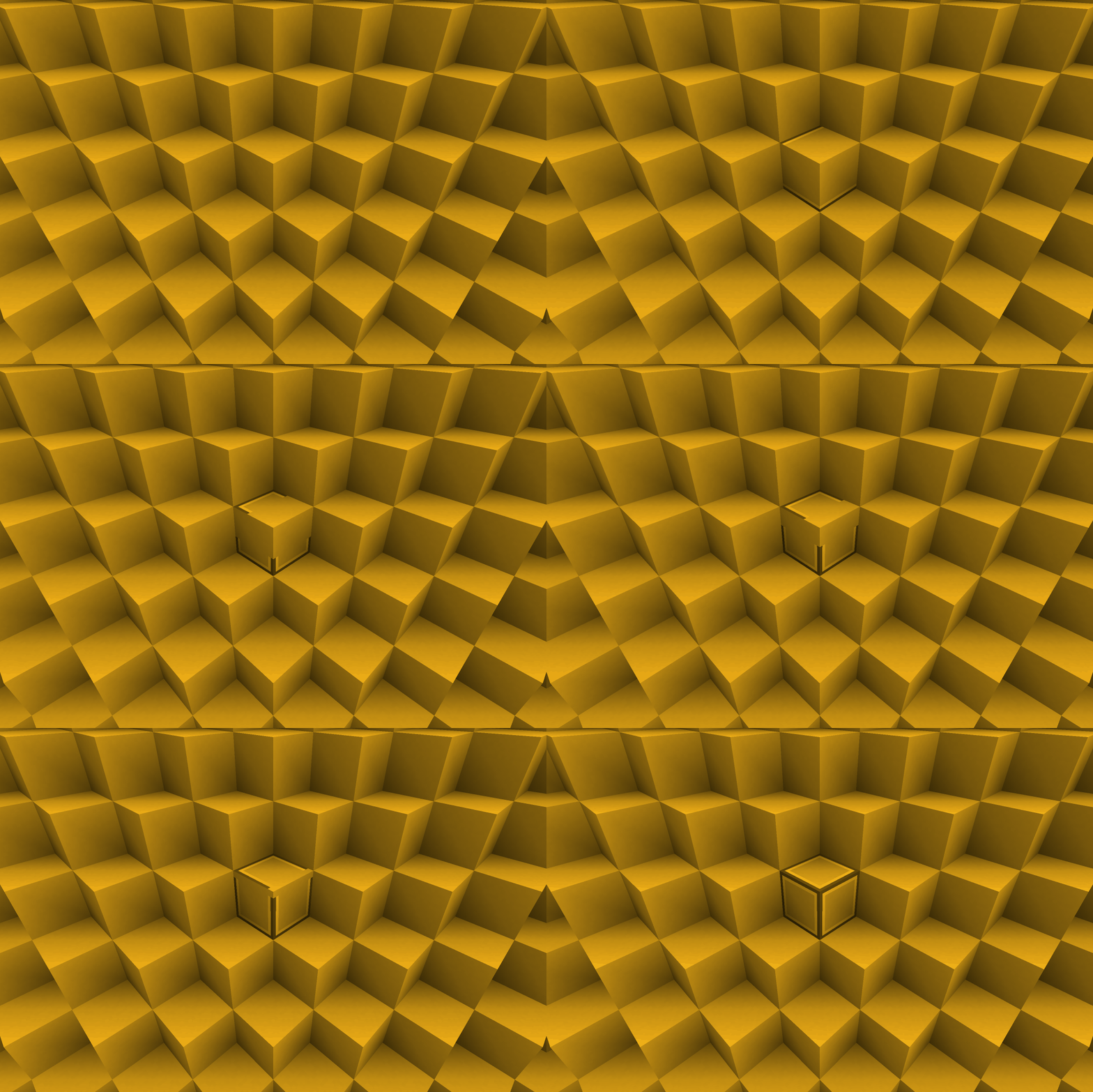
## Elytra (Red)
This resource pack changes the elytra textures to be a nice red color.
_If you want to support us and our work, please consider checking out our similar resource packs or all of our resource packs!_
To install this resource pack, select your Minecraft version in the download menu, and copy the downloaded file into Minecraft’s `resourcepacks` folder. Alternatively, if you are using the Modrinth App, you can easily add this resource pack to an instance by selecting “Install with Modrinth App” in the download menu.
For more detailed installation instructions, see the Minecraft Wiki.
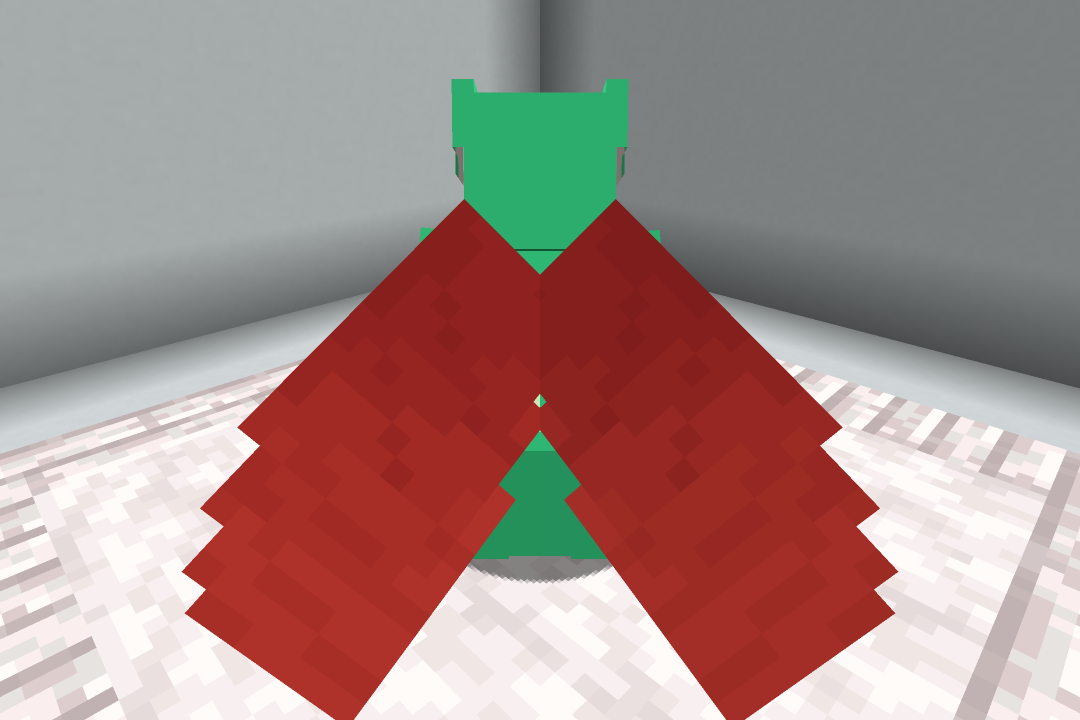
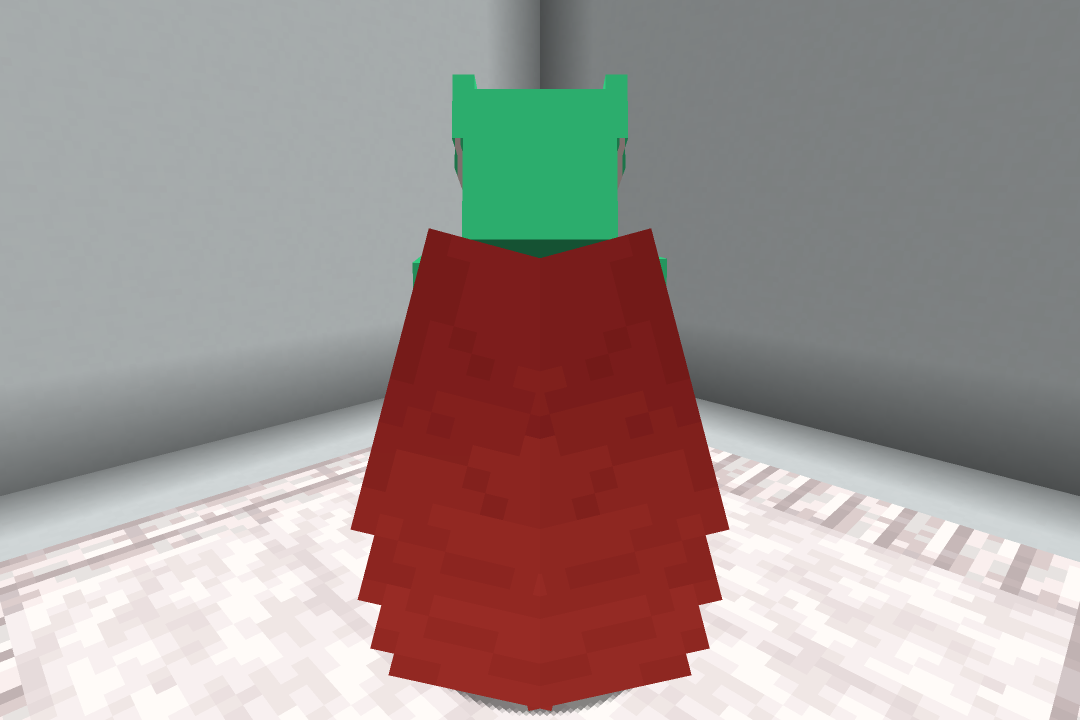
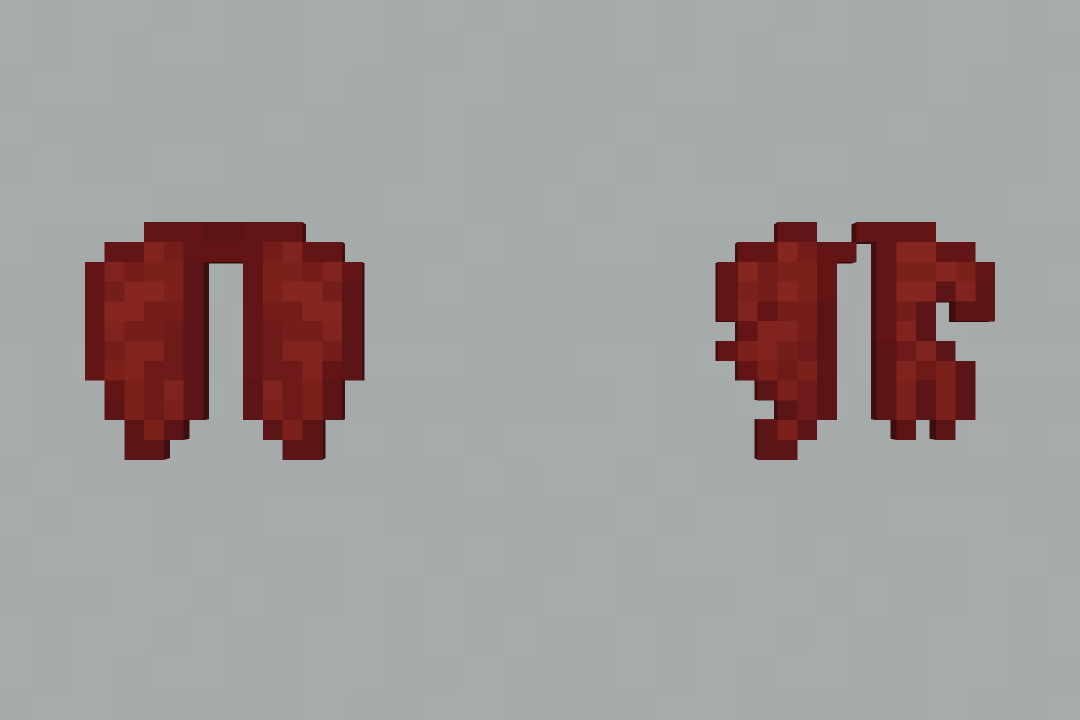
## Elytra (Red Dragon)
This resource pack changes the elytra textures to look like a red dragon’s wings.
_If you want to support us and our work, please consider checking out our similar resource packs or all of our resource packs!_
To install this resource pack, select your Minecraft version in the download menu, and copy the downloaded file into Minecraft’s `resourcepacks` folder. Alternatively, if you are using the Modrinth App, you can easily add this resource pack to an instance by selecting “Install with Modrinth App” in the download menu.
For more detailed installation instructions, see the Minecraft Wiki.


