Infinity Stone
**Welcome To My Resource Packs**
**How To Get This Items**
**Commands:**
“`
/give (username) minecraft:yellow_dye{CustomModelData:1}
“`
“`
/give (username) minecraft:purple_dye{CustomModelData:2}
“`
“`
/give (username) minecraft:red_dye{CustomModelData:3}
“`
“`
/give (username) minecraft:orange_dye{CustomModelData:4}
“`
“`
/give (username) minecraft:light_blue_dye{CustomModelData:5}
“`
“`
/give (username) minecraft:lime_dye{CustomModelData:6}
“`
**2.0.0 Update**
**Commands:**
“`
/give (username) minecraft:white_dye{CustomModelData:1010}
“`
“`
/give (username) minecraft:white_dye{CustomModelData:2020}
“`
“`
/give (username) minecraft:white_dye{CustomModelData:3030}
“`
“`
/give (username) minecraft:white_dye{CustomModelData:4040}
“`
“`
/give (username) minecraft:white_dye{CustomModelData:5050}
“`
“`
/give (username) minecraft:white_dye{CustomModelData:6060}
“`
**Thank You And Enjoy**
Immersive Interfaces – Trinkets Mod Support
**Bundle Texture Pack Compat** [**Immersive Interfaces – Mod Support Unofficial**](https://modrinth.com/resourcepack/immersive-interfaces-mod-support-unofficial)

### Immersive Interfaces – Mod Support Unofficial
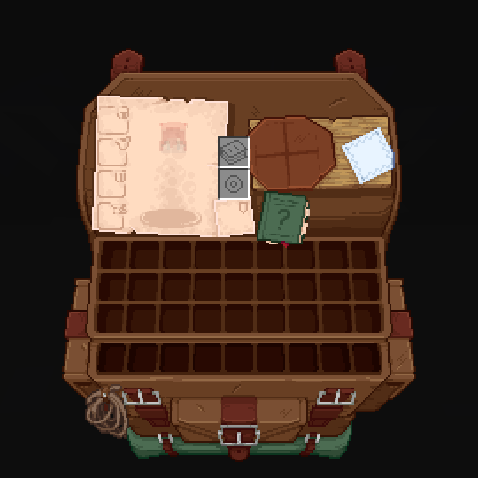
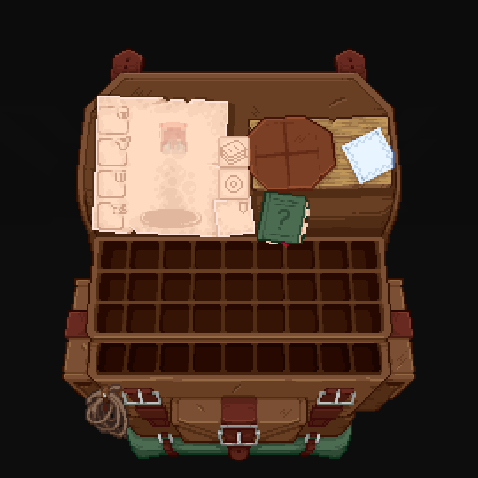
This texture pack adds special compatibility with Trinkets Mod, integrating its grooves into the aesthetics of Immersive Interfaces.
### Before:
### After:
Immersive Interfaces – Mod Support Unofficial
Shrimp’s Immersive Interfaces Add-on: This Texture Pack adds small details to some mods to fit more with Immersive Interfaces.
**Mod Compatibility:**
– [Accesories](https://modrinth.com/mod/accessories) ([Curios](https://modrinth.com/mod/accessories-cc-layer) & [Trinkets](https://modrinth.com/mod/accessories-tc-layer))
– [Accessories Compatibility Layer](https://www.curseforge.com/minecraft/mc-mods/backpacked)
– [Alex’s Caves](https://modrinth.com/mod/alexs-caves)
– [Alex’s Mobs](https://modrinth.com/mod/alexs-mobs)
– [Armageddon](https://modrinth.com/mod/armageddon)
– [Apotheosis](https://www.curseforge.com/minecraft/mc-mods/apotheosis) & [(Fabric)](https://modrinth.com/mod/zenith)
– [Apothic Attributes](https://www.curseforge.com/minecraft/mc-mods/apothic-attributes) & [(Fabric)](https://modrinth.com/mod/zenith-attributes)
– [Apothic Enchanting](https://www.curseforge.com/minecraft/mc-mods/apothic-enchanting)
– [Backpacked](https://www.curseforge.com/minecraft/mc-mods/backpacked)
– [Cosmetic Armor Reworked](https://www.curseforge.com/minecraft/mc-mods/cosmetic-armor-reworked)
– [Curios API](https://modrinth.com/mod/curios)
– [Diet](https://modrinth.com/mod/diet)
– [Easy Magic](https://modrinth.com/mod/easy-magic)
– [Ender Chested](https://modrinth.com/mod/ender-chested/)
– [EMI](https://modrinth.com/mod/emi)
– [Farmer’s Delight](https://modrinth.com/mod/farmers-delight) & ([Refabricated]
– [Fishing Upgrades & More](https://modrinth.com/mod/fishing-upgrade)
– [Inventory Profiles Next](https://modrinth.com/mod/inventory-profiles-next)
– [Horseman](https://modrinth.com/mod/horseman)
– [Iron Chests](https://modrinth.com/mod/iron-chests)
– [Iron’s Spells ‘n Spellbooks](https://modrinth.com/mod/irons-spells-n-spellbooks)
– [ItemSwampper](https://modrinth.com/plugin/itemswapper)
– [Just Enough Items (JEI)](https://modrinth.com/mod/jei)
– [Just Enough Resources](https://modrinth.com/mod/just-enough-resources-jer)
– [Just Leveling](https://modrinth.com/mod/just-leveling) & [Fork](https://modrinth.com/mod/justleveling-fork)
– [L_Ender ‘s Cataclysm](https://modrinth.com/mod/l_enders-cataclysm)
– [Legendary Tabs](https://www.curseforge.com/minecraft/mc-mods/legendary-tabs)
– [Let’s Do Camping](https://modrinth.com/mod/lets-do-camping)
– [Miner’s Delight+](https://modrinth.com/mod/miners-delight)
– [Molten Metal](https://www.curseforge.com/minecraft/mc-mods/molten-metal)
– [Polymorph](https://modrinth.com/mod/polymorph)
– [Roughly Enough Items (REI)](https://modrinth.com/mod/rei)
– [Sophisticated Backpacks](https://modrinth.com/mod/sophisticated-backpacks)
– [Sophisticated Storage](https://modrinth.com/mod/sophisticated-storage)
– [Spell Engine (RPG Classes API)](https://modrinth.com/mod/spell-engine)
– [What Are They Up To (Watut)](https://modrinth.com/mod/what-are-they-up-to)
– [Quark](https://modrinth.com/mod/quark)
– [Quark Oddities](https://modrinth.com/mod/quark-oddities)
– [T.O Magic ‘n Extras (Iron’s Spells Addon)](https://www.curseforge.com/minecraft/mc-mods/to-tweaks-irons-spells)
– [Terramity](https://modrinth.com/mod/terramity)
– [Traveler’s Backpack](https://modrinth.com/mod/travelersbackpack)
– [TrashSlot](https://modrinth.com/mod/trashslot)
– [Trinkets](https://modrinth.com/mod/trinkets)
– [Yukami’s Sophisticated Backpack Tab](https://modrinth.com/mod/yukamis-sophisticated-backpack-tab)
– [yyz’s backpack](https://modrinth.com/mod/yyzs-backpack)
## Other compatibilities in parts:





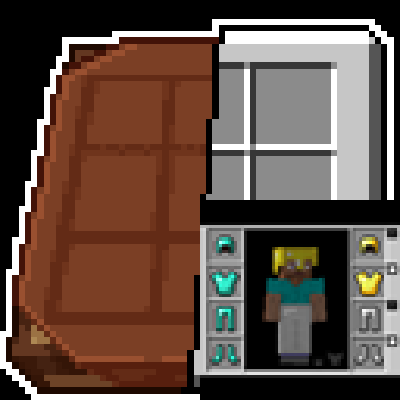





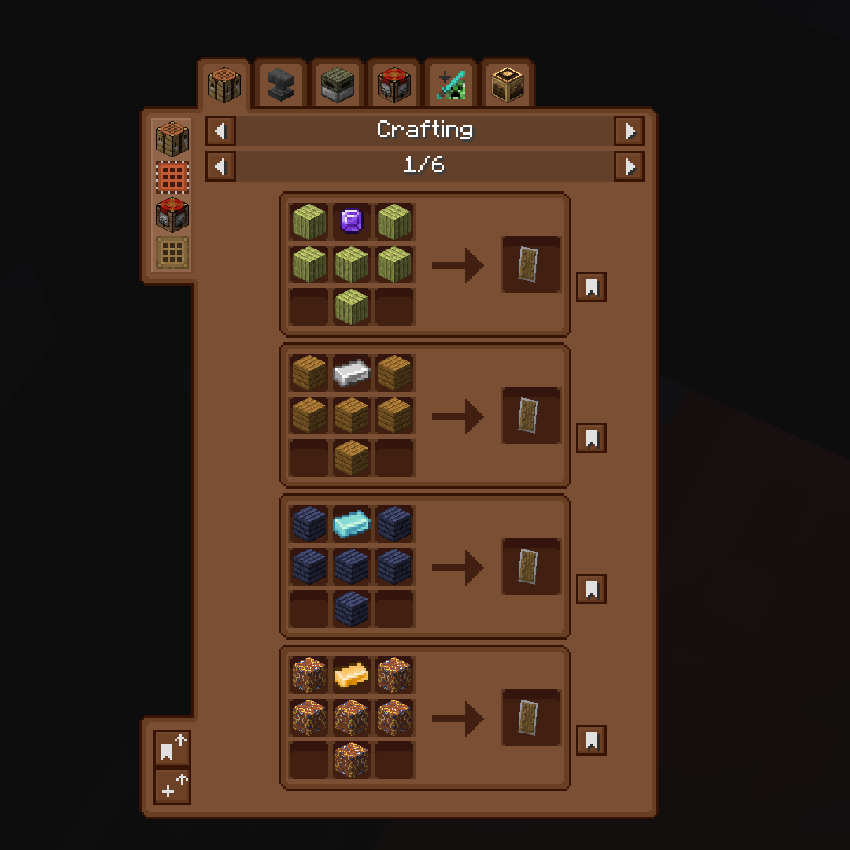
### **Just Enough Items (JEI) Support:**
Before:
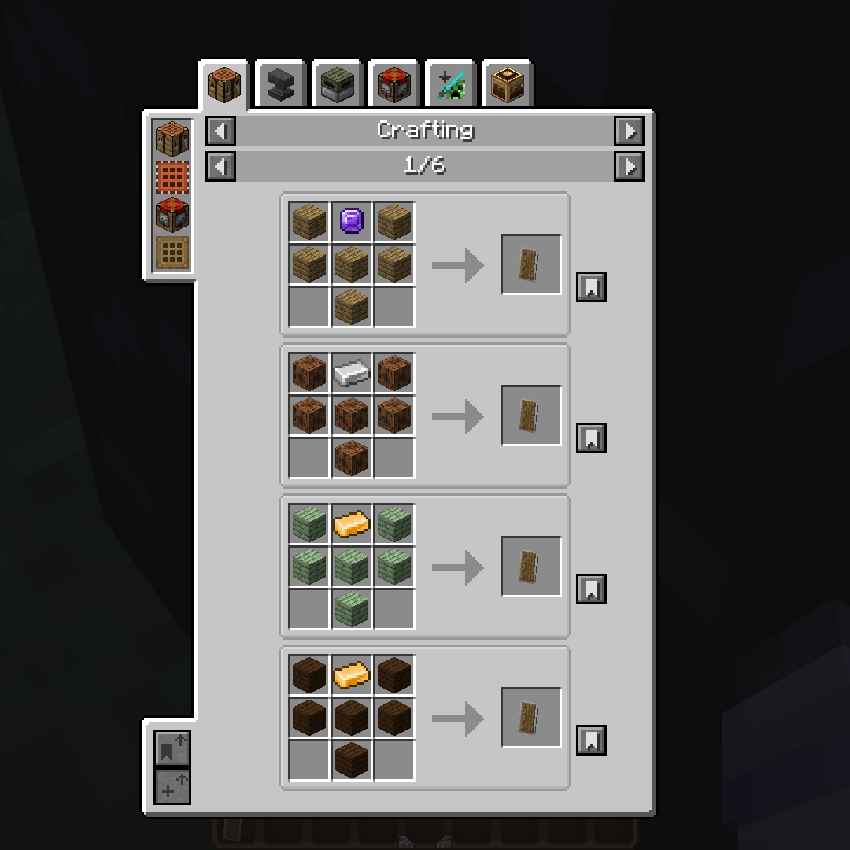
After:
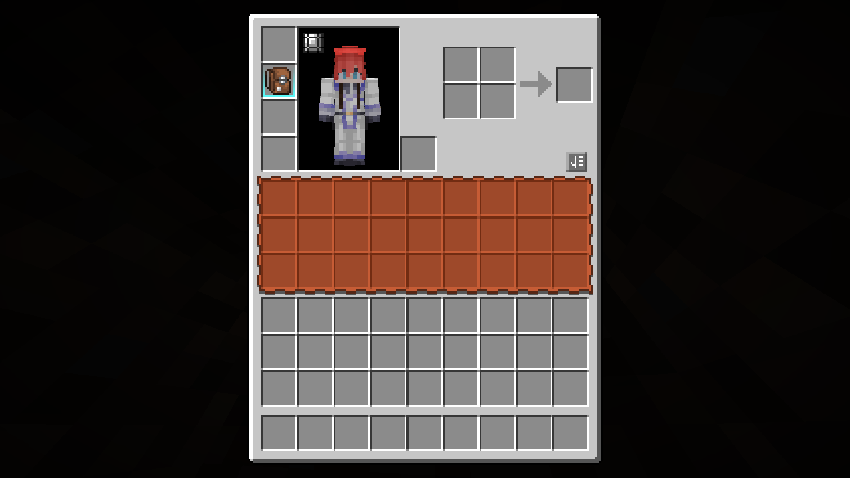
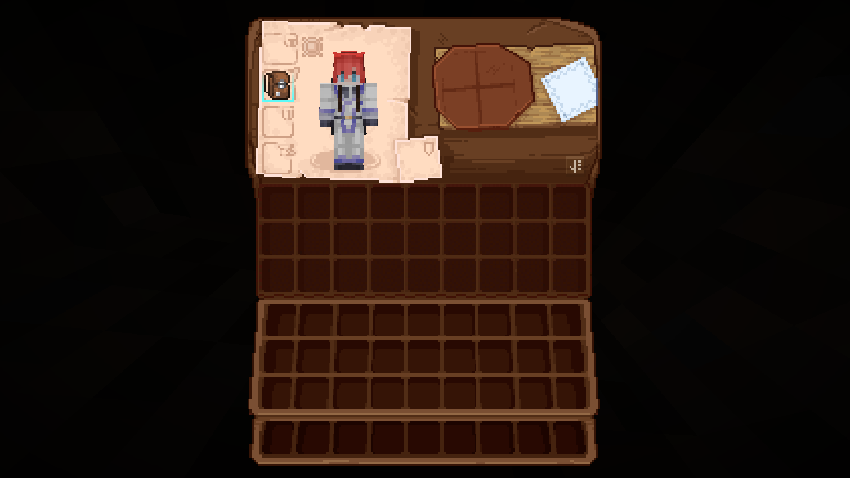
### **Quark Oddities Support:**
Before:
After:
### **Curios Support:**
Before:
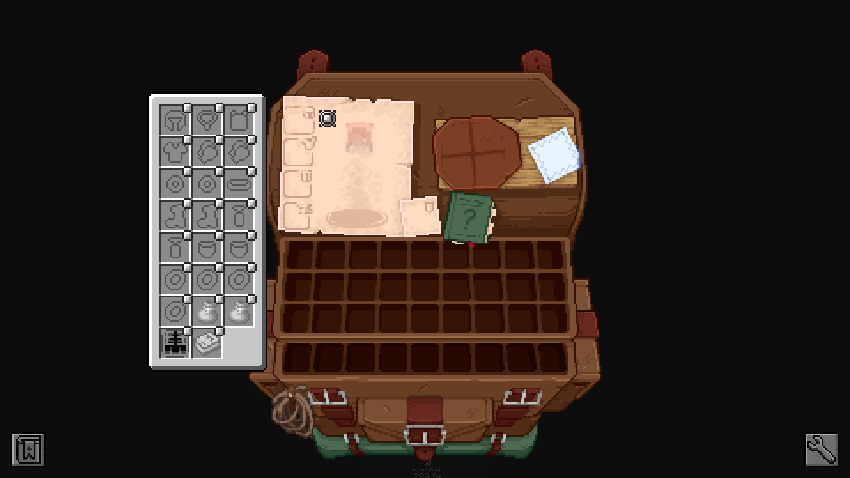
After:
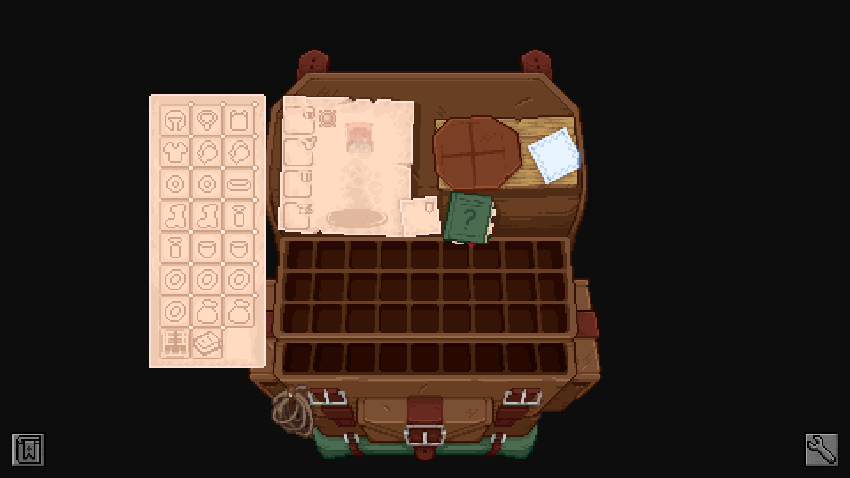
### **Sophisticated Backpacks & Storage Support:**
Before:
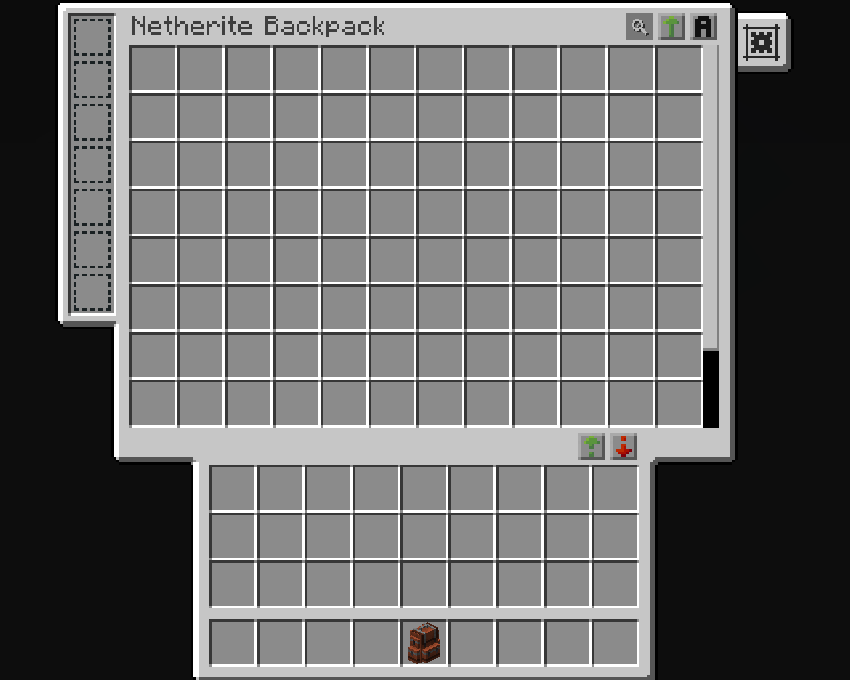
After:
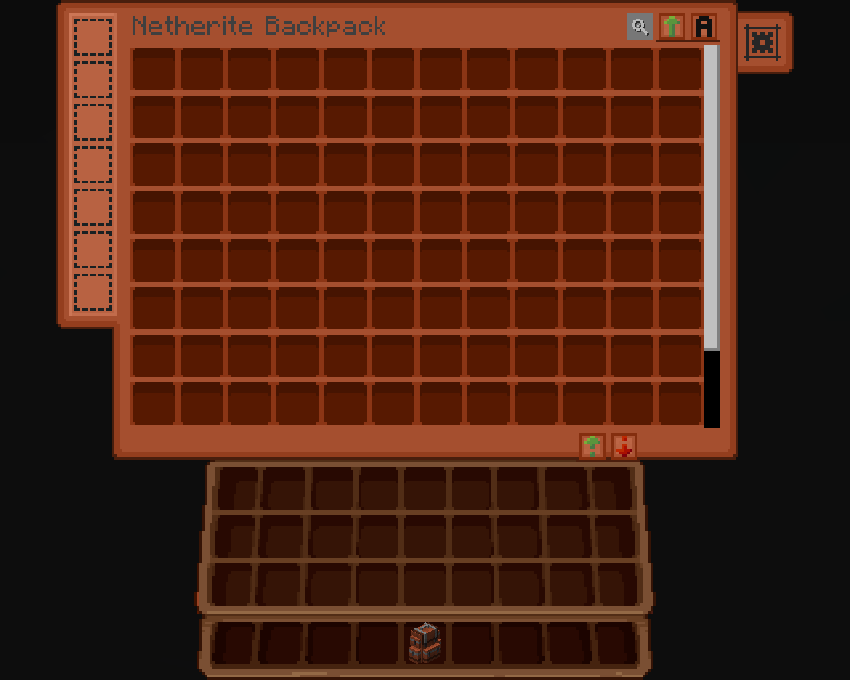
### **Traveler’s Backpack:**
Before:
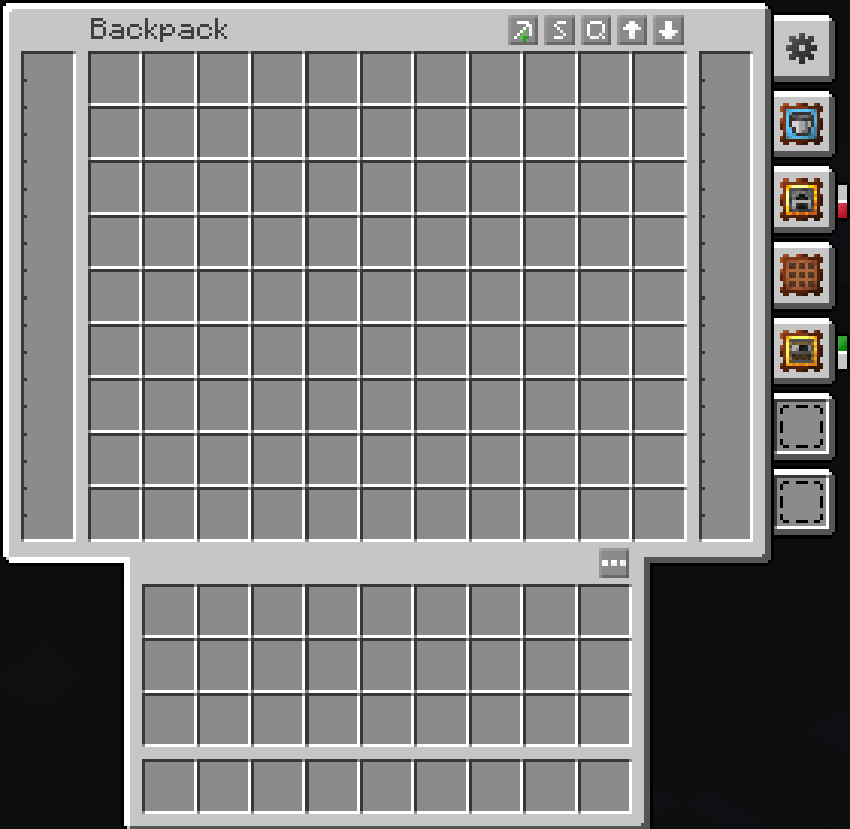
After:
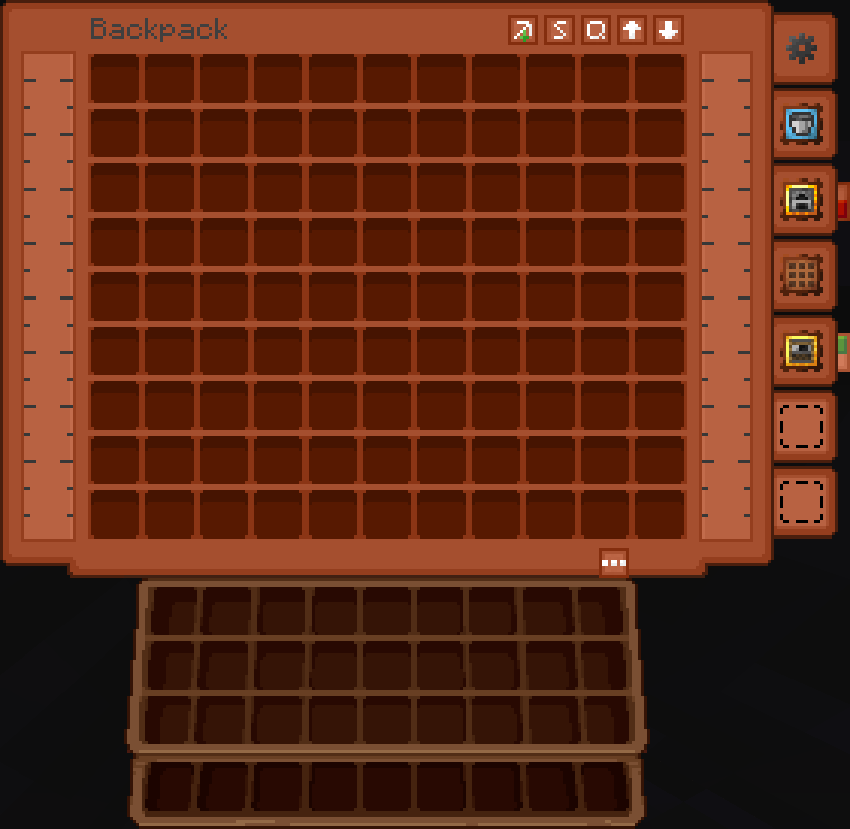
### **Trinkets & Diet Support:**
Before:
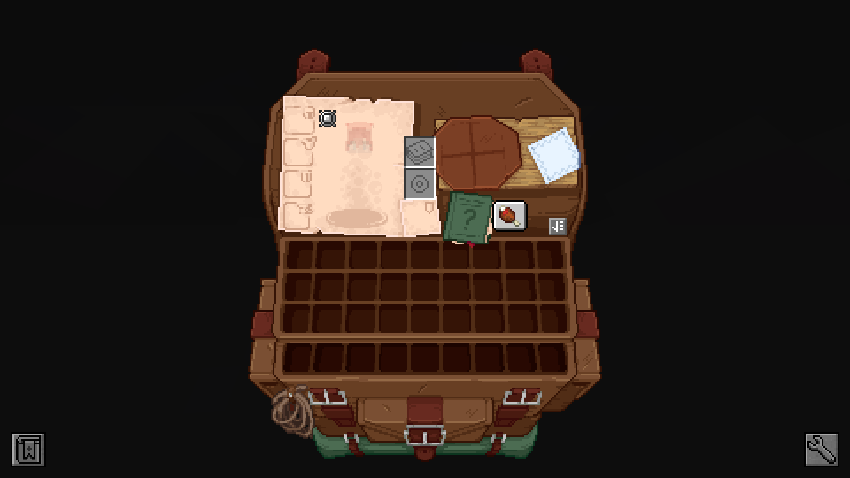
After:
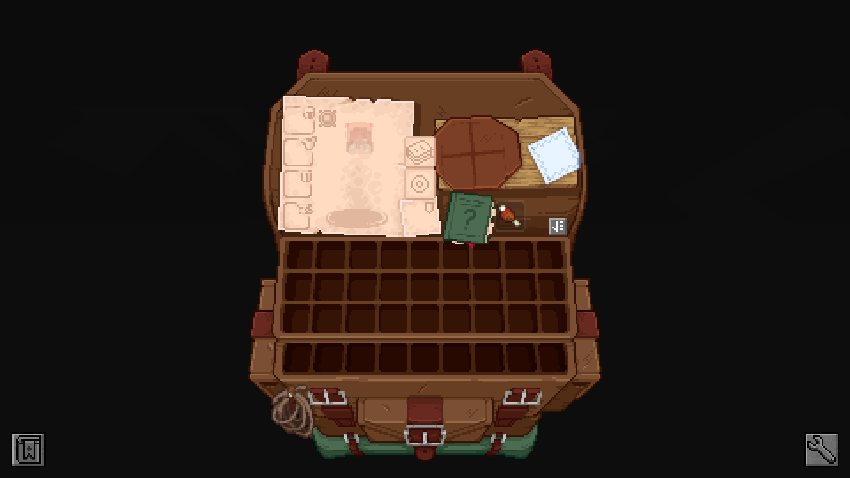
### **Enchanting Table (Easy Magic):**
Before:
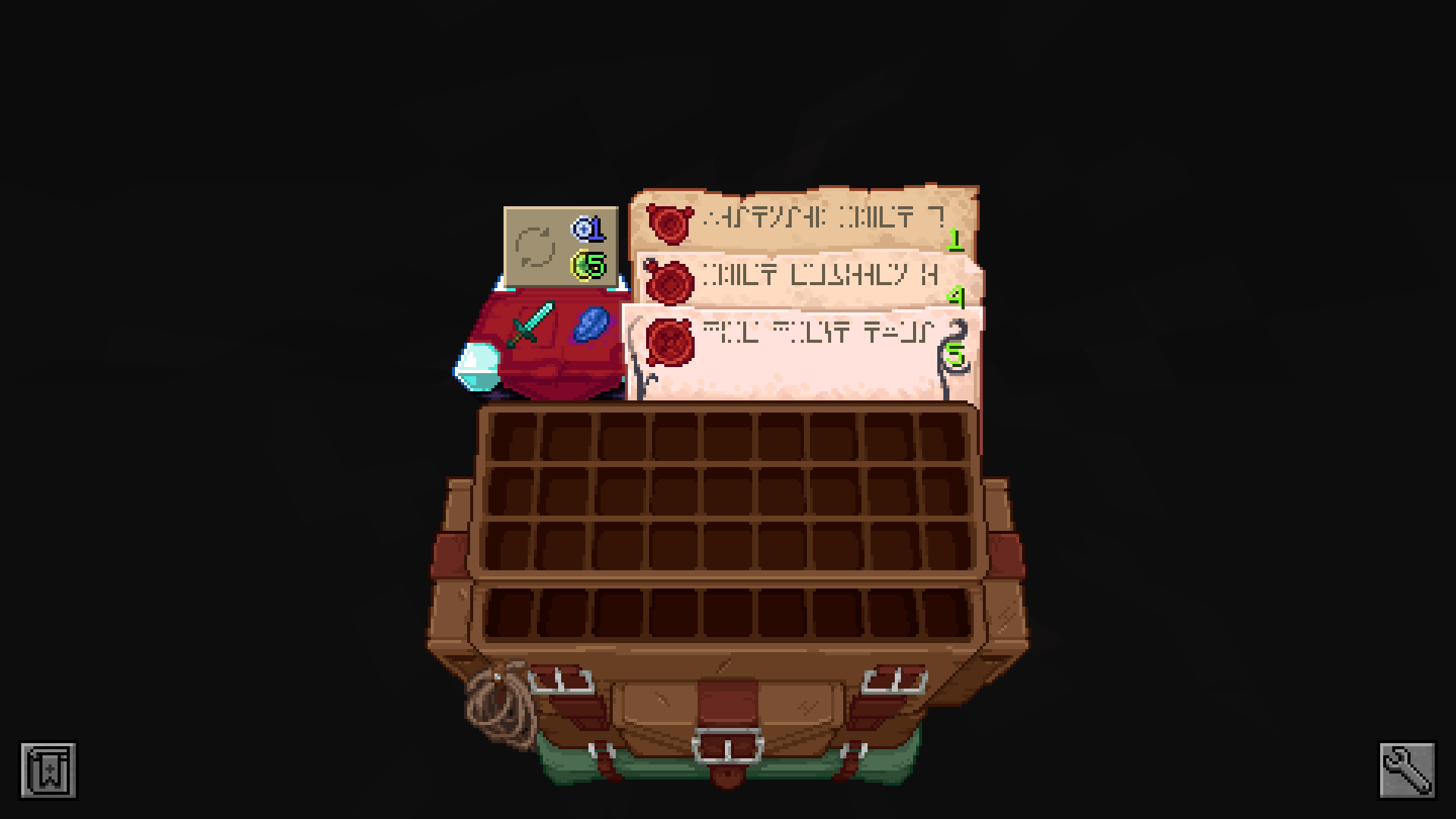
After:
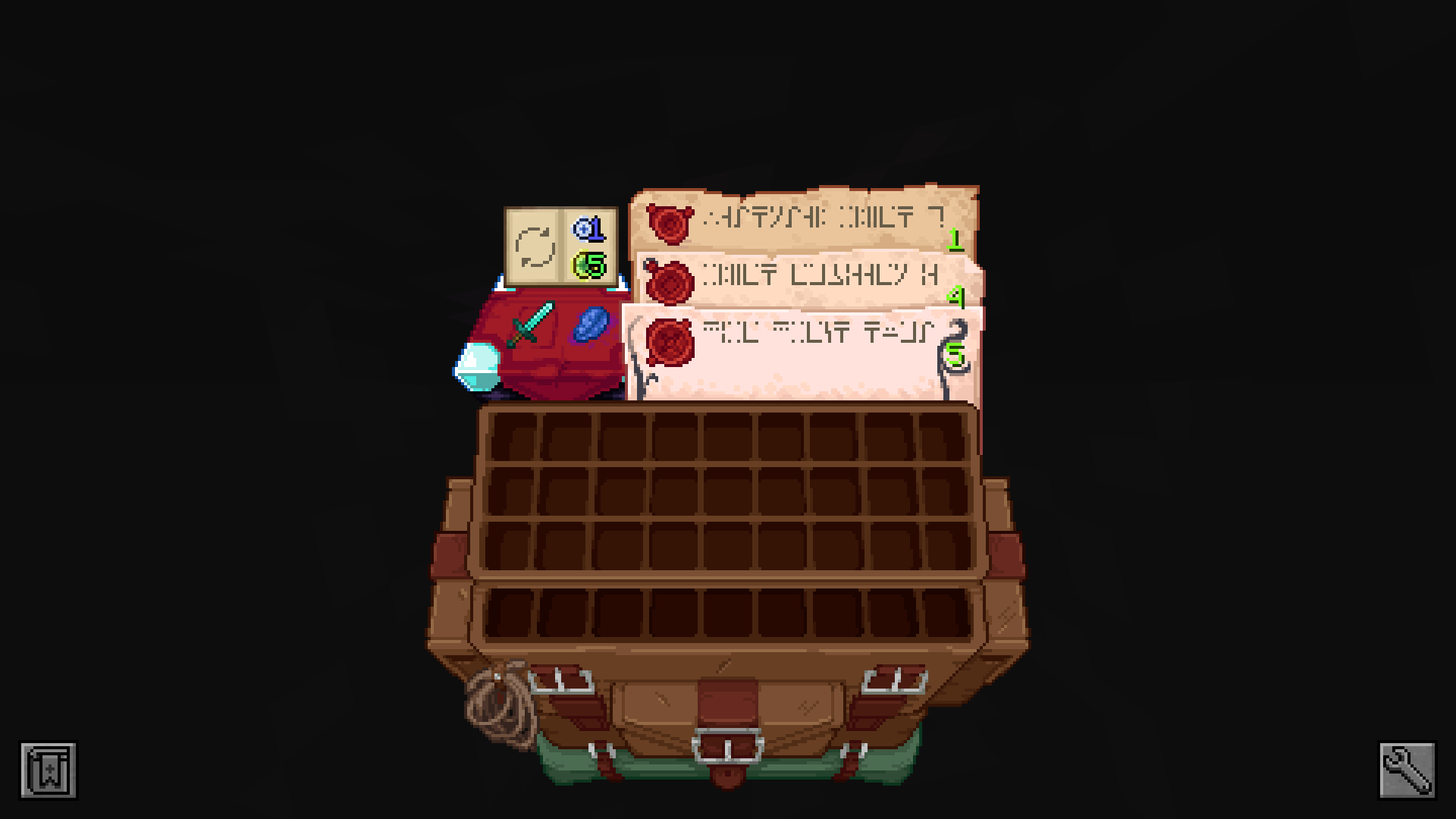
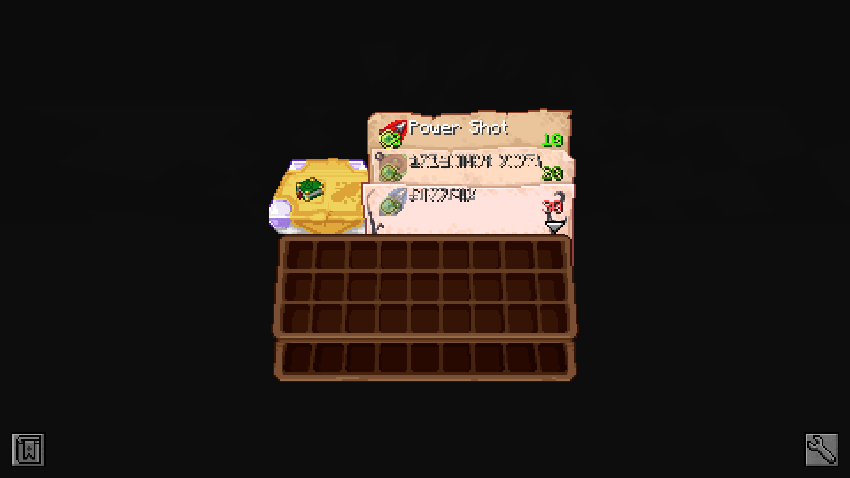
### **Spell Binding Table (Spell Engine – Rpg Classes API):**
Before:
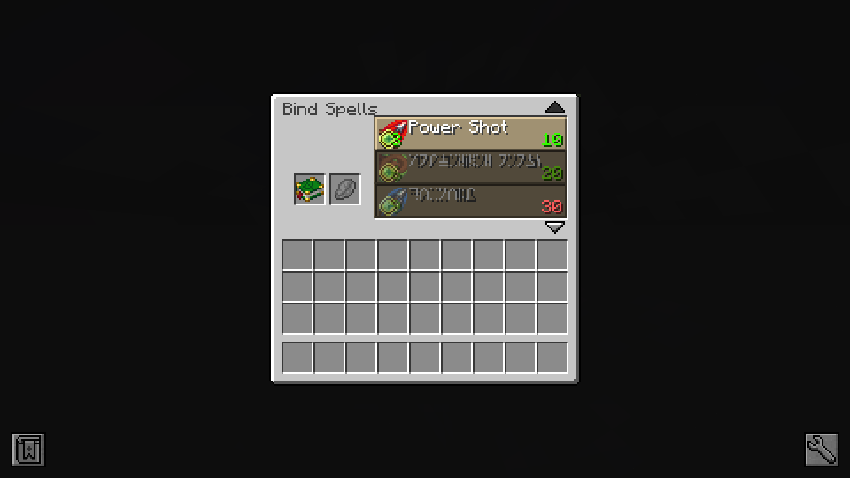
After:
### **Cosmetic Armor Reworked:**
Before:
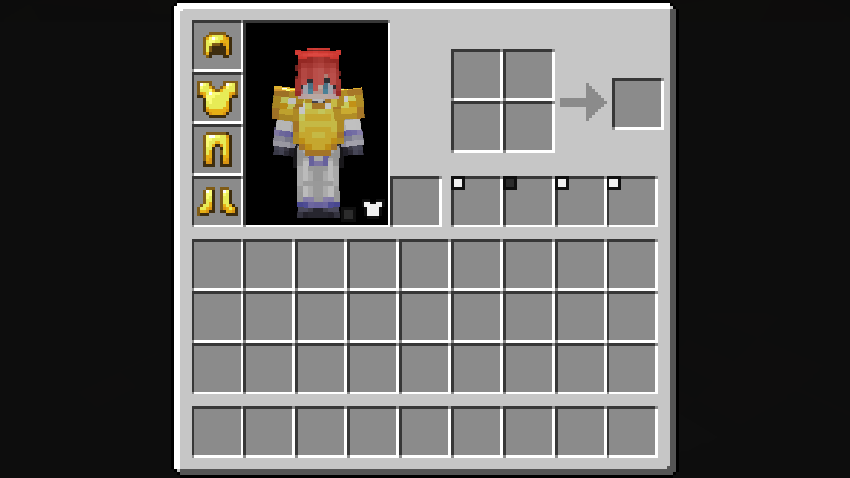
After:
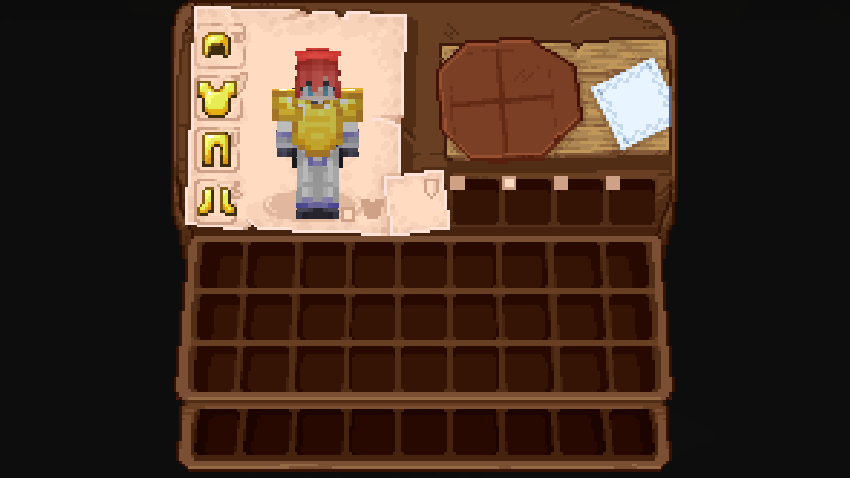
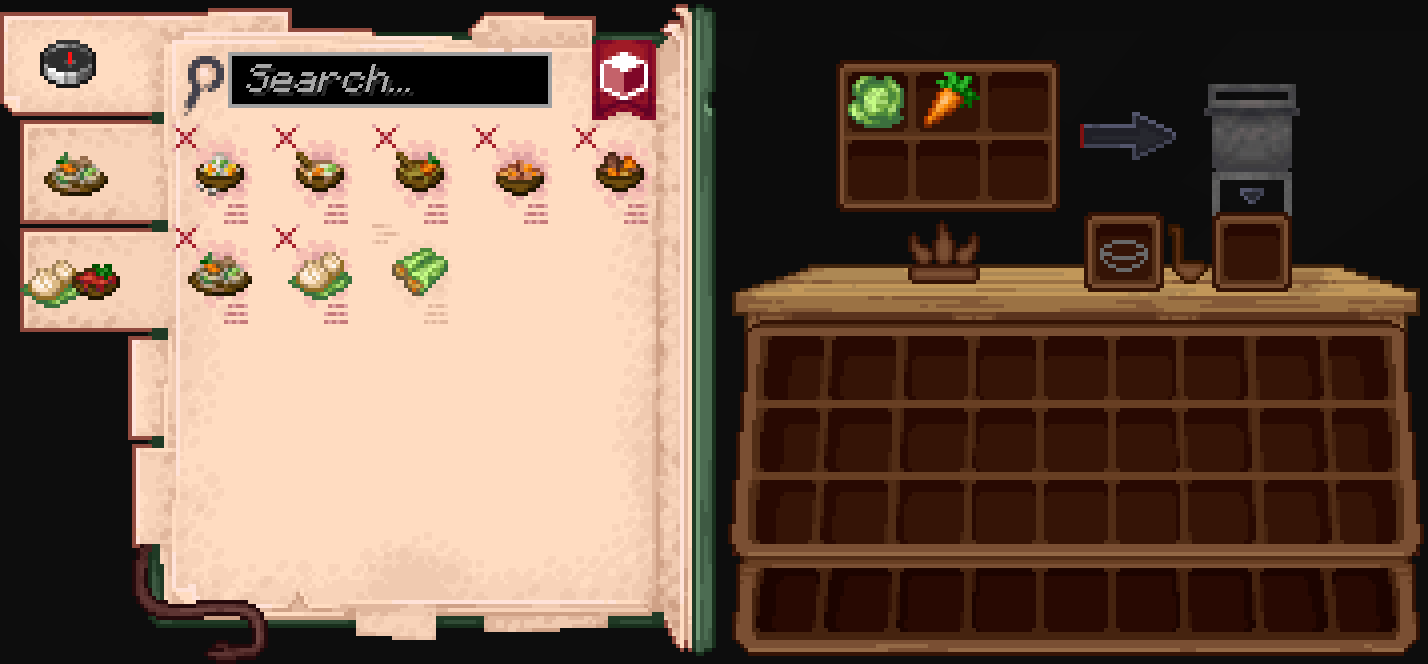
### **Farmer’s Delight:**
Before:
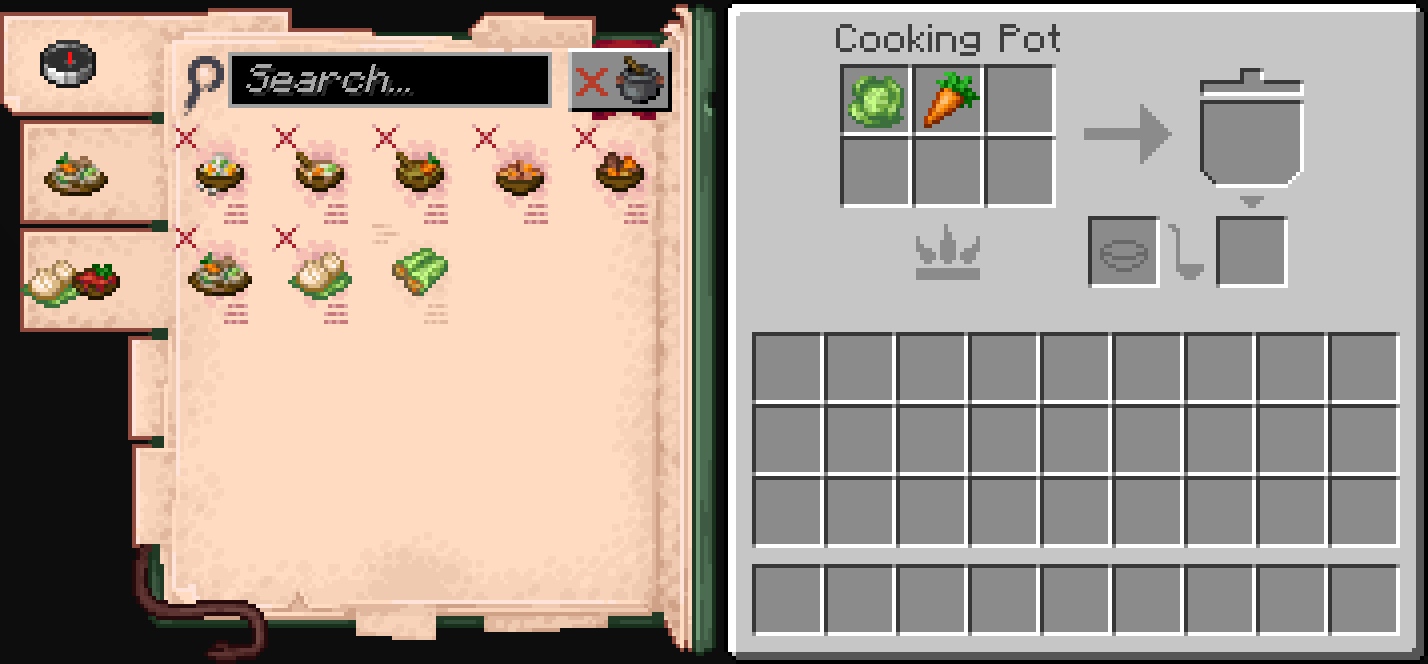
After:
### **Accesories:**
Before:
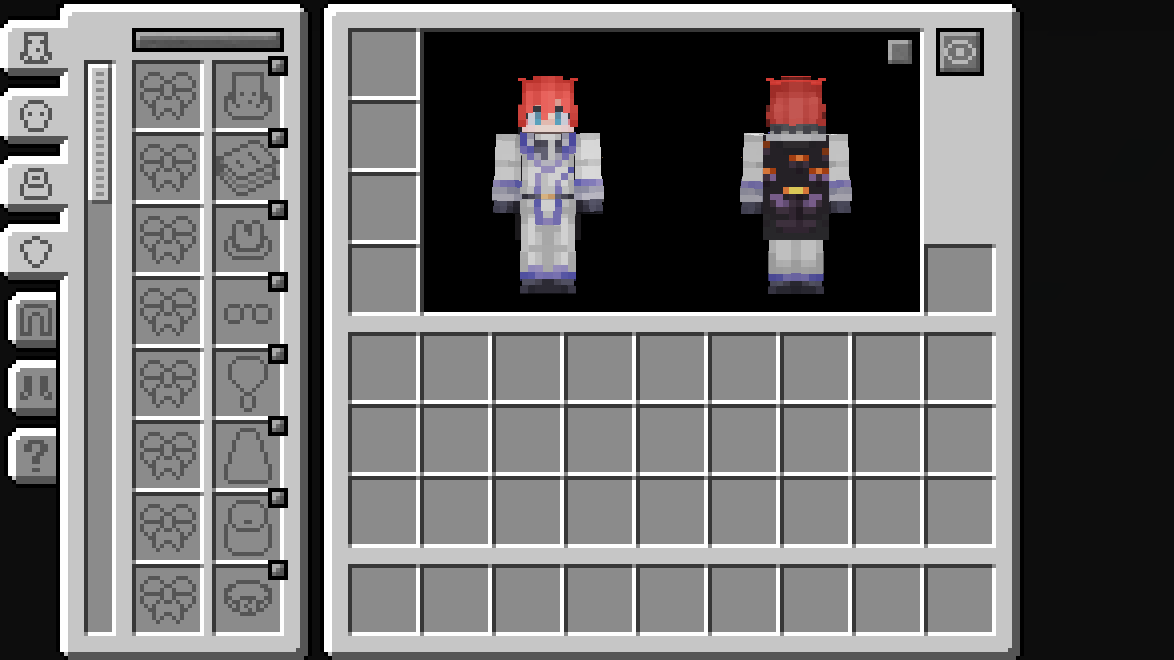
After:
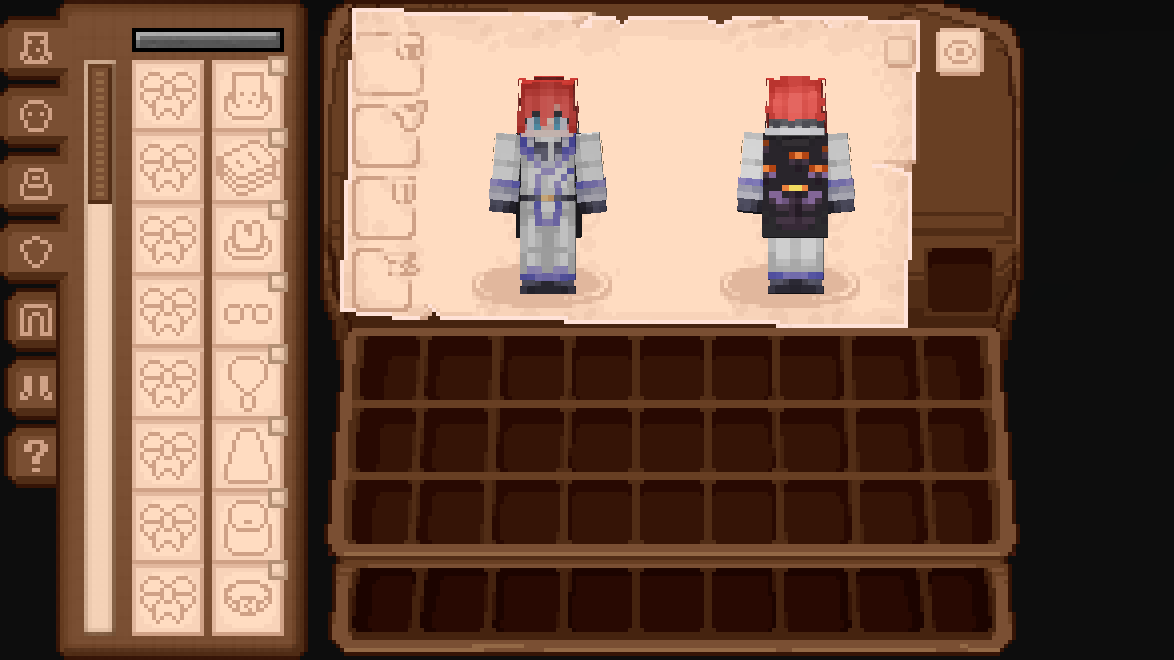
### **Legendary Tabs:**
Before:
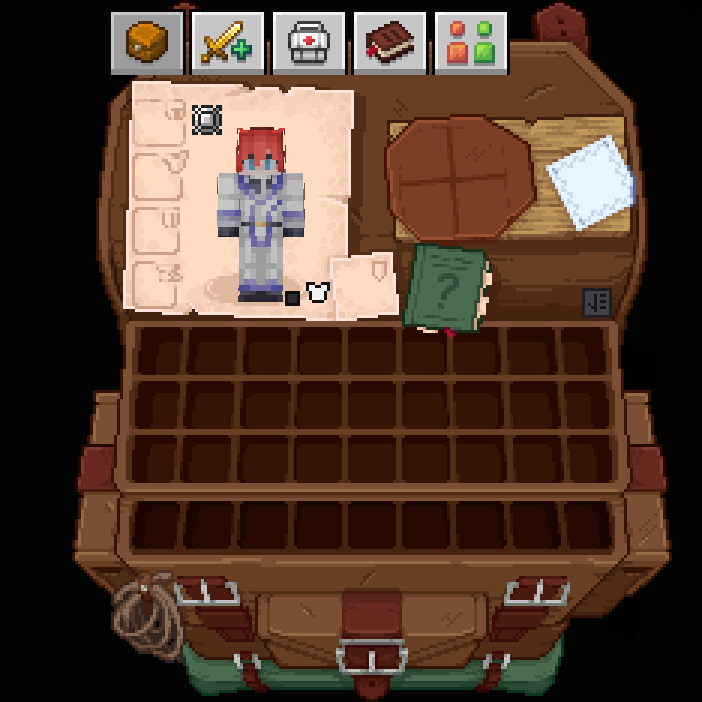
After:
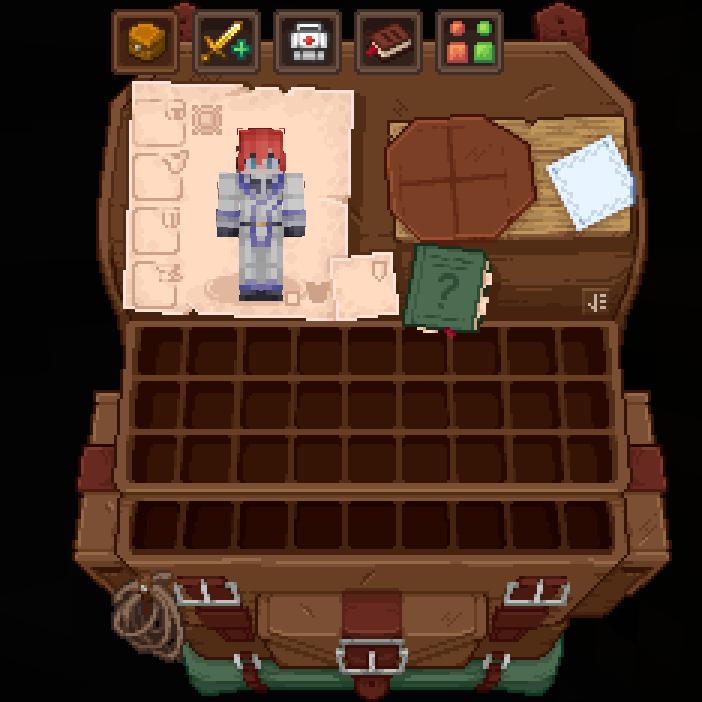
### **TrashSlot:**
Before:
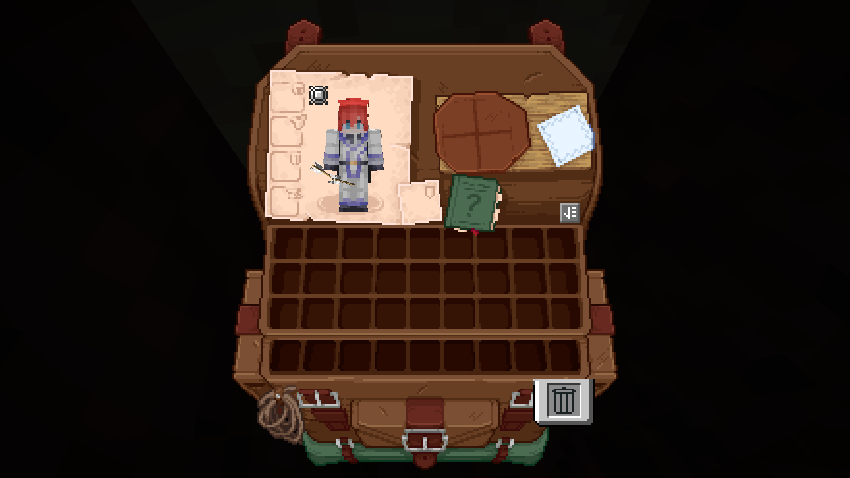
After:
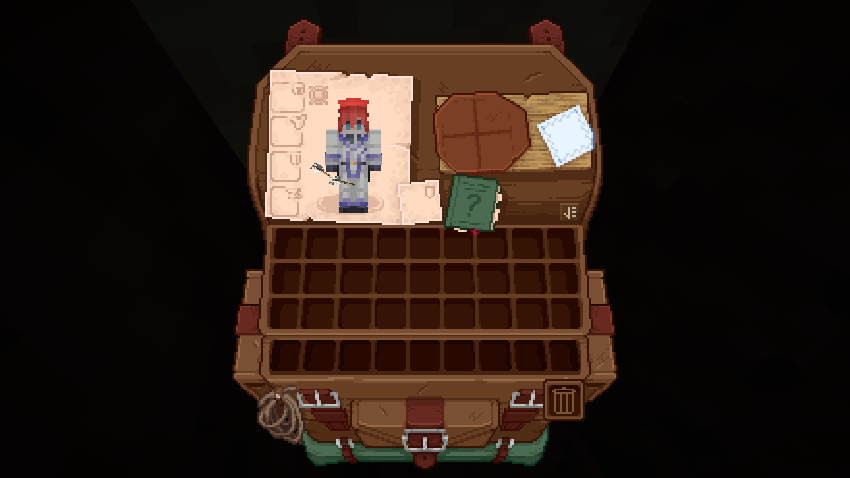
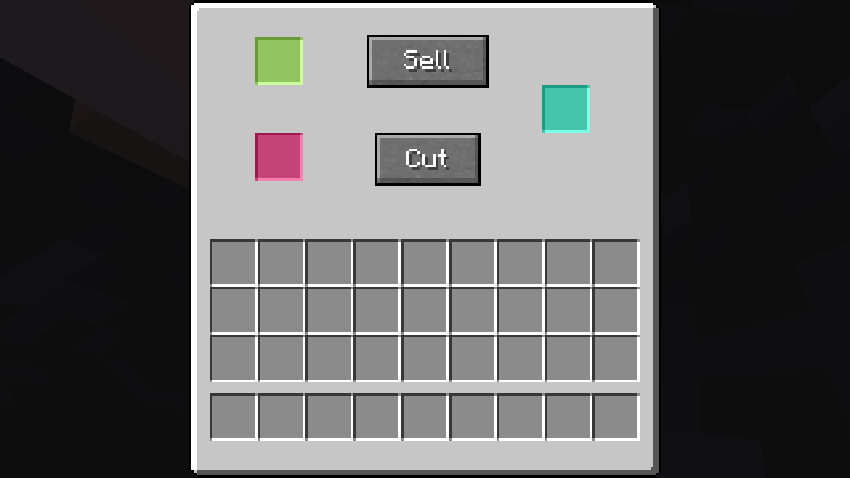
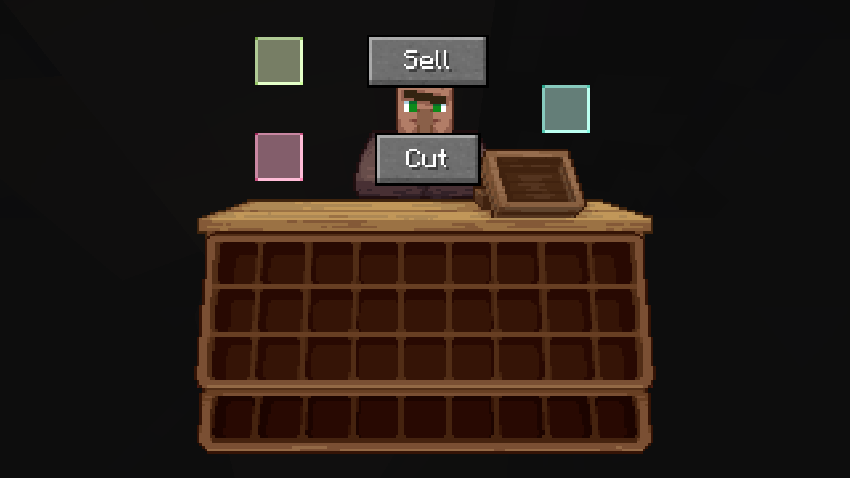
### **Fisherman (Fishing Upgrades & More):**
Before:
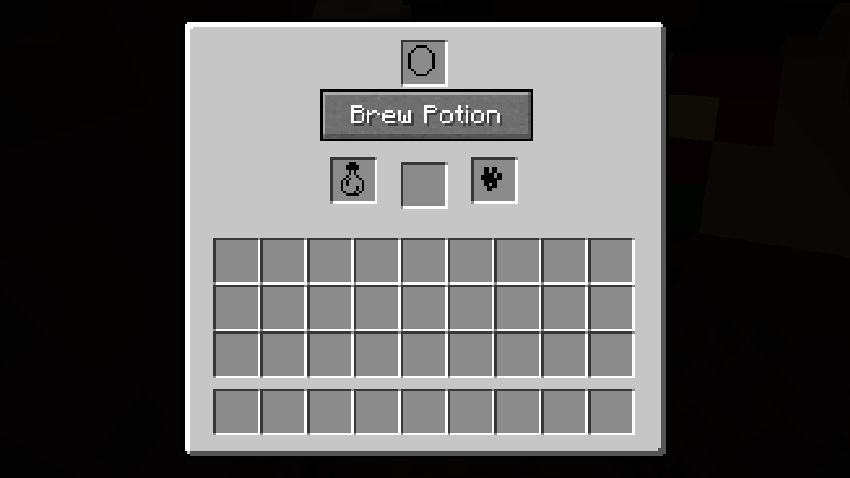
After:
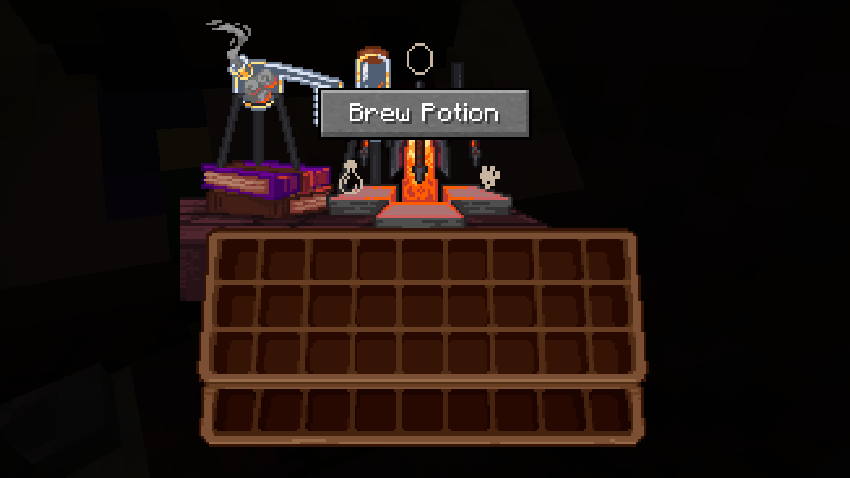
### **What Are They Up To (Watut) Support:**

Immersive Interfaces – Curios API Mod Support
**Bundle Texture Pack Compat** [**Immersive Interfaces – Mod Support Unofficial**](https://modrinth.com/resourcepack/immersive-interfaces-mod-support-unofficial)
### Immersive Interfaces – Mod Support Unofficial
This texture pack adds special compatibility with Curios API, integrating its grooves into the aesthetics of Immersive Interfaces.
### Before:

### After:

ignite HTTP
# Ignite
### HTTP for your Minecraft server.
## Features
– Dynamic file hosting
## Upcoming features
– HTTPS
– Server statistics
– API endpoints
– Domains
# How to use this mod
To get started with Ignite, first start your server with the mod installed. Then, in the config folder open “ignite”. Create a new file called “index.html”. From there you will need to create an HTML page for your server. You can also use this mod to host resource packs.
Note: This tool reads files dynamically meaning you can do stuff like edit your resource pack while it’s running.
Icon Bubbles
**This resource pack changes your hearts and hunger bar icons to be circles.**
### Features:
– Round hearts
– Round hunger bar
– Changes all types of hearts (poison, freezing, hardcore…)
– Compatible with the [AppleSkin mod](https://modrinth.com/mod/appleskin)
**♡ Make sure to follow!**
HUB
This project is a **Hub Plugin** for the **Velocity Proxy Server**. It automatically connects players to the best
available lobby servers based on permissions, server load, and other criteria. The plugin includes advanced debugging
features and offers full customization through a configuration file.
## Features
– **Automatic Server Selection**: Automatically connects players to the best available lobby server.
– **Multiple Lobbies**: Supports multiple lobby types with individual permissions and priorities.
– **Customizable Messages**: Success messages and system notifications can be fully customized using **MiniMessage**
syntax.
– **Dynamic Commands**: Fully customizable commands and permissions for different lobbies.
– **Debugging Mode**: Enable debug mode to troubleshoot issues with detailed messages.
– **Placeholder Support**: Supports placeholders for server and player information.
## Installation
1. **Requirements**:
– Velocity Proxy Server (latest version)
– **Java 21**
2. **Plugin Download**:
– [Download here from Modrinth](https://modrinth.com/project/hub)
3. **Installation**:
– Place the JAR file in the `plugins` directory of your Velocity server.
4. **Restart the Server**:
– Restart your Velocity server to load the plugin.
## Configuration
After the server’s first start, a `config.yml` file will be generated in the plugin directory. This file allows full
customization, including commands, permissions, messages, and server behaviors. You can adjust everything to meet your
server’s needs.
### MiniMessage and Regex Support
The plugin supports **MiniMessage** syntax for customizing messages. You can easily style your messages using
MiniMessage tags like ``, ``, and ``. For a quick preview or to test your MiniMessage strings, visit
the [MiniMessage web editor](https://webui.advntr.dev/).
For custom server filters and other patterns, **Regex** is supported. Test your expressions easily with
a [Regex editor](https://regex101.com/).
### Example Configuration
“`yaml
messages:
success-message: <#69d9ff>You are now in the Hub.
already-connected-message: <#ff614d>You are already on the Hub.
connection-in-progress-message: <#ff9c59>In Progress…
server-disconnected-message: <#ff614d>The Lobby Server is Offline…
connection-cancelled-message: <#ff614d>Transfer cancelled.
system-messages:
players-only-command-message: <#ff9c59>This Command is only available to Players.
no-lobby-found-message: <#ff9c59>I’m sorry! I was unable to find a Lobby Server for you.
aliases:
– lobby
– leave
base-hub-command: hub
debug:
enabled: true
permission: hub.debug
lobbies:
– name: teamlobby
filter: (?i)^teamlobby.*
permission: hub.team
priority: 2
commands:
teamlobby:
standalone: false
subcommand: true
autojoin: false
– name: premiumlobby
filter: (?i)^premiumlobby.*
permission: ”
priority: 1
commands:
premiumlobby:
standalone: true
subcommand: false
autojoin: true
overwrite-messages:
success-message: <#69d9ff>You are now in the Premium Hub.
– name: lobby
filter: (?i)^lobby.*
permission: ”
priority: 0
commands:
base:
standalone: false
subcommand: true
autojoin: true
placeholder:
server:
enabled: true
lobby:
enabled: true
player:
enabled: true
auto-select:
on-join: true
on-server-kick: true
ping-duration-in-millis: 20
finder:
start-duration: 20
increment-duration: 20
max-duration: 200
“`
You can customize all commands, permissions, and other settings directly in the configuration file to suit your server’s
requirements.
HOST CHECK
# 🖥️ HostCheck
> 🧪 HostCheck helps you test and verify the actual performance of any Minecraft hosting server with real system stats and a benchmark score.
**Author:** JODVISHAL
**Command:** `/hostcheck`
**Discord:** isthisvishal
**Works with:** All Minecraft server types (Spigot, Paper, etc.)
—
## 🔍 Description
There are many hosting providers nowadays, and most of them promise good performance.
**Don’t just trust their words — ask for a test server and use `/hostcheck` to verify the actual performance.**
This plugin helps you check real-time system stats including CPU model, RAM, disk type and speeds, and gives you a performance score based on actual benchmarks.
—
## 📦 Installation
1. Download the plugin: `HostCheck-1.0.jar`
2. Place it in your server’s `/plugins` folder
3. Restart your server
4. Use the `/hostcheck` command in-game or from console
—
## 💬 Command
/hostcheck
**Description:** Displays a detailed host performance report.
**Permission (if implemented):** `hostcheck.use` *(default: OP)*
—
## 📋 Sample Output (Console View)
— HostCheck Report —
CPU: AMD EPYC 7763 64-Core Processor
Cores Used: 4
RAM Usage: 581 MB / 15152 MB
Swap Usage: 0 kB / 4194300 kB
Storage Type: HDD
Disk Speeds: Write: 1234 MB/s, Read: 8333 MB/s
Performance Score: Score: 2342
—
## 📈 Performance Score Chart
| Score Range | Performance Level | Recommended Use |
|————-|——————-|—————————–|
| 0 – 1000 | 🟥 Poor | Not suitable for hosting |
| 1001 – 2000 | 🟧 Average | Basic small servers |
| 2001 – 3000 | 🟨 Good | Medium-sized servers |
| 3001 – 4000 | 🟩 Very Good | High-performance hosting |
| 4000+ | 🟦 Excellent | Enterprise or dedicated use |
**Example:**
**Score 2342** → 🟨 **Good**
—
## 📜 License
MIT License
Feel free to use, modify, and distribute with credit.
—
## 👤 Author / Support
Made by **JODVISHAL**
Contact: `isthisvishal` on Discord
Horror Ambience Music: Echoes

This Resource pack replaces all of Minecraft’s music with dark atmospheric suspenseful music
aiming for more subtle music with slow buildup’s other than loud blaring cheap horror music
If you are looking to build atmosphere with a horror modpack you are building look no further
# **PREVIEW**
# **Other Projects**

https://modrinth.com/resourcepack/horror-ambience-music-2-forgotten-tunes
https://www.curseforge.com/minecraft/texture-packs/horror-ambience-music-forgotten-tunes

https://modrinth.com/resourcepack/music-remastered-mmr
https://www.curseforge.com/minecraft/texture-packs/minecraft-music-remastered-streamer-friendly

https://modrinth.com/resourcepack/primeval-music
https://www.curseforge.com/minecraft/texture-packs/primeval-music
# **ARTIST CREDIT**
**Co.Ag**
We cannot defend you
underwater inspired by taboo
are you in here
3am
a place hidden from god
do the lies you told seem shameful
the swing
piano in an empty room
no birds sing
your outer world
red tears
the blood witch she moves
we drift in the night
## **Baba yaga**
dark ambience horror soundscape
### **Follow them on YouTube**
**All music is copyright free!**
# SPONSOR

Get 15% Off you’re first month with Kinetic Hosting at https://billing.kinetichosting.net/aff.php?aff=80
**CODE:Jrinc**
Horror Ambience Music 2: Forgotten Tunes

This Resource pack replaces all of minecrafts music with dark atmospheric suspenseful music
aiming for more subtle music with slow buildup’s other than loud blaring cheap horror music
**This is a successor to Horror Ambience Music: Echoes**
**Focusing on a more Silent Hill style of atmospheric music**
# **Preview**
# **Artist Credit**
**Josh Lim:**
The fog
Lost Souls
No trace
Drift
Home
Whispers
Distant Memory
**CO.AG:**
The Lost
**Void Cult Ambient:**
HOME
DREAM
**Follow them on YouTube**
**All music is copyright free!**
# **Other Projects**

https://modrinth.com/datapack/horror-ambience-music-echoes
https://www.curseforge.com/minecraft/texture-packs/horror-ambience-music

https://modrinth.com/resourcepack/music-remastered-mmr
https://www.curseforge.com/minecraft/texture-packs/minecraft-music-remastered-streamer-friendly

https://modrinth.com/resourcepack/primeval-music
https://www.curseforge.com/minecraft/texture-packs/primeval-music
# SPONSOR

Get 15% Off you’re first month with Kinetic Hosting at https://billing.kinetichosting.net/aff.php?aff=80
**CODE:Jrinc**