**- For Sodium Compatibility (Currently only available in versions 1.21.11-1.21.5), this Resource Pack requires [Sodium Core Shader Support Mod](https://modrinth.com/mod/sodium-core-shader-support/versions)**
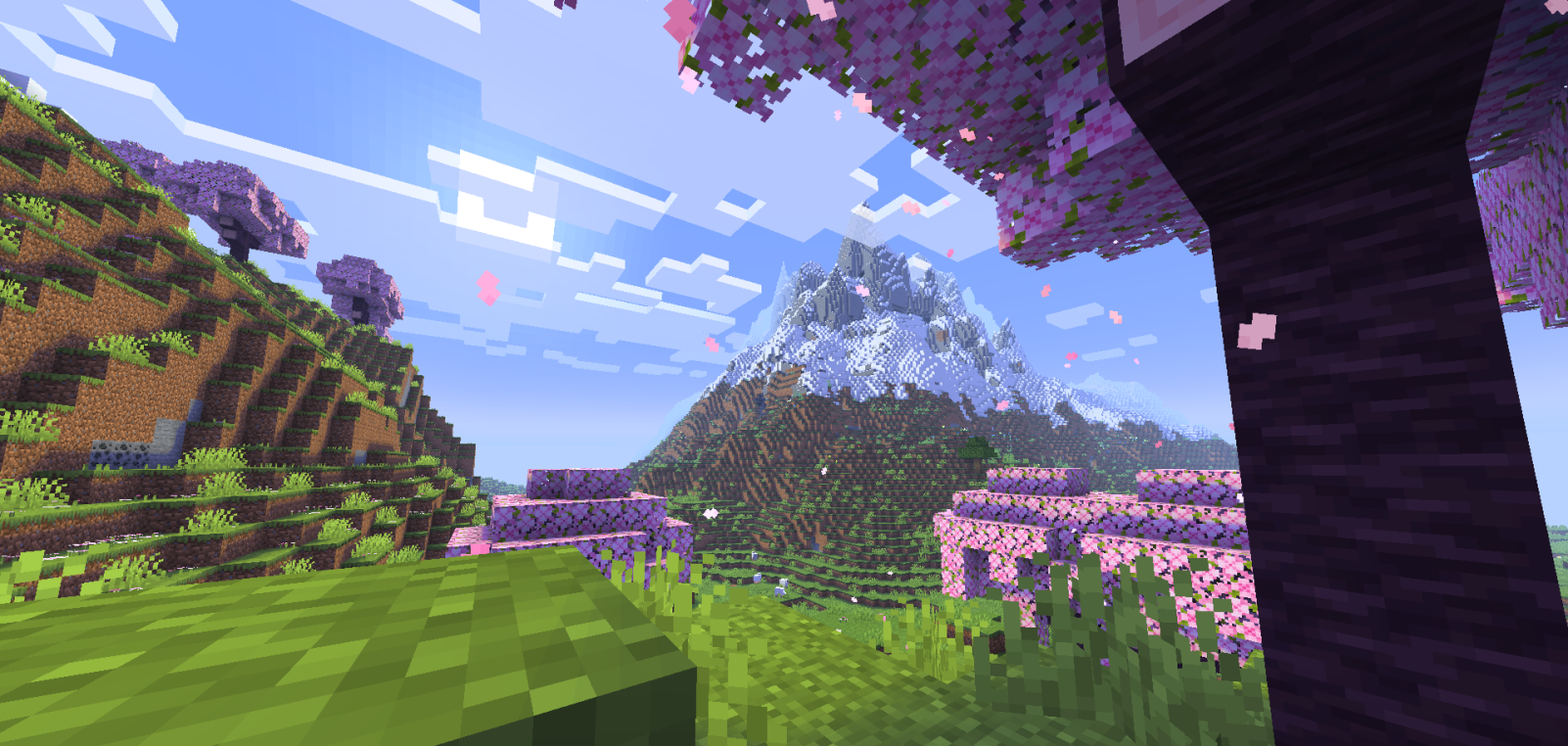
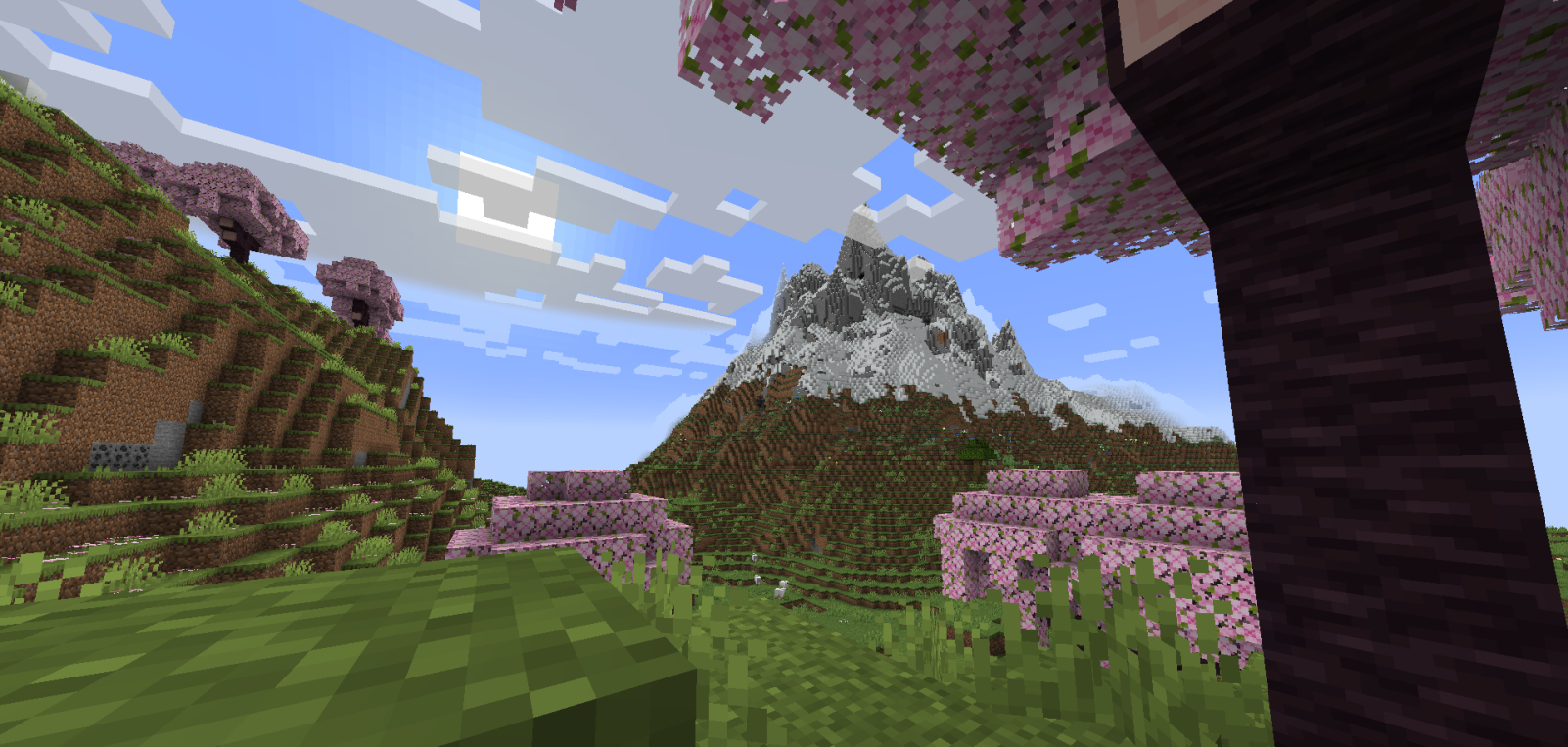
**This Resource Pack gives the game a very similar experience to Optifine or Iris Shaders, drawing shadows over blocks in strategic and well-used ways.**
[Support me on Ko-Fi! (Donations)](https://ko-fi.com/mcdr7)
– It causes no FPS loss, which is a good choice for people who want to enjoy Shaders without compromising their PC’s performance.
– It’s also good for users who prefer Shaders that enhance the game’s vanilla aesthetic without looking too exaggerated.
– The lighting balance is very well balanced; the cave lighting is very playable, and the sunlit areas don’t look too bright, giving the Shader a pleasant visual stability.
– This Resource Pack works based on Core Shaders (terrain.fsh, entity.fsh, fog.glsl, etc.), which allows you to add basic Shaders or Utilities to Minecraft.
– Thank you very much for supporting this project. If it receives support, I’ll make many more and improve this one.
-DR7
Ranold’s Better Breaking
# Ranold’s Better Breaking
This simple resource pack uses **all-new** magic shader technology to add depth to your basic Vanilla breaking.
Try it out, it fits the game surprisingly well.
## Update 1.0.1
Supports all game versions from 1.16 up to 1.21.1.
Unfortunately, after 1.21.1 the vanilla shader mechanic that made this work isn’t supported anymore.
Does not support shaders
Looks different depending on the game version, check [the gallery](https://modrinth.com/shader/ranolds-better-breaking/gallery) for an example
Halloween Pumpkin Heads
## Showcase
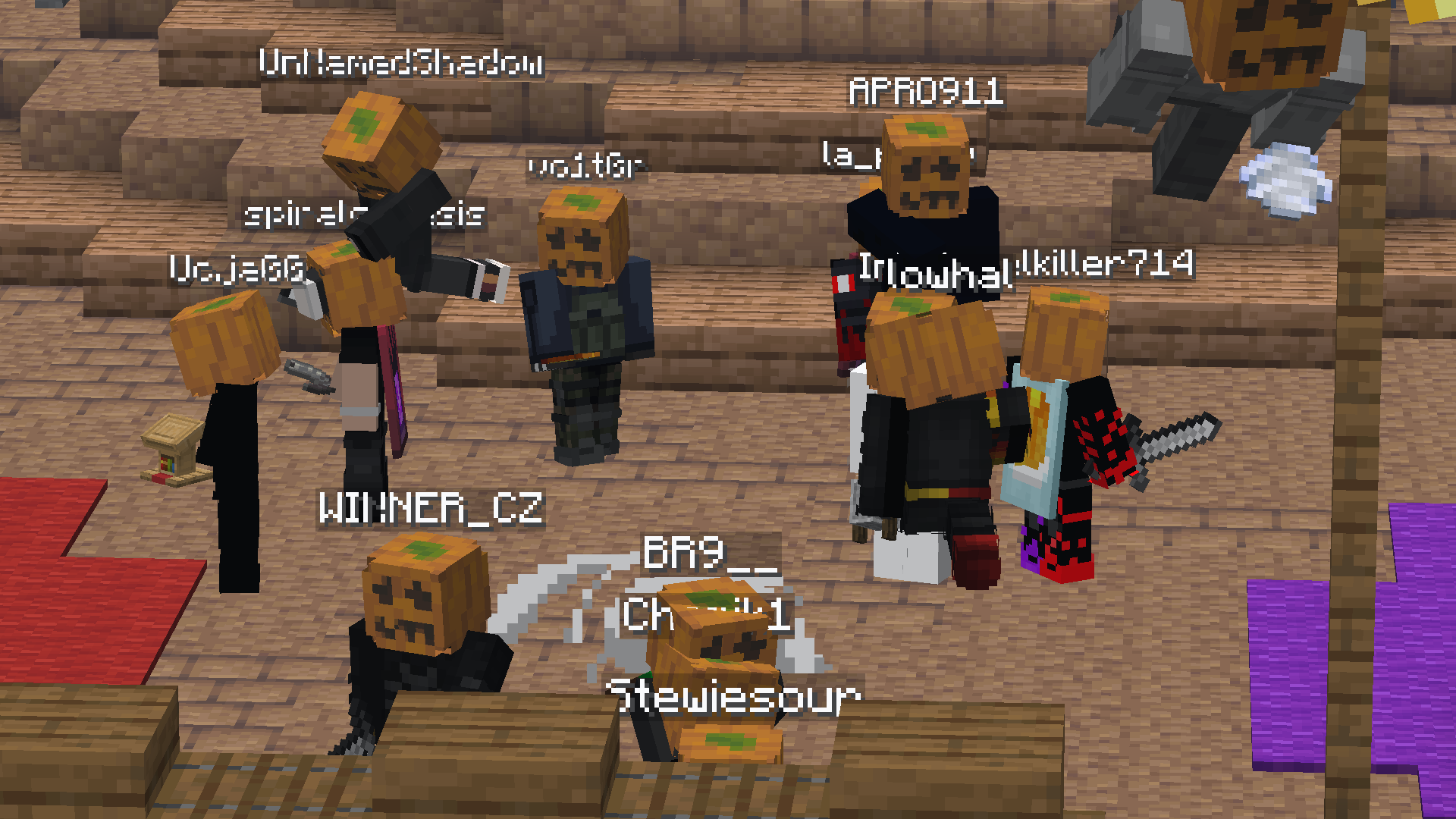
Go look at [the gallery](https://modrinth.com/project/pumpkins/gallery) to see more images!
## Description
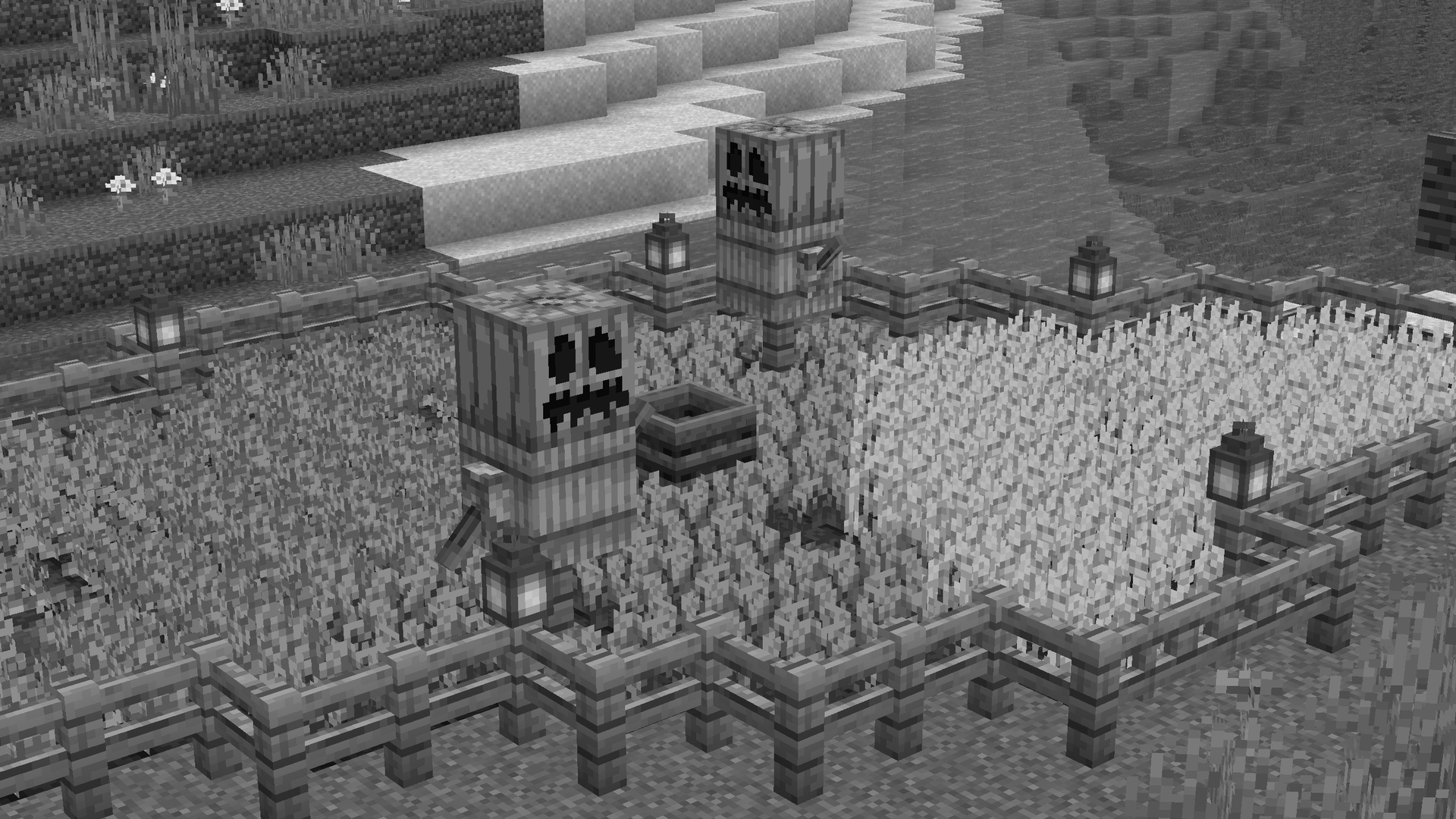
This pack uses the [Forceskin Library](https://modrinth.com/resourcepack/forceskin) to put a pumpkin head on all players. This works in vanilla Minecraft, and is compatible with most if not all other packs and mods. This was created for fun for Halloween, so pls enjoy 🙂
Thank you to [girlthatbites](https://www.planetminecraft.com/member/girlthatbites/) for creating the pumpkin head and icon, as well as the featured Madoka skin in the gallery
If you have any issues with the pack, please refer to the Support section below
## Support
**Join [My Discord](https://discord.gg/gymTft2GbV)**
– Report bugs
– Create suggestions
– Vote on future packs
– Interact with the community
– Ask for help with texture packs
– This is the place to ask if you can use this pack in your own pack
**Check out [The Repository](https://github.com/AlphaLeoli/Texture-Packs)**
– Report bugs
– Create suggestions
– Contribute by creating a pull request
https://www.alphaleo.li/resourcepacks
Papercraft
## Showcase
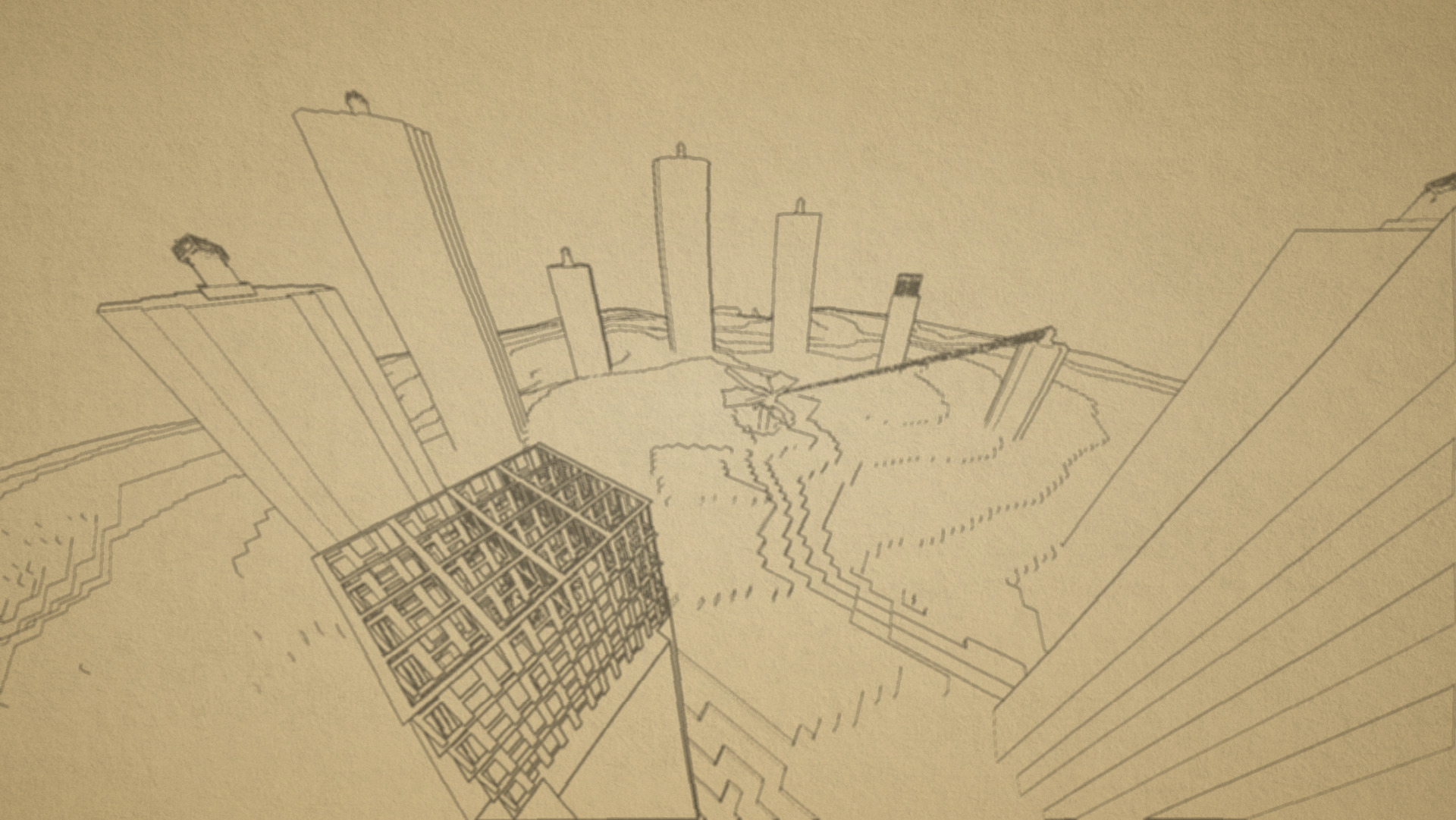
Make sure to look at [the gallery](https://modrinth.com/resourcepack/pencil/gallery) for more images and previews for how the pack looks ingame!
## Description
This is a highly customizable texture pack for Minecraft versions 1.21.2 and upwards. As you can see from the images above, it renders your game as if it was drawn on a piece of paper. This is done in Vanilla Minecraft, which means you don’t need to install any mod or client in order for it to work. All you need to do is turn on the texture pack.
There are multiple different visual effects you can achieve by editting the settings of the texture pack. You can achieve the default paper look, or you could also go to the other end of things and make your game look like a cartoon. There are instructions below on how to configure the texture pack.
## How to Use
1. Download and install the latest version of the pack, then apply it.
2. Make sure your graphics setting is set to *fabulous*, or it won’t turn on.
3. To configure the pack, open the texture pack and go to `assets/minecraft/shaders/include` then open the `config.glsl` file. Then, just edit any of the values (there will be instructions in the file)
## Support
**Join [My Discord](https://discord.gg/gymTft2GbV)**
– Report bugs
– Create suggestions
– Vote on future packs
– Interact with the community
– Ask for help with texture packs
– This is the place to ask if you can use this pack in your own pack
**Check out [The Repository](https://github.com/AlphaLeoli/Texture-Packs)**
– Report bugs
– Create suggestions
– Contribute by creating a pull request
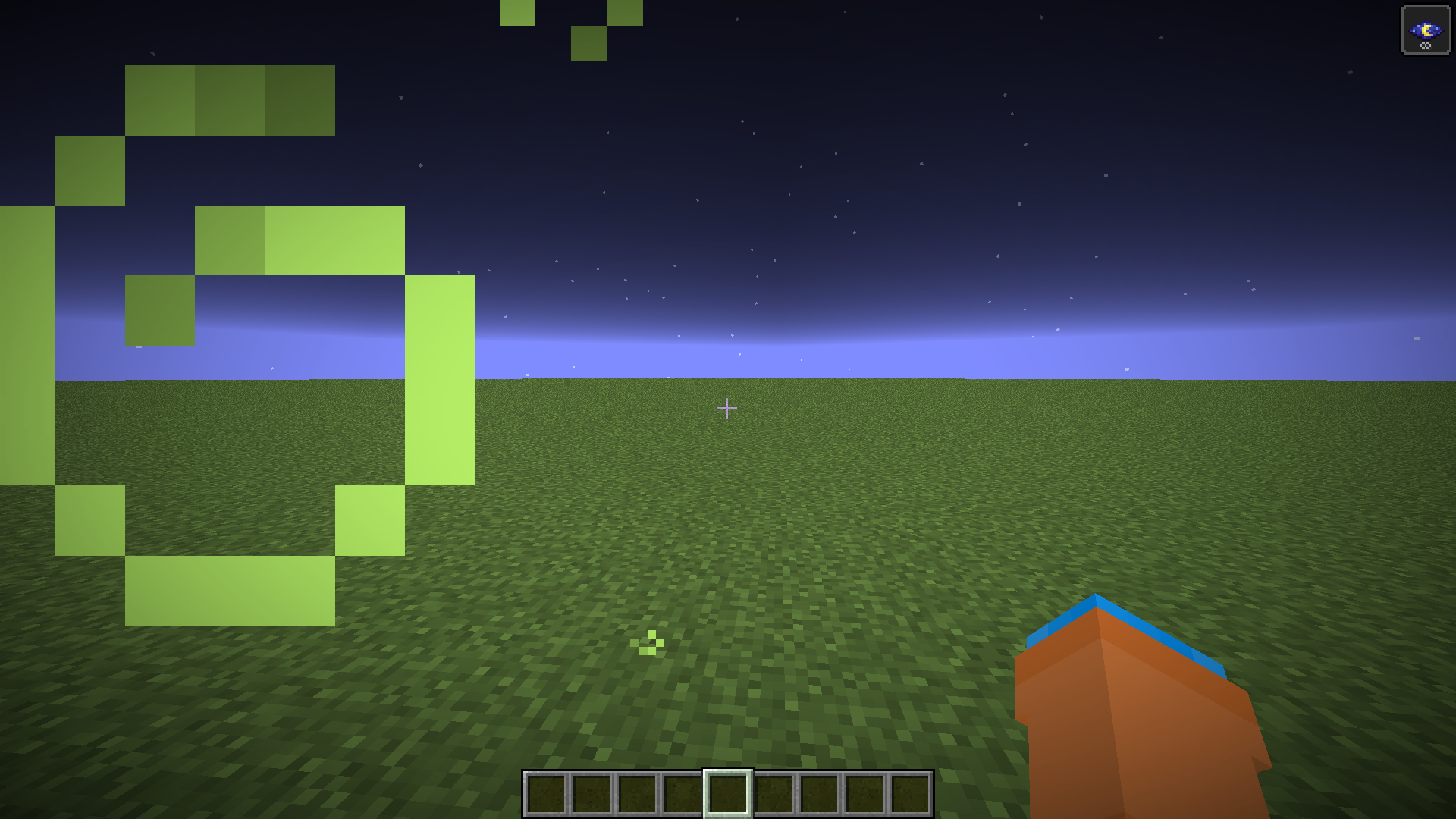
The above image shows 4 different particle types. From left to right, the particle types are Infestation, Poison, Water Breathing and Fire Resistance (A few of my favorites).
For more example images, head to [the gallery](https://modrinth.com/resourcepack/invis/gallery)
## Description
This pack uses vanilla’s core shader system in order to make a way for creators to change the texture of each potion particle to something unique. It is easy to use, fast and lightweight, and is compatible with many Minecraft versions, including the latest versions of the game. Below there is some more information on how to use it.
All textures included in this pack are from the [Particle Effects](https://modrinth.com/mod/particle-effects) mod (created by [LopyMine](https://modrinth.com/user/LopyMine) and [KlashRaick](https://modrinth.com/user/KlashRaick)), and I have been given permission to use them in this pack. All included textures are licensed under the [LGPL-3.0-only](https://spdx.org/licenses/LGPL-3.0-only.html) license, whereas the code in this texture pack is licensed as [CC-BY-NC-SA-4.0](https://creativecommons.org/licenses/by-nc-sa/4.0/deed.en)
If you want to know more about how this works, or have questions about other vanilla shader related things, you can join my discord and ask in there 🙂
## How to Use
1. Install and apply like normal
2. No configuration needed
3. For creating your own textures, refer to the section below.
## For Pack Creators
If you would like to create your own unique particle textures, this is the guide for you.
1. It is very important to keep in mind that you cannot create high resolution textures using this pack. If you would like me to add support for higher resolutions, refer to the support section below. This means the entire texture must remain 64×64, meaning each particle is 8×8 in size.
2. The very top left 8×8 texture is the default texture. This is the fallback texture if no others are found, and as default it’s just the vanilla effect texture.
4. Going from left to right top to bottom, the rest of the potion effects are in the order of their [Effect IDs](https://minecraft.wiki/w/Effect#Descriptions)
5. The very bottom right 8×8 section is reserved, as the pixel in the bottom right has the RGBA values of 55 Red, 117 Green, 120 Blue, and 97 Alpha (All out of 255). This is checked for in the code to determine if it’s currently sampling the potion particle texture or another particle texture (since they are all in the same atlas)
6. The textures at the bottom that are by default vanilla are particles that aren’t technically effects. From right to left, they control the Turtle Master particles, the Turtle Master Enhanced particles (the stronger version of turle master), the No Effects texture (like water, mundane, etc), the Uncraftable Potion texture, and the splash texture that is created when throwing a lingering potion. That last one is by default blank, which is why you only see 4 textures at the bottom.
7. The last 3 textures I mentioned can be very buggy at times. Please report any issues you encounter using the support section below. You also cannot change the texture of the Saturation particle, and instead it will use the Instant Health particle.
This is how the default “effect_5” texture looks that is included in the pack, for reference:
Note that you cannot use the example image above for a starting point. For that, download the pack and use the default textures included.
Here are some things to keep in mind when creating textures for this pack:
1. If you would like to post a different version of this pack, you must credit me and link back to this page. If instead you want to make a texture for this pack specifically, you can join my discord or dm me and I can add it to the project and then add you to the project.
2. All your textures will become 100% opaque after the shader is done doing its stuff. This is because otherwise everything would be slightly transparent, as you know from the steps above.
3. You most likely cannot make them HD textures.
4. For now, the only texture you can change individually is the invisibility particle. In the not too distant future, I will have a texture pack linked here that will allow you to change all particles.
## Support
**Join [My Discord](https://discord.gg/gymTft2GbV)**
– Report bugs
– Create suggestions
– Vote on future packs
– Interact with the community
– Ask for help with texture packs
– This is the place to ask if you can use this pack in your own pack
**Check out [The Repository](https://github.com/AlphaLeoli/Texture-Packs)**
– Report bugs
– Create suggestions
– Contribute by creating a pull request
https://www.alphaleo.li/resourcepacks
Pack & White
## Make Minecraft Black & White
[View the pack on my website!](https://ewanhowell.com/resourcepacks/pack-and-white)
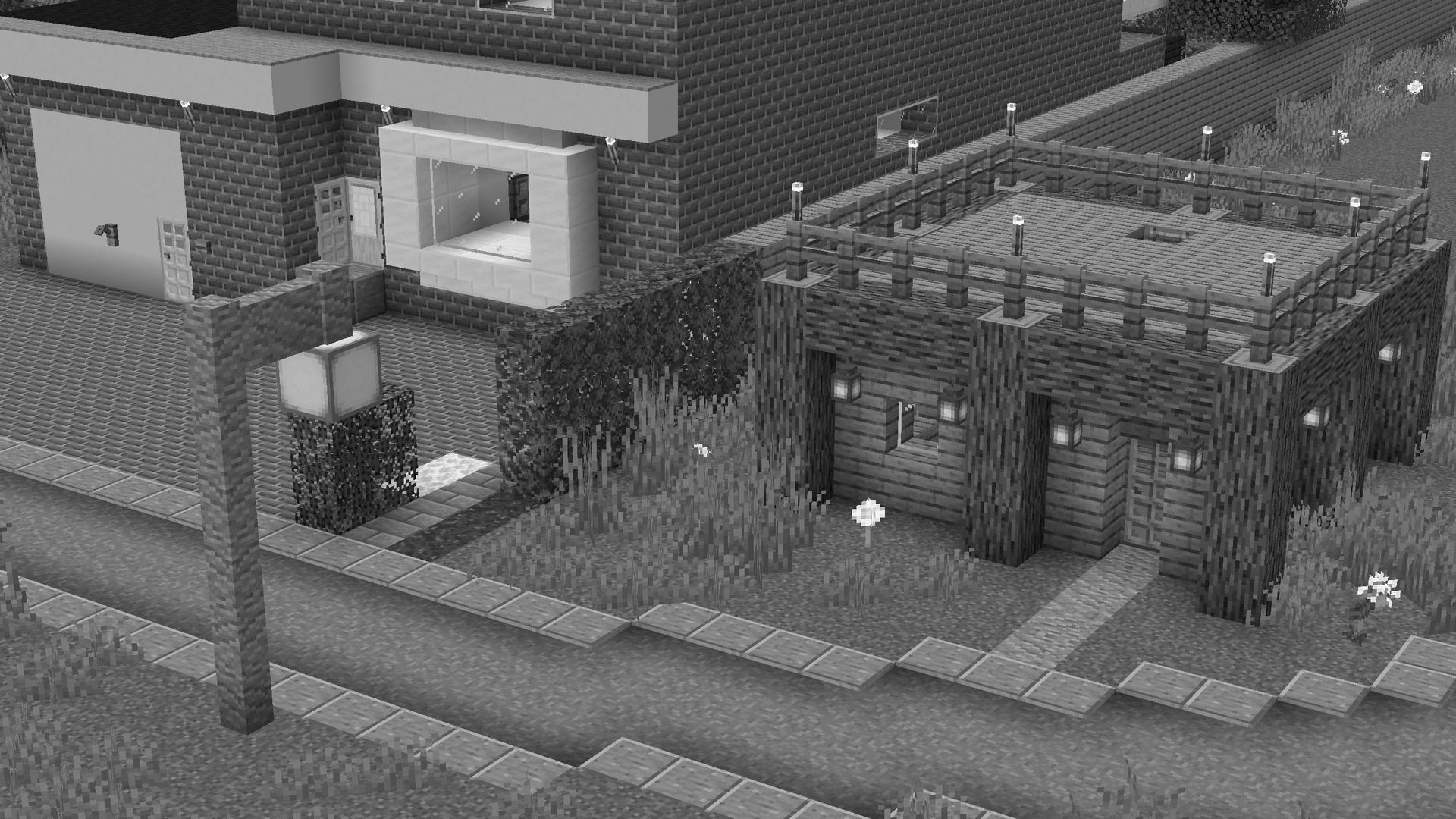
This pack is the regular vanilla Minecraft, but everything is now black and white!
This pack is compatible with almost any other resource pack.
Fabulous graphics are optional, but recommended for the full effect!
> You can simply enable it as ResourcePack (Copy the .zip into the Resourcepack directory).
> If you are using Sodium or Iris, the Sodium Core Shader Support mod is required.
* This pack is incompatible with Optifine!
* Requires Fabulous Graphics mode in your Video Settings to work.
* Only Works on 1.21.5+
* May not work on older versions.[due to 1.21.5’s coreshader changes]
For Sodium Compat
You MUST install the
[Sodium Core Shader Support Mod](https://modrinth.com/mod/sodium-core-shader-support)
[![Sodium Core Shader Support [Dependancy]](https://cdn.modrinth.com/data/G8yJPRdl/2d322f159405e6c26b1962acb6b0b23ba11aded8.png)](https://modrinth.com/mod/sodium-core-shader-support)
[![Sodium Core Shader Support [Dependancy]](https://cdn.modrinth.com/data/cached_images/60374cd6a601b8c6cbdd82e57f34d613761c845b.png)](https://www.planetminecraft.com/texture-pack/outlines-new-contours-improved/)
—
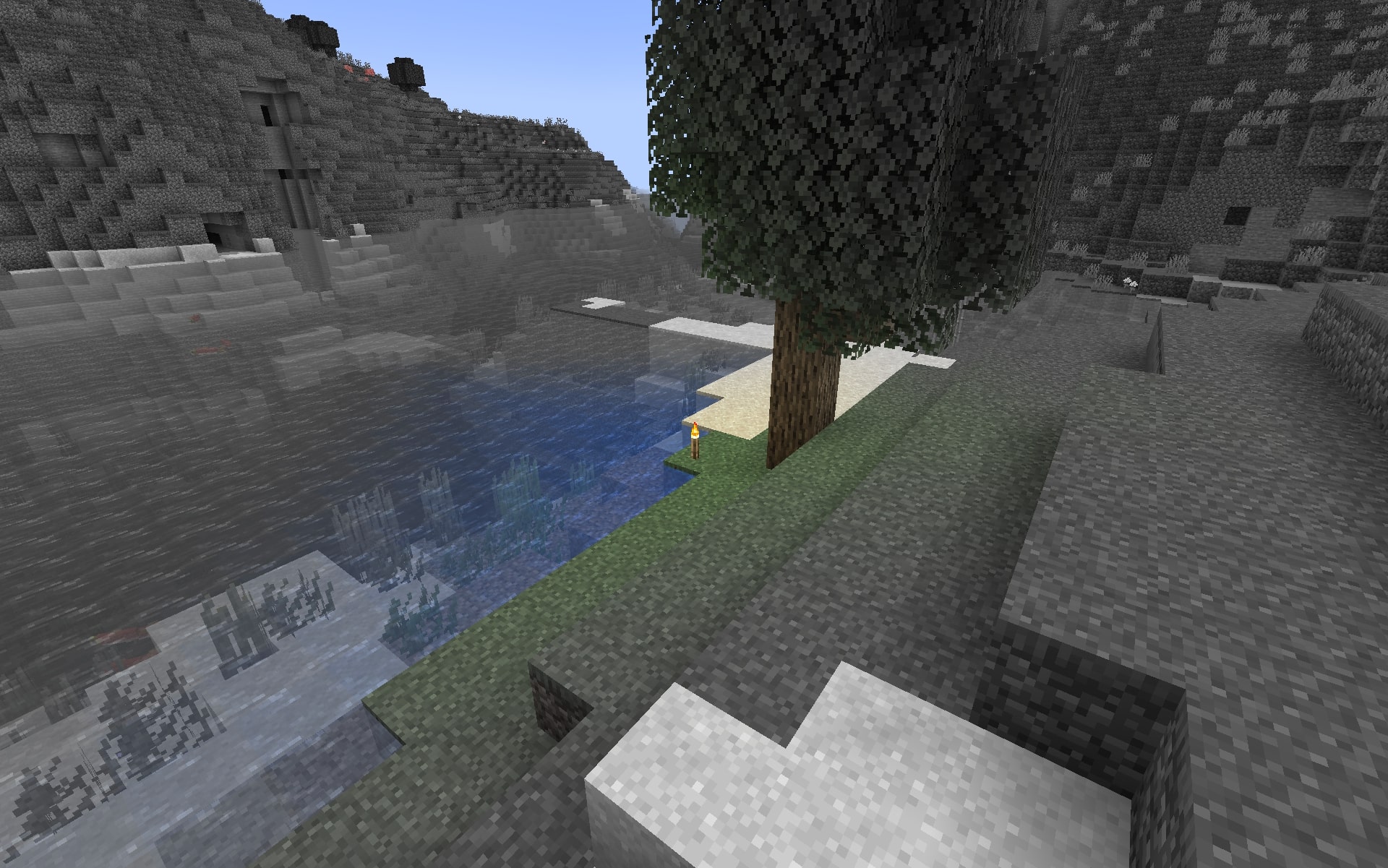
This resource pack makes blocks smoothly become less colorful when they have less block light. Sky light doesn’t affect this, only block light. Please note — this resource pack applies only **to most of the blocks**. Entities, some block entities, particles and other stuff will not be affected due to a different lighting method. Maybe I’ll try to make entities and block entities work in the future.
### Versions: 1.17 — 1.21.11+
### **Doesn’t require** **Optifine**, and works with it too.
### Works with [LambDynamicLights](https://modrinth.com/mod/lambdynamiclights) mod.
### Does **NOT** work with Sodium.
—
## Customization
You can also adjust radius and smoothness of how light will colorize blocks.
Go into the resource pack into a file `assets/minecraft/shaders/include/no_light_no_color.glsl`. You can change the numbers in the first 2 lines. The variables don’t work very intuitively so just play around until you are comfortable with the result.
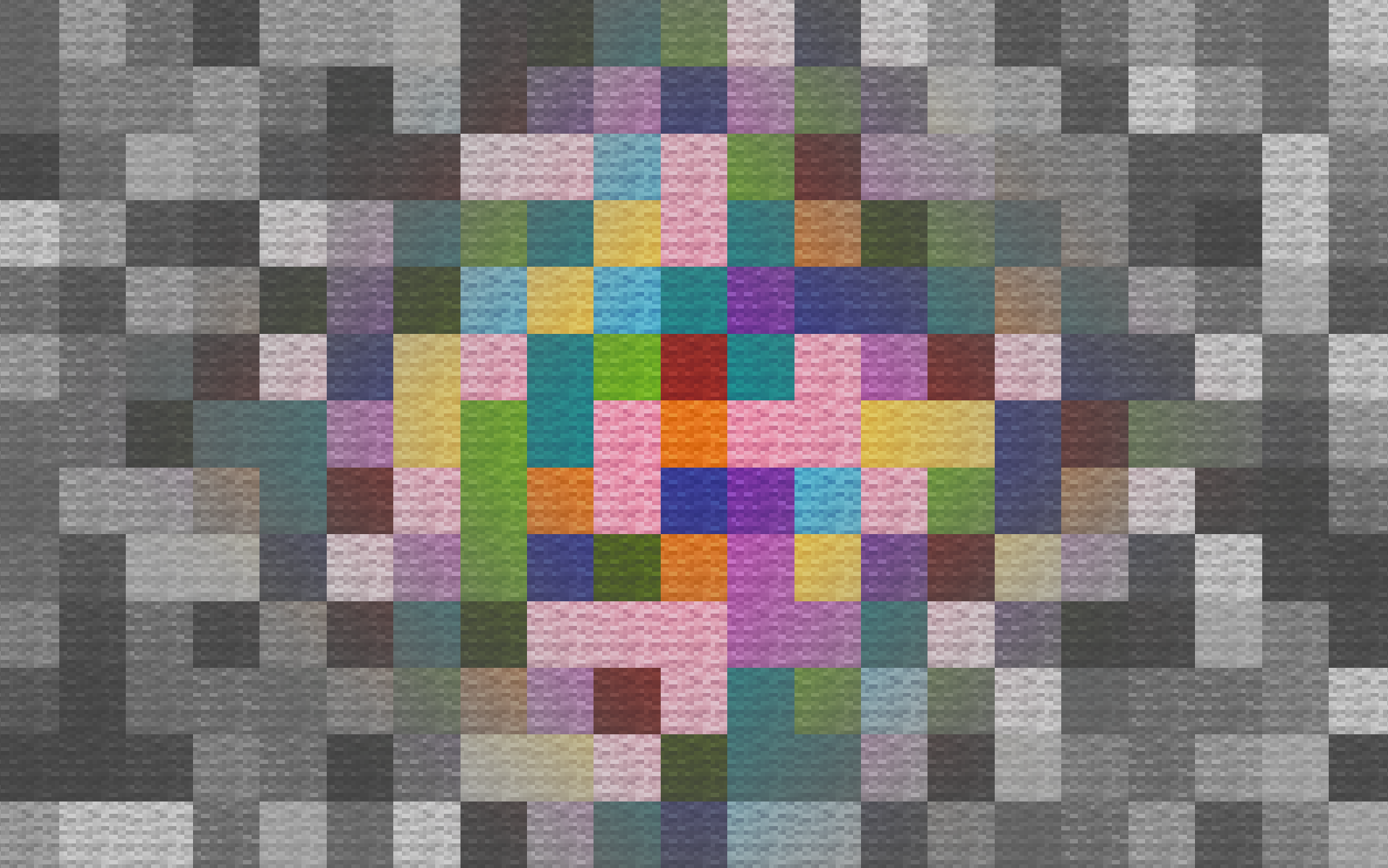
Radius variable here is set to 82:
Night Vision Shaders
# Night Vision Shaders
A shaderpack/resourcepack that aims on giving brightness everywhere while keeping the game aesthetic. It
makes the game brighter, so you see well in caves, in the nether, underwater and everywhere else. But it also
keeps slight light difference so that the aesthetic is not destroyed.
If you like this pack consider supporting the development by [buying me a coffee](https://ko-fi.com/T6T41BS1C9).
### Enabling the resourcepack
You can simply enable it as resourcepack (Copy the `.zip` into the `resourcepack` directory).
If you are using Sodium or Iris, the [Sodium Core Shader Support](https://modrinth.com/mod/sodium-core-shader-support) mod is required.
The pack does not work with Optifine!
### Features
While making the game brighter it also keeps the game aesthetic:
– fog is not completely removed, it just starts further away
– light sources still emit light
– blocks still cast shadow, but less dark
– it works with Sodium (requires [Sodium Core Shader Support](https://modrinth.com/mod/sodium-core-shader-support) mod)
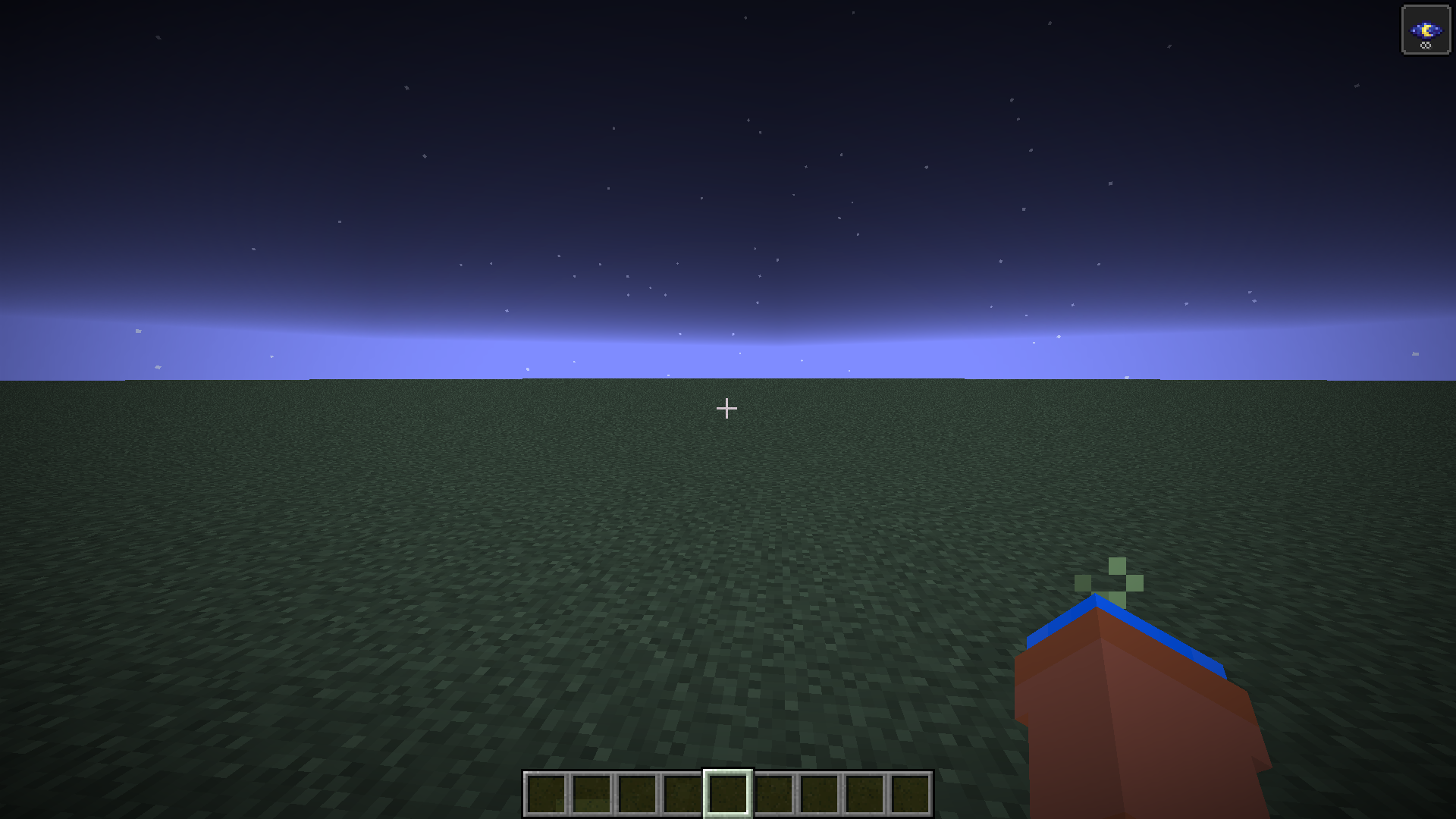
Night Vision Fix
**NO LONGER NEEDED IN 26.1+**
Use [Boosted Brightness](https://modrinth.com/resourcepack/boosted-brightness-rp) if you want it to be brighter and full bright
Old Description
In Minecraft 1.21.9 Mojang changed how night vision works for the worse. They made it so that it always uses moody lighting for night vision calcuations. This resourcepack uses core shaders to revert this change. Fixes [MC-301543](https://bugs.mojang.com/browse/MC/issues/MC-301543)
This pack may not work with other shaders that modify the same shader I used such as fullbright
# Images
### Before
### After