zCore

# zCore
[](https://modrinth.com/project/zcore_)
[](https://www.spigotmc.org/resources/zcore.128843/)
[](https://github.com/zysws/zCore/releases)
[](https://discord.gg/XbrtmjAhh7)
—
A **lightweight**, **modular toolkit** designed for server owners who want essential features — no bloat, just high performance and simplicity.
## Why choose zCore?
– **Lightweight:** Keeps your server running smoothly without slowing it down.
– **Fast:** Made for speed and efficiency.
– **Bloat-free:** Only the features you need, nothing extra.
– **Easy-to-use:** Easy setup and configuration.
– **Customizable** Easy to customize any message.
—
## Commands
| Command | Permission Node | Description |
|—————|——————–|—————————————-|
| `/sethome` | `zCore.setHome` | Allows the player to set homes. |
| `/home` | `zCore.home` | Allows the player to teleport to home. |
| `/setspawn` | `zCore.setSpawn` | Allows the player to set spawn. |
| `/spawn` | `zCore.spawn` | Allows the player to teleport to spawn.|
| `/tpa` | `zCore.tpa` | Allows sending teleport requests. |
| `/tpaccept` | `zCore.tpAccept` | Allows accepting teleport requests. |
| `/tpadeny` | `zCore.tpaDeny` | Allows declining teleport requests. |
| `/announce` | `zCore.announce` | Allows sending announcements in chat. |
| `/rtp` | `zCore.rtp` | Allows teleporting to a random location.|
| `/invsee` | `zCore.invsee` | Allows viewing other players’ inventories.|
| `/endersee` | `zCore.endersee` | Allows viewing other players’ ender chests.|
—
## License
zCore is licensed under the permissive [MPL License](https://github.com/zysws/zCore/blob/master/LICENSE). See the license file for details.
zCookieClicker
[](https://minestrator.com/a/GROUPEZ)
zCookieCliker allows you to click frantically on a cookie in order to obtain an infinity! Inspired by the famous cookie clicker game!
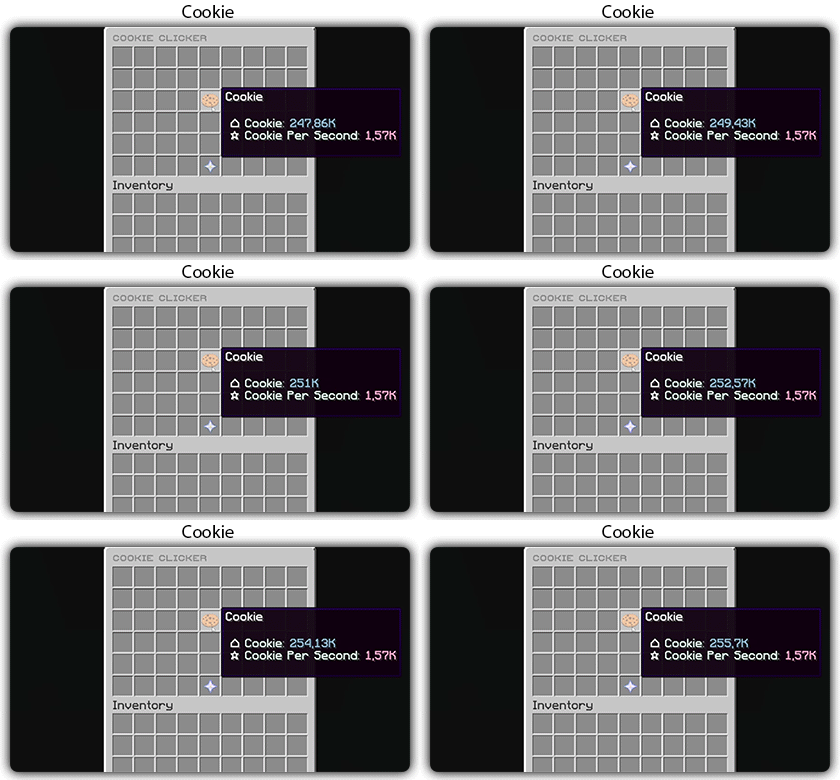
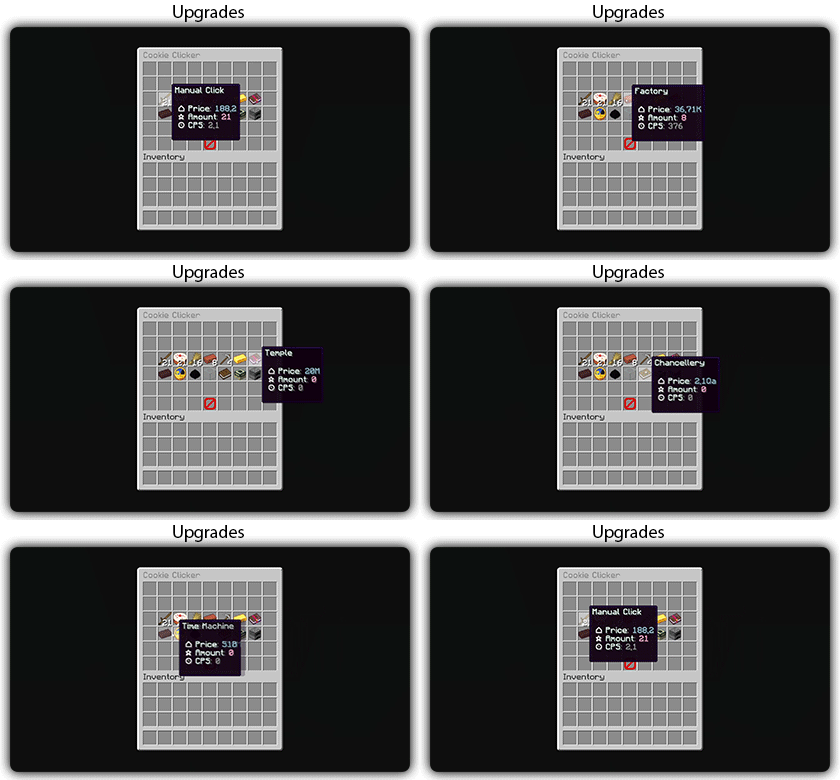
You need to install zMenu
## Commands:
– /cookie
– /cookie reload
## Placeholders:
– %zcookieclicker_cookie%
– %zcookieclicker_cps%
– %zcookieclicker_upgrade_%
## Features:
– Customizable inventories
– Storage in SQLITE, MYSL or with HIKARICP
– Customizable upgrades
– Customizable number format
ZCommandCooldown
# ZCommandCooldown
A lightweight Minecraft plugin that adds customizable, permission-based cooldowns to any command on your server.
[](https://papermc.io/)
[](https://github.com/PaperMC/Folia)
[](https://www.minecraft.net/)
## Features
– **Permission-Based Cooldowns**: Set different cooldown durations based on player permissions
– **Command Aliases**: Define aliases for commands that share the same cooldown
– **Customizable Messages**: Fully customizable messages with MiniMessage format support
– **Action Bar Support**: Display cooldown messages in the action bar instead of chat
– **Admin Commands**: Reload configuration, clear cooldowns, and more
– **Persistent Cooldowns**: Cooldowns persist across server restarts
– **Folia Compatible**: Works with both Paper and Folia servers
## Dependencies
– [MCKotlin](https://modrinth.com/plugin/mckotlin)
## Installation
1. Download the latest release from [Modrinth](https://modrinth.com/plugin/zcommandcooldown/versions)
2. Download the appropriate version of MCKotlin from [Modrinth](https://modrinth.com/plugin/mckotlin)
3. Place the JAR file in your server’s `plugins` folder
4. Restart your server
5. Edit the configuration files in the `plugins/ZCommandCooldown/` directory to customize the plugin
## Configuration (`cooldowns.yml`)
“`yaml
cooldowns:
repair: # Command that a cooldown will be applied to.
aliases: # Other aliases for the command. All share the same cooldown.
– fix
– erepair
durations: # Set durations of cooldown according to permission. If player has multiple of these perms, the lowest duration is used.
default: 600 # 600 seconds for players by default
group.group1: 120 # 2 minutes for players with group.group1 permission
group.group2: 60 # 1 minute for players with group.group2 permission
custom.repair.fast: 30 # 30 secods for players with the custom.repair.fast permission
“`
zCombat
**Author:** veltronthegoat
A lightweight and efficient **combat logging prevention plugin** designed for **Paper 1.21.11** servers.
This plugin ensures fair PvP by placing players into combat only when they **directly hit another player**, preventing abuse through unintended triggers like ender pearls or team interactions. Combat duration is fully configurable and displayed in real-time via the action bar for a clean user experience.
While in combat, players are restricted from using commands, eliminating escape exploits. If a player logs out during combat, they are instantly killed, their inventory is dropped at their location, and a lightning effect marks the spot. The opponent is immediately released from combat to maintain smooth gameplay flow.
The plugin also integrates with **BetterTeams**, ensuring that teammates cannot trigger combat with each other.
Built to be minimal, optimized, and free from unnecessary spam, this plugin is ideal for SMP and PvP-focused servers looking for a reliable and clean combat system.
zChat
zChat
======================================================================
[zChat](https://www.spigotmc.org/resources/zchat.116042/) is a Spigot plugin that is simple to format and manage your chat on your server.
## Features
– Support for all versions from 1.13 to 1.20.6
– Chat Formatting
– PlaceholderAPI Support
– [MiniMessage](https://docs.advntr.dev/minimessage/) support
– Per group format using permissions
## Commands
– /zchat – Manage your zChat plugin.
– /clearchat – Clears the chat.
– /togglechat – Toggle off and on the chat.
– /chatfilter – Manage the chat’s filter.
– /chatcooldown – Set or toggle the cooldown on chat.
## Requirements, Extensions & Supported Software
Requirements:
– Java 8+
– Minecraft 1.13 – 1.20.6
– Luckperms
Supported Software:
– Spigot ([Website](https://www.spigotmc.org/))
– Paper ([GitHub](https://github.com/PaperMC/Paper)) ([Website](https://papermc.io/software/paper))
Optional Dependencies/Extensions:
– PlaceholderAPI
## Found a bug?
Open an issue in the GitHub [issue tracker](https://github.com/mrzcookies/zchat/issues)
## BStats
[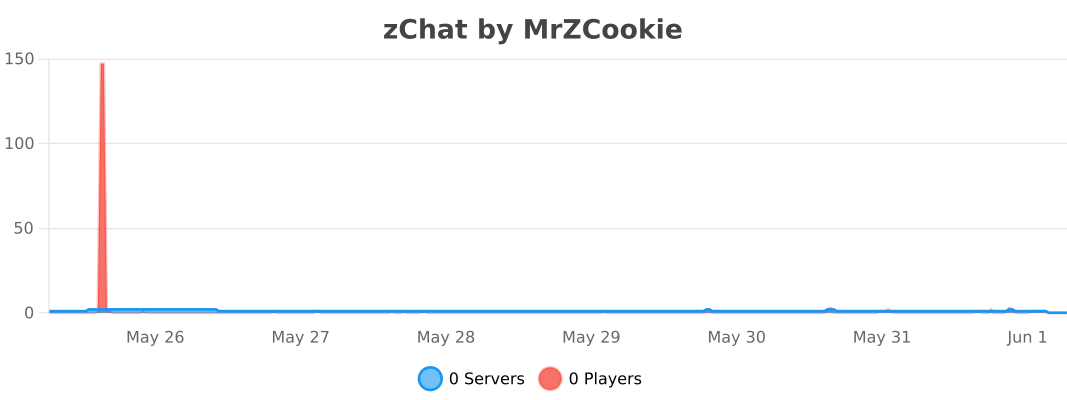](https://bstats.org/plugin/bukkit/zChat/21533)
## Credits
– [Adventure](https://docs.advntr.dev/) – Minecraft text api
– [Luckperms](https://luckperms.net/) – Minecraft permission plugin
– [PlaceholderAPI](https://placeholderapi.com/) – Minecraft placeholders
ZavShop
## Features
– 🛒 **GUI Shop System** – Beautiful categorized shop with 5 categories (Nether, Gear, Food, End, Misc)
– 🏷️ **Auction House** – Player-driven marketplace with search, filter, and sort options
– 💰 **Sell System** – Quick sell items for configured prices
– 📋 **Tab Completion** – Full auto-completion for all admin commands
– 🔐 **Permission System** – Control access to admin features
– 💾 **YAML Configuration** – Easy editing of items and prices via config files
– 🚫 **Block/Item Blocker** – Prevent placement or usage of specific materials
– ⚡ **Hot Reload** – Reload configurations without server restart
## Installation
1. Download the `zavshop-1.0.jar` file
2. Place it in your `plugins/` folder
3. Make sure you have **Vault** and an economy plugin installed (e.g., EssentialsX)
4. Restart the server
5. The plugin creates `plugins/ZavShop/` with config files
## Commands
### Player Commands
| Command | Description |
|———|————-|
| `/shop` | Opens the main shop GUI |
| `/sell` | Sells the item in hand for configured price |
| `/ah` | Opens the Auction House |
| `/ah sell ` | Lists held item for auction |
### Admin Commands (requires `zavshop.admin`)
| Command | Description |
|———|————-|
| `/shopadd - ` | Add an item to shop |
| `/shopremove - ` | Remove an item from shop |
| `/shopprice - ` | Update item price |
| `/shopreload` | Reload all configuration files |
| `/blocker ban block ` | Ban a block from being placed |
| `/blocker ban item ` | Ban an item from being used |
| `/blocker unban ` | Remove a ban |
| `/blocker list` | Show all banned items |
## Shop Categories
– **Nether Shop** – Blaze Rods, Nether Wart, Glowstone, Magma Cream, etc.
– **Gear Shop** – Obsidian, Totem of Undying, Ender Pearls, Golden Apples
– **Food Shop** – All food items with configurable prices
– **End Shop** – End-related items like Shulker Shells, Dragon Breath
– **Misc Shop** – Custom items added by admins
## Auction House Features
– 🔍 **Search** – Find items by name
– 🎯 **Filter** – Filter by category (Blocks, Tools, Food, Combat, Potions, Books, Ingredients, Utilities)
– 📊 **Sort** – Sort by Newest, Oldest, Price (Low to High), Price (High to Low)
– 👤 **Your Items** – View only your listings
– ✏️ **Manage** – Right-click your listings to remove them
## Permissions
| Permission | Description |
|————|————-|
| `zavshop.admin` | Access to all admin commands
Tutorial:
ZAutoBroadcast
# ZAutoBroadcast
Powerful and customizable AutoBroadcaster/AutoAnnouncer plugin for Minecraft servers. It allows server administrators to set up automatic and forced broadcasts with a variety of features, including support for MiniMessage format, MiniPlaceholders. and PlaceholderAPI placeholders.
## Folia Supported ✔️
## Features
– **Automatic Broadcasts**: Set up automatic broadcasts that are sent to all players on the server at a configurable interval.
– **Forced Broadcasts**: Set up forced broadcasts that can only be run via command.
– **Weighted Broadcasts**: Control how often each broadcast is shown with the “weight” field. Broadcasts with a higher weight will appear more often.
– **[MiniMessage Support](https://docs.advntr.dev/minimessage/format.html)**: The messages use MiniMessage format, allowing for rich text formatting and color codes.
– **PlaceholderAPI Support**: Use any PlaceholderAPI placeholders in your messages. (Requires the [PlaceholderAPI](https://github.com/PlaceholderAPI/PlaceholderAPI) plugin)
– **MiniPlaceholders Support**: Use any MiniPlaceholder placeholders in your messages. (Requires the [MiniPlaceholders](https://github.com/MiniPlaceholders/MiniPlaceholders/) plugin)
## Commands
– `/zab reload`: Reloads the `broadcasts.yml` file.
– `/zab broadcast `: Broadcasts a message with the given key.
– `/zab custom `: Broadcasts a custom message.
– `/zab interval get/set `: Gets or sets the broadcast interval.
– All commands require the `zautobroadcast.admin` permission.
## Version Compatibility
– Compatible with [**Folia**](https://github.com/PaperMC/Folia), a powerful library for Minecraft plugins.
– Must be run on Paper or a Paper fork.
– Requires Java 17 or higher.
– Compatible with at least 1.20.4 and above.
## Installation
1. Download the latest version of ZAutoBroadcast from the [versions page](https://modrinth.com/plugin/zautobroadcast/versions).
2. Place the downloaded `.jar` file into your server’s `plugins` folder.
3. Restart your server.
4. Configure the plugin to your liking by editing the `config.yml` and `broadcasts.yml` files in the `plugins/ZAutoBroadcast` folder.
## Configuration
Refer to the comments in the `config.yml` and `broadcasts.yml` files for information on how to configure the plugin.
## Support
If you encounter any issues or have any questions, please [open an issue](https://github.com/Zepsi/ZAutoBroadcast/issues) on GitHub.
## License
ZAutoBroadcast is licensed under the [MIT License](https://github.com/Zepsi/ZAutoBroadcast/blob/main/LICENSE).
zAuth
**zAuth** is a lightweight, secure, and highly customizable authentication plugin designed for offline-mode and Geyser/Floodgate servers.
Built for performance and security, zAuth protects your players from account theft, password guessing, and session hijacking.
Whether you’re running a small SMP or a large network, zAuth gives you enterprise-grade login protection with smooth UX.
**🔐 Key Features**
✅ Secure Login & Registration
+/register
+/login
+/changepassword
+/logout
Passwords are stored using BCrypt (industry-grade hashing).
**🛡 Account Protection**
Account lock after X failed attempts
Automatic unlock after configured cooldown
IP-trust system (optional)
Session manager prevents re-login abuse
Freeze players completely until authenticated
**👀 Player Visibility & Mob Safety
**
Hide ALL players from each other until they login
Disable mob targeting and damage before login
Bossbar reminder
Safe login teleport location
Optional: Allow players to set /spawnlogin
**🔏 Privacy Protection**
Password masking in:
Chat logs
Console
Command logs
Commands like /login, /register, /changepassword NEVER reveal real passwords.
zAuctionHouse

### **This is a free demo version of zAuctionHouse. It is similar to the paid or open-source version, but you cannot receive support with this version.**
The free version will always be one version behind the paid versions. To get support and the latest version, you can purchase the plugin on the other sales platforms.


## Gifs
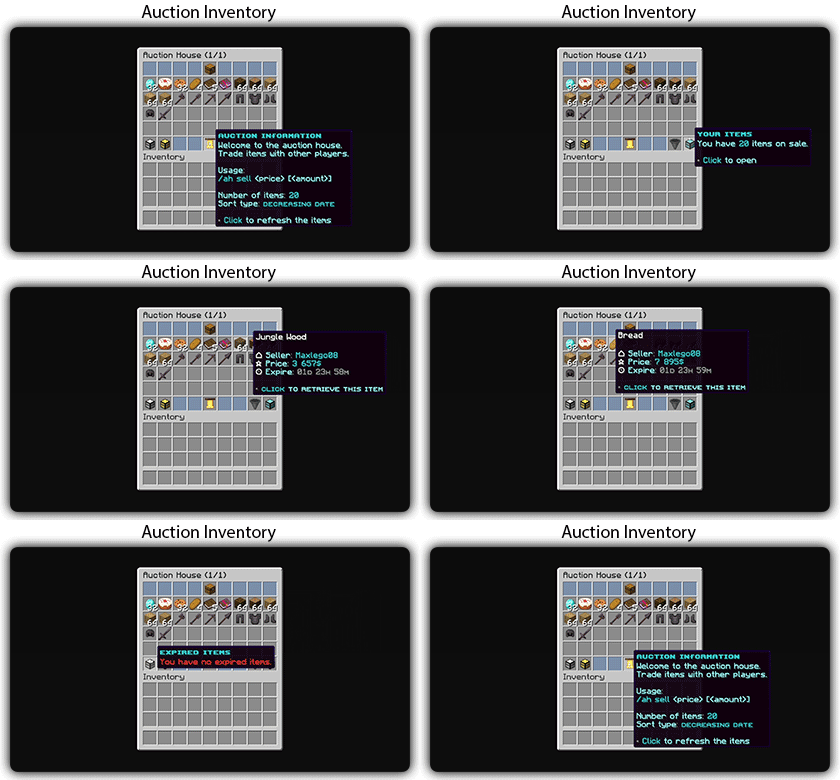
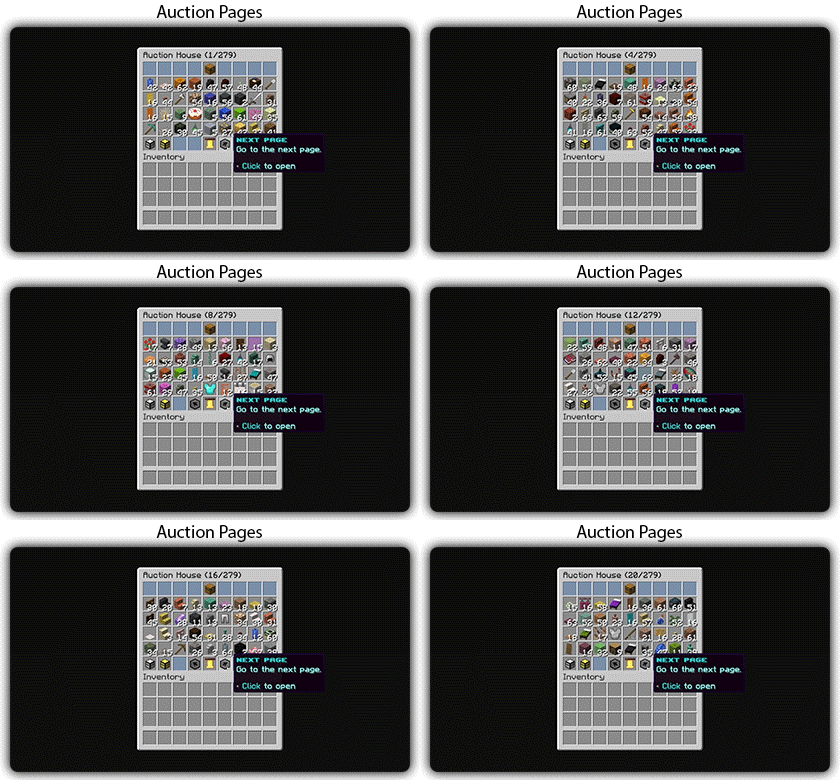
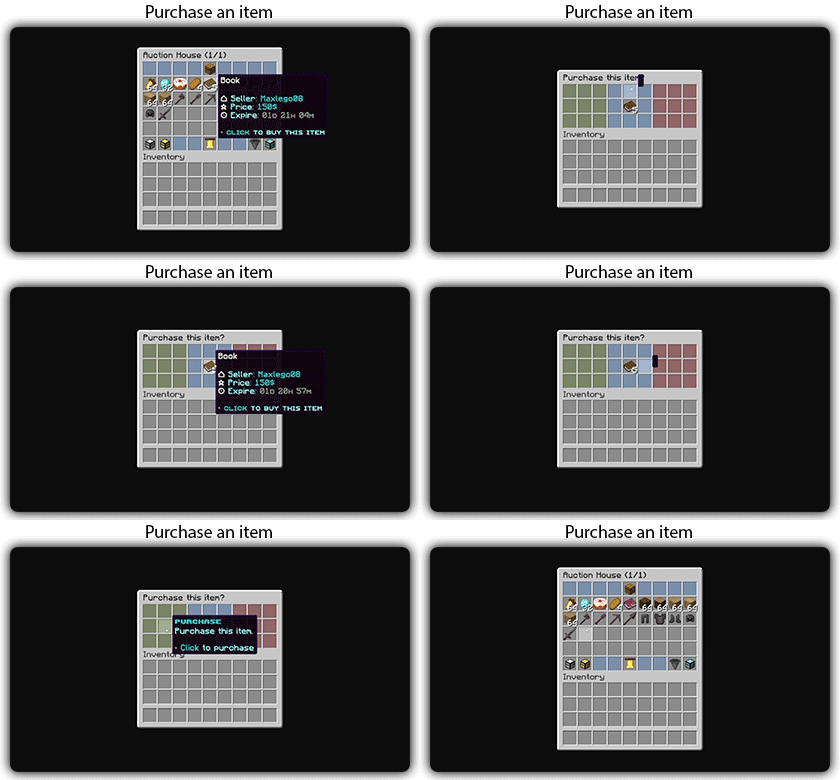
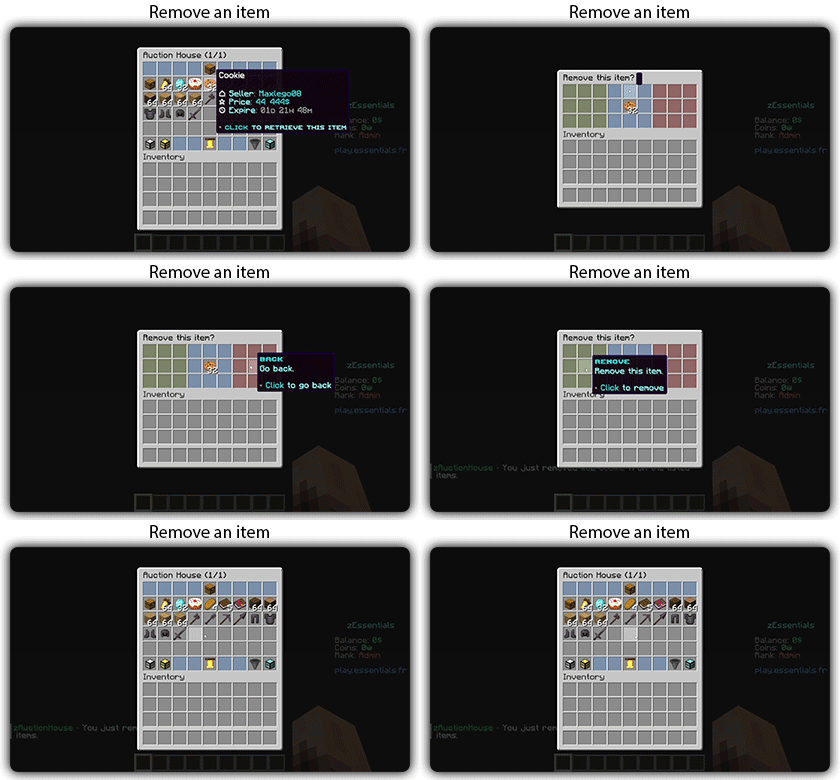
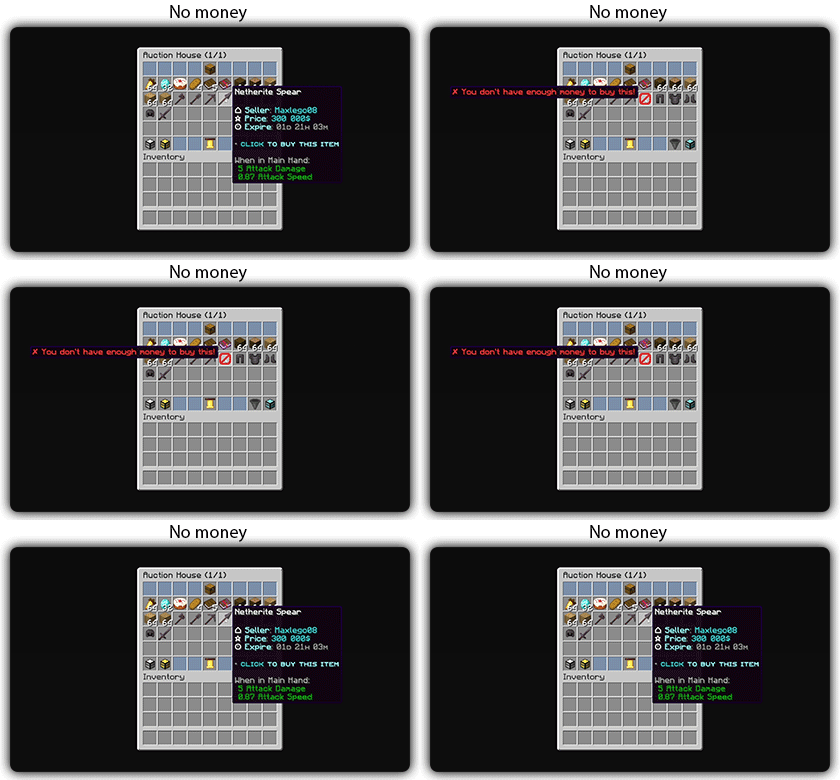
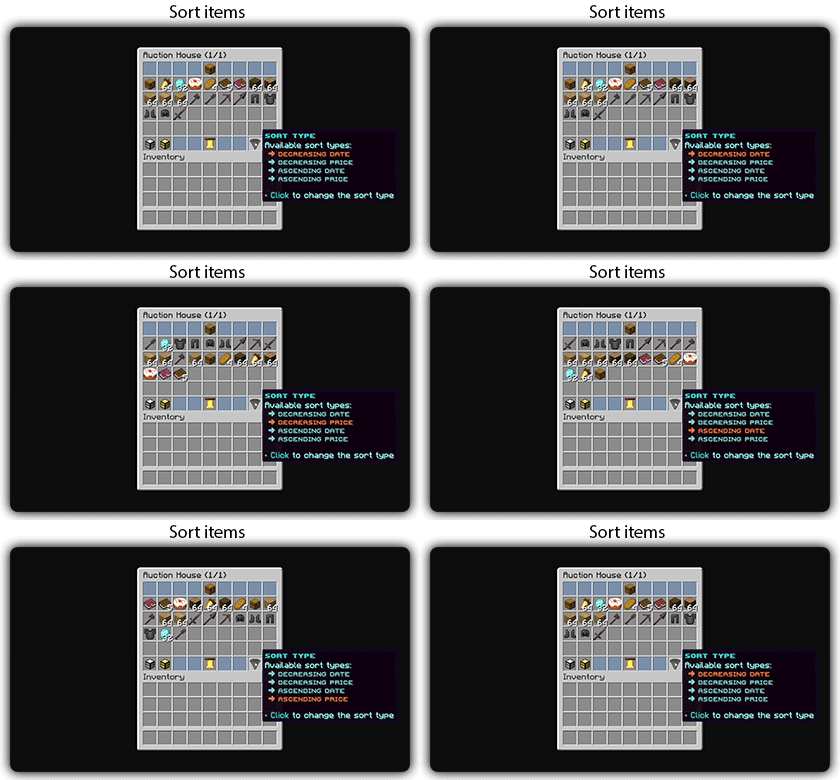
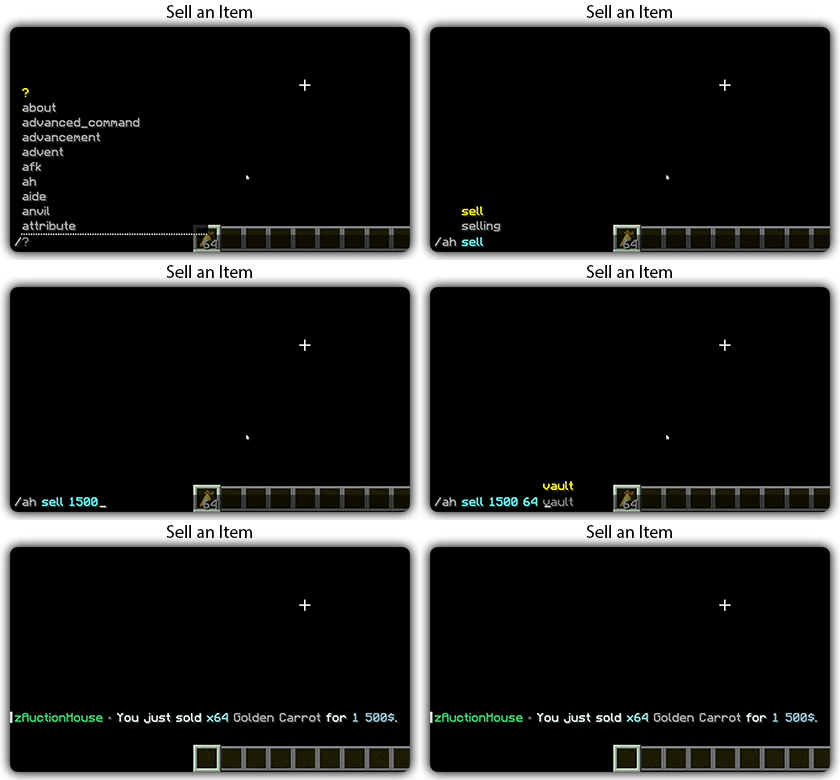
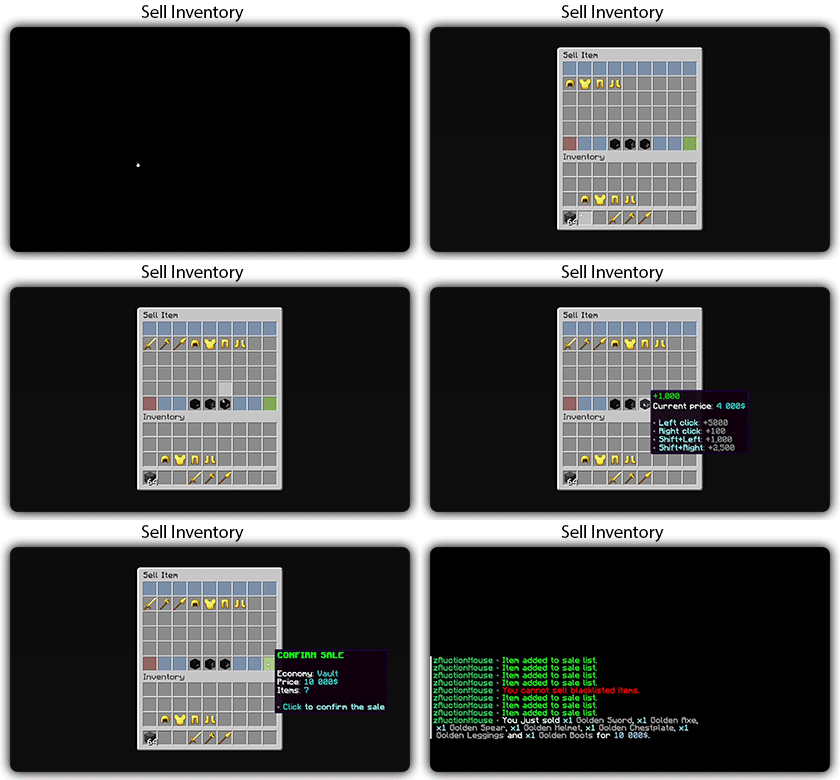
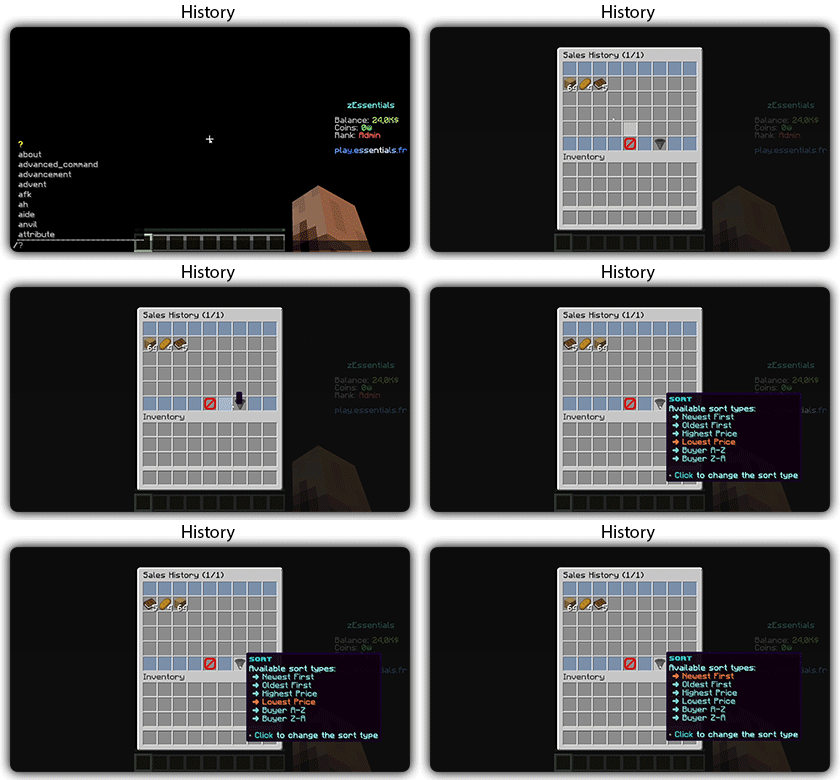
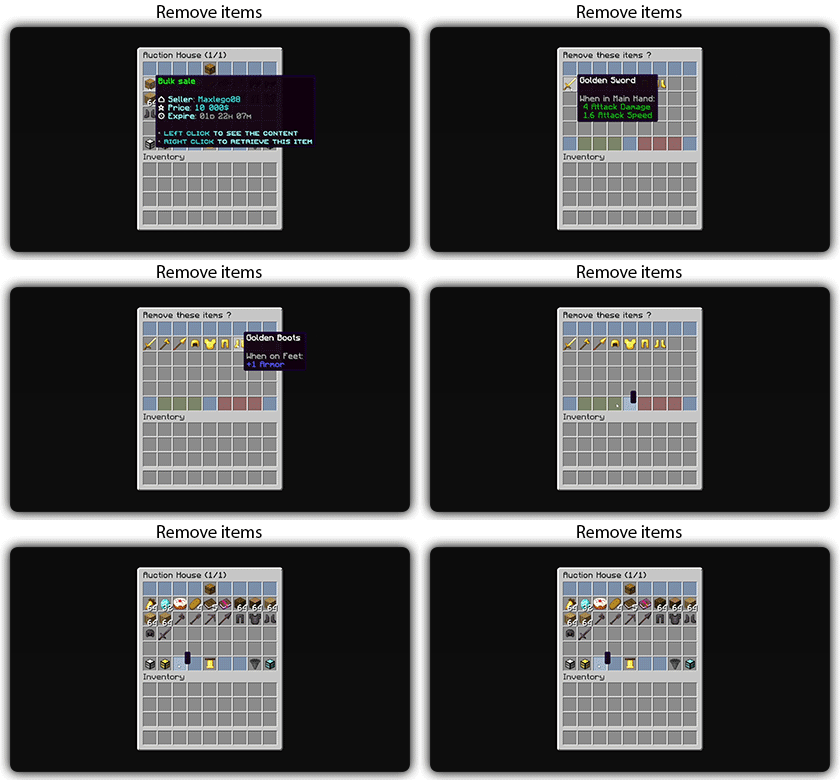
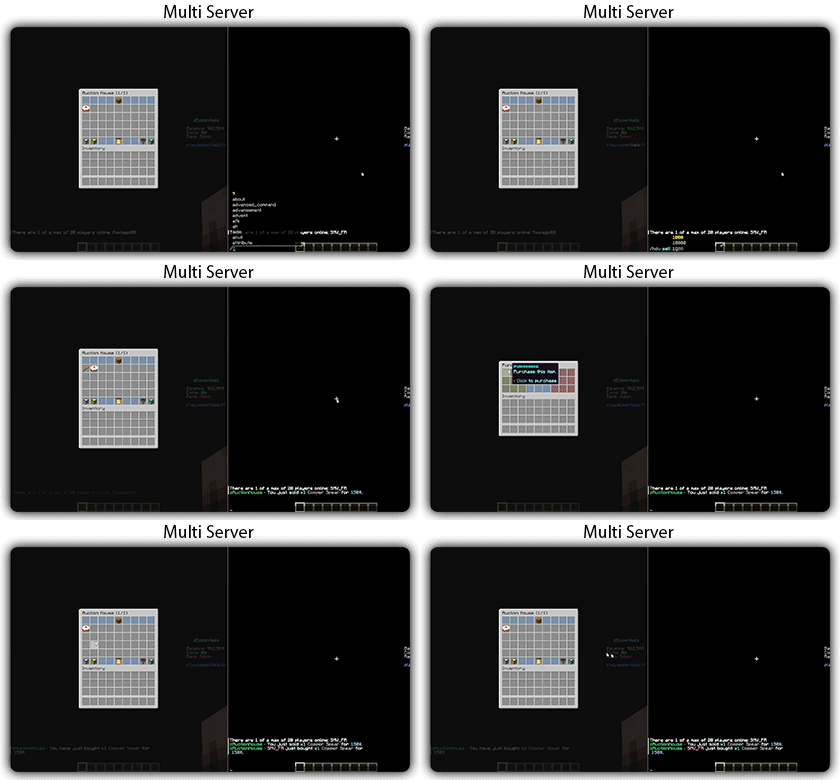
Text version
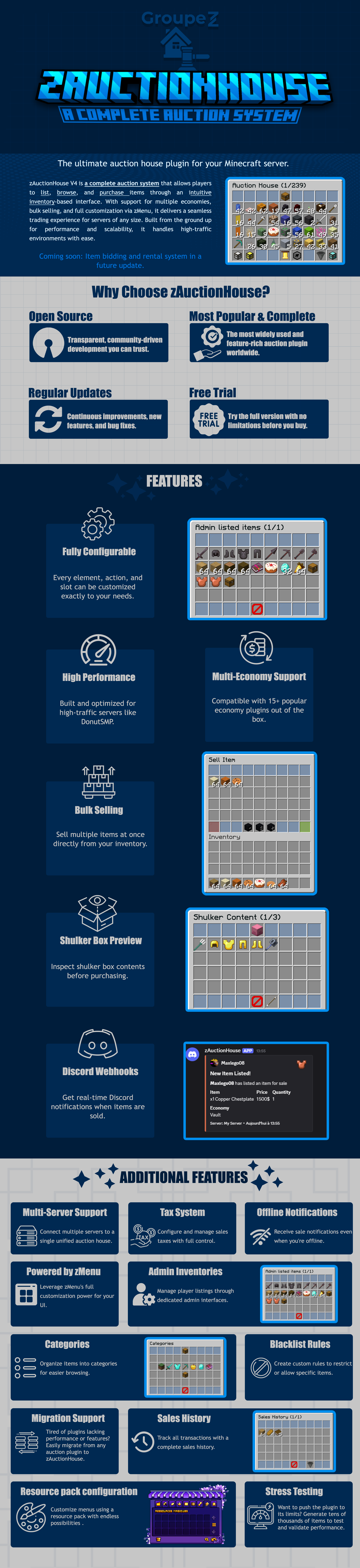
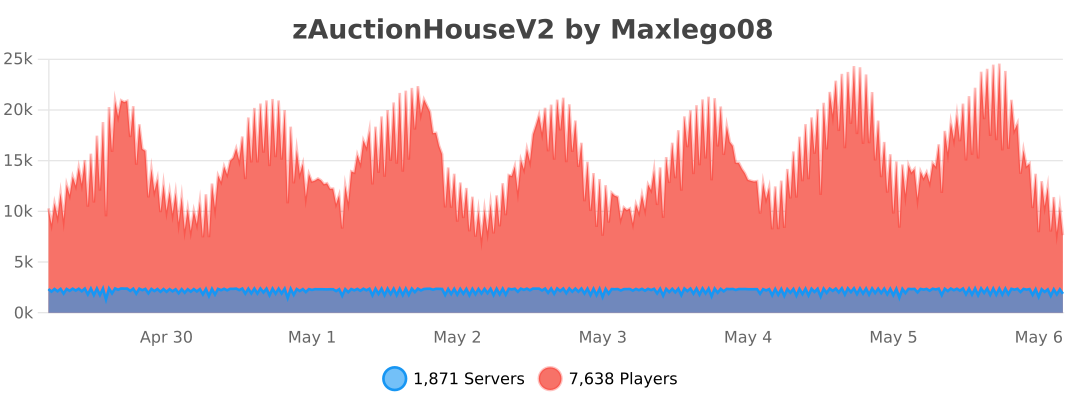
zAuctionHouse V4 is a complete auction system that allows players to list, browse, and purchase items through an intuitive inventory-based interface. With support for multiple economies, bulk selling, and full customization via zMenu, it delivers a seamless trading experience for every server type. Built from the ground up for performance and scalability, it handles high-traffic environments with ease.
# Why Choose zAuctionHouse?
## Open Source
Transparent, community-driven development you can trust.
## Most Popular & Complete
The most widely used and feature-rich auction plugin worldwide.
## Regular Updates
Continuous improvements, new features, and bug fixes.
## Free Trial
Try the full version with no limitations before you buy.
# Additional Features
## Multi-Server Support
Connect multiple servers to a single unified auction house.
## Tax System
Configure and manage sales taxes with full control.
## Offline Notifications
Receive seller notifications when you’re offline.
## Powered by zMenu
Leverage **zMenu’s full customization power** for your UI.
## Admin Inventories
Manage player listings through dedicated admin interfaces.
## Categories
Organize items into categories for easier browsing.
## Blacklist Rules
Create custom rules to restrict or allow specific items.
## Migration Support
Tired of plugin locking or performance issues?
Easily migrate from any auction plugin to zAuctionHouse.
## Sales History
Track all transactions with a complete sales history.
## Resource Pack Configuration
Customize menus using a resource pack with endless possibilities.
## Stress Testing
Want to push the plugin to its limits?
Generate tens of thousands of items to test and validate performance.
# **Features**
– **## Selling & Buying**
– **Instant buy listings** List items for a fixed price
– **Bulk selling** Sell multiple items at once
– **Purchase confirmation** Confirm before buying
– **Sell confirmation** Confirm before listing
– **Price limits** Set min/max prices per item or globally
– **Item quantity selection** Choose how many items to sell
– **Expired items recovery** Retrieve unsold items
– **## User Interface**
– **Inventory-based UI** No commands needed
– **Shulker box preview** View contents before purchase
– **Categories** Browse items by type
– **Sorting options** Sort by price, date, name
– **Search system** Find items by name or type
– **Player listings** View your own items
– **Purchase history** Track your purchases
– **## Economy & Taxes**
– **15+ economy plugins** Vault, PlayerPoints, and more
– **Tax on sales** Configurable seller tax
– **Tax on purchases** Configurable buyer tax
– **Permission-based taxes** Different rates per group
– **## Administration**
– **Admin inventories** Manage all player listings
– **Blacklist system** Block specific items
– **Whitelist system** Allow only specific items
– **Item rules** Advanced filtering (lore, name, NBT)
– **Player limits** Max listings per player
– **Expiration system** Auto-expire old listings
– **Log system** Track all transactions
– **## Performance & Storage**
– **Async operations** Non-blocking database queries
– **SQLite support** Zero-config local storage
– **MySQL/MariaDB support** Scalable database
– **Redis support** Multi-server synchronization
– **Folia compatible** Works with Folia servers
– **Caching system** Optimized data access
– **## Customization**
– **zMenu integration** Full UI customization
– **Custom messages** Edit every message
– **Custom sounds** Configure all sounds
– **PlaceholderAPI** Use placeholders anywhere
– **Command aliases** Customize command names
– **Configurable slots** Place buttons anywhere
– **## Notifications**
– **Discord webhooks** Post sales to Discord
– **Offline notifications** Notify on next login
– **Title messages** Display on screen
– **ActionBar messages** Subtle notifications
– **Chat messages** Traditional notifications
– **## Migration & Testing**
– **Plugin migration** Convert from other plugins
– **Test data generator** Stress test with fake items
– **Debug mode** Troubleshoot issues
– **## Security**
– **Anti-dupe protection** Prevent item duplication
– **Permission system** Control access to features
– **Confirm dialogs** Prevent misclicks
– **Price validation** Block invalid prices
ZAU
**ZAU**
This plugin is an adaptation of Youtuber Zyye’s Custom Murder plugin he used in:
– youtube.com/watch?v=JQy0IT2xYOw
– youtube.com/watch?v=rsnX5gpFo04
This plugin is a minigame where 1+ person(s) is selected to be a murder among a group of people attempting to beat the game. If any of the players can beat the game, the imposter(s) lose and the game is over. If any person dies they will be permanently dead and forced to spectate the game. Player chat is limited to nearby players in a very small radius, so other mods/plugins are encouraged like voice-chat.