Simplicissimus Shader
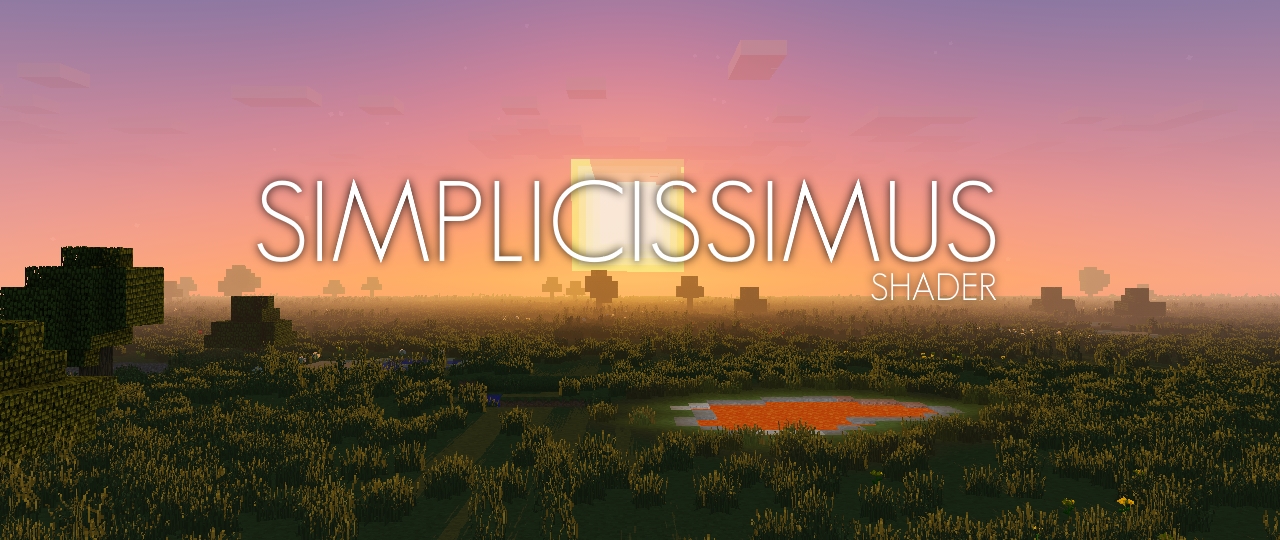
## **What is the Simplicissimus Shader?**
This pack tries to stay really close to what vanilla Minecraft provides in terms of graphics, thus it keeps the original vanilla clouds as well as the vanilla lightmap. However, while sticking to the “minecrafty look”, it also gives it some visual touchups like dynamic shadows, better fog and some slightly improved lighting of the vanilla clouds, making them look more integrated into the world.
## **What features does it offer?**
* Dynamic shadows (and optional soft or pixel shadows)
* Temporal Anti-Aliasing
* Bloom
* Motionblur
* Improved cloud lighting and fog
## **Any Requirements?**
* OptiFine for 1.12 or newer/Iris 1.5.0 or newer
* A graphics card that supports OpenGL 2.1 or newer
* Should work on Windows, Linux and Mac
## **External Links:**
* My Website: [Link](https://rre36.com/simplicissimus-shader)
* My Discord Server: [Link](https://discord.gg/y5xzQ6H)
[](https://www.patreon.com/bePatron?u=19790203)
Simple Shadows
Basic Shadows
The Color options are 0 1 and 2, 0 means acts as block aka no color, 1 means color, 2 means color blocks are not shown.
Modify the settings till it seems right!
Simple Shader One
# Simple Shader One
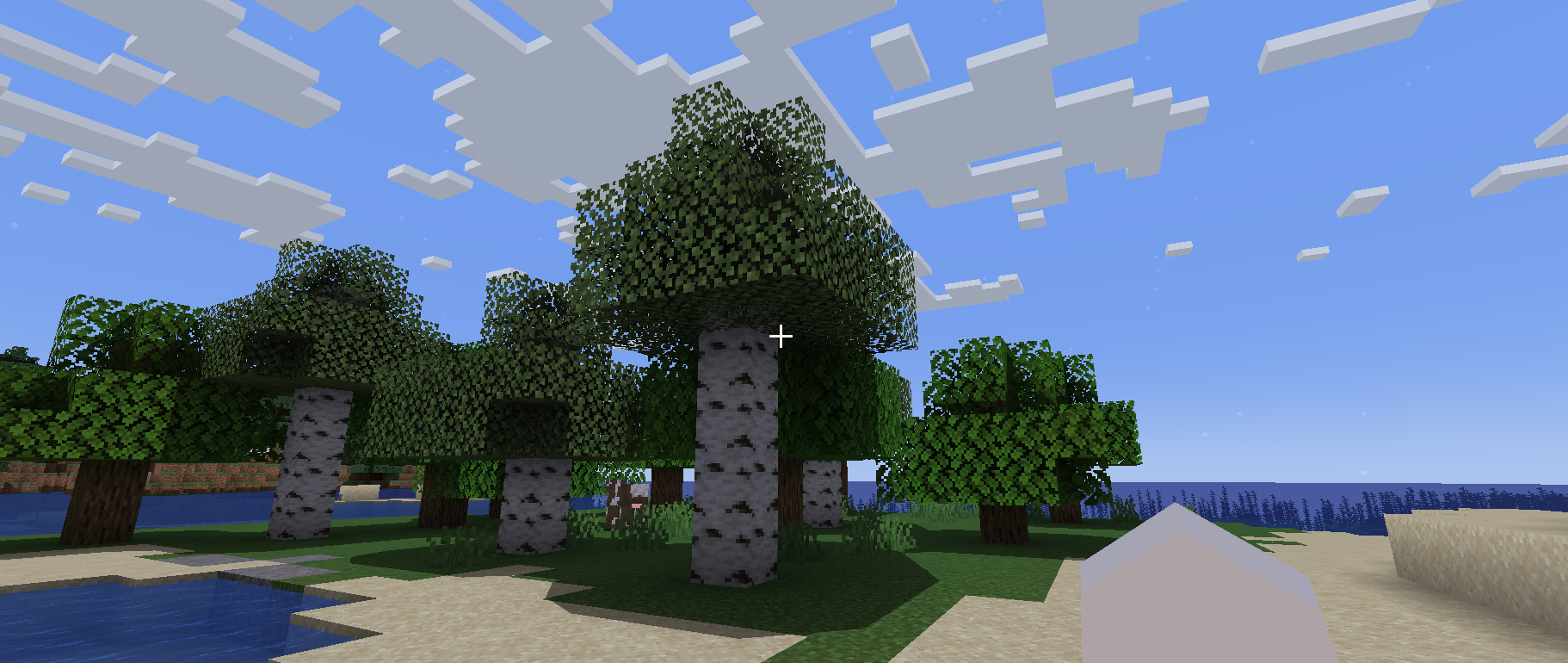
Is there anyone who wants a simple shadow?
This shader is lightweight because it only puts round shadows.
It’s not perfect, but you can enjoy a different atmosphere from vanilla.
## Required Prerequisite Mods
Capable of loading shaders and compatible.
The author tried [Iris Shaders](https://modrinth.com/mod/iris) and it worked fine.
Simple Saturation
# About Shader
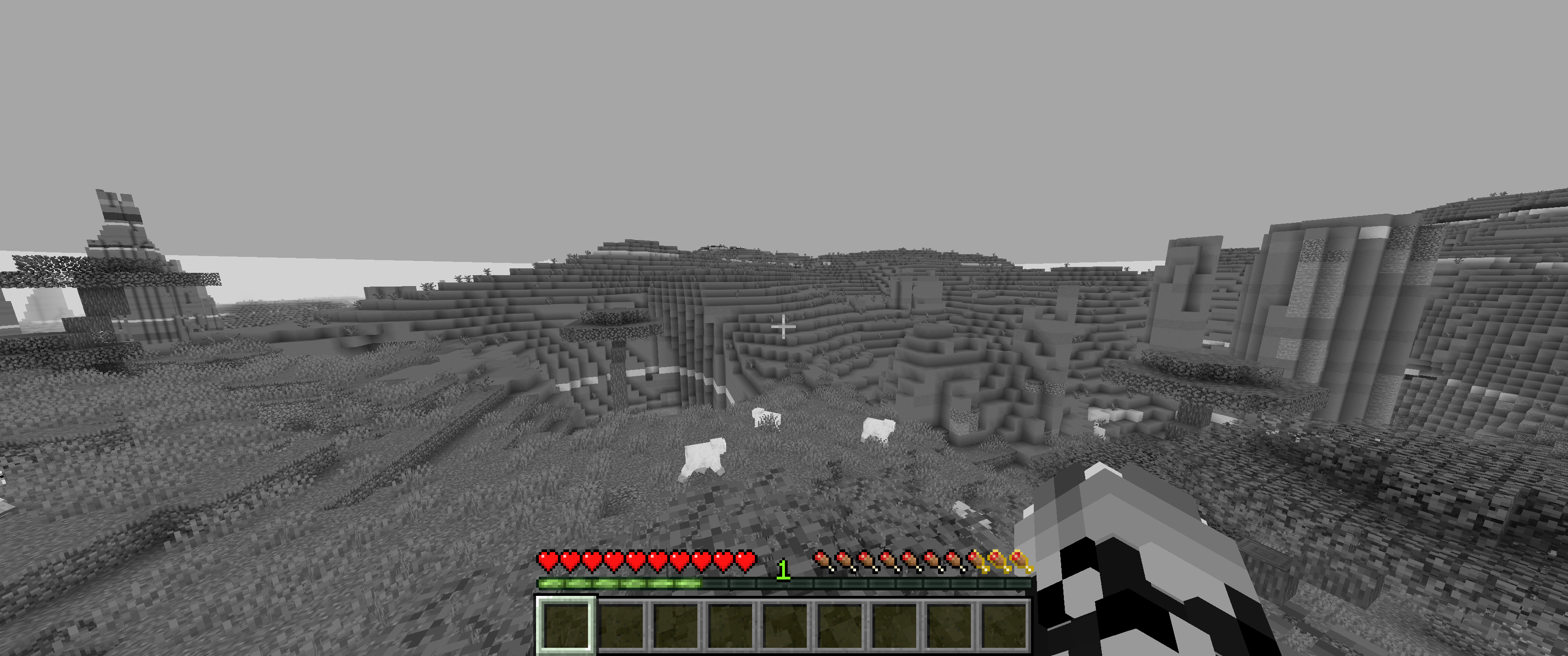
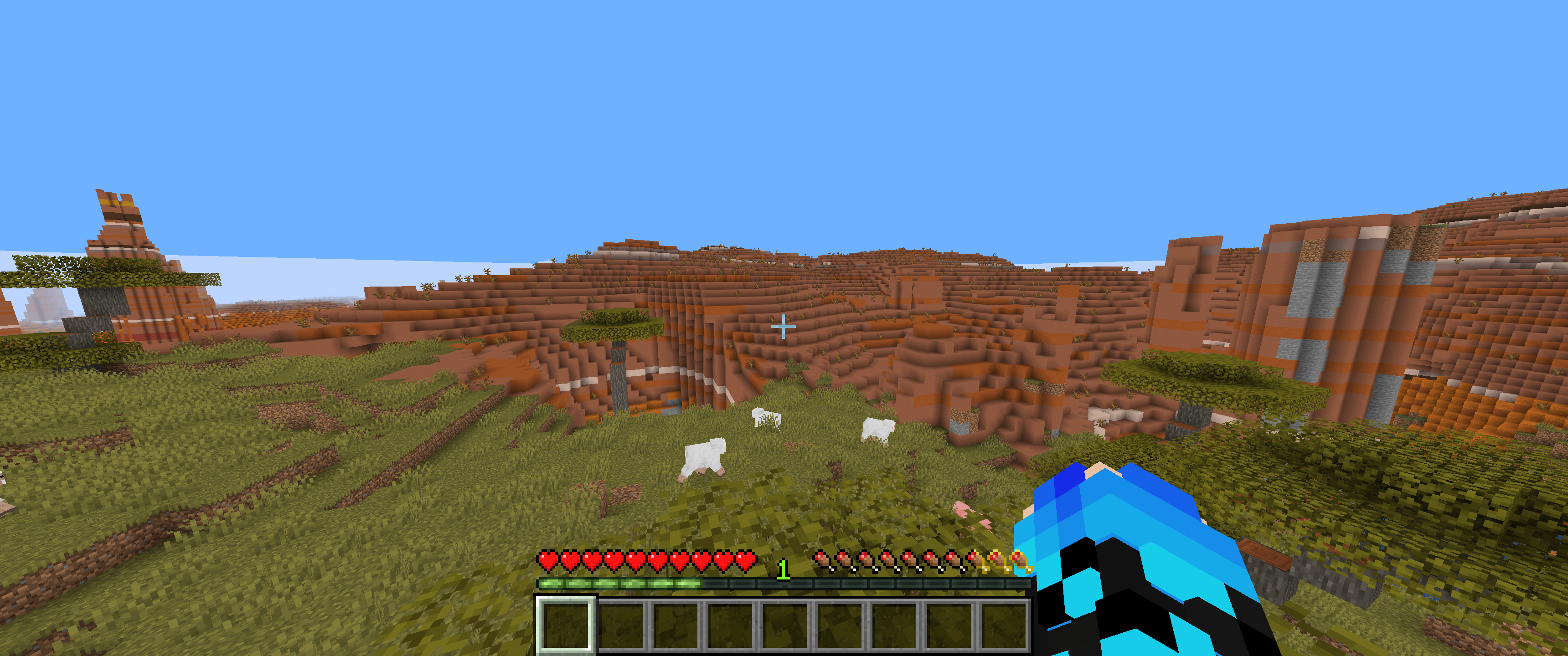
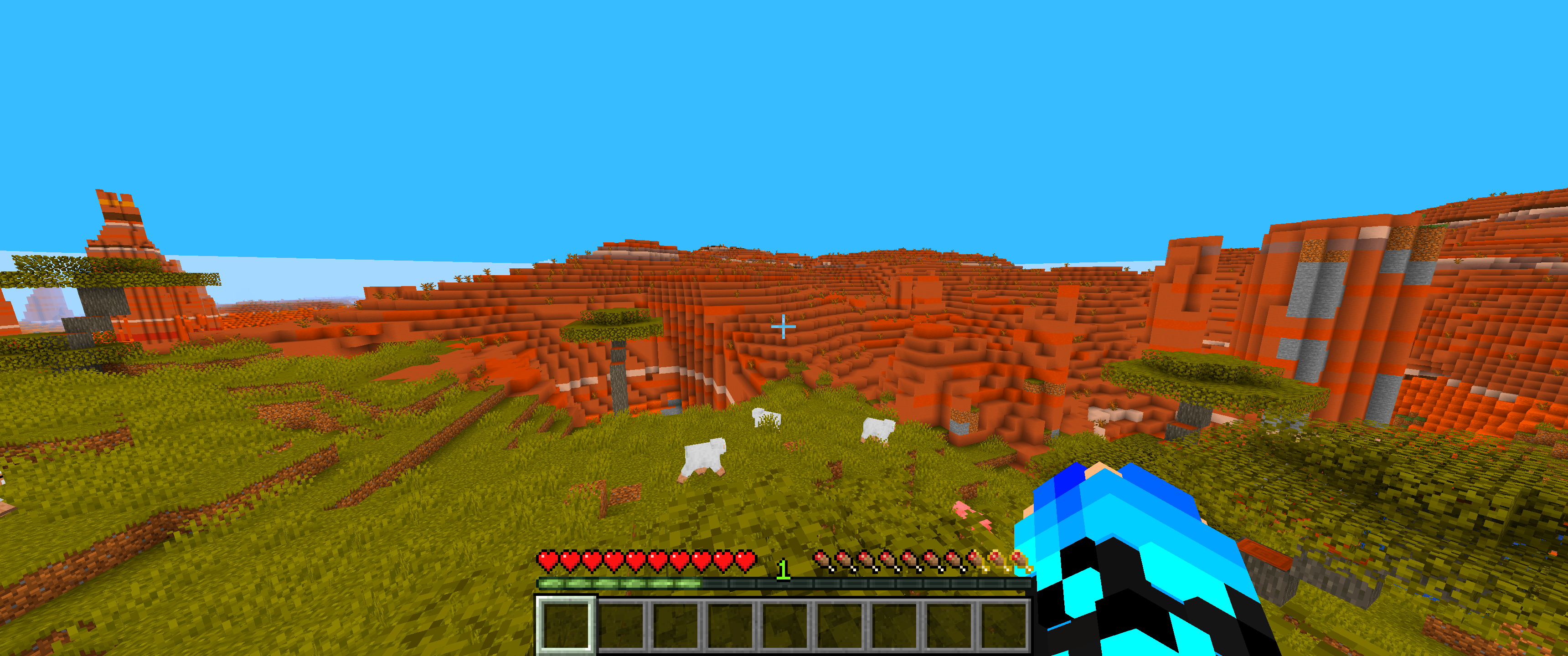
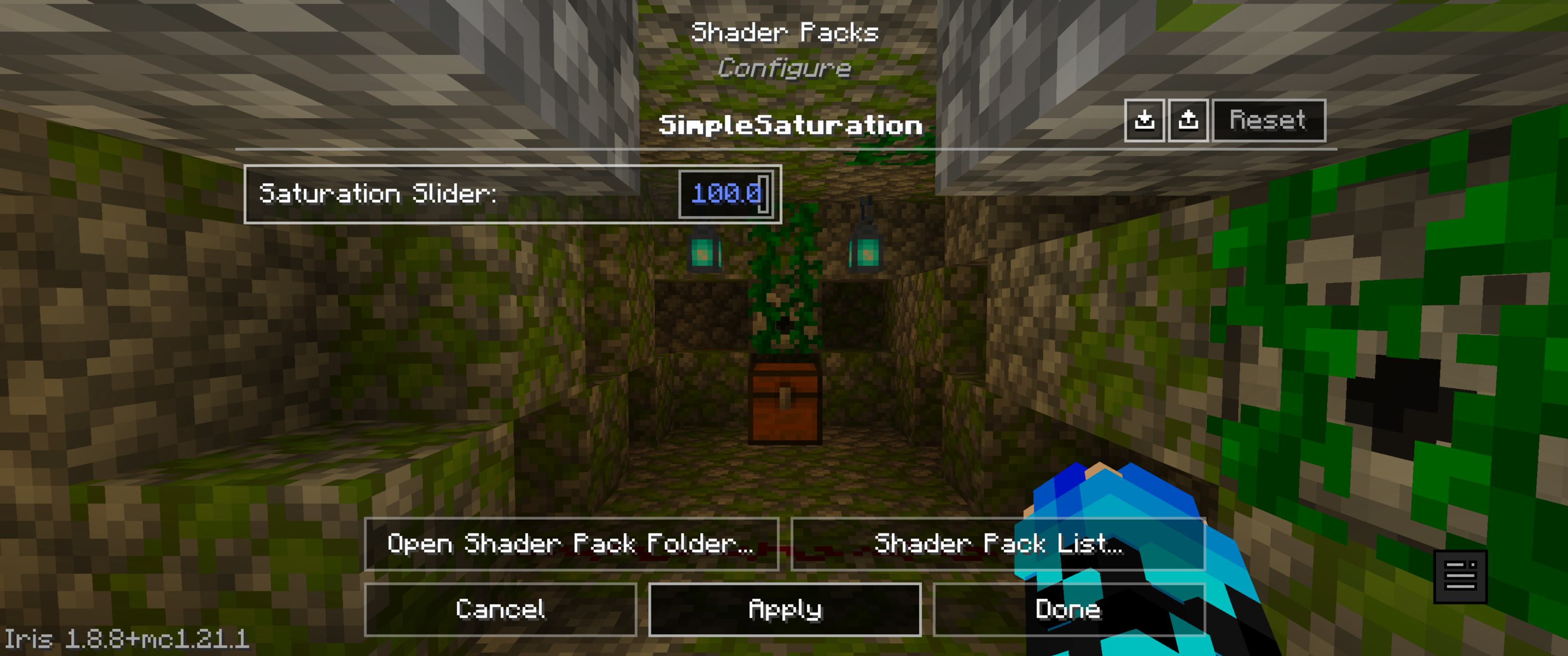
* This lightweight shaderpack allows you to precisely adjust the overall saturation of your Minecraft world through a simple in-game slider.
# Gallery
## 0% Saturation
## 50% Saturation (Normal colors)
## 100% Saturation
## Slider
# Feedback & Support:
Found an issue or have a suggestion? Please report it here: [Issue Tracker](https://github.com/JamesCoalchiPortfolio/SimpleSaturationShader/issues)
Simple Grayscale
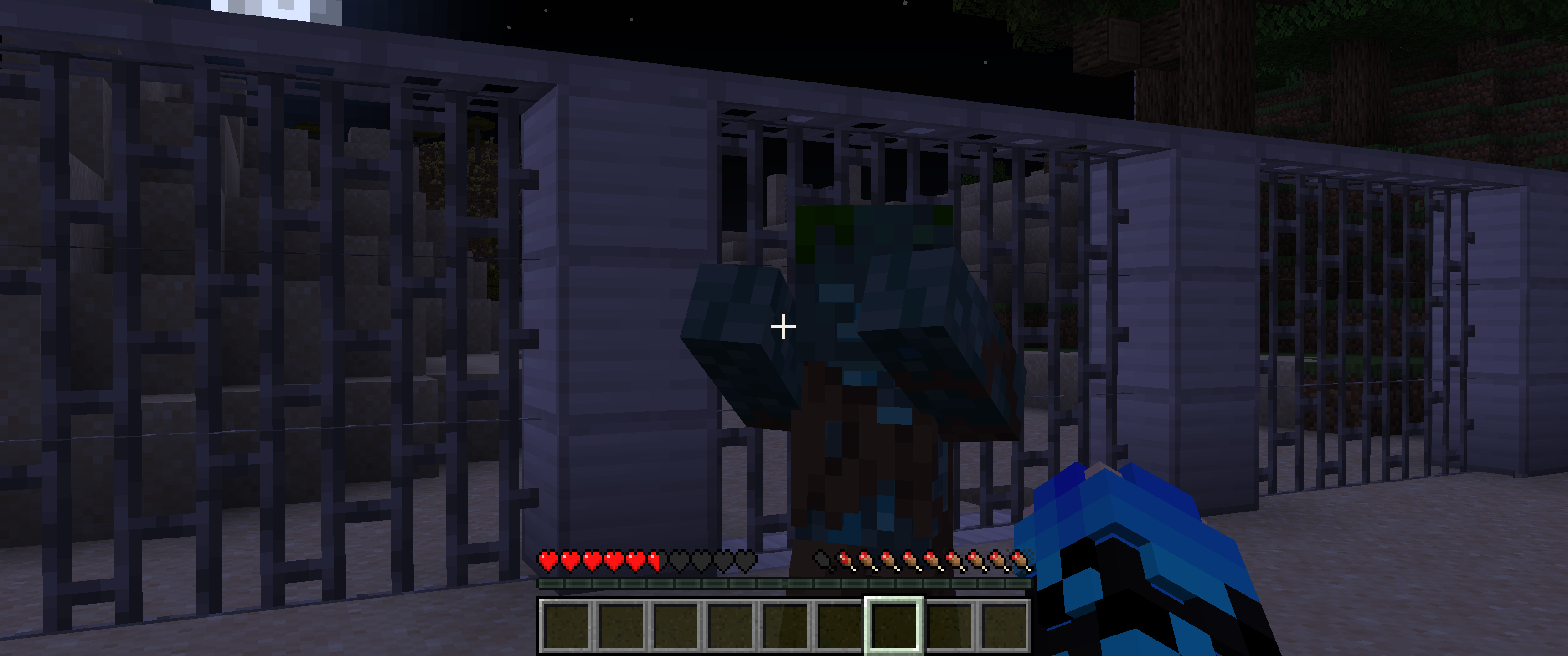
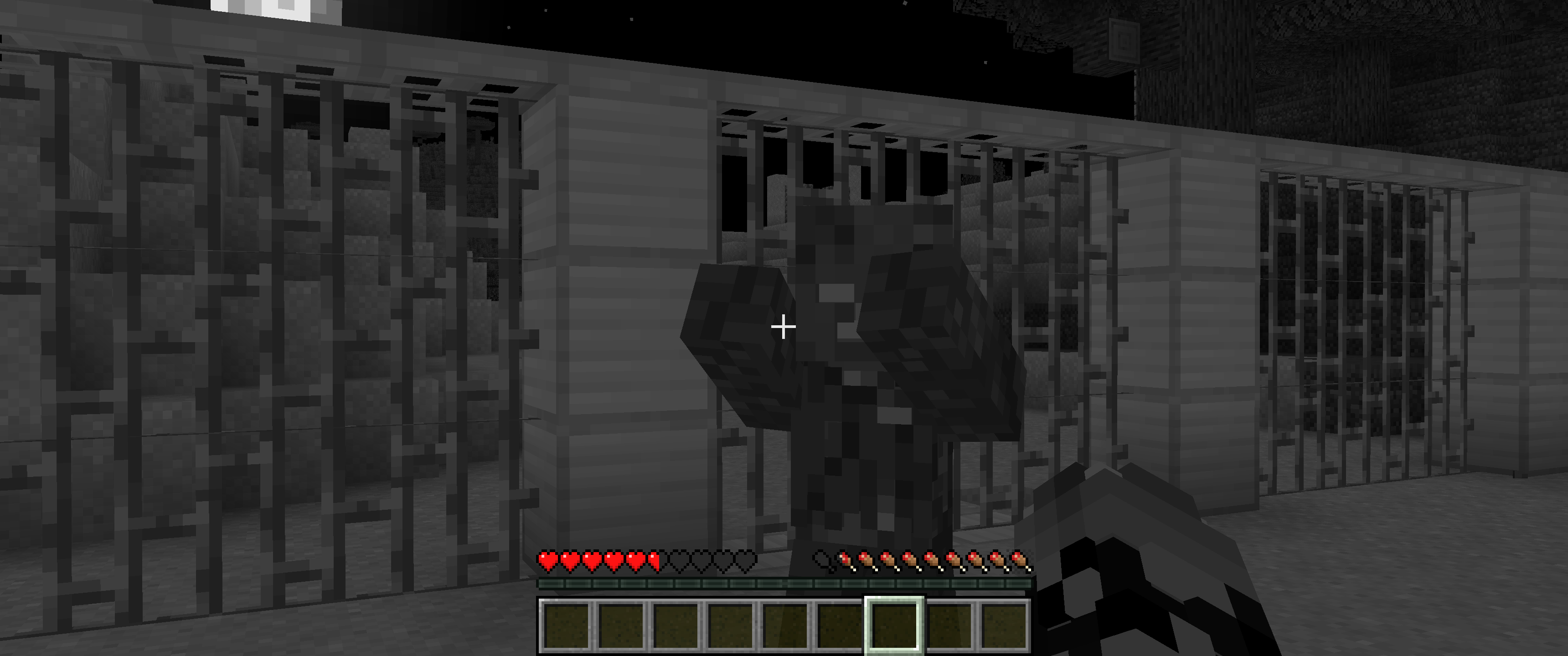
**Simple Grayscale** provides a grayscale visual effect for the game. Use the ON/OFF toggle for easy activation.
This allows users to instantly alter the game’s visuals for stylistic or atmospheric purposes.
## Shader off:
## Shader on:
SillyWankerShader
# About
[Discord](https://discord.gg/QCDXyjzQeU)
Silly Wanker Shader is a minecraft shader which aims to bring the vanilla look of minecraft while still having “shader” features any other shaders have. We also have a big heart for having as much features as possible. If you liked the shader you should also check out [Escheridia](https://modrinth.com/shader/escheridia)
# Download
– [GitHub](https://github.com/bomba-cat/SillyWankerShader)
– [CurseForge](https://www.curseforge.com/minecraft/shaders/sws)
– [Modrinth](https://modrinth.com/shader/sillywankershader)
# Credits
– [QuirkyPlague](https://modrinth.com/shader/escheridia), Developer
– Explo_GR, Developer
– Victor, Playtester, @VIC_TOR_ on YouTube
– Yoon, Logo Creator and Artist, @yoon_gm on Discord
– YSS Community, Special love to them
silly shaders
# **Epilespy warning**
Q: **What is this ?**
A: This Shaderpack randomly moves the vertices of every block/entity/anything else every frame in order to create absolute chaos on your screen
Q: [**Isn’t that just a worse version of danilwhale’s sillyrendering mod ?** ](https://modrinth.com/mod/sillyrendering)
A: Yes it absolutely is, but this Shaderpack only requires Iris / Optifine and it’s also probably compatible with your favorite performance and content mods
Q: **Why did you make this ?**
A: Why not ? (+ It made me learn the basics of programming Shaderpacks)
Shrimple
A Minecraft Java shader that attempts to maintain a minimal “vanilla” aesthetic, while adding some optional features:
– Waving Plants.
– FXAA (anti-aliasing).
– Sharp/Soft Shadows.
– CSM (Cascaded Shadow Mapping). *****
– Dynamic colored lighting. *****
– Ray-Traced block-light shadows. *****
– Volumetric fog lighting.
– POM (Parallax Occlusion Mapping).
– Normal Mapping.
– Specular (shininess).
***** Feature only available with [Iris 1.6](https://discord.com/channels/774352792659820594/1093675994025566268) or later!
#### Special Thanks
– Fayer: _very_ extensive help with QA, support, repairs, and motivation.
– Builderb0y: help with optimized bit-magic supporting the core of voxelization.
– Bálint: Created the fancy Iris warning, as well as more help with bit-shifting madness.
– Tech: Helped implement improved soft shadow filtering & dithering.
shAIder
# shAIder
A next-level Minecraft shader crafted by AI, pushing graphics beyond imagination, blending cinematic realism with Minecraft’s iconic charm, for an unparalleled immersive experience.
### Prompt:
Create an ultra-realistic Minecraft shader pack with stunning visuals: cinematic reflections, hyper-realistic lighting, soft and detailed shadows, advanced ambient occlusion, realistic water and sky effects, dynamic lighting, and immersive atmospheric effects. Make the world look incredibly lifelike while keeping Minecraft’s charm.
Screen Mirror Shader
# Screen Mirror Shader 🪞
### **🔔 Note: Only the visuals are mirrored. Player controls and UI remain normal — your movement will not be reversed.**
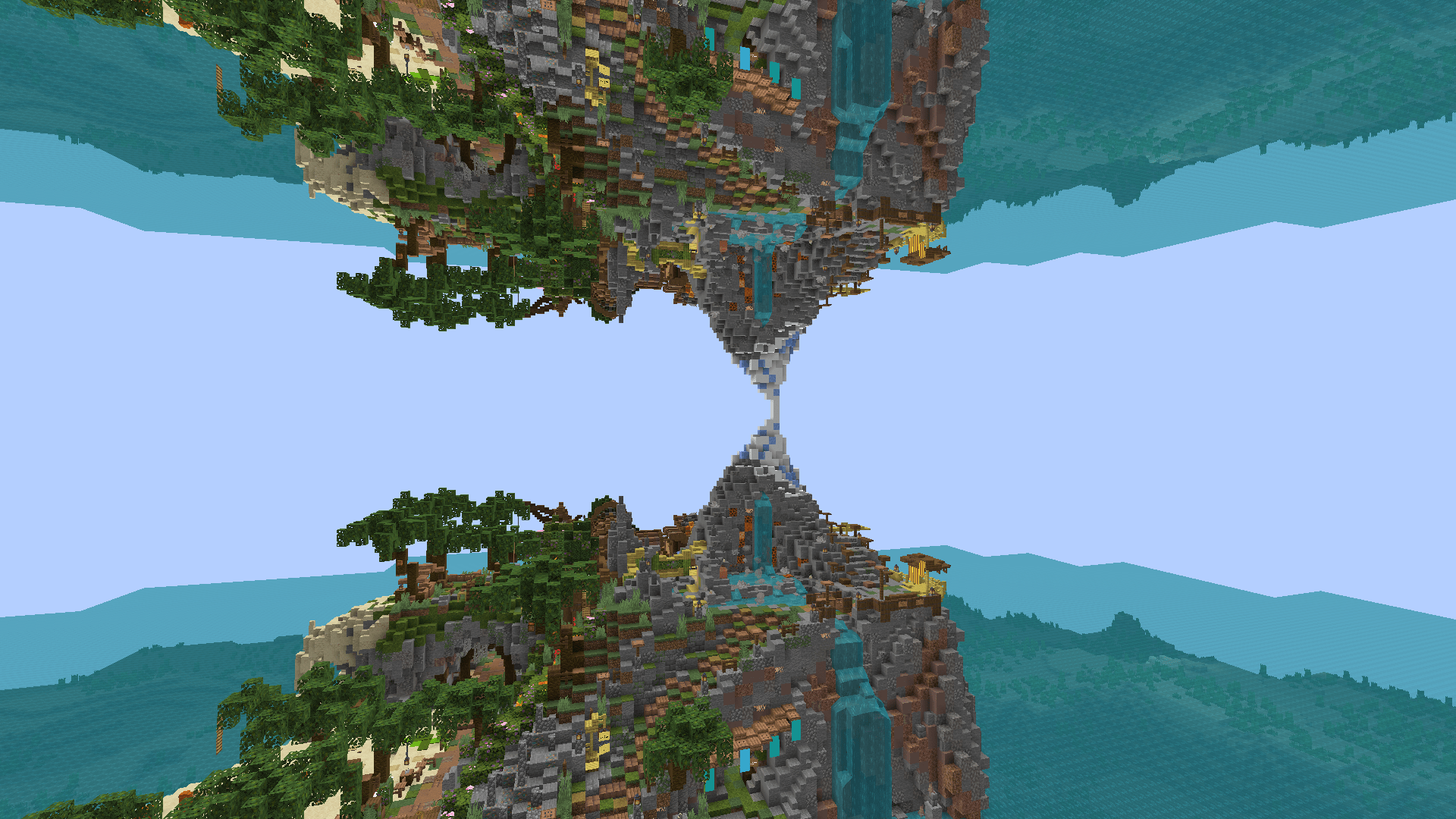
**Screen Mirror Shader** adds customizable horizontal and vertical mirroring effects to your Minecraft visuals. Whether you’re aiming for artistic screenshots, experimental gameplay visuals, or simply want to play in a fully mirrored world — this shader gives you full control over how the screen is reflected.
## 🖼️ Preview
## ✨ Features
🔁 Horizontal Symmetry
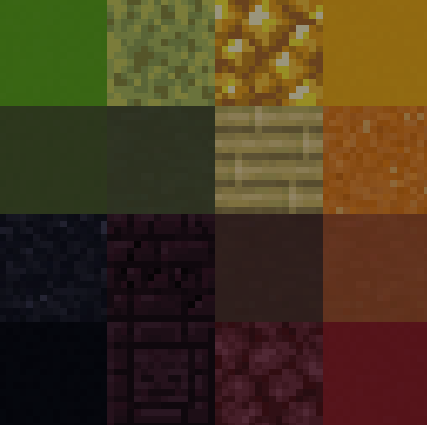
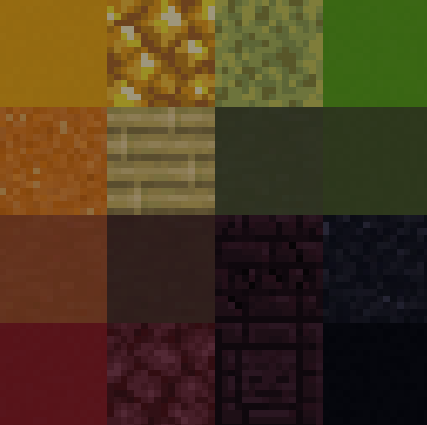
Mirror the screen from right to left, or across the center axis.
🔃 Vertical Symmetry
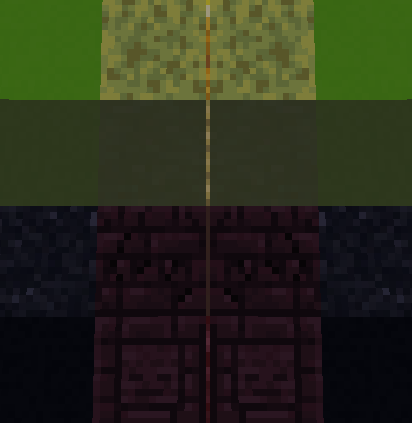
Mirror the screen from bottom to top, or across the center axis.
🧩 Combine Symmetry Modes
Horizontal and vertical mirroring modes can be combined freely for unique visuals.
## ❓How it works
### No mirroring
### Horizontal mirror across the entire screen
### Mirrors across the vertical center
### Vertical mirror across the full screen
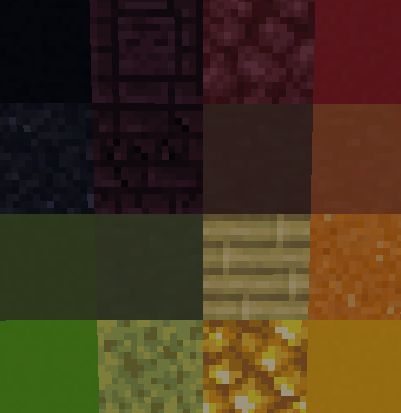
### Mirrors across the horizontal center
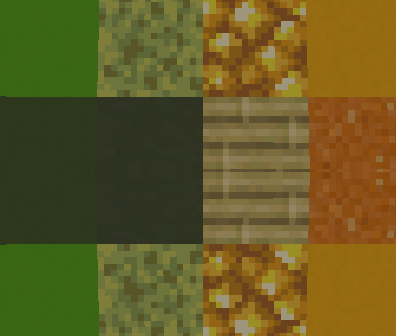
## ⚙️ Installation
1. Install Iris or OptiFine.
2. Download and place the shader pack into your shaderpacks folder.
3. Launch Minecraft and select the shader in the options menu.
4. Adjust symmetry settings in the shader options to your preference.
## 📄 License
Released under the MIT License. You are free to modify, distribute, or include this shader in larger shaderpacks or modpacks.